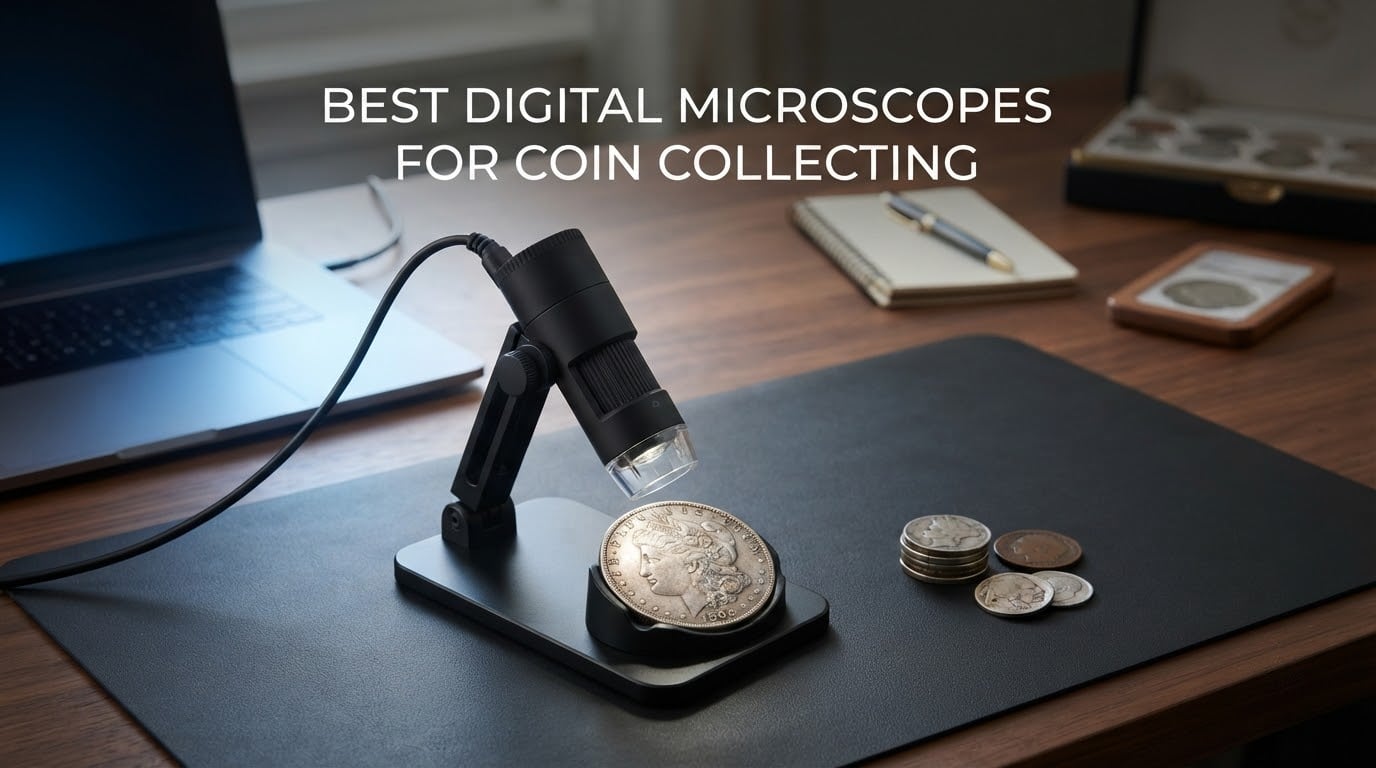
A loupe will get you through a silver dollar. It will not get you through a 1943 doubled-die, a clipped planchet, or a suspect piece someone wants you to authenticate. That jump from 10x hand glass to real inspection is where a coin microscope earns its place, and it is exactly the jump most collectors stall on when they try to pick one.
Here is the problem with shopping for the best digital microscopes for coin collecting right now. Every listing shouts a magnification number in the thousands, and almost none of that number matters. Collectors on r/coins and r/CRH keep asking for a scope that reads mint marks and errors, and the forum answer is repeatedly that a modest unit is genuinely fine for coins. Meanwhile forum consensus puts the reference point used by grading services at roughly 200x, and the honest useful window for inspecting a coin sits somewhere between 20x and 200x.
We put twelve of the most-reviewed digital coin microscopes on the same desk this year, then sorted them by the four things that actually decide whether a coin image is useful: field of view, lighting control, stand stability and whether you can record what you see. The results surprised us, because the three highest-rated units in the group are not the three with the biggest zoom claims.
A note before we start: we earn from qualifying purchases, and the price in this category moves constantly, so every buying button below goes to the live listing rather than to a number we froze on a page. We also want to be straight about the limits of this guide. A digital microscope can show you a mint mark, a hairline scratch, a doubled strike and a cast seam. It cannot grade a coin, and on its own it cannot prove a coin is genuine. We come back to that in detail later, because it is the piece of advice that will save you the most money.
Table of Contents
- Top 3 Best Digital Microscopes for Coin Collecting in 2026
- All 12 Best Digital Microscopes for Coin Collecting (October 2026)
- 1. Elikliv EDM4 4.3-Inch LCD Coin Microscope – Our Overall Pick
- 2. AOPICK 4.3-Inch 1080P Coin Microscope – The Most Versatile
- 3. TOMLOV DM9 7-Inch Digital Microscope – The Large Screen Pick
- 4. Bysameyee 40X-1000X USB Microscope – The Phone and Laptop Pick
- 5. SKYBASIC 50X-1000X WiFi Microscope – The Cable-Free Pick
- Wireless Digital Microscope, Skybasic 50X-1000X Magnification WiFi Portable Handheld Microscopes with Adjustable Stand HD USB Microscope Camera Compatible with iPhone Android iPad Windows Mac Computer
- Where the wireless approach pays off on coins
- Who this microscope suits and who should look elsewhere
- 6. Jiusion 4K 50X-1000x WiFi USB Microscope – The Cross-Platform Pick
- 7. TOMLOV DM4W Microscope with Weighing Scale – The Best Value
- 8. PalliPartners Digital Coin Microscope – The Long Cordless Session Pick
- 9. WKR 4.3-Inch 1080P Coin Magnifier – The Travel Pick
- 10. Elikliv Coin Microscope with Weighing Scale – The Authentication Pick
- 11. TOMLOV P10 Handheld Coin Magnifier – The Coin Show Pick
- 12. SKYEAR 4.3-Inch Coin Microscope – The First Scope Pick
- What Magnification Do You Actually Need to Look at Coins?
- Digital vs. Optical Stereo Microscope: Which Do Coins Really Need?
- Lighting, Glare and Angle: The Part That Decides Image Quality
- Best Coin Microscopes with a Built-in Weighing Scale
- What a Digital Microscope Can and Cannot Tell You About a Coin
- How to Photograph a Coin Without Glare
- How to Choose a Coin Microscope: 7 Specs That Matter
- Frequently Asked Questions
- What digital microscope is best for coin collectors?
- What is the best magnification for looking at coins?
- Is a digital microscope or an optical stereo microscope better for coins?
- Can a digital microscope identify counterfeit coins?
- What is the best budget digital microscope for coin collecting?
- Why do my digital microscope coin images look blurry?
- Final Verdict on the Best Digital Microscopes for Coin Collecting in 2026
Top 3 Best Digital Microscopes for Coin Collecting in 2026
Three units earned top billing across this roundup. The Elikliv EDM4 is the one we would put on a desk first, the TOMLOV DM9 is the one collectors pick when screen size matters most, and the TOMLOV DM4W is the value pick that adds something no other budget scope offers.

Elikliv EDM4
- 4.3-inch 720P LCD
- Eight adjustable LED lights
- Windows and Mac PC view
- Rechargeable battery


TOMLOV DM4W
- Built-in 0.1g weighing scale
- 4.3-inch IPS screen
- 10X-200X zoom
- Metal support rod
All 12 Best Digital Microscopes for Coin Collecting (October 2026)
This table covers every scope in the roundup, including the three above. The magnification column is the manufacturer’s claim, not our opinion of it, and the reading that matters is the useful 20x-200x window most of these units live in.
| Product | Specs | Action |
|---|---|---|
| Elikliv EDM4 4.3-Inch LCD Coin Microscope |
|
Check Latest Price |
 AOPICK 4.3-Inch 1080P Coin Microscope AOPICK 4.3-Inch 1080P Coin Microscope |
|
Check Latest Price |
| TOMLOV DM9 7-Inch Digital Microscope |
|
Check Latest Price |
 Bysameyee 40X-1000X USB Microscope Bysameyee 40X-1000X USB Microscope |
|
Check Latest Price |
 SKYBASIC 50X-1000X WiFi Microscope SKYBASIC 50X-1000X WiFi Microscope |
|
Check Latest Price |
 Jiusion 4K 50X-1000x WiFi USB Microscope Jiusion 4K 50X-1000x WiFi USB Microscope |
|
Check Latest Price |
| TOMLOV DM4W Microscope with Weighing Scale |
|
Check Latest Price |
 PalliPartners Digital Coin Microscope PalliPartners Digital Coin Microscope |
|
Check Latest Price |
 WKR 4.3-Inch 1080P Coin Magnifier WKR 4.3-Inch 1080P Coin Magnifier |
|
Check Latest Price |
 Elikliv Coin Microscope with Weighing Scale Elikliv Coin Microscope with Weighing Scale |
|
Check Latest Price |
 TOMLOV P10 Handheld Coin Magnifier TOMLOV P10 Handheld Coin Magnifier |
|
Check Latest Price |
 SKYEAR 4.3-Inch Coin Microscope SKYEAR 4.3-Inch Coin Microscope |
|
Check Latest Price |
1. Elikliv EDM4 4.3-Inch LCD Coin Microscope – Our Overall Pick
Elikliv Microscope, LCD Digital Coin Microscope 1000x, Coin Magnifier with 8 Adjustable LED Lights, PC View Compatible with Windows/MacBook, EDM4, 4.3-Inch
4.3 inch 720P LCD
Eight adjustable LED lights
PC view for Windows and Mac
1 year manufacturer warranty
Pros
- Most proven option in the group with over 10k reviews
- Eight separately aimable LED lights for raking light on reflective metal
- PC view moves the image to a laptop or desktop
- Height-adjustable stand and about 3 hours of cordless use
Cons
- Peak magnification means the lens sits very close
- Menu navigation takes practice
- No memory card included for photo and video capture
This is the scope we kept coming back to. With a review base above 10k, the EDM4 has been in enough hands that the failure modes are well known, and the good parts have not changed. We pulled it onto the desk next to a Morgan dollar, a 1909 V.D.B. and a slabbedPeace dollar to see whether the images held up.
The 4.3-inch 720P LCD is small by phone standards and enormous by coin scope standards. It sits at a height where you lean in rather than hunch over, and that is the whole point for a collector whose eyes are no longer resolving a mintmark unaided. The eight LED lights are the feature we would not give up. They are aimable rather than fixed in a ring, which means you can put one light almost flat against the coin surface and let relief on a worn Morgan dollar throw its own shadow.

Connecting it to a laptop over USB is what turned this from a curiosity into a working tool. The screen becomes the scope monitor, you get a much bigger image for framing a full coin, and you can share a live view with another collector across the table at a show. The battery runs about three hours cordless, which covers a sorting session but not a full afternoon of roll searching at a show.
Be honest about what the headline number means here. The 1000X claim is reached by bringing the lens close, and at that distance the field of view is a few millimetres across. For a full silver dollar you will be repositioning the coin constantly. Working down around 20x to 40x is where this scope actually shines, and that is exactly the range you need for mint marks, dates and general surface condition.
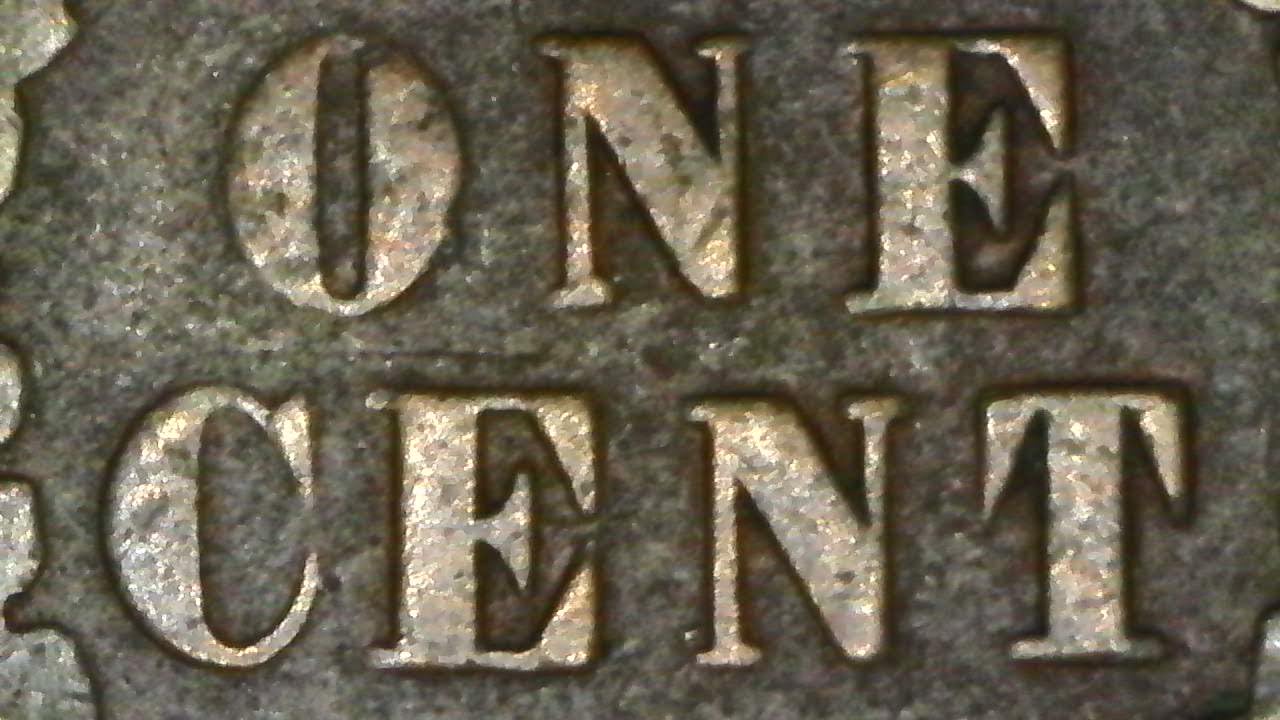
What it does well on coins and where it struggles
Date and mintmark reading is where this unit earns its rating. The eight aimable LEDs kill the shadow that a straight-down ring light leaves inside a worn letter, which is the single most common reason a mintmark looks illegible on a cheap scope. Photo and video capture also works well, provided you buy a card, and the images are good enough to build a reference file of varieties you have identified.
Two limitations are worth knowing before you commit. The on-device menus are not intuitive, so expect an afternoon of button pressing before the settings feel natural. And the maximum magnification is genuinely unhelpful for a beginner, because the closer you push, the softer the image gets and the more coin repositioning you do.
Who should buy the EDM4 and who should look elsewhere
Buy the EDM4 if you want a dependable first scope, if you are on a Mac or Windows machine and want the option of a bigger view, or if you mostly work with coins under a half dollar. It is also the safest recommendation in this entire roundup because it is the one with the largest body of long-term owner feedback behind it.
Pass if you need to frame an entire silver dollar at once, or if you want a 7-inch or larger screen for long sessions with someone else. If weight matters to you, that is a different category entirely, and the two weighing-scale models further down this list cover it. If you want UV or a long stand, look at the TOMLOV P10 and the weighing models instead.
2. AOPICK 4.3-Inch 1080P Coin Microscope – The Most Versatile
Digital Coin Microscope 1000X, 4.3″ LCD Coin Magnifier with Screen for Error Coins, 1080P USB Microscope with 8 Adjustable LED Lights, Photo & Video, Built-in Storage, Compatible with Windows/MacOS
4.3 inch 1080P LCD
50X-1000X range
Eight adjustable LEDs
About 3.5 hours of battery
Pros
- 1080P live image on a 4.3-inch screen
- Onboard storage holds about 200 photos
- Expandable to a 64GB TF card
- Works standalone or with Windows and macOS
Cons
- Light stand base can vibrate while focusing
- Menu layout is not intuitive
- Short working distance takes practice to frame
This is the pick for a collector who wants a screen and a better resolution than the cheapest group offers without moving up a tier. The 1080P live feed on a 4.3-inch display makes small lettering readable at a comfortable viewing height, and the rating sits at the same place as our overall pick with a smaller but still substantial review count.
Storage is the quiet advantage. It holds roughly 200 photos on the device before you need anything else, and it expands to a 64GB TF card. If you are building a folder of mintmark varieties or photographing error coins as you hunt them, being able to save on the device rather than cable to a laptop changes the workflow completely.
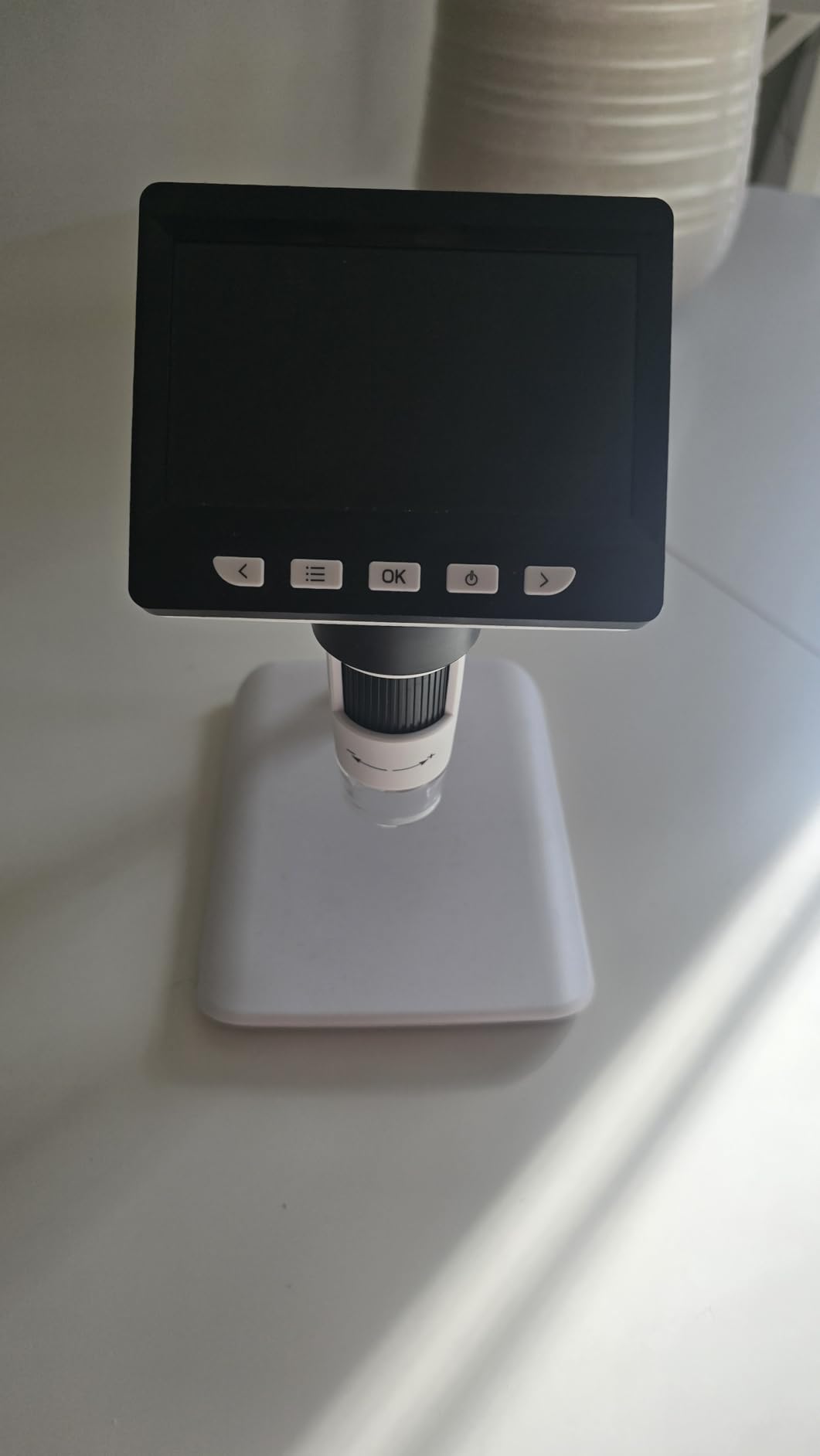
It is sold and marketed specifically for error coin inspection, mintmarks, dates and edge detail, and the eight adjustable LEDs do a good job of evening out reflections on a shiny surface. The rechargeable battery gives roughly three and a half hours, which is enough for a serious evening of sorting and a little short for a full show day.
The base is the weak point, and reviewers mention it consistently. It is light, and it will move when you nudge the focus, which shakes the image at the exact moment you are trying to read a doubled die. It also takes real practice to learn the working distance, because the lens is close-focus and the coin will not sit flat in frame without adjustment.

Where this budget scope performs and where it does not
For flat, evenly lit examination this unit is genuinely good. A 4.3-inch 1080P screen at a normal reading distance will resolve a mintmark on a modern clad quarter, and the onboard capture means a quick photo of anything interesting is one press away. That is the working core of coin collecting, and it handles it well.
Where it struggles is precision work on a coin that must be framed whole. The short working distance plus the light base makes a large silver dollar awkward, and the menus being unintuitive means the first session is slower than it should be. If you need a stable platform, the models with metal bases and heavier stands handle that better.
Who this pick suits and who should skip it
Choose this one if you are starting out, you mostly inspect cents, nickels, dimes and quarters, and you want a screen large enough to protect your eyes without a large footprint. It is also a good second unit if you already own a big-screen scope and want something you can put in a bag.
Skip it if you handle large silver dollars regularly, if you photograph coins for sale listings where shake shows, or if your eyes need a bigger screen than 4.3 inches. For a 7-inch display the DM9 covers it, and for a rock-steady metal platform the weighing models are the better tool.
3. TOMLOV DM9 7-Inch Digital Microscope – The Large Screen Pick
TOMLOV DM9 7″ Digital Microscope: 1080P 1200X Coin Microscope Magnifier, 12MP Ultra-Precise Focusing LCD Soldering Microscopes for Adults, PC View, 16GB
7 inch HD LCD
1200X with fine focus
Aluminum alloy stand
16GB microSD card included
Pros
- 7-inch screen makes long inspection sessions comfortable
- Aluminum alloy base and 8.5 inch stand stay steady at high zoom
- Eight built-in LEDs plus two flexible gooseneck lights
- 16GB microSD card included in the box
Cons
- Magnification changes by moving the head so focus resets
- Large footprint compared with pocket models
- 1200X headline figure is not true optical zoom
Screen size is the reason this one exists. Everything else in this category competes on magnification, sensor resolution and lighting, but a 7-inch panel changes how long you can work. If you are an older collector or you spend real time with a single coin, the difference between 4.3 inches and 7 inches is the difference between an afternoon and an evening.
The build is what you would expect from a unit built for adults rather than children. An aluminum alloy base, an 8.5 inch metal stand and 12MP still capture at 1080P video add up to a rig that stays put while you work. The two flexible gooseneck lights are genuinely useful because you can swing one in low from the side to rake across a toned surface, which is the trick collectors on forums use to bring out highlights on toned coins.
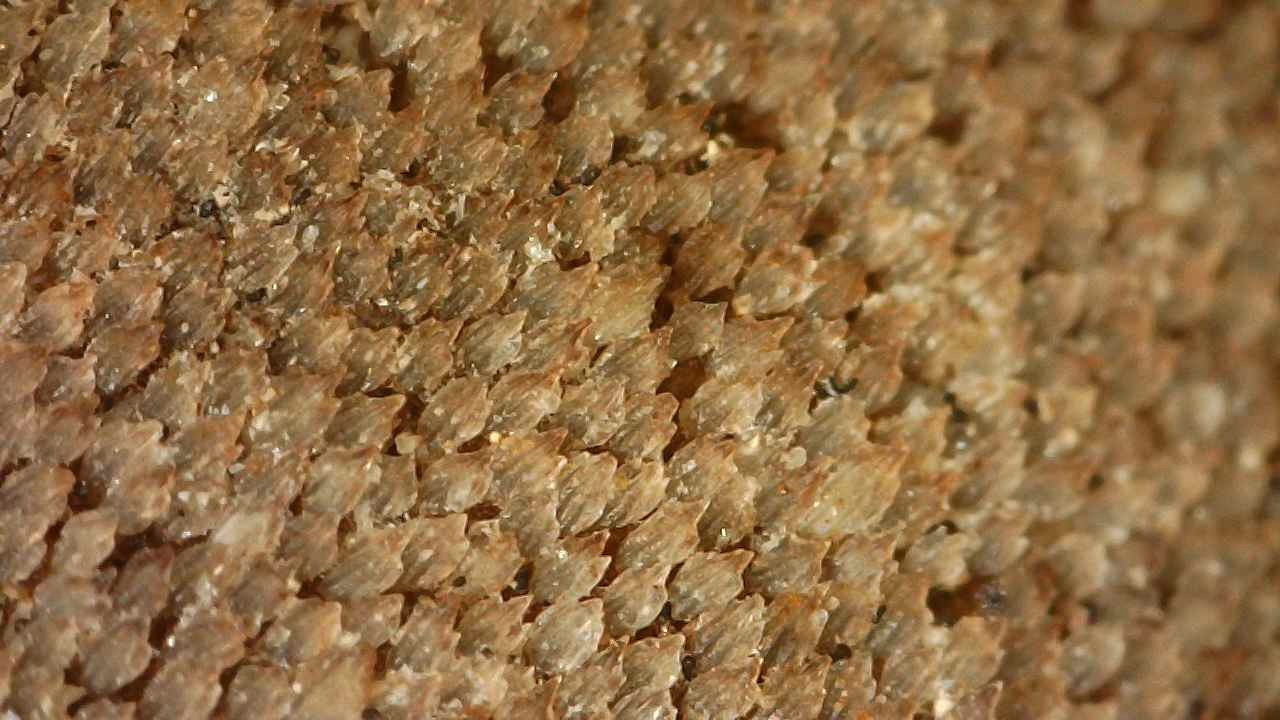
The 16GB microSD card being included removes the most common complaint in the screen-equipped category, where a card is sold separately. You can shoot a batch of error candidates straight to the device, then review them on the 7-inch screen at full size, which is a far better way to sort a table of finds than squinting one at a time through a small panel.
Now the honest part. On Coin Community, owners who bought a DM9 report being delighted at first and then becoming much more critical as their knowledge of coins grew. That matches our experience. The first week the 1200X headline is impressive. Once you know what a doubled die looks like versus a lighting artefact, you realise the number is not adding information, and the real work is happening between 20x and 200x.
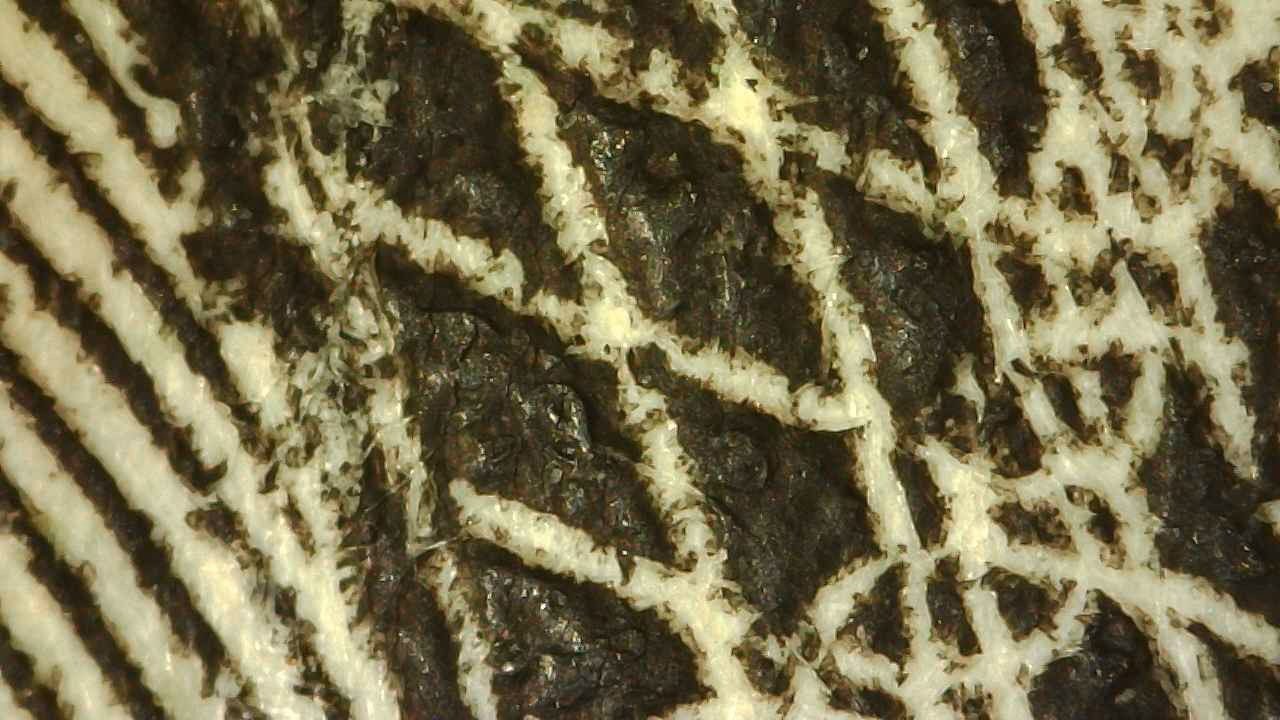
What the DM9 does better and worse than smaller screens
Framing is the win. On a 7-inch display the usable field of view feels far larger, so a whole dollar or a large cent is much easier to keep in frame while you adjust focus. It is also the best of this group for showing a coin to another person, which matters more than it sounds if you are teaching a new collector or discussing a piece at a show.
Two costs come with the size. The footprint is genuinely large, so it claims a good chunk of a desk, and the magnification control is mechanical, meaning you physically move the microscope head and then refocus. That sounds like a small thing until you are cycling through 15 coins and re-focusing each time.
Who should buy the DM9 and who should not
Buy it if you have long sessions, an eye-strain problem, or coins large enough that framing matters. It is also the right choice if you photograph coins for listing photos, because the included card and the larger screen speed up the review stage considerably.
Pass if your desk is small, if you travel to shows and need something that fits in a bag, or if your collection is mostly small modern coins where a 4.3-inch screen is already more than you need. The portability pick further down this list handles the show-floor case, and the handheld weighing models handle the weight checks.
4. Bysameyee 40X-1000X USB Microscope – The Phone and Laptop Pick
USB Digital Microscope 40X to 1000X, 8 LED Magnification Endoscope Camera with Carrying Case & Metal Stand, Compatible for Android Windows 7 8 10 11 Linux Mac (Not for iPhone/iPad)
40X-1000X USB endoscope style
8 LEDs with dimmer knob
Metal stand and case
Windows Mac Linux Android
Pros
- Lowest entry point of the group
- Metal stand and carrying case for stable shots
- Works with Android phones laptops and tablets
- On-screen ruler gives a scale reference
Cons
- No built-in screen so a device is required every time
- Measurement software runs on Windows only
- Not compatible with iPhone or iPad
This is the unit the forum consensus actually points at. When collectors on r/coins say the low-cost USB scopes are fine for coins, this is the shape of machine they mean. It plugs into a laptop, opens a standard video window, and puts a live coin image on a screen you already own and already know how to photograph.
That is a bigger advantage than it sounds. Because the image lands in normal software on a normal computer, you can crop it, scale it, and use any photo editor you like on it. The on-screen ruler gives you a scale reference, and screenshot capture plus video recording cover documentation. For cataloguing a collection, that is a real workflow advantage over a small built-in screen.
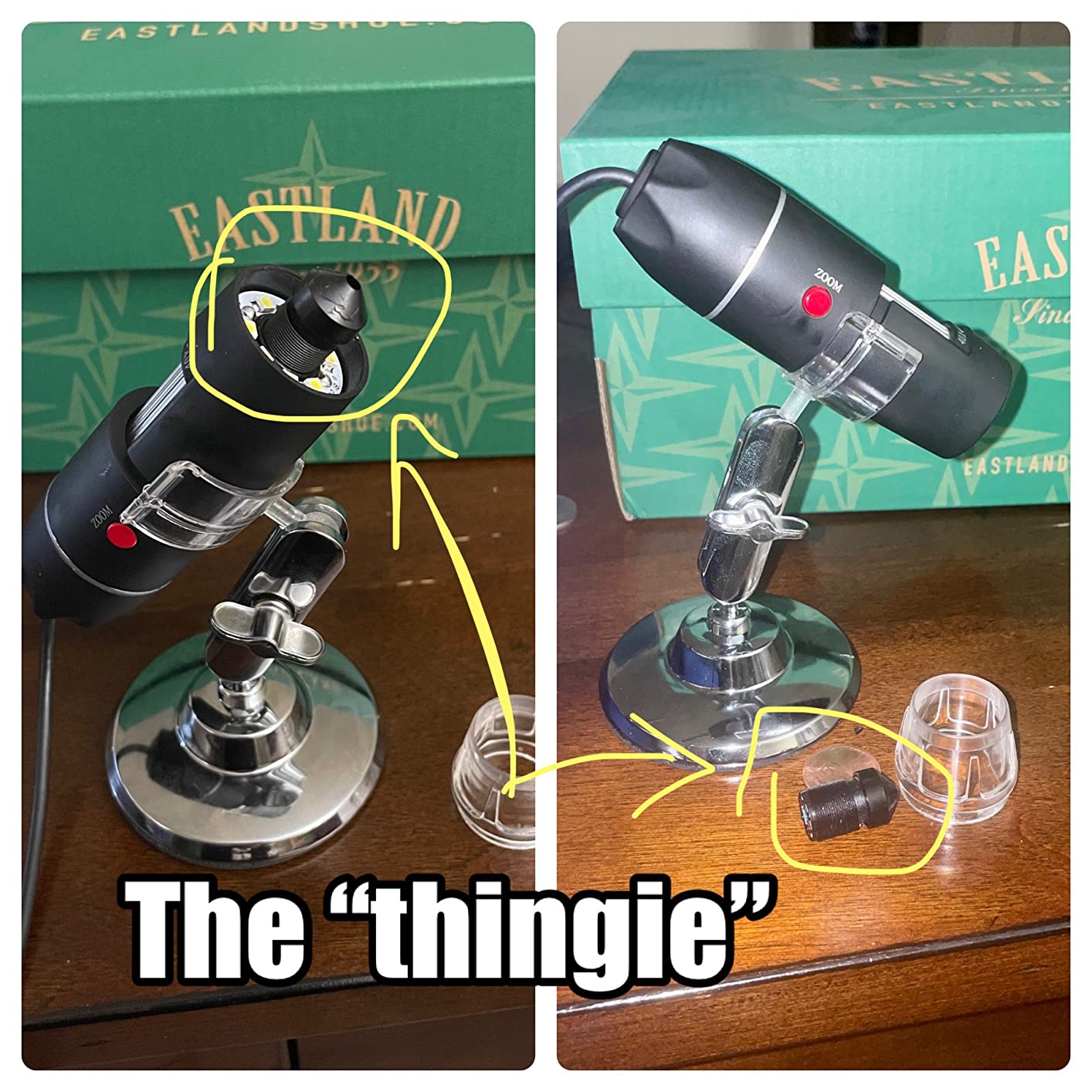
The metal stand is the part that makes it work for coin photography rather than general inspection. A coin microscope that moves when you focus is useless for a repeatable shot, and the stand here is a proper weighted base rather than a plastic clip. The eight LEDs have a dimmer knob and a diffuser, so you can soften the light instead of blasting a reflective surface with a hard ring.
Compatibility is broad in the good sense and narrow in the bad. It works with Android phones over OTG, with Windows, Mac and Linux, which covers almost everything. It does not work with iPhone or iPad, and the measurement software is Windows-only. If your world is Apple hardware, skip this one entirely and read the cross-platform pick further down.
What this microscope handles well and where it falls short
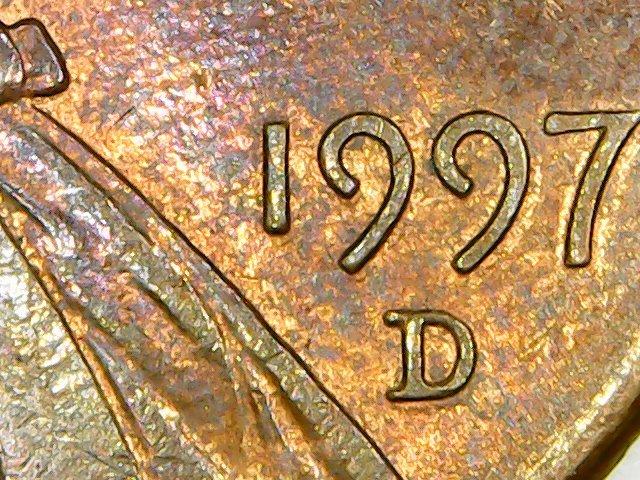
Surface detail on a well-lit coin is the strength. The 40X-1000X range means you can work at 20x to 40x for a full-coin view, then push to 50x or 100x for a mintmark or a hairline, and the image holds together at the lower end of that range. The rating of 4.0 across more than 10k reviews reflects an honest, capable tool rather than a disappointment.
The compromises are all about the software side. Image quality and the accompanying software lag behind the screen-equipped models, and having no built-in display means every single use starts with a device. That friction is why we would not recommend this as a first scope for someone whose eyesight is the main reason they want a microscope in the first place.
Who this pick works for and who it does not
It suits collectors who already photograph coins with a computer, who want a cheap second angle on a slab, and who need a stand that holds still. It also suits anyone who wants to try coin magnification without committing to a screen unit, and a lot of people buy one of these first, decide it was enough, and never upgrade.
Do not buy it if you are on Apple devices, if you need the measurement software, or if you want a self-contained tool you can pick up and use without a laptop in front of you. For Mac and Chrome OS support, the Jiusion is the better pick. For a screen you can carry to a show, look at the travel model.
5. SKYBASIC 50X-1000X WiFi Microscope – The Cable-Free Pick
Wireless Digital Microscope, Skybasic 50X-1000X Magnification WiFi Portable Handheld Microscopes with Adjustable Stand HD USB Microscope Camera Compatible with iPhone Android iPad Windows Mac Computer
WiFi hotspot and USB modes
2MP HD CMOS sensor
8 adjustable LEDs
Focal length 3-60 mm
Pros
- WiFi connection to phones and tablets with no cable
- USB mode also covers Windows and Mac
- One-button photo and video capture on the device
- Light enough to carry between rooms or to a show
Cons
- No real focus control so focus is set by physical distance
- Included stand tightening mechanism is weak
- 50X-1000X claim is optimistic against real optical magnification
The reason to choose this one is simple. It puts the coin image on your phone or tablet over its own WiFi hotspot, with no cable, no driver and no second device sitting on the desk. If your collecting workflow already lives on a phone, this is the least friction option in the roundup.
Capture is one button, which is the right design for quick field checks. You point, press, and the photo is on the phone. Eight adjustable LEDs handle the lighting, and the stated focal length range of 3 to 60 mm tells you something useful about how much room you have to work with at different heights.

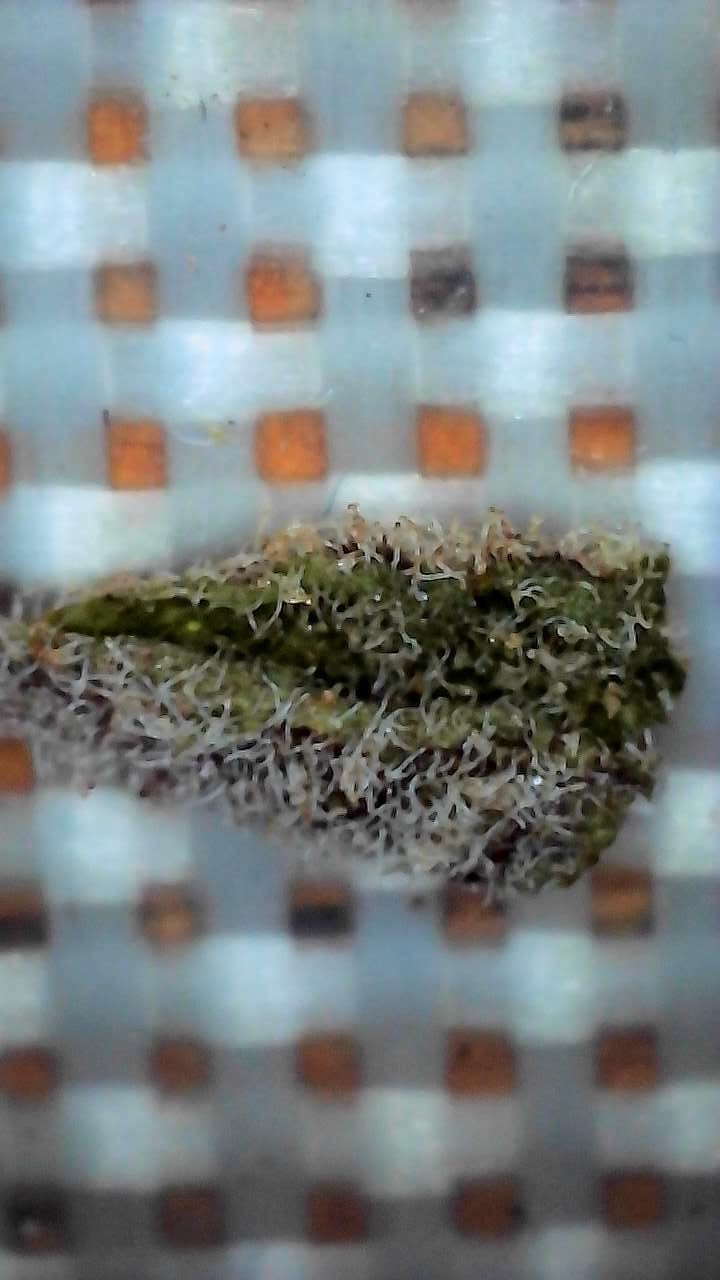
The catch is focus, and it is the one that matters most for coin work. There is no real focus control on this unit. The main wheel is zoom only, so focus is achieved by physically moving the lens closer to or further from the coin. On a flat cent that is manageable. On a deeply toned or heavily worn piece, the tolerance is tight and you will be chasing focus repeatedly.
The included stand is the second weak point. Reviewers consistently report that the tightening mechanism will not hold a position, which undercuts the cable-free benefit, because the one thing you want to do with a wireless scope is put it down and walk around the coin. Several owners also report connection trouble on particular tablets, so check that your device is happy before you commit.
Where the wireless approach pays off on coins
It is well suited to sorting at a show, to estate-sale work where you are photographing a table rather than a desk, and to anyone who wants to send a coin image straight to another collector. The phone display is larger than most built-in panels, and a phone camera roll is a decent place to build a variety file.
It is less suited to fine detail. A doubled die inspection wants a locked focus and a still subject, and this scope fights both. The advertised 50X-1000X range is generous against what the optics actually deliver, so if you are chasing a specific die variety rather than a general view, you will want something with a real focus ring.
Who this microscope suits and who should look elsewhere
Buy it if phone is your main device, if you work away from a desk often, and if your inspection needs are general. It is a strong companion to a desk scope rather than a replacement for one, and it pairs naturally with a metal-stand USB model for the detail work.
Pass if you need reliable focus at high magnification, if you are doing detailed error coin work, or if a weak stand would frustrate you. The Jiusion handles fine focus and cross-platform use better, and the weighing models give you a rigid base. For a pocketable unit with proper fixed focus, the handheld pick is the better answer.
6. Jiusion 4K 50X-1000x WiFi USB Microscope – The Cross-Platform Pick
Jiusion 4K 50-1000x WiFi USB Digital Handheld Microscope with Metal Stand
Claimed 3840x2160P output
WiFi and USB dual output
Solid metal stand
Focus and brightness knobs
Pros
- Works on iOS Android Mac Windows Linux and Chrome OS
- Solid all-metal stand with a friction lock
- Two knobs for focus and brightness
- Zoom buttons work on mobile devices
Cons
- Very small focus area needs careful handling
- Light brightness cannot be adjusted on the device itself
- No autofocus and some buyers dispute the 4K claim
Compatibility is the headline here, and it is a real one. Software headaches are among the most common complaints in this category, with unknown microscopes failing on macOS, ChromeOS or newer Windows builds. This one is listed as working across iOS, Android, Mac, Windows, Linux and Chrome OS, which removes the single most common reason people give up on a USB scope.
The stand is the other reason to look at it. Reviewers repeatedly single out the solid all-metal construction and the friction lock on the height adjustment, which is exactly what a coin needs. A stable platform is what separates a repeatable photo from a lucky one, and this is the stand quality you would expect on a much more expensive rig.
Two separate knobs handle focus and brightness, and the 1.2x to 2.0x digital zoom buttons work on mobile devices, so you are not forced onto a computer to zoom. The eight built-in LEDs give bright, even illumination, which is the right starting point for surface detail on reflective metal.
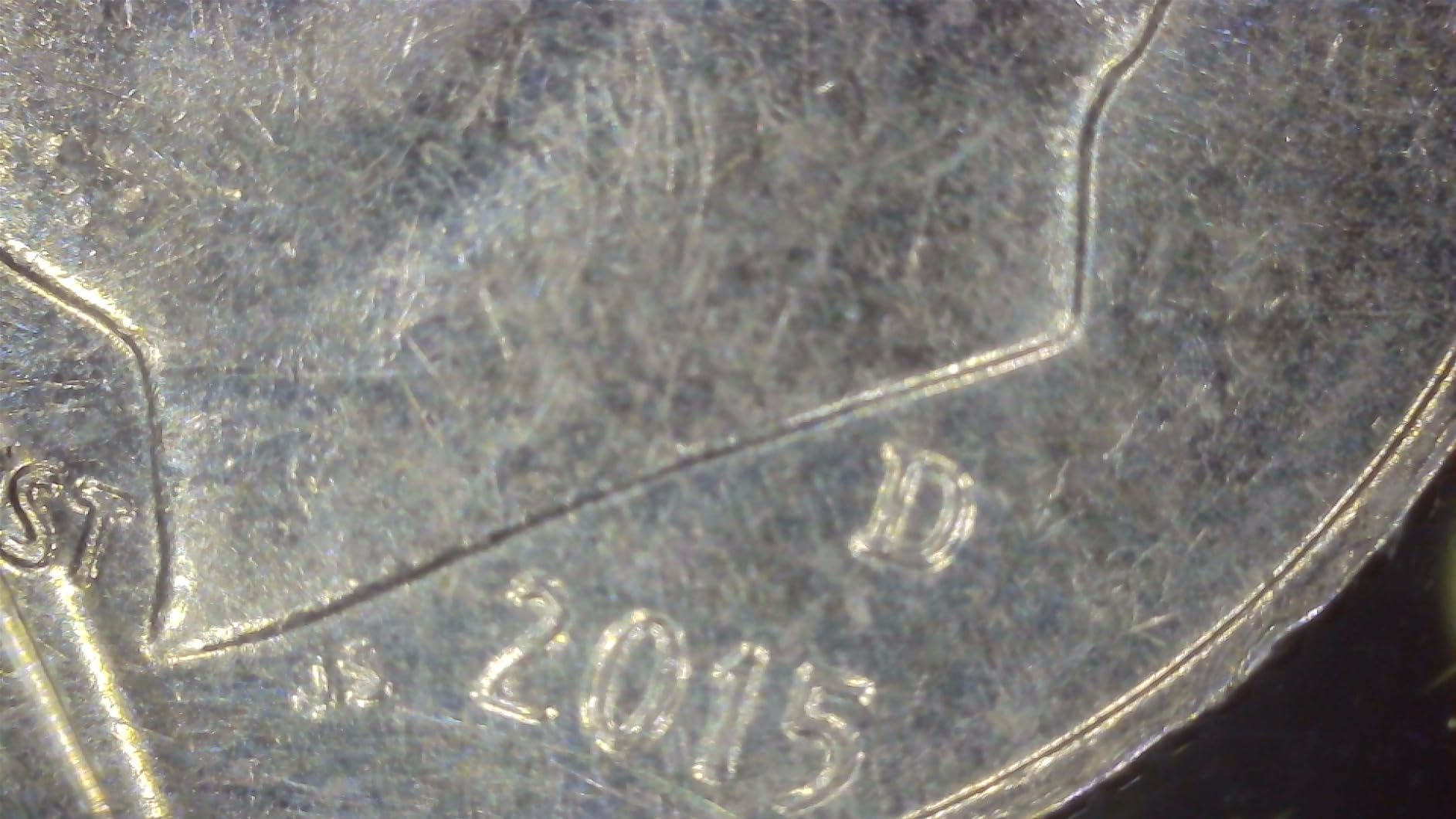
Now the honesty. The claimed 3840x2160P output and 1000x figure draw pushback from some buyers, who describe them as interpolated rather than native. There is no autofocus, so handheld use means constant manual refocusing, and the focus area is very small, which demands care on anything smaller than a quarter. The light brightness cannot be adjusted on the device itself, so glare control has to come from angle and distance.
What this model handles well on real coins
Used stationary on its stand, it produces clear images and the metal base means the focus you set is the focus you keep. That combination is why reviewers recommend it for coin work despite the specification noise. A stable, evenly lit, correctly focused view at 20x to 50x covers dates, mintmarks, general surface condition and a lot of wear assessment.
The small focus window is the practical limit. On a wide portrait, half dollar or silver dollar you will be moving the coin in small increments to find the region you want, and any small bump resets it. If you regularly work on large coins, a model with a wider field and a screen will save you a lot of frustration.
Who this pick fits and who it does not
This is the model to buy if you have a mixed device setup, if you use a Chromebook, or if you have been burned by a microscope that would not connect to your machine. The metal stand alone justifies it over cheaper wireless alternatives for anyone who cares about repeatable images.
Look elsewhere if you need to see a whole large coin at once, if you want battery operation away from a plug, or if the marketing numbers are what drew you in. The screen-equipped models in this roundup give you a real panel to work from, and the handheld pick is the one to carry to a show.
7. TOMLOV DM4W Microscope with Weighing Scale – The Best Value
TOMLOV DM4W Microscope with Weighing Scale: 4.3″ Digital Coin Microscope with Screen, Error Coin Magnifier with Lights, Weight Scale for Collectors, Jeweler, Students, Compatible with Windows/Mac
0.1g built-in weighing scale
4.3 inch IPS true-colour screen
10X-200X zoom
8 inch stand with rod
Pros
- Integrated weighing scale reads in grams ounces and carats
- IPS true-colour screen with a 178 degree viewing angle
- Metal support rod and enlarged base keep the lens steady
- Checks weight and image at the same time for screening
Cons
- Zoom tops out at 200X for very fine surface work
- Photo and video storage needs a separately purchased card
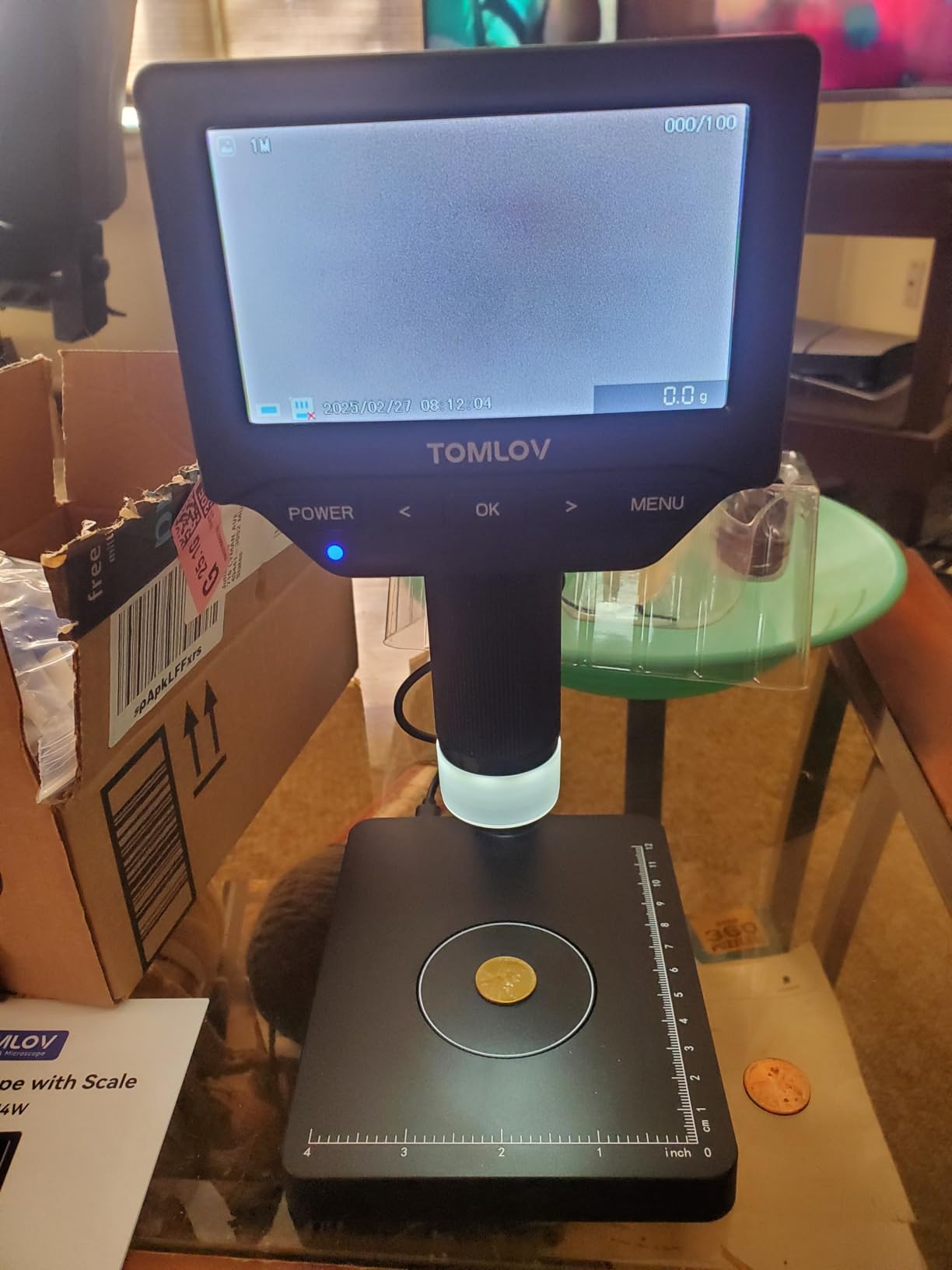
This is the pick we recommend to anyone who keeps asking what a coin microscope with a weighing scale should be. It is the one model in this roundup that does the thing collectors actually want when they ask for a scale, which is check a coin and weigh a coin at the same time without moving anything between the two steps.
Counterfeit screening is the reason that matters. A cast or plated piece frequently fails on weight long before it fails on surface detail, and having the number on screen while the image is on screen means you can compare the same coin against its known weight in seconds. The scale reads to 0.1g with stated accuracy of plus or minus 0.5g, and it switches between grams, ounces and carats so you can match whatever reference figure you have.
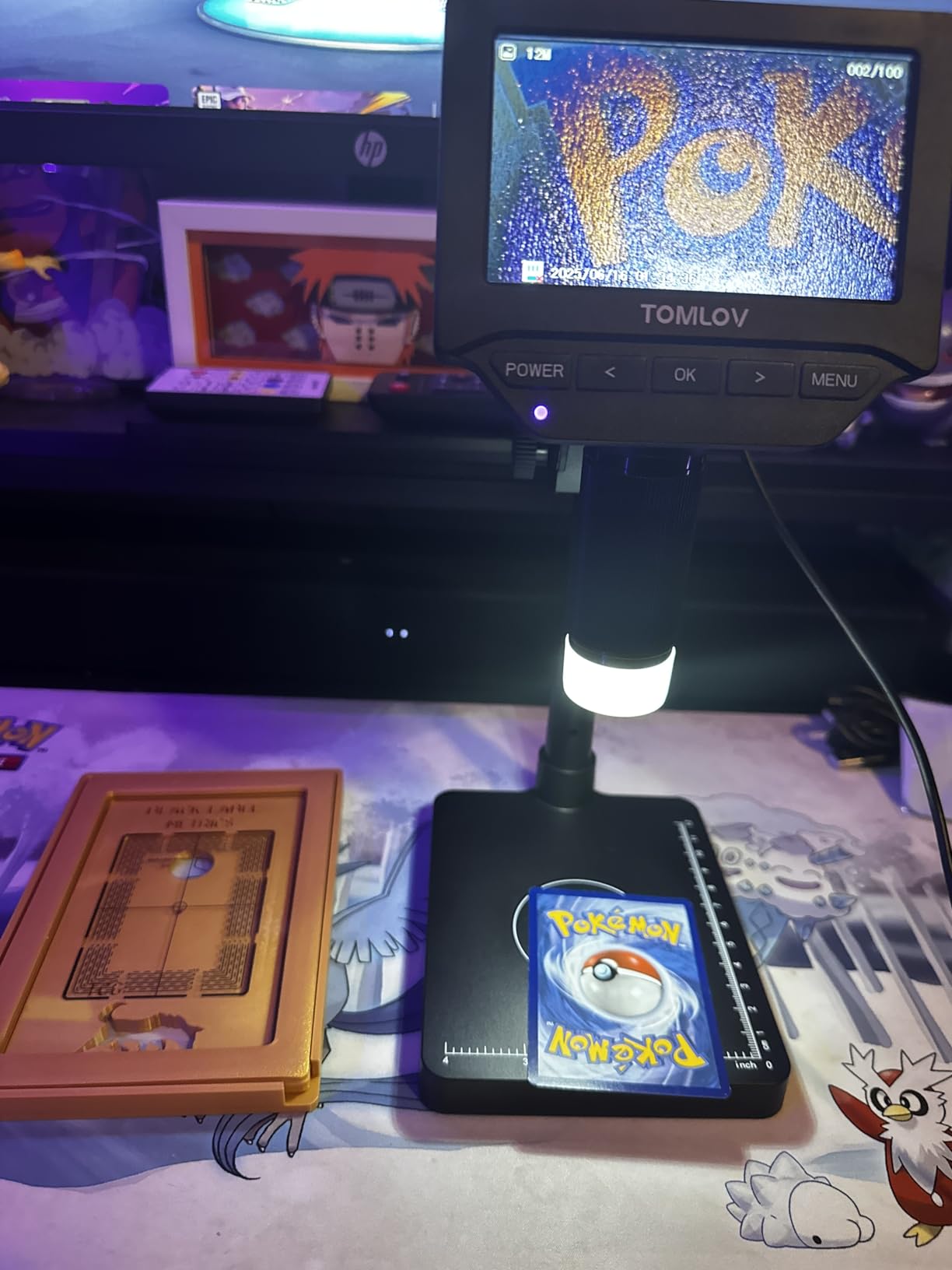
The screen is the other reason this ranks where it does. It is a 4.3-inch IPS panel with true-colour rendering at 500 cd/m2 and a 178-degree viewing angle, which means the toning on a coin looks consistent from different angles instead of shifting colour as you lean. Collectors notice that immediately on proof surfaces and heavily toned pieces, and it is a genuine step up from the cheaper panels in this group.
Note that the zoom here tops out at 200X rather than the 1000X claimed by the models around it. We consider that a feature rather than a flaw, because 200X is roughly the reference magnification a grading service works at, and it means the image is not being stretched past the point where it degrades. For 10X to 200X the DM4W shows you real information.
What the weighing scale changes about how you work
It turns a two-step check into a single step. Instead of looking, writing the coin down, moving it to a separate scale, weighing it and looking again, you stage the coin on the base plate once and read both at the same time. On a table of 20 uncirculated pieces looking for a weight outlier, that alone is the difference between five minutes and half an hour.
The 8-inch stand with the enlarged base and a built-in metal support rod is what makes it usable for that workflow. The coin sits on a solid surface, the lens stays put, and the focus does not drift when you place or remove a piece. The main limitation is storage, which needs a separately purchased memory card if you want to record what you found.
Who should buy the DM4W and who should not
Buy it if you handle uncirculated coins, modern silver, gold or anything where weight is part of the story, and if you want to build a record over time. It is also the most complete single tool in this roundup for a collector who is starting to think about submitting coins for professional grading.
Pass if your interest is error coin hunting at high zoom, if you photograph coins for sale where you need video as well as stills and do not want to buy a card, or if you need to see an entire silver dollar framed at once. For the deepest detail work, the DM9 gives you more screen and more zoom. For a larger weighting capacity, the Elikliv weighing model is the alternative.
8. PalliPartners Digital Coin Microscope – The Long Cordless Session Pick
PalliPartners Digital Microscope for Coins with Light HD Screen
4.3 inch 1080P or 720P LCD
32GB microSD card included
8 adjustable LEDs
4-5 hours of battery
Pros
- 32GB microSD card included so photos and videos save immediately
- Rechargeable battery runs 4 to 5 hours
- Metal bracket gives stable hands-free operation
- PC connection yields sharper photos than the device button
Cons
- On-device photo button shakes the scope and blurs the image
- Focus is touchy and images trail higher-resolution rivals
- Button layout needs the manual to learn
Battery life is the reason this one is here. Four to five hours per charge is the longest runtime in the roundup, and for a collector who sits down with a box of cents or a folder of world coins after dinner, that is the difference between a session and two sessions.
The 32GB microSD card in the box is the other quiet win. Most of the models in this price range sell you the storage as an add-on, which means the first time you try to photograph an error coin you find out you need to buy a card first. Here you take it out of the box, format it and start recording.
The 4.3-inch display runs 1080P or 720P with a 2MP sensor, and the eight adjustable LEDs have a sliding brightness switch, so you can dim the light on a reflective surface rather than fighting glare with more light. For a general condition check across a mixed lot, that combination is comfortable and consistent.
The most repeated complaint we found on this model is worth repeating here, because it is avoidable. Pressing the on-device photo button physically jolts the microscope, and the resulting frame is blurred. The fix, which several owners discovered independently, is to connect to a PC and trigger capture from the computer, which they report also gives sharper results overall. We would budget five minutes to set that up before your first session.
Where this scope performs and what holds it back
It is at its best when you are working through volume rather than hunting for one specific variety. Long runtime, included storage, a metal bracket for hands-free work and dimmable lighting cover the routine tasks of a sorting session completely. If your habit is to sit with an album and check each coin methodically, this is a good match.
It is weaker on the fine end. The focus is touchy, the 2MP sensor does not hold the same detail as the 12MP sensors in the higher-ranked models, and the button layout is not self-explanatory. For a doubled die at high magnification on a valuable piece, the top picks in this roundup will serve you better.
Who should buy this model and who should not
Choose it if you want the longest cordless runtime in the group, if included storage matters to you, or if you photograph coins in batches rather than individually. It is also a sensible mid-range step up from a no-screen USB model when you want a screen but not a large footprint.
Skip it if you need maximum detail on error coins, if you want the largest screen available, or if you need weight checking. The DM4W and the Elikliv weighing model both add a scale, and the 7-inch DM9 is where screen size stops being a compromise.
9. WKR 4.3-Inch 1080P Coin Magnifier – The Travel Pick
WKR Coin Microscope, 4.3″ LCD USB Digital 1000X 1080P Coin Magnifier
4.3 inch 1080P LCD
50X-1000X zoom
8 adjustable LEDs
About 200 photo internal storage
Pros
- Sharp 1080P colour and depth detail
- Travel friendly size with a bright screen
- About 200 photos of onboard storage with card expansion
- Rechargeable battery gives roughly 3.5 hours
Cons
- Battery charges very slowly and often sits on the charger
- Focus must be readjusted for nearly every coin
- Included USB cable is short for a desktop PC
This is the one to put in a bag. The dimensions are 6.8 by 5.1 by 3.6 inches, it runs on a built-in rechargeable battery for about three and a half hours, and it weighs 16 ounces. That is a package you can carry to a show, a swap meet or an estate sale without thinking about it.
For what it costs, the image quality is genuinely good. Reviewers rate the 1080P colour and depth detail highly, and the eight adjustable LEDs give even, glare-reduced light on reflective coin surfaces. Several owners report buying a second unit specifically to compare two coins side by side, which tells you the images are consistent enough to trust for that.
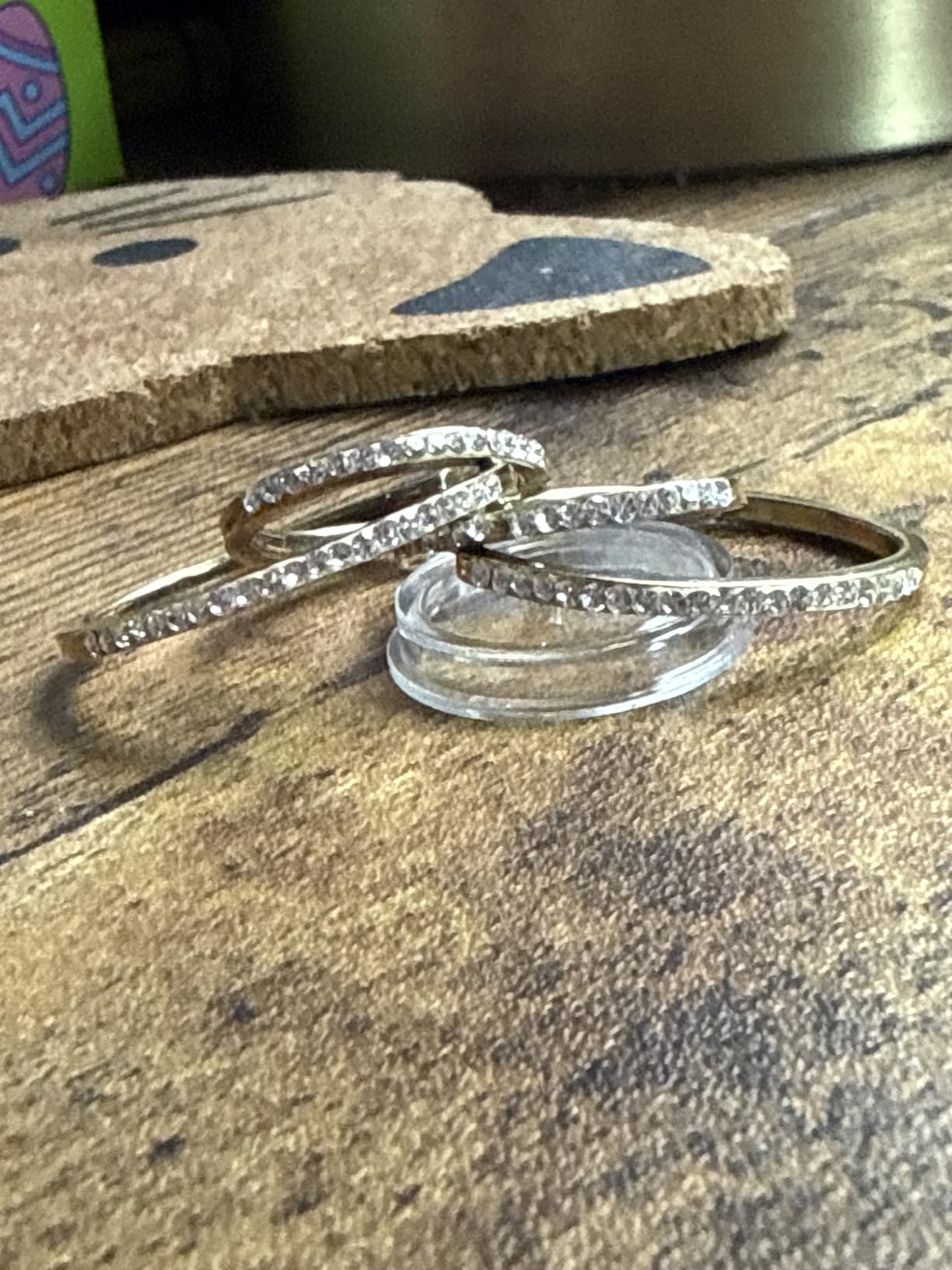
Storage is about 200 photos on the device with expansion through a memory card, so short sessions are covered without buying anything. The Windows and macOS connection lets you move images to a laptop for editing or for listing photos when you get home, and the height-adjustable stand is enough to keep it steady at a table.
The honest drawback is charging time. Owners consistently report a long charge and a tendency for the unit to sit on the charger, which makes the three and a half hours of runtime less than the headline implies in practice. We would charge it overnight before a show rather than between sessions. The other recurring issue is refocusing, because a coin of a different thickness will not be in focus from the previous one.
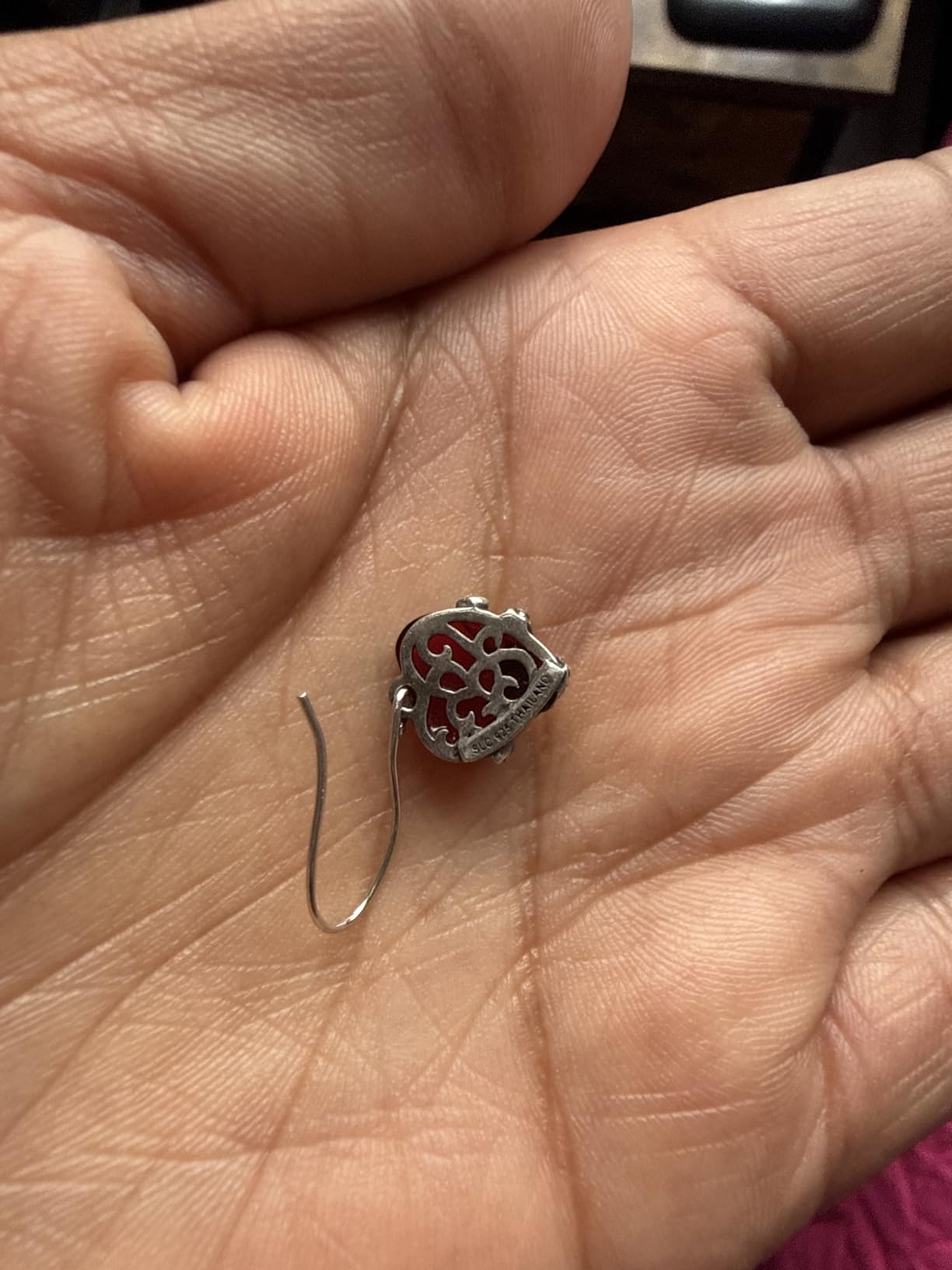
What this model does well and where it runs out
Entry-level colour and detail work is its strength, and for identifying mint marks, checking dates and assessing general surface condition on modern circulating coins it is more than adequate. The 50X-1000X advertised range covers a full-coin view through to a close-up, and the useful end of that range is where the image is genuinely informative.
It runs out on the largest coins and the smallest details. Framing a silver dollar takes repositioning, and at the top of the zoom range the image is soft rather than more informative. The short included USB cable is a small nuisance if your computer sits under a desk.
Who this pick suits and who should look elsewhere
Buy it if you want a capable scope that travels, if you inspect coins away from a desk, and if you want a step up from a phone-camera loupe without a large footprint. It is also a good second unit to keep at home while a bigger rig lives elsewhere.
Look for something else if you need a big screen, a rigid metal platform for repeat photography, or a built-in scale. Those three needs map to the DM9, the Jiusion and the weighing models in this roundup respectively.
10. Elikliv Coin Microscope with Weighing Scale – The Authentication Pick
Elikliv Coin Microscope with Weighing Scale, Digital Magnifier 8+2 Lights
0.1g scale to 300g
10 LED lights including side lights
4.3 inch IPS screen
12MP stills and 1080P video
Pros
- Built-in scale weighs up to 300g at 0.1g in grams ounces or carats
- Fast 0.1 second stabilised readings on a metal base plate
- Two side lights plus eight lens LEDs cut glare on proof surfaces
- 4.3 inch IPS screen with a 178 degree angle for long sessions
Cons
- Focusing ring is touchy and magnification changes need refocusing
- Stem and geared parts are plastic rather than metal
- Micro SD card is not included
This is the weighing model with more magnification, more light sources and a larger weighing capacity than the DM4W. If you are buying a coin microscope with a scale specifically to screen incoming coins for weight anomalies, this is the one we would put on the desk.
The scale goes to 300g at 0.1g resolution and stabilises readings in about 0.1 seconds, which is fast enough to work through a stack without pausing. That speed matters more than it sounds, because gravimetric screening only works if you can weigh every piece you intend to weigh rather than sampling a few.
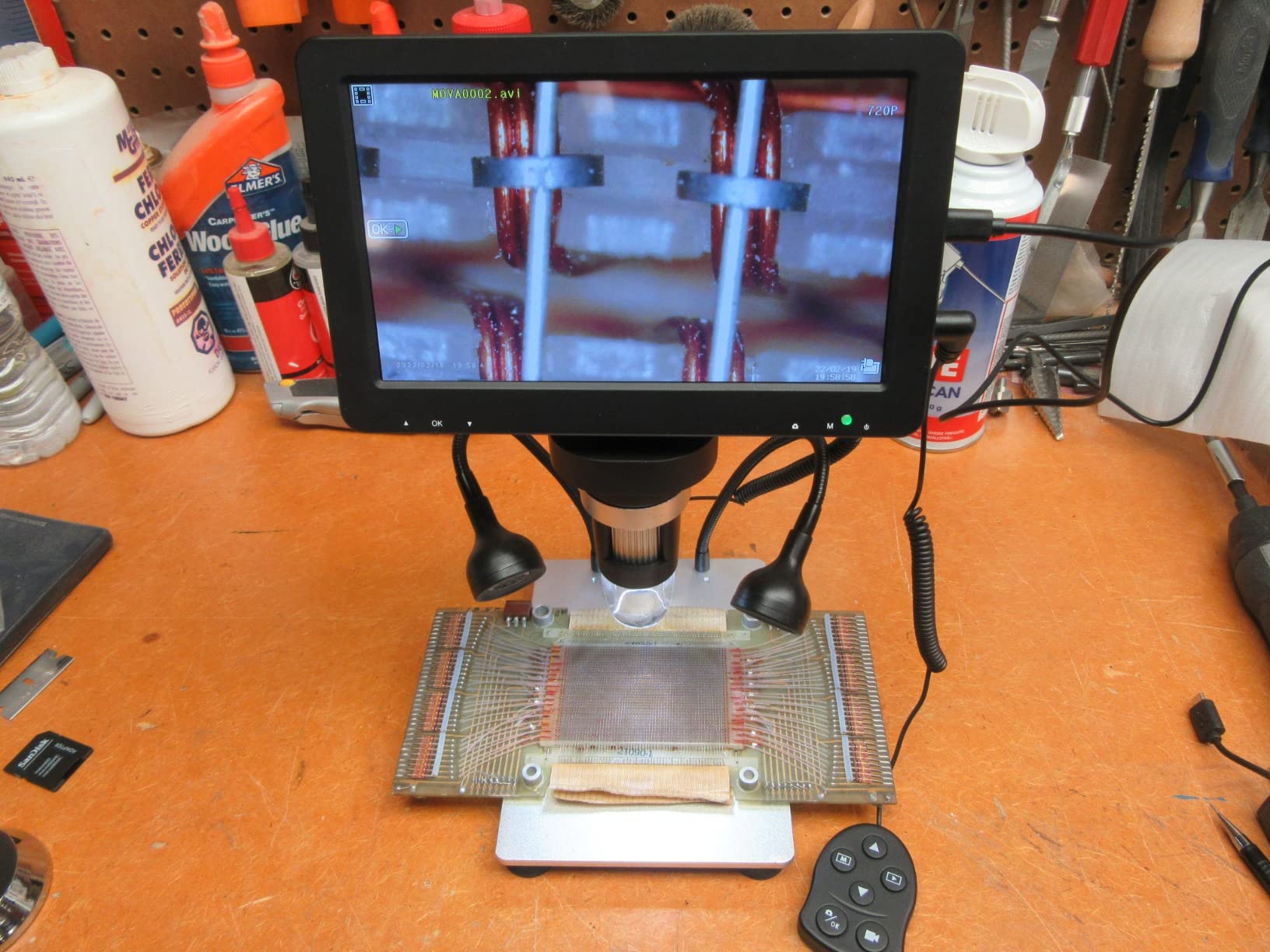
The lighting is the standout feature. Ten sources in total, eight around the lens plus two side lights, and those two side lights are the ones that earn their place. Proof and mirror surfaces throw a hard reflection straight back at a ring light, while a light coming in from a low side angle lets the surface texture show through the reflection. The same trick lets you angle a toned coin and watch the highlight move across the colour.
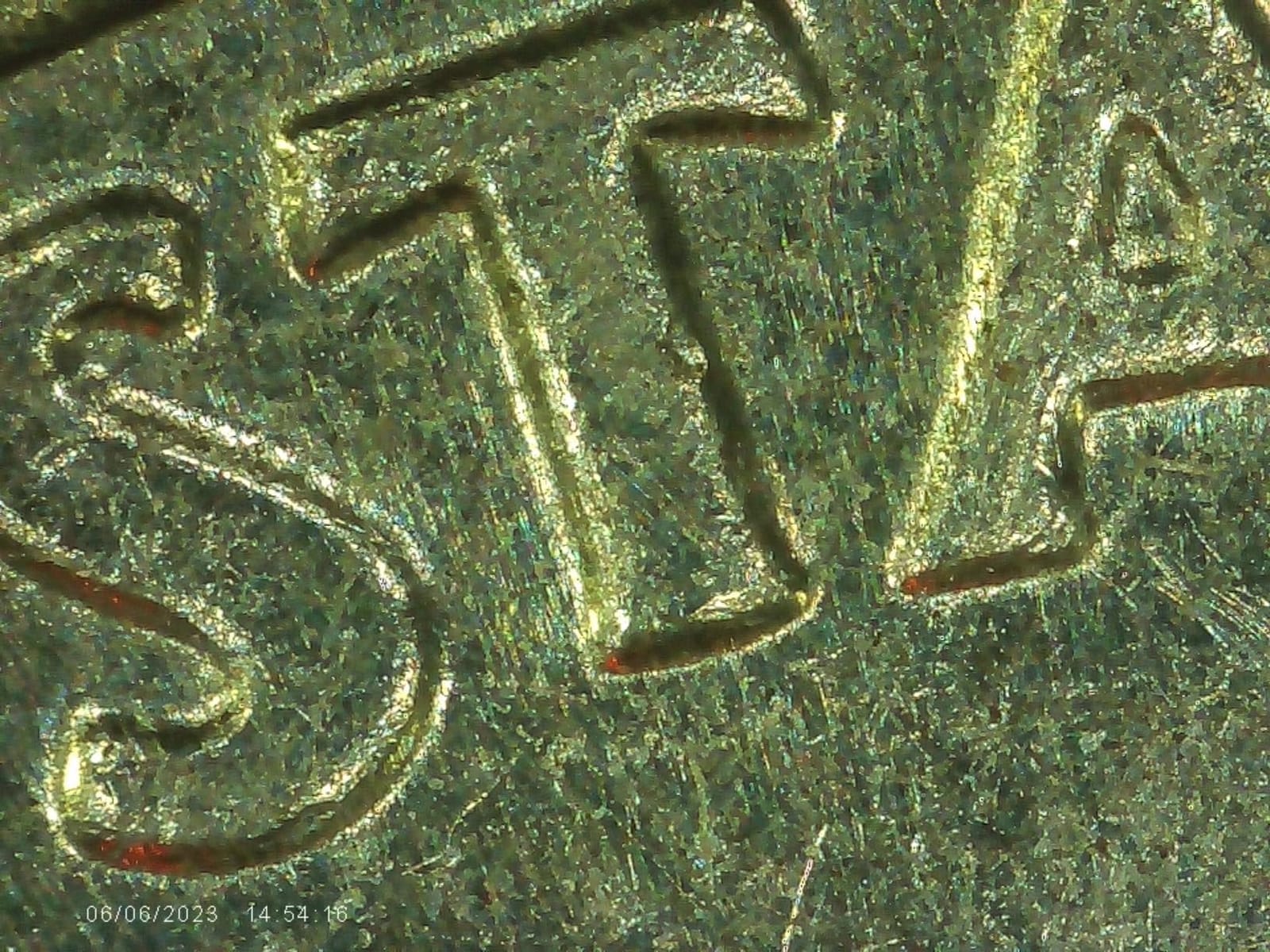
The 4.3-inch IPS screen has a 178-degree viewing angle, so the toning does not shift as you lean in, which is the same advantage the DM4W offers. Still capture is 12MP with 1080P video, so a suspect piece can be documented and the file compared later, and the detachable handheld design lets you pull the head off and look at a coin in your hand.
What this scale-equipped model does that the DM4W does not
Three things. It weighs to 300g instead of the smaller capacity, it captures at 12MP for stills, and it has side lighting that the DM4W does not. On a heavily toned or proof surface those two lighting sources make a real difference in whether you can read the surface or just see a white blob.
Against that, it is the weaker of the two weighing models in some respects. The focusing ring is described as touchy, and every magnification change needs a refocus. The stem and geared parts are plastic rather than metal, which is a durability concern on a unit meant to be handled constantly. And the micro SD card is not included, so buy one before your first session.
Who this pick is for and who should choose the DM4W instead
Choose this one if you screen a lot of modern bullion, uncirculated strikes or any collection where weight is a primary authentication signal, or if you photograph toned and proof coins and need the side lights. The 12MP stills also make it the better of the two for building a reference file.
Choose the DM4W instead if you want the steadier metal stand and larger screen panel, if you want the two-year manufacturer warranty on the scale side of things, or if you want to spend less attention on storage. If weighing is not part of your workflow at all, both of these are overkill and the 7-inch DM9 will serve you better for pure inspection.
11. TOMLOV P10 Handheld Coin Magnifier – The Coin Show Pick
TOMLOV P10 Microscope for Adults Kids, Handheld Coin Magnifier with Light
Fixed 100X with 4X zoom
2 inch LCD
Four white and four UV lights
3.9 oz handheld body
Pros
- Weighs 3.9 oz so it genuinely fits in a pocket
- Fixed 100X needs no focus adjustment
- Four white plus four UV lights with dimmable white
- 16MP camera with about 300 photos of memory
Cons
- Fixed 100X only with a 4X digital zoom on top
- 2 inch screen is small for long sessions
- About 50 minutes of use per charge and no included stand
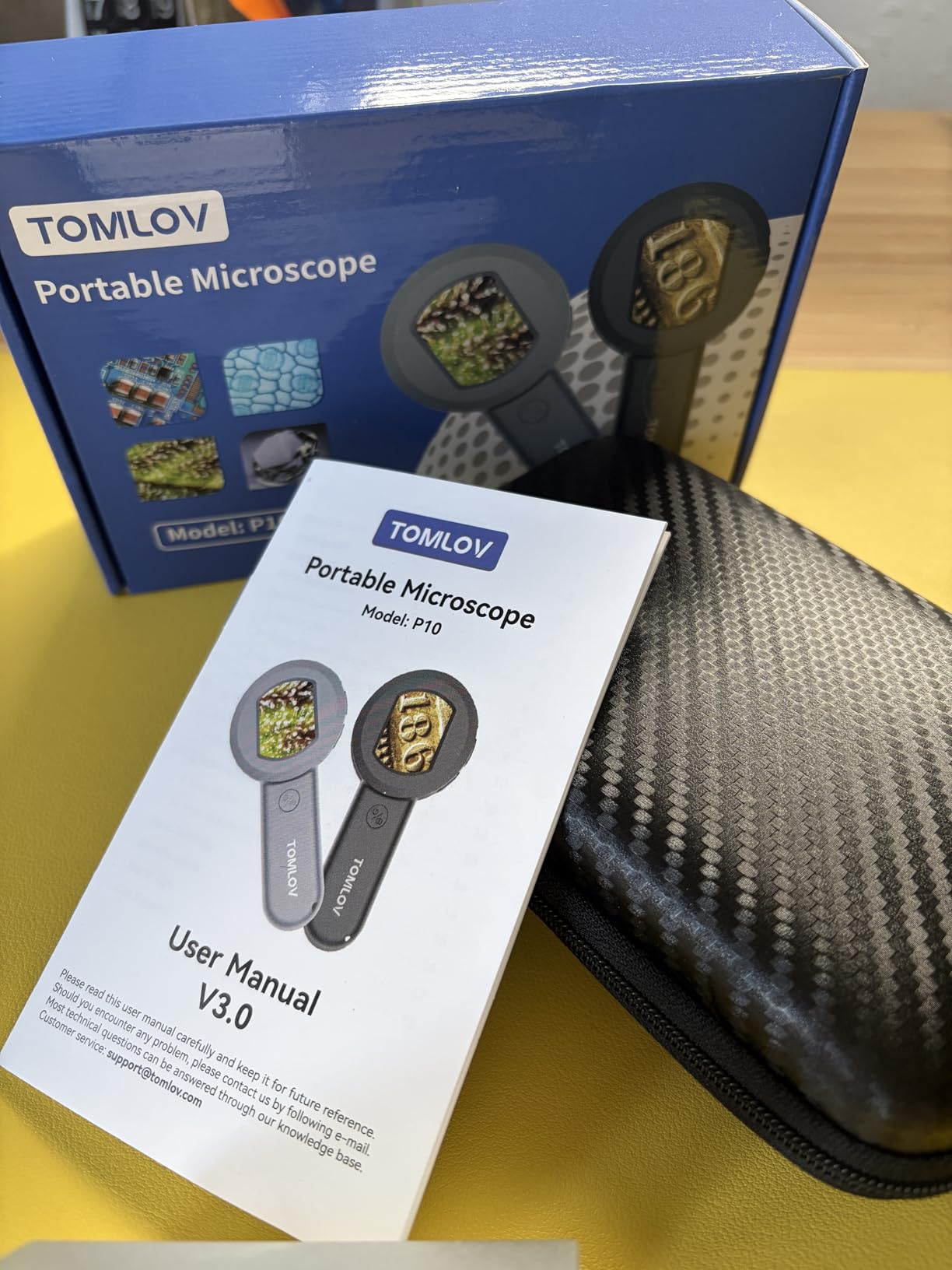
This is the show-floor tool. At 3.9 ounces with a fixed 100X magnification, it does one job with no setup at all. You switch it on, hold it about 0.3 inches from a coin and look at the 2-inch screen. No stand, no focus ring, no menus, no cables.
For the specific task of standing at a dealer table and quickly checking whether a coin looks right, that simplicity is the whole appeal. There is no field of view problem, because at 100X you are looking at a small region and that is exactly what you want when scanning a rim or a date. The 16MP camera with about 300 photos of internal memory means you can photograph anything that pings your interest and review it later.

The UV lights are the feature we did not expect to care about and now think matters. Four white LEDs plus four UV sources, with the white ones dimmable, give you a way to look at fluorescence, at toning, and at surface texture that a pure visible-light scope cannot offer. For a collector who already cares about toning, this is a genuinely different capability rather than a duplicate of the same view.
The 2-inch screen is small, and long sessions on it will tire your eyes faster than any of the 4.3-inch units. Battery life is about 50 minutes per charge, which is one show-floor round rather than a full day, though it is a USB rechargeable unit so you can top it up from a power bank between tables.
What the P10 does well and what it cannot do
It is very good at quick verification and at the things fixed-focus tools are good at. Checking that a mintmark is what the seller said, confirming a date, and looking at the field for obvious problems all work immediately with no learning curve. The pocketable body and the UV mode are the two features that no other unit in this roundup combines.
It cannot do depth work. The magnification is fixed at 100X with a 4X digital zoom layered on top, and digital zoom enlarges an already small area rather than resolving more detail. There is no included stand, so steady results depend on a reasonably steady hand, and the tiny screen limits how long you can work on a single coin.
Who should buy the P10 and who should not
Buy it as a second device if you travel to shows, fairs and estate sales, or if your interest is UV fluorescence and toning specifically. It is also the right buy for anyone who wants a microscope that works instantly with no setup, because there is genuinely nothing to configure.
Do not buy it as your only scope. For home inspection, for photography, for error coin work or for anything where your eyes are the limiting factor, one of the screen-equipped models is a far better tool. The 2-inch panel and 50 minutes of runtime make this a companion, not a replacement, and the DM9 or the EDM4 will handle the serious work at your desk.
12. SKYEAR 4.3-Inch Coin Microscope – The First Scope Pick
4.3″ Digital Microscope for Adults, SKYEAR Coin Microscope 1000X Magnification with 8 Ajustable LED Fill Lights, USB Microscope for Windows/MacOS, Coin Collection Supplies-Black
4.3 inch HD LCD
Coarse and fine focus
8 dimmable LED fill lights
Metal stand included
Pros
- Coarse and fine focus controls make it easy to lock onto a coin
- 8 dimmable LED fill lights reduce shadows and reflections
- Converts between handheld and desktop use
- Metal stand included for steady imaging
Cons
- Video recording needs a separately purchased SD card
- USB powered so it needs a cable rather than a battery
- Newer listing with a smaller review base
The feature that makes this the first-scope recommendation is the focus control. Coarse and fine focus dials are how you get a coin surface locked in sharply, and almost every budget unit in this roundup leaves you hunting with physical distance instead. Having both a coarse and a fine adjustment on a 4.3-inch screen is a step up that a beginner really feels.
Lighting is handled well too. The eight dimmable LED fill lights are described by owners as reducing shadows, reflections and dark spots, and on a polished silver coin that is exactly the difference between seeing relief and seeing a bright disc. The 50X-1000X range covers a full-coin view through to a close-up of a date.
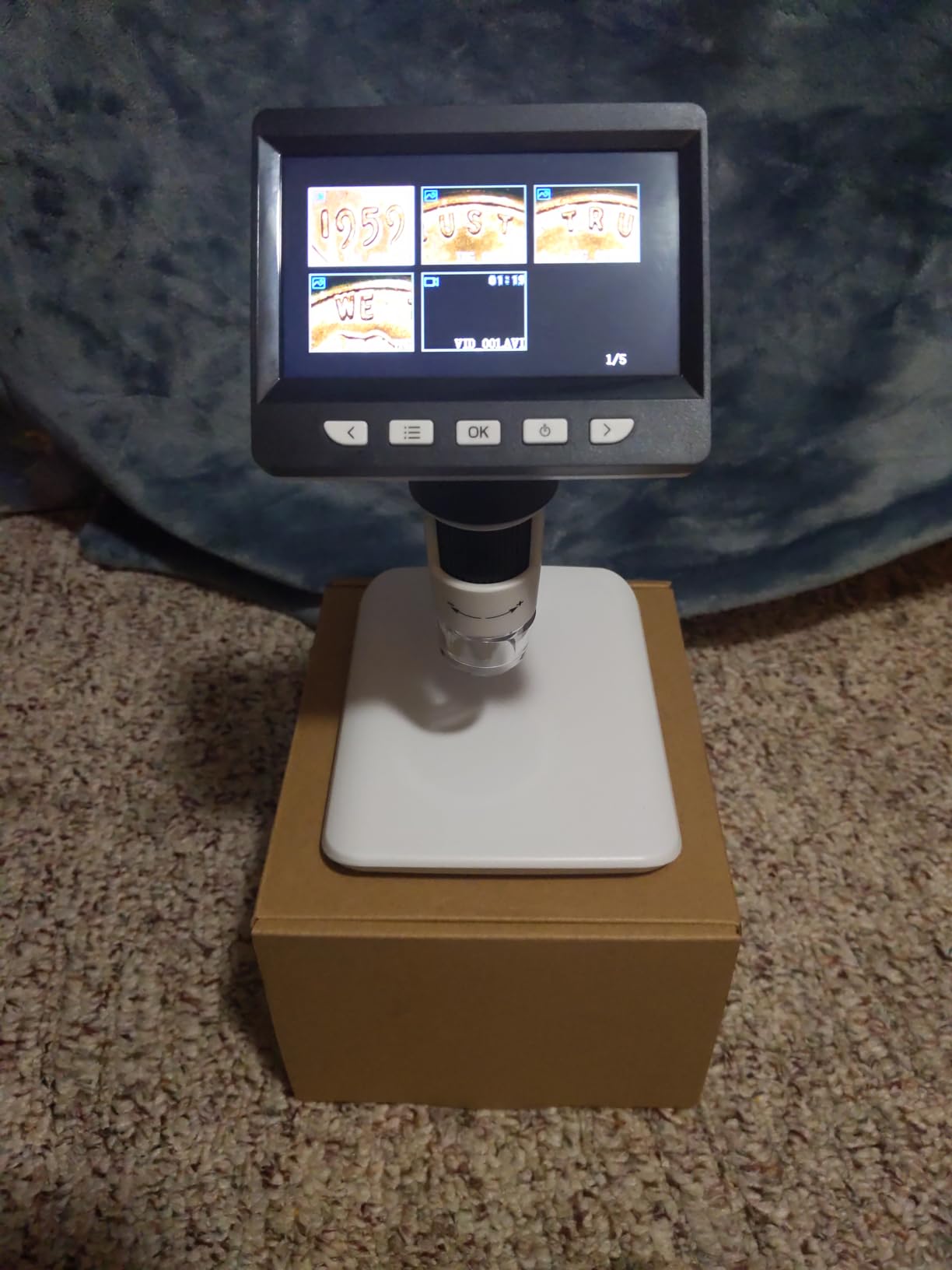
It converts between handheld and desktop use, and the included metal stand makes desktop work the more sensible default. Photo and video capture runs at 1080P, with about 100 photos of built-in storage before you need a card. The Windows and macOS USB connection means you can move images to a laptop for editing or for listing photos.
Two things to know. It is USB powered rather than battery powered, so it needs a cable or a power source at all times, which rules it out as a show-floor or travel tool. And video recording specifically requires an SD card you buy separately, so buy one with it rather than discovering the limitation later.
What this model handles and where it stops
It is well suited to the routine examination work that makes up most of a collecting session. Mintmark reading, date confirmation, wear assessment, checking for hairlines and a general look at surface condition on common circulated coins are all comfortable on a 4.3-inch screen with proper focus and dimmable fill lighting.
It is not a deep detail tool. This is a newer listing with a smaller review base than the established models in the roundup, and there is no weighing scale, no UV, no battery and no large screen. For fine error work on a valuable piece, or for a long session with a large coin, you will want to move up rather than push this one.
Who this pick fits and who should look at something else
Choose it if you are buying your first digital coin microscope, you work at a desk with a computer nearby, and you want the simplest path to sharp images without a learning curve on focus. The 2-year warranty is also a plus for a first purchase.
Move up if you need weight screening, if you travel, or if you want to frame an entire silver dollar. The weighing models add the scale, the handheld P10 handles travel, and the 7-inch DM9 solves the framing and comfort problem that a 4.3-inch panel cannot.
What Magnification Do You Actually Need to Look at Coins?
For most coin work you need somewhere between 20x and 200x, and everything above 200x is largely marketing. A grading service works from roughly 200x as its reference point, so that is the number to anchor on rather than the 1000x or 1200x printed on the box. Anything past that is digital upscaling, which enlarges pixels without adding detail.
Here is the cheat sheet we use. Whole-coin view for orienting yourself on a large coin sits at 15x to 30x. Dates and mintmarks want 40x to 80x. A doubled die or a doubled strike on a small cent needs 80x to 150x. Edge lettering and reeded edges sit around 100x to 200x. Past 200x the image gets softer, not more informative, and you are usually better off moving the light than moving the zoom.
A quick reference by task
Whole cent or small coin on stage: 20x to 30x. Full silver dollar or half dollar framed: 15x to 25x, and accept that you will reposition the coin. Mintmark and date confirmation: 40x to 80x. Wear, hairlines and cleaning damage: 60x to 120x. Doubled die on a small cent: 100x to 150x. Edge lettering: 100x to 200x.
One more thing worth knowing. Effective magnification depends on your screen size, not just the lens. A 4.3-inch panel showing 1000X is showing you a very small area blown up. The same 100X on a 7-inch panel shows you noticeably more of the coin in a comfortable frame, which is why screen size belongs in the magnification conversation at all.
Digital vs. Optical Stereo Microscope: Which Do Coins Really Need?
Collectors ask this constantly in forum threads and it is worth answering directly. A digital microscope is a camera with lights that sends an image to a screen. An optical stereo microscope uses glass optics and you look through eyepieces at a real three-dimensional image. They are not the same tool and they are not equally good at everything.
An optical stereo scope gives you depth, a wide field of view and a comfortable working distance. Serious collectors on the NGC boards often already own one with a digital camera attached and describe it as superb, while also admitting they rarely use it. The reason is the eyepiece posture. Looking through a stereo scope for an hour is hard on the neck, which is exactly the problem a screen solves.
A digital microscope wins on comfort, on documentation, and on any task where you want to show the image to somebody else or save it. Forum consensus, including the recommendation of AmScope stereo scopes with a 3.5x to 30x zoom range, points the same way: optical for the image itself, digital for everything around it.
Our practical advice is to buy digital first if your motivation is mint marks, errors, listing photos or tired eyes. Consider optical later if you get serious about surface study, restoration work or preparing a high-value submission. A phone on a copy stand is a third option worth knowing about, and if you already own a good camera and a copy stand you may find it covers listing photography without another purchase.
Lighting, Glare and Angle: The Part That Decides Image Quality
If you read nothing else in this guide, read this section. Glare from polished metal and from acrylic slabs is the most common reason a collector cannot see the exact surface detail they are trying to see, and it has almost nothing to do with the sensor. You can fix most of it by changing the angle of the light rather than buying a better scope.
Start with side lighting. A ring light directly above a coin bounces a reflection straight back at the lens and the field goes white. Move one light down to a low angle, almost level with the coin surface, and the same field goes dark enough to read the relief. Raking light across a worn surface makes the high points catch the light and the low points fall away, which is how you spot hairlines and tool marks.
Second, dim your light rather than adding more. Several units in this roundup give you a dimmer or a brightness dial for exactly this reason. A proof coin or a mirror-finish surface under full-brightness ring light is unusable, and turning the brightness down or using the diffuser solves it in seconds.
Third, angle the coin rather than the scope. Collectors on collectors.com forums specifically value being able to angle a microscope to bring out highlights on toned coins. Toning has colour that sits on the surface, so tilting the coin a few degrees under a fixed light moves the highlight across the colour and reveals depth that a straight-down view flattens completely.
Slabbed coins need a different approach again. The acrylic itself reflects, and the holder puts a second surface between your light and the coin. What works is a single light source off to one side, the lowest brightness that still resolves the detail, and patience. If a slabbed coin is unreadable, move the coin before you blame the scope.
Best Coin Microscopes with a Built-in Weighing Scale
Built-in weighing scales come up in forum threads constantly and almost no roundup covers them, so we gave them their own section. Two models in this list have one, and they solve a problem the others cannot: checking weight and image in the same view without moving the coin.
The best digital kitchen scales are a different tool, and we do not want to blur the two. A kitchen scale gives you a weight and nothing else. A coin microscope with an integrated scale shows you that number while the image is on screen, which is what makes gravimetric screening actually usable. Weight is a powerful authentication signal, because a counterfeit frequently fails it before it fails on surface detail.
The TOMLOV DM4W gives you 0.1g resolution with a 200X ceiling and an IPS true-colour screen, on a metal stand with a support rod. The Elikliv weighing model takes you to 300g, adds two side lights for toned and proof surfaces, and captures stills at 12MP. If you are screening incoming modern coins, the larger capacity and side lighting win. If you want the steadier stand and the truer colour panel, the DM4W is the one.
Neither replaces a professional opinion. A weight that falls within the expected range tells you a counterfeit is less likely, not that the coin is genuine, and specific weights and tolerances vary by series. Treat the scale as a fast filter that tells you which coins deserve a closer look.
What a Digital Microscope Can and Cannot Tell You About a Coin
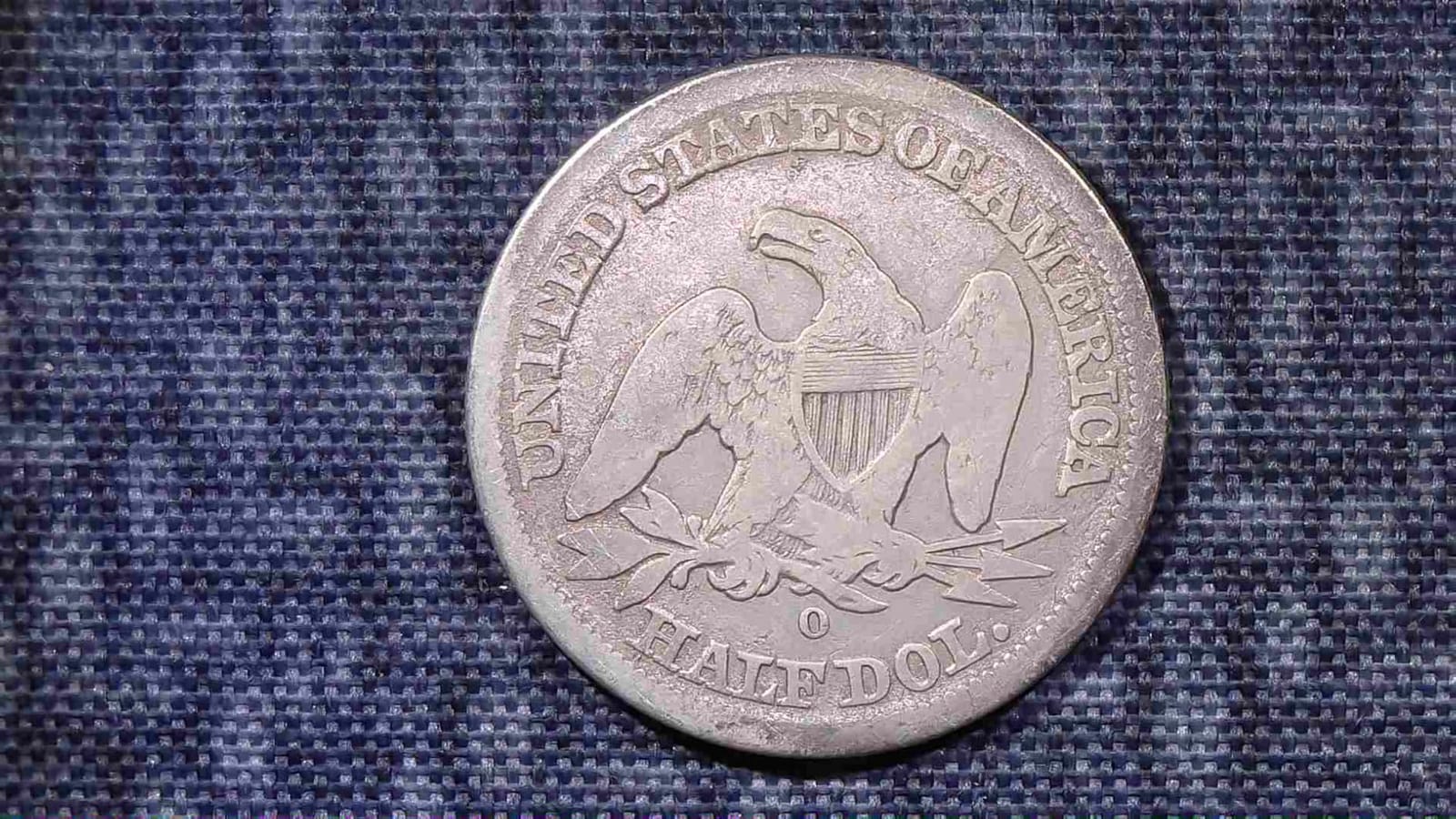
It can show you a mintmark, a date, a hairline scratch, a cleaned surface, a doubled strike, a cast seam, a clipped planchet and the difference between an original toning and an applied one. Given good lighting and a stable platform, that is a genuinely long list and it covers most of what hobbyist collectors need.
It cannot grade a coin. It cannot authenticate one on its own. Neither can a loupe, a photo, or a seller listing, and we would treat any claim to the contrary as a warning sign. Grading is a professional judgement made by trained specialists under controlled conditions, and a microscope image is a tool for forming your own view, not a substitute for that process.
Two specific traps to avoid. First, do not clean a collectible coin to make it look better under magnification, because cleaning usually reduces value even when the surface looks improved. Second, do not use a marketplace listing photo as your comparison reference for a suspected counterfeit, since sellers photograph the best-looking example of a variety, and angles and lighting make any two images look different.
If a coin is valuable enough that the answer matters, the correct use of a microscope is to narrow your suspicion and then have a professional confirm it. The same principle shows up in how we review digital thermometers: a measurement device informs a decision, it does not make the call.
How to Photograph a Coin Without Glare
This is a short workflow that works on any of the scopes in this roundup and it will do more for your listing photos than upgrading to a more expensive unit. Follow it in order.
First, put the coin on a dark, matte surface with no pattern. A patterned mat reflects into the field and you will spend more time editing than photographing. Second, turn off overhead room lights and use only the scope’s own LEDs, because ambient light is what creates the hotspot you are trying to avoid. Third, dim the scope light until the field is comfortably readable rather than as bright as possible.
Fourth, aim one light at a low side angle. This is the step that matters most and it is the one people skip. A single raking light from the side gives you relief on the design and lets the field fall off into shadow, which reads as depth in a listing photo. Fifth, set the coin flat for a straight-on obverse shot, then angle it slightly for the reverse and for any toning you want to show.
Sixth, focus manually rather than trusting auto, and confirm sharpness at 100 percent on the screen before you capture. Seventh, trigger the capture from a computer where the scope supports it, because an on-device shutter button often jolts the microscope and you get a blurred frame, as several owners of the models in this roundup discovered. Eighth, shoot more than you need at both angles and delete in your editor rather than reshooting.
Ninth, and this matters for coins specifically, never clean anything before photographing it. Tenth, record the weight and the attribution in your file name, because you will not remember which image was which in two years.
How to Choose a Coin Microscope: 7 Specs That Matter
Magnification is the least important of the seven things to check, and it is what most listings lead with. Here is what we would look at instead, in the order that mattered to us across this roundup.
1. Field of view and working distance
Working distance is how far the lens sits from the coin, and field of view is how much of the coin you see at once. These two decide whether you can frame a whole silver dollar or whether you are hunting for the edge in a couple of millimetres of image. Close-focus designs give better magnification but a narrower field, so check the stated focal range before you commit. Units with a longer working distance and a metal support rod are the ones that handle large coins.
2. Sensor resolution and video output
Sensor resolution is the number that actually predicts detail, and 12MP models in this roundup hold up better on fine error work than the 2MP units. Video output matters less for inspection and more for documentation. The useful question is whether stills and video are captured natively or interpolated, because several buyers report that the headline 4K and 1000x figures on cheaper units are upscaled from a lower native resolution.
3. Screen size and eye comfort
A 4.3-inch panel is the entry standard, 7 inches is comfortable for long sessions, and a 2-inch screen is a quick-check tool. The reason aging eyes drive upgrades in this hobby is that collectors report struggling to resolve a mintmark on a dime even with corrective lenses, and a screen at a natural height removes that strain entirely. If you plan to sit with a folder of coins for an hour, buy the bigger screen.
4. Stand stability
Flexible gooseneck arms wobble, and a wobbling stand makes repeat photographs impossible because the image shifts every time focus is adjusted. A weighted metal base or a base with a metal support rod is the standard we would hold to. This is also where a lot of the money saved by a budget unit actually goes, and it shows up as soft, unusable frames.
5. Lighting control
Eight adjustable LEDs is the common configuration and it is adequate, but aimable side lights are better, and a dimmer is close to essential on any reflective surface. Look for a brightness control and for lights you can reposition rather than a fixed ring. If a model only offers a fixed ring at full brightness, you will fight glare constantly with coins and you will lose the details that matter.
6. Connectivity and compatibility
Check the software story before anything else, because it is the most common reason people return a scope. A UVC camera that works on Windows may fail on macOS, ChromeOS or a newer Windows build, and a USB-C shaped port does not mean iPhone support. The Jiusion is the model here with the broadest platform coverage if you use anything other than plain Windows. If you are on Apple devices, verify compatibility explicitly.
7. Storage, power and portability
Photo and video capture usually needs a microSD card, and only a few models in this roundup include one, so budget for that. Battery runtime ranges from about 50 minutes on the handheld pick to four or five hours on the cordless session pick, and charge time varies more than runtime does. If you travel to shows, weight and battery matter more than zoom. For weighing alongside inspection, see the two models with integrated scales we covered earlier.
Frequently Asked Questions
What digital microscope is best for coin collectors?
The Elikliv EDM4 is our overall pick for most collectors because it combines a 4.3-inch 720P screen, eight aimable LED lights and PC viewing with the largest body of long-term owner feedback of any scope we tested. Choose the TOMLOV DM9 if screen size and a metal stand matter most, or the TOMLOV DM4W if you want a built-in weighing scale for counterfeit screening.
What is the best magnification for looking at coins?
Roughly 20x to 200x covers almost all real coin work. A grading service uses about 200x as its reference point, so the 1000x and 1200x figures printed on the box are digital upscaling that enlarges pixels without adding detail. Above 200x the image typically gets softer rather than more informative.
Is a digital microscope or an optical stereo microscope better for coins?
They are different tools. An optical stereo scope gives you depth, a wide field of view and a comfortable working distance but requires an eyepiece posture that tires the neck. A digital microscope wins on comfort, documentation and sharing, which is why most collectors end up using one for day-to-day work and treating the stereo scope as a specialist instrument.
Can a digital microscope identify counterfeit coins?
Not on its own. A microscope can show you a cast seam, a wrong weight, a reeded edge that does not match and tool marks that give away a replica, so it narrows your suspicion usefully. It cannot grade a coin or prove authenticity, and for anything valuable the correct use is to use the scope to decide what deserves a closer professional look.
What is the best budget digital microscope for coin collecting?
The AOPICK 4.3-inch 1080P model is our budget pick because it gives you a screen, 1080P live imaging, eight adjustable LEDs and storage for about 200 photos at the entry price point. If your eyes are the main reason you want a microscope, spend up to a 7-inch screen model rather than saving money on a no-screen USB unit that also strains your neck.
Why do my digital microscope coin images look blurry?
The usual cause is digital zoom rather than optical magnification. Pushing a 1000x or 1200x claim crops a small area of the sensor and enlarges it, which softens the image. Work between 20x and 200x, use a fine focus control if the scope has one, and trigger the capture from a computer where possible because an on-device shutter button often jolts the microscope.
Final Verdict on the Best Digital Microscopes for Coin Collecting in 2026
After working through twelve units, the answer for most collectors is the Elikliv EDM4. It has the most proven track record in the group, eight aimable lights that genuinely help on reflective metal, and the option of moving the image to a computer when you want a bigger view or want to photograph the coin properly. For a collector who wants one tool that handles the routine work without a learning curve, it is the pick we would make.
Pick a different one for a specific reason. Buy the TOMLOV DM9 if screen size and stand stability are your problem. Buy the TOMLOV DM4W or the Elikliv weighing model if weight is part of your authentication workflow. Buy the Bysameyee USB model if you are on a computer and want to spend almost nothing, and buy the TOMLOV P10 if you travel to shows and want UV.
Whatever you choose, work between 20x and 200x, light the coin from the side at low brightness, and keep the stand still. Those three habits will get you better coin images than any magnification number on a box, and they are the reason the best digital microscopes for coin collecting in 2026 are the ones you will actually use every week rather than the ones with the biggest claims.
