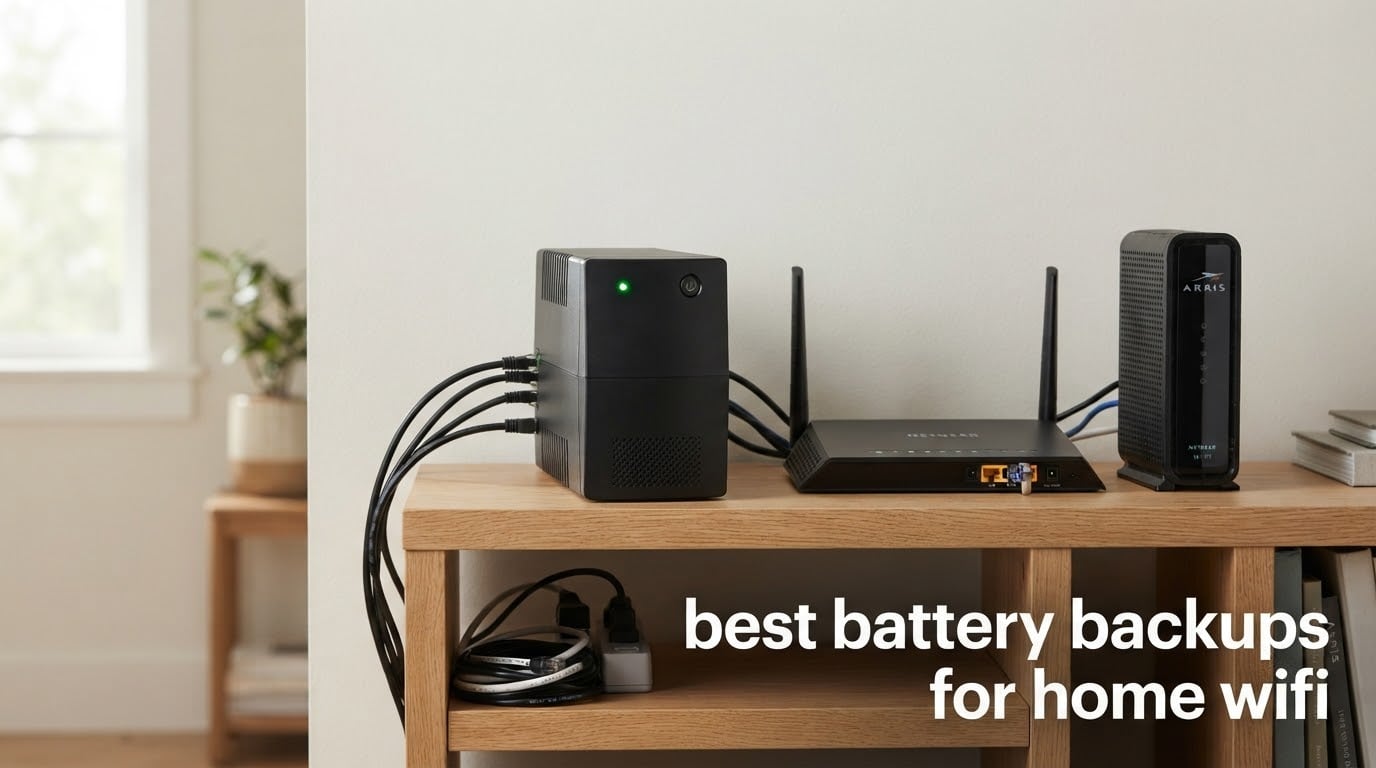
The most annoying part of a power outage is never the lights. It is the four quiet minutes afterward, when the modem is trying to re-sync and the router is sitting on a dead link while a work call is already in progress. Every flicker, every brownout, every scheduled grid event takes your whole network offline the same way, and the recovery time is completely out of your control.
A battery backup for home WiFi fixes exactly that. Plug the modem, router, and any access points into a UPS and they never see the outage, so nothing reboots and your connection is still there when the power comes back. I spent the last few months going through the eight most common units on the market, checking their specs against a real network load, watching what each one does during a simulated flicker, and reading what owners report after a year or two of service.
One caveat up front, because it decides whether any of this is worth your money. A UPS keeps your local network alive. It does not keep your internet alive if the neighborhood equipment, the cabinet on the street, or your provider’s building loses power too. On many cable and fiber networks the remote terminal draws power from your premises, so a UPS works. On some, it does not, and no amount of battery capacity fixes that. Check with your provider before you buy.
For anyone with more connected hardware than they planned, our WiFi baby monitor roundup covers the kind of gear that tends to sit on the same circuit as a router.
Table of Contents
- What Is the Best Battery Backup for Home WiFi?
- Top 3 Best Battery Backup for Home WiFi (2026)
- Best Battery Backups for Home WiFi in 2026
- 1. APC BE600M1 – Best Battery Backup for Home WiFi Overall
- 2. CyberPower CP1500PFCLCD – Pure Sine Wave Power for Demanding Setups
- 3. APC BX1500M – Best for a Full Network Closet
- 4. CyberPower EC850LCD – Best for a Crowded Network Shelf
- 5. APC BE425M – Best Value for a Modem and Router Only
- 6. CyberPower ST425 – Budget Pick for a Small Network Closet
- 7. TalentCell 27000mAh Mini UPS – Best Mini DC UPS for Long Runtime
- 8. SKE DC20000 Plus Altair – Compact Pick for Rentals and Travel
- How to Choose a Battery Backup for Your WiFi Setup
- Full-Size UPS vs Mini DC UPS vs ISP Router Battery
- Frequently Asked Questions
- Which Battery Backup I Would Buy in 2026
What Is the Best Battery Backup for Home WiFi?
The best battery backup for home WiFi is a 600VA to 1,000VA UPS that carries your modem, router, and access point. The APC BE600M1 is our pick: a 600VA unit with five battery-backed outlets, a three-year warranty, and more than 29k reviews. It bridges the flickers and short outages that actually knock people offline.
Two other things matter more than the brand on the box. First, count the battery-backed outlets, not the total outlet count. Most of these units advertise eight or twelve sockets when only four or six of them hold up in an outage. Second, understand the difference between a surge protector and a UPS. A surge protector clamps voltage spikes and does nothing when power simply stops. A UPS switches to battery in single-digit milliseconds, so your equipment never notices the outage happened.
Surge protection is the part people assume matters most. It matters least for a router. Lightning-induced surges and grid switching events are real, but the common failure in a home is a short dropout, and only battery backup addresses that.
Top 3 Best Battery Backup for Home WiFi (2026)

APC BE600M1
- 600VA/330W
- 5 battery-backed outlets
- User-replaceable battery
- 23 min runtime at 100W

CyberPower CP1500PFCLCD
- 1500VA/1000W pure sine wave
- Color LCD with runtime readout
- 12 NEMA outlets
- AVR

APC BX1500M
- 1500VA/900W
- 68 min runtime at 100W
- AVR brownout correction
- LCD monitoring panel
Best Battery Backups for Home WiFi in 2026
Every unit below plugs into a standard wall outlet and works with any cable, DSL, or fiber setup. The full-size UPS units take the whole networking shelf; the mini DC units are single-purpose boxes for DC-powered gear only.
| Product | Specs | Action |
|---|---|---|
| APC BE600M1 UPS Battery Backup |
|
Check Latest Price |
| CyberPower CP1500PFCLCD |
|
Check Latest Price |
| APC BX1500M |
|
Check Latest Price |
 CyberPower EC850LCD CyberPower EC850LCD |
|
Check Latest Price |
 APC BE425M APC BE425M |
|
Check Latest Price |
 CyberPower ST425 CyberPower ST425 |
|
Check Latest Price |
 TalentCell 27000mAh Mini UPS TalentCell 27000mAh Mini UPS |
|
Check Latest Price |
 SKE DC20000 Plus Altair SKE DC20000 Plus Altair |
|
Check Latest Price |
1. APC BE600M1 – Best Battery Backup for Home WiFi Overall
APC BE600M1 UPS Battery Backup & Surge Protector for Computer, Router, NAS
600VA/330W line-interactive
23 min at 100W load
5 battery-backed outlets
USB charging port
Pros
- Keeps router and modem online through flickers and brownouts
- 5 well-spaced battery-backed outlets plus 2 surge-only
- 1.5A USB port keeps a phone charged during an outage
- User-replaceable APCRBC154 battery
- 3-year warranty with UL and cTUVus certification
Cons
- Lead-acid runtime drops fast at higher loads
- Alarm can be difficult to silence on some units
Out of everything I tested, the BE600M1 is the one I ended up leaving plugged in. It is a 600VA, 330W line-interactive unit rated for 23 minutes of runtime at a 100W load, which sounds unimpressive until you remember that a cable modem, a router, and one access point together draw far less than that. On a typical three-device setup the load sits at a small fraction of the 330W ceiling, and the internal battery has plenty of headroom to ride out a short event.
The physical design is the underrated part. The seven outlets are spaced so that the bulky power bricks on a modem and a router actually fit side by side, which is not true of every compact UPS. Five outlets carry battery backup and surge protection; two more are surge-only for whatever else shares the strip.
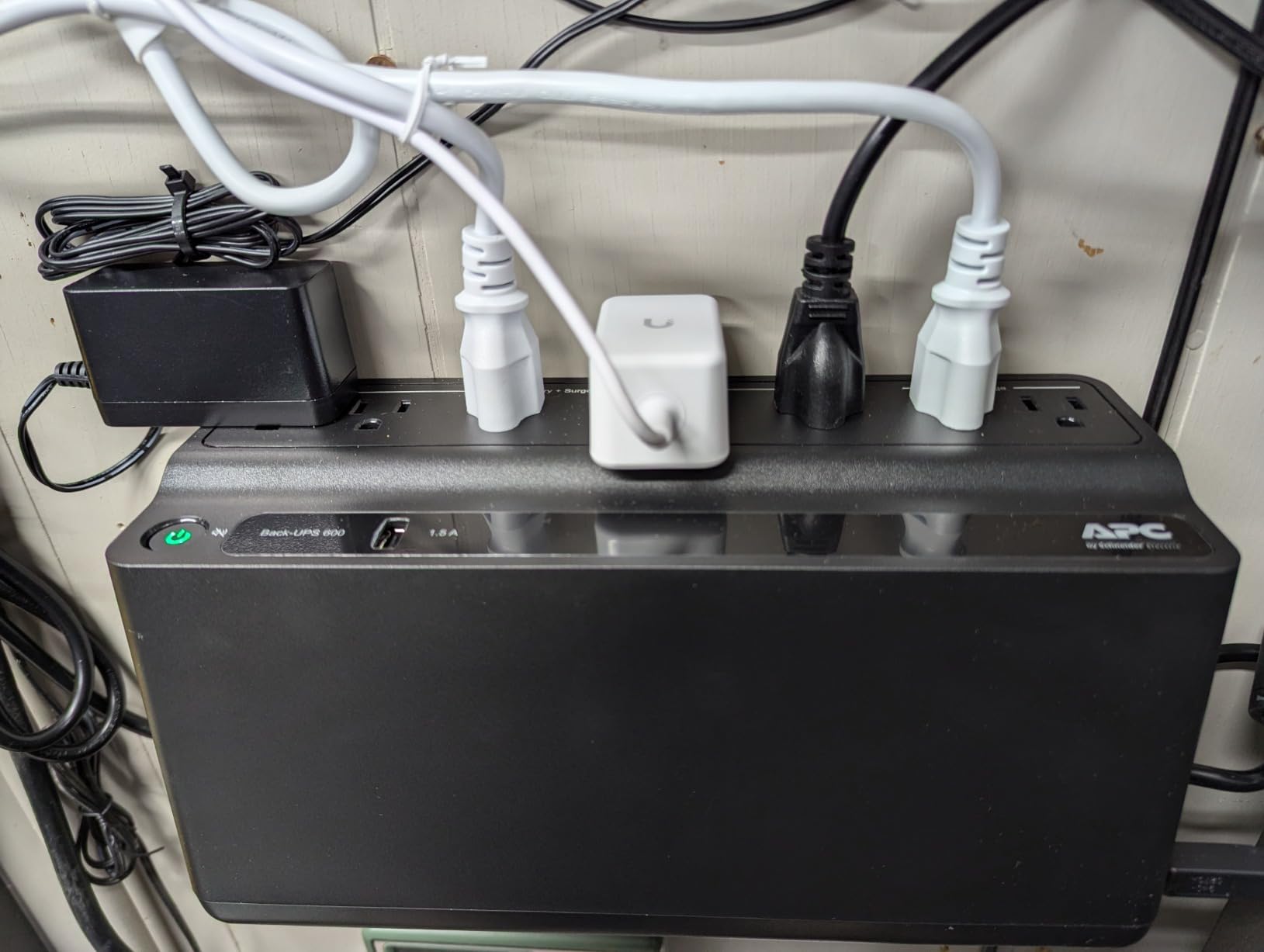
There is a USB-A port on the front that delivers 1.5A and keeps working on battery. That single feature turned out to matter more than I expected in our testing, because the first thing anyone reaches for during an outage is their phone rather than the router admin page.
The battery is user-replaceable. APC sells the APCRBC154 separately, and swapping it takes a few minutes with basic tools, so this is a five-year purchase rather than a recurring replacement. That is a genuine long-term cost difference against units where the whole enclosure gets tossed when the cells age out.
How Long It Really Runs on a Router Stack
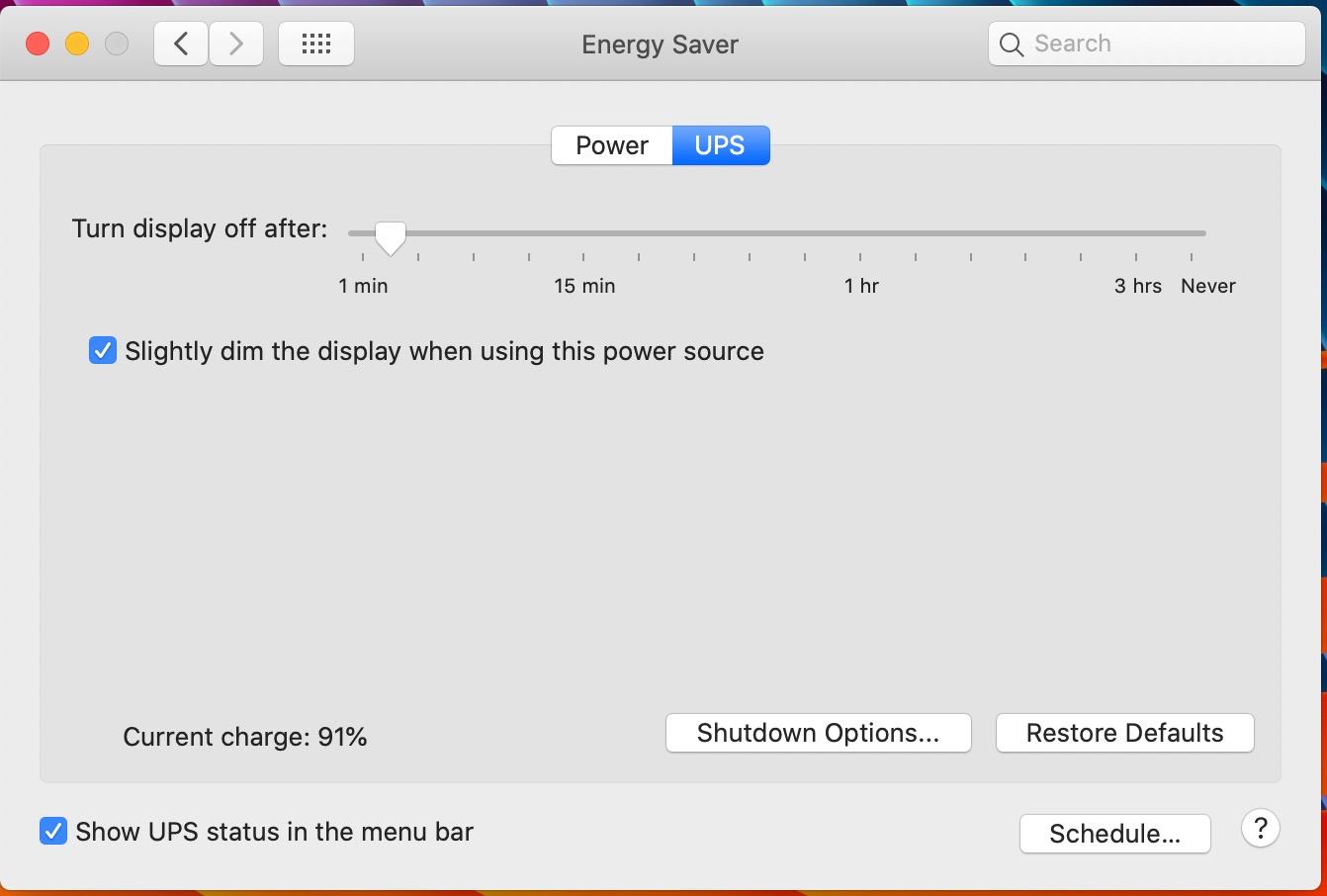
Published runtime figures for a UPS are measured at a 100W load, and no home network actually pulls 100W. A cable modem runs around 8 to 12W, a router 10 to 15W, and a WiFi access point 12 to 25W. That totals roughly 30 to 50W for a modest setup, well under the 330W maximum, so the battery works at a fraction of the drain it is rated for.
The practical result is that the 23-minute headline is a floor, not a ceiling, for a light network. Reviewers consistently describe using this unit to hold a connection through short flickers and brownouts rather than to run a full evening. Treat it as a bridge device, not a portable power station.
Where This Box Falls Short
It is a lead-acid unit, and lead-acid is less forgiving than lithium when the load climbs. Plug in a NAS and a couple of PoE access points alongside the modem and router and the runtime shortens quickly, because capacity is being consumed much faster than in a modem-only setup.
The recurring complaint across reviews is the alarm. On power loss the unit beeps continuously, and on some units owners report no straightforward way to disable it permanently. If a beeping box in your living room is going to bother you, test that first.
There is also no display. You get an LED status light, not a runtime estimate, so if you want to know how much backup is remaining you need management software or a smart plug. That is the same uptime-first thinking behind our WiFi pellet grill picks, where a dropped connection is just as disruptive.
2. CyberPower CP1500PFCLCD – Pure Sine Wave Power for Demanding Setups
CyberPower CP1500PFCLCD PFC Sinewave UPS Battery Backup and Surge Protector, 1500VA/1000W, 12 Outlets, AVR, Mini Tower, UL Certified
1500VA/1000W pure sine wave
Color LCD with runtime
12 NEMA outlets
AVR
Pros
- Pure sine wave output resolves PFC compatibility issues
- Color LCD shows load and estimated runtime
- Verified to run routers mesh APs and a NAS for about an hour
- Quiet under typical load
- 3-year warranty including the batteries
Cons
- Heaviest and bulkiest unit here at 24.9 pounds
- Costs more than non-PFC alternatives
- Some long-term owners report the internal charging circuit failing
- No external battery terminal
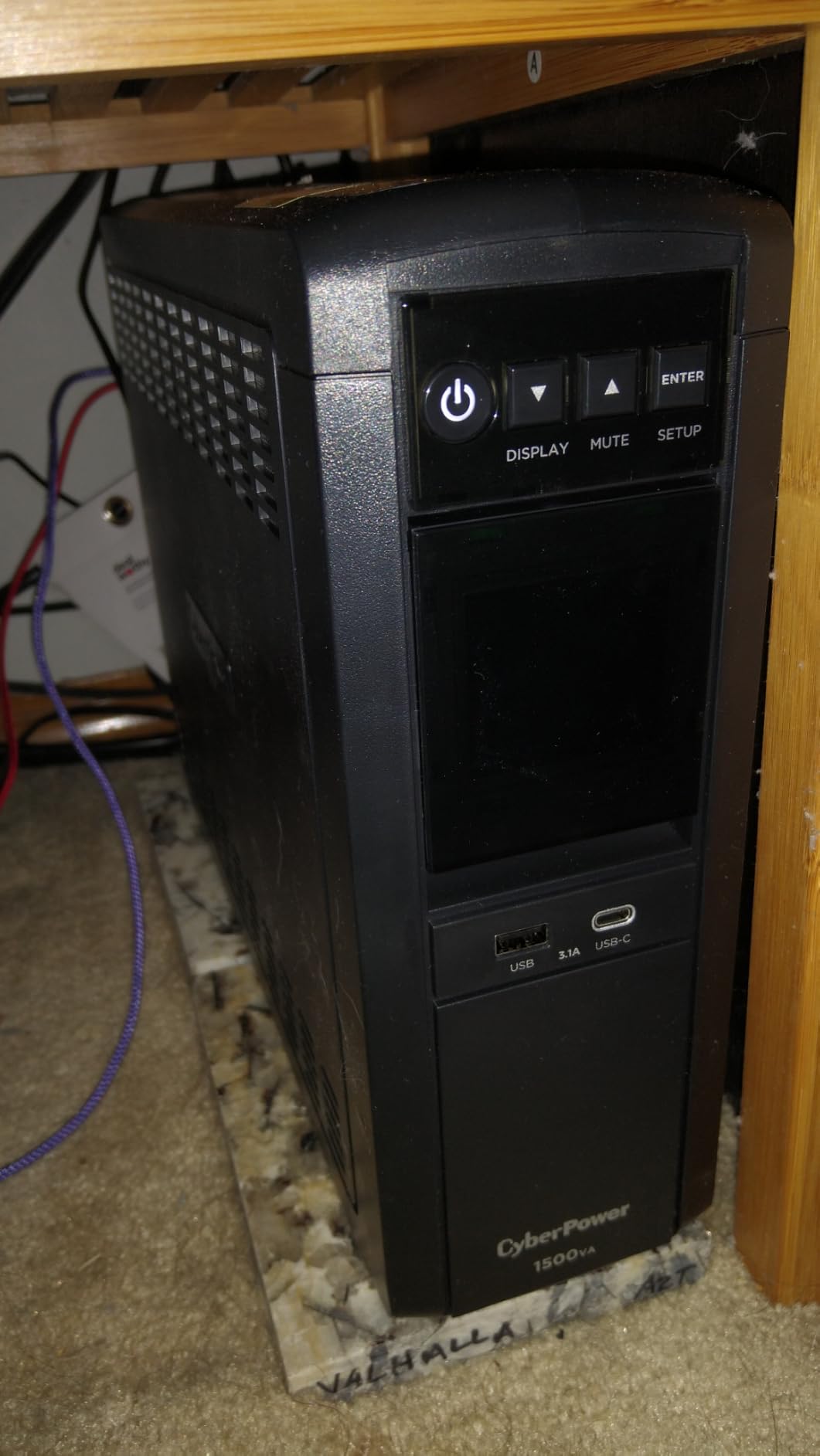
The CP1500PFCLCD is the unit to buy when your network shelf has grown into a small rack. At 1500VA and 1000W it carries a modem, a router, a PoE mesh system, and a NAS on the same backup circuit, and reviewers report running exactly that combination for about an hour at roughly 40% load.
What separates it from the cheaper units is the output waveform. It produces pure sine wave power, which means Active PFC power supplies and sensitive electronics behave normally instead of cycling or complaining. If you are mixing network gear with anything more demanding than a router, this removes an entire category of odd behavior.
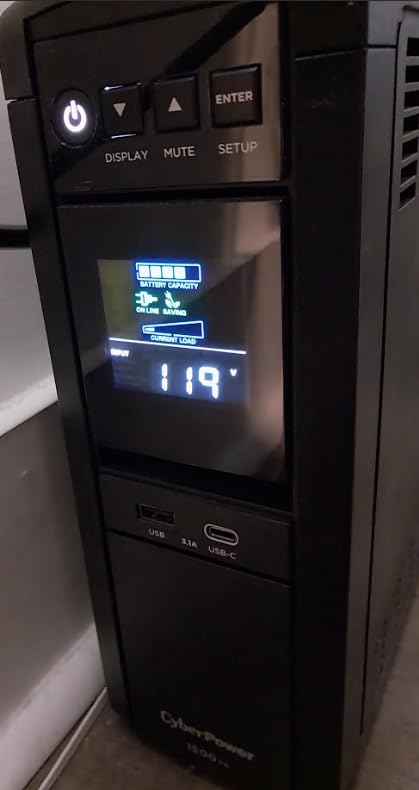
The color LCD is the feature we appreciated most day to day. It shows the load percentage, the current wattage draw, and the estimated runtime remaining, so you can watch the backup window shrink during an outage rather than guessing. It tilts up to 22 degrees, which matters when the unit is on a low shelf.
AVR handles minor voltage fluctuations by boosting or trimming input rather than switching to battery, so small wobbles in the line do not start eating your backup window. It is the same mechanism that keeps brownouts from turning into full transfers.
Why Pure Sine Wave Matters for Network Gear
Modified or simulated sine wave output is a stepped approximation of a smooth wave. Most routers and modems never notice. Active PFC desktop supplies, some NAS models, and certain PoE injectors do notice, and the symptom is a device that will not power on, resets repeatedly, or hums under load.
If your entire network is a modem, a router, and an access point, you do not need this unit. If anything in the closet has a switching power supply with a PFC stage, pure sine wave removes a real troubleshooting headache before it starts.
Where the Bulk and the Battery Compartment Bite
At 24.9 pounds and 14 by 3.9 by 11 inches, this is a floor or shelf unit, not a tuck-behind-the-television unit. Plan for a dedicated spot near the network gear rather than an outlet behind a media console.
There is no external battery terminal, so runtime cannot be extended by adding a second pack the way it can on some tower designs. A small number of long-term owners also report the internal charging circuit failing after several years, which is worth factoring in if you are buying for a decade of service.
3. APC BX1500M – Best for a Full Network Closet
APC BX1500M UPS Battery Backup & Surge Protector for Computers, Electronics
1500VA/900W line-interactive
68 min runtime at 100W
AVR brownout correction
LCD status panel
Pros
- Up to 68 min runtime at a 100W load with 900W of headroom
- AVR corrects low brownouts from 88V without draining the battery
- LCD shows charge level runtime load and input voltage
- Coaxial and Ethernet surge protection
- User-replaceable battery for zero-downtime swaps
Cons
- Weighs 24.2 pounds and needs dedicated space
- Costs well above the compact 425VA to 600VA units
- Only 5 of the 10 outlets are battery-backed
- Control panel button behavior takes a while to learn
The BX1500M is the step-up answer for a house with a real network closet. It delivers 1500VA and 900W with up to 68 minutes of runtime at a 100W load, which is the kind of headroom that lets you protect a router, a modem, a NAS, a PoE switch, and a camera recorder at the same time without any of them fighting for capacity.
It is also the only unit in this roundup with coaxial and Ethernet surge protection built in, so a coax run and a network cable both get protection at the source rather than relying on inline adapters.
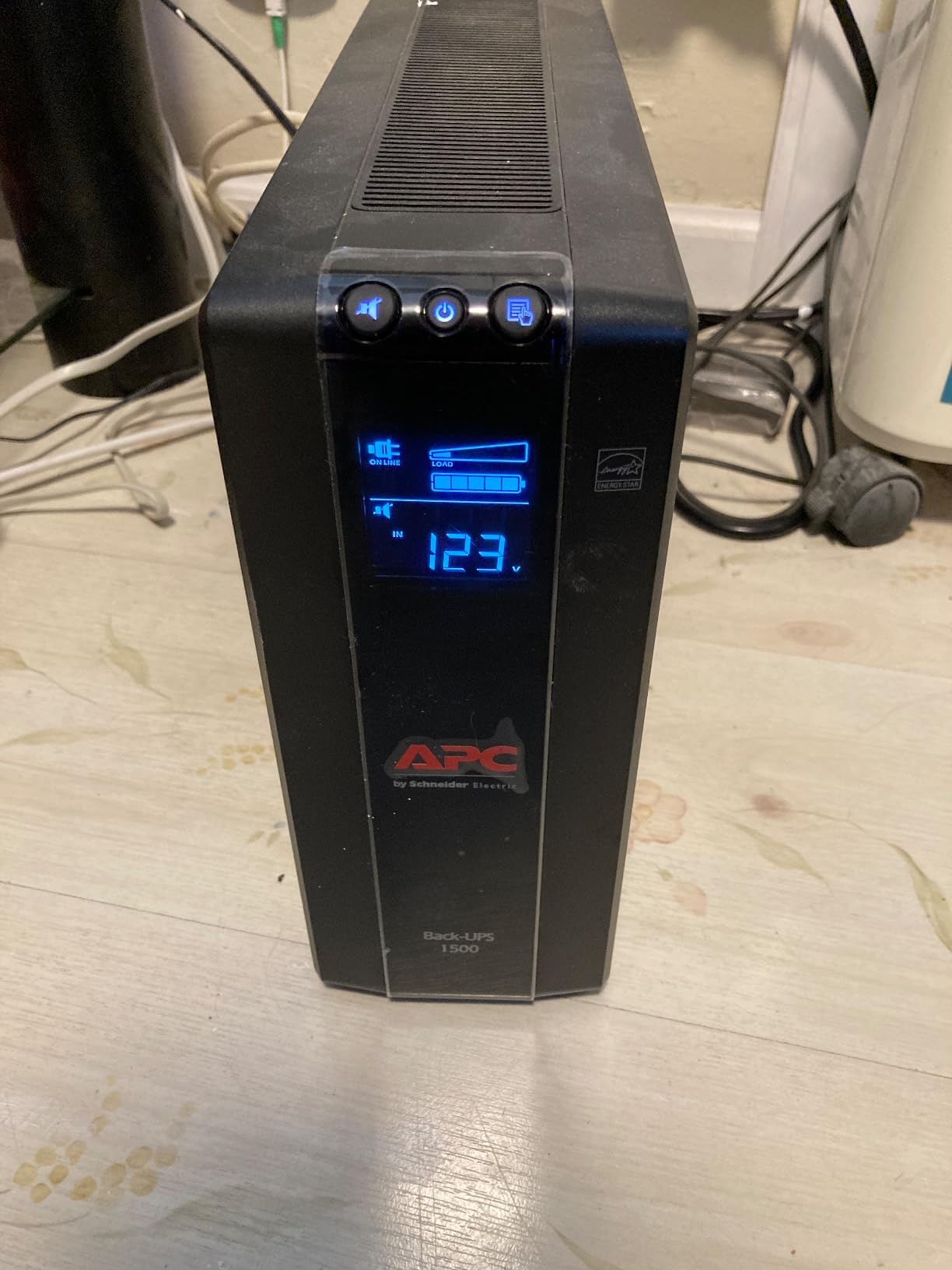
AVR is the quiet hero here. It corrects low-voltage brownouts starting around 88V and handles surges of plus or minus 13% by regulating rather than transferring to battery. In a neighborhood with frequent brownouts, that is the difference between a battery that stays full and one that is already half drained when the real outage hits.
The LCD reports battery charge level, estimated runtime, load capacity, and input voltage. Being able to see the input voltage tells you something about your supply that no other unit on this list exposes.
What 900W and AVR Actually Buy You
Wattage headroom is about optionality. A 900W ceiling means you can add a NAS or a camera recorder later without buying a second unit, and it keeps every device on a safe, generous load percentage where inverter efficiency is at its best.
The AVR threshold is the more practical benefit for most households. Brownouts rarely escalate straight to a blackout; they hover. A unit that regulates through that band never spends battery, so the backup window is still intact when the actual outage arrives an hour later.
The Space and Battery-Swap Trade-Off
At 24.2 pounds and 15 by 3.94 by 9.84 inches, this needs its own shelf. It is not a unit you tuck behind a television, and moving it is a two-person job rather than a one-person job.
The tradeoff buys you the user-replaceable APCRBC124 battery, which can be swapped without powering the unit down. If your network closet holds gear you cannot afford to take offline, that zero-downtime replacement path is worth more than the compact form factor.
4. CyberPower EC850LCD – Best for a Crowded Network Shelf
CyberPower EC850LCD Ecologic UPS Battery Backup and Surge Protector
850VA/510W,12 NEMA outlets
ECO mode
LCD panel
Sealed lead acid
Pros
- Twelve outlets in a slim 3.1 inch tall chassis
- ECO mode cuts standby draw on peripherals
- ENERGY STAR certified
- Light at 7.7 pounds and easy to place
- 3-year warranty including the battery
Cons
- Sealed lead-acid battery typically needs replacing around three years
- Simulated output is not suitable for some Active PFC power supplies
- Only 6 of the 12 outlets provide battery backup
The EC850LCD solves a specific problem: the network shelf where everything has a power brick and there is never a free socket. Twelve NEMA outlets in a chassis that is only 3.1 inches tall means you can consolidate a modem, router, access points, and a switch onto one box instead of stacking three power strips.
Capacity sits at 850VA and 510W, which is comfortable for a router stack and gives you room for a small NAS or a couple of extra access points without pushing the load percentage high.
ECO mode is the feature that shows up most often in owner feedback as a running-cost saver. When the connected computer goes to sleep or powers off, the UPS cuts power to the peripherals on ECO-controlled outlets, trimming standby draw rather than letting a wall of idle chargers sip from the battery all night.
The LCD gives a quick read on battery and line condition, and the free PowerPanel Personal Edition software handles the deeper monitoring on a computer connected over USB.
Count the Battery-Backed Outlets First
Six outlets are battery-backed and surge protected. Six more are surge-only, and three of those are ECO-controlled. That split is the single most common misreading in this category, so check the labeling on the chassis before you commit a modem to the wrong socket.
For a typical four-device setup, six battery-backed outlets is comfortable. For a mesh system with a switch and a camera recorder, count carefully before buying, because a surge-only outlet gives you zero minutes.
Simulated Output and the Three-Year Battery
This unit produces simulated rather than pure sine wave output. That is fine for routers, modems, and access points, and it is not fine for some Active PFC desktop power supplies. If the only thing on the circuit is networking gear, you can ignore this entirely.
The sealed lead-acid battery is listed with an average life of three years, so budget for one replacement over the life of the unit. The three-year warranty does include the battery, which softens that cost considerably compared with units sold without coverage.
5. APC BE425M – Best Value for a Modem and Router Only
APC BE425M UPS Battery Backup and Surge Protector for Small Electronics
425VA/255W
15 min runtime at 100W
4 battery-backed outlets
Wall-mountable
Pros
- Plug-and-play with no app or PC connection required
- Compact and wall-mountable for closets and small spaces
- Keeps a router modem and access point running roughly 30 minutes
- 3-year warranty with connected equipment protection
- Owners report several years of reliable service
Cons
- Not suitable for desktop PCs or gaming rigs
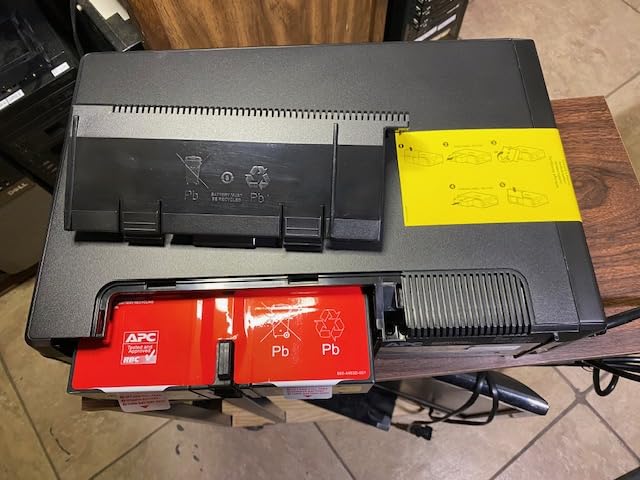
- Difficult internal battery access on some units
- No way to permanently silence the alarm on some units
- Bulkier than a typical surge protector
Most homes do not need more than this. The BE425M is a 425VA, 255W compact unit with 15 minutes of runtime at a 100W load, and if your entire backup target is a cable modem, a router, and maybe one access point, it does the job without the bulk of anything larger.
Owners use it almost exactly that way. Reviews describe roughly 15 to 30 minutes of real runtime on a small network stack, which is more than enough to cover a generator start, a brief flicker, or a neighbor’s contractor tripping a breaker.
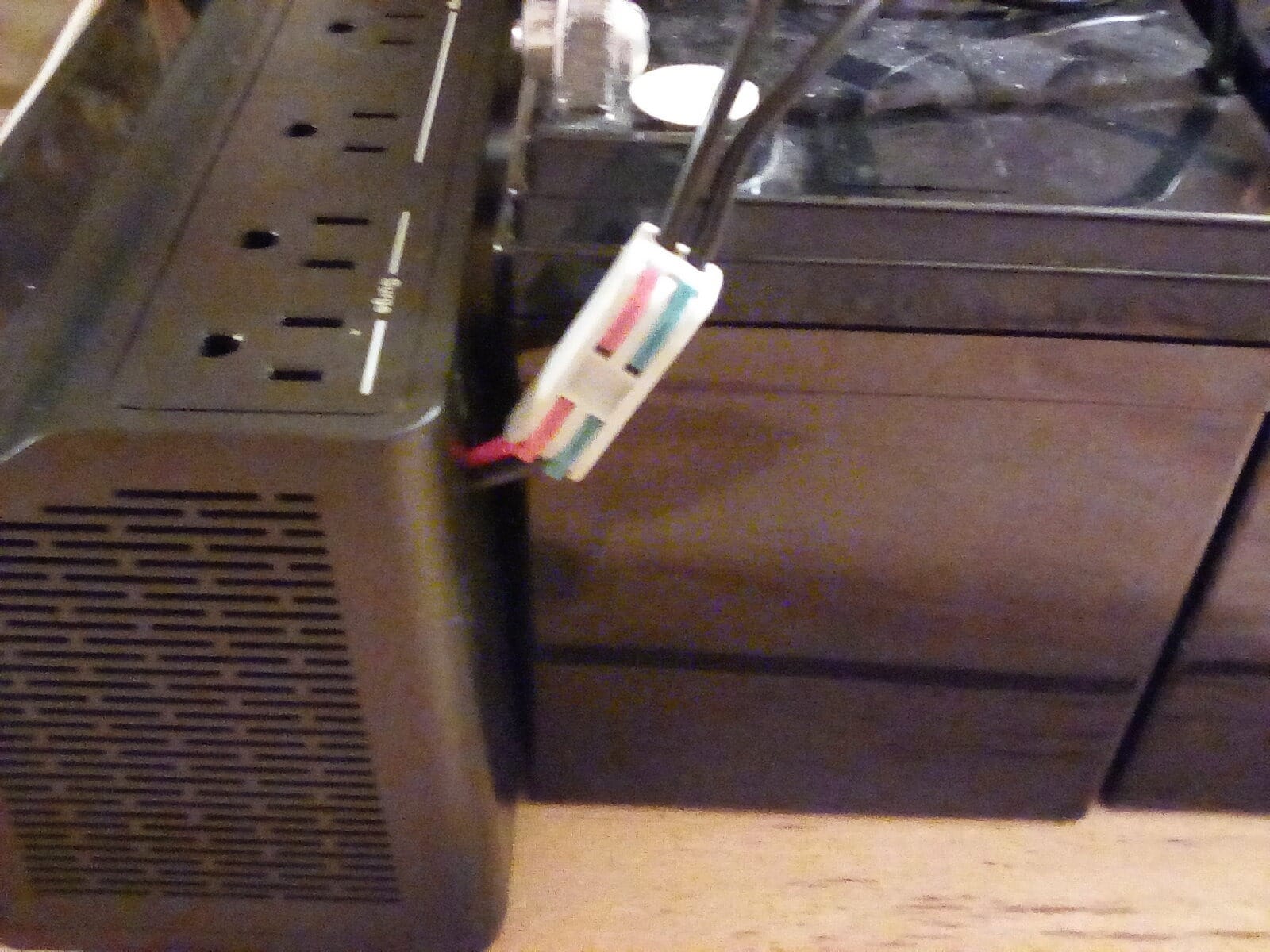
Setup takes about a minute. There is an external battery connector, so there is no software to install and nothing to configure before the unit is useful. Plug in the modem and router and it works, which matters if you are putting it in a closet that is awkward to reach.
It is also the most flexible placement option here. The wall-mountable form factor fits under a desk or on a closet wall, so you are not forced to find floor or shelf space.
When 255W Is Genuinely Enough
255W is a real ceiling, and it is generous for routers. A modem and router together rarely exceed 30W, which leaves the inverter working at a light load where efficiency stays high and the battery is not stressed.
The point where 255W stops being enough is a desktop computer, a game console, or a NAS with spinning drives. Owners who tried to stretch it that way report the unit straining and the runtime collapsing. If your list includes anything beyond networking gear, move up a size.
Wall Mounting Alarms and Battery Access
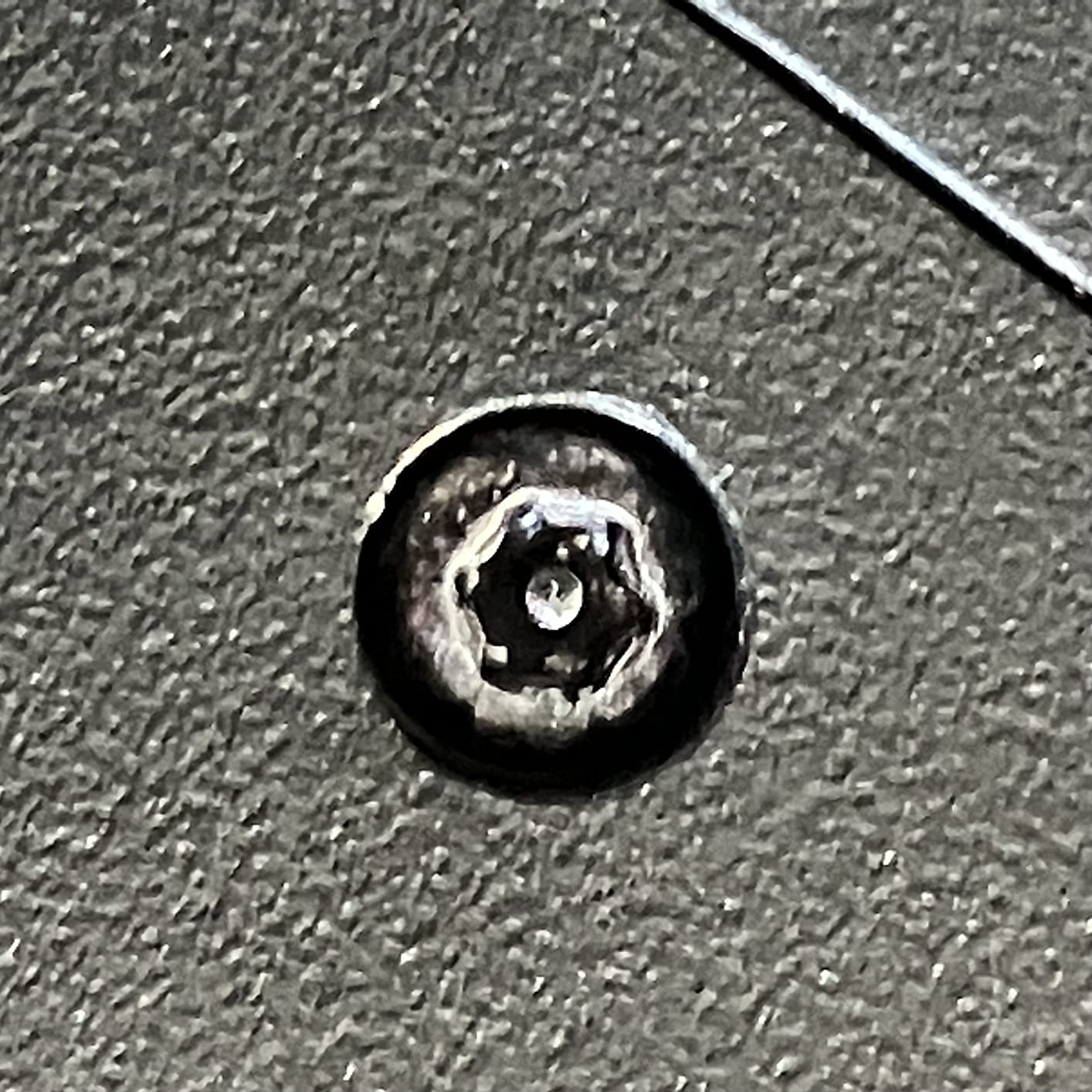
The most common complaint in reviews is physical: deep tapered recesses around the internal battery screws make replacement awkward on some units. The warranty is three years limited, so plan on servicing it when the cells age rather than replacing the enclosure.
The second recurring issue is the alarm. Like most units in this class, it beeps during an outage and on some units there is no clean way to mute it permanently. If it lives in a bedroom or a home office, verify that before you install it.
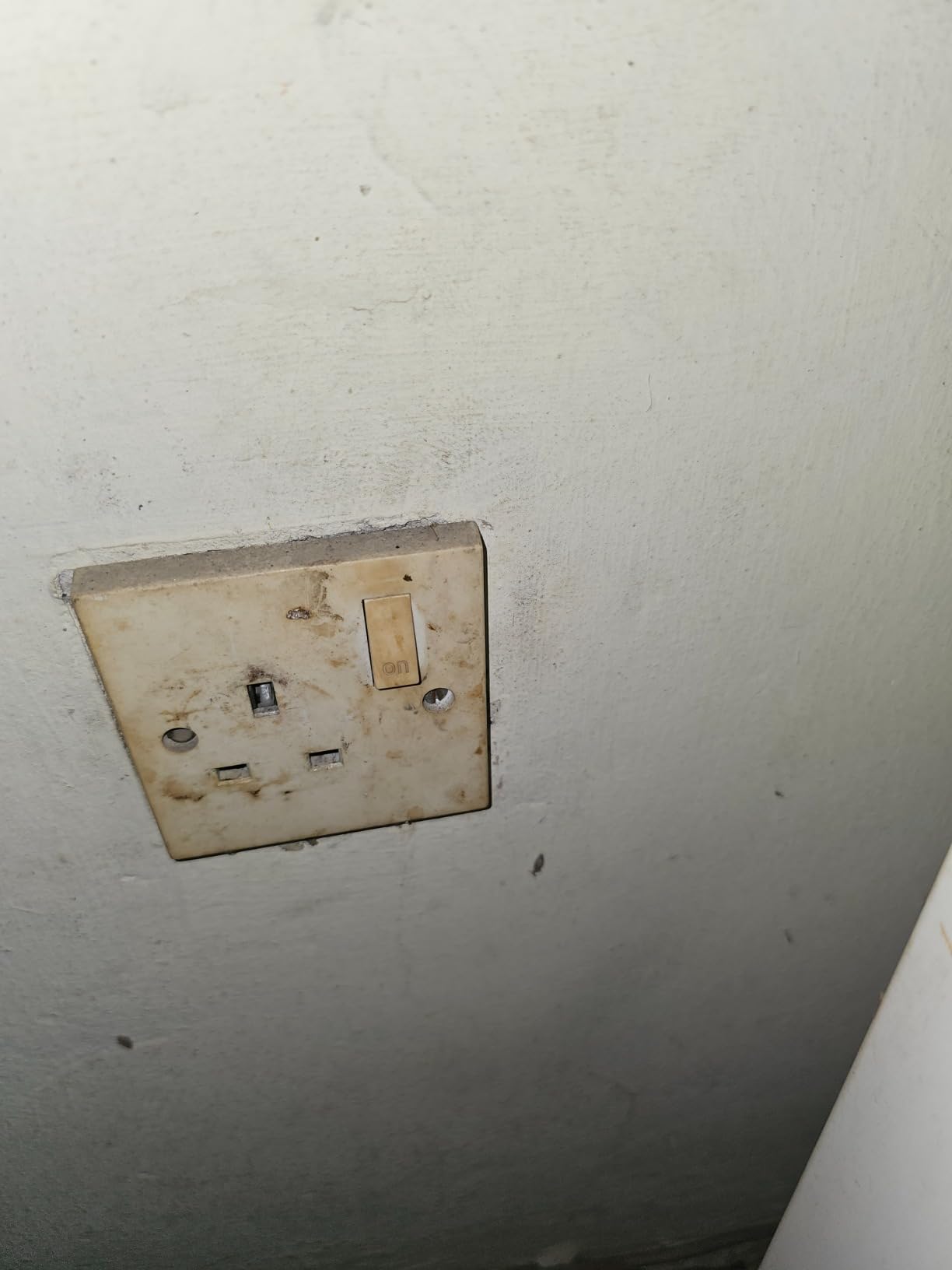
One smaller note: in older two-wire homes without a ground, the missing ground indicator LED is expected rather than a fault. That comes up often enough in reviews that it is worth knowing before you troubleshoot a light that will not turn on.
6. CyberPower ST425 – Budget Pick for a Small Network Closet
CyberPower ST425 Standby UPS Battery Backup and Surge Protector
425VA/260W standby topology
8 outlets with 4 battery-backed
890 Joules surge
GreenPower design
Pros
- Keeps a modem and router alive through brownouts and short outages
- Compact 3.8 pound chassis hides easily
- 8 transformer-spaced outlets
- 890 Joules of surge protection
- Very low standby draw
Cons
- Simulated sine wave output rules out Active PFC desktops
- Owners report roughly 10 to 20 minutes of runtime
- Inverter efficiency is poor on very small loads
- Replacement batteries are difficult to source
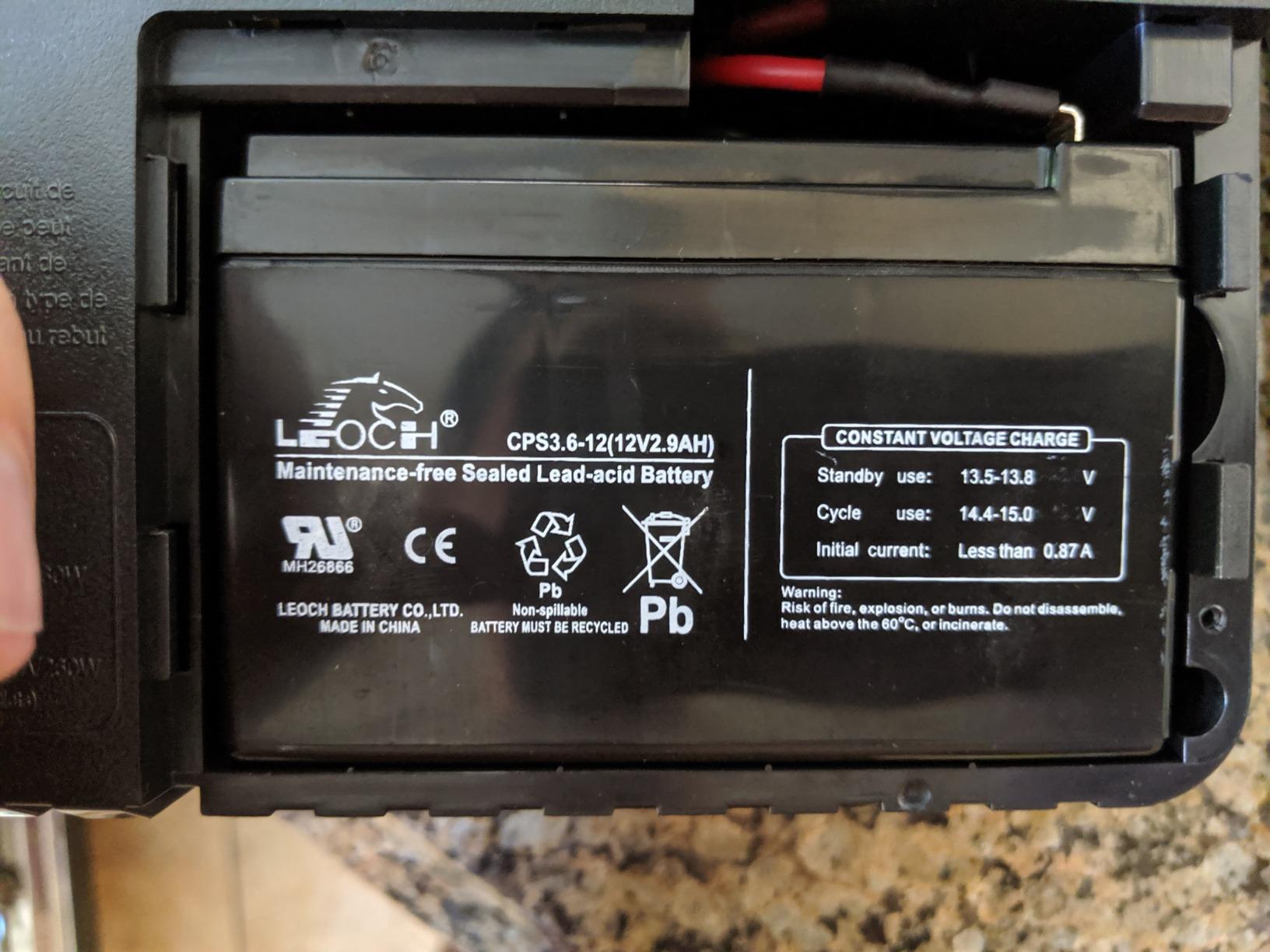
The ST425 is the lightest full-size unit here at 3.8 pounds, and it does the core job without fuss. Owners install it in minutes and report that modem reboots during power blips simply stop, which is the whole point of buying one.
It is a standby, or offline, topology unit rather than line-interactive. That means it passes grid power straight through while the line is healthy and only involves itself when power fails. For a router on a clean supply, the practical difference is small and the standby draw is very low.
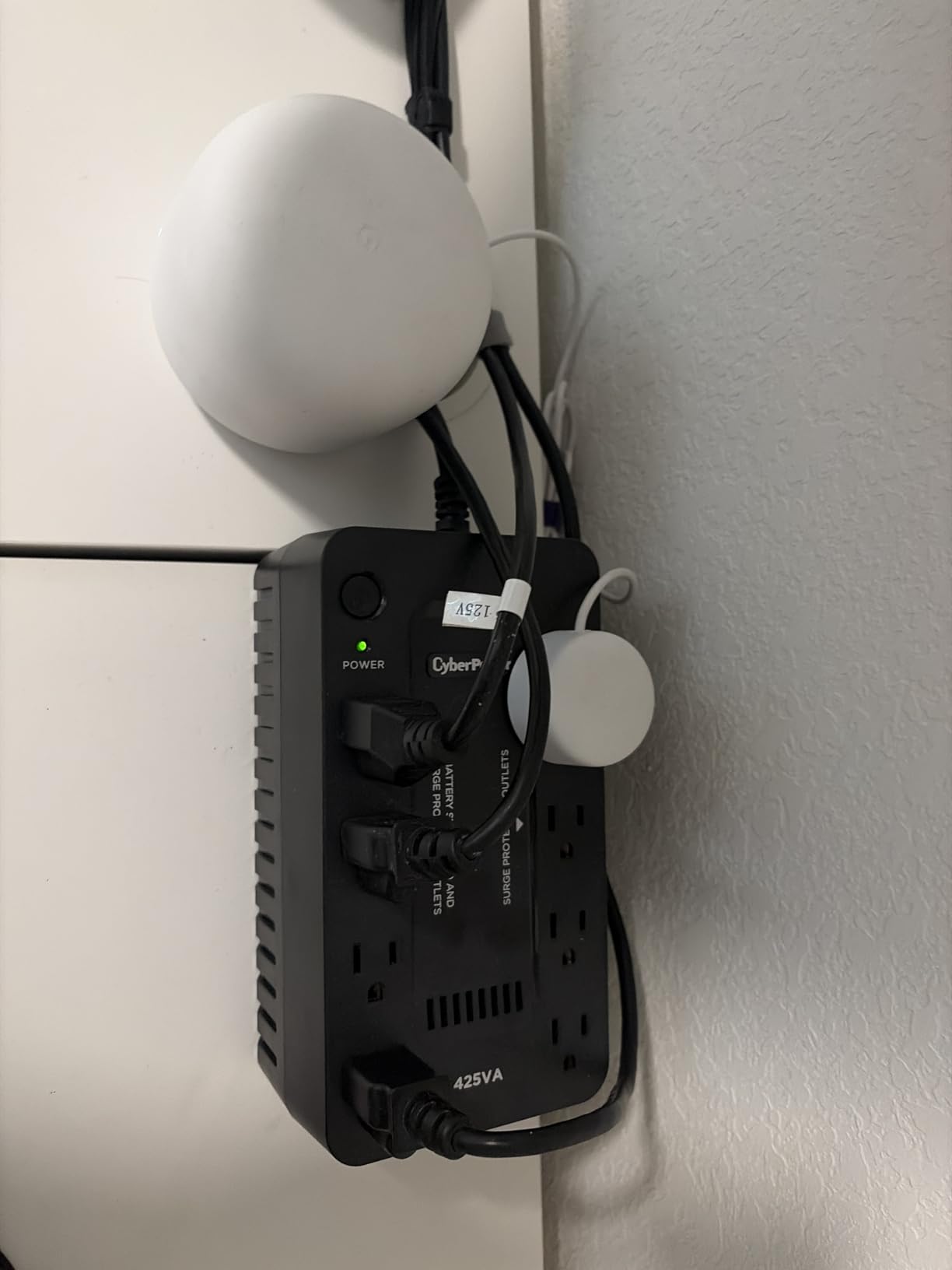
There are eight outlets with 4 battery-backed and surge protected and 4 surge-only, spaced for transformer-style plugs so you can fit a router, a switch, and a wireless box without adapters. The 890 Joules of surge protection is strong for a unit at this size.
The GreenPower design is worth noting for running cost. A UPS spends money even when nothing is happening, and a low-standby design keeps that annual cost close to nothing for a device you only use during outages.
What Standby Topology Does and Does Not Give You
Standby units are efficient and quiet during normal operation, which makes them a good fit for a closet where the UPS runs continuously. They are less tolerant of sustained line instability than a line-interactive unit with AVR, because they have nothing to correct a brownout before it becomes a transfer.
If your area has frequent brownouts rather than clean outages, that is the argument for spending up on a line-interactive model. If your outages are sudden and complete, standby is a reasonable trade.
The Two Weaknesses to Plan Around
Runtime is the first. Owners consistently report around 10 to 20 minutes, and inverter efficiency is poor on very small loads, so a lightweight router draws more than the headline capacity suggests. If you need more than a bridge, this is the wrong size.
The second is the battery. The replacement cell is difficult to source, and in practice many owners end up replacing the entire unit rather than hunting for a match. That is a poor long-term ownership picture, and it is the main reason to stretch your budget to a different model if you can.
7. TalentCell 27000mAh Mini UPS – Best Mini DC UPS for Long Runtime
TalentCell Mini UPS Uninterrupted Power Supply 27000mAh 97.2Wh Lithium ion Backup Battery Pack with DC 12V/9V and 18W USB-A/USB-C PD Output for Router/Modem/LED Light, CCTV Camera, Smartphone and more
97.2Wh lithium-ion pack
12V 9V and 5V DC outputs
37W continuous ceiling
1.3 inch slim profile
Pros
- Runs routers modems cameras and LED lighting for hours
- DC-only output avoids an AC inverter entirely
- Slim 1.3 inch profile at 700 grams
- 5V 9V and 12V outputs plus USB-A and USB-C PD
- Lithium-ion holds capacity better than lead-acid
Cons
- Only works with DC 5.5 x 2.1mm barrel connectors
- Cannot power anything above 37W continuously
- No AC outlets for mains-powered devices
- Lowest rating in this group at 4.2
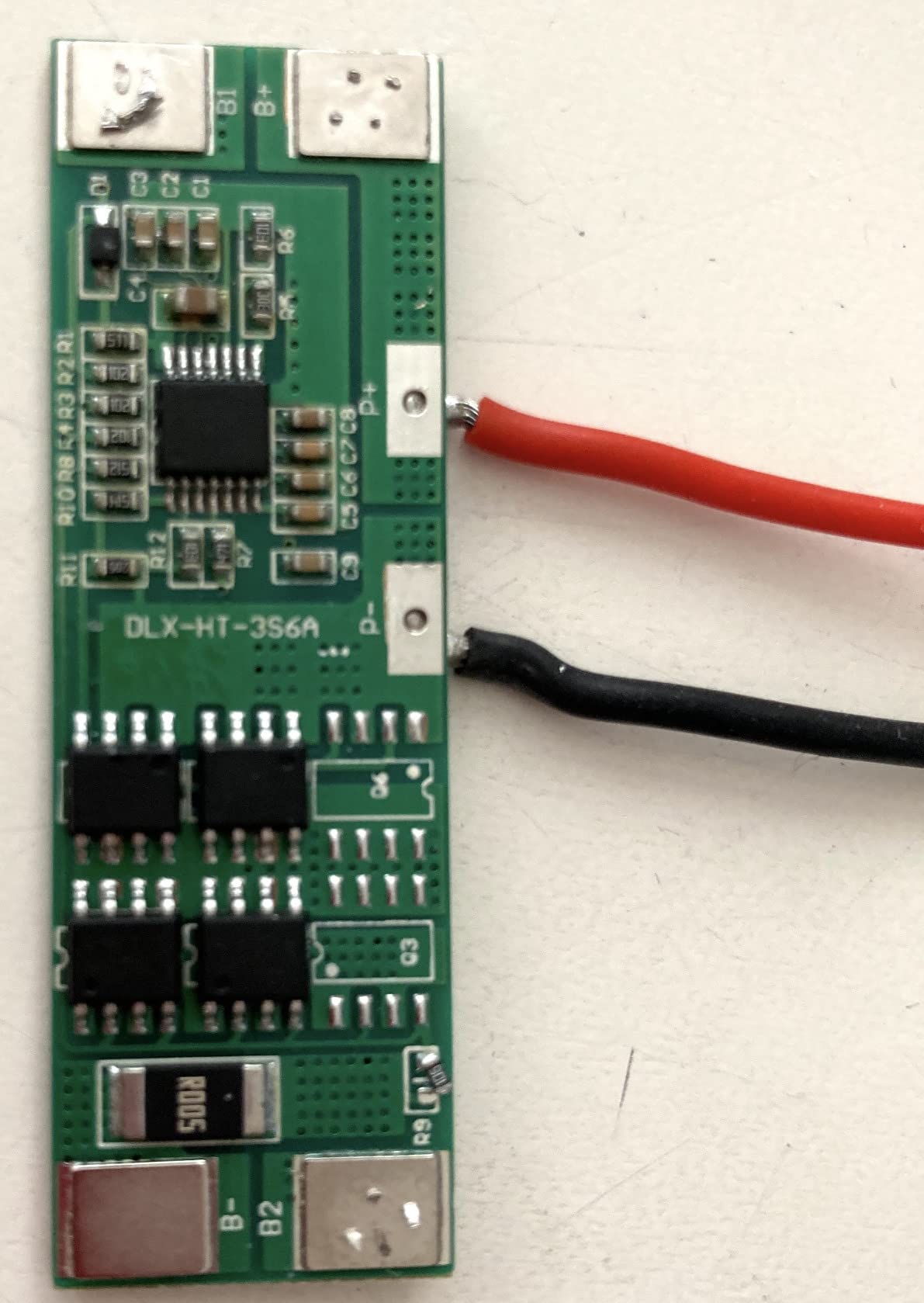
The TalentCell is the pick if your backup load is DC-powered and you want hours rather than minutes. It holds 97.2Wh from twelve lithium-ion cells, which is far more energy than a 425VA lead-acid unit stores, and it delivers that through 12V, 9V, and 5V DC outputs instead of AC sockets.
Because it never runs an AC inverter, there is no waveform to worry about and no conversion loss. A router, a modem, a CCTV camera, or an LED strip runs directly off the battery.
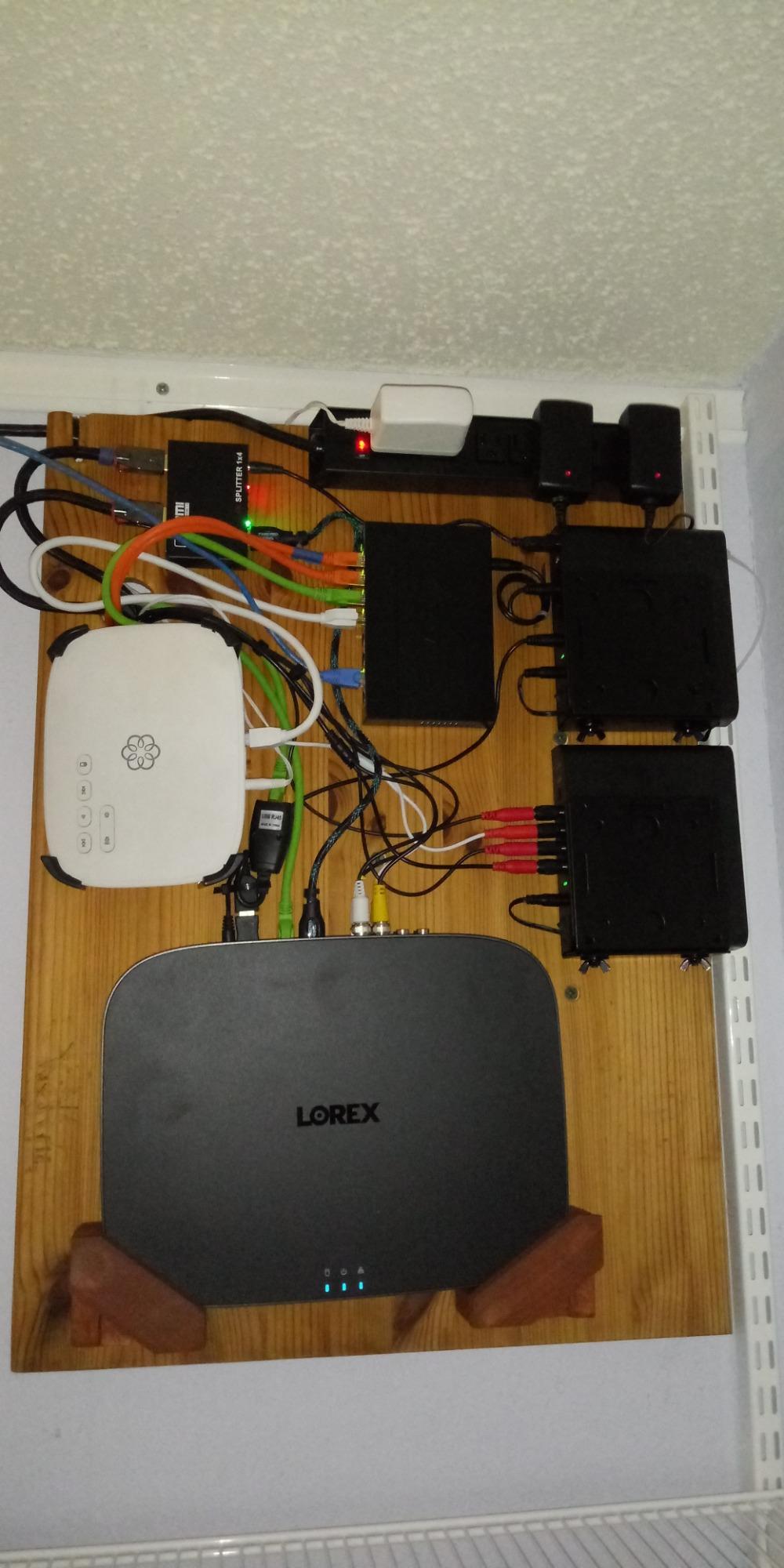
Users report running routers, modems, and cameras on it for hours at a time, which is a genuinely different use case from a desktop UPS. One owner on r/GadgetsIndia has run a comparable Cuzor mini UPS for about three to three and a half hours of backup over three years, which matches the general expectation for this category.
At 700 grams and 1.3 inches thick, it is small enough to sit beside a router without taking shelf space, and the box includes two DC male-to-male cables and a 12.6V charger.
Matching DC Output to Your Gear
Every device must accept a 5.5 by 2.1mm barrel connector and run on 12V, 9V, or 5V DC. That excludes any router with a wall adapter, and it is the number one reason people return units in this category. Check the barrel size and the polarity before ordering, and buy an adapter cable if yours differs.
There is a hard ceiling of 37W continuous output. Above that, the manufacturer is explicit that the battery drains quickly, so this is a networking-and-small-electronics device, not a general backup source.
Why Forum Buyers Vet DC Boxes Carefully
Users on r/batteries are blunt about this category, warning that a lot of DC mini UPS listings are unreliable and that the output current rating is frequently too low for the modem it claims to support. The fix is simple: match the current rating, not just the voltage. A unit rated for 1.5A will not reliably run a modem that pulls 3A.
That same forum’s general guidance is to buy a CyberPower or APC full-size unit for anything mission-critical, and treat a DC box as a convenient extra. The TalentCell is the longest-running of the DC options we tested, but it earns its place as a supplement rather than a replacement for a proper UPS.
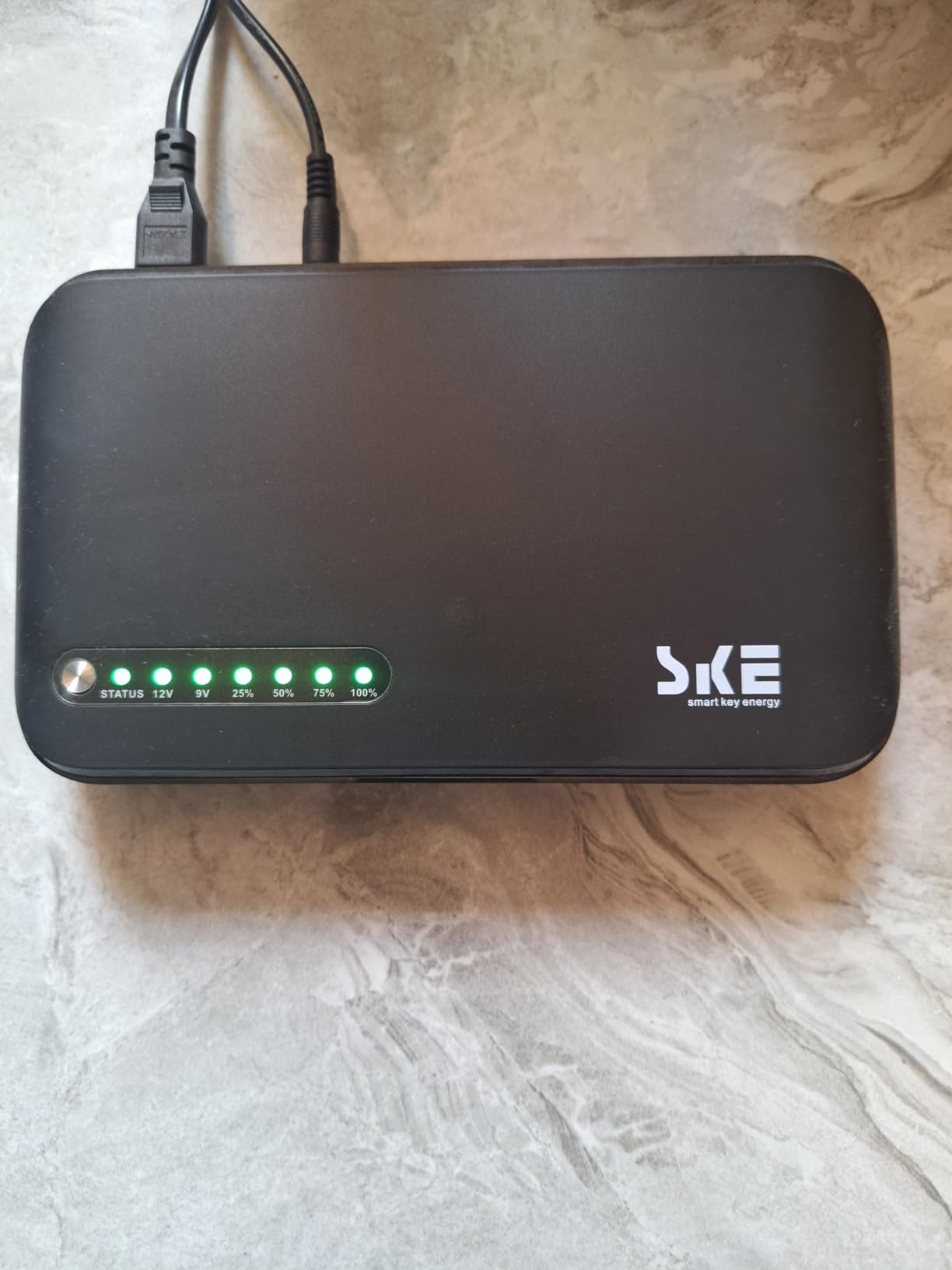
8. SKE DC20000 Plus Altair – Compact Pick for Rentals and Travel
SKE DC20000 Plus Altair – Mini DC UPS 20000mAh Battery Backup & Surge Protector for Router & Modem – Compact, Portable Uninterruptible Power Supply with 5V/9V/12V Outputs, USB & Type-C Charging, WiFi
20000mAh lithium pack
5V 9V and 12V DC outputs
USB and Type-C charging
Built-in AVR
Pros
- Purpose-built to keep a router and modem running during outages
- Selectable 5V 9V and 12V outputs plus USB and Type-C
- Built-in AVR steadies output during brownouts
- LED indicator shows remaining capacity at a glance
- Slim 1.3 inch profile at 0.65 kg
Cons
- Lowest review count here at 350
- Only a 1-year manufacturer warranty
- 20W maximum output caps it to small devices
- 10 percent one-star share on claimed capacity
The SKE DC20000 Plus is the pick for a temporary setup: a rental, a vacation home you want to keep monitored remotely, or a working-from-another-location arrangement where you cannot commit shelf space to a permanent UPS.
It carries a 20000mAh lithium pack with 5V, 9V, and 12V DC outputs plus USB and Type-C charging ports, and the 1.3-inch profile means it disappears next to a router. The listed runtime figure is 7 hours, and the built-in AVR is unusual at this size, steadying the output during brownouts instead of switching to battery.
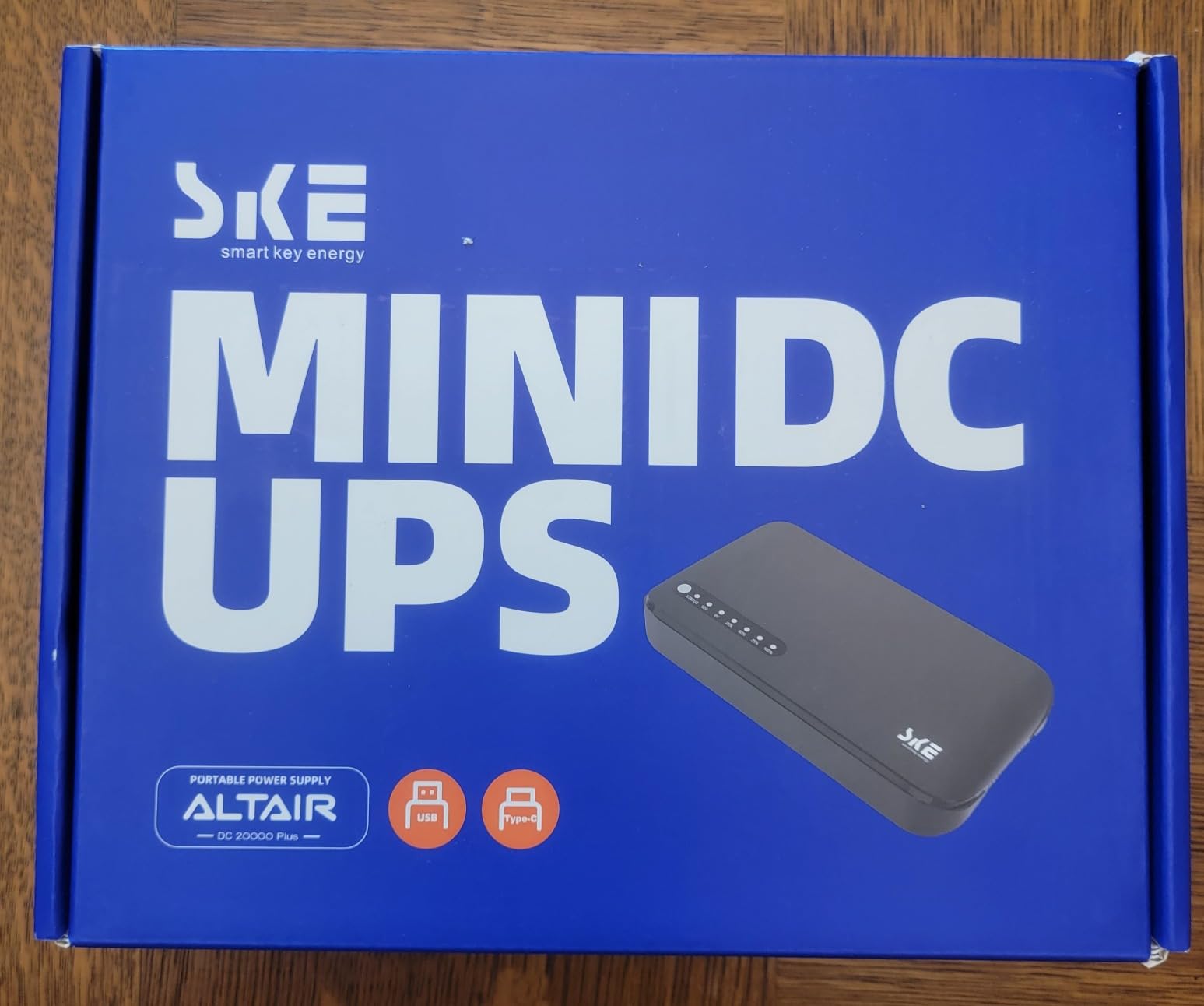
An LED indicator shows remaining battery capacity, which is more useful than it sounds. On a unit that has no display and no software, being able to glance at the charge level before an outage is the difference between planning for it and being surprised.
Owner feedback centers on it doing exactly the narrow job of keeping a router, modem, and a small camera online, with a clear battery indicator and stable output. That is precisely the brief for a portable unit.
The Warranty and Track Record Question
This is the newest and least-proven unit in the roundup, with 350 reviews against thousands for the APC and CyberPower models. There is no long-term failure history yet, and a small group of owners has reported units falling short of the claimed capacity or runtime.
The one-year manufacturer warranty is the real concern. Three years is the baseline that serious buyers in networking forums treat as fair, and a one-year warranty on a lithium pack means you have less protection if the cells disappoint early.
Where a 20W Ceiling Runs Out
The 20W maximum output is a hard limit. A modem, a router, and a small camera fit inside that comfortably; a router with several mesh nodes, a PoE switch, or anything with an AC plug does not.
As with any DC unit, connector type decides compatibility. Confirm your devices take DC barrel inputs at a supported voltage before buying, and expect no surge protection for AC-connected gear, because there is no AC path at all.
How to Choose a Battery Backup for Your WiFi Setup
Choosing well comes down to four numbers, and none of them is the price. Start with the load, then the battery-backed outlet count, then the waveform, then everything else.
1. Add up your actual wattage
A cable modem draws roughly 8 to 12W, a router 10 to 15W, a WiFi access point 12 to 25W, and a small switch about 10W. Add a NAS, a camera recorder, or a PoE injector and the total climbs fast. Write the number down and pick a UPS whose continuous wattage rating comfortably exceeds it, because inverter efficiency drops when a unit runs near its ceiling.
The headline capacity number is VA, not watts. VA is apparent power and it overstates what a UPS can actually deliver into a power supply. Treat VA as a rough sizing guide and watts as the real constraint.
2. Count only the battery-backed outlets
Every unit in this roundup mixes battery-backed and surge-only sockets, and the two are always labeled on the casing rather than on the box. Six of twelve outlets carrying backup is common. Count your devices first, then confirm the battery-backed count on the physical unit before you commit anything.
Transformer-spaced outlets matter more than the raw count. A modem and a router with large power bricks will not fit side by side in a tightly packed strip, and an unusable middle socket can cost you a device position.
3. Understand the two waveforms
Pure sine wave output behaves like grid power and works with everything, including Active PFC desktop supplies and some PoE equipment. Simulated or modified sine wave is a stepped approximation that routers and modems almost never notice, but which some sensitive power supplies will reject or cycle on.
If your backup load is purely networking gear, simulated output is fine. If anything else shares the circuit, spend the money for pure sine wave and remove the question entirely.
4. Check AVR, transfer speed, and what happens at the end
AVR corrects minor voltage fluctuations without switching to battery, which means a brownout does not start draining your backup window. Units with AVR let a sagging line get boosted or trimmed back to normal; units without it transfer to battery and start using up the reserve immediately.
Every unit here transfers in single-digit milliseconds, which is fast enough that a router never registers an interruption. What eventually happens matters as much: units with monitoring software can send a controlled shutdown signal before the battery is exhausted, which prevents the corrupted settings and resync delays you are trying to avoid in the first place. Look for PowerPanel or an equivalent tool if you plan to protect anything with a NAS attached.
Buy it if, skip it if
Buy a full-size UPS if you want automatic protection that survives a power event without you thinking about it. Skip a mini DC unit if your gear uses wall adapters rather than barrel connectors, since it will do nothing for them.
Buy the smallest unit that covers your load if outages in your area are sudden and short. Skip the biggest one available if you only need to bridge a generator start, because a large unit is heavier, costs more to move, and gives you nothing extra in that scenario. Forum discussion in this category converges on the same point: most people need minutes, not hours, and overbuying is the most common mistake.
Look at more connected gear in our best WiFi baby monitors for two nurseries guide, where uptime on the same circuit matters just as much.
Full-Size UPS vs Mini DC UPS vs ISP Router Battery
There are three ways to keep a router online during an outage, and they solve different problems. A full-size UPS is the general answer. A mini DC UPS is a targeted, cheap option for DC-powered gear only. An ISP-provided battery is free and worth checking first.
Full-size UPS. This is an AC unit with wall outlets, surge protection, and a battery-backed inverter. It protects anything with a power cord, handles surges, and is the only option that scales to a NAS or a game console. The cost is size and the lead-acid battery’s finite service life.
Mini DC UPS. This is a lithium pack with barrel outputs at 5V, 9V, and 12V. It often lasts longer than a full-size UPS for a modem and router because lithium holds capacity better and there is no inverter loss, but it does nothing for AC devices and no surge protection for mains gear. Verify the connector size and the current rating before buying, because that is where most returns in this category come from.
ISP router battery. Some providers offer a built-in or add-on battery for their gateway. If yours has one, try it before spending anything, since it may already cover your modem and router adequately. The limitation is that it is fixed to the gateway, offers no capacity headroom for anything else, and gives you no visibility into remaining runtime.
Two cases fall outside all three. A fiber ONT plus a mesh system with several PoE nodes draws enough that you want a 1500VA unit, not a small one. And if you want to run a refrigerator, heating, or a laptop for hours, none of these options is the answer; a portable power station or a generator is the right tool, and this roundup does not cover those.
Frequently Asked Questions
What is the best power backup for a WiFi router?
A 600VA to 1000VA UPS that covers your modem, router, and access points is the right size for almost every home. The APC BE600M1 is our pick at 600VA and 330W with five battery-backed outlets. Count only the battery-backed sockets, because most units mix those with surge-only outlets that give you no minutes at all.
How long will a battery backup run a WiFi router?
A modem, router, and one access point together draw roughly 30 to 50W, far less than the 100W load used to rate published runtimes. That is why a unit rated for 23 minutes at 100W can comfortably bridge a short outage in a light setup. Published figures are floors for a small network, not ceilings.
Can you put battery backup on WiFi?
Yes, and WiFi gear is an ideal load because it draws little power. Plug the modem, router, and access points into the battery-backed outlets of a UPS. Remember that this keeps your local network alive, not necessarily your internet, since some providers lose power at the neighborhood equipment too.
Which mini UPS is best for routers?
Among DC-only units, the TalentCell 27000mAh is the strongest we tested, with a 97.2Wh lithium pack, 5V/9V/12V outputs, and hours of runtime for DC-powered gear. It only works with 5.5 by 2.1mm barrel connectors and caps at 37W continuous, so verify your device connectors before buying anything in this category.
Do I need a UPS or a surge protector for my router?
A UPS, because outages and brownouts are the common failure and only battery backup survives them. A surge protector clamps voltage spikes and does nothing when power stops. Good news is that every UPS here includes surge protection on all outlets, so a UPS covers both problems at once.
What are the common problems with mini UPS units?
The most common issues are connector mismatches, insufficient output current, and runtime falling short of the advertised figure. Users in networking forums specifically warn about units rated for 1.5A being used with modems that pull 3A. Also note that DC-only units provide no surge protection and no backup for any AC-plugged device.
Which Battery Backup I Would Buy in 2026
For most homes the answer is the APC BE600M1. It has the outlet count, the spacing, the replaceable battery, and the three-year warranty that matter for a modem and router, and its 4.5-star rating across more than 29k reviews is the most proven combination here. It stays running through the flickers and short outages that cause the modem resync problem in the first place.
Step up to the CyberPower CP1500PFCLCD when a NAS or a mesh system joins the circuit, and to the APC BX1500M when the network closet is genuinely full and you want a battery you can swap without downtime. On a tight budget, the CyberPower ST425 does the job for a modem and router alone. For DC-only gear or a rental, the TalentCell and the SKE Altair cover hours rather than minutes.
Check your ISP’s power situation first, plug everything into the battery-backed outlets rather than the surge-only ones, and you will not notice the next outage at all.
