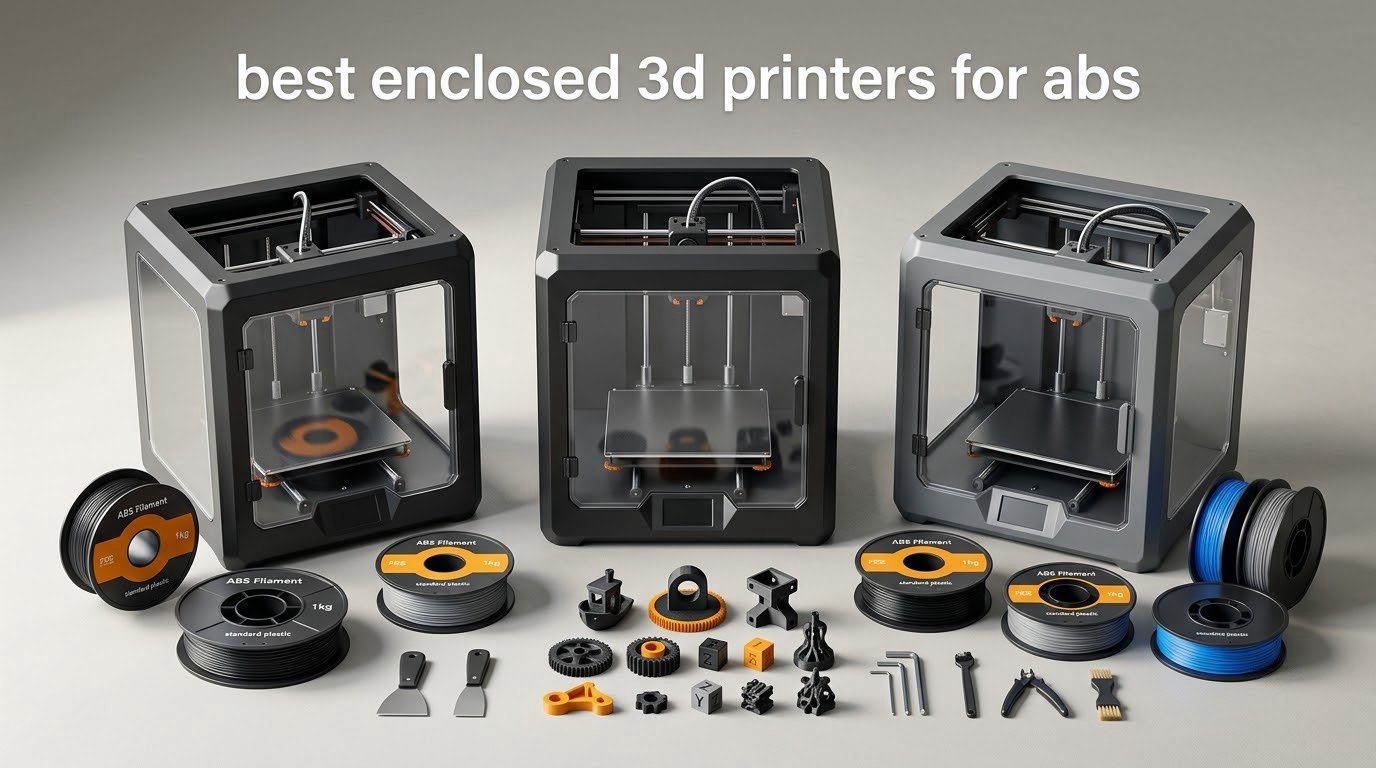
ABS is the first filament that punishes you for printing in a cold room. Layers stop bonding, corners lift off the plate, and a part that looked perfect on the last layer peels away on hour nine. The fix is not a better slicer profile, it is a closed build chamber that keeps air around the part warm and still. After comparing ten enclosed machines spec by spec, the Creality K2 Combo is the best enclosed 3D printer for ABS overall, with the QIDI Q2 and the Flashforge Creator 5 Pro as the smarter buys when you need an actively heated chamber or a smaller footprint.
This roundup covers the current generation of enclosed printers, not the older machines most roundups still rank. Several of the picks here reached the market in the last eighteen months, and three of them add a real chamber heater rather than just a plastic door.
Every machine below was checked for the three things that actually decide whether ABS succeeds: a chamber that holds heat, a hotend that reaches ABS temperatures with a hardened tip, and filtration for styrene. Anything that only looked enclosed got flagged, not recommended.
Table of Contents
- Top 3 Picks for Printing ABS in 2026
- The 10 Best Enclosed 3D Printers for ABS (October 2026)
- Why ABS Warps and What an Enclosure Actually Fixes
- 1. Creality K2 Combo – Best Overall Enclosed Printer for ABS
- 2. Creality K1C – Best Entry Point for First-Time ABS Printing
- 3. ELEGOO Centauri Carbon 2 Combo – Best Value Enclosed Multi-Material Printer
- 4. Flashforge Creator 5 Pro – Best Actively Heated Chamber With Four Toolheads
- 5. Creality K2 Plus Combo – Best for Large ABS Parts
- 6. Bambu Lab P1S Combo – Best for Multi-Color ABS and ASA
- 7. Creality K2 Pro Combo – Best Heated Chamber Per Dollar of Capability
- 8. QIDI Plus 4 – Best for High-Temperature Engineering Polymers
- 9. QIDI Q2 – Best First Layer Without Manual Adjustment
- 10. Original Prusa CORE One – Best for an Open, Local-First Ecosystem
- Passive vs Actively Heated Chamber: Which One Do You Need?
- Is ABS Printing Safe? Styrene, Filtration and Venting
- How to Choose an Enclosed 3D Printer for ABS
- ABS Slicer Settings Starting Points
- Frequently Asked Questions
- The Best Enclosed 3D Printer for ABS in 2026: Final Verdict
Top 3 Picks for Printing ABS in 2026

Creality K2 Combo
- 10.24 inch cube build volume
- 300°C hardened steel nozzle
- 600mm/s travel speed

The K2 Combo leads on the combination that matters most: the largest cube in its class alongside the highest rating and the biggest review base of any machine on this list. Its 40mm³/s direct drive extruder is rated for ABS at 280°C, so it is not fighting the material.
The K2 Plus Combo is the pick when the part is the problem. A 350mm cube with a 60°C actively heated chamber and a 350°C nozzle handles shells, helmets and batch work that smaller plates curl on.
The Centauri Carbon 2 is the value route into enclosed printing. It is fully enclosed, fast and automated, and it adds four-color CANVAS output for people who want ABS and multi-material in one machine.
The 10 Best Enclosed 3D Printers for ABS (October 2026)
| Product | Specs | Action |
|---|---|---|
| Creality K2 Combo |
|
Check Latest Price |
 Creality K1C Creality K1C |
|
Check Latest Price |
| ELEGOO Centauri Carbon 2 Combo |
|
Check Latest Price |
 Flashforge Creator 5 Pro Flashforge Creator 5 Pro |
|
Check Latest Price |
 Creality K2 Plus Combo Creality K2 Plus Combo |
|
Check Latest Price |
 Bambu Lab P1S Combo Bambu Lab P1S Combo |
|
Check Latest Price |
 Creality K2 Pro Combo Creality K2 Pro Combo |
|
Check Latest Price |
 QIDI Plus 4 QIDI Plus 4 |
|
Check Latest Price |
 QIDI Q2 QIDI Q2 |
|
Check Latest Price |
 Original Prusa CORE One Original Prusa CORE One |
|
Check Latest Price |
Read the chamber column carefully before anything else. Five of these machines add a real chamber heater, and the other five simply trap the heat the bed and hotend put out. For small parts that gap barely matters. For a 300mm plate of ABS, it is the whole ballgame.
Why ABS Warps and What an Enclosure Actually Fixes
ABS shrinks as it cools. On an open-frame printer, the first layers cool first, contract, and pull against layers that are still hot and soft. The part either curls off the plate or splits along a seam where a weak layer line meets a strong one. Yes, a 3D printer can print ABS plastic, but the machine has to control that cooling.
A passive enclosure blocks drafts and traps radiant heat from the bed and hotend. In practice that holds the air inside somewhere around 35C to 45C, which is usually enough for small and medium parts. An actively heated chamber adds a heater and air circulation to hold 55C up to 65C, and that is the range where polycarbonate and nylon stop fighting you.
Two more requirements ride along with the box. The hotend has to reach at least 250C for ABS and closer to 280C for ASA and filled variants, and the nozzle needs a hardened steel tip so abrasive filaments do not chew a hole in it. Third, ABS gives off styrene, so a carbon filter matters more than most buyers expect. HEPA catches particles, carbon catches the gas, and serious setups do both.
1. Creality K2 Combo – Best Overall Enclosed Printer for ABS
Official Creality K2 Combo 3D Printer Multicolor 3D Printers with CFS
10.24 inch cube
300°C hardened steel nozzle
ABS rated 40mm³/s hotend
Pros
- Die-cast aluminum frame stays rigid in every axis
- Hardened steel gears and quick-swap hotend simplify wear part swaps
- Extruder rated for 40mm³/s of ABS at 280°C
- Large cube volume suits batch printing
Cons
- Nozzle caps at 300°C below the 350C class some polymers need
- Listing does not specify an actively heated chamber
- App and firmware behavior is the most reported setup friction
This is the machine I would put in front of someone asking which enclosed 3D printer is best for ABS, and the reason is boring and reliable: it has the biggest cube in the group at 10.24 inches on every axis, and a hotend rated for 40mm³/s of ABS at 280°C. That flow rating matters more than raw speed, because it means the extruder can lay down a thick layer of ABS without overheating the drive.
The die-cast aluminum exoskeleton is the part I would point at for long prints. ABS prints are long, and a frame that stays rigid through a sixteen-hour run is what keeps layer height honest from the bottom of the chamber to the top.
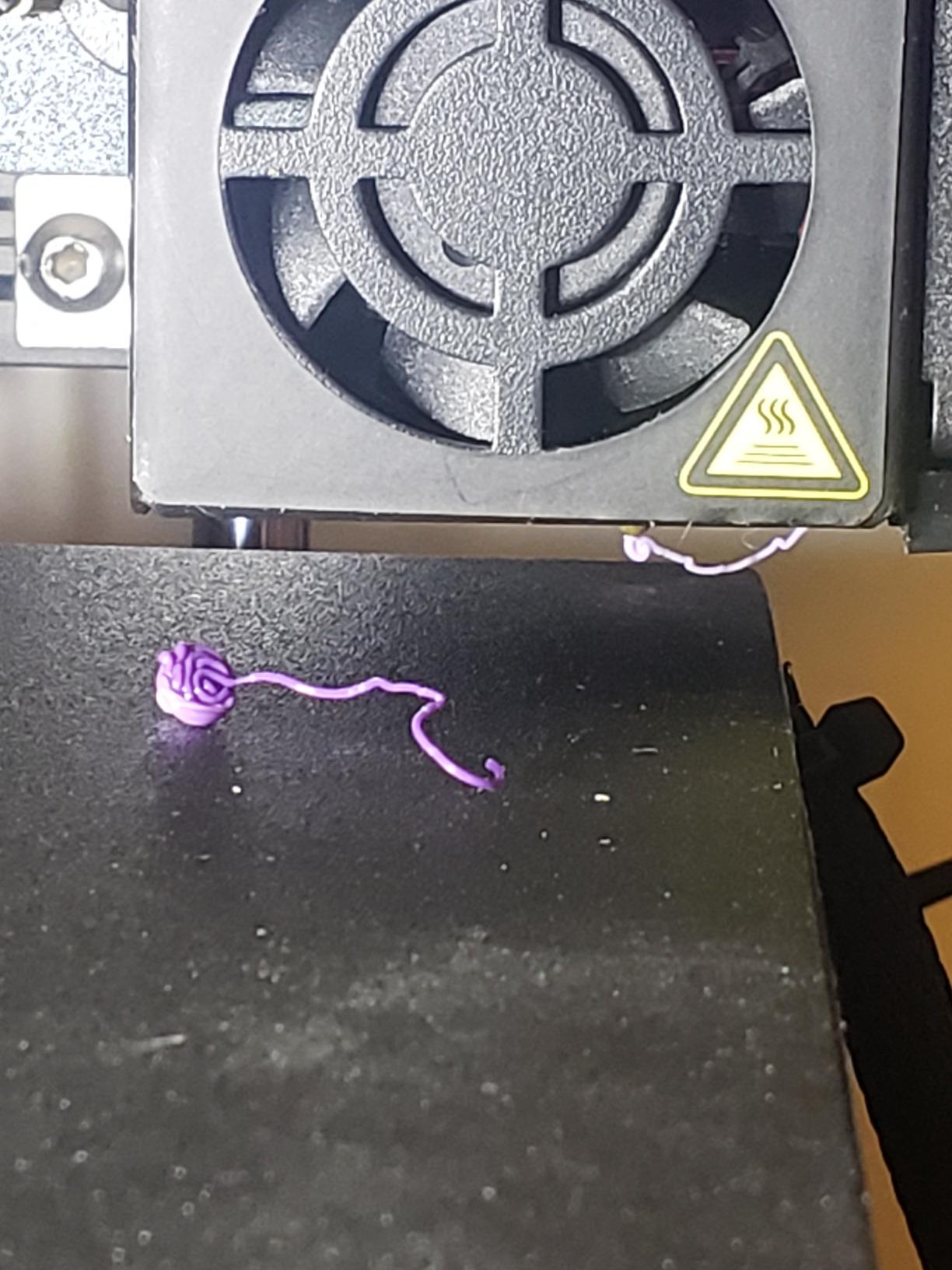
Where it falls short is the ceiling on temperature. A 300°C nozzle covers ABS and ASA comfortably but closes off the 350C to 370C class that polycarbonate and PPS-CF need. If your plans go past engineering thermoplastics, look at the K2 Plus or the QIDI picks instead.
The chamber AI camera is genuinely useful for time-lapse and for catching a first layer that has let go, but reviewers are right that it is no substitute for watching the first ten layers yourself. The most common complaint we found was not print quality, it was the app.
Who should buy the K2 Combo
Pick it if your ABS work is functional parts, brackets, enclosures and batch jobs that need a big plate and a strong extruder. It is also a good first machine for someone who will be printing for years, because the frame and hotend are the parts that usually decide whether a printer is still good at year three.
Skip it if your target material is polycarbonate, or if you want the machine to feel finished from a firmware standpoint. The listing does not advertise an actively heated chamber, so large flat plates depend on a stable room and a well tuned bed.
Where it falls short
The 300°C ceiling is the honest limitation. It is not a flaw for ABS, but it does mean the next material upgrade is a new printer rather than new filament.
Multi-color runs go through a CFS unit and a prime tower, which costs you build volume and time on every color change. If color is a priority, the Flashforge Creator 5 Pro solves that differently.
2. Creality K1C – Best Entry Point for First-Time ABS Printing
Creality K1C 3D Printer, 600mm/s with AI Camera and Auto Leveling
CoreXY at 600mm/s
Tri-metal nozzle
Activated carbon filtration
Pros
- CoreXY motion delivers 600mm/s with high rigidity
- AI camera catches failures mid print
- Tri-metal nozzle resists abrasive filaments
- Carbon filtration keeps odor down
- Silent mode under 45dB
Cons
- No active chamber heating so room temperature still matters
- Small 10 inch cube limits larger parts
- Auto leveling relies on the probe
The K1C is the easiest way to find out whether you actually like ABS. It is fully enclosed, it has activated carbon filtration built in, and the CoreXY bed gives it a rigidity that open-frame machines at this level cannot match. That combination removes most of the reasons a first ABS print fails.
The 600mm/s figure is travel speed rather than a promise about finished surface quality. What it really buys you is quick layer changes and short positioning moves, which shortens every print without asking you to re-tune anything.
Be clear-eyed about the one gap. There is no active chamber heater here, so the enclosure is doing passive work only. In a room that stays warm and has no door opening every five minutes, small and medium ABS parts behave. In a cold garage in January, expect to tune.
The 10 inch cube is the other constraint. Anything close to a foot in any direction pushes you into a bigger machine, and re-printing a failed large part costs more time than the machine saved.
Who should buy the K1C
It suits a hobbyist moving up from a PLA printer who wants ABS and ASA capability without a steep learning curve. Silent mode under 45dB also makes it the one to choose if the machine lives in a room where conversation matters.
It is a poor fit for anyone printing large panels, helmets or single-piece enclosures, and a poor fit for nylon, which really wants a heated chamber rather than a sealed box.
Where it falls short
Passive heat is passive. If your room swings twenty degrees between morning and night, the same profile will not hold all day.
The build volume is the smallest class here, and that caps how many of these machines you can realistically run at once if you are batching parts.
3. ELEGOO Centauri Carbon 2 Combo – Best Value Enclosed Multi-Material Printer
ELEGOO Centauri Carbon 2 Combo 3D Printer, Multicolor Printing
256mm enclosed cube
4-color CANVAS system
500mm/s travel speed
Pros
- Enclosure plus auto calibration at the entry tier
- Toolhead filament detection beats spool end detection
- Noticeably faster and cleaner than open frame predecessors
- Good textured bed adhesion on default settings
Cons
- Largest one star share in the set at 17 percent
- Prime tower eats build volume on multicolor runs
- Only four CANVAS slots with no expansion path
- Toolhead USB-C connection is a long run weak point
Most people buying an enclosed machine for the first time want two things: that it is sealed, and that it does more than one material. The Centauri Carbon 2 Combo is the least expensive way on this list to get both, and the CANVAS system switches between four colors at the toolhead with no purge tower on every change.
Detecting filament at the toolhead rather than at the spool end is a real engineering improvement. It is the difference between a print that pauses correctly and a print that runs three hours on an empty feeder.
The full-metal CoreXY frame and active vibration compensation put this machine closer to the machines above it than the price gap suggests. Owners running hundreds of hours report consistent quality, and the auto calibration means most people print within an hour of unboxing.
Who should buy the Centauri Carbon 2
It fits someone who wants ABS parts and multi-color output in one machine and does not need a heated chamber. It is also a strong pick for modelers making painted cosplay shells and colored fixtures, where the color change cost is the real expense.
Buy it for the value, not for the ecosystem. Connectivity and firmware update behavior drew more complaints than print quality did, and that is worth knowing before you set up a print farm on it.
Where it falls short
The 17 percent one-star share is the highest here, and reviewers report it clusters around connection loss during updates rather than bad prints. Budget time for that.
Four color slots with no path to eight or sixteen is limiting if a project grows. The top lid also does not seat flush on every unit, which can bump the filament path on tall builds.
4. Flashforge Creator 5 Pro – Best Actively Heated Chamber With Four Toolheads
FLASHFORGE Creator 5 Pro Multi-Color 3D Printer,4-Toolheads,Fully Enclosed
65°C active chamber
4 independent toolheads
HEPA 13 plus carbon
Pros
- Four nozzles eliminate purge waste on every color change
- 65°C active chamber targets ABS and ASA warping directly
- HEPA 13 and carbon handles particulates and VOCs
- Auto toolhead offset keeps all four nozzles first layer accurate
Cons
- Four toolheads add complexity and maintenance surfaces
- Multi material capability is still color focused
- Shorter review history than the Creality and Bambu machines
The Creator 5 Pro solves ABS and multi-color in the same chassis, and it does the multi-color part better than anyone else here. Four independent toolheads switch color in seven seconds with zero purge waste, so a 16-color print does not generate a bag of filament soup and does not take three times as long.
The 65°C actively heated chamber is the real headline. That is at the top of this group, and it means corners on a large ASA or ABS part are far less likely to lift than on a machine that merely seals a door.
Filtration is where a lot of enclosed machines quietly cut corners, and this one does not. HEPA 13 handles the ultrafine particles and activated carbon handles the styrene, which is the pairing you want if the printer is in a room you also work in.
Automatic toolhead offset calibration is the feature that decides whether four heads is a gimmick or a system. If all four nozzles lay a clean first layer independently, the whole multi-material proposition holds together.
Who should buy the Creator 5 Pro
It is built for someone whose ABS work involves color and a lot of it. Signage, enclosures, cosplay props with painted shells, and jigs where two materials meet are all cases where purge waste quietly eats a budget.
It also suits anyone who needs a genuinely hot chamber and does not want to buy a second machine for color later. The 120°C heated bed plus 65°C chamber is a combination you would otherwise have to shop for separately.
Where it falls short
Four toolheads is four things that can need attention. Nozzles, drives and offsets all multiply, and the machine assumes you will maintain them.
The capability is still color-forward rather than material-forward. Two nozzles cannot be parked with different materials in a way that changes what you can print, and the 1339 reviews mean the long-term reliability record is not yet established.
5. Creality K2 Plus Combo – Best for Large ABS Parts
Creality K2 Plus Combo 3D Printer, Multi Color Printing with New CFS 600mm/s High-Speed Full Auto-Leveling Dual Al Camera Next-Gen Direct Drive Extruder Large Build Volume 13.78×13.78×13.78inch
350mm cube
60°C active chamber
350°C nozzle
Pros
- Largest build volume in the set at a 350mm cube
- Active 60°C chamber plus 350°C nozzle handles ASA and PPA
- Dual Z motors correct bed tilt on a large plate
- 16 colors with RFID auto relay for unattended runs
Cons
- Heaviest machine here at 70.4 pounds so bench space matters
- Four CFS feeders add footprint and filament paths
- Dual cameras and 18 sensors add systems to troubleshoot
Large ABS parts fail for one reason, and it is not the printer, it is the bed. As a plate gets bigger it gets harder to hold flat, and any bow in the bed becomes a failed first layer across the whole part. The K2 Plus attacks that directly with two independently motorized Z axes that correct bed tilt automatically.
The 350mm cube is the largest volume in this roundup, and paired with a 60°C actively maintained chamber it is the pick for helmets, shells and anything you would rather print in one piece than split and join. A Shapr3D community answer noted the sensible alternative for oversized work is printing in sections and joining them, and with a machine this heavy that is a decision worth making early.
The 350°C hardened nozzle is the other reason to look here. It clears the ceiling that keeps the K2 Combo from running filled and high-melt polymers, and combined with the heated chamber it handles PPA and PC that most machines in this class cannot touch.
Four CFS feeders give 16 colors with RFID auto-identification and automatic relay when a spool runs out. For an unattended multi-material print, that relay is the difference between a finished part and a part stopped at hour eleven.
Dual AI cameras cover the two failure modes that matter: the chamber camera catches a layer that has let go, and the toolhead camera tunes flow in real time to compensate for filament diameter variation.
Who should buy the K2 Plus Combo
It fits a workshop where the parts are large and the plate needs to be flat. Dual Z motors and four Z rods on a die-cast frame is hardware designed for a big bed, and reviewers doing large ASA and ABS runs report the bed stays steady.
It is also right if you print 16 colors without supervision, because the RFID relay keeps the job running. That is a genuinely different use case from printing one ABS bracket at a time.
Where it falls short
At 70.4 pounds this is a two-person lift and a dedicated bench. Measure the space before you commit, because the four CFS units also need somewhere to sit.
Eighteen sensors and two cameras mean more software surface. The 17 percent one-star share reflects early units and app behavior rather than print capability, but you are buying complexity either way.
6. Bambu Lab P1S Combo – Best for Multi-Color ABS and ASA
Bambu Lab P1S Combo, P1S 3D Printer and AMS, Multi-Color 3D Printing
Fully enclosed body
16 colors with AMS
500mm/s speed
Pros
- Print quality and dimensional accuracy lead this price class
- Enclosure handles ABS and ASA once adhesion is tuned
- AMS makes 16 color printing nearly effortless
- Fast and quiet with little hands on work after calibration
Cons
- Low resolution LCD compared with touchscreens
- Chamber is not actively heated
- Bambu Studio binding is confusing on first use
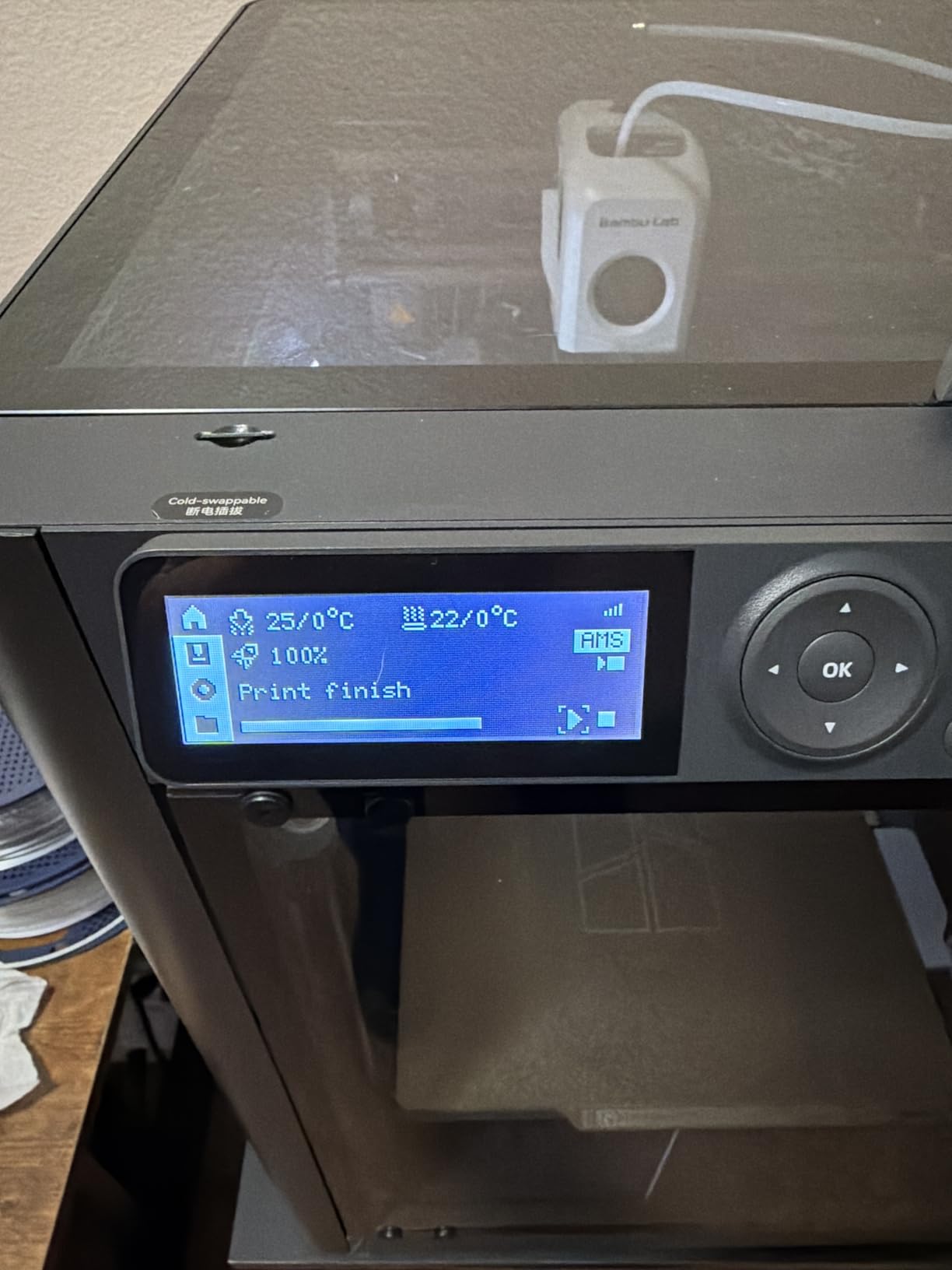
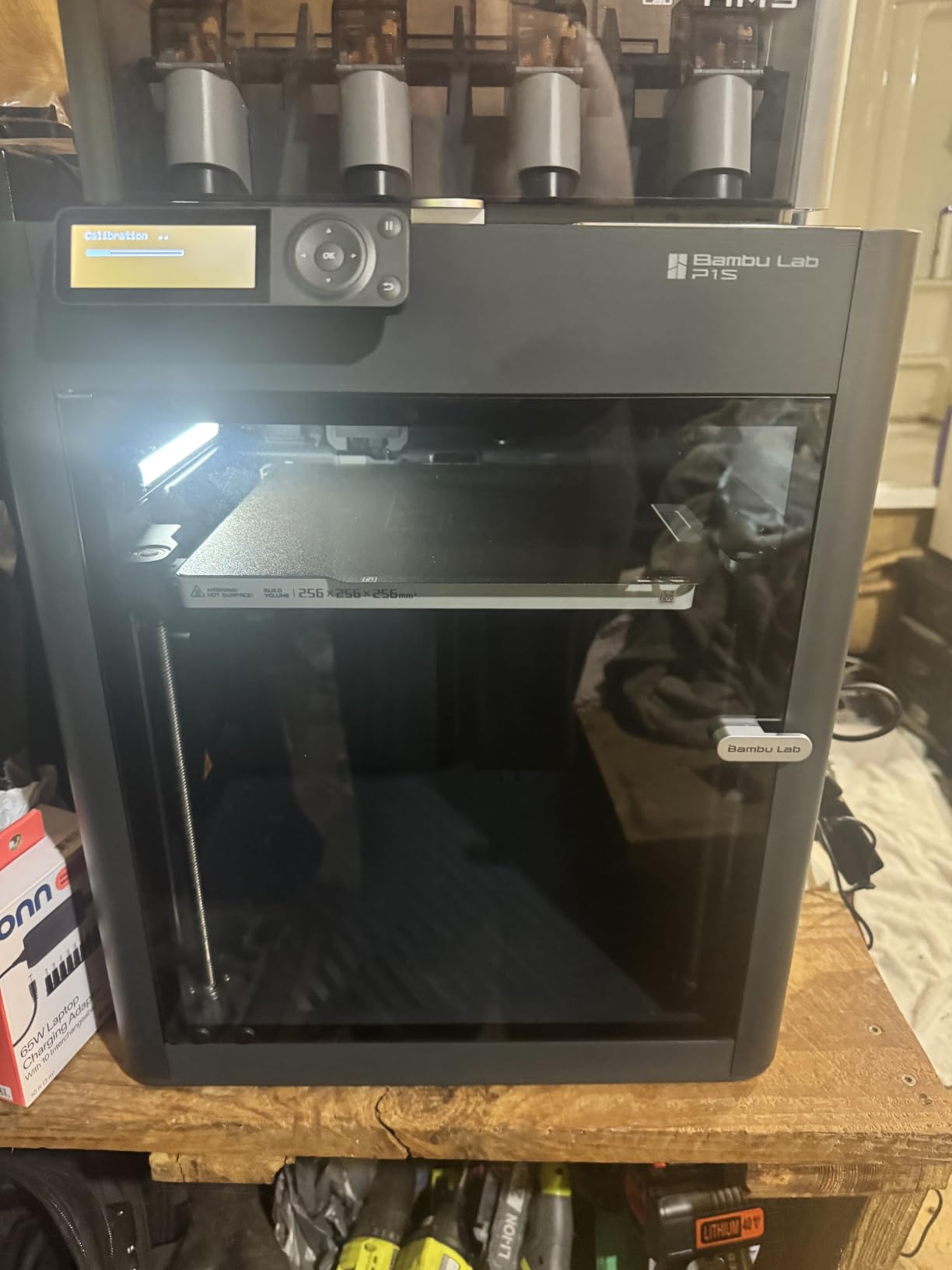
The P1S is the reason the enclosed category went mainstream, and for ABS specifically it is a machine that mostly works out of the box. Bambu lists ABS and ASA as ideal materials and PA and PC as capable, and the enclosure handles both of the first two once you dial in bed adhesion.
Dimensional accuracy is where it earns its place. Owners report sub-0.01 inch tolerances on functional parts, which is the difference between a bracket that fits and a bracket that goes in the bin. At 500mm/s with 20000mm/s² acceleration it is also quick enough that an ABS job does not eat an evening.
The AMS is the reason to pick it. Sixteen colors with a single unit, and MakerWorld plus Bambu Studio give you a model library that removes most of the work of finding something to print, which matters when ABS is expensive per kilogram.
One practical warning for ABS specifically: ABS needs drying, and multi-material units were designed for dry-ish filaments. Plan on pre-drying spools and treat the AMS as convenient rather than moisture-proof.
Who should buy the P1S Combo
It is the pick for someone who wants the least friction between idea and finished ABS part. Fast setup, automatic bed leveling, a fifteen minute install and a slicer that mostly makes decisions for you.
Choose it for colored work and general parts. Choose the K2 Plus or a QIDI if you need a heated chamber, because this enclosure is not actively heated and high temperature prints still benefit from one.
Where it falls short
The LCD is low resolution and slow by modern standards. It is a real annoyance on a machine this capable, and it is the single most common design complaint.
The software workflow is opinionated. Owners who want third party profiles and local control find Bambu Studio binding, and firmware updates have occasionally broken connectivity until a repeat update.
7. Creality K2 Pro Combo – Best Heated Chamber Per Dollar of Capability
Creality K2 Pro Combo (A) 3D Printer, Multicolor Color Printing with CFS, 600mm/s High-Speed, Dual AI Camera, Active Chamber Heating, Auto Leveling, Large Build Volume 300×300×300mm
300mm cube
60°C active chamber
Dual AI cameras
Pros
- Active 60°C chamber prevents corner lift on ASA and PPA
- 300mm cube with hardened nozzle and direct drive
- Nozzle camera auto tunes flow rate in real time
- CFS includes auto identification and moisture proof storage
- Box includes RFID filament and a hardened steel nozzle
Cons
- Dual cameras and heavy automation need firmware attention
- Chamber heating adds warm-up time and power draw
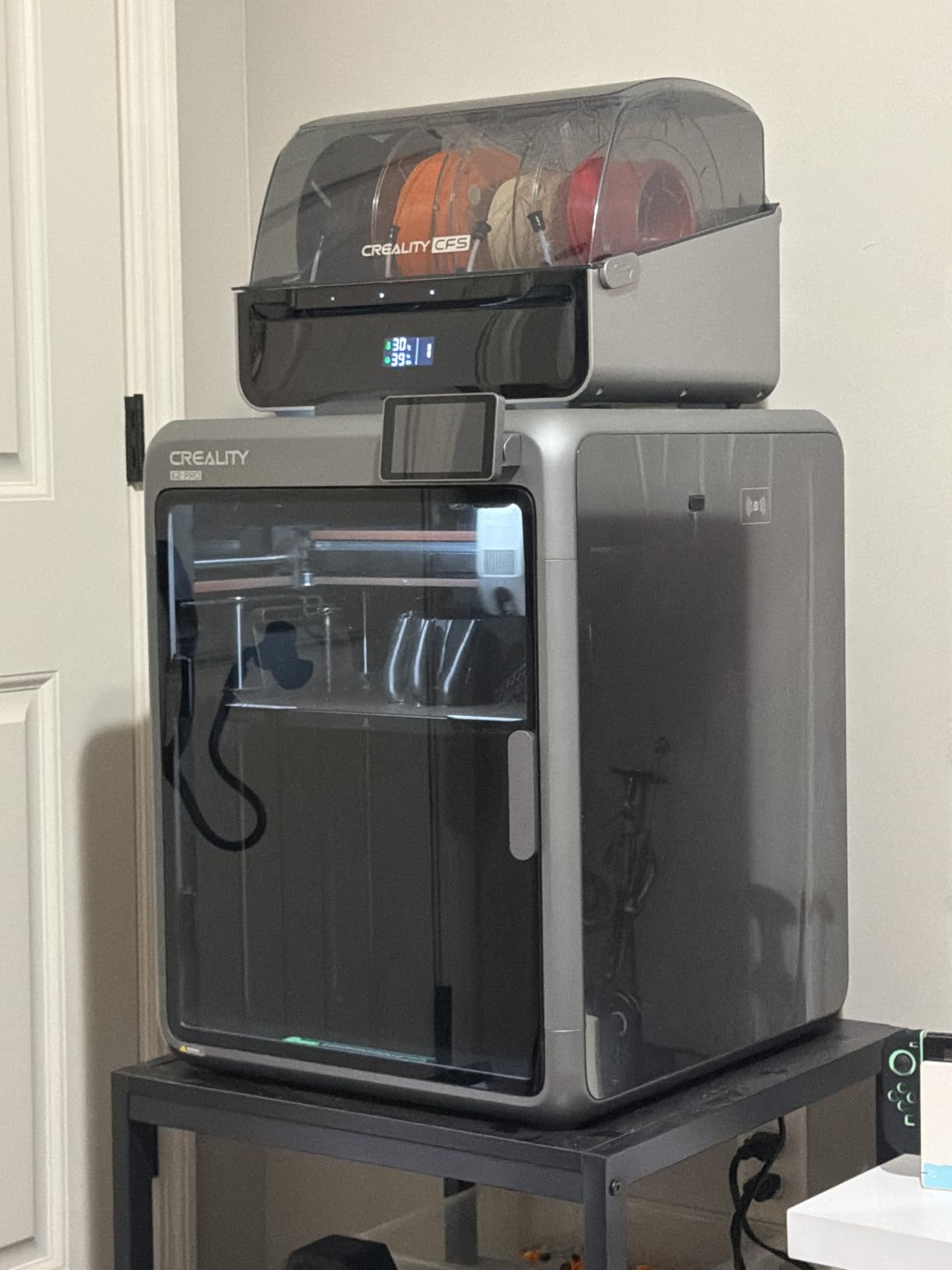
The K2 Pro is the one to look at if you want a real heated chamber without moving up to the 350mm K2 Plus. Sixty degrees of active chamber on a 300mm cube is the sweet spot for ASA outdoor parts, and ASA is worth considering even if you came here for ABS, because it is the UV-stable version of the same polymer and it holds up in sun and rain.
Corner lift is the specific failure this chamber fixes. On a 300mm plate, the outer edges of the bed sit away from the center of the heat, and on a passive machine they are where an ASA part peels. Holding 60C across the whole chamber is the direct answer.
The nozzle camera is the underrated feature. It tunes flow rate, pressure advance and even detects a blocked waste chute in real time, which compensates for the diameter variation that filled filaments are notorious for.
It also comes ready to run. The box includes 500g of RFID filament and a hardened steel nozzle, which removes the two things people forget to order with a new high-temp machine.
WiFi and LAN control with OTA updates and power-loss recovery mean a long ASA print in an enclosed chamber can survive the kind of interruption that would otherwise cost you the job.
Who should buy the K2 Pro Combo
It suits anyone printing parts that live outdoors or in a hot car, where ASA is the right call and the heated chamber is not optional. It is also a strong value pick for workshop jigs and fixtures.
The direct drive extruder with hardened steel gears and 40mm³/s flow is set up for abrasive engineering filaments, so if you plan to move from ASA to carbon filled nylon, this is a machine that will not need replacing.
Where it falls short
Chamber heating is a real cost in two ways: it draws meaningful power, and it adds warm-up time before the chamber is usable. Plan the first hour of a print as a heat soak.
At 448 reviews this has a shorter history than the machines around it, and the automation layers add systems that occasionally need a firmware fix.
8. QIDI Plus 4 – Best for High-Temperature Engineering Polymers
QIDI PLUS4 3D Printer, 65℃ Chamber Heating, 370°C Integrated Nozzle
65°C heated chamber
370°C nozzle
12 x 12 x 11 inch volume
Pros
- 65°C second generation chamber tied for highest in this set
- 370°C nozzle covers PPS CF and PPA
- Integrated multi metal throat reduces clogging
- 12 x 12 x 11 inch volume is large for the class
- Dual motor Z keeps big prints flat
Cons
- Multi filament feeder is a separate accessory
- Enclosure heating adds long warm-up time
- 354 reviews is a thin record
The Plus 4 exists for the person who already knows ABS and wants the next material. A 370°C nozzle on an 80W hotend with a multi-metal integrated throat is the hardware that turns PPS-CF, PPA-CF and PPA-GF from a filament you own into a filament you can print.
Second-generation chamber heating draws 400W and balances air circulation through dual-layer insulation. Sixty-five degrees is tied for the highest figure in this roundup, and owners running filled polymers consistently cite that chamber as the deciding factor rather than the nozzle.
Build volume of 12 x 12 x 11 inches is larger than most enclosed machines in this bracket, and the 6mm thickened bed with independent dual motor Z is how it keeps a plate that size flat through a long print.
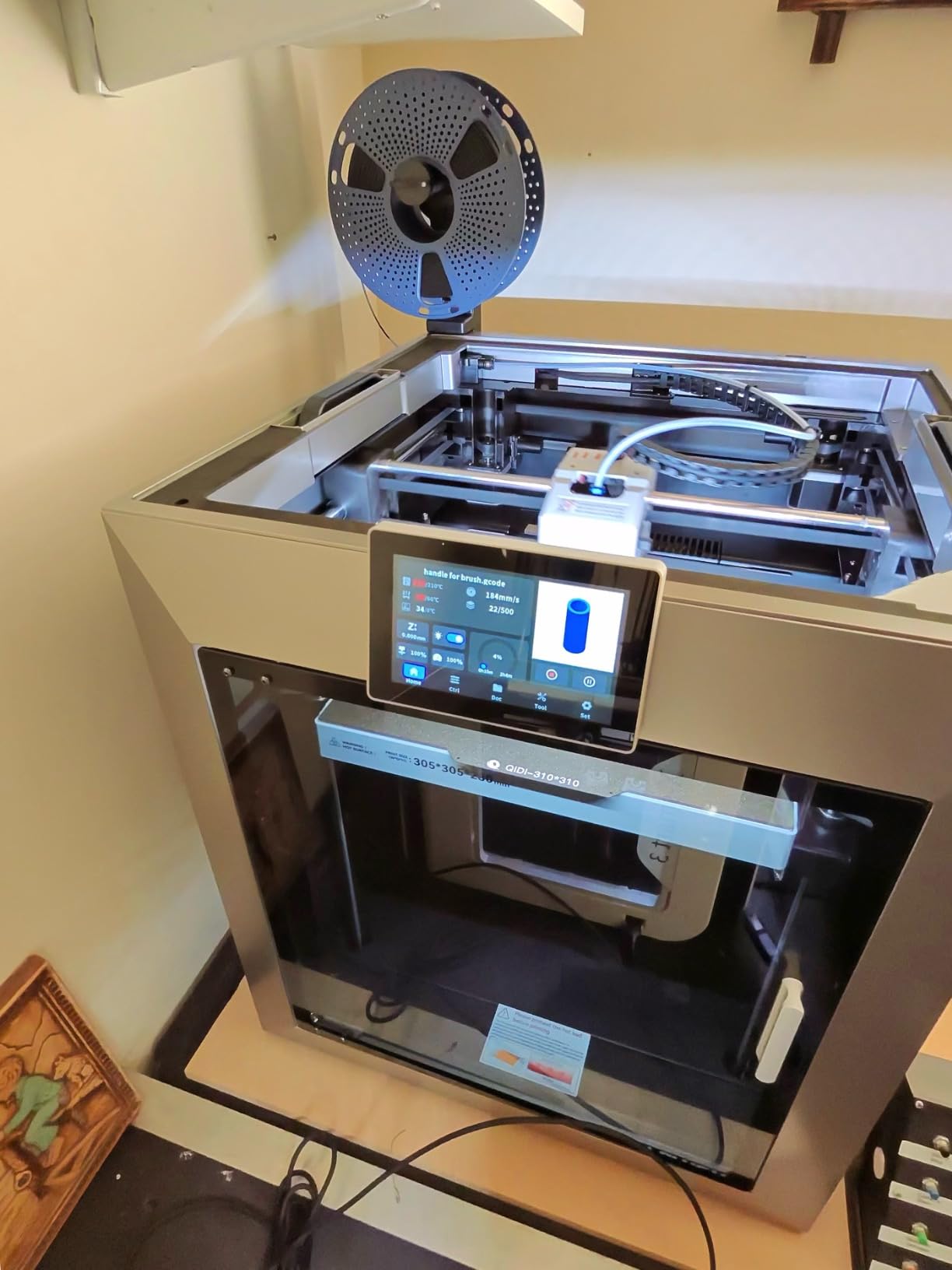
The integrated multi-metal throat is worth a second look. A separate steel or tungsten carbide nozzle in a two-piece assembly is a clog waiting to happen, and merging the throat into the hotend removes the joint entirely while also making swaps faster.
QIDI Studio with a mobile app for remote printing, plus an HD camera, means you can start a twelve-hour PPS job and leave. Filament wrap and break detection stops the print if the feed fails rather than grinding plastic into the hotend.
Who should buy the Plus 4
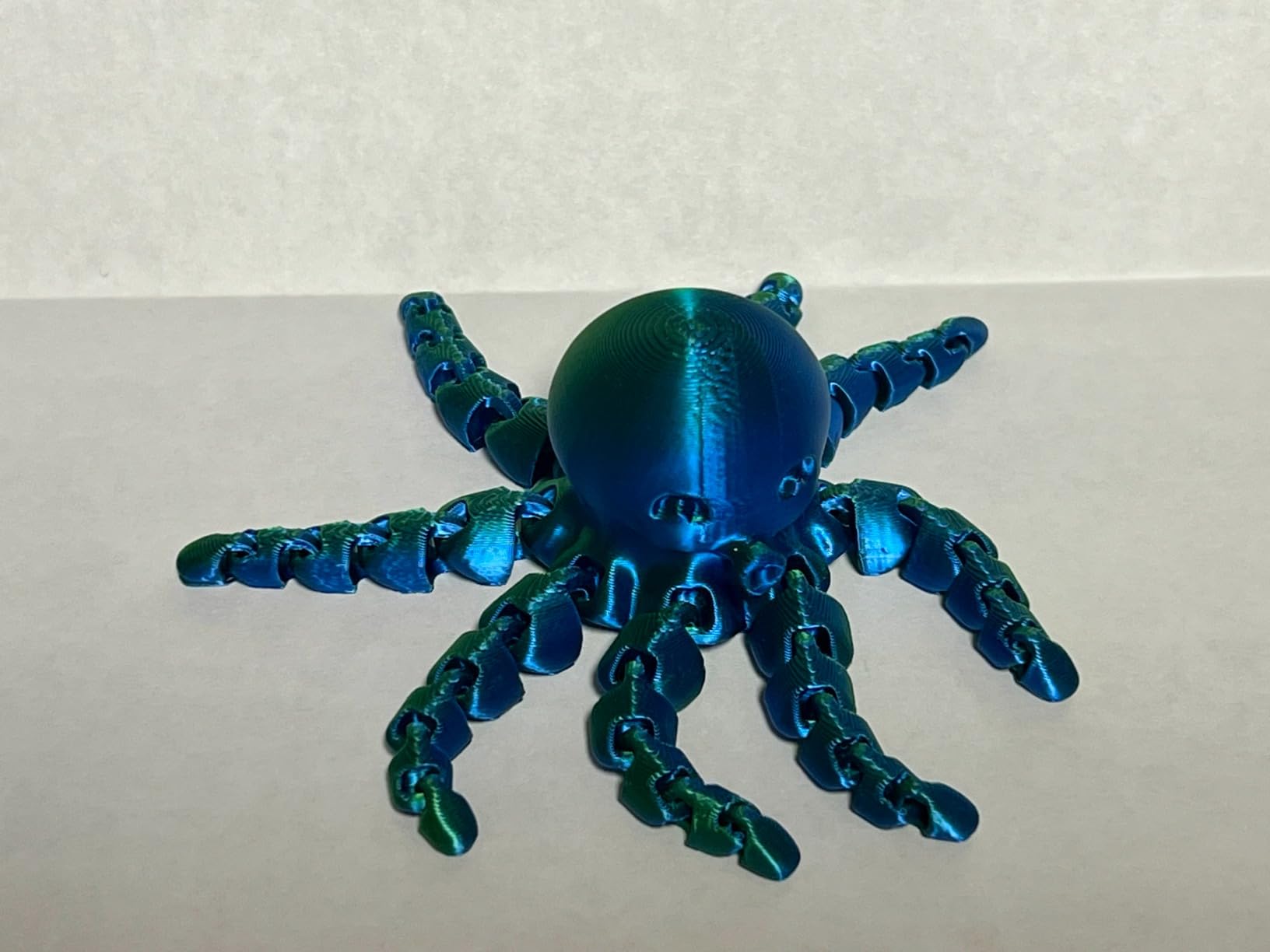
It fits an engineer or serious maker who runs filled polymers and wants a single machine that covers ABS, ASA, PC, PA and PPS-CF. At this chamber temperature and nozzle ceiling, you are not planning another upgrade soon.
It is also a good fit for education and prototyping shops where multiple people need predictable results and the local-first-ish app workflow is enough for remote monitoring.
Where it falls short
Multi-color is an add-on. The integrated filament cutter is ready for a QIDI BOX multi-filament feeder, but the unit itself is a separate purchase, so budget for that if color matters.
The warm-up time is the price of a 400W chamber heater, and on a 354-review record you are trusting a newer platform. The 16 percent one-star share is worth reading before you commit.
9. QIDI Q2 – Best First Layer Without Manual Adjustment
QIDI Q2 3D Printer, 65℃ Heated Chamber and 370℃ Nozzle Unlock PPS-CF
65°C PTC heated chamber
370°C nozzle
H12 HEPA and carbon
Pros
- Nozzle doubles as the leveling sensor for the most reliable first layer
- 65°C chamber and 370°C nozzle at this price is the best ratio here
- Synchronous belt upgrade reduces vertical fine artifacts
- Triple filtration including H12 HEPA is unusual at this price
- Supports 16 colors with QIDI BOX and dry while print
Cons
- Multi filament unit is an add-on not included
- Only 154 reviews so the record is thin
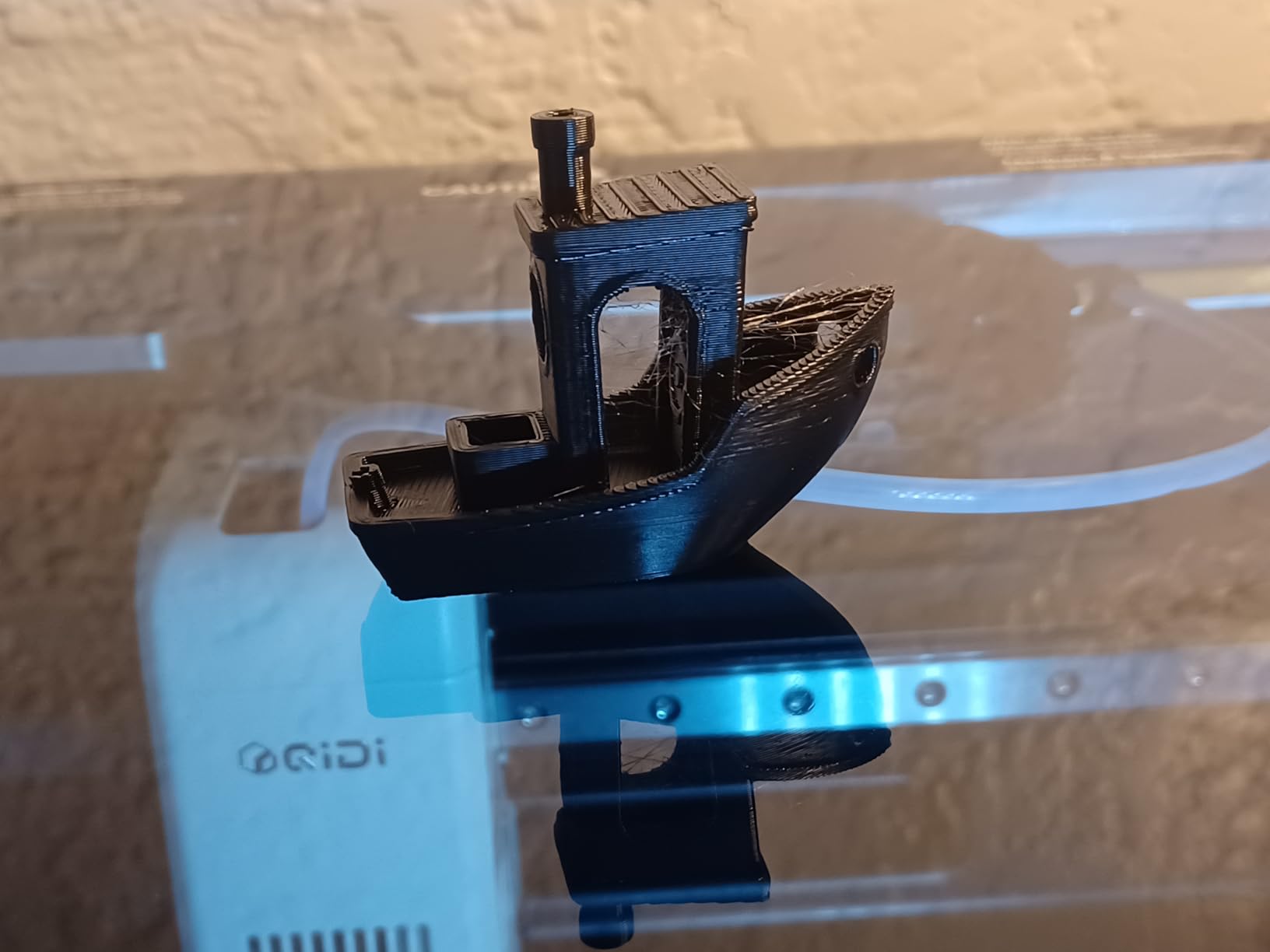
The Q2 is the one I would hand to someone who has never printed ABS. The nozzle acts as the bed leveling sensor itself, which removes the probe, removes a sensor that can be knocked out of alignment, and produces the most reliable first layer in this group with no manual adjustment at all.
For ABS that matters more than it does for PLA. A first layer that lifts is the moment the whole part is lost, and every minute spent re-leveling is a minute of filament in the bin.
The 65°C PTC chamber and 370°C nozzle combination is the strongest chamber specification relative to what you pay in this roundup. Owners new to enclosed high temperature printing cite exactly this as the reason it works without tinkering.
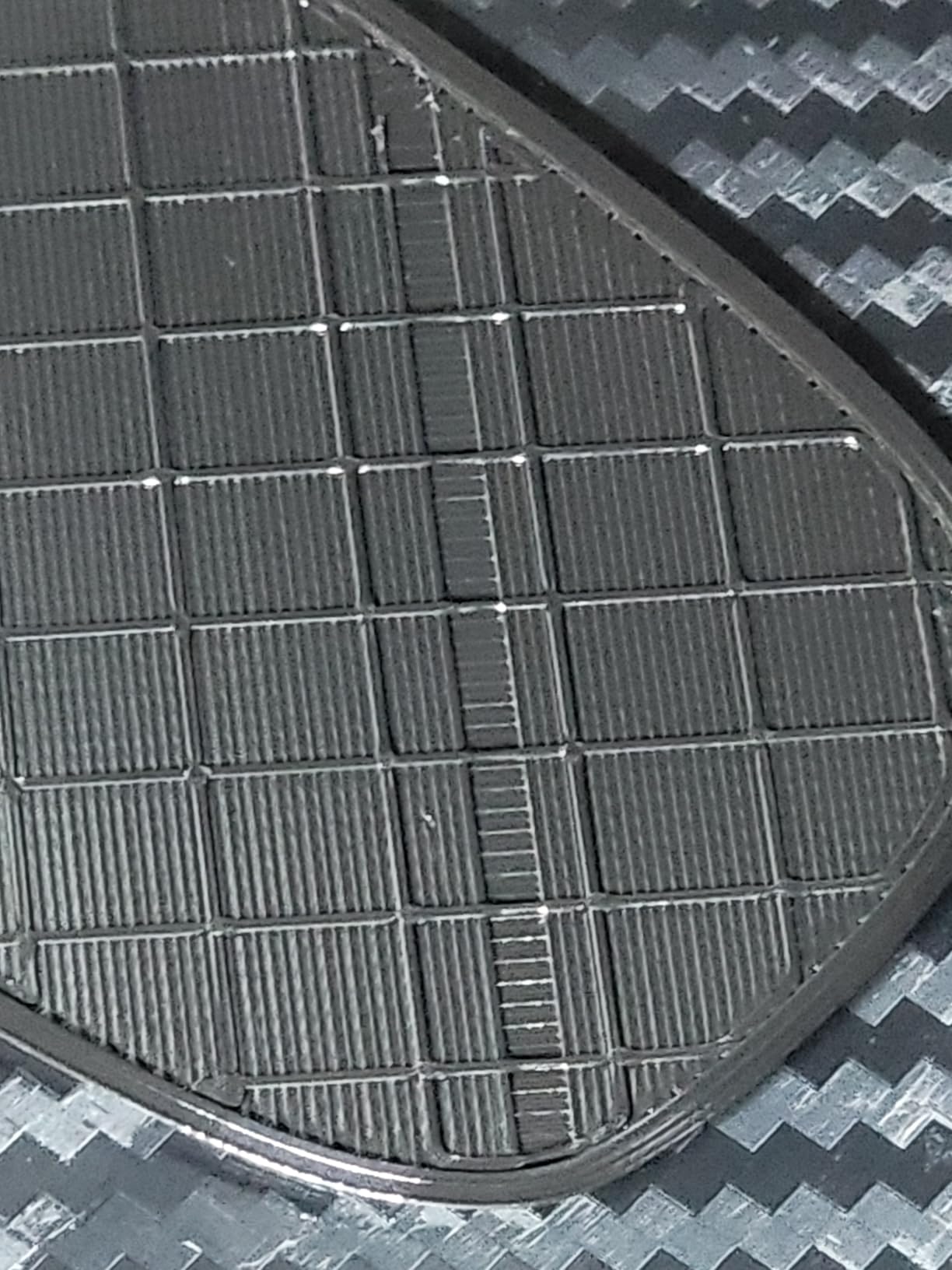
Triple filtration is the other quiet strength. A G3 pre-filter, an H12 HEPA stage and activated carbon cover particulates and VOCs in one path, and for ABS fumes that combination is what we would want in a room we share with other people.
The 1.5GT synchronous belt upgrade is a small detail that shows up on tall cosmetic prints as reduced ringing. Flame retardant chamber material and multiple closed loop temperature sensors are sensible for a machine that will run hot for hours.
Who should buy the Q2
It is the right call for a first enclosed printer where reliability on the first layer decides whether you keep going. Dry-while-print filament handling and 16-color support through QIDI BOX cover the multi-material question when you need it later.
It also suits a small apartment or shared studio, because the HEPA plus carbon path is the most complete filtration package at this level and you can keep the door closed.
Where it falls short
QIDI BOX is not included, so multi-color is an add-on decision rather than a box-content decision. Budget for it before promising a color project.
At 154 reviews this has the second thinnest record here. Its 4.3 rating is the highest average in the group, but 154 reviews is not the same as thousands, so treat the rating as promising rather than settled.
10. Original Prusa CORE One – Best for an Open, Local-First Ecosystem
Original Prusa CORE One, Ready-to-use 3D Printer, Assembled and Tested, Removable Print Sheets, 1kg Prusament PLA Spool Included, Print Size 9.8 x 8.6 x 10.6 in
55°C active chamber control
250 x 220 x 270mm
Local-first operation
Pros
- Runs locally with no cloud dependency
- Open source PrusaSlicer with included profiles
- All-steel frame and linear rails stay fast and accurate
- Supports PLA through to PC and Nylon
- Lifetime technical assistance included
Cons
- 55°C chamber ceiling is the lowest heated figure here
- Aluminum heat block runs hot for PC and high temp filaments
- Nozzle needs an adapter for standard Mk.6 nozzles
- Belts need manual re-tensioning and a very heavy surface
Every other machine on this list asks you to accept a closed app. The CORE One does not. It runs locally, PrusaSlicer is open source with profiles included, and for people who have been burned by cloud-dependent slicing and locked profiles, that is a genuine feature rather than a footnote.
Print quality is the strongest part, including PC and PA with and without carbon fiber, and the all-steel exoskeleton with linear rails makes it fast, accurate and quiet. Removable print sheets are a small ergonomic win you notice every time you change material, which on an ABS machine is often.
Active chamber control up to 55 degrees is enough for ABS and ASA on most part sizes. It is the lowest heated ceiling here, and the aluminum heat block runs hot enough to be a real concern for PC, where a nickel-plated copper block would be the better choice.
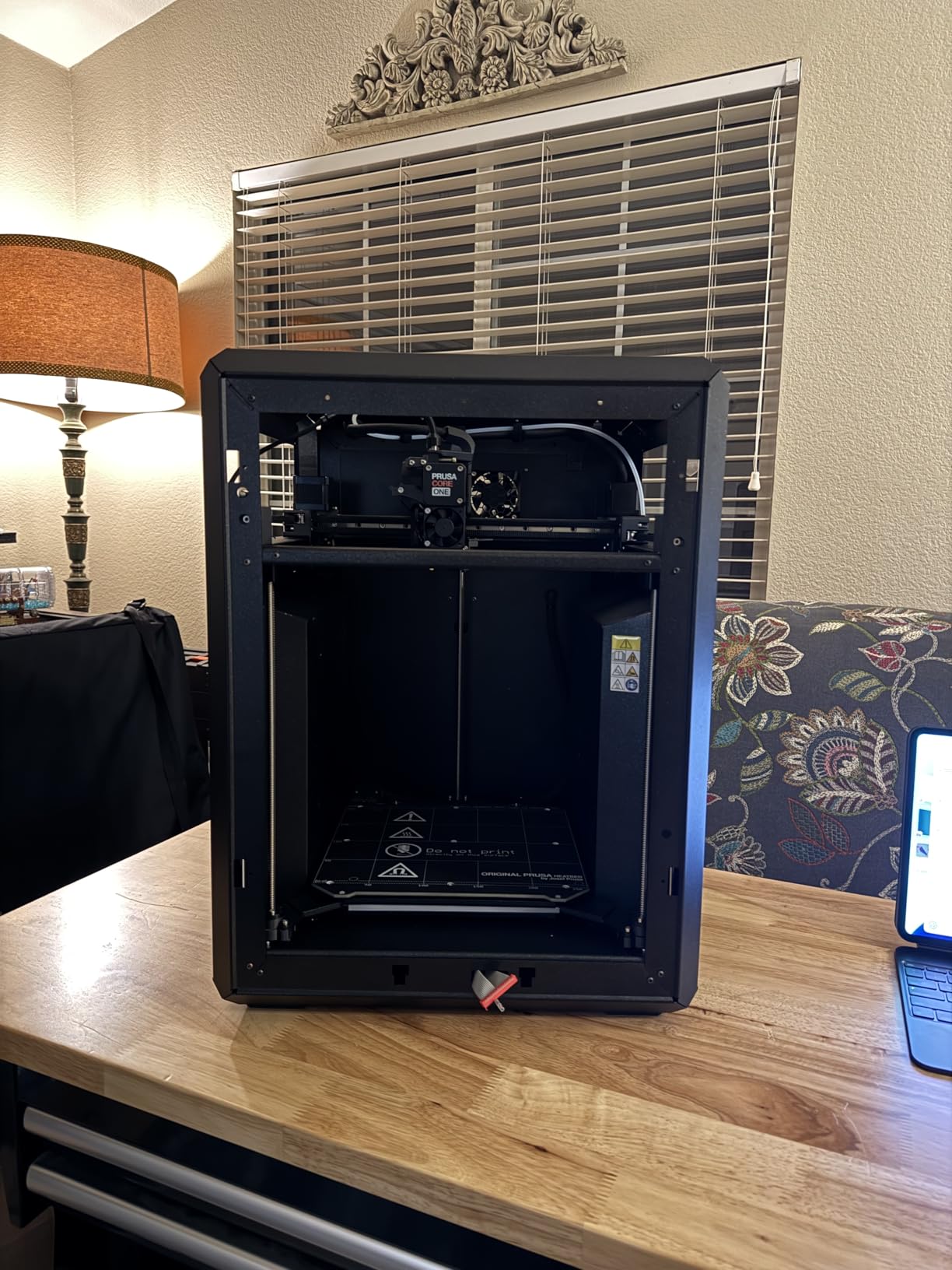
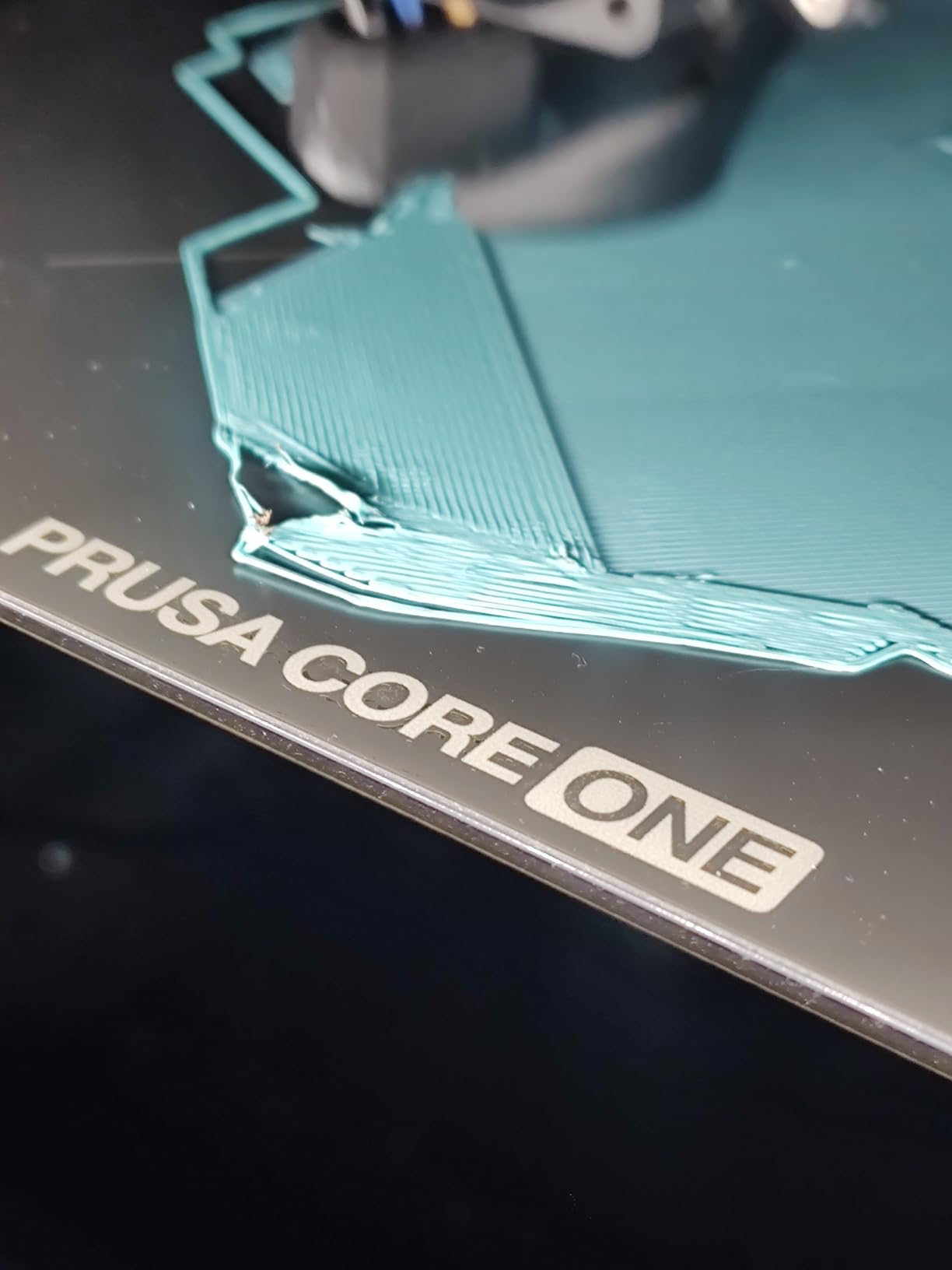
We are including it with a clear warning attached. The 3.5 average across 53 reviews is the lowest and by far the smallest sample in this roundup, and the reviews split hard. Experienced Prusa owners rate the build and the ecosystem highly. Buyers comparing it against current Bambu and Creality machines call the price unjustified and point to firmware, belt tension and screen reliability.
Reported issues include intermittent homing calibration failures, screen hardware failing after firmware updates and cutting off on-screen filament control, and acrylic panels on plastic rivets that feel thin for the money. Belts are also sensitive enough that the machine wants a very heavy, rigid surface.
Who should buy the CORE One
It fits a maker who cares more about owning their toolchain than about multi-color and speed. Local operation, open source slicing and lifetime technical support are the reasons people have bought Prusa for a decade.
It is also a reasonable choice for schools and institutions where a machine must keep working without a vendor account, and where the included profiles save a lot of setup time.
Where it falls short
At 3.5 across 53 reviews we are not comfortable ranking it higher, and we would want to see the record grow before telling most people to spend at this level on it.
Multicolor is not included and requires a large external unit that takes over the machine footprint. The nozzle needs an adapter to use standard Mk.6 nozzles, which is friction you should not have to accept.
Passive vs Actively Heated Chamber: Which One Do You Need?
Choose a passive enclosure for small and medium ABS parts, under about 200mm on a side, printed in a room that stays warm. Choose an actively heated chamber when parts get large, when you print ASA outdoors, or when nylon and PC enter the picture.
The numbers explain the split. A passive box holds roughly 35C to 45C, which comes from the bed and hotend alone. An active chamber holds 60C to 65C. That is high enough to keep the outer edges of a large plate in the same temperature range as the center, which is the difference between a part that prints and a part that peels at the corners. The Prusa CORE One reaches 55C, the lowest heated figure in this group.
Enclosure type also determines your floor temperature tolerance. On a passive machine, a cold room is a cold chamber. On an active one, the heater holds the setpoint regardless, which costs you warm-up time and a meaningful amount of power.
For a quick reference on where to spend the money: if you have never printed ABS, start passive. If you have printed ABS and lost parts to corner lift, go active immediately. If you are considering nylon at all, do not buy a passive machine.
Is ABS Printing Safe? Styrene, Filtration and Venting
ABS is styrene acrylonitrile butadiene, and printing it releases styrene vapour along with ultrafine particles. It is not a smoke-generating plastic like ABS+wood or polycarbonate in a hotend, but it is not odourless either, and anyone who says otherwise has not printed a large ASA part next to their desk.
Three things reduce the exposure, and they stack. First, filter at the source with an activated carbon stage, which is what catches the vapour. Second, add HEPA for the particles that carbon does not catch, which is why the QIDI Q2 and the Flashforge Creator 5 Pro are the two picks we would put in a room with other people in it. Third, vent outdoors with a window and a fan if the machine is indoors.
Filtration recycles air inside the chamber. It does not make the exhaust clean for the rest of the room indefinitely, so if you print ABS for hours every day, a duct running outside beats any filter. A carbon filter is a mitigation, not an excuse.
One more practical note. Dry ABS prints cleaner, which means less stringing, less ooze and fewer failed small features. Every machine above is better with a dry spool, and a filament dryer is the cheapest ABS accessory you can own.
How to Choose an Enclosed 3D Printer for ABS
Start with chamber temperature, because it is the one spec that cannot be added later. Look for a stated internal temperature rather than the word enclosed, since a plastic door and a 400W PTC heater are not the same product.
Next, check the nozzle ceiling against your material. ABS and ASA sit around 240C to 260C. PC needs 280C to 300C. Nylon and filled polymers push to 350C and beyond, and only the QIDI picks and the K2 Plus reach that.
Build volume is the third decision, and it interacts with chamber type. A big plate on a passive enclosure is the worst pairing, because a 300mm bed in a 35C box is where warping comes back. Match volume to chamber: small parts on passive, large parts on active.
Nozzle material is the fourth. Unfilled ABS will not destroy a brass nozzle quickly, but any filled filament, carbon or glass, will, and the same nozzle handles both. Every pick here ships with a hardened tip or a multi-metal assembly.
Finally, think about multi-color with ABS specifically. It is the most confusing combined purchase decision because most AMS units were designed for dry filament, and ABS needs drying. The Flashforge Creator 5 Pro handles color without purge waste, and the Centauri Carbon 2 and P1S handle it more conventionally but reliably.
If you are coming from an open-frame printer, an r/Creality thread title reading that the writer wishes they had bought an enclosed machine years ago for ABS captures the dominant regret in this category. The same thread community is where most first-time enclosed owners compare notes, and the pattern is consistent: buy enclosed earlier, buy a chamber heater sooner than you think you need to.
ABS Slicer Settings Starting Points
Bed temperature is where most ABS prints start. Run the plate at 100C to 110C on a textured or PEI surface, and do not be shy about it. Cold bed plus ABS is a lifted corner every time.
Nozzle temperature for plain ABS sits at 240C to 260C. Push to 270C to 285C for ASA and for anything filled, and make that change before you make any other change when layers are splitting.
Adhesion comes from a brim or a raft, not from squeezing the nozzle down. A 3mm to 8mm brim on anything with a footprint over about 80mm gives the base more edge to hold, and it costs almost nothing to remove.
Enclosure compensation matters on active chambers. If your machine holds 60C, check whether the slicer is already compensating before you lower the nozzle temperature to compensate twice.
Orientation is the free fix. Printing a tall part flat with a brim instead of on its edge keeps the whole part in the warm air near the bed, and for ABS that single change does more than most profile tuning.
Frequently Asked Questions
Which 3D printer is best for ABS?
The Creality K2 Combo is the best enclosed 3D printer for ABS overall, with a 10.24 inch cube, a 300°C hardened steel nozzle and an extruder rated for 40mm³/s of ABS at 280°C. If your parts are large, the Creality K2 Plus Combo adds a 60°C actively heated chamber and a 350mm cube. If you need filled polymers, the QIDI Plus 4 or QIDI Q2 reach 370°C.
Do I need a heated chamber for ABS?
For small and medium parts, a passive enclosure that holds roughly 35C to 45C is usually enough for ABS. For large plates, ASA outdoor parts, nylon or polycarbonate, you want an actively heated chamber holding 55C to 65C. An enclosure without a heater is a real improvement over an open frame, but it is not a substitute for one.
Is it safe to print ABS indoors?
ABS releases styrene vapour and ultrafine particles while printing. Print in a well ventilated room, use an activated carbon filter at the machine, add HEPA for particulates, and open a window or run a duct outside for long sessions. Carbon filtration contains fumes inside the chamber, but a fan moving air out of the room is the only reliable mitigation.
What temperature does ABS need to print?
ABS prints at 240C to 260C at the nozzle with a bed at 100C to 110C. ASA runs slightly hotter, around 250C to 280C, and likes a warm chamber. Polycarbonate needs 280C to 300C and nylon and filled polymers can require 350C or more, which is where the QIDI Plus 4 and QIDI Q2 pull ahead.
Can ABS handle 80C?
ABS has a glass transition temperature near 105C, so a printed part will hold its shape comfortably at 80C. It will soften in a hot car parked in summer, and it is not the right choice for anything that sees sustained heat above roughly 80C. Use ASA or polycarbonate for those applications, since ASA is the UV-stable version of the same polymer.
What are the downsides to ABS?
ABS warps and can split between layers without a warm chamber, it emits styrene fumes, it needs drying more than most filaments, and it shrinks slightly as it cools, which matters for tolerance-critical parts. The honest downsides of enclosed printers are also real: longer warm-up time with an active chamber, a larger footprint, harder service access, and electronics that run warmer.
The Best Enclosed 3D Printer for ABS in 2026: Final Verdict
The Creality K2 Combo is our pick for the best enclosed 3D printer for ABS in 2026, because the combination of a 10.24 inch cube, a 300°C hardened steel nozzle and a 4.4 rating across 3965 reviews is the most proven package here. Buy the K2 Plus Combo if your parts are large, the QIDI Q2 or Plus 4 if you are moving into filled polymers, and the Flashforge Creator 5 Pro if you want a genuinely hot chamber and color output in one machine.
One last piece of advice we will repeat from above. Check the chamber temperature spec, not the word enclosed, and buy the heater if you are printing anything bigger than a phone case. ABS rewards that decision more than any other filament on the shelf.
