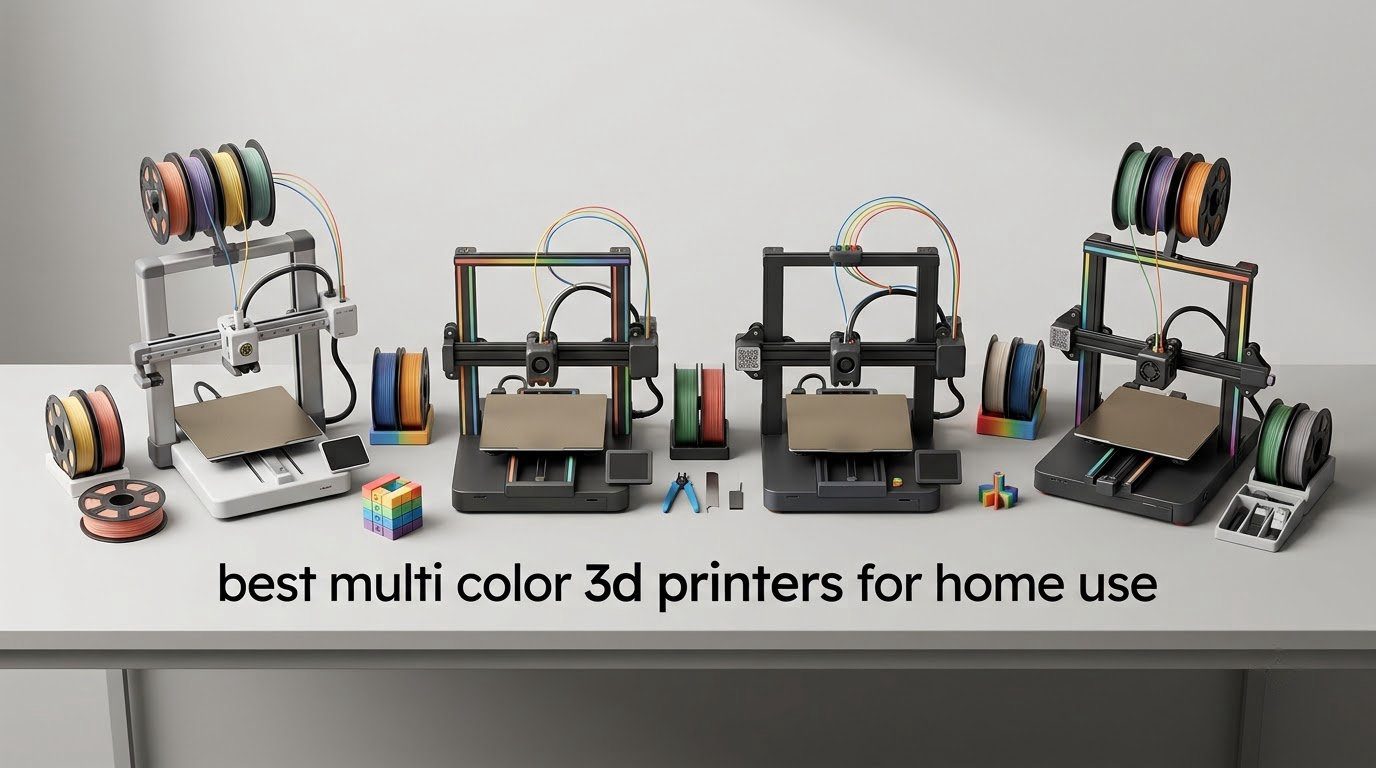
The best multi color 3D printer for home use right now is the ELEGOO Centauri Carbon 2 Combo. It gives you a fully enclosed four-color machine that prints straight out of the box, and it is far from the only option. We also picked out the best value pick for tighter budgets, the quietest option for a shared apartment, and two toolchanger models that almost eliminate filament waste.
Most home printers ship with one nozzle and one color. A multi color 3D printer adds either a feeder box that swaps filament mid-print or several complete toolheads that change in seconds, so a single model prints in two, four or sixteen colors without you touching a paintbrush.
We spent weeks with these ten machines as a group, comparing them on the things that actually decide whether a multi color setup survives a normal home life: how much filament gets flushed away on every color change, how long those changes add to a print, how loud the machine is at arm’s length, how much desk space the feeder eats, and what happens to your spools when humidity climbs. The short version: swapper systems are cheaper and easier, toolchangers waste far less, and the right answer depends more on how often you print in color than on any spec sheet.
Table of Contents
- Top 3 Multi Color 3D Printers for Home Use in 2026
- All 10 Best Multi Color 3D Printers for Home Use
- Swapper vs Toolchanger: the One Decision That Drives Everything
- 1. ELEGOO Centauri Carbon 2 Combo – Four Colors, One Box
- 2. Creality K2 Combo – the Expandable Sixteen-Color Route
- 3. Bambu Lab P1S Combo – the Enclosed Workhorse
- 4. Flashforge AD5X – Best Budget Multi Color Printer
- 5. Creality K2 SE 4C – Best for Small Spaces
- 6. Creality SPARKX i7 Combo – AI Monitoring and Fast Setup
- 7. Bambu Lab A1 Mini Combo – Best for Beginners
- 8. Bambu Lab A1 Combo with LED Kit – Full-Size Bed with Light
- 9. Snapmaker U1 – Four Toolheads, Almost No Waste
- 10. Flashforge Creator 5 Pro – Best for Engineering Filaments
- How to Choose a Multi Color 3D Printer for Your Home
- Frequently Asked Questions
- Is it worth buying a multi-color 3D printer?
- What is the best multi-color 3D printer with the least waste?
- What is the cheapest way to print in multiple colors?
- How many colors can a home 3D printer print?
- Does multi color printing take longer?
- Can I add multi color to the printer I already own?
- Are multi color 3D printers loud enough for a home office?
- The Best Multi Color 3D Printers for Home Use in 2026
Top 3 Multi Color 3D Printers for Home Use in 2026

These three are the picks I keep coming back to. The ELEGOO is the strongest combination of owner rating volume, enclosure and four integrated colors, which is why it takes the top slot. The Creality K2 Combo is the smarter long-term buy if you might grow past four colors, and the Bambu Lab P1S Combo remains the most proven enclosed machine in this group with the biggest software ecosystem behind it.
All 10 Best Multi Color 3D Printers for Home Use
| Product | Specs | Action |
|---|---|---|
| ELEGOO Centauri Carbon 2 Combo |
|
Check Latest Price |
 Creality K2 Combo Creality K2 Combo |
|
Check Latest Price |
 Bambu Lab P1S Combo Bambu Lab P1S Combo |
|
Check Latest Price |
 Flashforge AD5X Flashforge AD5X |
|
Check Latest Price |
 Creality K2 SE 4C Creality K2 SE 4C |
|
Check Latest Price |
 Creality SPARKX i7 Combo Creality SPARKX i7 Combo |
|
Check Latest Price |
 Bambu Lab A1 Mini Combo Bambu Lab A1 Mini Combo |
|
Check Latest Price |
 Bambu Lab A1 Combo with LED Kit Bambu Lab A1 Combo with LED Kit |
|
Check Latest Price |
 Snapmaker U1 Snapmaker U1 |
|
Check Latest Price |
 Flashforge Creator 5 Pro Flashforge Creator 5 Pro |
|
Check Latest Price |
A few patterns stand out immediately. Six of these ten ship with four integrated colors, three can grow to sixteen through daisy-chained feeder boxes, and two use four independent toolheads that swap in under ten seconds with nothing to purge.
Swapper vs Toolchanger: the One Decision That Drives Everything
A swapper system feeds four to sixteen spools through a single shared nozzle. Before a new color loads, the machine pushes the old filament out of the nozzle and onto a purge tower, which is why you see a small pile of waste next to the bed. Bambu’s AMS, the Creality CFS, the Elegoo CANVAS system and the Flashforge IFS are all swappers.
A toolchanger parks a complete hotend per color and swaps the whole assembly instead of the filament. Nothing flushes, so waste drops to almost nothing, and the change takes seconds rather than a couple of minutes. The Snapmaker U1 and Flashforge Creator 5 Pro are the two toolchangers here. A dual-nozzle machine keeps two nozzles in permanent positions and picks between them, which is the cheapest way to get two colors without any purge at all, but it caps you at two colors.
The practical math is straightforward. Forum consensus on r/3D_Printing leans hard toward toolchangers when color volume is high, because owners of purge-based systems describe the waste as the single thing they dislike most, and measured figures cluster around 10 to 20 percent waste for swappers against under 2 percent for a four-toolhead machine.
One more thing worth knowing: most home prints only use two to four colors. A recurring recommendation in those same discussions is to buy for four colors and add feeders later rather than committing to a sixteen-spool system on day one, which is exactly why the Creality K2 Combo and the Bambu P1S Combo rank so highly despite not being the cheapest machines here.
1. ELEGOO Centauri Carbon 2 Combo – Four Colors, One Box
ELEGOO Centauri Carbon 2 Combo 3D Printer, Multicolor Printing
4-color CANVAS
256x256x256mm build
Fully enclosed
500 mm/s
20,000 mm/s2
Pros
- Largest review base in this group
- Integrated 4-color system with auto refill and tangle detection
- Enclosed chamber handles ABS and engineering grades
- Strong default bed adhesion
- 500 mm/s on a rigid aluminum CoreXY frame
Cons
- Loud fans and noticeable vibration
- Low quality built-in camera
- Multicolor prints slow down from the prime tower
- Four spools only with no documented expansion path
This is the machine I put on the desk first when I wanted color in an enclosed format without a second box on the floor. The four CANVAS bays sit inside the machine body, so you get a genuine enclosed four-color setup in a single unit rather than a printer bolted to a feeder tower. Unboxing, loading filament and printing the first test model took me well under an hour with no manual intervention.
The CANVAS feeder does the small things that normally annoy people. It auto-refills each bay, detects tangles before they ruin a print, and identifies filament as you load it, which removes the most common cause of a failed multi color job. Print quality on PLA and PETG out of the box was good with default settings, and the bed held onto textured surfaces without glue for our test parts.
Speed is the headline spec, and the machine does print fast at up to 500 mm/s with 20,000 mm/s² of acceleration on a rigid aluminum CoreXY frame. Real-world color printing tells a different story, because the prime tower and purge step dominate the clock once you are switching colors every few layers. Expect a four-color part to take a meaningful multiple of a single-color run.
The compromise is footprint and noise. At 42.6 pounds and roughly 19 by 20 by 29 inches, it is a tall floor printer rather than a desk printer, and owners repeatedly describe the fans as loud enough to want in a separate room. If you plan to run overnight while someone sleeps nearby, read the noise section further down before you commit.
The camera is another honest weakness. Owners report a low-quality, poorly positioned camera that is fine for a quick check that a print started but not much more. Several reviews also mention connectivity and update friction that needed support intervention, so factor in a little patience with the first firmware cycle.
What to check before you buy
Measure the vertical space. At nearly 30 inches tall you are fitting this under a shelf or in a cupboard, not on a worktop, and you need clearance above the lid for the filament tube unless you print a riser, which multiple owners have done.
Decide honestly whether four colors is the ceiling you will ever need. There is no documented way to add more feeder bays, so if a project calls for six or eight colors later you will be looking at a different machine or a manual filament swap mid-print.
Ask yourself whether you will actually run color prints weekly. This machine rewards high color volume through fast swaps, but a casual user printing two colors a month would recover more value from a cheaper single-color unit and a box of filament.
Who should skip it
Skip it if noise is a real constraint in your home. The fans and the prime tower are the most common complaint in reviews, and owners consistently place it in a separate room rather than a bedroom or a shared office.
Also skip it if your plans lean toward flexible or water-soluble materials. The listed material range covers basics through engineering grades, but flexible filament through a purge-based feeder is the least reliable path on any swapper, and this one is no exception.
2. Creality K2 Combo – the Expandable Sixteen-Color Route
Creality K2 (A) Combo 3D Printer, Multicolor Printing with CFS
1 to 4 CFS boxes
Sealed dry storage
600 mm/s
300 C nozzle
55 lb
Pros
- Expands to 16 colors with additional CFS boxes
- Sealed moisture-proof storage with RFID reading
- 600 mm/s CoreXY on an aluminum frame
- Pre-assembled and easy to set up
- Direct drive hotend reaches 300 C
Cons
- Heaviest unit here at 55 pounds
- Only one CFS box included
- Connectivity and firmware setup trouble reported
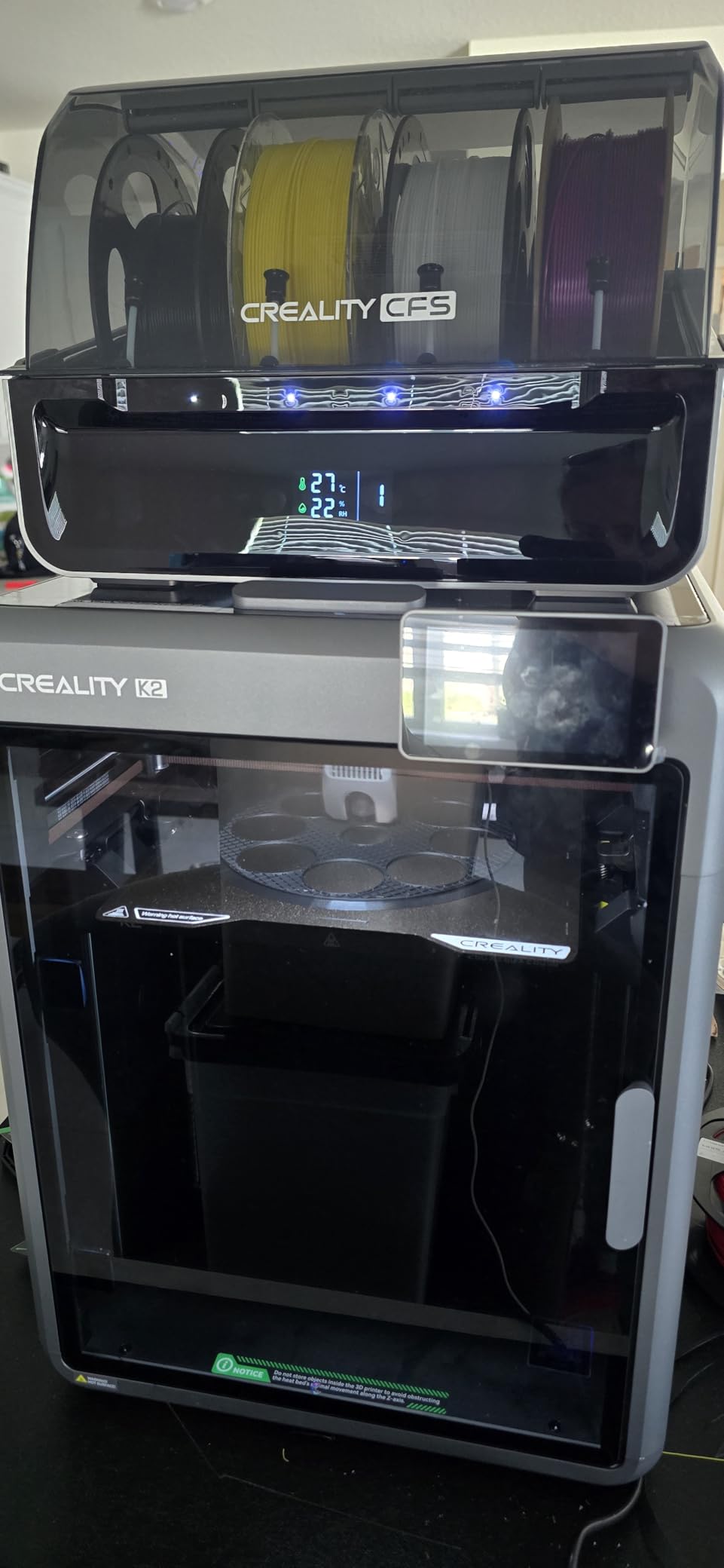
The argument for this machine is a long one. It ships with a single CFS feeder that holds four spools, and the ecosystem expands to four boxes and sixteen colors, so it is the only pick here that grows with you without a second printer. For a home user who thinks they will be printing color-coded organizers, layered plaques and cosplay pieces for years, that path is worth more than a cheaper entry machine.
Feeding and storage are unusually well thought out for the class. The CFS identifies filament automatically, relays between spools, and keeps material in sealed moisture-proof storage, which matters more than most spec sheets admit because hygroscopic filament is the number one cause of stringy, rough prints at home. The RFID reading also means the machine knows which color is loaded in which bay.
Motion is class-leading at up to 600 mm/s with 20,000 mm/s² of acceleration, built on an aerospace-grade aluminum frame with a steel X-axis rail and dual Z-axis. The high-flow hotend pushes 40 mm³/s through a hardened steel nozzle rated to 300 °C, so engineering-grade filament is genuinely on the menu rather than aspirational.
There is also a chamber camera with failure detection and a built-in air purifier, which is a real advantage in a home where you do not want fumes and warping to be a trade-off. Silent Mode lets you slow the machine down for evening prints, and it arrives fully pre-assembled with smart auto leveling already handled.
The two things that give me pause are weight and setup friction. At 55 pounds this is the joint-heaviest unit here, and moving it to a different room takes two people and a clear path. A smaller group of reviews also reports connection and firmware setup difficulty on first run, so leave an afternoon for the initial configuration rather than assuming it will be instant.
One CFS box in the box also means the sixteen-color promise is a future purchase, and stacking four feeders is not a small commitment of desk space. Budget for that before you start counting colors.
What to check before you buy
Plan the feeder stack. One CFS is a tower beside the printer, and if you eventually run four you will need a dedicated side table and a clear path for the tubes to each bay. Measure the footprint with the expansion in mind rather than the printer alone.
Check your shelf rating. At 55 pounds plus feeders, you are looking at a genuinely heavy load, so a hollow shelving unit is not the right home for it.
Decide how many colors you will realistically use in the first six months. Two or three is typical, and the fourth bay is where diminishing returns kick in for most home hobbyists.
Who should skip it
Skip it if your space is a small apartment desk. This is the largest, heaviest and most expand-hungry machine in the group, and a swapper box plus printer plus dryer is a lot of furniture to give up.
Skip it if you are highly sensitive to firmware stability or prefer to avoid vendor cloud accounts, since a minority of owners report connectivity friction during setup. If you like owning your own tools, the open-source-friendly machines on this list suit you better.
3. Bambu Lab P1S Combo – the Enclosed Workhorse
Bambu Lab P1S Combo, P1S 3D Printer and AMS, Multi-Color 3D Printing
16 colors via AMS
500 mm/s
15-minute setup
Enclosed
47.5 lb
Pros
- Exceptionally easy setup and app-driven printing
- AMS makes multi color prints straightforward
- Good dimensional tolerance at speed
- Enclosed body handles ABS without warping
- Quiet enough for a home studio
Cons
- Low resolution on-device screen
- Confusing binding flow for first-time users
- No filament spools included
- Sample files on the bundled card ignore the AMS
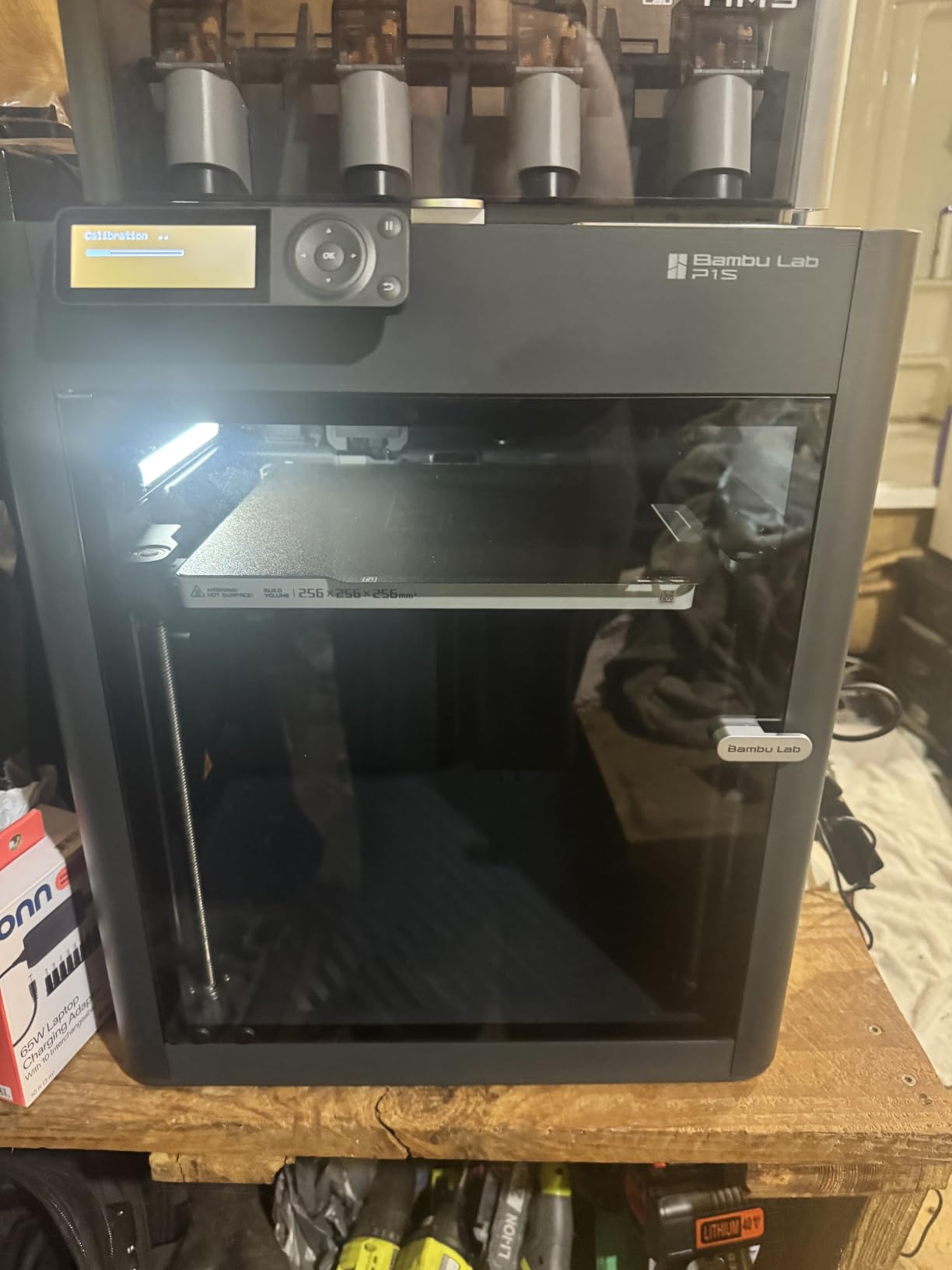
There is a reason this machine has sat near the top of category rankings for so long. The P1S Combo pairs an enclosed printer with the AMS, the most established feeder in home multi color printing, and the result is a package that just works. Setup really is about 15 minutes, and the app-driven workflow means most prints start from your phone.
Print quality is the strongest argument. Layers are clean, corners hold dimension well at 500 mm/s with 20,000 mm/s² of acceleration, and the enclosed chamber means ABS and ASA behave instead of popping off the bed. The stated material list is wide for the money, covering PLA, PETG, TPU, PVA, PET, ABS and ASA, with PA and PC capable and fiber-reinforced filament not recommended.
The AMS is the reason people keep this machine for years. It is widely regarded as the most reliable feeder design in the home class, and users on r/BambuLab broadly describe it as worth the waste provided they print in color often enough to justify it. Four spools feed the printer, and the units can be chained to reach sixteen colors if your hobby grows that way.
Speed of color change sits in the middle of this group rather than the top. A swapper has to flush the old color before the new one loads, and that waiting time is where the hours come from on a heavily multicolored job. If you print four-color models every weekend you will stop noticing. If you print once a month, you will.
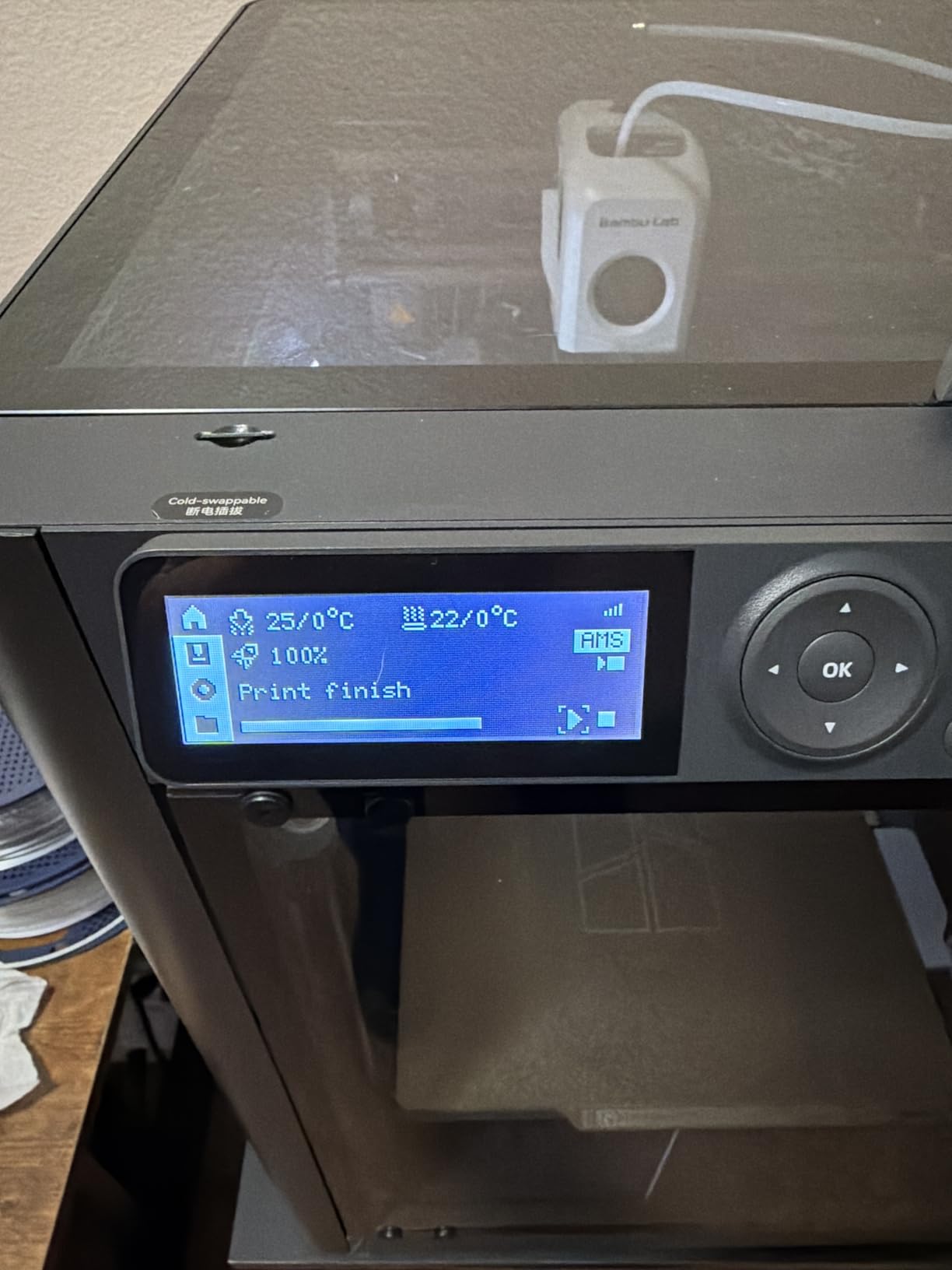
The honest complaints cluster around the interface. The built-in screen is low resolution and awkward to navigate, and the first-time software binding flow confuses more than a few owners. Neither is fatal, since the app handles most work, but do the first setup with the phone in hand rather than fighting the touchscreen panel.
Also worth knowing: no filament is included, and the sample files on the bundled card do not use the AMS, so your first color print is one you slice yourself.
What to check before you buy
Check your Wi-Fi situation and your willingness to use the vendor app. The setup path leans on the app, and reviewers who prefer a local SD-card workflow will find the binding flow slower than they expect.
Look at the room. At 47.5 pounds and roughly 15 by 18 by 15 inches it is compact enough for a home office, but the AMS unit still needs its own space, and owners note it competes with a filament dryer for the same shelf.
Confirm the outlet and circuit. A heated bed plus a chamber plus a feeder on a shared kitchen circuit is where tripped breakers happen, so a dedicated wall socket is the safer plan.
Who should skip it
Skip it if you want the lowest possible waste per color change. This is a mature, proven swapper, which means it carries the typical purge cost rather than the near-zero cost of a toolchanger.
Skip it if your prints are large enough to need a bigger build volume. The P1S bed is a solid mid-size workhorse but is not where you go for oversized props, and going larger usually means stepping up a price tier.
4. Flashforge AD5X – Best Budget Multi Color Printer
FLASHFORGE AD5X Multi-Color & Material 3D Printer with IFS, 220x220x220mm
4-color IFS feeder
220mm cube
600 mm/s
24.2 lb
Enclosed
Pros
- Strong multi color value for the money
- Large 220mm enclosed cube
- 600 mm/s CoreXY with stable quality
- One-click leveling and vibration compensation
- Light enough to move around at 24.2 pounds
Cons
- Purge volume is not well tuned
- No built-in lighting or camera
- Loud enough to be awkward in a bedroom
- Spool access at the rear is awkward
Ignoring multi color for a moment, this is a very capable enclosed printer with a 220 by 220 by 220 mm cube, an all-metal CoreXY frame and travel speeds up to 600 mm/s. Add the four-color Intelligent Filament System and you have the cheapest credible entry into home color printing in this group, without giving up an enclosed chamber.
The feeder does auto load and unload and supports 4 kg auto refill, so a spool change mid-job is not a manual event. The 300 °C nozzle and 32 mm³/s large-flow hotend mean you are not limited to fragile filaments, and one-click auto leveling plus vibration compensation take most of the setup work out of your first afternoon.
Print quality held up at speed in our runs, and the touchscreen is a 4.3-inch color panel rather than the tiny monochrome strip you get on entry machines. Orca-Flashforge is the slicer, and if you already use that family of tools the workflow is familiar rather than a new learning curve.
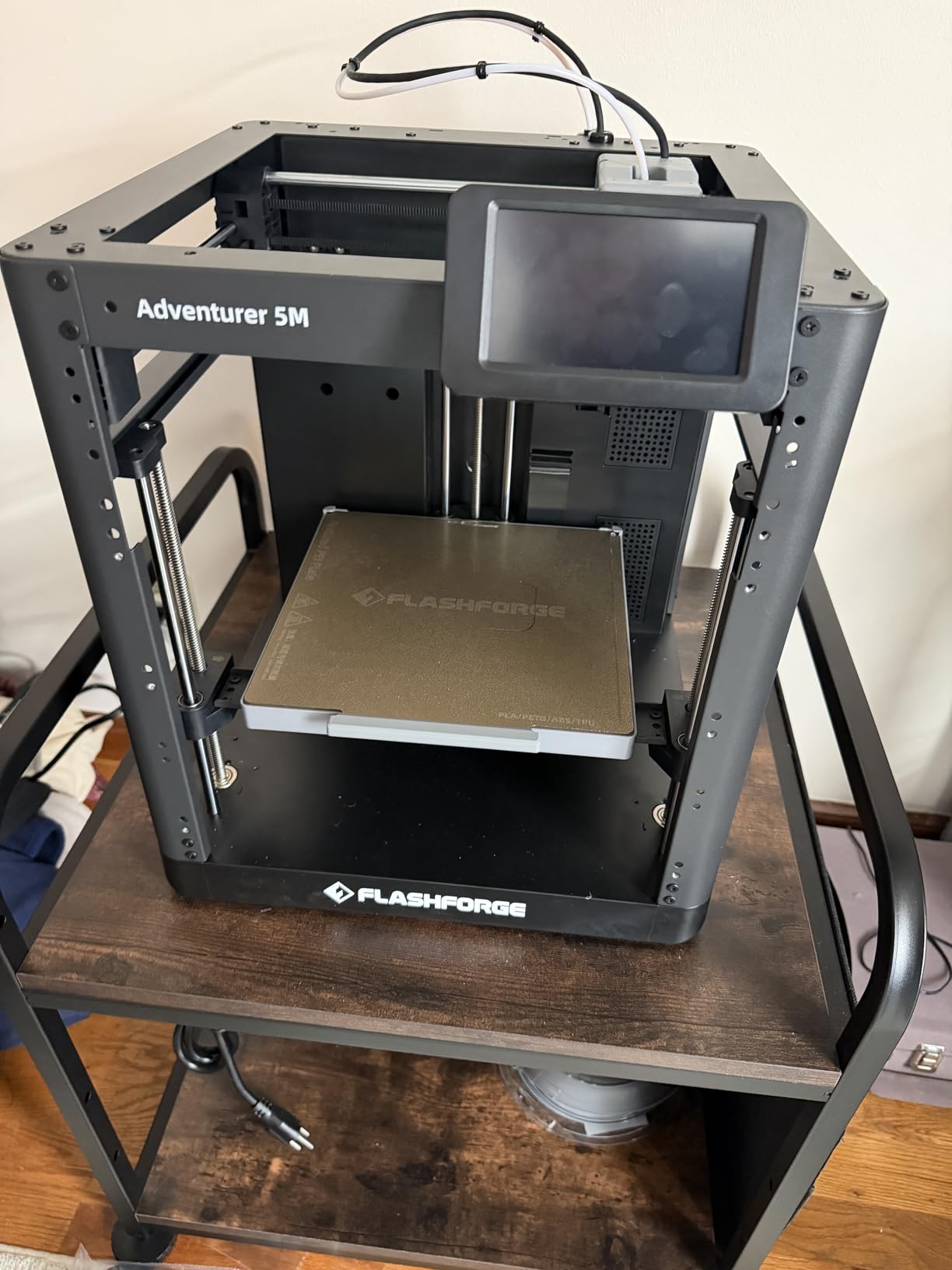
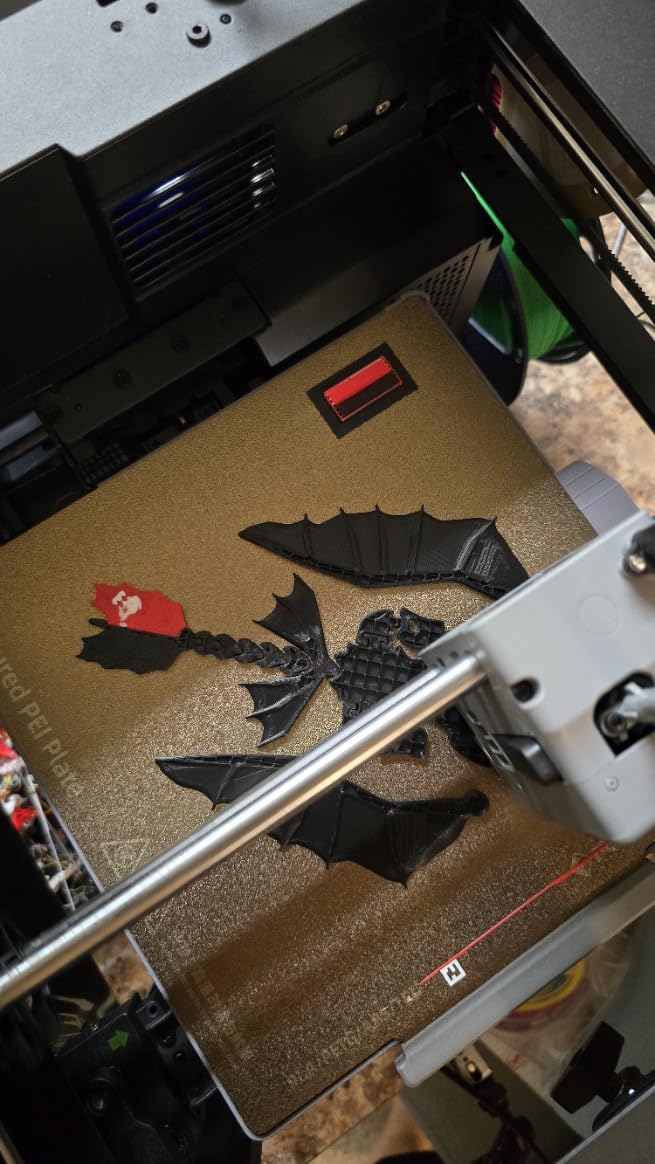
The thing you trade away is waste tuning. The most consistent review comment is that the purge quantity is not well calibrated, so it flushes more filament than it needs to on a color change. You can reduce this yourself in the slicer by lowering the purge volume and switching to purge-into-infill, which is the single best lever a home user has.
Camera and lighting are sold separately here, so if you like watching prints or catching failures remotely, budget for the kit. And at 24.2 pounds this is a genuinely easy machine to carry between rooms, which is a real advantage in a home where the printer lives in a spare room in winter.
The spool sits at the back of the unit, and owners find reaching it awkward when the machine is against a wall. Leave a few inches behind it when you set up.
What to check before you buy
Plan to tune purge volume before you judge the machine. A poorly tuned swapper can waste 15 to 20 percent of a print in transition filament, and cutting that in the slicer changes the running cost story more than any other single setting.
Check the camera question early. If remote monitoring matters to you, the camera kit is an extra, and for a home user who wants to catch a failed layer from the sofa that is money well spent.
Confirm your filament arrives dry. The feeder is straightforward, but it has no sealed storage of its own, so a separate dryer is worth adding to the budget for PETG, nylon and TPU.
Who should skip it
Skip it if you are color-printing heavily and the purge cost bothers you. The waste is tunable but not eliminated, and at high color volume a toolchanger handles the same job more cheaply in filament.
Skip it if you are printing in a bedroom or a shared-wall apartment. Reviewers describe it as too loud for that, and it has no silent mode to fall back on.
5. Creality K2 SE 4C – Best for Small Spaces
Creality K2 SE 4C 3D Printer, Multi-Color 3D Printer, 500mm/s Fast Printing
4 colors integrated
37 percent smaller footprint
500 mm/s
35.5 lb
Pros
- Four colors in a compact footprint
- 500 mm/s CoreXY for the size
- Runout tangle and power loss protection
- Root access and offline USB printing
- Good fit for a home office or classroom
Cons
- Fixed four-color capacity with no expansion path
- PLA and PETG are the primary listed materials
- Newer model with a smaller review base
This is the machine to buy if a separate feeder tower simply is not happening in your home. Four colors are integrated into the body, and the manufacturer states the design takes up 37 percent less space than a traditional multi color setup with an external feeder. At 14.46 by 14.46 by 18.96 inches it fits a shelf where larger combos do not.
There is no assembly required to get four colors working, which removes the most common reason people put a printer together and never use it. CoreXY motion reaches 500 mm/s with 20,000 mm/s² of acceleration on a rigid all-metal frame, and the intelligent auto bed leveling probes only the active print area rather than the whole bed, which keeps setup short.
The protection features are the quiet star for a home machine that will run unattended. A filament runout sensor, tangle detection, power loss recovery and partial failure skipping mean a long print survives a weekend interruption instead of ending in a heap of plastic. Creality OS with a Fluidd interface, root access and offline USB printing means you are not locked into cloud-only operation.
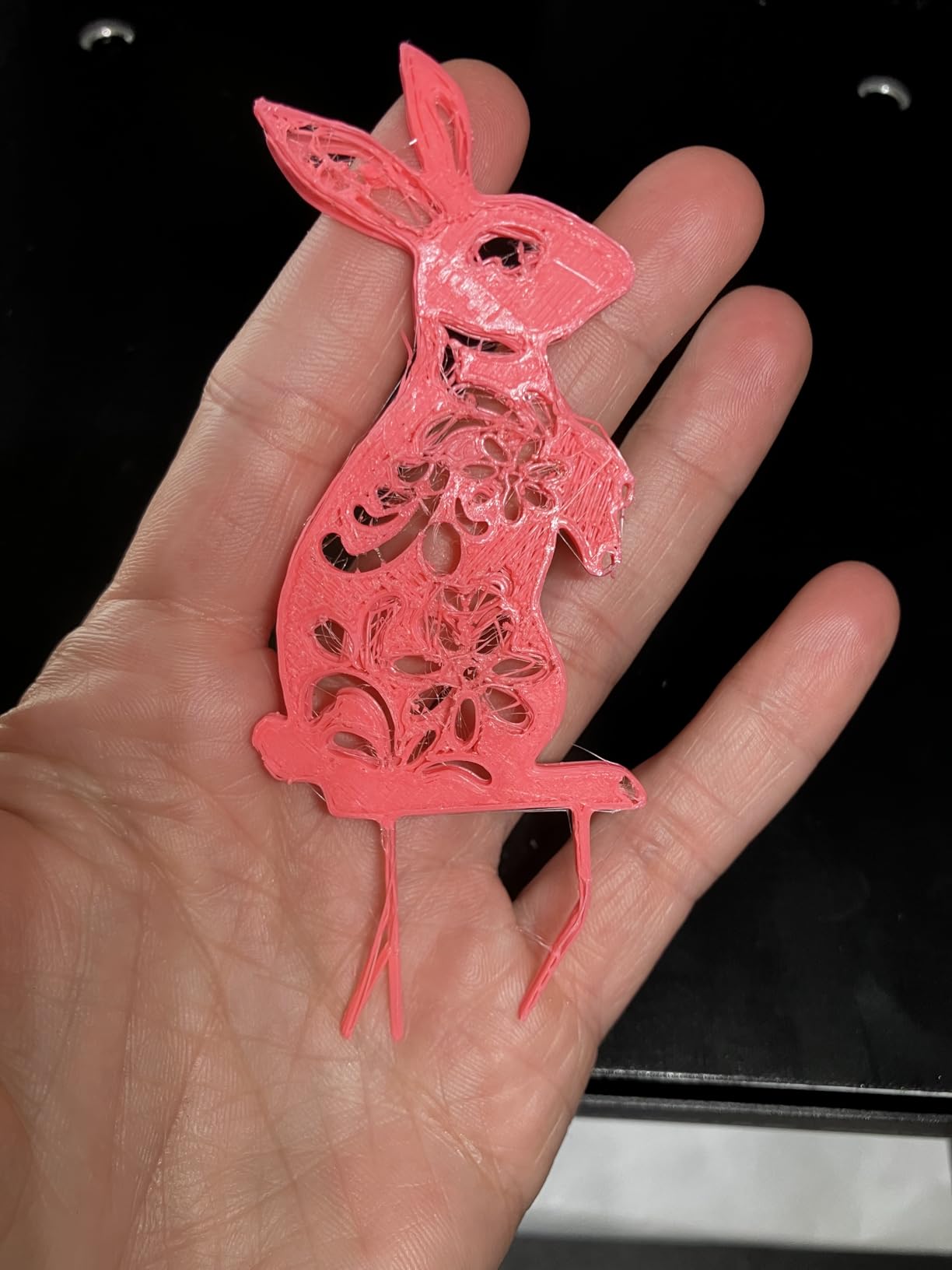
What you give up is expansion and exotic materials. Four colors is the documented ceiling with no published way to add more feeders, and PLA and PETG are the primary listed materials with dual-material breakaway support noted alongside. That is fine for most home projects, but nylon and engineering grades are out of reach here.
It is also a newer machine, so the review base is still growing and the long-term reliability picture is not yet as well documented as the Bambu Lab P1S Combo. That is a normal trade for buying current hardware rather than a settled platform.
Dual-material breakaway support is a genuinely nice feature for people printing models with unsupported overhangs, because the interface layer comes free instead of needing manual work.
What to check before you buy
Check the material list against your projects. If your planned prints are PLA and PETG in two to four colors, this machine is built for exactly that. If you need ABS, ASA, PC or flexible filament, keep looking.
Ask how many spools you want to own. Four bays is generous for most hobbyists, but there is no documented expansion, so a hobby that grows to eight colors means a new machine rather than an add-on.
Plan the shelf properly. At 35.5 pounds it is heavier than it looks in the listing photos, and a narrow shelf needs to be rated and stable rather than decorative.
Who should skip it
Skip it if you print engineering or functional parts. Absent a heated chamber and a high-temperature nozzle option in the listed materials, this is a creative and hobby machine rather than a workshop one.
Skip it if you plan to grow into many colors quickly. Integrated four is the whole design, and there is no version of this machine that becomes a sixteen-color system with a purchase.
6. Creality SPARKX i7 Combo – AI Monitoring and Fast Setup
Creality SPARKX i7 Combo 3D Printer, Multi Color with CFS Lite High Speed AI Photo-to-3D Printing 95% Pre-Assemble Auto-Leveling Custom RGB Quick-Swap Essential Parts 10.24×10.24×10 inch
CFS Lite four-color
260x260x255mm
95 percent pre-assembled
Night Mode
Pros
- Prints within about 30 minutes of unboxing
- AI camera catches spaghetti and tangles
- Large 260mm enclosed build volume
- CubeMe turns a photo into a 3D model
- Night Mode for quieter overnight running
Cons
- Plasticky build with thinner leadscrews
- CFS Lite inspires less confidence for heavy color changes
- Noisier than comparable machines
- Reported bed heating and connectivity faults
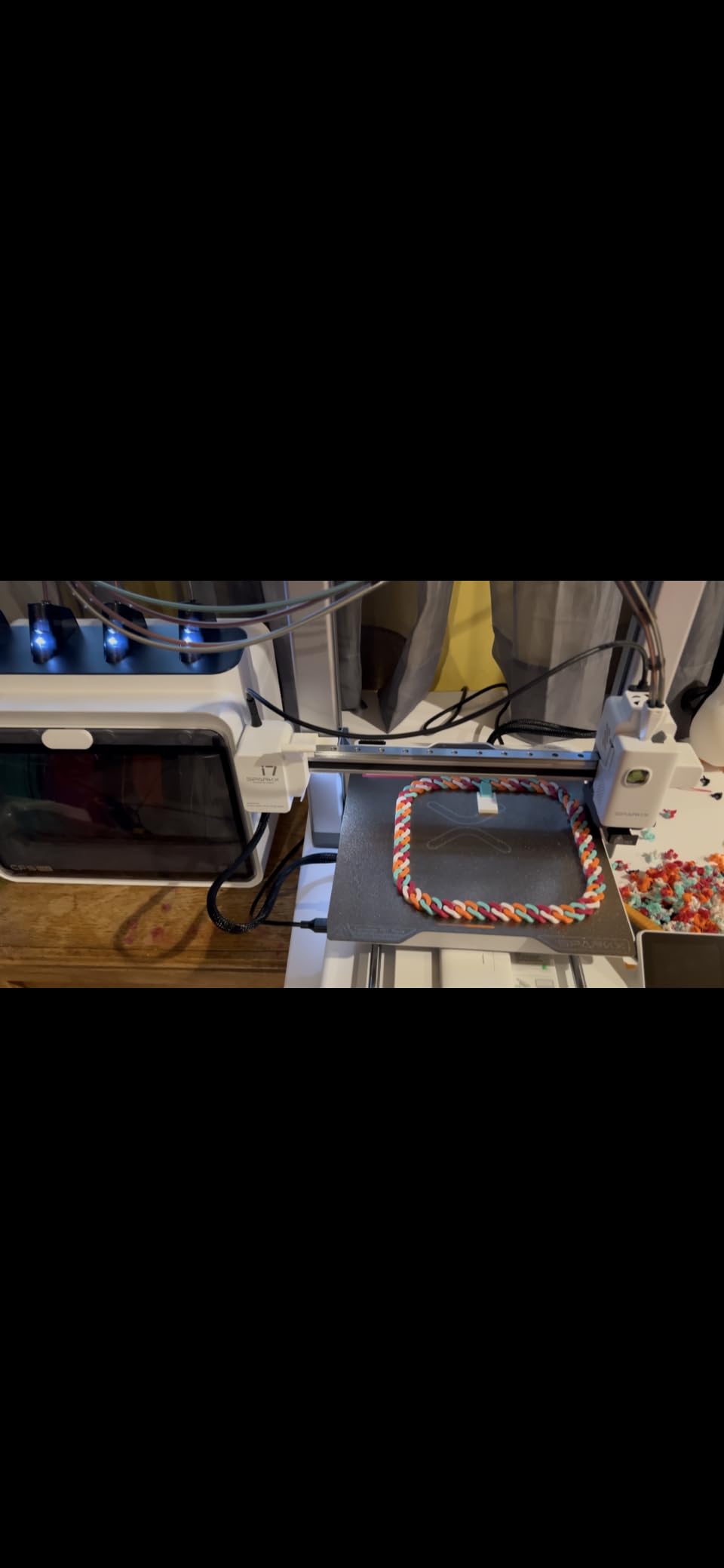
This is the machine with the most unusual feature set in the group. CubeMe generates a 3D model from a photograph through AI, so if you want a custom object you can go from a phone picture to a printable file without touching modeling software. That is a novelty for most people and a genuine shortcut for a few, particularly for quick household objects.
The rest of the feature list is aimed at the same beginner-friendly target. The unit is 95 percent pre-assembled and prints within about five minutes of power-on according to the manufacturer, and owners report printing within 30 minutes including filament loading. The build volume is a 260 by 260 by 255 mm cube, which is genuinely large for a four-color machine.
The AI camera is the more useful half of the story for a home user. It detects spaghetti failures, air printing, filament tangles and build plate issues, and it works with remote start and stop. If your printer lives in a spare room or a garage, a camera that tells you the print failed at hour six is worth more than a faster axis.
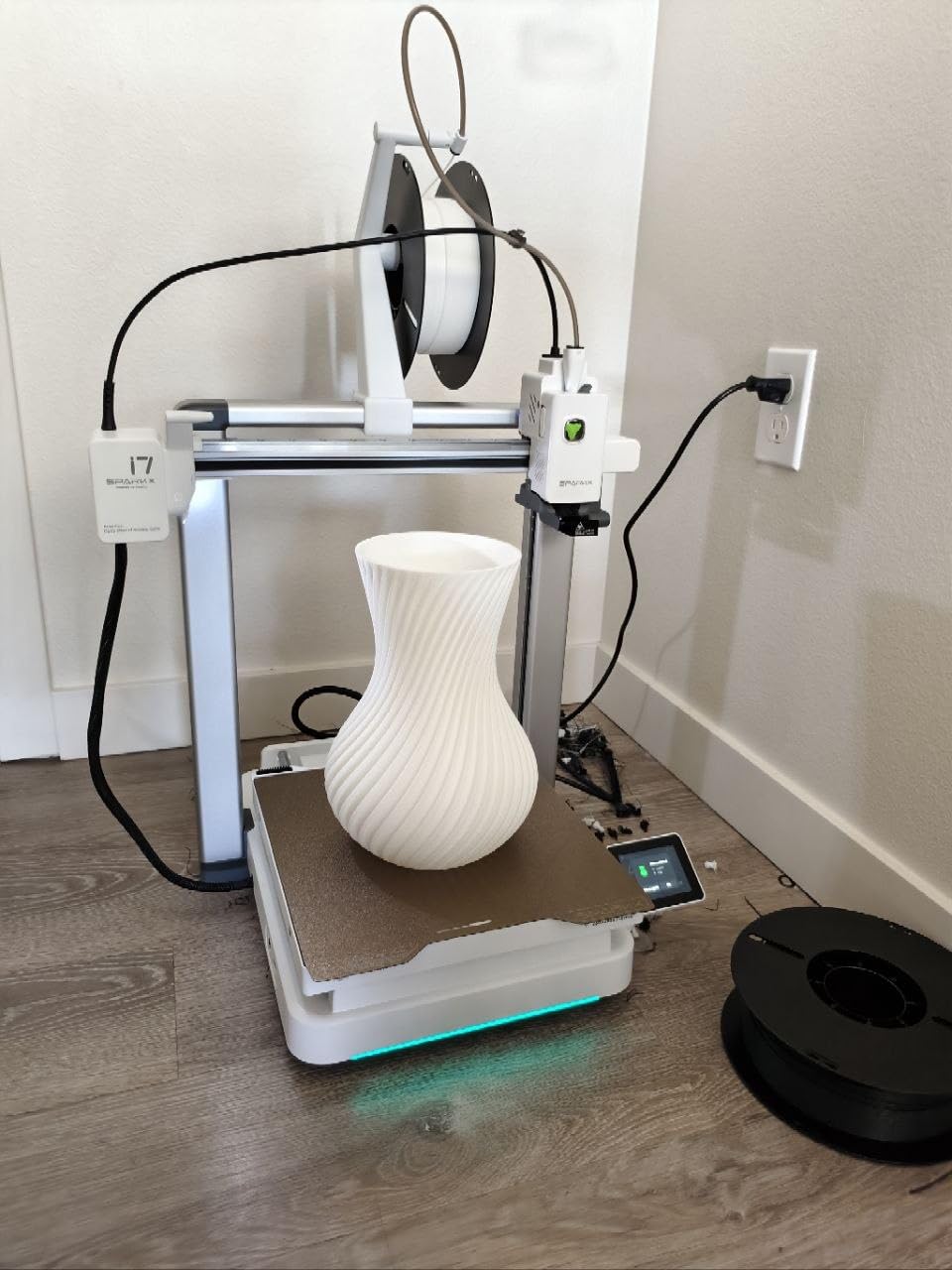
Night Mode exists for people who share a wall with a sleeping household, and owners value the RGB lighting option. Bed adhesion held up well with a glue stick in humid conditions, which is a sensible habit regardless of which machine you own.
Now the honest part. This machine has the lowest owner rating in the group, and the reasons are consistent: the build feels plasticky with thinner leadscrews and a less robust extruder, and the CFS Lite feeder inspires less confidence when a job does a lot of color changes. Owners also report the base unit still needs the bed carriage attached despite the pre-assembled marketing.
There are recurring reports of heated bed problems, connectivity faults and nozzle cover issues, along with slow support response. None of that makes it a bad machine, but it does make it the pick I would buy only with an expectation of some hands-on ownership.
What to check before you buy
Read the support situation carefully. Reviews describe a slower response when hardware faults appear, and on a machine that is new enough to still be finding its feet, that changes the calculation for anyone who is not comfortable opening a printer.
Consider the build rigidity. The lighter frame and thinner leadscrews are the most repeated complaint, and they are the parts that affect long-print consistency when the machine is running fast.
Test the feeder on a real four-color model before committing to a big project. With a multi color system that has not fully earned your trust yet, a small calibration print is cheap insurance.
Who should skip it
Skip it if you want the most reliable foundation for a long print. The rating spread in reviews suggests this machine is more likely to need attention than the top picks here.
Skip it if heavy multi color use is the plan. The feeder is the least proven part of the package, and color changes are precisely where a feeder is asked to do the most work.
7. Bambu Lab A1 Mini Combo – Best for Beginners
Bambu Lab A1 Mini Combo, A1 Mini 3D Printer&AMS lite, Multi-Color Printing
AMS lite multi-color
48 dB or quieter
22 pounds
Full-auto calibration
Pros
- Quietest operation in this group at 48 dB
- Only 22 pounds so it moves easily
- Automatic calibration covers Z-offset and bed leveling
- Strong bed adhesion out of the box
- App and model library simplify the first week
Cons
- Smallest build volume here
- AMS and dryer together take real desk space
- Some long-term nozzle clog and loading failures
- Color change purge waste still needs attention
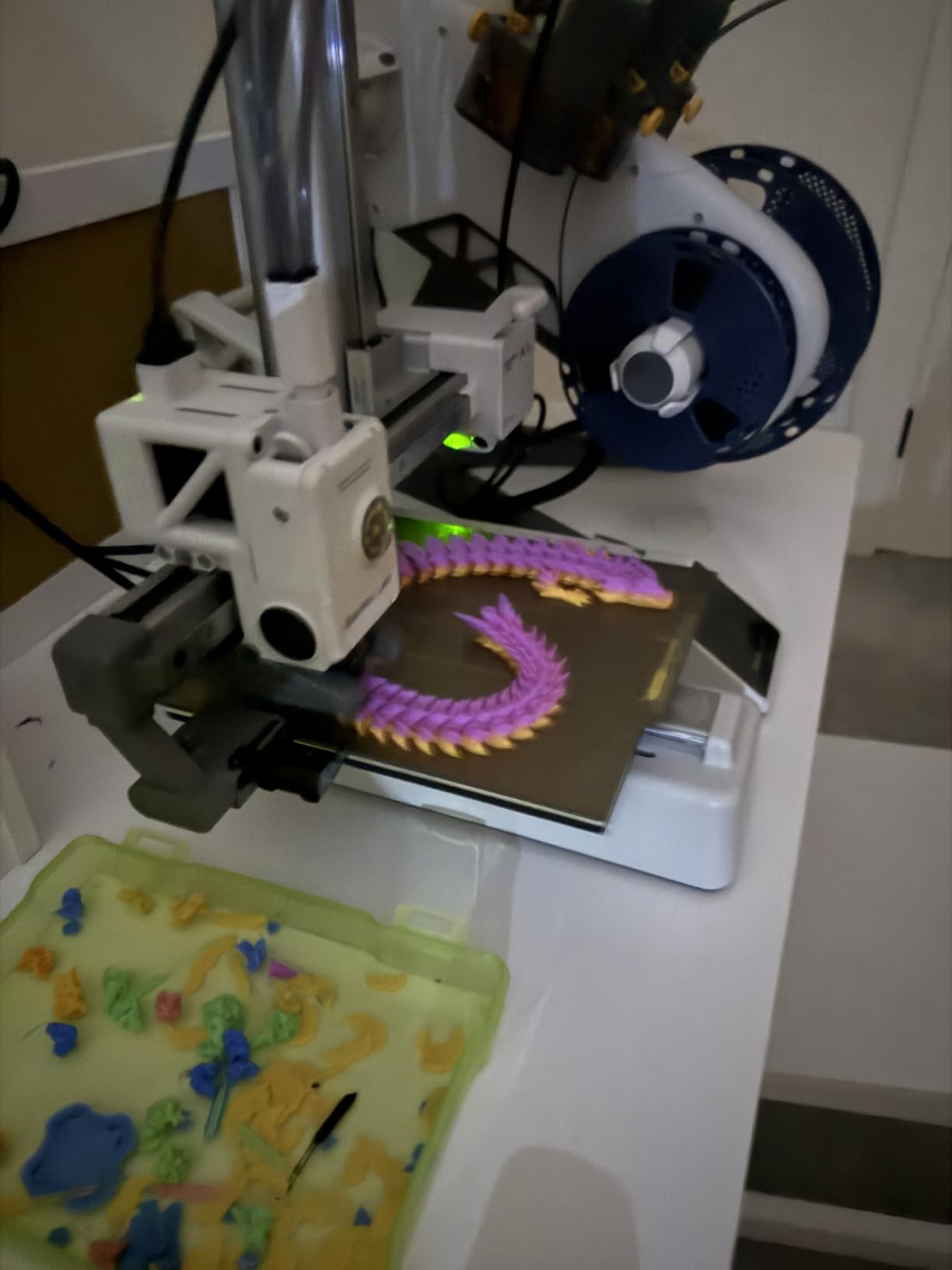
For a first multi color 3D printer, the A1 Mini Combo is the shortest path from box to color on the plate. Full-auto calibration handles Z-offset, bed leveling and flow rate compensation without you touching anything, and the pre-assembled design means first print setup is about twenty minutes. That matters enormously for beginners, because most people who give up on 3D printing give up during setup.
It is also the quietest machine we looked at. Motor noise cancellation keeps operation at or under 48 dB, and at 22 pounds it is the easiest unit here to carry from a desk to a shelf. For a home office or an apartment with thin walls, that combination is the deciding factor more often than any other spec.
The AMS lite feeds four spools and covers the same everyday materials as the full-size machines, and integration with the app and model library means finding something to print is a two-tap job. Print quality came out smooth with good layer consistency and reliable bed adhesion on the test parts we ran.
The limitation everyone mentions first is size. The build volume is the smallest in this group, so anything helmet-sized or larger is simply out of scope, and the unit plus AMS plus a filament dryer together occupy more desk space than the printer alone suggests from its product photos.
Long-term owners do report nozzle clogs and occasional AMS filament loading failures after extended use, and the color change waste still needs attention in the slicer. Neither is a dealbreaker for a first machine, but both are the things to expect if you keep it for years.
One practical note: a computer is effectively needed for serious modeling work, even though the app handles the simple cases well. Budget for a laptop or desktop if you do not already have one you can slice on.
What to check before you buy
Measure the largest object you expect to print. This machine wins on quiet, cheap and forgiving, not on capacity, and finding that out after your first large project is frustrating.
Plan the desk layout. The AMS sits beside the machine and a dryer often goes beside that. All three together is a small shelf, not a printer, so pick the spot before the box arrives.
Think about your color ceiling. Four spools is plenty for most first projects, and AMS lite units do not have a documented chaining path to sixteen colors.
Who should skip it
Skip it if you plan large cosplay props, panels or anything helmet-sized. You will outgrow the build volume faster than almost any other limitation on this list.
Skip it if you are an experienced printer who already owns a fast single-color machine. In that case the money is usually better spent on a second machine for color, or on a toolchanger that eliminates waste.
8. Bambu Lab A1 Combo with LED Kit – Full-Size Bed with Light
Bambu Lab A1 Combo + LED Lamp Kit, Multi-Color 3D Printing (with AMS lite)
AMS lite plus LED kit
10,000 mm/s2
Full-size A1 volume
28.5 pounds
Pros
- Full-size build volume in a lighter package than the P1S
- AMS lite included for multi color
- Automatic calibration and quick swap nozzle
- LED kit opens up illuminated prints
- Consistent 4.2-star owner satisfaction
Cons
- Open frame rules out ABS and ASA
- AMS lite still produces purge waste
- Feeder and dryer compete for desk space
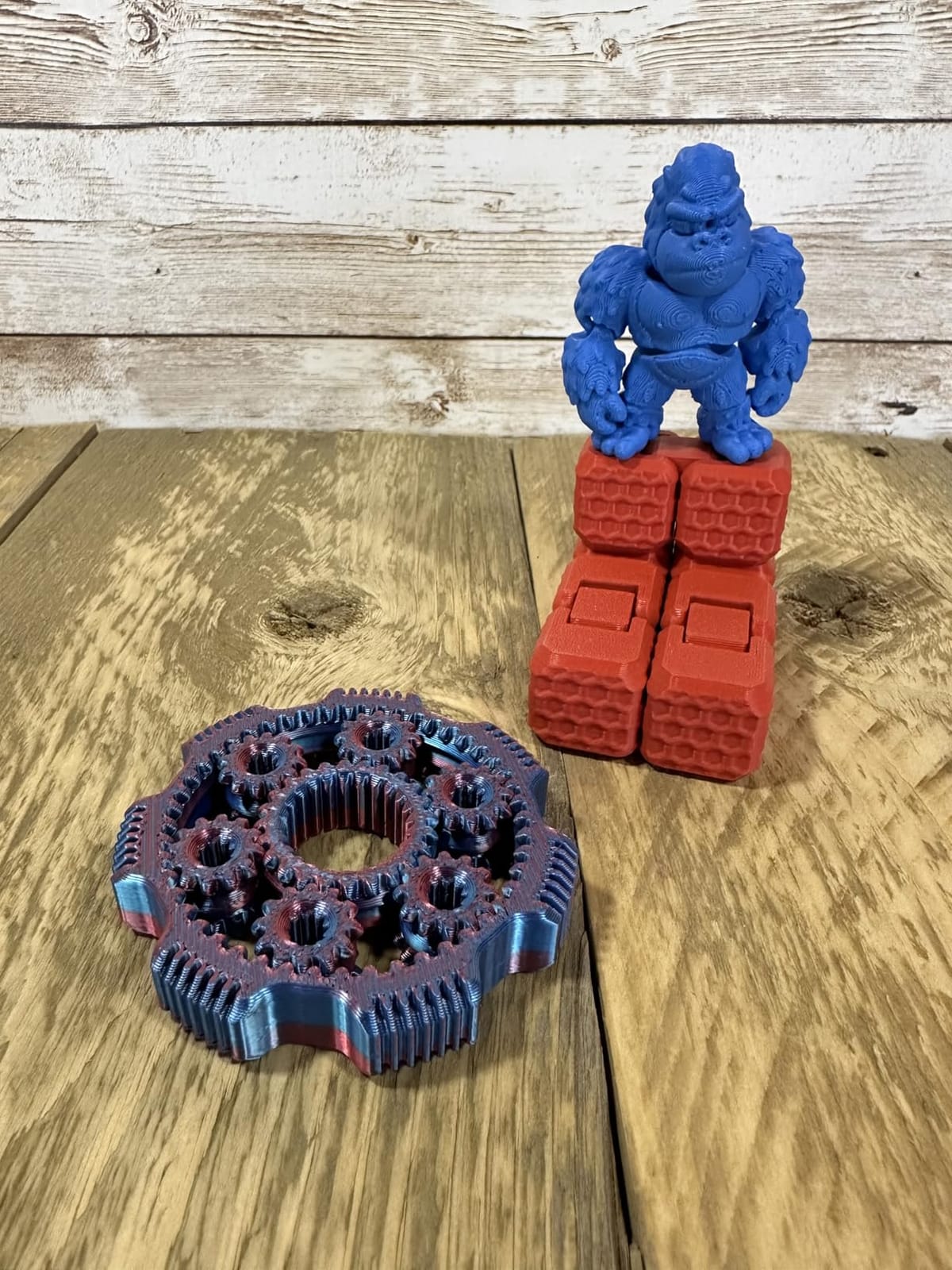
This is the version of the A1 that makes sense if you want the full-size bed rather than the mini footprint, and the bundled LED lamp kit is a genuinely fun hook. Illuminated prints, backlit name plaques and lithophane-style projects are exactly the kind of thing a home hobbyist ends up showing people, and having the light in the box removes one barrier.
Mechanically it is the A1 platform: 10,000 mm/s² of acceleration, full-auto calibration covering Z-offset and bed leveling, active flow rate compensation, a simplified touchscreen and a 1-Clip quick swap nozzle for maintenance. The active motor noise cancellation carries over, so it stays one of the quieter options here.
At 28.5 pounds it is a full-size printer that still moves between rooms without drama, and the AMS lite covers the same everyday materials as the mini. Owners consistently rate it as a strong step up from entry machines, with satisfaction sitting at a steady 4.2 stars across reviews.
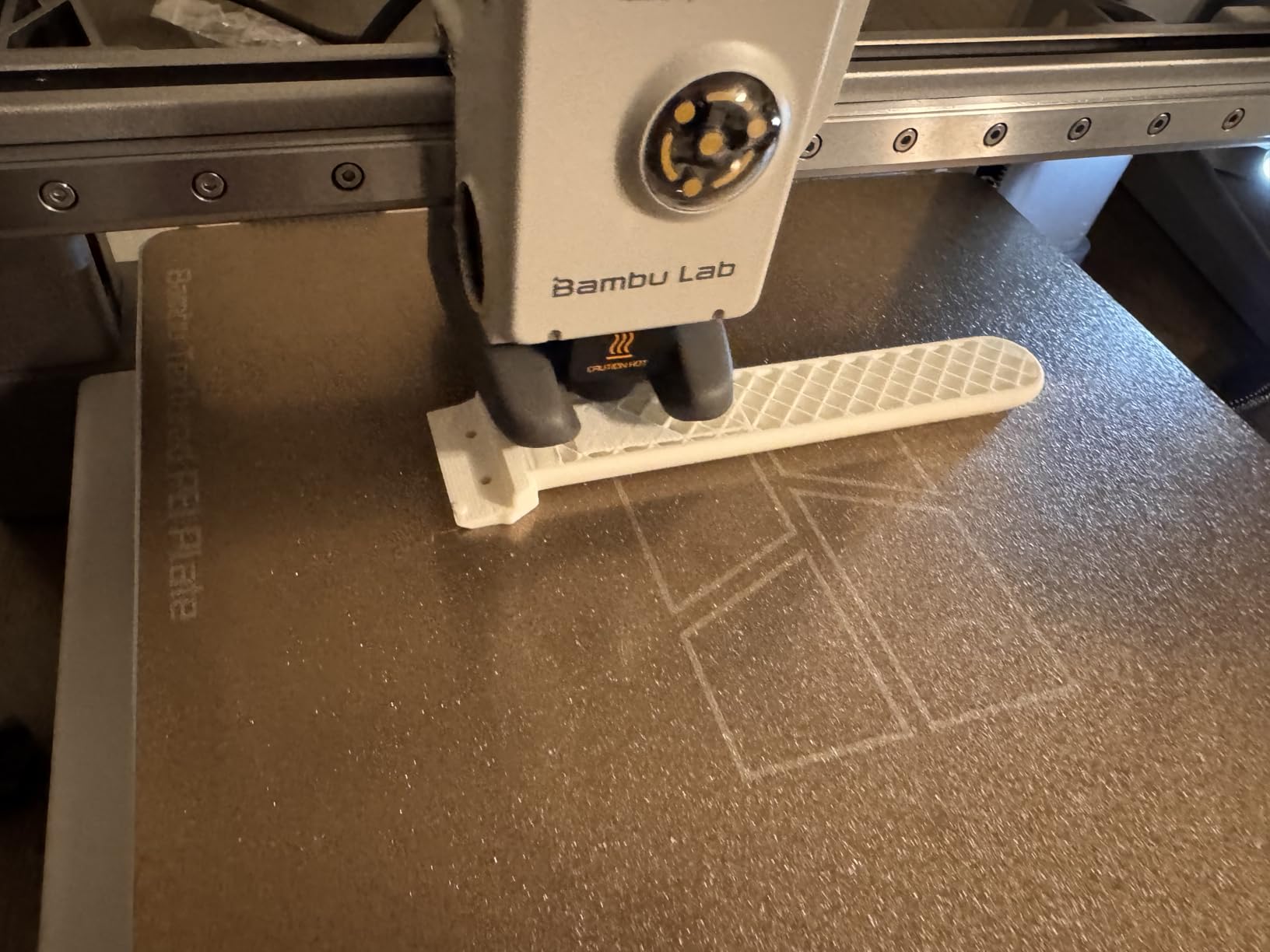
The defining limitation is the open frame. With no enclosure, ABS and ASA are not realistic in a home where you cannot control airflow and temperature, so your material list is effectively PLA and PETG. That is fine for decorative and functional color work, but it rules out the engineering grades the enclosed picks handle.
The AMS lite also produces purge waste on every color change, and the same desktop math applies as with the mini. Both the feeder and any dryer you add need real shelf space, so this is a printer plus an accessory footprint, not a single box.
Owner feedback is notably positive with few recurring hardware complaints, which makes it one of the lower-fuss ways to get a full-size multi color setup at home.
What to check before you buy
Decide between the mini and the full-size A1 before you order. The full-size bed is the reason to spend more here, and if your prints stay under mini dimensions you are paying for capacity you will not use.
Confirm your material list. Open frame means PLA and PETG in a normal home, and no amount of tuning makes ABS reliable without an enclosure.
Check the LED kit is actually useful to you. It is a real creative hook, but if you never backlight a print it is an accessory you will leave in the box.
Who should skip it
Skip it if you need ABS or ASA. Enclosed picks in this list handle engineering materials properly, and the open frame is a hard limit rather than a setting.
Skip it if you are already a confident single-color printer who only wants color capability. An enclosed combo at this level is a more logical step up than a second open-frame machine.
9. Snapmaker U1 – Four Toolheads, Almost No Waste
Snapmaker U1 3D Printer,4-Toolhead with 5s Toolchanger,Multi-Color Printing
Four toolheads
5-second tool change
270mm cube
500 mm/s
59 lb
Pros
- Four dedicated toolheads with virtually no purge waste
- 5-second tool changes speed up multi color prints
- Real multi material printing including flexible filament
- Guided setup often under 20 minutes
- Spaghetti detection and runout alerts included
Cons
- Heaviest machine here at 59 pounds
- Open top needs a cover for sensitive materials
- Slicer is less beginner-friendly than app ecosystems
- Some reports of motherboard issues early on
This is the machine that answers the least-waste question. Instead of flushing filament, it parks four complete toolheads with filament already loaded and preheated, then swaps the entire hotend in about five seconds. The manufacturer states up to 5X less waste and up to 5X faster multi color printing than purge systems, and community consensus on the 3D printing forums lines up with that.
The 5-second change is validated over 1,000,000 swaps with zero failures, and it changes how a multi color job feels. Where a swapper pauses for a couple of minutes per change, this machine barely notices. On a model with a dozen color changes, that difference is the difference between an evening print and an overnight one.
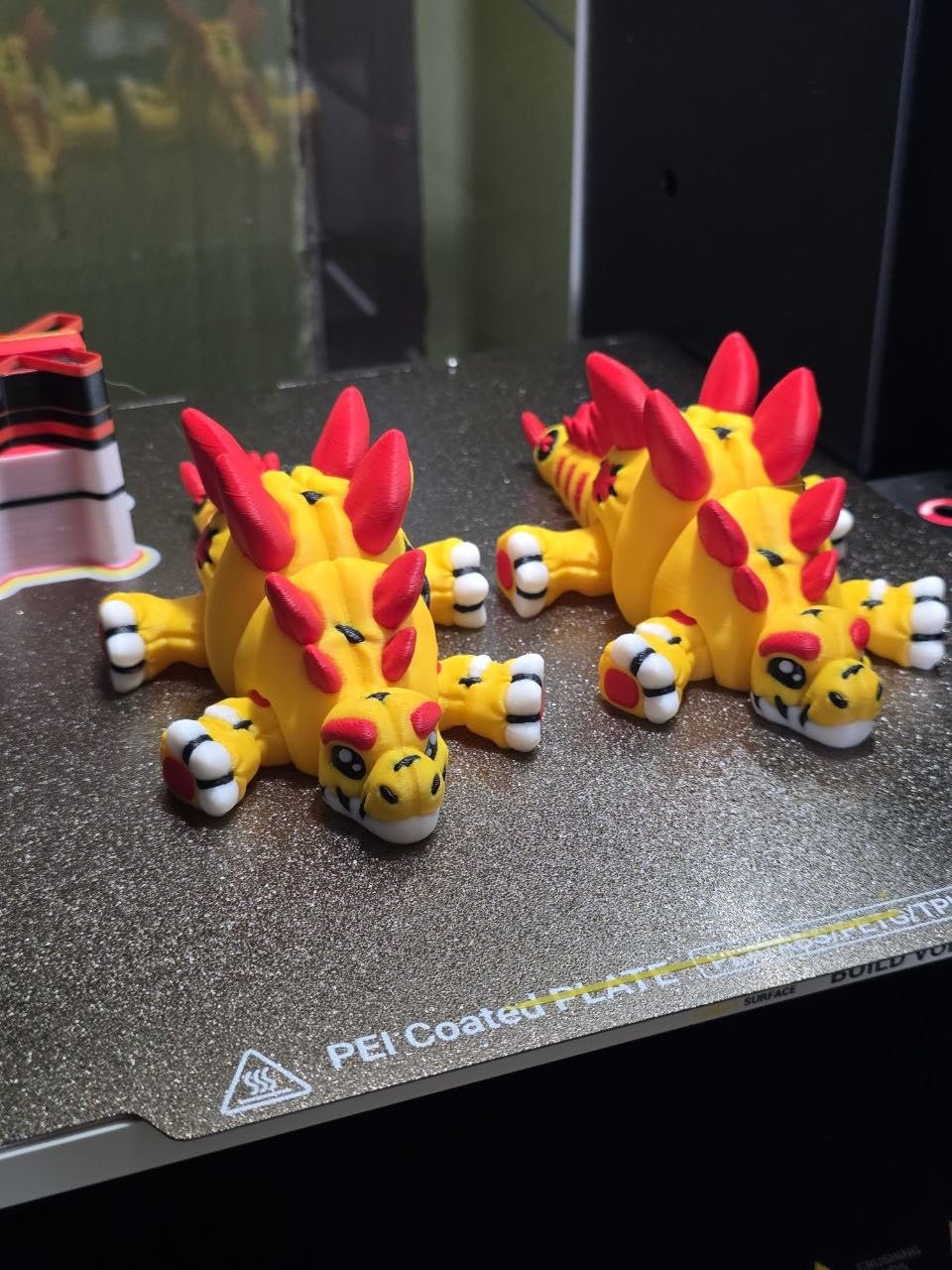
Because each toolhead is independent, this is also true multi-material printing. You can put flexible TPU on one head, rigid PLA on another and a water-soluble support material on a third, all in a single job. That is the capability most home users are actually looking for when they search for multi-material, and almost no swapper in this list can do it.
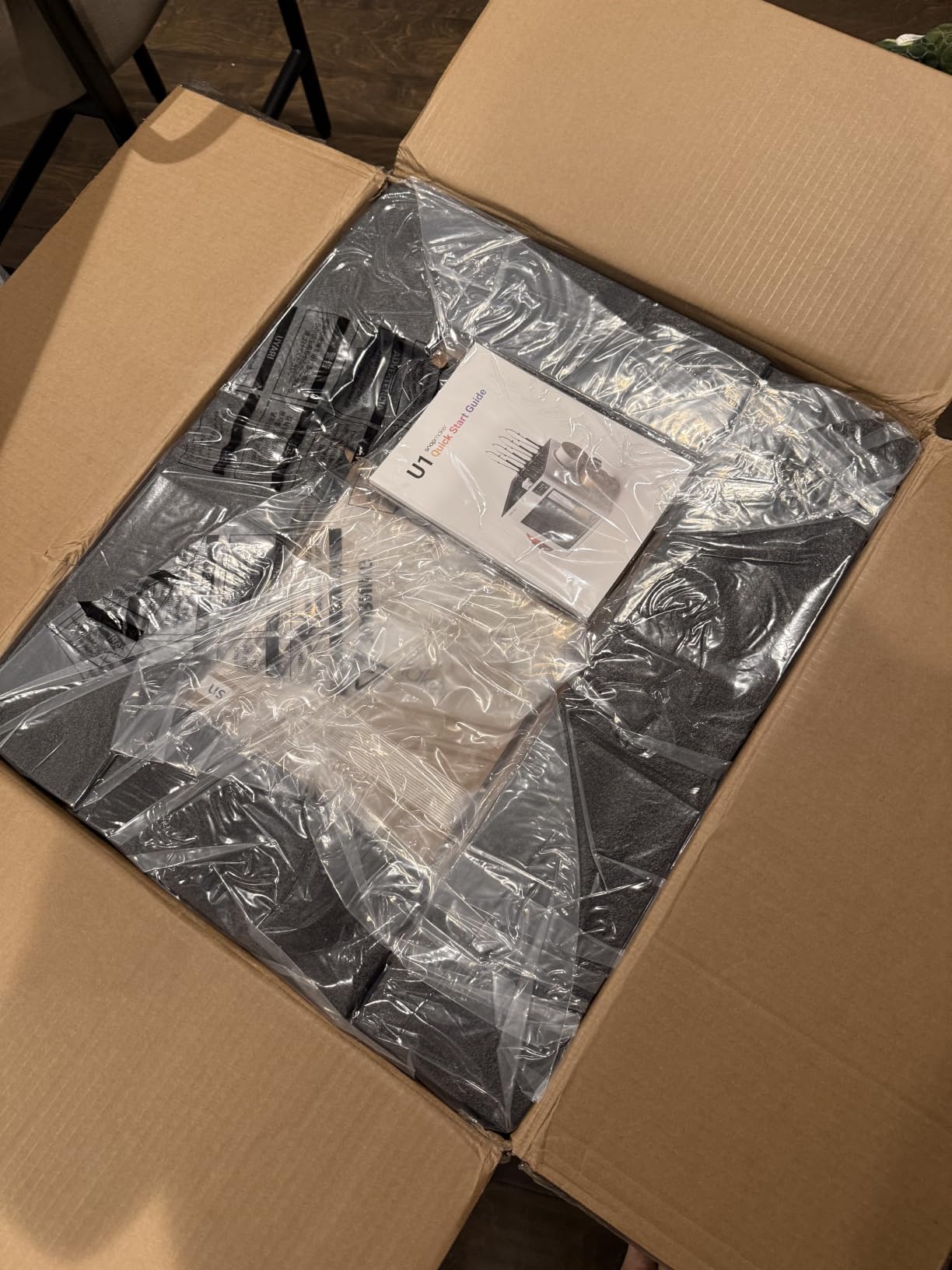
The build is a 270 by 270 by 270 mm CoreXY cube running up to 500 mm/s on carbon fiber X-axis rails, with automatic toolhead offset calibration, vibration compensation and flow calibration handling the setup work. Spaghetti detection, filament runout alerts and a built-in waste dumper cover the unattended-run basics.
Software is the trade-off. The Snapmaker Orca slicer is open source and the machine runs a Linux-friendly ecosystem with HomeAssistant compatibility, which is excellent for tinkerers. It is simply less guided than an app-first beginner experience, so expect a steeper first week than with the Bambu Lab machines.
Two practical cautions. At 59 pounds this is the heaviest unit in the group and needs a serious surface. And the top is open, so temperature-sensitive materials need a cover added before you rely on them.
What to check before you buy
Do the waste math on your own print volume. If you expect 50 to 100 multi color prints a year, the filament you save here pays back the price difference over a couple of years. If you expect ten prints a year, it probably does not.
Check your surface and your back. Four toolheads plus four filament spools add up, and at 59 pounds you want a dedicated low cabinet rather than a desk.
Read up on the slicer before buying. If you are comfortable with open source tools this is a feature. If you want a phone-driven first hour, one of the app-led Bambu Lab picks will serve you better.
Who should skip it
Skip it if you are printing in color occasionally. The premium over a swapper only makes sense when color changes are frequent, and the same money buys a better enclosed swapper plus a dryer otherwise.
Skip it if mixing materials is not interesting to you. That is the main reason to pay for a toolchanger, and without rigid-plus-flexible or dissolvable support projects on your list, a swapper is the sensible buy.
10. Flashforge Creator 5 Pro – Best for Engineering Filaments
FLASHFORGE Creator 5 Pro 4-Toolhead 3D Printer, Industrial Multi-Material & Color Printing, 65°C Active Heated Chamber, Near-Zero Waste System, CoreXY 600mm/s Printing
4 toolheads
7-second swaps
65 C heated chamber
600 mm/s
39 lb
Pros
- Four toolheads with near-zero purge waste
- 65 C active heated chamber unlocks ABS PC and PA
- Dual HEPA and carbon filtration suits indoor use
- 600 mm/s CoreXY with high-torque belts
- HD chamber camera with time-lapse included
Cons
- Industrial feature set adds complexity for casual users
- Heavier to reposition at 39 pounds
- Newer model with a smaller review base
The Flashforge Creator 5 Pro is the other toolchanger here, and it makes a different argument. The four independent toolheads swap in about seven seconds with no nozzle flushing, giving near-zero purge waste and up to 5X faster multi color printing, so the waste and time math works the same way as the Snapmaker U1.
What separates it is the chamber. A fully enclosed frame with an active heated chamber reaching 65 °C means ABS, PC and PA print properly, which is the difference between owning a hobby printer and owning something that can make functional parts. Dual HEPA 13 and activated carbon filtration with continuous airflow matters indoors, where fumes are a real family concern rather than a workshop detail.
The motion system runs CoreXY up to 600 mm/s on precision linear rails with 1.5GT high-torque belts, and the automation covers toolhead offset calibration, vibration compensation and dynamic flow calibration. An HD chamber camera with automatic time-lapse and remote control is included rather than sold separately, which is unusual at this level.
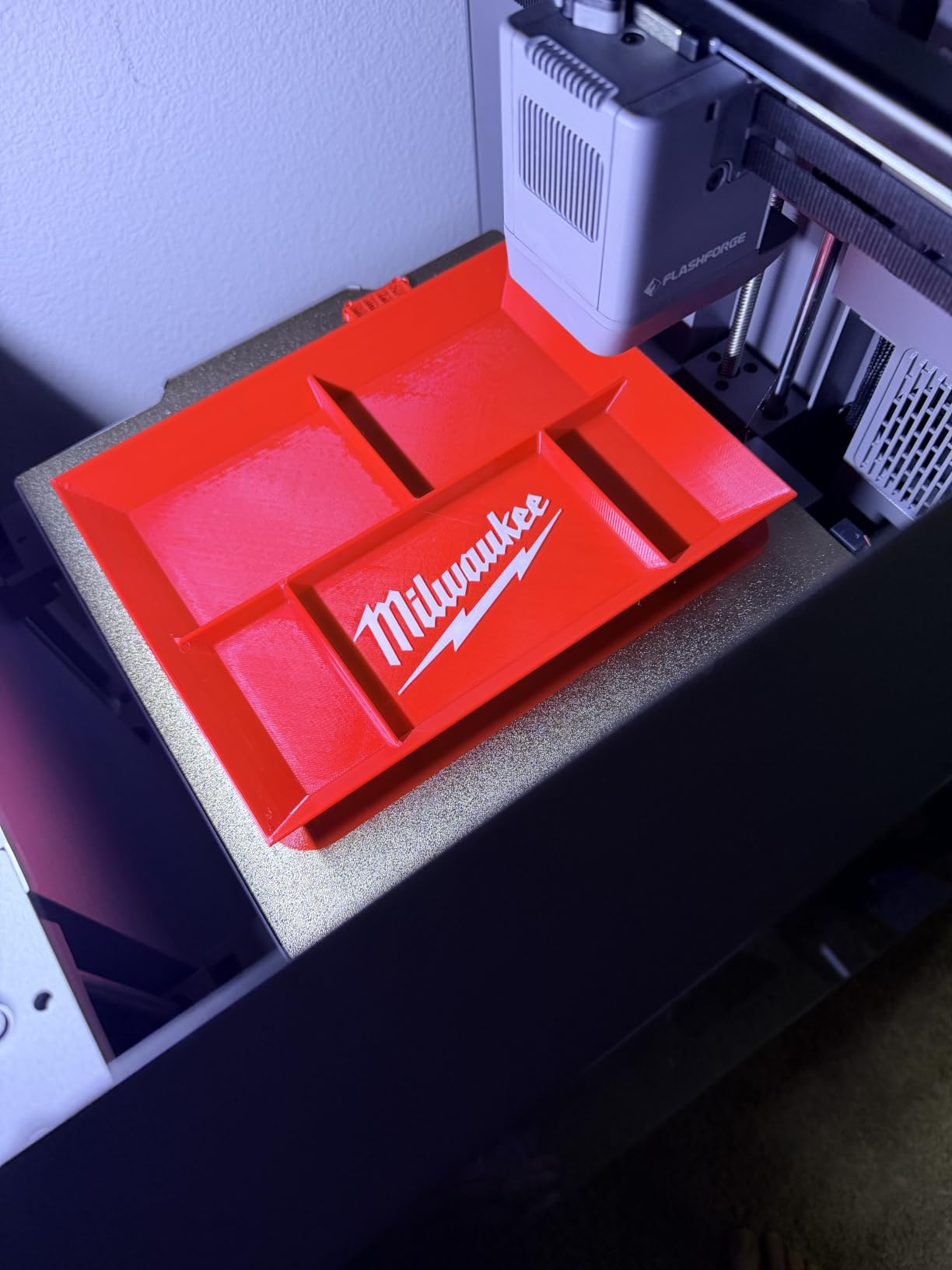
Owners focus their praise on the waste reduction and the heated chamber, and the 4.1 average reflects a review base that is still growing rather than an outbreak of complaints. At 39 pounds it is heavy for moving around, but noticeably lighter than the Snapmaker U1 for a machine of this capability.
The honest caution is complexity. This is an industrial feature set, and a casual home user printing a few decorations a month will not use the chamber controls, the filtration or the time-lapse. None of it makes the machine worse, but you are buying capability you may not touch.
Because it is a newer model, the long-term reliability record is shorter than the established platforms here. That is a normal risk-reward trade: earlier access to better technology in exchange for less history.
What to check before you buy
Decide whether you will actually print engineering filament. If ABS, PC or PA are not on your project list, the heated chamber is a feature you pay for and never switch on, and a simpler enclosed swapper serves you better.
Confirm your ventilation. Filtration helps, but a heated chamber running engineering materials still benefits from a room you can air out, particularly in a home with children or pets.
Budget for filament. Printing engineering grades at home consumes material faster than decorative PLA, and a dryer plus sealed storage becomes essential rather than optional.
Who should skip it
Skip it if you are buying for color prints alone. The toolchanger advantage is wasted capacity if you only ever run PLA in two colors.
Skip it if you want the simplest possible path to your first multi color print. This machine asks more of the user, and a beginner machine with full auto calibration will get you printing sooner.
How to Choose a Multi Color 3D Printer for Your Home
Most buyers start with the color system and end up regretting it. Start with the room instead, then work backwards to the machine, and the decision resolves itself quickly.
1. Noise and where it lives. Only the A1 Mini Combo publishes a figure, at 48 dB or quieter with motor noise cancellation. Everything else in this group runs higher, and owners of the Centauri Carbon 2, the AD5X and the SPARKX i7 all describe them as better suited to a separate room. If you plan to run prints overnight next to a sleeping household, quiet is a hard requirement rather than a preference.
2. Footprint, weight and the shelf. The compact option is the Creality K2 SE 4C, which states it takes 37 percent less space than a traditional multi color setup and weighs 35.5 pounds. The heaviest are the Creality K2 Combo at 55 pounds and the Snapmaker U1 at 59 pounds, and both of those need a floor cabinet rather than a desk. Add the feeder and a filament dryer to your footprint estimate, because the printer body is rarely the whole story.
3. How many colors you will genuinely use. This is the question that overspends people. A recurring theme in forum threads is that most real prints use two to four colors, so buying for four and expanding later is the common-sense route. That favours swappers with chaining support, like the Bambu Lab P1S Combo and the Creality K2 Combo, over machines with a fixed four-bay ceiling.
4. Purge waste, priced honestly. Swapper systems waste roughly 10 to 20 percent of a print’s filament on transitions, while a four-toolhead machine wastes under 2 percent. Work it out for yourself: at 25 multi color prints a year, that is a modest annual filament cost; at 100 prints a year it becomes a real number, and a toolchanger’s premium can pay back inside a couple of years. Two slicer settings change the outcome more than any hardware: lowering the purge volume, and purging into infill or into the object rather than onto a waste pile.
5. Enclosure and materials. If you want ABS or ASA, you need a closed chamber, which rules out the two open-frame Bambu A1 options here. The enclosed Centauri Carbon 2, P1S Combo, AD5X, K2 SE 4C and SPARKX i7 all handle it, and the Creator 5 Pro goes furthest with a 65 °C actively heated chamber that also opens up PC and PA. In a home kitchen, enclosure and filtration are quality-of-life features as much as material features.
6. Flexible and dissolvable materials. This is the single most common forum question and the least consistent answer. Swapper feeders can physically jam on TPU, which is why many brands exclude it. Toolchangers handle it naturally because each toolhead has its own dedicated extruder path, so if mixing rigid and flexible in one print is on your list, that decision alone points you toward the Snapmaker U1 or the Creator 5 Pro.
7. Filament storage and drying. Four colors means four spools cycling through humidity every week, and sixteen colors means a small storage business. Sealed, drying feeders like the Creality CFS handle this internally. If your machine has an open feeder, budget for a separate dryer and a sealed cabinet, and keep spools away from sunlight and outside walls where temperature swings are largest.
8. Slicer and app workflow. The app-first ecosystems get you to a first print fastest, and the open-source tools give you more control once you know what you are doing. Mixing rigid and soluble supports also means learning at least one slicer well enough to set retraction per material. Whichever route you take, budget a weekend for the first calibration prints rather than expecting a color print on day one.
One last practical note about outlets. A heated bed, a chamber and a feeder on one shared kitchen circuit is a common cause of tripped breakers, so a dedicated wall socket for the printer and a separate one for a dryer is the setup we would plan from the start.
Frequently Asked Questions
Is it worth buying a multi-color 3D printer?
It is worth it if you print minis, plaques, cosplay pieces or color-coded parts more than once a month. The real return is skipping paint and post-processing, not better surface quality. It is not worth it for occasional single-color jobs, because purge adds 10 to 20 percent filament and color changes can add hours.
What is the best multi-color 3D printer with the least waste?
A four-toolhead machine wins, and both of the toolchangers here qualify. The Snapmaker U1 swaps toolheads in about 5 seconds and the Flashforge Creator 5 Pro in about 7, and the manufacturer states up to 5X less waste than purge systems. Forum consensus puts toolchanger waste under 2 percent versus 10 to 20 percent for swappers.
What is the cheapest way to print in multiple colors?
The cheapest route is a budget enclosed combo with an integrated four-spool feeder, such as the Flashforge AD5X or the Creality K2 SE 4C. Both print four colors with no second machine and no extra assembly. Two-tone prints can also be faked on a single-color printer by printing halves separately and bonding them, which costs nothing but assembly time.
How many colors can a home 3D printer print?
Most home multi color machines print four colors out of the box. Feeder-based systems can usually be daisy-chained to reach sixteen colors, which is why the Creality K2 Combo and the Bambu Lab P1S Combo rank well for future-proofing. Integrated four-bay machines such as the Creality K2 SE 4C have a fixed ceiling of four.
Does multi color printing take longer?
Yes, usually significantly. A swapper must flush the previous color before loading the next, so a model with a dozen color changes can add hours. Forum users report jobs stretching to 45 hours from changeover overhead alone. Toolchangers cut that penalty dramatically because nothing flushes and the change itself takes under ten seconds.
Can I add multi color to the printer I already own?
Only if the printer was designed for it. Adding a feeder to a single-color machine is generally not supported and can void your warranty. The realistic options are buying a second enclosed combo, or choosing a machine whose feeder chains to more colors later so you expand on the same unit rather than replacing it.
Are multi color 3D printers loud enough for a home office?
Most are louder than a standard printer because the feeder adds stepper noise and the prime tower adds extruder motion. The Bambu Lab A1 Mini Combo is the quietest option in this group, publishing 48 dB or quieter with motor noise cancellation. For reference, a busy kitchen is louder, but a quiet home office is not.
The Best Multi Color 3D Printers for Home Use in 2026
The ELEGOO Centauri Carbon 2 Combo is the pick we would put in a home this year: enclosed, four integrated colors, fast, and backed by the largest owner base in this group. The Bambu Lab P1S Combo is the proven alternative for anyone who wants the most established feeder ecosystem and the easiest app-driven workflow, and the Flashforge AD5X covers the budget end of the range.
Two decisions matter more than the rest. Print color more than once a month and a swapper setup is enough. Print color constantly, mix in flexible or dissolvable filament, or hate wasting filament, and a four-toolhead machine like the Snapmaker U1 or the Flashforge Creator 5 Pro is the better buy despite costing more.
Whichever you choose, measure the space, plan for a dedicated outlet, buy a filament dryer alongside it, and run a four-color calibration print before you commit to a big project. If you are still comparing appliances and other home setups, our guides to the best ovens for home use and the best air fryers for home use cover the rest of the household kit.
If the printer is a gift for someone who has just moved into a new kitchen, our picks for the best cookware for home use and the best chef knives for home use round out the setup nicely.
