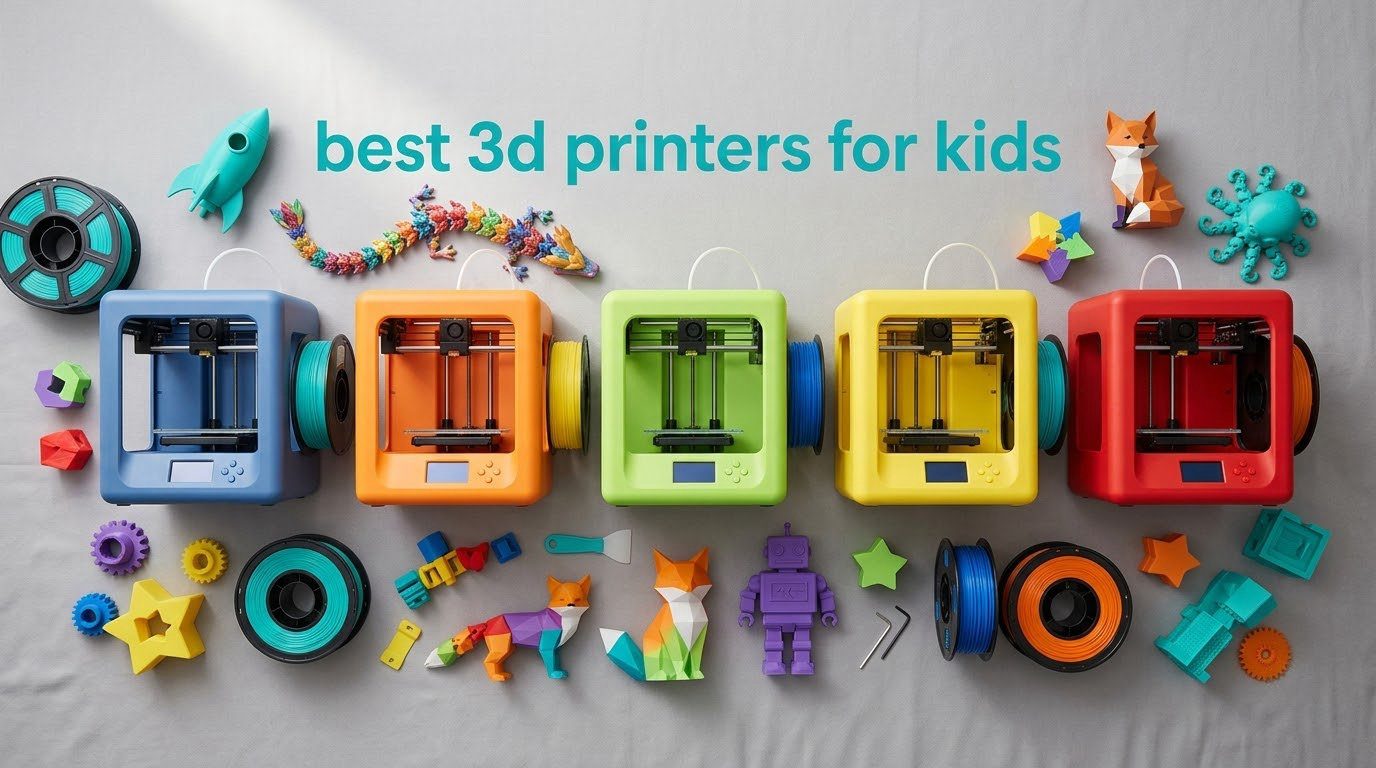
A kids 3D printer is not a scaled-down hobby machine with a cartoon sticker on it. It is a specific category: fully assembled, auto-levelling, app-driven, and usually enclosed, so a nine-year-old can start a print without an adult kneeling on the floor with a paper-shim test. That distinction matters, because most roundups mix genuinely kid-focused printers with general consumer FDM machines and leave parents guessing which is which.
So here is the direct answer first. For ages 5 to 8, look for an enclosed body, a pre-loaded model library and zero setup. For ages 8 to 12, you want a touchscreen or phone app, auto bed levelling and a build volume big enough for a phone stand. For teens, the best 3D printers for kids become ordinary consumer printers that simply happen to be easy to run, with quiet operation, a heated bed and Wi-Fi. The Bambu Lab A1 is the one I would put at the top of that list overall, and the Entina Tina2C is the safest pick for a younger child.
I have spent the last few weeks putting these machines through their paces, and this guide covers all ten, plus the safety rules that no ranking page bothers to spell out. If you are still assembling a birthday or holiday gift, our kids baking set roundup follows the same age-band logic. Everything here is updated for 2026.
Table of Contents
- Top 3 Picks for the Best 3D Printers for Kids in 2026
- The Best 3D Printers for Kids (October 2026)
- Safety First – What Parents Actually Need to Know
- 1. Bambu Lab A1 – Best Overall for Ages 10 and Up
- 2. TINA2S – Best Value Starter Kit for Ages 8 and Up
- 3. Entina Tina2C – Most Versatile That Also Suits Ages 5 to 8
- 4. SainSmart PrintyGo – Best for Ages 4 to 7 Who Need a Locked Door
- 5. AOSEED AI 3D Printer – Best for Ages 6 to 9 Who Want a Toy Factory
- 6. Magic Jimmy AI 3D Printer – Best Enclosed Starter That Arrives Ready to Run
- 7. Bambu Lab A1 mini – Best for Teens Who Will Grow Into It
- 8. Hephi3d TINA2 Plus – Best Open-Source Starter for Ages 8 to 12
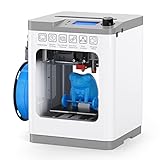
- 9. Entina Tina2 Basic – Classroom Favourite for First Timers
- 10. FlashForge AD5M – Best for Big Projects Once They Are Old Enough
- What to Look for in a Kids’ 3D Printer
- What It Really Costs to Run One
- Keeping Kids Engaged Past the First Month
- Frequently Asked Questions
- Which 3D Printer Should You Actually Buy?
Top 3 Picks for the Best 3D Printers for Kids in 2026


TINA2S Mini Printer
- Arrives fully assembled
- Auto bed levelling
- Starter kit with PLA and SD card
The Best 3D Printers for Kids (October 2026)
Read this table by age band first, then by features. The two columns that decide most purchases are enclosure and how the printer is levelled.
| Product | Specs | Action |
|---|---|---|
| Bambu Lab A1 |
|
Check Latest Price |
| TINA2S Fully Assembled Mini |
|
Check Latest Price |
 Entina Tina2C Entina Tina2C |
|
Check Latest Price |
 SainSmart PrintyGo SainSmart PrintyGo |
|
Check Latest Price |
 AOSEED AI 3D Printer AOSEED AI 3D Printer |
|
Check Latest Price |
 Magic Jimmy AI 3D Printer Magic Jimmy AI 3D Printer |
|
Check Latest Price |
 Bambu Lab A1 mini Bambu Lab A1 mini |
|
Check Latest Price |
 Hephi3d TINA2 Plus Hephi3d TINA2 Plus |
|
Check Latest Price |
 Entina Tina2 Basic Entina Tina2 Basic |
|
Check Latest Price |
 FlashForge AD5M FlashForge AD5M |
|
Check Latest Price |
Safety First – What Parents Actually Need to Know
Heat and moving parts are the real issues
Every FDM printer on this list runs a nozzle between roughly 200 and 250 degrees Celsius and a bed that can reach 100 or more. That is hot enough to cause a genuine burn in a few seconds of contact, and the motion system can pinch a small finger against a belt or rail.
This is why enclosure status is the first column I check, not an afterthought. An enclosed printer with a door lock that pauses the print when opened, such as the SainSmart PrintyGo, physically prevents the two worst failure modes. Open-frame machines like the Bambu Lab A1 and the FlashForge AD5M are entirely reasonable for a fourteen-year-old and unreasonable for a six-year-old.
Fumes and ventilation by material
PLA is the material to buy for a child. It melts at a low temperature, emits very little, and needs no enclosure for fumes to be manageable in a normally ventilated room. It is also the least likely filament to stick to a child’s fingers permanently.
ABS and ASA are different. Both need an enclosed chamber because they emit styrene, a compound associated with headaches and irritation in poorly ventilated rooms. If your child will print anything other than PLA, insist on an enclosure and a window or door to the room. PETG sits in between and produces a low level of odour, while TPU is flexible and needs a direct-drive extruder that several compact machines here do not have.
Resin printers are not for children
MSLA resin printing uses uncured liquid resin that is genuinely toxic and skin-sensitising before it is cured under UV light. Handling it requires gloves, dedicated wash tools and a curing station, none of which belong in a family home with a child. Every printer in this roundup is FDM, which melts solid plastic pellets. Do not let a listing photograph persuade you otherwise.
Supervision rules by age
Under 8, treat the printer as an appliance your child operates while you remain within sight. Nothing should be loaded or unloaded by a small child, because removing a print from the bed is the moment hands get closest to a hot nozzle.
From 8 to 12, a child can start and stop prints independently in an enclosed machine, while an adult handles filament changes and first-layer troubleshooting. From 12 up, most of these machines are within reach of a competent teenager with a phone and an afternoon of reading the manual.
1. Bambu Lab A1 – Best Overall for Ages 10 and Up
Bambu Lab A1 3D Printer, Ready-to-Use FDM 3D Printer for Beginners and Kids
22 lb, 21.76 x 20.83 x 12.87 inch
10000 mm/s^2 acceleration
AMS lite multi-color
Pros
- Automatic Z-offset and bed levelling calibration
- Quiet operation with active motor noise cancelling
- 1-Clip quick swap nozzle
- App-based control from a phone
- Multi-color output with the AMS lite add-on
Cons
- Proprietary software ecosystem
- AMS lite costs extra on the standalone version
The A1 is the machine I keep coming back to for older children and for adults buying their first printer. It is not marketed as a toy, and that is exactly why it works: it arrives ready to run, calibrates itself for Z-offset and bed levelling, and then keeps out of the way. Across the reviews, owners repeatedly note that it needs almost no maintenance and outperforms bigger machines they already own.
At 22 pounds with a 21.76 x 20.83 x 12.87 inch footprint, it is a substantial box, not a bedroom-desk gadget. The acceleration figure of 10000 mm/s^2 is what lets it print a decent sized object in minutes rather than the slow, deliberate pace of an entry-level machine, and the active motor noise cancelling keeps it usable in a shared space while a child is doing homework nearby.
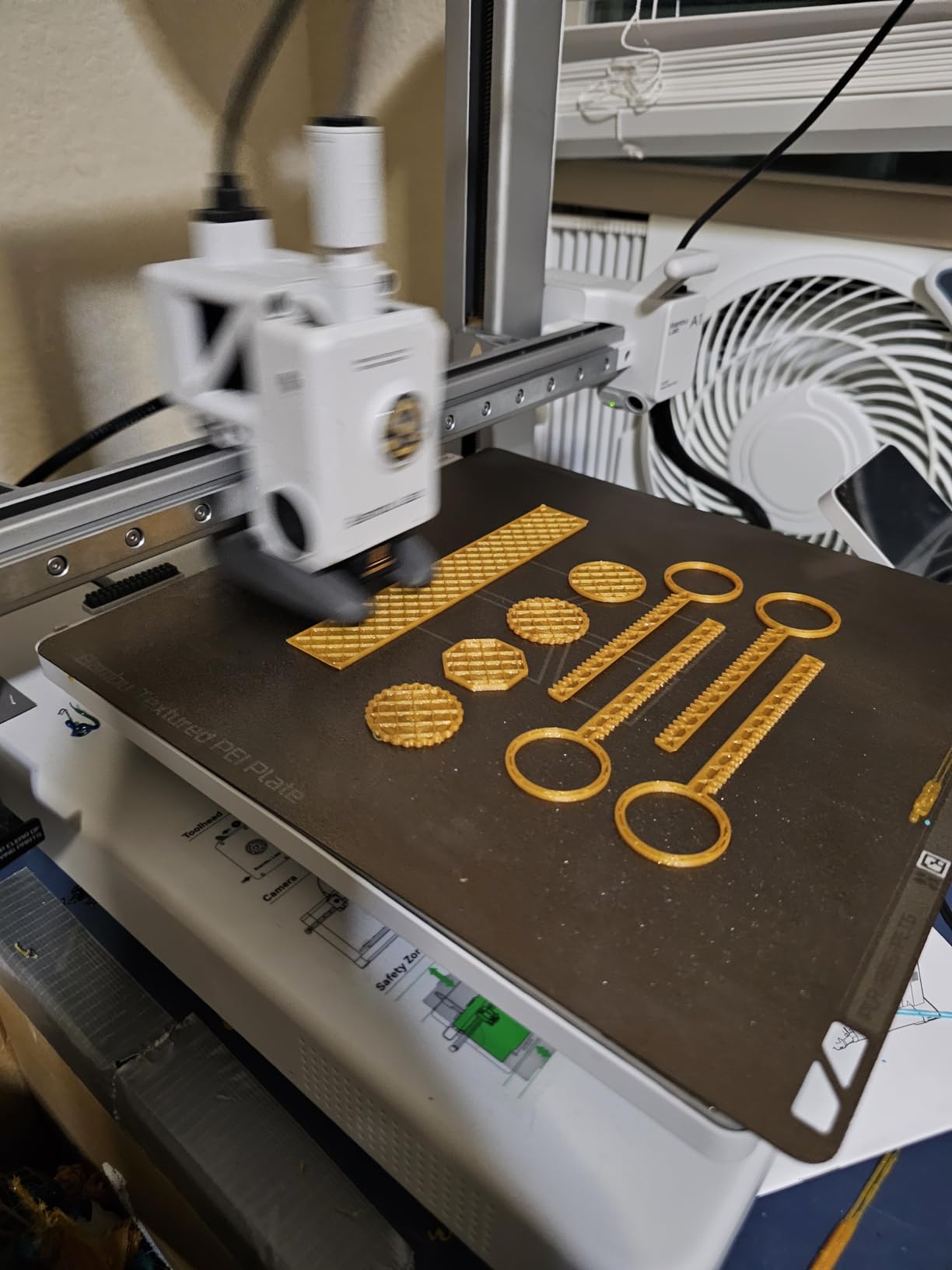
Two features separate it from the field. The 1-Clip quick swap nozzle means a clogged hot end is a two-minute fix rather than a trip to a repair shop, which matters enormously when a ten-year-old is the primary operator. And the AMS lite compatibility turns a single-colour hobby into a genuinely creative tool, because a child can print a model in four colours without painting it.
That is why I picked the Combo version if your budget stretches to it, since the standalone AMS costs more later. The trade-off is real and worth stating plainly: the software ecosystem is closed, so a teenager who later wants to slice in Cura or PrusaSlicer will hit a wall. For a child making things, that wall is a long way off.
Who this suits best
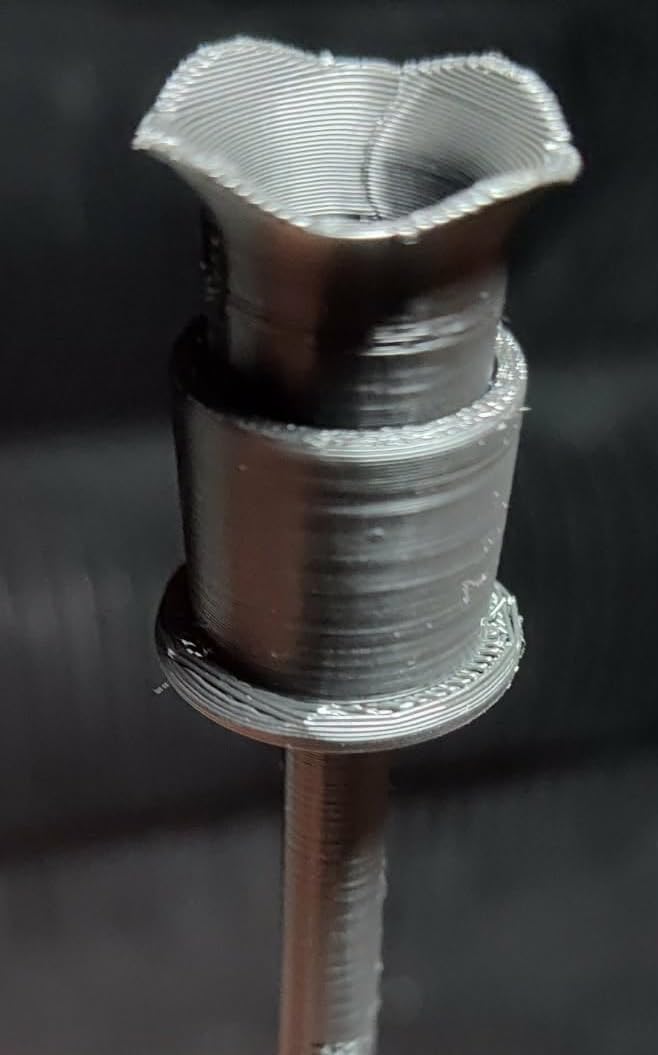
A ten-year-old who is already asking what the settings do, or any parent who wants a printer that will not need replacing in a year. Community consensus across the print forums consistently names Bambu Lab machines as the easiest to set up and operate out of the box for a first-time user, and this is the largest of the two in the range.
It also suits anyone who wants multi-colour work straight away. The AMS lite add-on is the single biggest jump in creative value across this whole list.
Who should skip it
Any family with a child under nine and no adult who intends to supervise closely, because it is an open-frame design with a hot nozzle exposed on all four sides. It is also the wrong first machine for a child who wants an enclosed toy factory, since there is no door to close.
Skip it too if your household runs Linux and refuses proprietary software. That is a legitimate preference, but it is the one thing this printer will not bend to.
2. TINA2S – Best Value Starter Kit for Ages 8 and Up
TINA2S Fully Assembled Mini 3D Printer for Kids and Beginners, Starter Kit
6.4 lb, 8.3 x 8.3 x 11.4 inch
100 x 105 x 100mm build volume
2.4 inch LCD
Pros
- Arrives fully assembled and prints out of the box
- Starter kit bundles PLA and a preloaded microSD
- Auto bed levelling with dual Z-axis rails
- One-touch filament load and retract
Cons
- Proximity sensor needs the magnetic metal build plate
- Small build volume limits larger projects
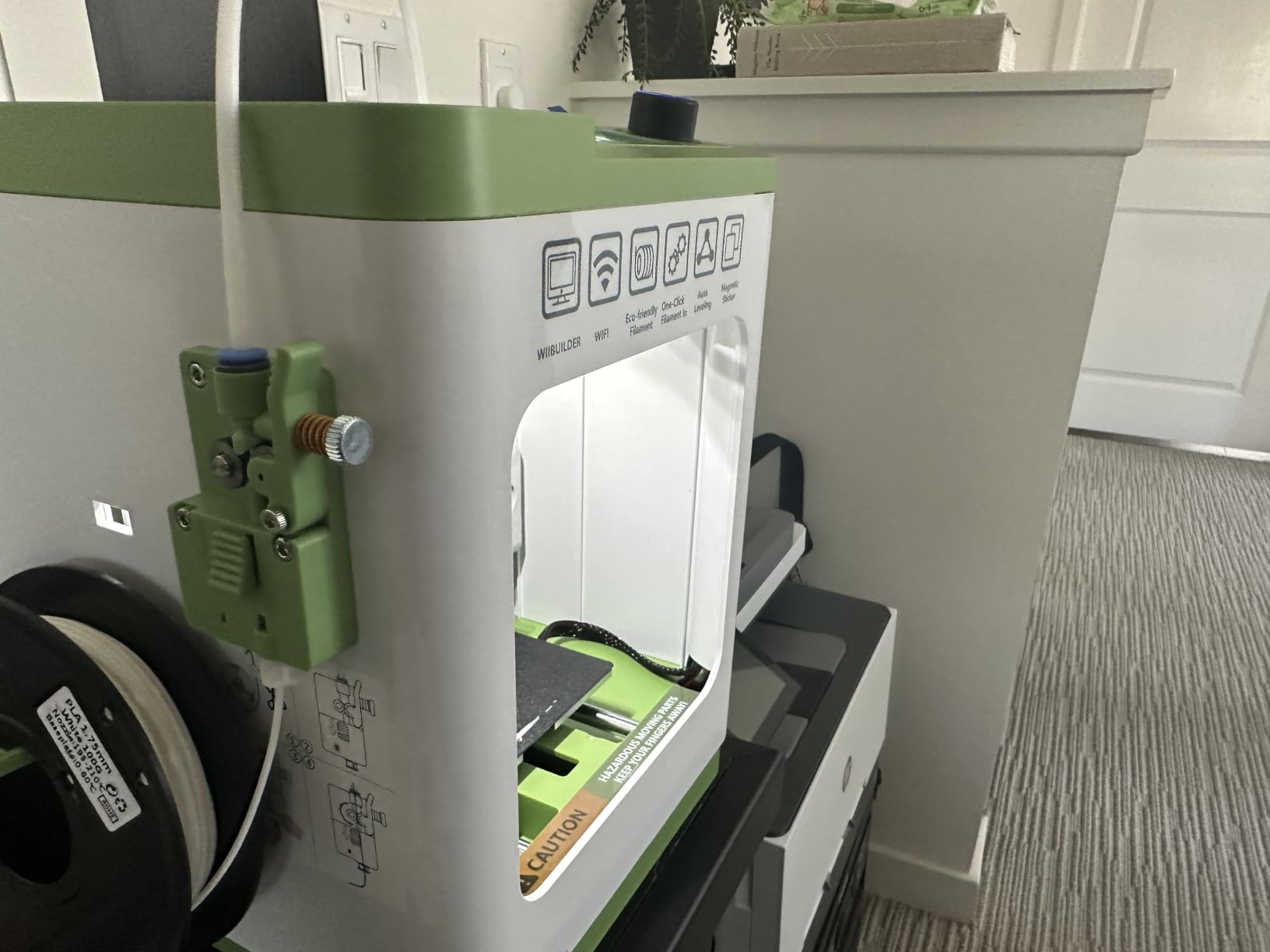
The TINA2S is the answer to the question parents actually ask, which is whether they have to build something on Christmas morning. It does not. It measures 8.3 x 8.3 x 11.4 inches, weighs 6.4 pounds, and the box contains 10 metres of PLA, a pre-installed microSD card with models and slicing software, and the accessories needed to start.
That is the whole pitch, and it lands. Owners describe a plug-and-play experience with consistent prints from a first attempt, and the auto-levelling with dual Z-axis rails handles the step that forum users name as the single biggest source of frustration for beginners of any age.
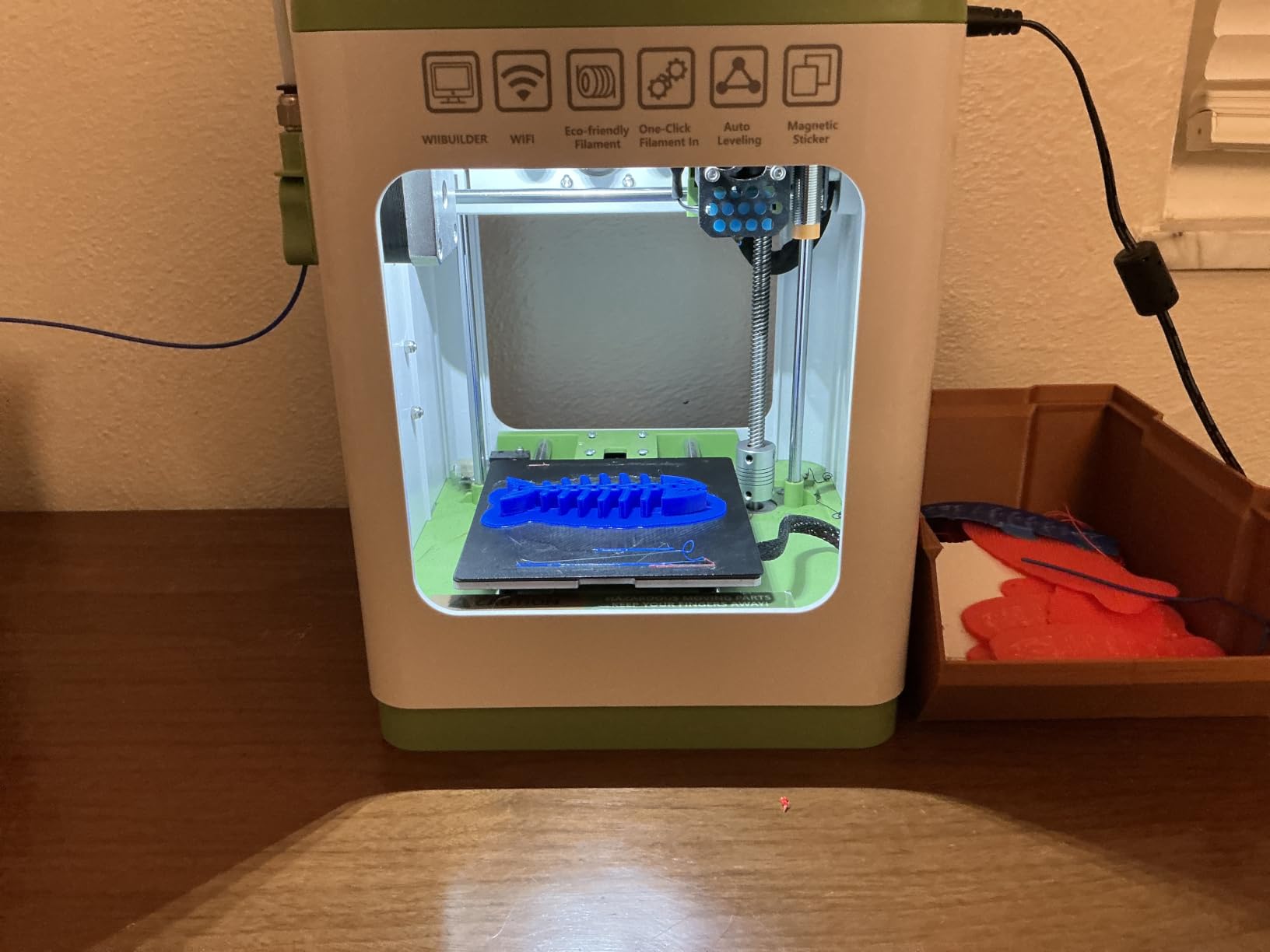
It is also open in a way the enclosed kid machines are not. WiFi printing works, and it is compatible with WiiBuilder, Cura, Simplify3D and Slicr3d on Mac, Windows or Linux, so a child who outgrows the bundled software has somewhere to go. Pause and resume functions are a genuine blessing with a young operator.
There is one practical trap. The proximity sensor only works with the included TINA2S platform plate or a comparable magnetic metal plate, and fitting a non-metal plate causes malfunctions. Read that line before you buy a third-party plate.
Who this suits best
A family buying their first 3D printer on a sensible budget, especially a child around eight or nine who can follow an LCD screen. The 100 x 105 x 100mm build volume handles keychains, name tags, small figurines and desk organisers comfortably.
It is also a strong classroom or STEM club unit, because it is light, compact and cheap enough to buy several of.
Who should skip it
Anyone hoping to print a phone stand, a Minecraft build or a large articulated figure. At 100mm on a side, bigger models have to be split into parts and assembled, and that is a frustrating first experience for a child.
Skip it for a bedroom with a shared wall, because the build area is open and unfiltered.
3. Entina Tina2C – Most Versatile That Also Suits Ages 5 to 8
Entina Tina2C 3D Printer for Kids & Beginners, Fully Assembled Starter Mini 3D Printer, Start in 8 Mins, App & WiFi Control, Auto Leveling, 3000+ Model Library, 20+ Creative DIY Modules for STEM, Home
5.28 lb, 8 x 6.5 x 10 inch
3.9 inch cubic build volume
Poloprint Cloud app
Pros
- First print in about 8 minutes through the app
- AI search and photo-to-print tools
- 25+ creative DIY and STEM modules
- Rounded low-noise body for a bedroom
Cons
- Filament breakage and clogging reported
- Some prints come out slightly wobbly
- Larger models must be printed in parts
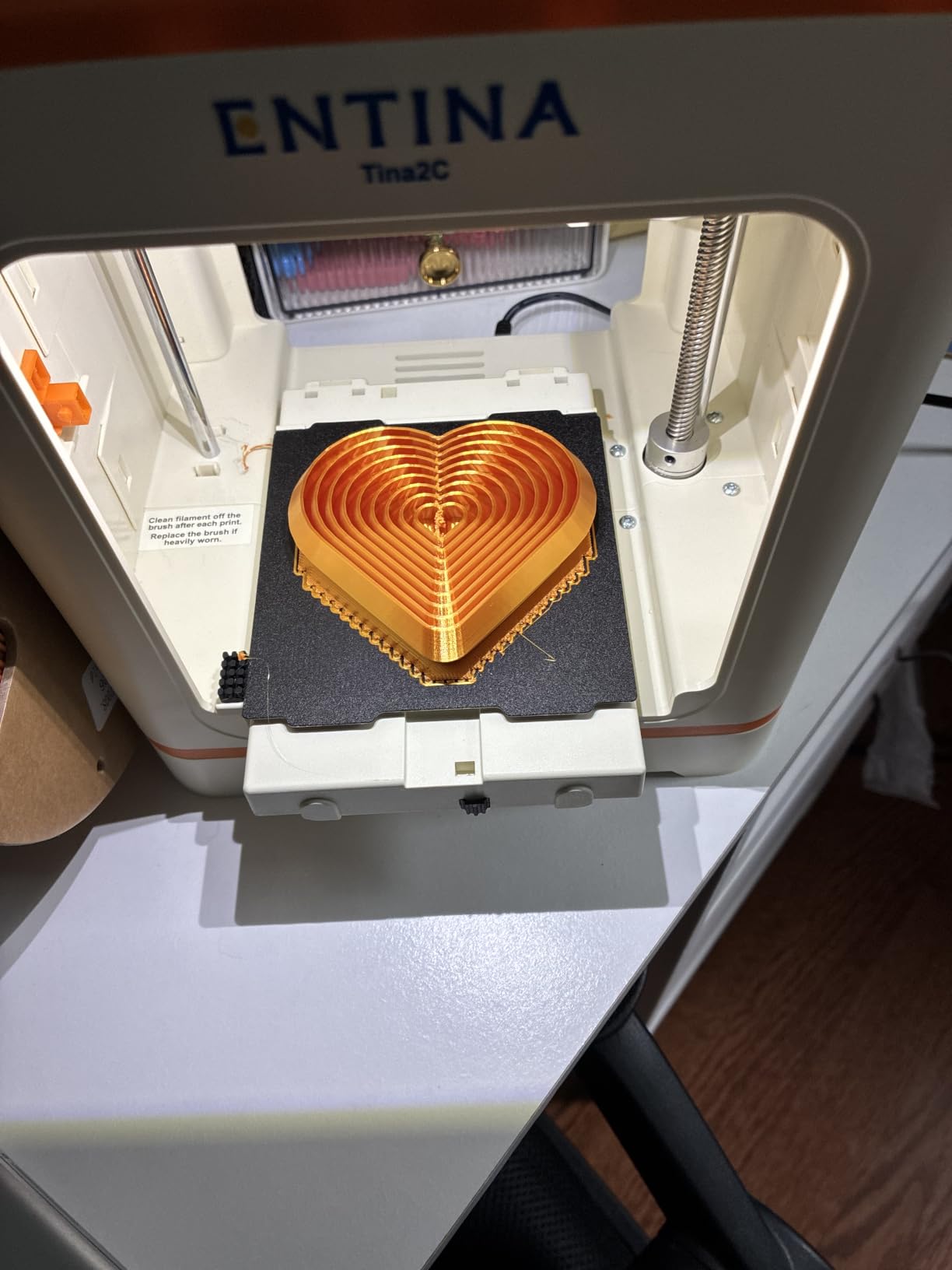
This is the machine I would put in front of a six-year-old, and the reason is the setup, not the hardware. The Poloprint Cloud app walks a child through setup with guided instructions and AI-powered search, and owners report a ten-year-old printing successfully within a day of unboxing. For a younger child, that gap between opening the box and holding something they made is the entire game.
At 5.28 pounds and 8 x 6.5 x 10 inches, it is small enough to live on a table in a bedroom rather than a garage. The listing also calls out a compact body with rounded edges, low noise and integrated LED lighting, which are small details that matter when the machine sits 10 feet from a bed.
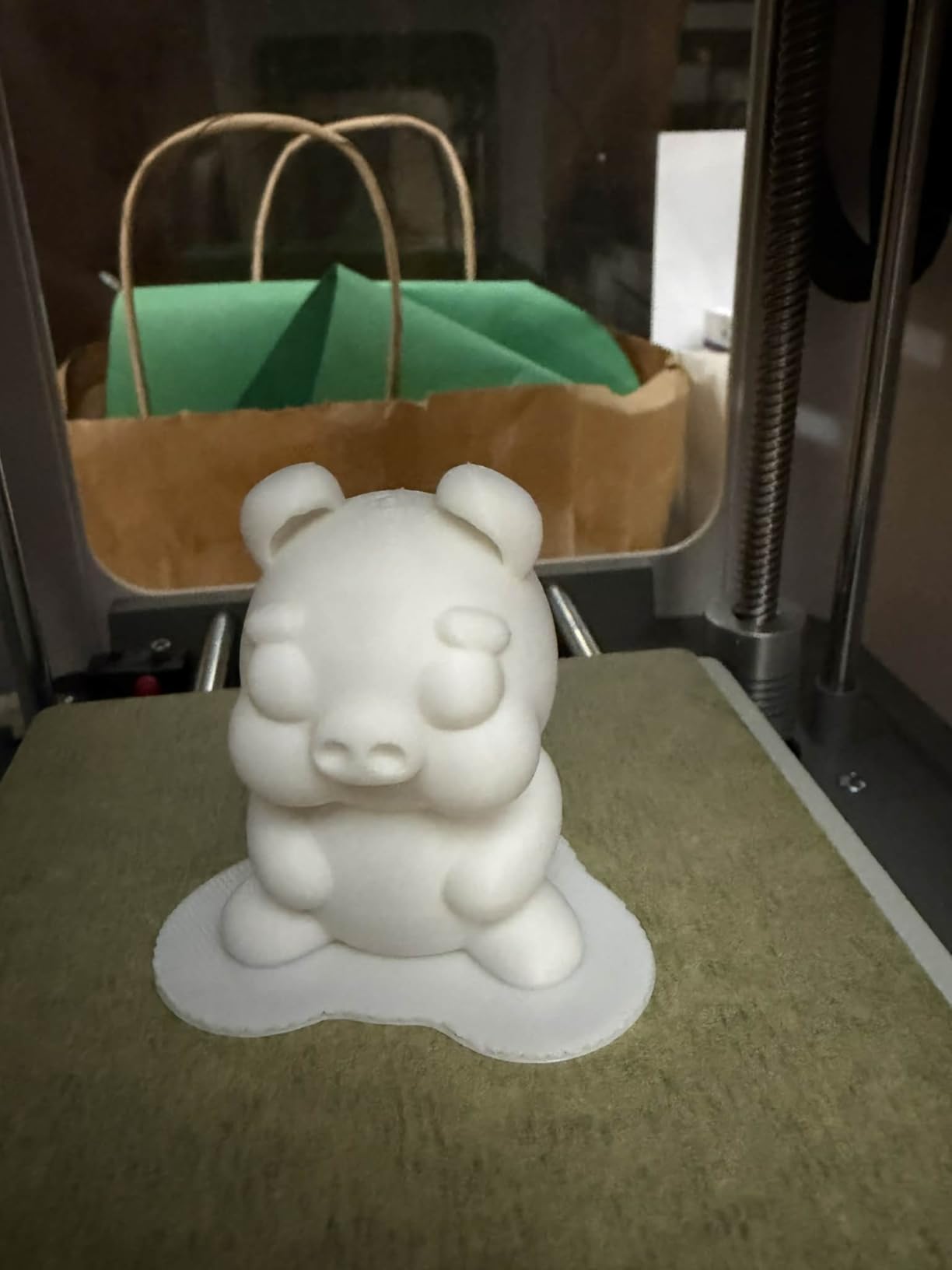
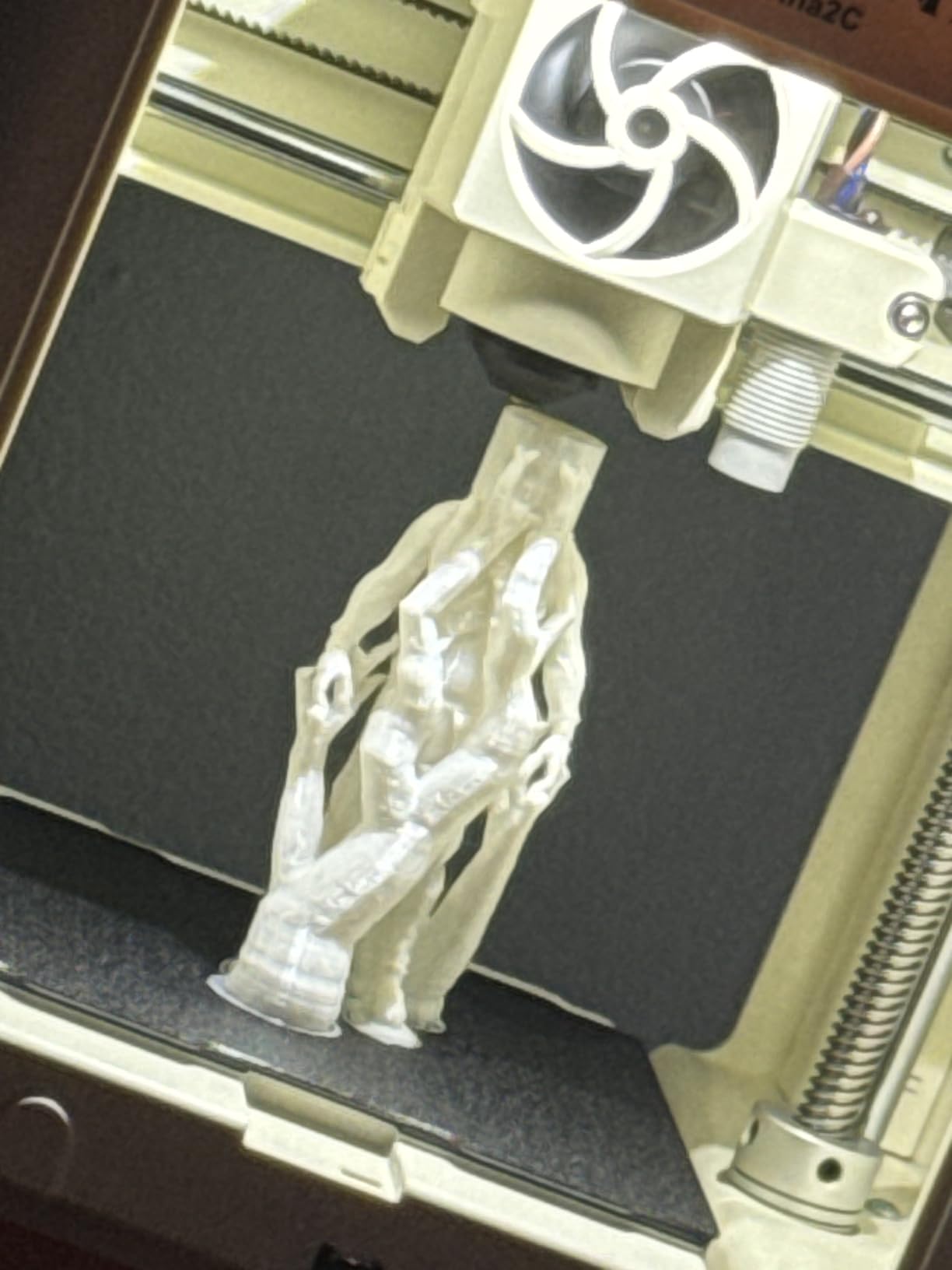
The 3500+ model library with 25+ creative DIY modules is the retention engine. A child who can find a new design every time they finish one keeps coming back, and forum users consistently say that a large free model library matters more to kids than raw print speed.
Intelligent auto-levelling and power-loss recovery both help here, because a seven-year-old will absolutely pull the plug at some point and the print will resume rather than end as a lump of plastic. The self-cleaning nozzle and quick-swap printhead are sensible inclusions for a machine a child will handle.
Who this suits best
Children aged five to eight, and any parent who wants the smallest possible footprint with a guided app. Reports that prints often come out ready to use rather than as a bag of tiny assembly pieces are exactly the right outcome at this age.
It also works on Chromebook, Mac, Windows and Linux, which covers most family and school setups.
Who should skip it
Older children and adults who will outgrow the 3.9 inch cubic build volume inside a few months. It is also worth knowing that younger children still need adult help when something goes wrong, particularly with filament loading.
Owners do report occasional filament breakage inside the extruder and clogging, plus a few slightly wobbly prints, so budget for a little supervision. The good customer service is genuinely responsive when you need it.
4. SainSmart PrintyGo – Best for Ages 4 to 7 Who Need a Locked Door
SainSmart PrintyGo Mini 3D Printer for Kids, 600mm/s Auto Leveling Printer for Beginners with 5″ Touch Screen, 1500+ Models, Child-Safe Design, Wi-Fi/App Control, Pre-Assembled for STEM Learning Gift
9.1 lb
Enclosed body with door child lock
5 inch touchscreen
1500+ models
Pros
- Runs from its own touchscreen with no phone or computer
- Door child lock pauses the print when opened
- Children aged 4-5 can operate it independently
- Low 65W power draw
Cons
- Bed levelling is manual despite the auto-leveling claim
- Unheated bed warps wide thin prints
- Build plate sticker peels and has no replacement
The safety engineering here is the reason to consider it. A fully enclosed body with a door child lock that pauses printing if the door opens is a genuine physical barrier between a small hand and a 200-degree nozzle. On a machine marketed for ages 4 to 12, that is the single most important feature on the spec sheet.
Operation is also genuinely independent. The 5 inch interactive touchscreen means no smartphone or computer is required, and some owners had a first print within 10 to 15 minutes of unboxing. Young children aged four or five can run it after a day of practice, which no open-frame machine on this list can claim.
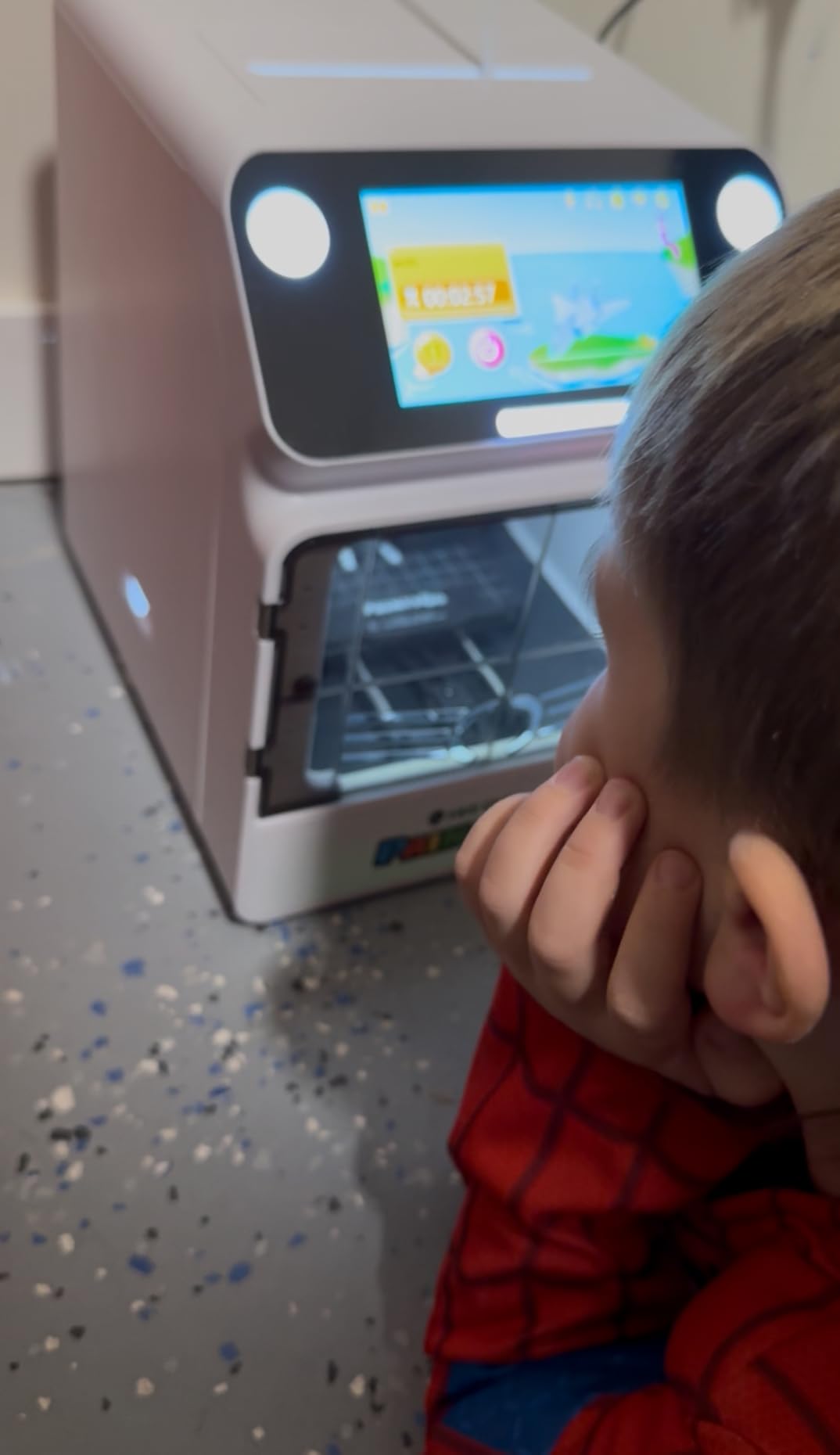
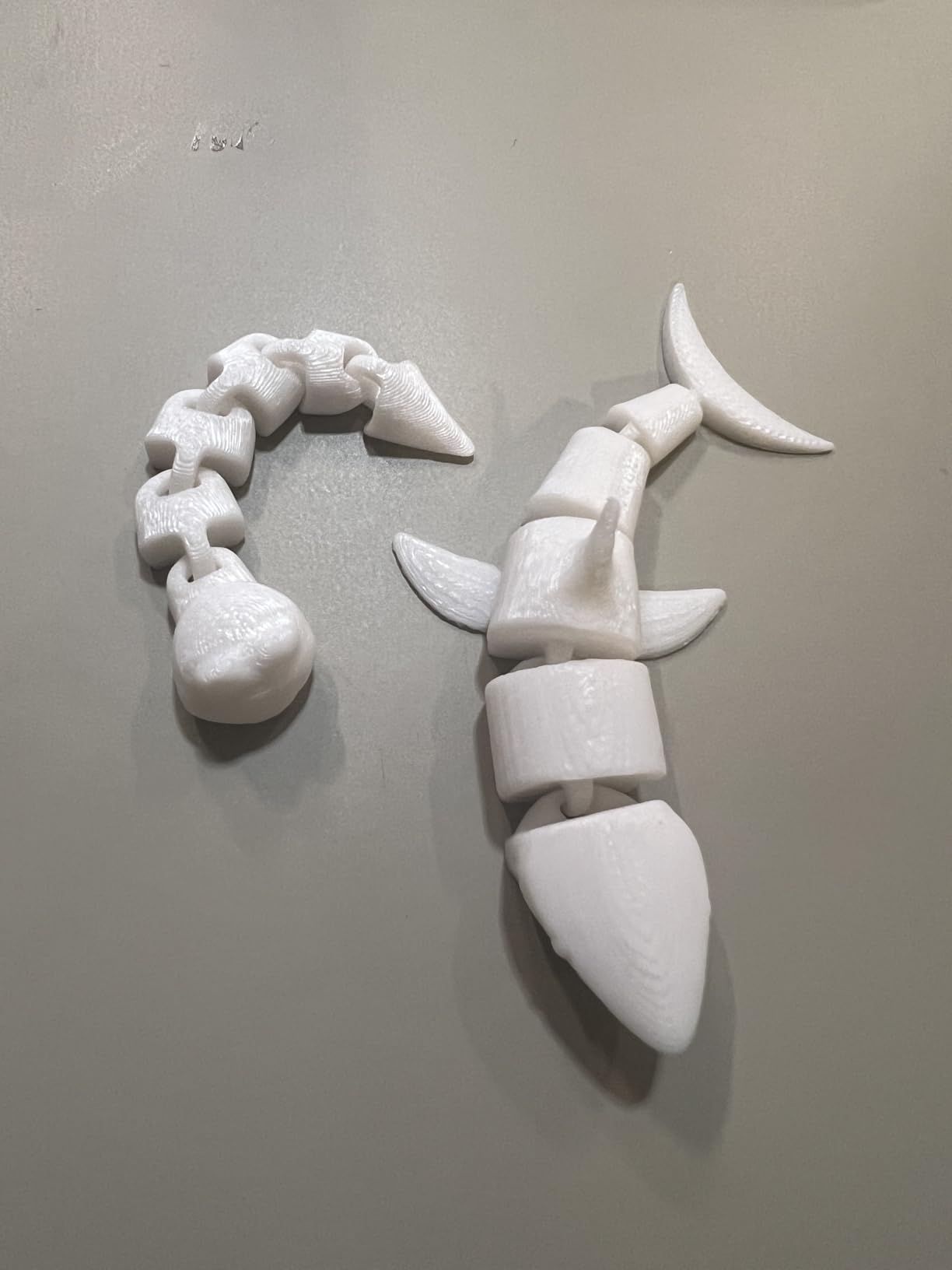
The model library holds 1500+ models updated weekly, and the package includes 250g of white PLA, a filament rack, platform glue, a tension spring, tweezers and a screwdriver. The low power consumption of approximately 65 watts makes it practical for events and classroom demonstrations.
That is where I have to be blunt. Experienced printer owners rate this poorly as an actual printer, and their complaints are specific: bed levelling is fully manual via a paper test despite the auto-leveling wording, the build plate is unheated so wide thin prints warp, and the plate surface is a thin non-stick sticker that can peel with no replacement available.
Who this suits best
A parent of a very young child who values a locked enclosure and a standalone screen above print quality. The 3.7 rating is a split verdict, and the people rating it lowest are printers, not parents of small children.
If your child only makes small objects, the tiny build bed is an acceptable limit rather than a dealbreaker.
Who should skip it
Anyone expecting a machine to grow with a child. Some units cannot connect to any device at all and remain limited to the built-in library, the setup instructions are thin, and only small filament spools are accepted. A teenager will find this limiting within weeks.
5. AOSEED AI 3D Printer – Best for Ages 6 to 9 Who Want a Toy Factory
AOSEED AI 3D Printer for Kids, Fast 400mm/s, 8000+ Models, Enclosed Safe
8.82 lb, 11.42 x 10.63 x 12.2 inch
12000+ models
Enclosed pinch-resistant body
Pros
- 12000+ print-tested models in 17 themed modules
- AI Doodle and photo-to-figurine tools
- Eight rolls of PLA bundled in the box
- Built-in camera records a time-lapse
Cons
- Single-color printing only
- One owner found the app and instructions confusing
The library is the headline number here: 12,000+ human-reviewed and print-tested models across 17 themed design modules. For a seven-year-old, that volume of guaranteed-working things to print is worth more than any spec on the page, and it is the opposite of a folder of STL files that fail on the first attempt.
The AI tools are the second hook. AI Doodle turns a voice, text prompt or image into a model, AI MiniMe converts a photograph of a person into a cartoon figurine, and MINIMAKIE builds avatars. A built-in AI assistant walks a child through the process in the app.
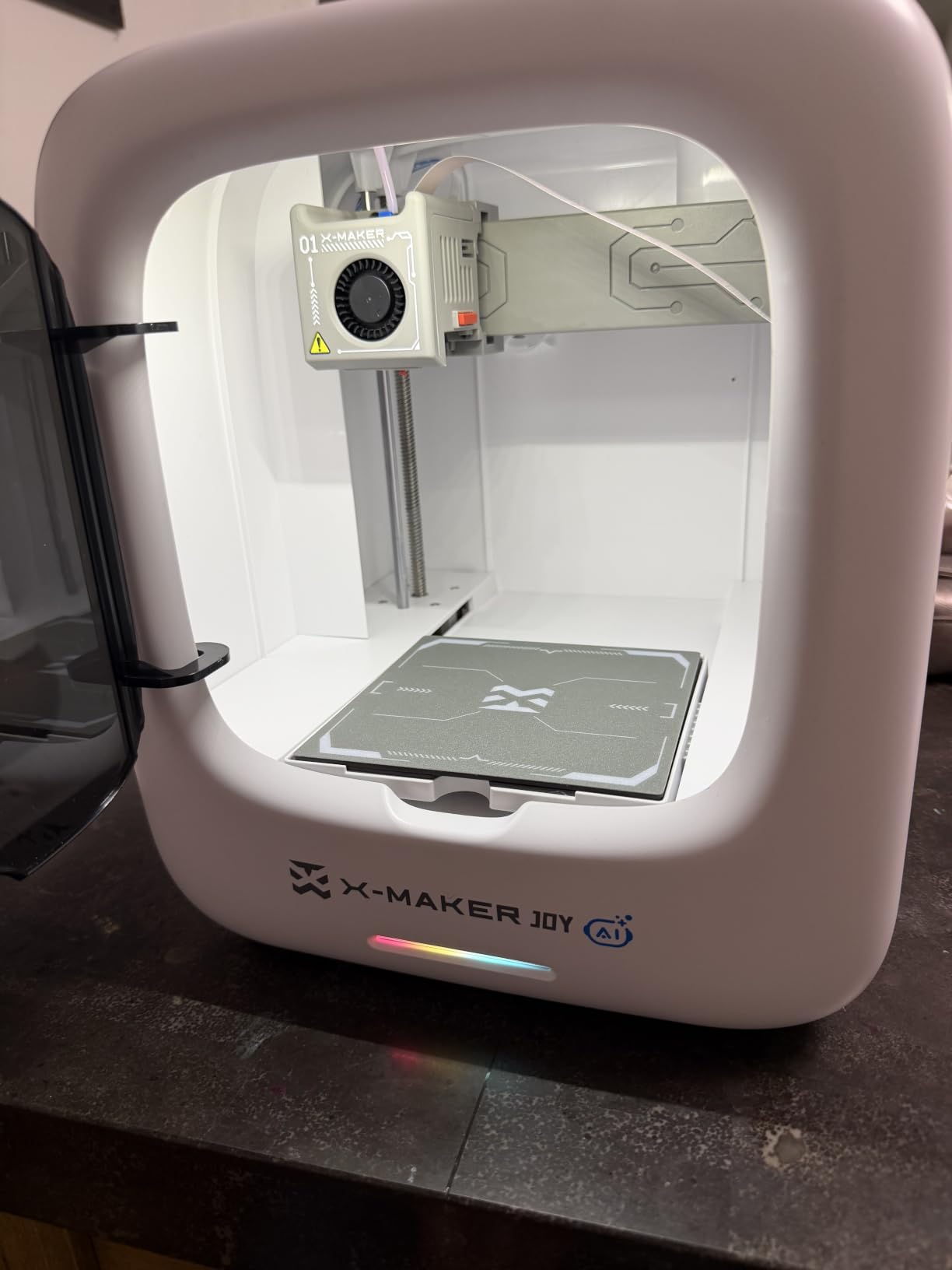
Safety-wise the enclosed, pinch-resistant body and leveling-free platform mean there is no sensor for a child to damage and no loose frame to squeeze. Filament runout detection and a quick-release nozzle are sensible for independent use, and the bundled TUV Rheinland ISO 16000 tested PLA plus eight rolls means printing starts on day one.
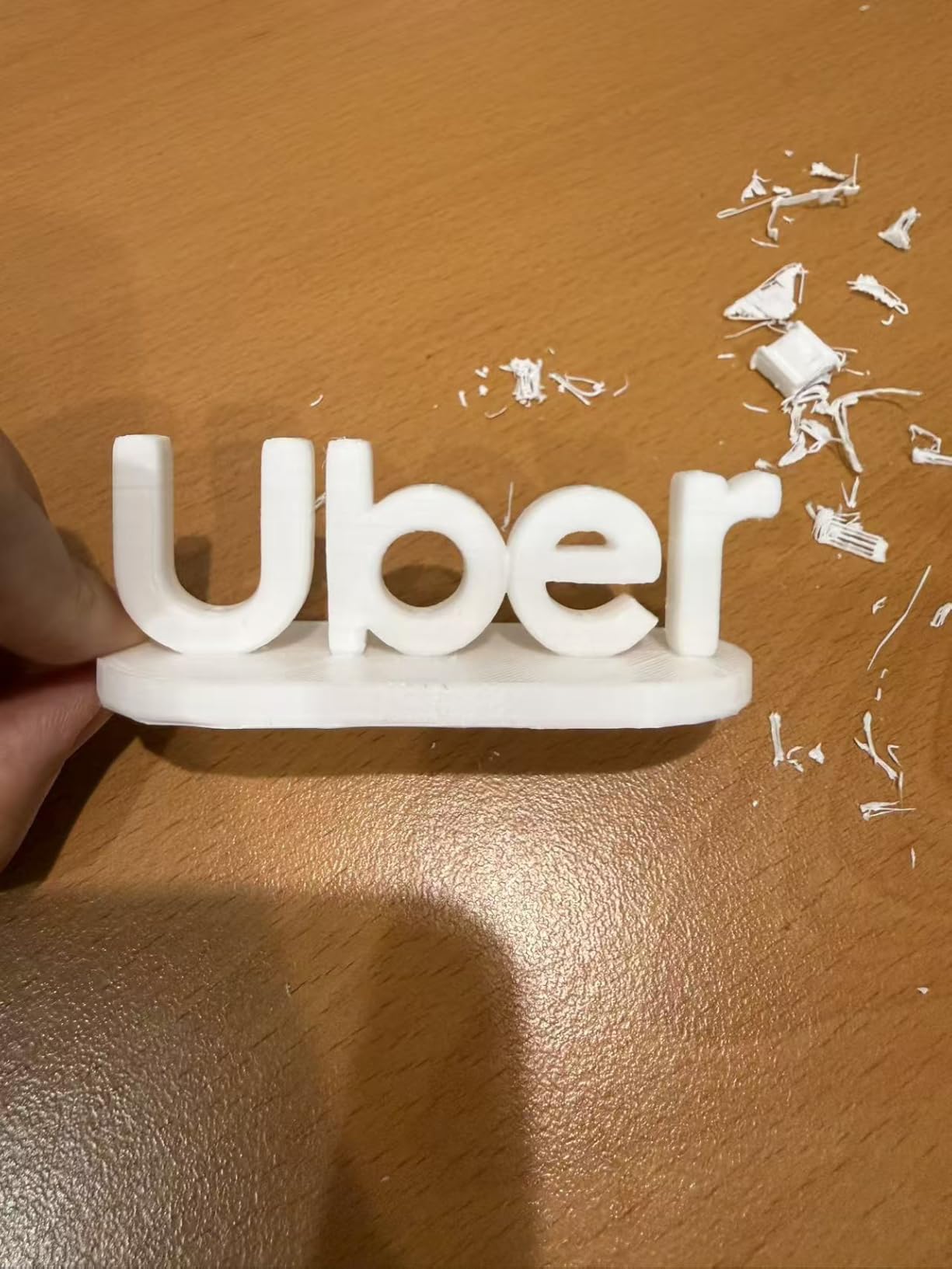
Print quality is stated at up to 0.05mm precision with typical speeds of 220-250mm/s and peaks to 400mm/s, and small projects complete in about 20 minutes. The built-in camera produces real-time monitoring and an automatic time-lapse, which quietly turns waiting for a print into something a child watches rather than something they abandon.
Who this suits best
Children aged six to nine who are creative, chatty and impatient. Parents like the enclosed design because it removes the need to hover, and recent owners with young children rate the simple setup, quiet operation and bundled filament pack highly.
It works on iOS, Android and Windows, with voice control included.
Who should skip it
Anyone who wants multi-colour in one piece. This is single-colour printing only, and multi-colour designs have to be printed as separate parts and assembled by hand. The single-colour limit is a stated design constraint rather than a defect, but a child should know it in advance.
One owner also found the app and the instructions confusing, which caused a frustrating setup, so budget an afternoon rather than ten minutes on the first day.
6. Magic Jimmy AI 3D Printer – Best Enclosed Starter That Arrives Ready to Run
Magic Jimmy 3D Printer for Kids, AI-Powered, Fully Assembled, STEM Gift
8.8 lb, 13.7 x 13.15 x 15.47 inch
Fully enclosed cool-touch chamber
8000+ model library
Pros
- Arrives fully assembled and prints the same day
- Enclosed cool-touch body
- Built-in camera and time-lapse
- STL import from Thingiverse and Printables
Cons
- Small build volume and no heated bed
- App-locked workflow with paid AI credits
This is the cleanest gift experience on the list. It arrives fully assembled with no tools or manual assembly required, so a child connects Wi-Fi, loads filament and prints on the same day it is opened. In a household where a two-hour assembly loses a child’s interest immediately, that alone justifies the machine.
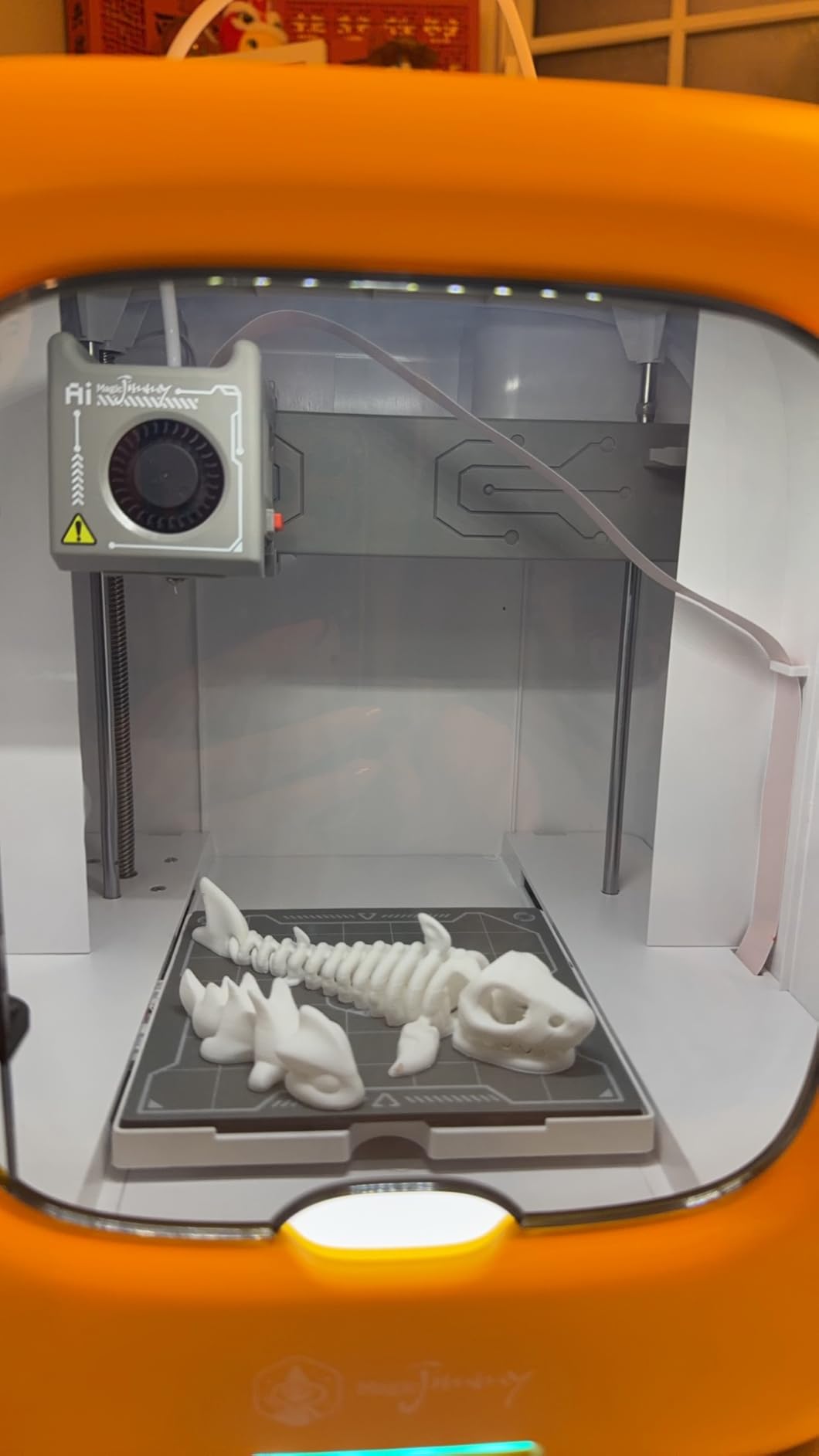
The enclosure is a fully enclosed printing chamber with a cool-touch exterior, and the machine is restricted to non-toxic PLA with a magnetic build plate for safe print removal. The 8,000+ model library covers toys, animals, vehicles and STEM content, with new models added regularly and one-tap printing from the app.
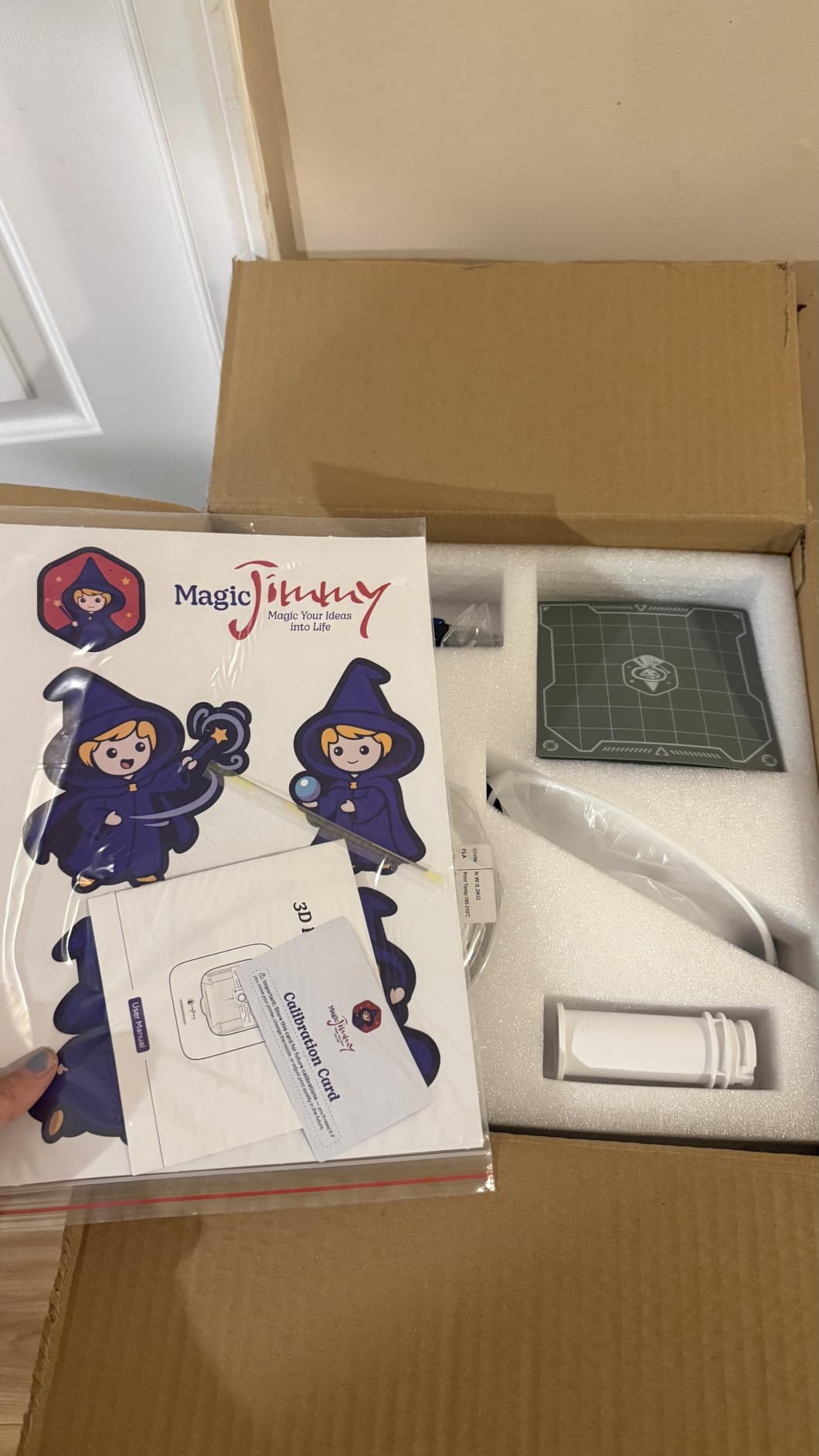
Print speed is stated at up to 400mm/s, with small models in as little as 20 minutes and most library models running one to three hours. The built-in camera records a time-lapse of every print, which family buyers consistently single out as the feature that keeps children involved while the machine works.
Unlike the fully locked kits, it accepts STL imports from Thingiverse, Printables and similar libraries, which gives a motivated child an exit route to the wider model ecosystem. AI Craft, AI Doodle, AI MiniMe and MiniMakie cover the kid-friendly design angle.
Who this suits best
A parent buying a birthday or Christmas gift for a child aged roughly 6 to 11 who needs zero setup and a physical barrier between small hands and the nozzle. It suits iOS, Android and Windows homes, and Wi-Fi is required for setup.
The cool-touch exterior is the detail that converts a safety worry into a non-issue for most families.
Who should skip it
Hobbyists. The build volume is very limited, the build plate is not heated, and a Bowden extruder setup rules out TPU. Printing options are largely locked inside the app, it is unclear whether third-party slicers can be used, and many AI features require purchased credits.
An experienced reviewer summarises it as a novelty product with surprisingly good speed and quality for a compact machine. That is fair, and fine, if you are buying for a child.
7. Bambu Lab A1 mini – Best for Teens Who Will Grow Into It
Bambu Lab A1 mini 3D Printer + LED Lamp Kit, Ready-to-Use for Beginners
12.1 lb, 15.21 x 16.77 x 17.94 inch
Automatic calibration
LED Lamp Kit included
Pros
- Automatic calibration with a very short setup
- Compact footprint for a bedroom desk or studio
- Quiet and reliable printing
- LED Lamp Kit gives a first project that lights up
Cons
- Smaller build volume than the full-size A1
- Closed ecosystem limits third-party slicers
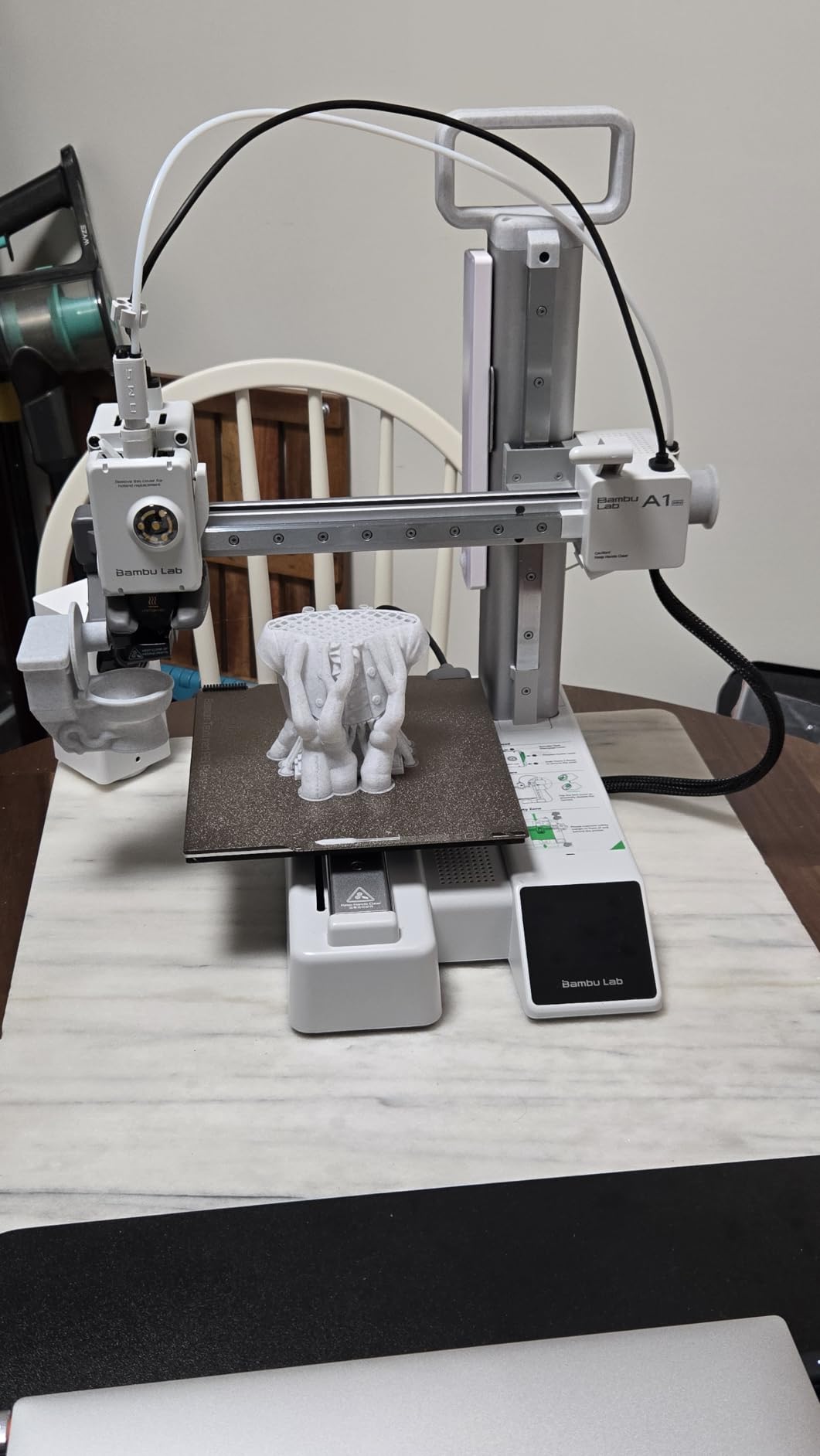
The A1 mini lowers the entry point into the Bambu ecosystem without giving up the thing that makes the brand easy for a first-time user: automatic calibration and a genuinely short setup. The Bambu Handy app manages prints and MakerWorld supplies the model library, so there is no computer to configure before the first job.
It is also quieter than most machines at this level, and the listing credits active motor noise cancellation in the full-size A1. At 12.1 pounds and 15.21 x 16.77 x 17.94 inches, it fits a bedroom desk or a home studio rather than needing a dedicated shelf.
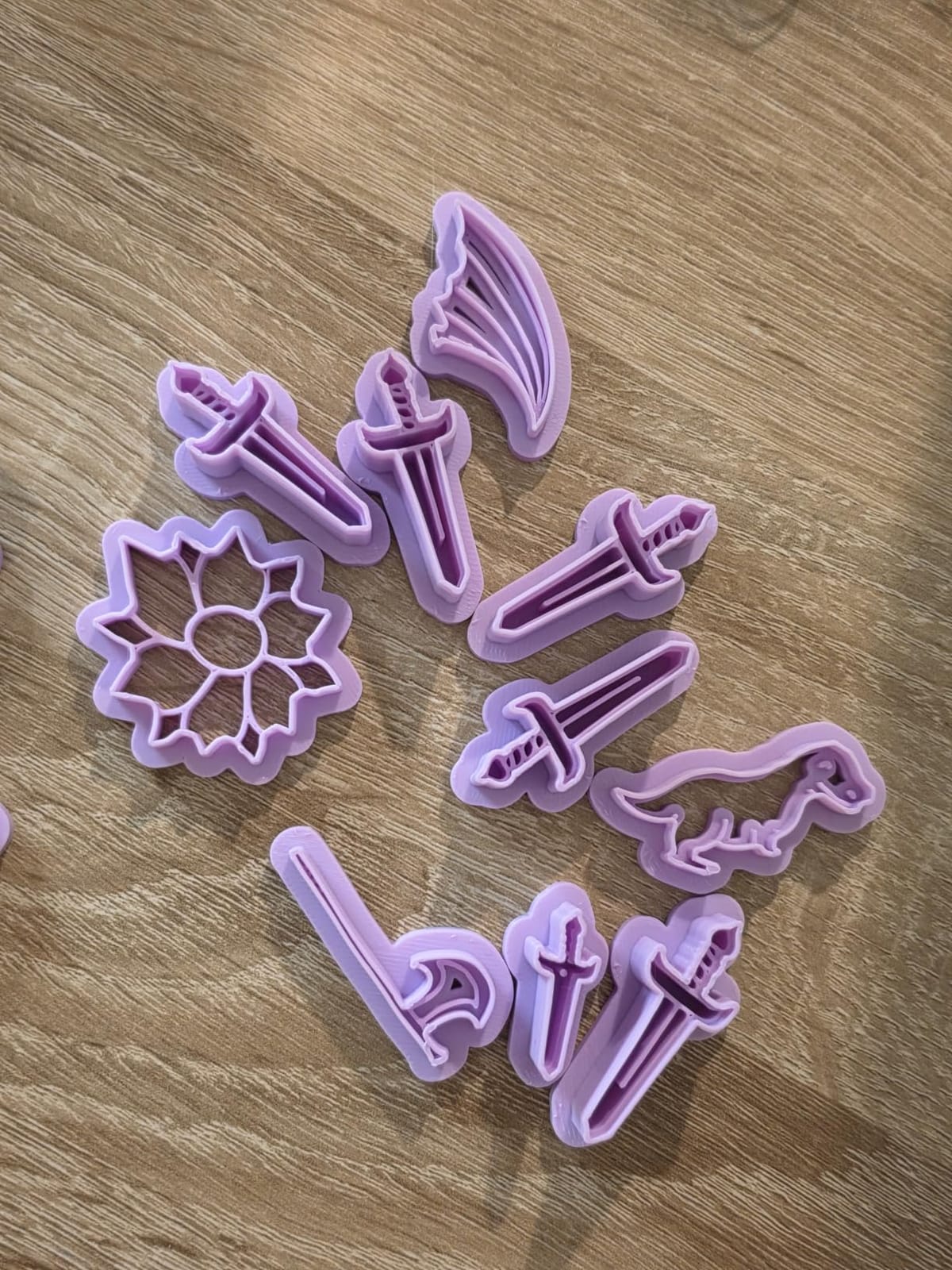
The bundled LED Lamp Kit is the cleverest part of the package for a child. It lets someone print compatible lamp models into functional decorative lights, which gives a new owner a first project with a visible, glowy result in a single evening. That is a better motivation than a calibration cube.
Owners also like that it prints quietly and reliably for everyday work from toys and home decor through to functional tools and gifts, and the AMS lite compatible Combo variant exists if multi-colour matters to you.
Who this suits best
A teenager, or a younger child with an adult who will do the troubleshooting. It is the best bridge machine here between a kid-friendly experience and a real hobby printer, and the LED Lamp Kit gives them something genuinely creative on day one.
It suits anyone who wants the Bambu app experience in a smaller footprint.
Who should skip it
Children under ten, because it is open-frame like the full-size A1. It is also the wrong choice if you already know your teen will want multi-colour printing, since that needs the AMS lite, and the same closed-ecosystem limitation applies as on the full-size machine.
8. Hephi3d TINA2 Plus – Best Open-Source Starter for Ages 8 to 12
Hephi3d TINA2 Plus 3D Printer for Beginners, Fully Assembled Ready to Print
5.68 lb, 8.27 x 8.27 x 11.42 inch
Up to 250mm/s
3000+ models, 20+ modules
Pros
- Fully open-source with Wiibuilder
- Cura/Kiri and PrusaSlicer
- App walks children through setup and printing
- A roll of high-speed PLA in the box
- Children aged 8-11 can operate it once set up
Cons
- One unit jammed after about 30 print cycles
- Nozzle needs cleaning fairly often
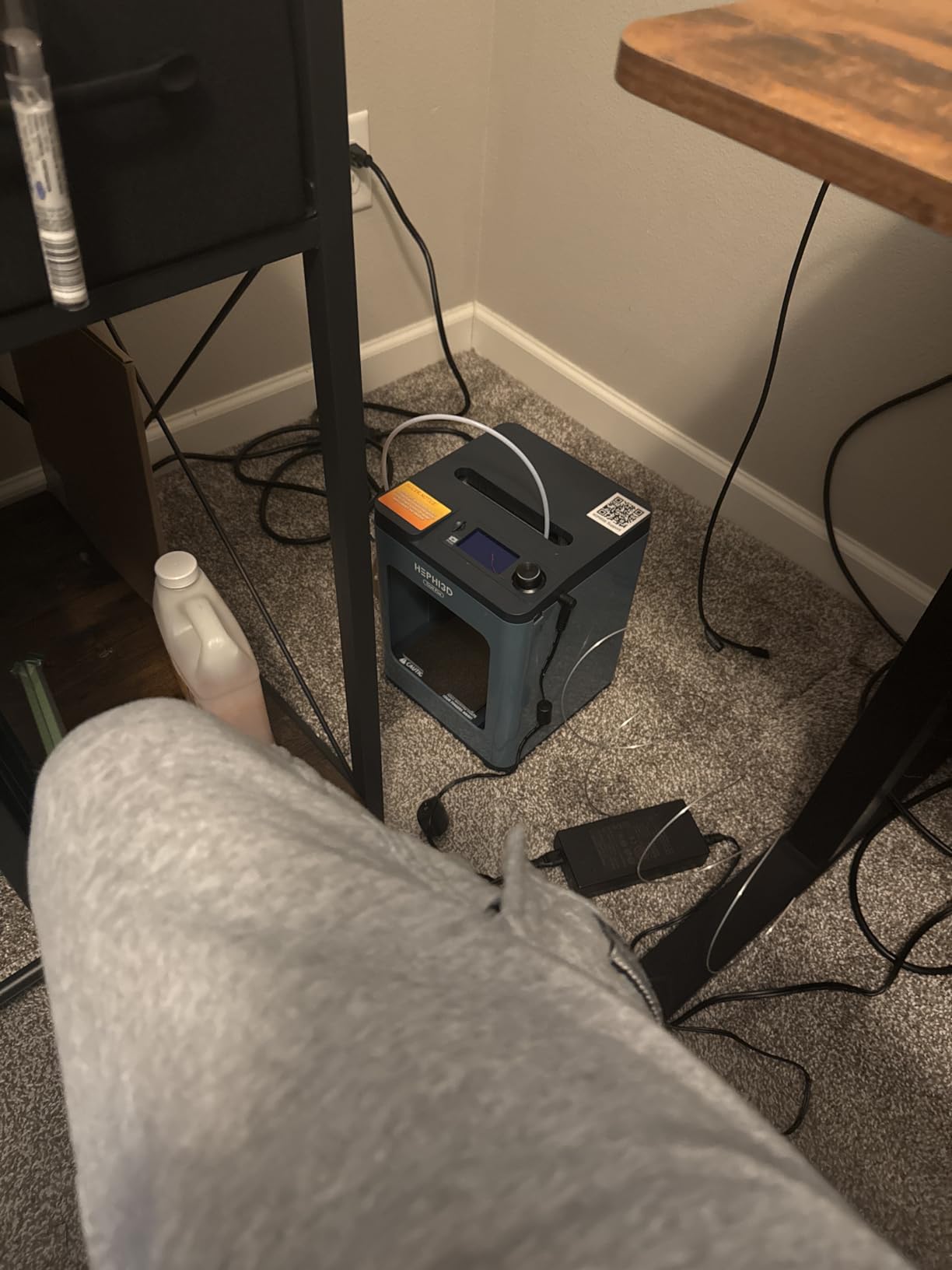
The defining feature is freedom. This is a fully open-source machine, compatible with Wiibuilder, Cura, Kiri on Chromebook and PrusaSlicer, plus USB transfer. If a child eventually wants to learn how a slicer actually works, this printer will not stop them, and for a family that already uses open tools, that is worth a lot.
Out of the box it is friendly enough, too. The Poloprint Cloud app has a model library, slicing and WiFi upload from a phone or tablet, 3000+ online models and 20+ design modules with weekly updates and monthly themed collections, plus one-tap AI and photo-to-model generation.
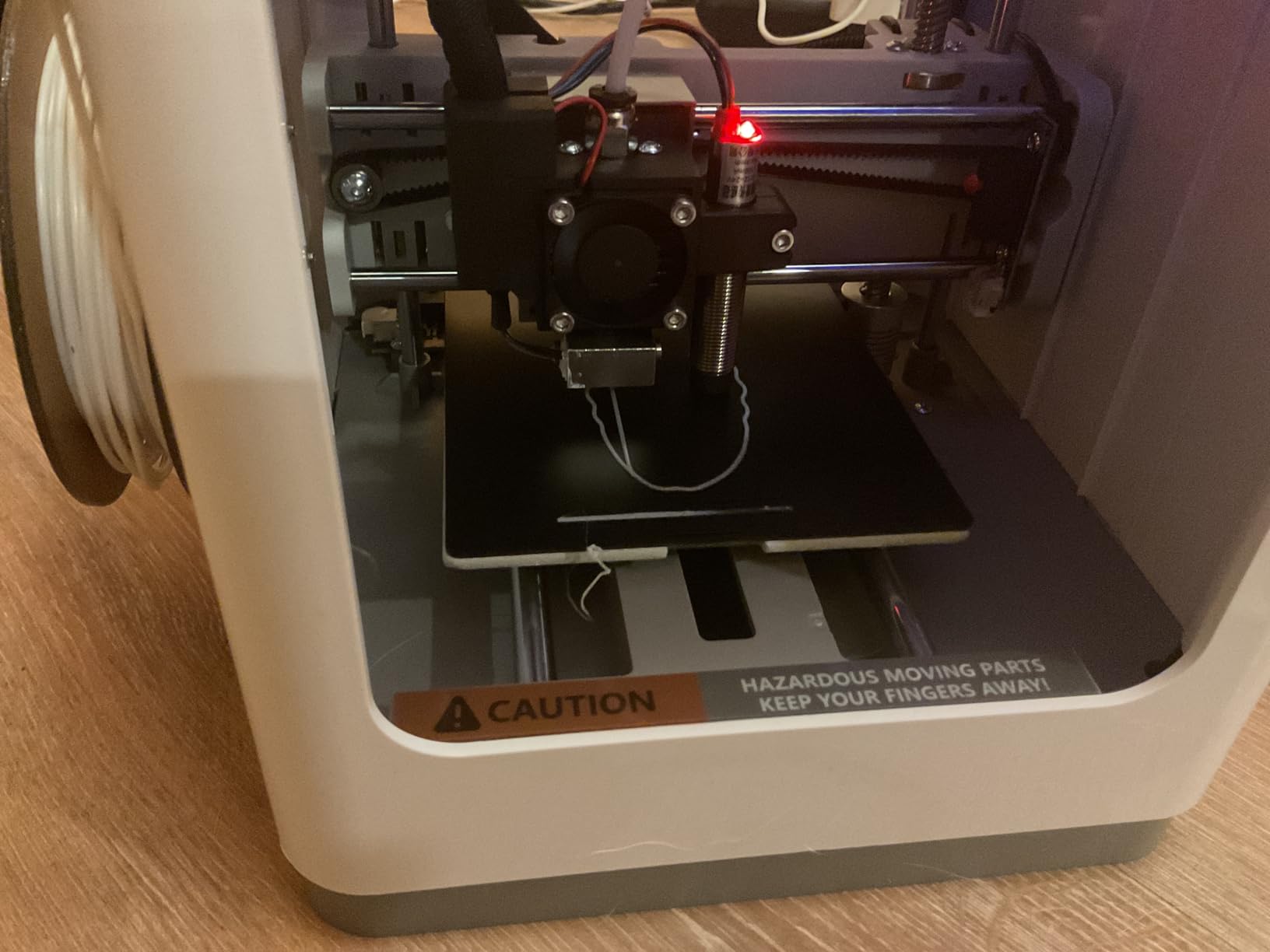
Print speed is stated at up to 250mm/s with 150mm/s recommended. The package includes one roll of high-speed PLA filament and printing accessories, and the fully assembled chassis with auto bed levelling prints within minutes of arriving.
What stands out in the reviews is the child experience. Owners report children aged 8 to 11 operating it independently once it is set up, and good print quality and detail for a compact machine. The app walking both parent and child through setup is doing real work here.
Who this suits best
A family with a Chromebook, or a child around 8 to 11 who will grow into open-source slicing. Kiri compatibility is a genuine advantage in a school laptop situation where installing Cura would be an argument you do not need to have.
It is also a good value pick when a parent is willing to spend an afternoon with the first prints.
Who should skip it
Anyone expecting genuinely hands-off reliability. One unit jammed after roughly 30 print cycles and the 60-day hotend warranty left that owner no recourse, and the nozzle needs cleaning fairly often. Reviewers also note it is more complicated to operate than the marketing implies, with children around nine still needing an adult or teen for each print in some workflows.
Filament must be 1.75mm, and some workflows still need files transferred to a memory card through computer software.
9. Entina Tina2 Basic – Classroom Favourite for First Timers
Entina Mini 3D Printers Tina2 Basic, Fully Assembled and Auto Leveling 3D Printer for Beginners and Kids, Easy Setup, Safe Design, High Precision Printing FDM Mini 3D Printer for Home & School
6 lb, 11.4 x 8.6 x 8.6 inch
100 x 105 x 100mm build volume
2.4 inch LCD with knob
Pros
- Printing within about 5 minutes of unboxing
- Auto bed levelling removes the fiddly manual step
- TF card carries test models and the slicer
- One-button filament load and knob operation
Cons
- Small build volume limits larger projects
- Reported as less precise than the Tina2S
This is the entry-level Tina2 and reviewers treat it as the budget option, which is exactly where it belongs. It prints within about five minutes of unboxing, weighs 6 pounds, and its 8.3 x 8.3 x 11.4 inch unit is light and compact enough for a classroom, an office or a dorm room.
The details that make it child-friendly are specific rather than marketing. A 2.4 inch LCD with knob operation instead of a fiddly touchscreen, one-button filament load and retract, and a TF card preloaded with test models and the Wiibuilder slicer for offline printing. Power outage resume is included, which matters more in a school than in a bedroom.
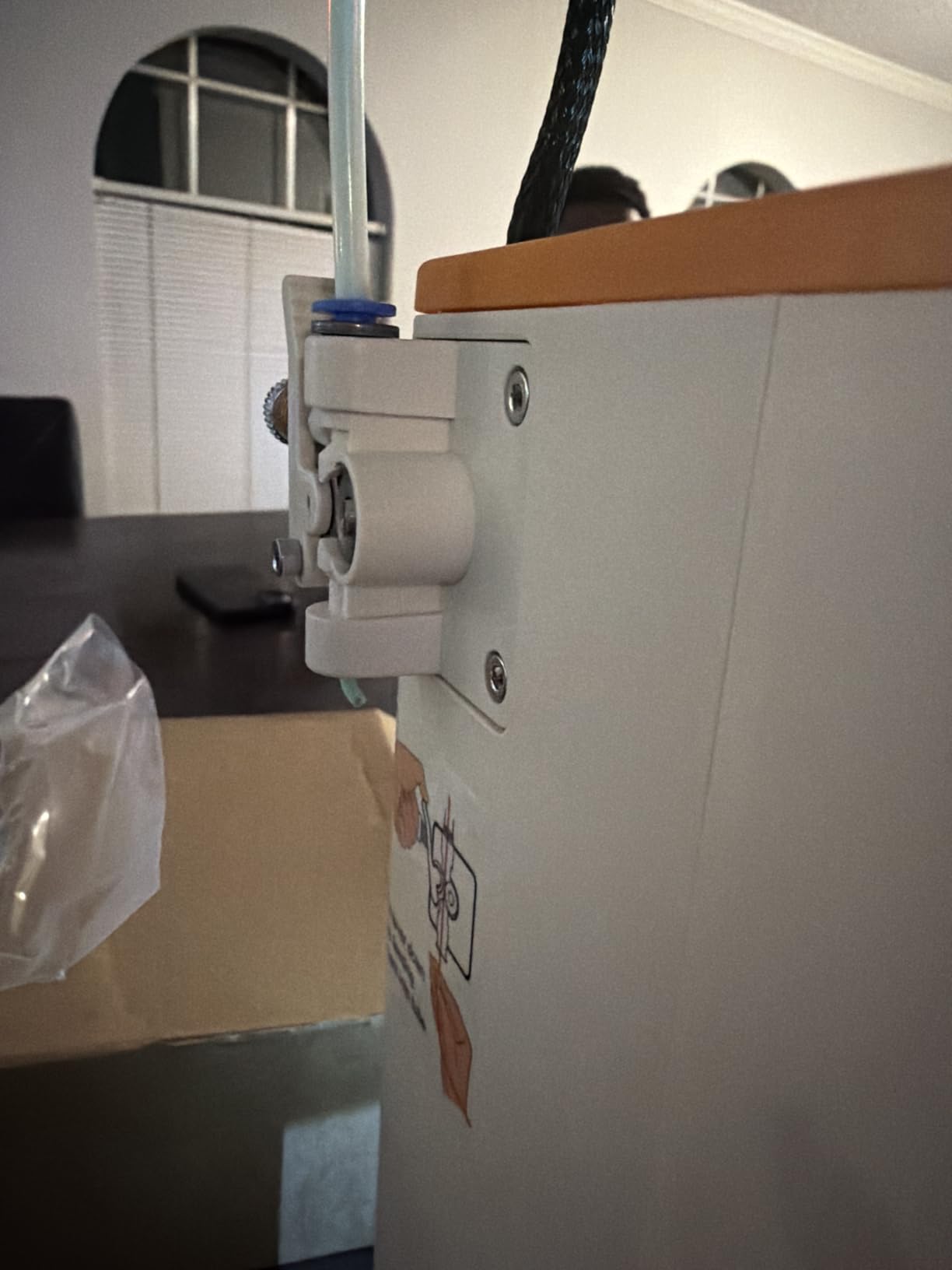
Intelligent auto-levelling removes the manual bed levelling step entirely, and a flexible removable magnetic build plate makes finished prints easy to peel off, which is where small fingers usually get involved. It is fully open-source compatible.
What you give up is size. The build volume of 100 x 105 x 100mm is the same class as the TINA2S, and the dual Z-axis design is reported as less precise than that machine, which is the main reason the rating sits below it. The TF-card-only workflow can be more involved than app-based printing, so a first-time parent should expect to do the file handling.
Who this suits best
Classrooms, STEM clubs and any situation where several children queue behind one machine. The compact size, low weight and offline TF card workflow make it the most portable unit in this roundup, and the quick five-minute start keeps a group session moving.
It is also the sensible first machine for an adult who just wants to see whether 3D printing is something their household will use.
Who should skip it
Anyone who wants large prints or fine detail. A 100mm cube will not hold a phone stand, a Minecraft model or a decent articulated figure, and the reported precision gap versus the Tina2S shows on small detailed parts.
For a child who will be the only user and wants to make real objects, step up to the Tina2 Plus or the Bambu A1 mini instead.
10. FlashForge AD5M – Best for Big Projects Once They Are Old Enough
FLASHFORGE AD5M 3D Printer Fully Auto Calibration Print with 1-Click Max 600mm/s Speed, All-Metal CoreXY Structure Precise Printing, Easy-Maintenance Quick-Swap Nozzle, Print Size 220x220x220mm
22 lb
220 x 220 x 220mm build volume
All-metal CoreXY
Up to 600mm/s
Pros
- One-click levelling and nozzle offset calibration
- All-metal CoreXY keeps motion quiet and stable
- Tool-free nozzle swap in about 3 seconds
- 220mm cube prints articulated models in one piece
Cons
- Slicing needs a Windows or Mac computer
- WiFi reported as spotty
The AD5M is the point at which this list stops being about children and starts being about a teenager who is ready for a real machine. At 22 pounds with a 220 x 220 x 220mm build volume, it prints articulated figures in one piece, which is the single capability that makes it a different category from everything above it.
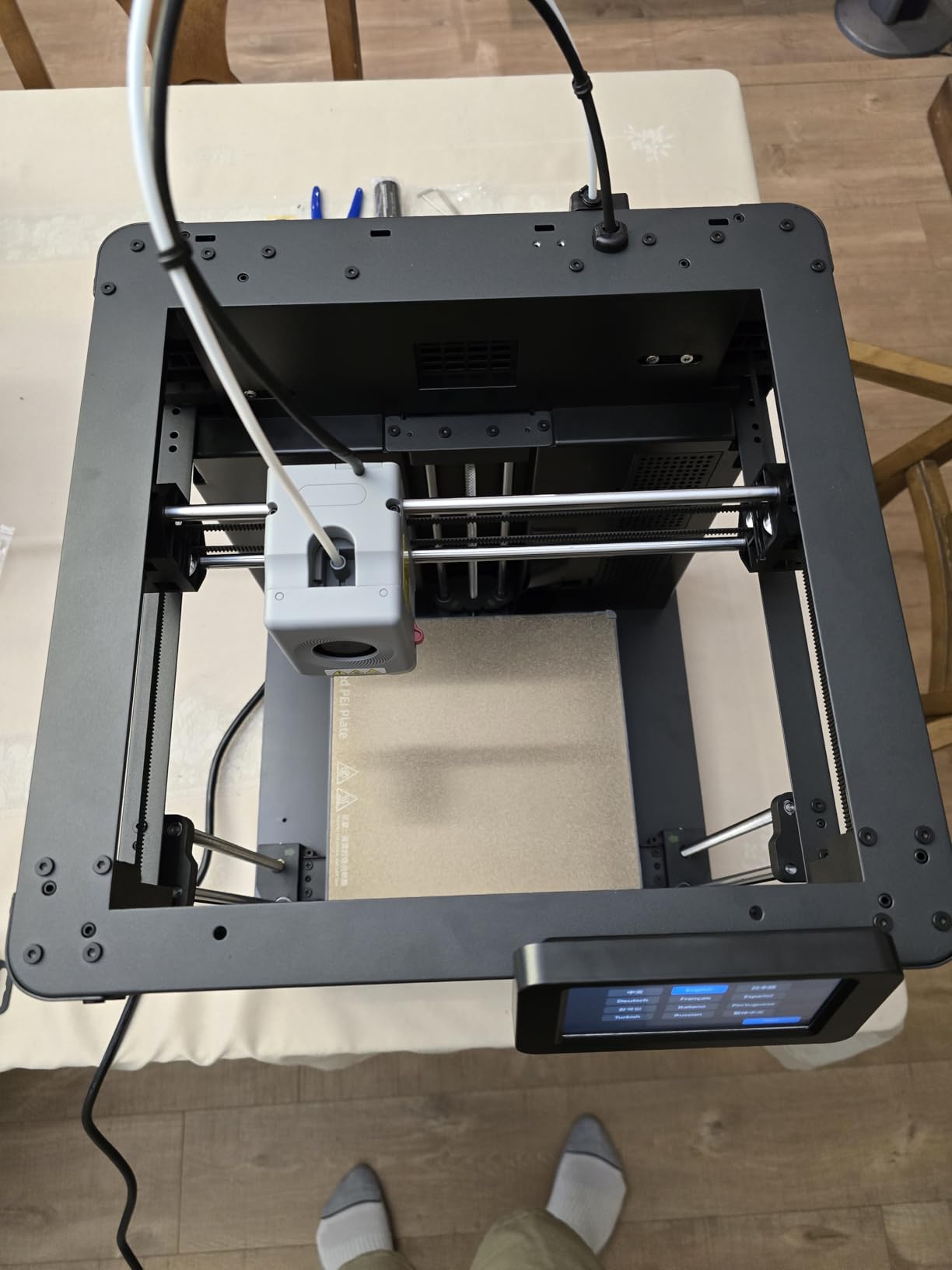
Setup is close to zero. There is essentially no assembly beyond mounting the screen, and the one-click fully automatic levelling measures the nozzle-to-build-plate distance for a clean first layer, which is the step that derails most first-time users. Owners report a short learning curve with the Orca-flashforge slicer.
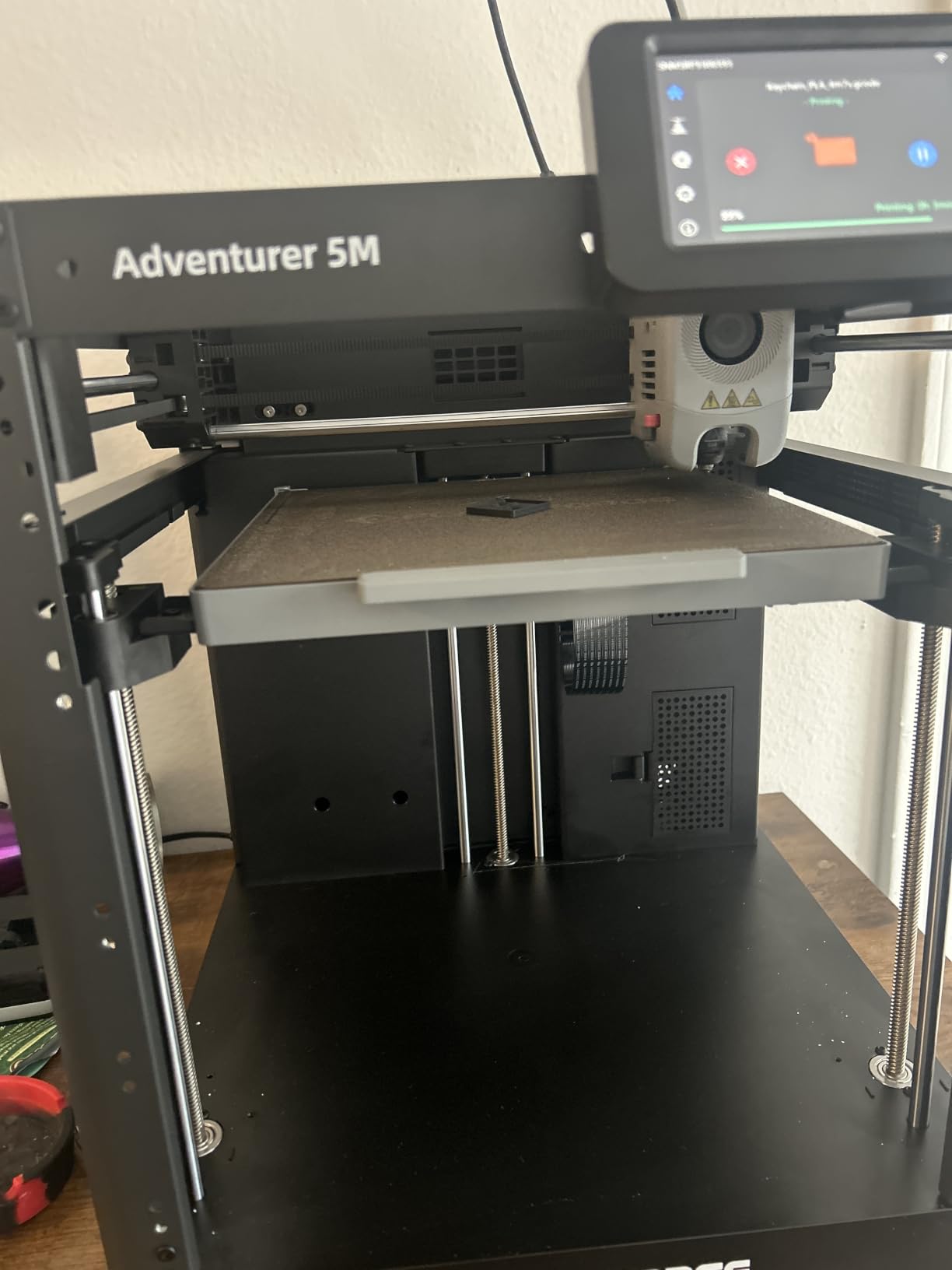
The all-metal CoreXY motion structure is what makes the 600mm/s figure usable, because it stays stable and low-noise at speed rather than shaking. The patent quick-release nozzle swaps in about 3 seconds without tools, and 0.25, 0.4, 0.6 and 0.8mm nozzles are available for different detail levels and materials.
It is also quiet enough to run in another room in the house, which matters for a family where a teenager prints overnight. The double-sided flexible PEI steel plate handles PLA on one side and PETG on the reverse, with power outage resume from the saved layer.
Who this suits best
A teenager aged 12 and up, or an adult buying a first serious printer. The large build volume, quick-swap nozzle and multi-printer network monitoring in the slicer reward someone who intends to keep printing rather than try it once.
It is the pick for a child whose models have started failing because they are too big for a mini printer.
Who should skip it
Young children, entirely. There is no enclosure, so nothing separates a small hand from a hot nozzle and moving CoreXY hardware, and the 22-pound metal frame is not something to put on a playroom table.
It also requires a Windows or Mac computer for slicing, since the iPad app cannot run the slicer, and Wi-Fi connectivity is reported as spotty where ethernet works more reliably. Results are also best with Flashforge-branded filament.
What to Look for in a Kids’ 3D Printer
Automatic bed levelling is the one non-negotiable
Auto bed levelling is the single feature that separates a printer a child can use from a printer that will end in a cupboard. Bed levelling is the process of setting the distance between the nozzle and the build plate, and when it is wrong, the first layer smears and nothing sticks. Every thread on the print forums names it as the biggest source of frustration for first-time users, adults included.
Watch the wording carefully. One machine in this roundup uses auto-leveling in its title while owners describe a fully manual paper test, so check whether the levelling is sensor-driven or a button press that triggers a probe.
An enclosed build area, if the child is under 10
An enclosed build area does two jobs at once. It keeps hands away from the nozzle and the motion rails, and it contains fumes and heat in a shared room. For a bedroom, a playroom or anywhere a child spends unsupervised time, an enclosure is the single biggest safety improvement you can buy.
A door lock that pauses the print when opened, as on the SainSmart PrintyGo, goes further still. Below that age, an open-frame machine should be treated as a supervised activity only.
Fully assembled out of the box
A gift that takes two hours and a manual to assemble loses a child’s interest immediately, and that is the most common regret reported by parents. Every fully assembled machine on this list can be printing within minutes of opening the box, and several bundle filament and a preloaded card so nothing else needs buying on day one.
Note that several of these units are resold under a dozen different brand names. The TINA2S platform appears here as both the Asani TINA2S and the Hephi3d TINA2 Plus, so compare the manufacturer and model number rather than the listing title.
The model library matters more than print speed
Forum users are consistent on this: what keeps a child printing in month three is a large library of models that are known to work, not a faster nozzle. Libraries on these machines range from 1500+ models to 12,000+ across themed modules, and that spread is the difference between a hobby that sticks and one that is abandoned.
Free external libraries are worth knowing too. Printables, MakerWorld and Thingiverse all host models that print reliably, and TinkerCAD is the easiest design tool for a child to learn on its own. None of this requires a subscription.
Build volume in plain English
Build volume is stated in millimetres and tells you the largest single object the machine can print without splitting it. The 100 x 105 x 100mm class covers keychains, name tags, small toys and simple desk items. The 180mm cube class handles phone stands and most mid-size models. The 220 x 220 x 220mm cube on the FlashForge AD5M covers articulated figures in one piece.
For a young child, a small build volume is a feature, because the thing they print is finished in one session. For a teenager it becomes a ceiling they hit within a month.
Connectivity and the slicer
The slicer is the software that converts a 3D model into printer instructions, and it is where most setup pain lives. App-based printing from a phone removes SD-card juggling entirely, which is the right choice for a child. The trade-off is that closed ecosystems such as Bambu Handy, Poloprint Cloud or the AOSEED app limit what a growing user can do later.
Open-source compatibility, as on the TINA2 Plus and the Tina2 Basic, keeps every door open but requires a computer and more involvement from an adult. For a laptop-free family, weigh that honestly before choosing.
What It Really Costs to Run One
The printer is the part everyone plans for. The running cost is what makes parents wince six months later, when a child has discovered that failed prints still consume plastic.
Filament is the main expense, and PLA spools are far cheaper than people expect, especially multipack buys. A child printing a keychain, a small toy or a name tag uses a trivial amount per job, so the real consumption comes from larger models and from failures, not from everyday small prints. Buying sealed dry filament with a decent storage box makes a measurable difference in how much gets wasted, because PLA absorbs moisture from open air and prints badly when damp.
Electricity is genuinely minor. A machine like the PrintyGo draws approximately 65 watts, and a 400mm/s compact printer sits well under a kilowatt while running. Over a full evening of printing, the cost is a rounding error compared with filament, which is another reason to stop worrying about the powered-off machine.
The failure rate is the real cost, and this is where enclosure and auto-levelling pay for themselves. Bed levelling failures and nozzle clogs waste filament and, more importantly, waste a child’s enthusiasm. A machine that produces something on the first attempt is cheaper in plastic and considerably cheaper in patience.
Keeping Kids Engaged Past the First Month
The most common complaint from parents is not that the printer is bad, it is that the novelty wore off by week two. That is a design problem, not a hardware problem, and it is fixable.
Start with a four-step project ladder rather than an ambitious model. First, a calibration cube, which takes minutes and teaches the shape of a layer. Second, a name keychain or tag, which adds a text tool and produces something personal. Third, a phone stand or desk organiser, which is the first object that solves a real problem in their room. Fourth, a figurine or character model, which is where the model libraries and AI tools take over. Each step is a natural reason to move to the next one.
Use the free libraries rather than buying models. Printables, MakerWorld and Thingiverse cover almost anything a child can describe, and TinkerCAD is the design tool most recommended for a first attempt because shapes snap together rather than needing coordinates. Bambu Handy and Poloprint Cloud each bundle their own curated libraries, which is the path of least resistance for a younger child.
Batch the printing rather than running one job at a time. A queue of ten small models finished on Saturday keeps a child engaged all week, and it teaches the scheduling thinking that makes 3D printing interesting to teenagers. Our healthy kids snack ideas follow a similar philosophy in a different kitchen, if you want a project that runs while the printer does.
Frequently Asked Questions
What are the best 3D printers for kids?
The best 3D printers for kids depend on age. For ages 5 to 8, an enclosed, app-driven machine such as the Entina Tina2C or the Magic Jimmy keeps setup to minutes. For ages 8 to 12, a touchscreen or phone app with auto bed levelling, such as the TINA2S or Hephi3d TINA2 Plus, works well. For teens, a general consumer printer like the Bambu Lab A1 or the FlashForge AD5M offers the widest capability.
Should a 7 year old have a 3D printer?
Yes, with an enclosed machine and close supervision. A seven-year-old can operate an app-driven enclosed printer independently once setup is done by an adult, but an adult should stay within sight, handle filament changes and remove finished prints from the bed. Choose PLA filament only, keep the printer in a ventilated room, and never let resin printers anywhere near a child.
What is the safest 3D printer for kids?
The safest options are fully enclosed FDM printers with a door lock or a cool-touch exterior, which physically separate small hands from a nozzle that can reach 250 degrees Celsius. The SainSmart PrintyGo has a door child lock that pauses printing when opened, and the Magic Jimmy has a fully enclosed cool-touch chamber. Keep the machine in a ventilated room, use PLA, and supervise children under 12.
Are PLA fumes harmful to human health?
PLA is the safest filament for a child and emits very little at typical print temperatures, especially with an enclosure and normal room ventilation. ABS and ASA are the materials to avoid indoors for children because they emit styrene, which is associated with headaches and irritation in poorly ventilated rooms. Print PLA only, and open a window or run the printer in a ventilated space if the machine is not enclosed.
Is PLA filament child safe?
PLA is generally considered the safest filament for home use with children. It melts at a low temperature, has a mild odour, produces minimal fumes and is not a respiratory irritant at normal settings. The real risk is a hot nozzle rather than the material, which is why enclosure and supervision matter more than filament choice. Always keep filament sealed and dry when not in use.
What is a good 3D printer for an 8 year old?
A good choice for an eight-year-old is a fully assembled, enclosed machine with a guided app and a large model library, such as the Entina Tina2C, the AOSEED AI printer or the Magic Jimmy. These start producing prints within minutes of setup and give a child a catalogue of thousands of working models. Avoid open-frame machines at this age, and expect an adult to handle filament and first-layer problems.
Is it worth buying a 3D printer for kids?
It is worth it for a child who will use it as a making tool rather than a gadget. The value comes from design thinking, spatial reasoning and patience, and from converting screen time into a physical object the child owns. The main risk is abandonment after the first month, which is solved by starting with short projects and using the free model libraries rather than by buying a more expensive machine.
Which 3D Printer Should You Actually Buy?
If I were buying one printer for one child this year, it would be the Bambu Lab A1. It is the strongest combination of rating, review volume and reliability in this entire roundup, it calibrates itself, and it will still be running in three years when the child is ready for bigger projects.
That said, match the machine to the child, not to the spec sheet. Under eight, buy an enclosed, guided, app-driven unit such as the Entina Tina2C or the Magic Jimmy. Between eight and twelve, the TINA2S, the TINA2 Plus or the AOSEED give a child real control without adult babysitting. A teenager should start on the Bambu Lab A1 mini or go straight to the FlashForge AD5M for a full 220mm build volume.
Whichever you choose, start with PLA, keep the first three prints short, and pick a day when an adult is home for the setup. That is where the best 3D printers for kids earn their keep. For more gift ideas built around the same age-band thinking, our healthy kids meal guide follows the same approach.
