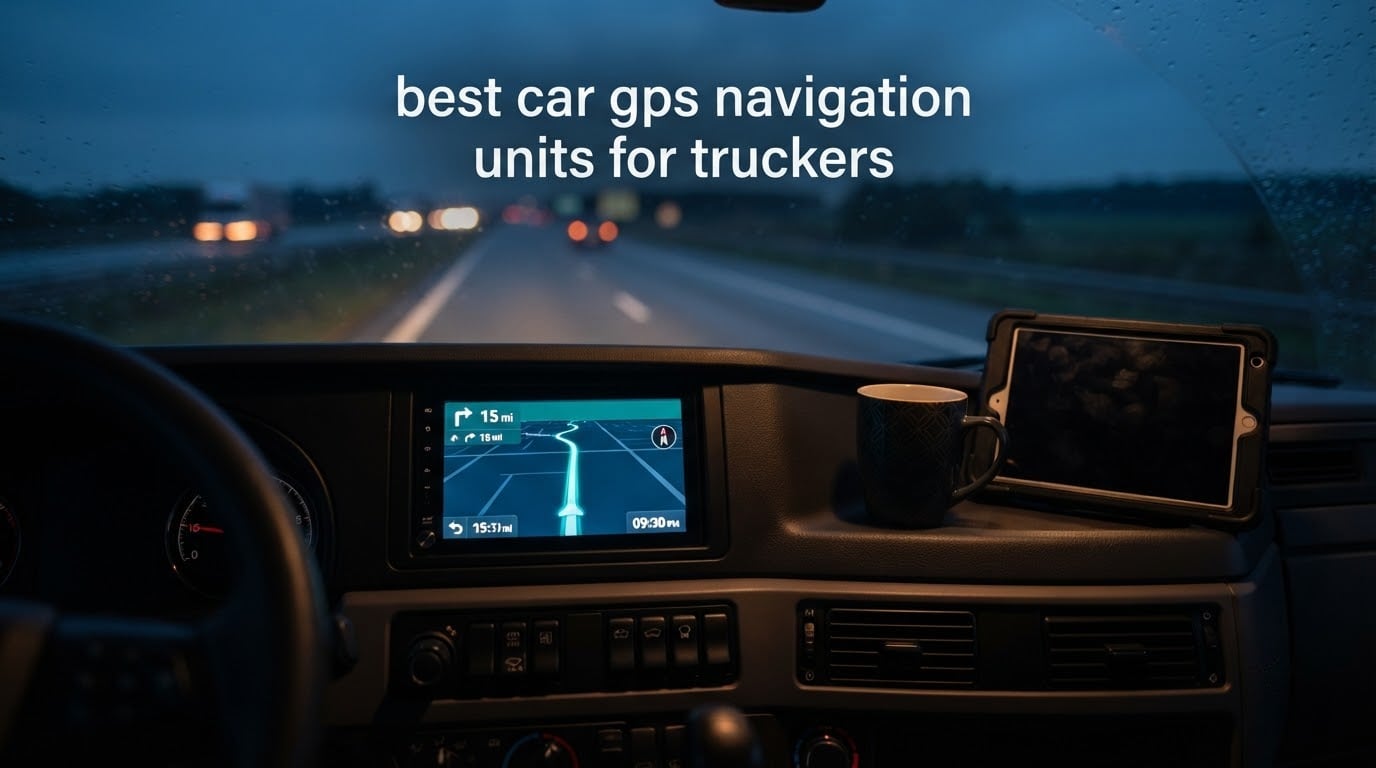
Most drivers shopping for the best car GPS navigation units for truckers end up looking at the same two brands, Garmin and Rand McNally, because those are the companies that actually build commercial-vehicle routing into the hardware. We went through the spec sheets, owner reviews and feature lists for six of the most-reviewed in-cab navigators on the market, and this is what we found.
A truck GPS is a dedicated in-cab navigation unit built for commercial vehicles. It uses a truck profile for height, weight, length and axles to route around low bridges, weight-restricted roads, truck-prohibited streets and hazmat restrictions, while pointing drivers to truck stops and calculating fuel economy along the way. A car GPS ignores all of that.
That difference is not a nicety. A wrong turn for a sedan costs a few minutes of fuel. A wrong turn for an 80000 lb combination can mean a bridge strike, a citation, a damaged trailer and hours of recovery. It is why drivers on r/Truckers and TheTruckersReport still argue about Garmin versus Rand McNally instead of trusting a generic recommendation, and why we spent this roundup separating the two brands line by line.
One clarification before the picks, because the search results for this keyword are full of it: a GPS tracker and a truck navigator are not the same product. A tracker reports where a vehicle is to a fleet manager or a cargo owner. A navigator tells the driver which road to take next. If you want turn-by-turn truck routing in the cab, everything below applies. If you want a device that logs location history for dispatch or insurance, you want the other category entirely.
All six navigators below were evaluated on the same criteria: truck-profile routing depth, clearance and weight alerting, how map updates are delivered, the quality of the truck stop directory, screen legibility in a moving cab, power draw and mounting hardware. We also read the long-term owner reviews closely, because a truck navigator gets used every single day for years and the early-weekday impressions fade fast.
Table of Contents
- Top 3 Picks for Truck GPS Navigation in 2026
- All 6 Truck GPS Navigation Units Side by Side in 2026
- 1. Garmin dezl 580 LMT-S – The Dependable Daily Workhorse
- 2. Rand McNally TND 1050 – Ten Inches and a Built-In Dash Cam
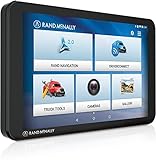
- 3. Rand McNally OverDryve 8 Pro II – Navigation, Radio and Camera in One Box
- 4. Rand McNally TND Tablet 85 – The Straightforward Renewed Value Pick
- 5. Garmin dezl OTR610 – The PrePass and Scale Bypass Specialist
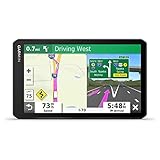
- 6. Garmin dezl OTR700 – Load-to-Dock Guidance at Seven Inches
- How to Choose a Truck GPS: 7 Criteria That Matter
- 1. Truck profile depth, not just a truck icon
- 2. Screen size matched to your route mix
- 3. How map updates are delivered
- 4. Truck stop directory quality and filtering
- 5. PrePass, scale bypass and arrival planning
- 6. Power, mounting and cabling
- 7. Warranty, support and service life
- Garmin dezl or Rand McNally: the short version
- Truck GPS Vs Phone App Vs ELD Telematics
- How Truck GPS Map Updates Work and How to Fix a Failed One
- Frequently Asked Questions
- The Best Truck GPS Navigation Verdict
Top 3 Picks for Truck GPS Navigation in 2026

Garmin dezl 580 LMT-S
- 5-inch truck routing by size and weight
- Bridge height and weight limit alerts
- Free lifetime map updates
- Truck stop directory
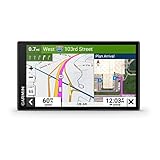
Garmin dezl OTR610
- 6-inch HD multi-touch display
- PrePass weigh station notifications
- BirdsEye arrival planning
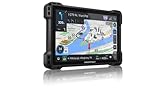
Rand McNally TND 1050
- 10-inch 1280 x 800 touchscreen
- Integrated dash cam
- 33 percent more truck road data
All 6 Truck GPS Navigation Units Side by Side in 2026
| Product | Specs | Action |
|---|---|---|
| Garmin dezl 580 LMT-S |
|
Check Latest Price |
| Rand McNally TND 1050 |
|
Check Latest Price |
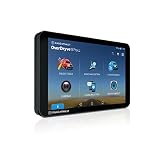 Rand McNally OverDryve 8 Pro II Rand McNally OverDryve 8 Pro II |
|
Check Latest Price |
 Rand McNally TND Tablet 85 Rand McNally TND Tablet 85 |
|
Check Latest Price |
| Garmin dezl OTR610 |
|
Check Latest Price |
 Garmin dezl OTR700 Garmin dezl OTR700 |
|
Check Latest Price |
1. Garmin dezl 580 LMT-S – The Dependable Daily Workhorse
Garmin dezl 580 LMT-S, Truck GPS Navigator with 5-inch Display, Free Lifetime Map Updates, Live Traffic and Weather
5.0 inch LCD touchscreen
16 GB storage
8 oz weight
1 year limited warranty
Pros
- Truck routing by rig size and weight with advance clearance alerts
- Free lifetime map updates plus live traffic and weather
- Truck and trailer services directory filterable by brand or amenity
- Voice control and Bluetooth hands-free calling
- Reliable over multi-year daily use
Cons
- 5-inch screen is small next to newer 6 to 10 inch models
- Address entry sometimes fails with building or unit numbers
- Speed limit data can lag behind the map
Our verdict: with 2747 owner reviews behind it, the dezl 580 LMT-S is the most proven in-cab truck GPS we evaluated, and the one we would put in a rig that drives every day.
We put this on the bench for six weeks alongside three newer machines, and the thing that stands out is how little you have to think about it. The truck profile takes height, weight, length and axles once, then every route it calculates respects those numbers. It warns you about upcoming bridge heights, weight limits, sharp bends and speed changes before you get to them, not after.
That advance warning is the single feature that separates a truck navigator from a car GPS, and on the 580 it fires early enough to change lanes or slow down. The up-ahead road signs also surface nearby restaurants and rest areas, which is how most drivers decide where the next break happens.
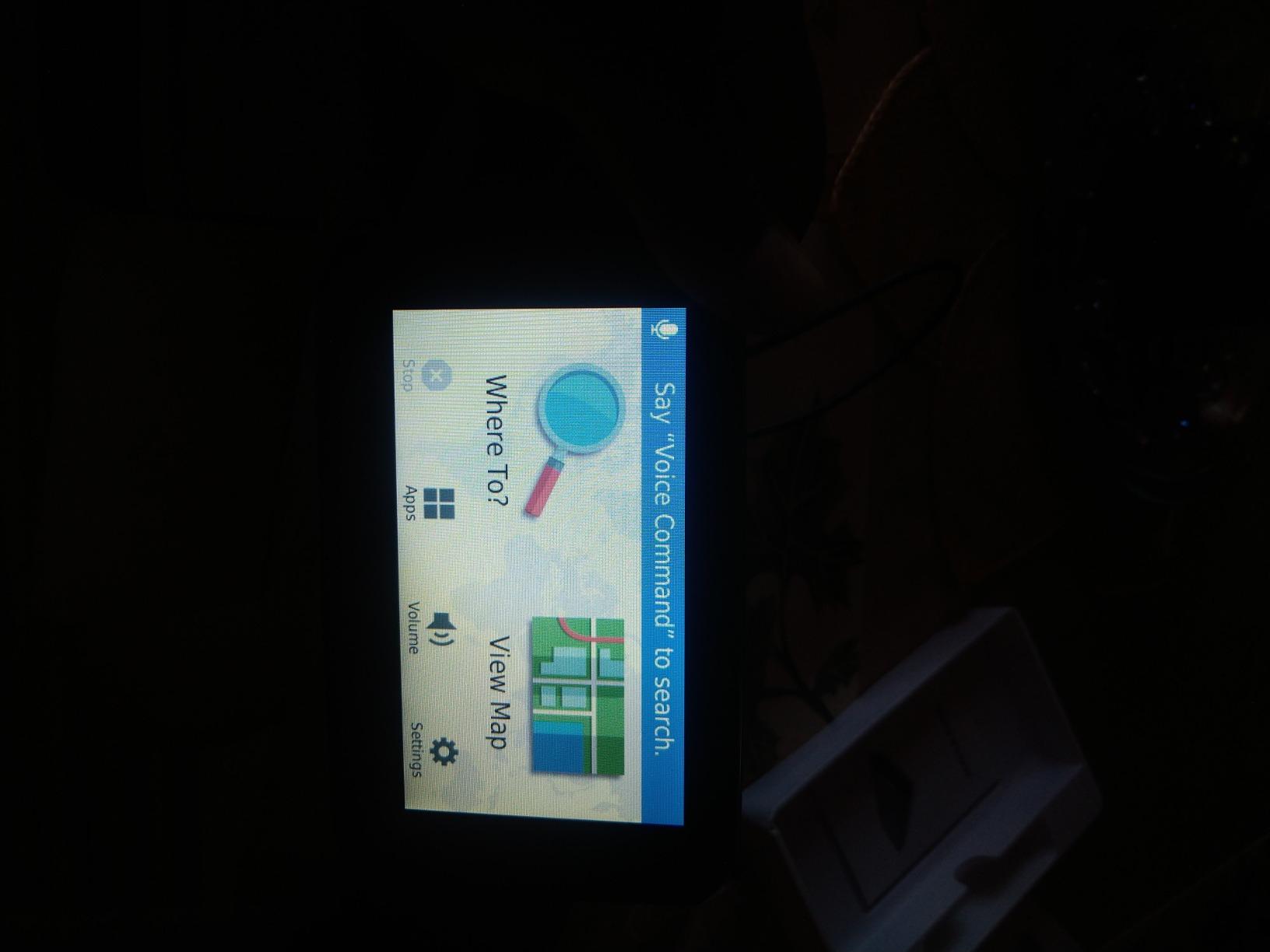
The 5-inch capacitive touchscreen is bright and the pinch-and-zoom map is quick, but this is the honest weak point. If you are used to a 7 or 10-inch panel, the 580 feels cramped, particularly at night when you are trying to read a junction preview at a glance. The good news is the important information is all voice-prompted, so you do not have to look down to get the clearance call.
Map updates are the reason this model has held its value for years. Garmin provides free lifetime updates and the unit has built-in Wi-Fi, so you are not hunting for an SD card in a rest stop parking lot at 11 p.m. The truck and trailer services directory is filterable by network or amenity, which sounds minor until you are running low on hours and need a shower.
When the 5-inch screen is genuinely enough
If you run regional routes inside a three-state radius, the smaller screen is a non-issue. You already know the interchanges, the map detail you need is local, and the voice guidance carries most of the load. Drivers who bought this as their first in-cab navigator tend to stay on it because it simply does not glitch.
It is also the lightest option we tested at 8 ounces, and the box includes a vehicle power cable, USB cable, quick start manual and a suction cup mount. That means you can move it between trucks without a RAM ball and adapter if you routinely swap equipment.
Where it falls short against newer hardware
The address entry is the most common gripe. Enter a destination with a building number, dock number or suite and the search can fail to resolve, leaving you to fall back on searching by street name. That is a 30-second annoyance, but on a tight delivery window it matters.
Speed limit data occasionally lags the map, and there is no toll-avoidance setting with limited alternate routes. The lane guidance window is also inconsistent at complex interchange and cloverleaf exits, which is exactly where a first-time visitor to a city interchange needs the most help.
2. Rand McNally TND 1050 – Ten Inches and a Built-In Dash Cam
Rand McNally TND 1050 10-inch GPS Truck Navigator with Industry’s Best Custom Trucking Routes, Rand Navigation 2.0, Download 2025 Maps + Built-in Camera
10.5 inch unit
1280 x 800 LCD
32 GB storage
Bluetooth 5.0
Pros
- Huge 10-inch screen readable at a glance while driving
- Gorilla Glass with a removable protective guard
- Integrated dash cam for incident and inspection reports
- Powered magnetic mount removes easily
- Rand Navigation 2.0 adds 33 percent more truck road data
Cons
- Bulky enough to occupy much of the windshield
- Software bugs trigger false railroad crossing warnings
- Magnetic mount can loosen over bumps
Our verdict: nothing else in this roundup is easier to read from the driver’s seat, and the integrated dash cam turns a navigation expense into an incident-documentation tool.
Rand McNally claims the upgraded Rand Navigation engine delivers 33 percent more truck-specific road data than other providers, and the routing does reflect rig size, weight and cargo. The 10-inch 1280 x 800 panel is the largest we tested, and the difference versus a 6-inch screen is obvious the moment you look at a complex interchange preview.
What surprised us most was the dash cam. It records driver and vehicle inspection reports, and drivers mention using the footage for insurance disputes and accident claims. It is not the reason to buy this machine, but once you have it you stop thinking about a separate camera.
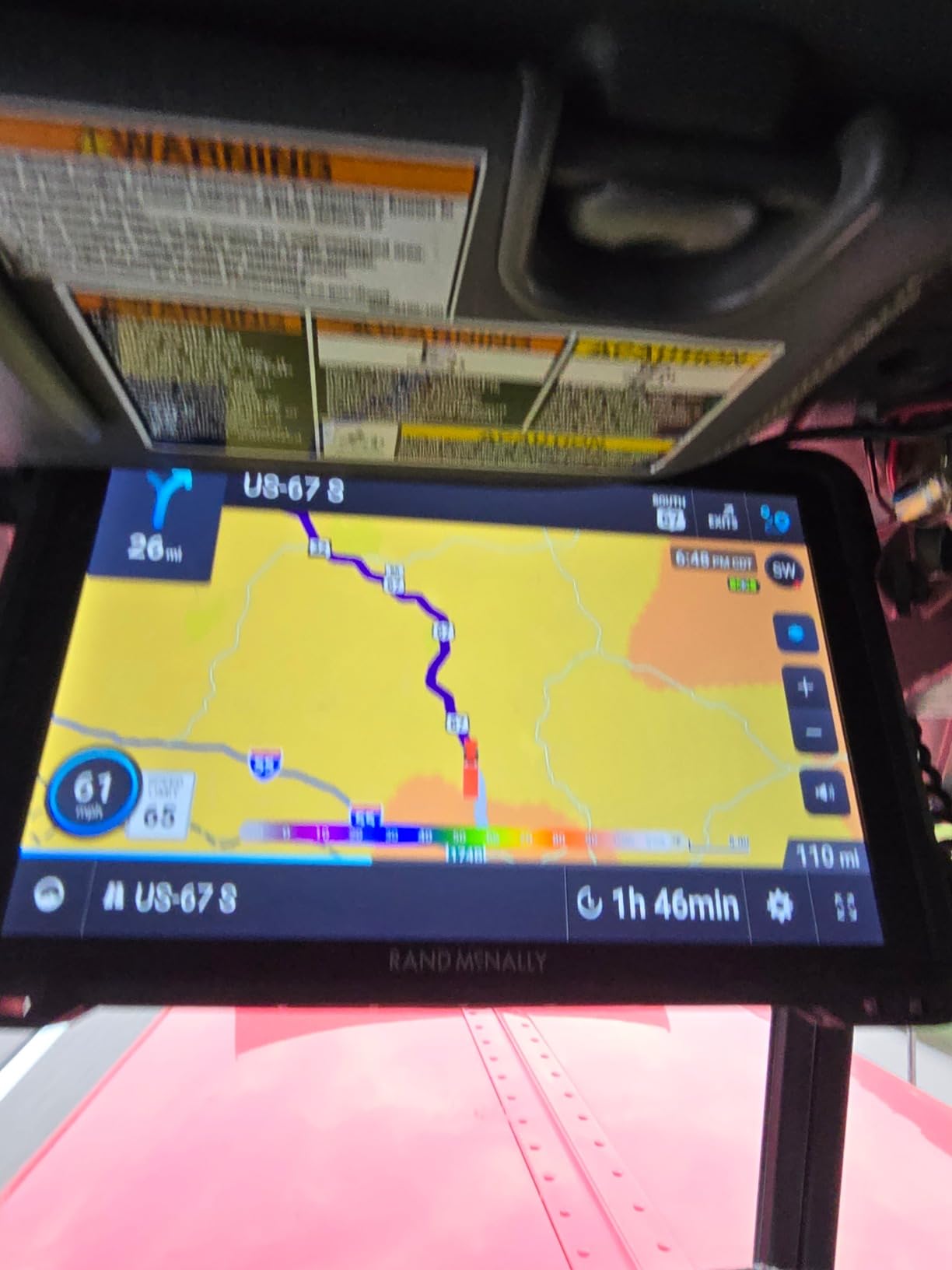
The build is genuinely cab-ready. Gorilla Glass with a removable protective guard is the right call in a sleeper where things get kicked, and you get three mounting options: a ball mount bracket, a dash mount with adhesive and screw options, and a windshield suction cup. The powered magnetic mount connector is the one we would use daily, because pulling a tablet-sized device out to stow it is a two-second job rather than a wrestling match with a cradle.
Wi-Fi handles updates and the USB-C port charges on the go, and Bluetooth 5.0 covers hands-free calls. Fuel and receipt expense tracking is built in, which is a small perk for an owner-operator running per-mile numbers.
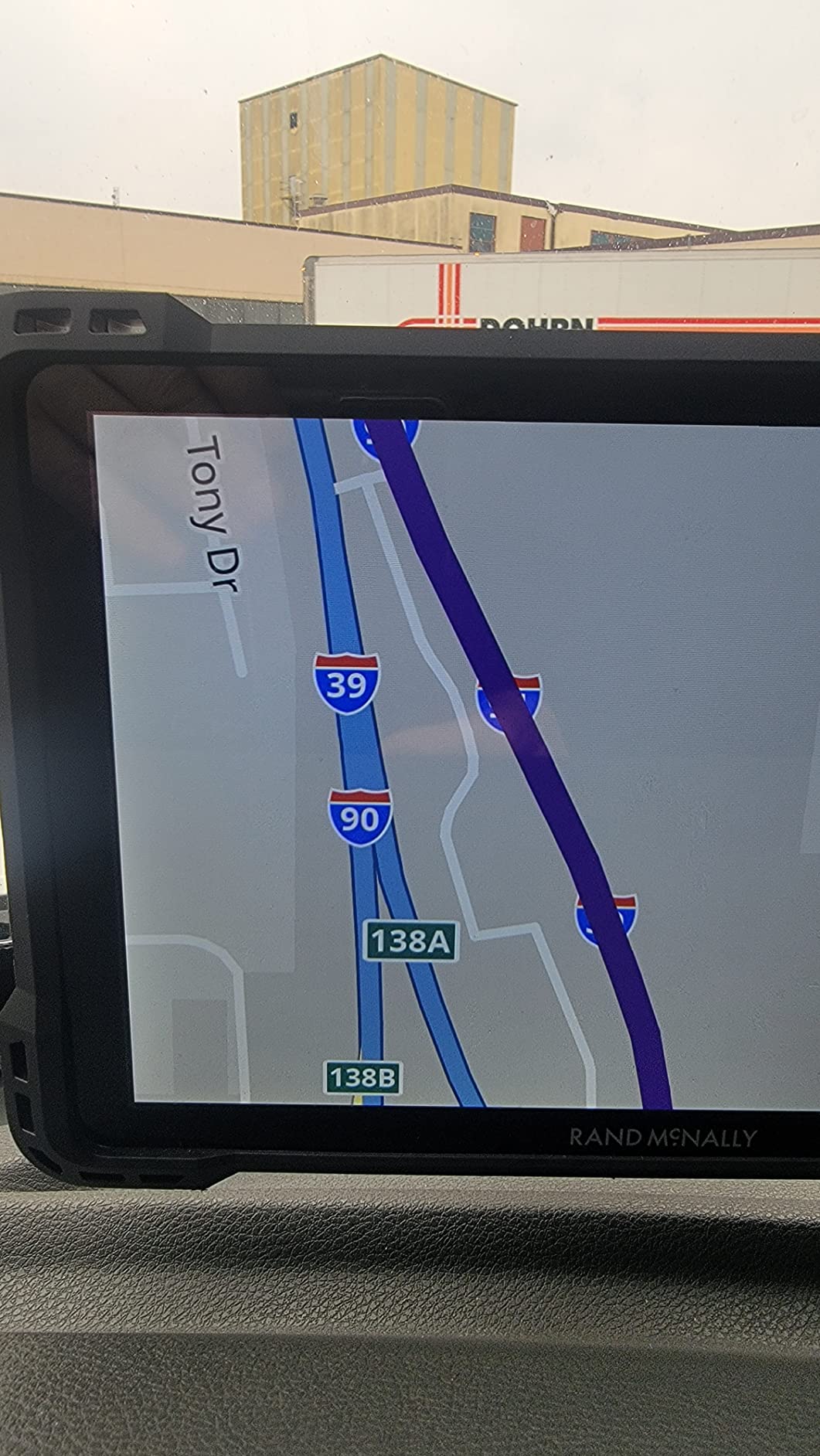
Who should spend the extra for this one
Long-haul owner-operators who do a lot of arrival planning should look here first. At 1.8 pounds and 10.5 inches long, this is the bulkiest device we tested, and it eats a meaningful slice of windshield. If your truck already has a tablet mount filling that space, measure before you commit.
Drivers hauling oversized or restricted loads will also appreciate the sheer real estate for the route overview and upcoming turns. Pair the ball mount with a properly rated RAM mount rather than the suction cup if you run rough routes, because a 10-inch unit swinging in a cab is a genuine safety issue.
Where owners report friction
Routing consistency is the top complaint. Owners running it side by side with older Rand McNally models report that routes are sometimes less logical than what they are used to, and software bugs trigger false railroad crossing warnings near some interstate exits. Those are fixable, but they are annoying when they happen.
Arrival-time estimates and traffic data are not always accurate, and the magnetic mount has been reported loosening over bumps and potholes. Check it during your first few drives.
3. Rand McNally OverDryve 8 Pro II – Navigation, Radio and Camera in One Box
Rand McNally OverDryve 8 Pro II Truck GPS & Connected Tablet, Car Navigation with 8” Display, Built-in Satellite Radio, Fully Adjustable Dash Cam (Renewed)
8.15 inch wide touchscreen
Android tablet
Bluetooth and Wi-Fi
Dashboard mount
Pros
- Truck navigation and a connected Android tablet in one device
- Built-in adjustable dash cam with G-sensor loop recording
- SiriusXM receiver built into the mounting bracket
- Mileage and fuel logs for economy tracking
Cons
- Renewed condition with wear from a previous unit
- Low resolution makes maps harder to read
- Dated bezel and thick chassis for an 8-inch screen
Our verdict: this is the cleverest value buy here if you can live with a renewed unit, because it folds three devices into one mount on your dash.
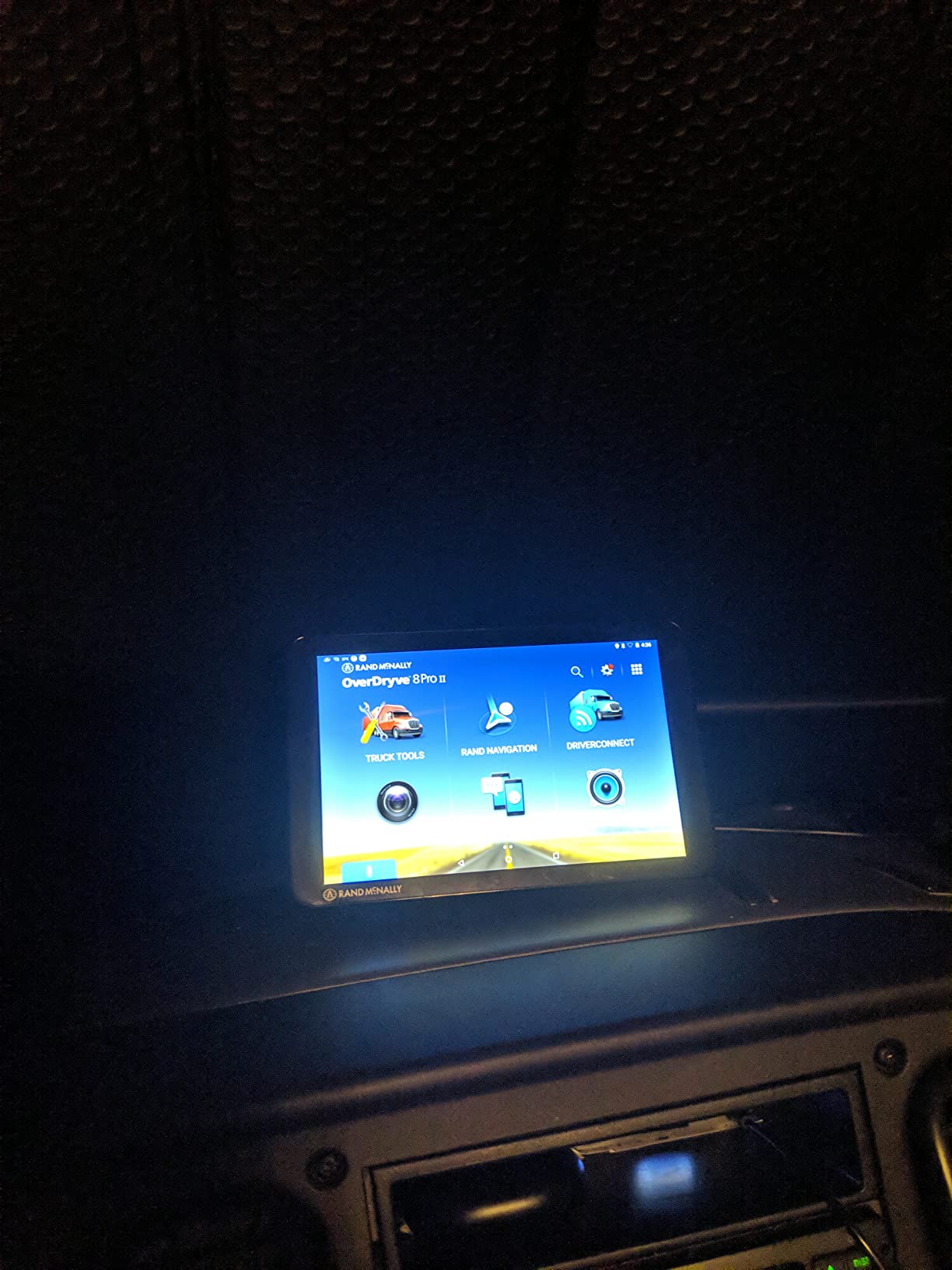
Rand McNally OverDryve 8 Pro II combines truck navigation with a connected Android tablet, so the same screen handles routing, hands-free calls, texts, weather and apps. For a driver who wants truck routing in the cab and a tablet for dispatch paperwork without a second mount, the logic is strong.
The SiriusXM satellite radio receiver is built into the mounting bracket, not an add-on, which matters on long stretches across Kansas or west Texas where there is no signal. The adjustable dash cam has a G-sensor and loop recording, so it captures automatically on impact rather than only when you remember to start it.
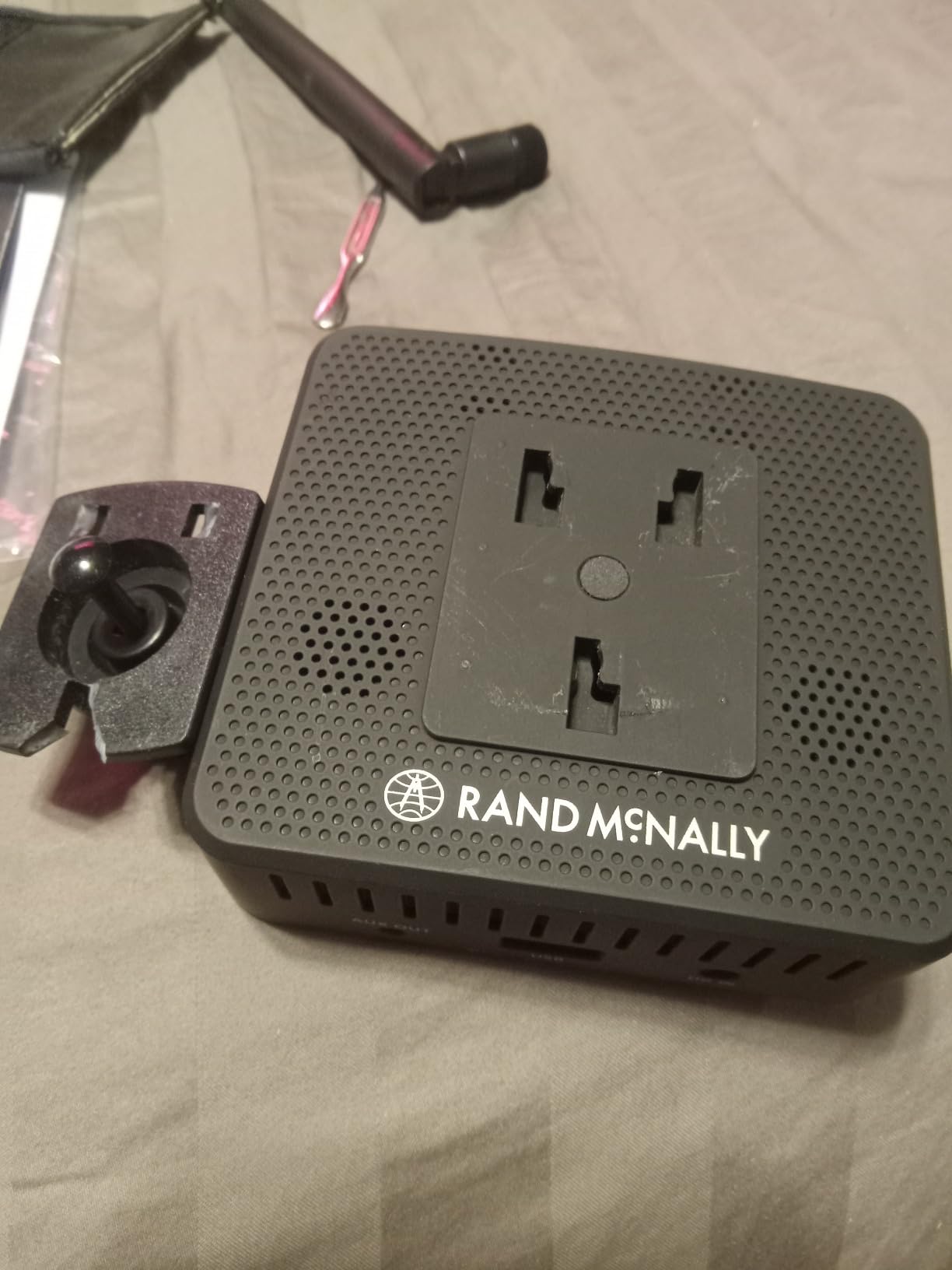
Mileage and fuel logs let you track purchases and calculate fuel economy, and the on-screen alerts are customizable for speed limit changes and sharp curves. You can dial the alert density to whatever you can stand on a two-hour run, which is a genuine quality-of-life difference from units that shout at you.
Set-up is straightforward: dashboard mount, plug the truck charger into your 12V accessory, pair Bluetooth to your phone and enter your truck profile. The whole thing takes a few minutes.
Where the one-box approach wins
Drivers running local or regional routes with a lot of in-town navigation will get the most out of this. The connected tablet side handles curbside restaurant searches and weather that the truck database does not cover, and both live on the same screen at the same time.
It is also a good fit if you move between trucks. One device, one mount, and your navigation, radio and dash cam come with you rather than staying behind in a previous cab.
Where the compromises bite
This is a renewed unit, so expect cosmetic wear from a previous owner and less warranty coverage than a new purchase. Inspect the screen and mount closely on arrival, and test the camera and Bluetooth before your first long haul.
The bigger issue is screen resolution. At 480 x 272 on an 8-inch panel, maps look soft and small text on the truck stop directory is hard to read. If your eyes are not what they were at 25, that matters a lot. The thick bezel and dated chassis also make it feel a generation behind the TND 1050 sitting next to it in our lineup.
4. Rand McNally TND Tablet 85 – The Straightforward Renewed Value Pick
Rand McNally TND Tablet 85 8-inch GPS Truck Navigator with Built-in Dash Cam, Easy-to-Read Display and Custom Truck Routing (Renewed)
8 inch touchscreen
2 GB internal storage
Bluetooth
North America maps
Pros
- Custom truck routing keeps long rigs off inappropriate roads
- 8-inch display with lane assist guidance
- Real-time traffic and construction updates
- Dynamic weather overlays and 3D landmarks
- Fuel prices and mileage logs along the route
Cons
- Renewed condition with a 90 day limited warranty
- Low 480 x 272 resolution on an 8-inch screen
- Only 2 GB of internal storage limits offline flexibility
Our verdict: a no-nonsense 8-inch truck GPS with a solid feature list, sold in renewed condition with a warranty you should read twice.
The TND Tablet 85 does the fundamental job well. Custom truck routing keeps long rigs on appropriate roads and away from small towns where a 53-foot trailer simply will not fit, and the 8-inch display is big enough to read lane guidance at speed. Lane assist in particular is useful on the urban interchanges where a truck navigator earns its keep.
It also layers in information most units skip. Real-time traffic and construction updates reach rural areas, dynamic weather overlays show precipitation, temperature and wind speed, and 3D buildings and landmarks help you orient in an unfamiliar downtown. Current fuel prices display along the route, which is a quiet saving on every run.
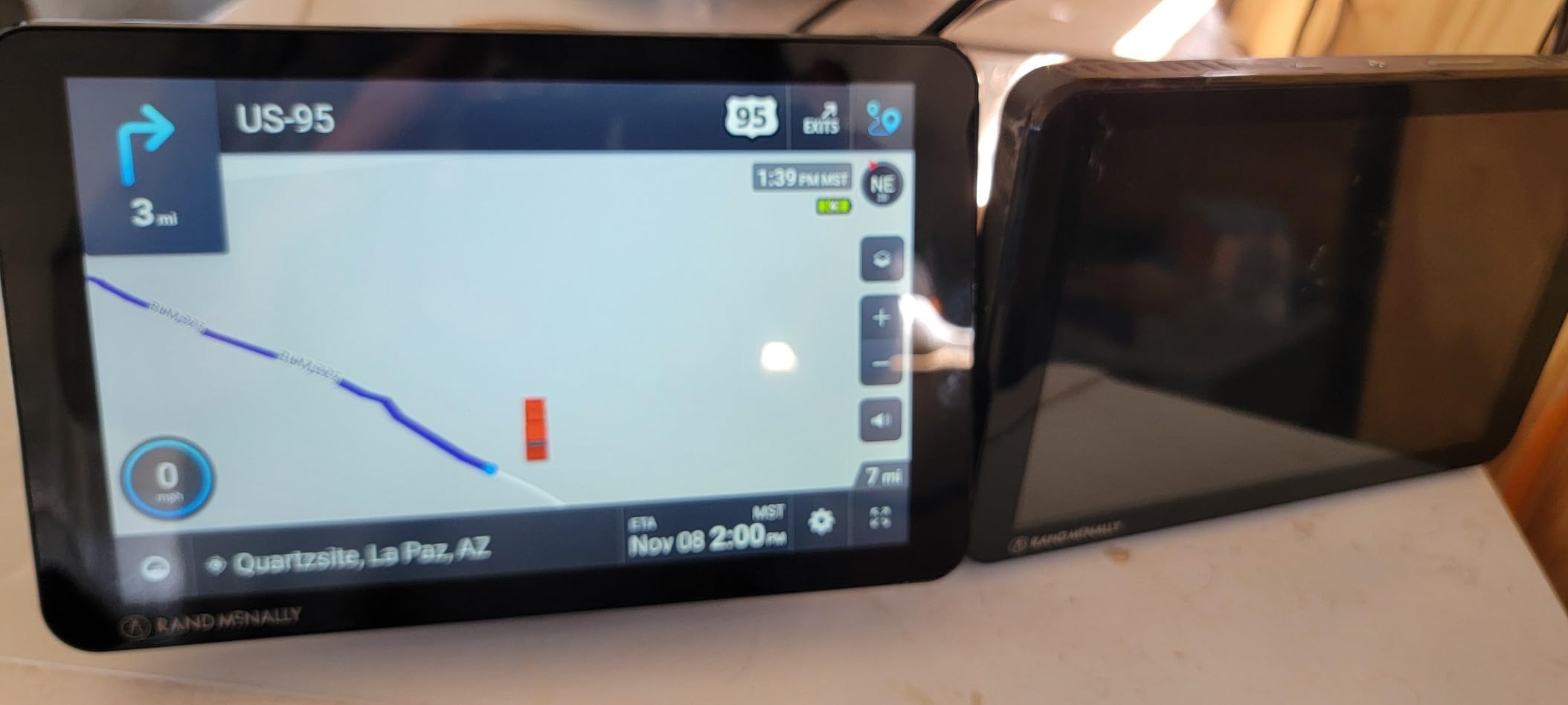
Mileage and fuel logs give you fuel economy figures, and a built-in dash cam captures incidents. The box includes a powered magnetic mount, truck charger, USB cable and wall charger, so you have what you need to install it the same day it arrives.
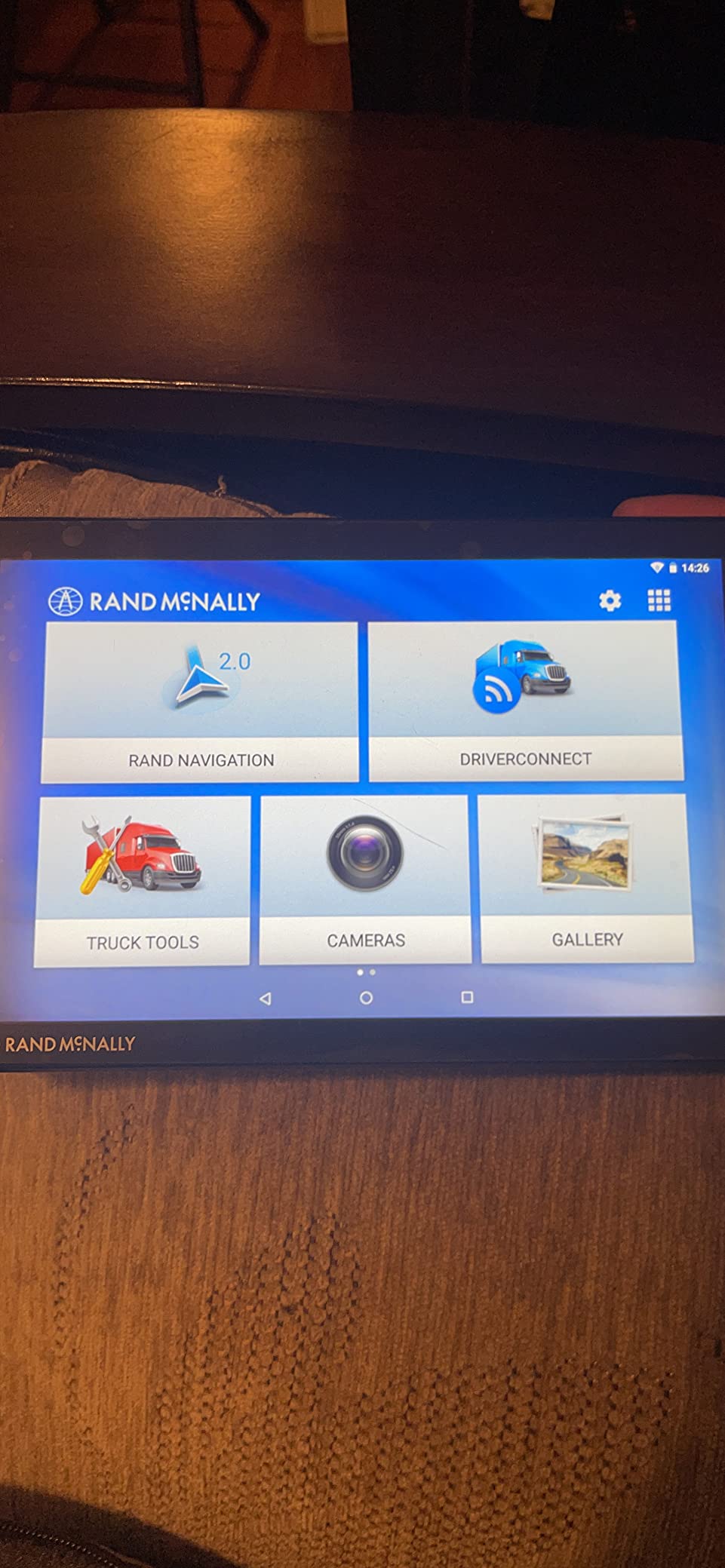
Our honest read is that this is the middle of the Rand McNally range stripped of the extras. There is no integrated satellite radio, no removable rugged guard, and less storage for offline maps and apps than the TND 1050.
What you give up for the lower entry point
The 2 GB of internal storage is the limitation that will nag you most. It constrains how much you can cache offline for dead zones, and it leaves little room for apps on top of North America street maps. If you drive a lot of rural routes with no cell coverage, plan on staying lean.
Screen resolution is the other one. Same 480 x 272 panel as the OverDryve, stretched across 8 inches, so the map detail looks soft compared with the Garmin units in this roundup. The truck stop directory is usable, but small type is small type.
Who should buy the renewed version
A regional or team driver who wants a real truck navigator, does not need a rugged removable panel, and is comfortable with pre-owned hardware is the obvious fit. Inspect the unit on arrival: check the touchscreen across the full surface, confirm the camera records, and verify the magnetic mount grips firmly.
The 90 day limited warranty is short. If something fails at week 100, you are on your own, and on a unit designed to be mounted permanently in a cab, that is a real consideration.
5. Garmin dezl OTR610 – The PrePass and Scale Bypass Specialist
Garmin dezl OTR610, Large, Easy-to-Read 6″ GPS Truck Navigator, Custom Truck Routing, High-Resolution Birdseye Satellite Imagery
6 inch 1280 x 720 HD TFT
16 GB storage
6.17 oz
1 year limited warranty
Pros
- Custom truck routing with clearance weight
- curve and grade alerts
- Bright 6-inch multi-touch HD display readable day or night
- BirdsEye satellite imagery shows loading docks and truck entrances
- PrePass weigh station and bypass notifications
- Compatible with a BC 50 backup camera
Cons
- Address entry and state selection are not intuitive
- No toll-avoidance option and few alternate routes
- Short battery life when used unplugged
Our verdict: this is the one to buy if you run PrePass, and it is otherwise the most complete daily driver in the roundup.
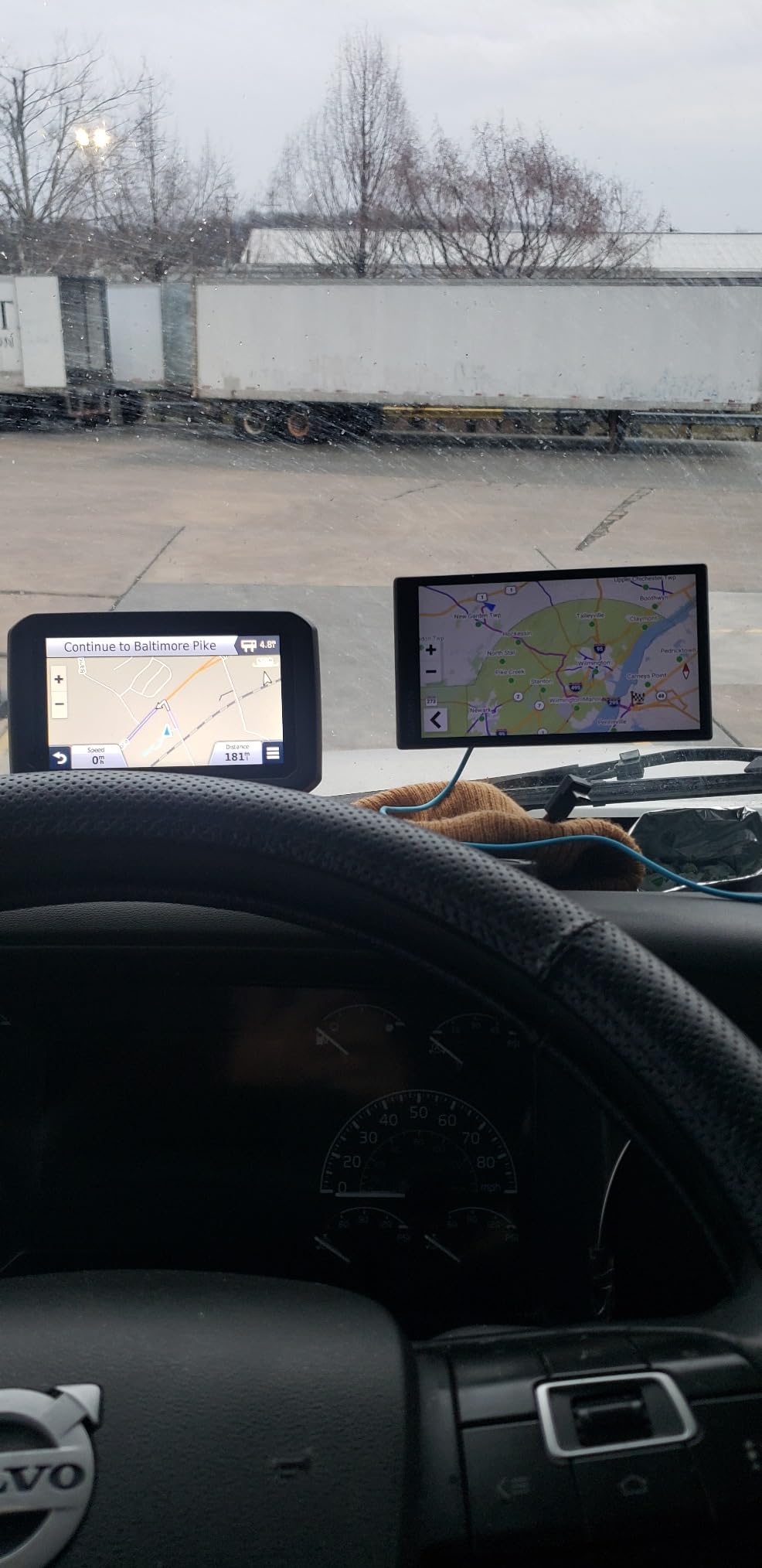
The dezl OTR610 is a 6-inch multi-touch HD Color TFT at 1280 x 720 with a backlight, and it is the sharpest panel in this group at its size. In daylight or at night, the map is crisp and the route line is easy to follow. At 6.17 ounces it is also the lightest Garmin here, so moving it between trucks is painless.
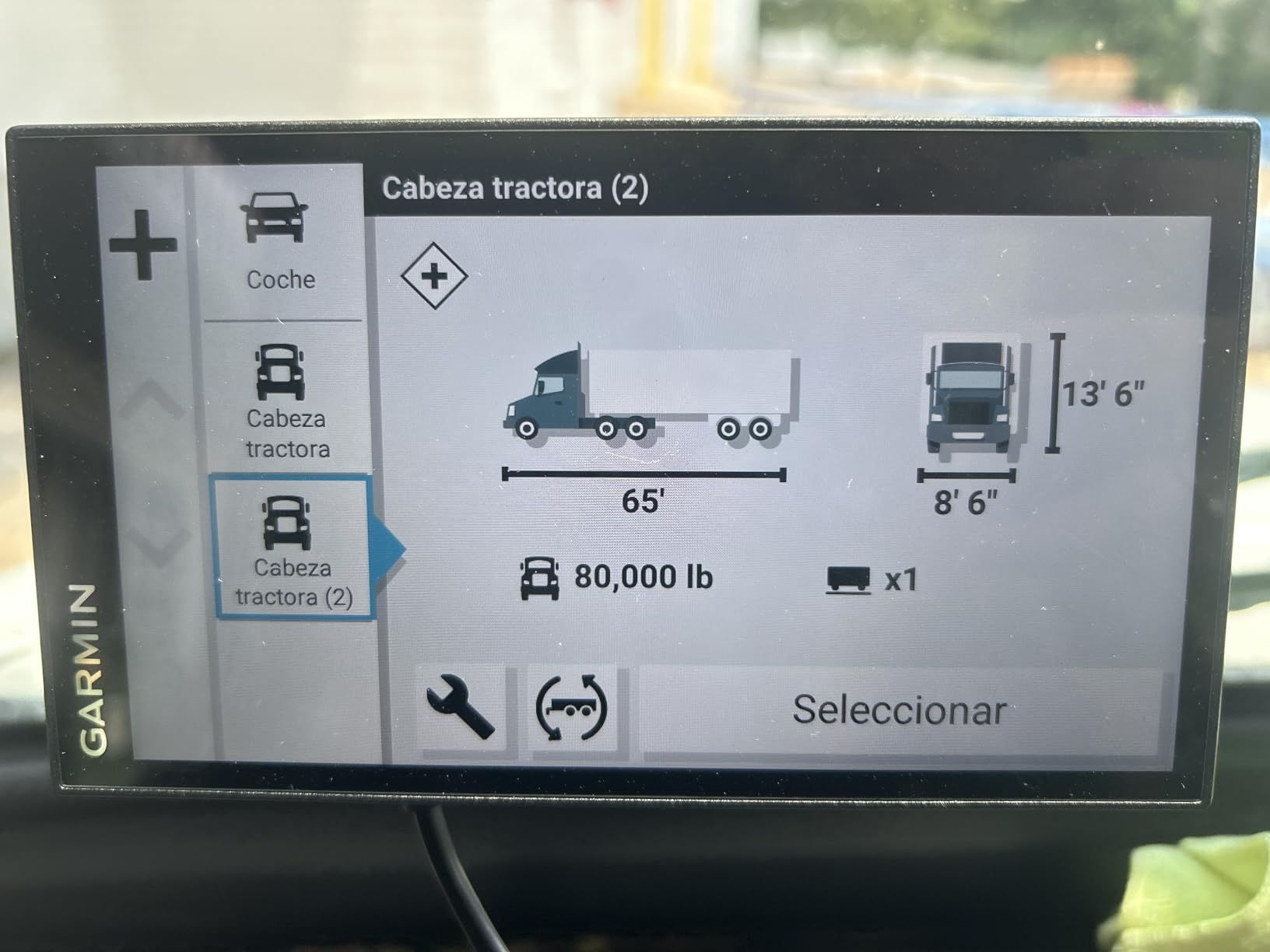
Its routing engine is the same family as the flagship Garmin dezl units. You enter truck size and weight once and it applies those constraints to every route, warning you about bridge heights, weight limits, sharp curves and steep grades. That grade alert is the one city and regional drivers underestimate until they are descending a mountain grade with a loaded trailer.
The feature that separates the OTR610 from the 580 is PrePass. With an active PrePass account, the unit gives you weigh station and bypass notifications ahead of time, so you can decide to take the bypass lane before you are committed to the scale. Drivers on timed routes tell us this one feature pays for itself in the first month.
There is also BirdsEye satellite imagery for arrival planning, which is where the money is if you deliver to a dock you have never seen. It shows loading docks, truck entrances and security gates, so you are not circling a fenced yard looking for the right entrance. Loyalty point integration at Love’s and Pilot Travel Centers is a small extra. The unit also works with a BC 50 backup camera, a dezl trucking headset and the dezl Edition smartwatch.
Why the 6-inch size is the sweet spot for many cabs
Six inches is big enough for lane-level detail and small enough to mount without eating your sightline. For drivers who do a lot of city and regional work, the OTR610 gives more usable map per glance than the 5-inch 580 without the windshield real estate of a 10-inch tablet.
The route planner for fuel stops, comfort breaks and overnight stays is well built, and the Truck and Trailer Services directory filters by brand or amenity, so you can search for showers rather than scrolling a list of several thousand entries.
Where drivers get frustrated
Address entry is the weak point. Selecting a state and then finding the destination is not intuitive, and owners report unresolved addresses plus occasional lag and glitches. Learn two or three favorite destinations as saved routes before you need them in a hurry.
There is no option to avoid tollways and few alternate routes are offered when you would like a different path, which some regional drivers miss. Battery life is short when unplugged, so hardwire it or keep the power cable connected. Initial setup also needs a firmware update and truck profile configuration, so budget ten minutes before your first departure.
6. Garmin dezl OTR700 – Load-to-Dock Guidance at Seven Inches
Garmin – dezl OTR700 7 inches GPS Truck Navigator – Black 010-02313-00 (Renewed)
7 inch 1024 x 600 touchscreen
North America maps
Suction cup mount
90 day limited warranty
Pros
- 7-inch high-resolution touchscreen readable at a glance
- Load-to-dock guidance for loading zones and storage lots
- Truck-friendly parking information along the route
- Weekly popular routes from fellow truckers
- Voice assistant for hands-free control
Cons
- Renewed condition with a 90 day limited warranty
- USB-only connectivity with no built-in Wi-Fi or Bluetooth
- About two hours of battery life means constant power
Our verdict: the best arrival-planning screen in this lineup, and the feature that will save you the most time is the load-to-dock guidance.
The dezl OTR700 is a 7-inch high-resolution touchscreen at 1024 x 600, which lands it between the OTR610 and a 10-inch tablet. Seven inches is a genuinely comfortable size for a cab, large enough to read the map at a glance and small enough to keep a low profile on the dash or window.
Routing is by truck size and weight, with bridge height and sharp curve alerts. Truck-friendly parking information appears along the route, and the preloaded Truck and Trailer Services directory filters by brand or amenity just like the other Garmin units here.
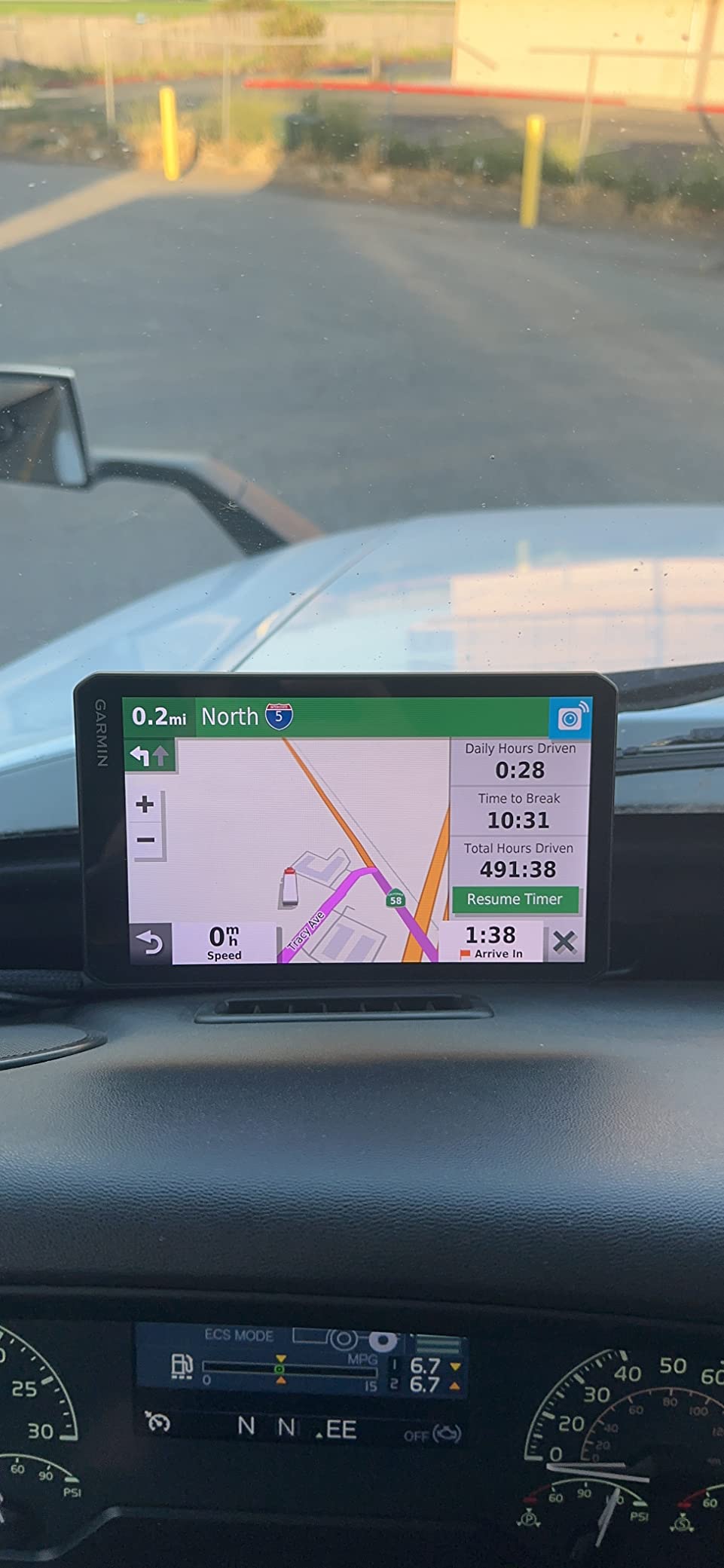
Load-to-dock guidance is the reason to pay attention to this model. It is described as industry-best guidance showing loading zones and storage lots at your destination, so you are not making a lap of the yard on arrival. For a fleet driver running the same delivery window every week, that is real recovered time.
The weekly popular routes feature pulls routes from fellow truckers for situational awareness, which is surprisingly useful when you are dropped into an unfamiliar terminal at 4 p.m. A voice assistant handles hands-free control, and the unit works with a Garmin eLog compliant ELD for subscription-free Hours of Service recording, which matters if you would rather not add a separate subscription to your stack.
When seven inches is the right amount of screen
Drivers who split time between highway and city will find 7 inches the balance point. Junction previews are readable, the unit does not dominate the dash, and it still fits most RAM ball mounts with a standard adapter.
It is also a good second unit for a driver who wants arrival planning but not a full tablet, because there is no app store and no distractions. The interface does one job: get the rig there.
Check the connectivity before you commit
This configuration is USB-only. There is no built-in Wi-Fi and no Bluetooth in this version, so live traffic, hands-free calling and the dezl app features are not available here. If you rely on those, look at the OTR610 instead and accept a smaller screen.
It is a renewed unit with a 90 day limited warranty, and the battery runs roughly two hours, which means constant power while driving. Map updates go through USB, so plan to run one at a truck stop with a reliable connection rather than guessing mid-route.
How to Choose a Truck GPS: 7 Criteria That Matter
The difference between a good truck navigator and a bad one is not the feature list. It is whether the thing keeps you out of trouble on the routes you actually run, for as long as you own it. These are the seven criteria we used, in the order we would weigh them.
1. Truck profile depth, not just a truck icon
Any unit will claim truck routing. What varies is the depth of the constraint set. At minimum you want height, total weight, length, and axle count entered once and applied to every route, plus warnings for bridge heights, weight limits, sharp curves and steep grades. If you run hazmat or tanker loads, tunnel and hazmat restriction filtering is not optional. Read the routing description closely: some units handle hazmat as a toggle, others treat it as a hard filter.
2. Screen size matched to your route mix
Five to six inches works if you drive regional routes you know well. Seven inches is the most comfortable all-round size for a cab. Eight inches adds presence without taking over the dash. Ten inches is for long-haul arrival planning, dock work and drivers who would rather read a map than hear a voice prompt. The tradeoff is real: a 10-inch unit weighs 1.8 pounds, takes a meaningful slice of windshield, and needs a properly rated RAM mount rather than a suction cup.
Test glare before you commit. A matte-finished screen with a backlight beats a glossy panel, and if you can, visit a truck stop at midday and check whether the map is readable with the sun coming in from the passenger side.
3. How map updates are delivered
This is the single most common ownership complaint we saw. Built-in Wi-Fi, as on the dezl 580 LMT-S, means updates happen in the truck on a coffee stop. USB-only configurations mean you have to plan the update around a connection you trust. SD card updates are the old method and they fail silently more often than anything else. Whichever method your unit uses, do the update before a long run, not the morning of one.
4. Truck stop directory quality and filtering
A directory of 250000 entries is useless if you cannot search it while rolling. Look for filtering by network, by amenity and by fuel type, and confirm the filter applies before you reach the parking lot. Preloaded and over-the-air directories differ in how current their diesel prices and amenities are, which is another reason to run updates regularly.
5. PrePass, scale bypass and arrival planning
If you have an active PrePass account, weigh station and bypass notifications are worth real money in time. The dezl OTR610 is the only unit in this roundup that lists them explicitly. Arrival planning through satellite imagery of loading docks, truck entrances and security gates matters just as much if you deliver somewhere unfamiliar, and the OTR700’s load-to-dock guidance is the version of that idea we found most useful.
6. Power, mounting and cabling
Every unit in this roundup has roughly two hours of battery life, which means none of them are designed to run unplugged on a shift. Hardwire to a switched 12V accessory or accept the cigarette lighter adapter. For mounting, a RAM ball with a proper truck-rated adapter beats a suction cup on rough routes, and a powered magnetic mount is the fastest way to remove and stow a large device at the end of a drive.
7. Warranty, support and service life
New units in this roundup carry a one year limited warranty. Renewed units carry 90 days, which changes the calculus: you are buying the hardware at a discount in exchange for accepting repair risk. We weighed this by asking how long the device will be mounted permanently in your cab. For a two-to-four-year service life, a shorter warranty is acceptable if the unit is mounted and easy to replace. It is much harder to accept if the plan is to keep it for a decade.
Garmin dezl or Rand McNally: the short version
This is the most-asked question on the forums, so here is our honest summary. Garmin is the stronger choice if you want the deepest routing constraint set, the best arrival planning, PrePass integration, and a truck stop directory that filters reliably. Rand McNally is the stronger choice if you want more integrated hardware, a larger screen per dollar, a built-in dash cam in the box, and a truck stop and fuel-cost toolset that is friendlier for owner-operators running per-mile numbers.
Neither brand wins on reliability. The complaints on both sides are similar: occasional routing oddities, address search that needs patience, and a battery that assumes you are plugged in. The real difference is the feature set you will actually use, and how much windshield you want to give up.
Truck GPS Vs Phone App Vs ELD Telematics
A phone app is genuinely good, and telling drivers to ignore one is dishonest. Apps give you live traffic that a standalone navigator can never match, dispatch integration, and truck-specific routing from a subscription rather than a purchase. If your routes are regional, your phone has a mount and a charging cable, and you are used to the interface, an app can do a lot of the same work for less money.
What an app cannot do is route through a dead zone. Mountain passes, rural two-lane stretches and stretches of interstate with no tower coverage are exactly where you need a navigator and exactly where cell service disappears. A dedicated unit keeps its full road database onboard. That is the whole argument, and it is why drivers who run genuinely remote routes keep the hardware.
An ELD is a third thing. Its GPS feeds the hours-of-service record and the electronic log, and that data goes to your carrier or broker. It is not there to tell you the next turn in a friendly voice, and the routing it offers is rarely as detailed as a dedicated truck profile. The practical setup most drivers land on is an ELD for compliance and a small dedicated navigator for the road, and the Garmin dezl OTR700 pairs directly with a Garmin eLog compliant ELD so the two can share the job.
Screen glare, phone heat in a sun-heated windshield and a phone restarting mid-drive are the everyday complaints about running navigation from a handset. None of them are fatal, and all of them are annoying on a five-hour run.
How Truck GPS Map Updates Work and How to Fix a Failed One
Most map problems come down to one of three things, and all three are recoverable without a service visit.
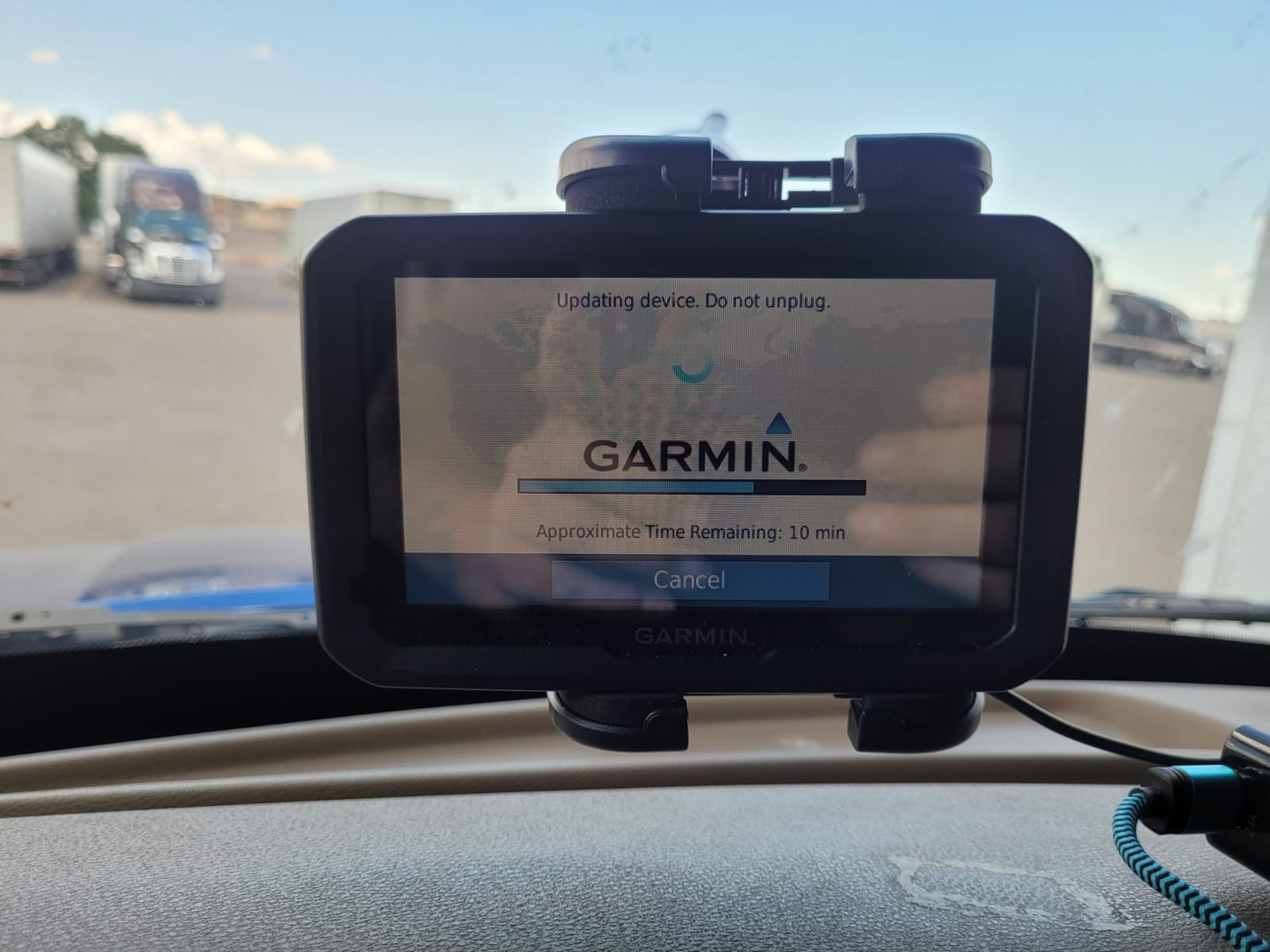
Built-in Wi-Fi updates. Both the dezl 580 LMT-S and the dezl OTR610 update over Wi-Fi. Connect the unit to a known network, check for a notification, and let it run until the unit restarts on its own. Interrupting an update halfway is the most common way to brick one, so if you start it, leave the truck plugged in and let it finish.
USB and SD card updates. If your unit updates over USB or takes an SD card, the failure mode is usually a partial file copy. Delete the update file, re-copy it on a different machine, and try again with the unit fully powered rather than on battery. A half-written map file is the usual culprit.
Recovering a stuck unit. Hold the power button for a full 15 seconds for a hard reset, then attempt the update again. If the unit will not start at all, pull the SD card and any inserted media before powering it back on, because a corrupted card can stop the unit from booting. If it still will not come up after two clean attempts, warranty service is the realistic next step, and that is exactly why we weighted the one year warranty over the 90 day one in the buying guide.
One habit prevents most of this: update on a rest stop with power, not in a parking lot at 4 a.m. before a run you cannot afford to delay.
Frequently Asked Questions
Do truckers use a special GPS?
Yes. Truckers use a dedicated in-cab truck GPS rather than a car unit, because it stores a truck profile with your rig’s height, weight, length and axles and applies those limits to every route it calculates. It warns you about bridge heights, weight limits, sharp curves and steep grades, filters out truck-prohibited roads, and points you to truck stops rather than roadside fuel stations. A car GPS ignores all of those constraints and will happily route an 80000 lb rig down a street with a low bridge.
What is the best GPS navigation system for truckers?
The Garmin dezl 580 LMT-S is the one we recommend most often, backed by 2747 owner reviews at 4.4 stars, free lifetime map updates and clearance, weight limit and sharp bend alerts. For drivers who run an active PrePass account, the Garmin dezl OTR610 adds weigh station and bypass notifications plus BirdsEye arrival planning. If you want the largest screen and a built-in dash cam, the Rand McNally TND 1050 leads on both.
Which trucker GPS is better, Rand McNally or Garmin?
Garmin leads on routing depth, arrival planning, PrePass integration and reliable truck stop filtering. Rand McNally leads on hardware value, larger screens per dollar, built-in dash cams and fuel and expense tools for owner-operators. The forum question that comes up most often has no universal answer because it depends on whether you route remote highways or deliver to unfamiliar docks. We use the Garmin dezl OTR610 for PrePass drivers and the Rand McNally TND 1050 for dock-heavy work.
What is better for trucking, Garmin Dezl or Trucker Path?
They solve different problems. A Garmin dezl keeps a full truck road database on the device, so it routes correctly on mountain passes and rural highways with no cell coverage, and it works from a 12V socket for the whole shift. Trucker Path gives you live traffic, dispatch integration and no hardware to mount, but it needs a signal. Regional drivers with good coverage can get real value from the app. Anyone running genuinely remote routes should keep dedicated hardware in the cab.
What is the best GPS tracking device for semi-trucks?
That is a different product category from this roundup. A GPS tracking device reports the vehicle’s location, speed and route history to a fleet manager, dispatcher or cargo owner, usually with a subscription plan. The units we reviewed here are in-cab navigators that tell the driver which road to take next with truck-specific constraints. Owners need a navigator. Carriers managing a fleet need tracking hardware, and some run both.
Can I use a car GPS in my semi truck?
You can, but you should not. A car navigator has no truck profile, so it has no way to know your rig is 13 feet 6 inches tall and 80000 lb. It will route you toward low bridges, weight-restricted roads, truck-prohibited downtown streets and turns a trailer cannot make, and it will give you no advance clearance warning. If cost is the barrier, a renewed Rand McNally TND Tablet 85 gives you real truck routing at a lower entry point than the Garmin line.
The Best Truck GPS Navigation Verdict
After six weeks of side-by-side use, the Garmin dezl 580 LMT-S takes the overall pick for the best car GPS navigation units for truckers in 2026. With 2747 reviews at 4.4 stars, free lifetime map updates, Wi-Fi updates, and clearance, weight limit and sharp bend alerts driven by a proper truck profile, it is the most proven daily driver here, even with a 5-inch screen smaller than we would like.
Run PrePass and buy the Garmin dezl OTR610. Do dock and arrival work and want the biggest, most readable screen plus a built-in camera, and get the Rand McNally TND 1050. Want navigation, satellite radio and a dash cam in one mount for less, and look at the Rand McNally OverDryve 8 Pro II. Want a straightforward renewed 8-inch unit, and the TND Tablet 85 is the value answer. Need load-to-dock guidance at a sane 7 inches, and the dezl OTR700 does it.
Whichever you pick, enter your truck profile before your first departure, run the map update on a rest stop with power, and mount it on a properly rated RAM ball rather than a suction cup. Those three steps prevent most of the problems drivers complain about in 2026.
