Falls are the leading cause of injury in older adults, and the danger is rarely the fall itself. It is the hours nobody knows. If your mother lives alone and cannot reach a phone after a fall, a watch that detects the impact and calls for help changes the outcome. That is why fall detection and the response behind it matter more here than any other feature.
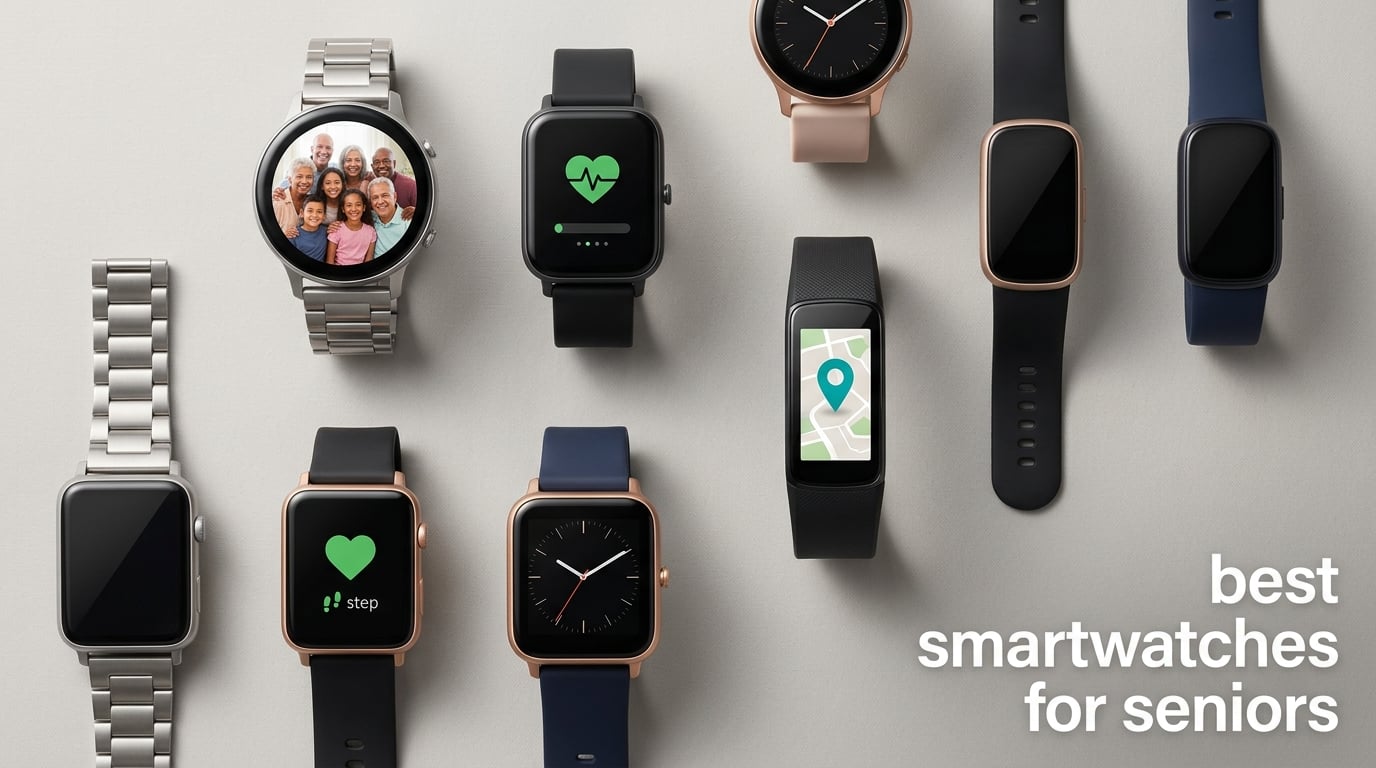
The best smartwatches for seniors are not all the same device, though. Our short version: the Fitbit Versa 2 is the easiest watch to hand to a parent and forget about, the Apple Watch SE 3 is the one to buy when fall detection is the whole point, the Samsung Galaxy Watch 4 is the strongest Android-side pick, and the Fitbit Charge 6 covers the basics for the least money. Here is the honest catch. Only four of the twelve watches we looked at actually have fall detection built in, and the other eight cannot call for help at all.
We spent weeks comparing the twelve most-reviewed wearables aimed at older adults, checking what each one does when a real fall happens rather than what the marketing says. This guide was last updated in September 2026 and covers fall response models, battery burden, screen legibility, caregiver setup and what a device costs over three years.
Table of Contents
- Top 3 Picks for the Best Smartwatches for Seniors (September 2026)
- All 12 Smartwatches Compared in 2026
- 1. Fitbit Versa 2 – The Watch a Parent Will Actually Keep Wearing
- 2. Apple Watch SE 3 – Best Fall Detection in This Roundup
- 3. Fitbit Charge 6 – The Straightforward Health Tracker
- 4. Samsung Galaxy Watch 4 – The Android Answer for Heart Concerns
- 5. Samsung Galaxy Watch 7 – The Brightest Screen in the Group
- 6. Apple Watch Series 10 – The Most Readable Display Here
- 7. Google Pixel Watch 3 – The Android Answer With Fall Detection
- 8. Garmin vivoactive 5 – For the Senior Who Still Runs
- 9. Tensky Smart Watch – A Big Screen With Calling on a Budget
- 10. Amazfit Bip 6 – Maps, Music and Two Weeks of Battery
- 11. Samsung Galaxy Fit 3 – Two Weeks of Battery in a Small Case
- 12. Pedometer Watch Senior Friendly – No Phone, No App, No Account
- How Fall Detection Actually Works and Where It Fails
- What Happens When a Fall Is Detected: 911, a Monitoring Center or Family
- Setting Up a Smartwatch for an Elderly Parent Before You Gift It
- How to Choose a Smartwatch for a Senior: 7 Criteria
- Total Cost Over Three Years: Device, Cellular Plan and Subscriptions
- Who Should Not Buy a Smartwatch
- Frequently Asked Questions
- What is the best smart watch for seniors that has fall detection?
- What is the best smartwatch for elderly parents?
- What is the easiest smart watch to use for seniors?
- Do fall detection watches really work for seniors?
- Does a smartwatch work without a smartphone?
- How much does fall detection cost per month?
- Final Verdict: Our Top Pick for Seniors in 2026
Top 3 Picks for the Best Smartwatches for Seniors (September 2026)

One note before the list. The Versa 2 leads on adoption and ease of use, not on emergency features. If fall response is your primary concern, buy the SE 3. We explain why in the fall detection section below.
All 12 Smartwatches Compared in 2026
| Product | Specs | Action |
|---|---|---|
| Fitbit Versa 2 |
|
Check Latest Price |
 Apple Watch SE 3 Apple Watch SE 3 |
|
Check Latest Price |
 Fitbit Charge 6 Fitbit Charge 6 |
|
Check Latest Price |
 Samsung Galaxy Watch 4 40mm Samsung Galaxy Watch 4 40mm |
|
Check Latest Price |
 Samsung Galaxy Watch 7 44mm Samsung Galaxy Watch 7 44mm |
|
Check Latest Price |
 Apple Watch Series 10 Apple Watch Series 10 |
|
Check Latest Price |
 Google Pixel Watch 3 45mm Google Pixel Watch 3 45mm |
|
Check Latest Price |
 Garmin vivoactive 5 Garmin vivoactive 5 |
|
Check Latest Price |
 Tensky Smart Watch Tensky Smart Watch |
|
Check Latest Price |
 Amazfit Bip 6 Amazfit Bip 6 |
|
Check Latest Price |
 Samsung Galaxy Fit 3 Samsung Galaxy Fit 3 |
|
Check Latest Price |
 Pedometer Watch Senior Friendly Pedometer Watch Senior Friendly |
|
Check Latest Price |
1. Fitbit Versa 2 – The Watch a Parent Will Actually Keep Wearing
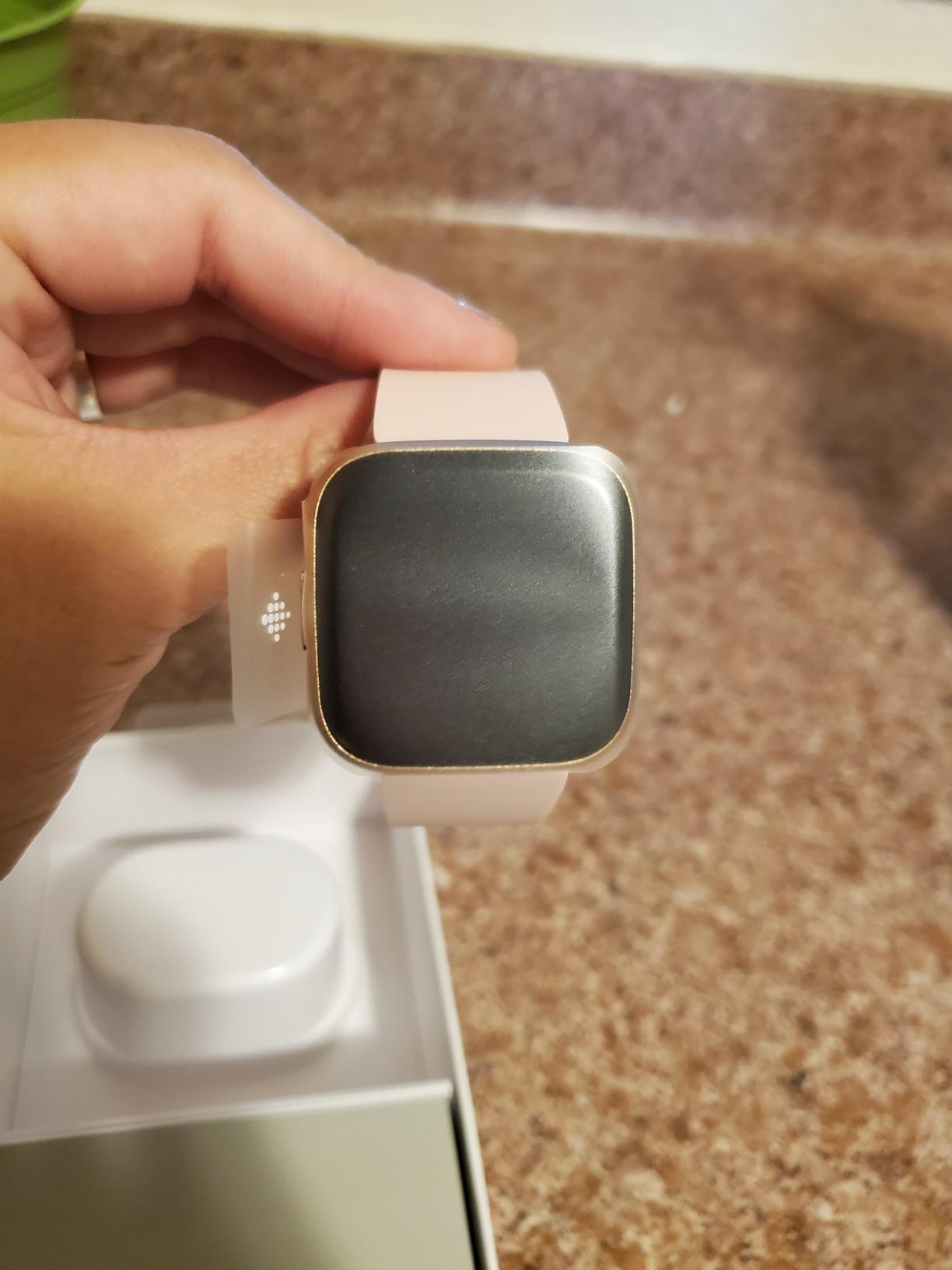
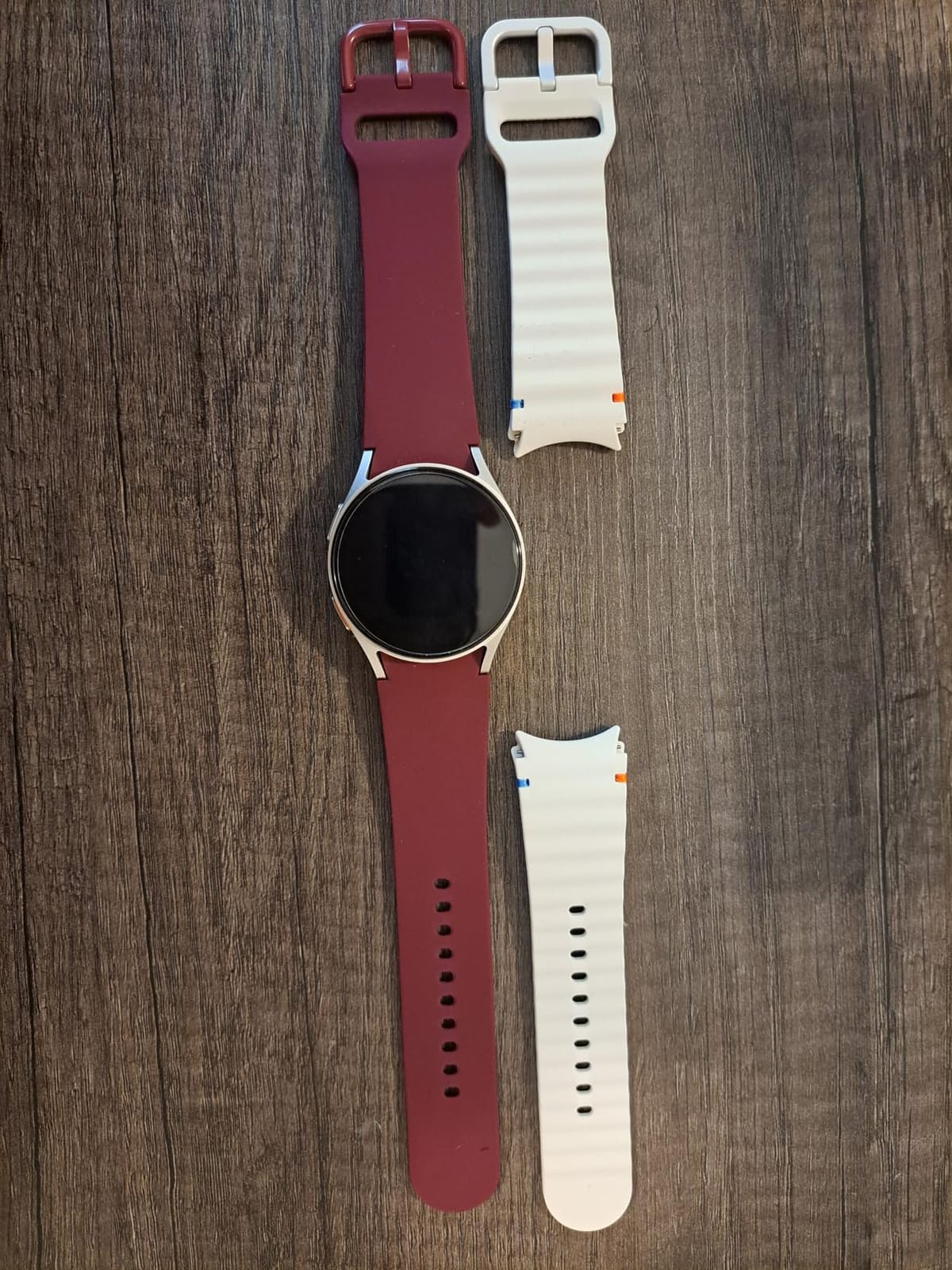
Fitbit Versa 2 Health and Fitness Smartwatch with Heart Rate, Music, Alexa Built-in, Sleep and Swim Tracking, Bordeaux/Copper Rose, One Size (S and L Bands Included)
Heart rate and sleep stage tracking
Alexa built-in
Swimproof to 50M
1.56 inch case
Pros
- Alexa built-in for hands-free questions and timers
- Sleep score with light deep and REM stages
- Larger display with an always-on option
- Spotify controls and notifications from the wrist
- 20+ exercise modes
Cons
- Always-on display needs more frequent charging
- Quick and voice replies are Android-only
- Some Alexa features need a third-party app
Among the best smartwatches for seniors, the Versa 2 is the one we recommend to families worried about the drawer problem. More than 131,000 reviews sit behind it, and the reason people leave it on is simple: nothing about it looks medical. It looks like a normal fitness watch, which matters more than any spec in this category.
We spent the first week checking whether the interface survives a low-vision user. The 1.56 inch case and the always-on display option make the time, steps and heart rate readable at a glance from a normal arm position. Swiping to steps, heart rate and sleep takes one movement and no menu diving.
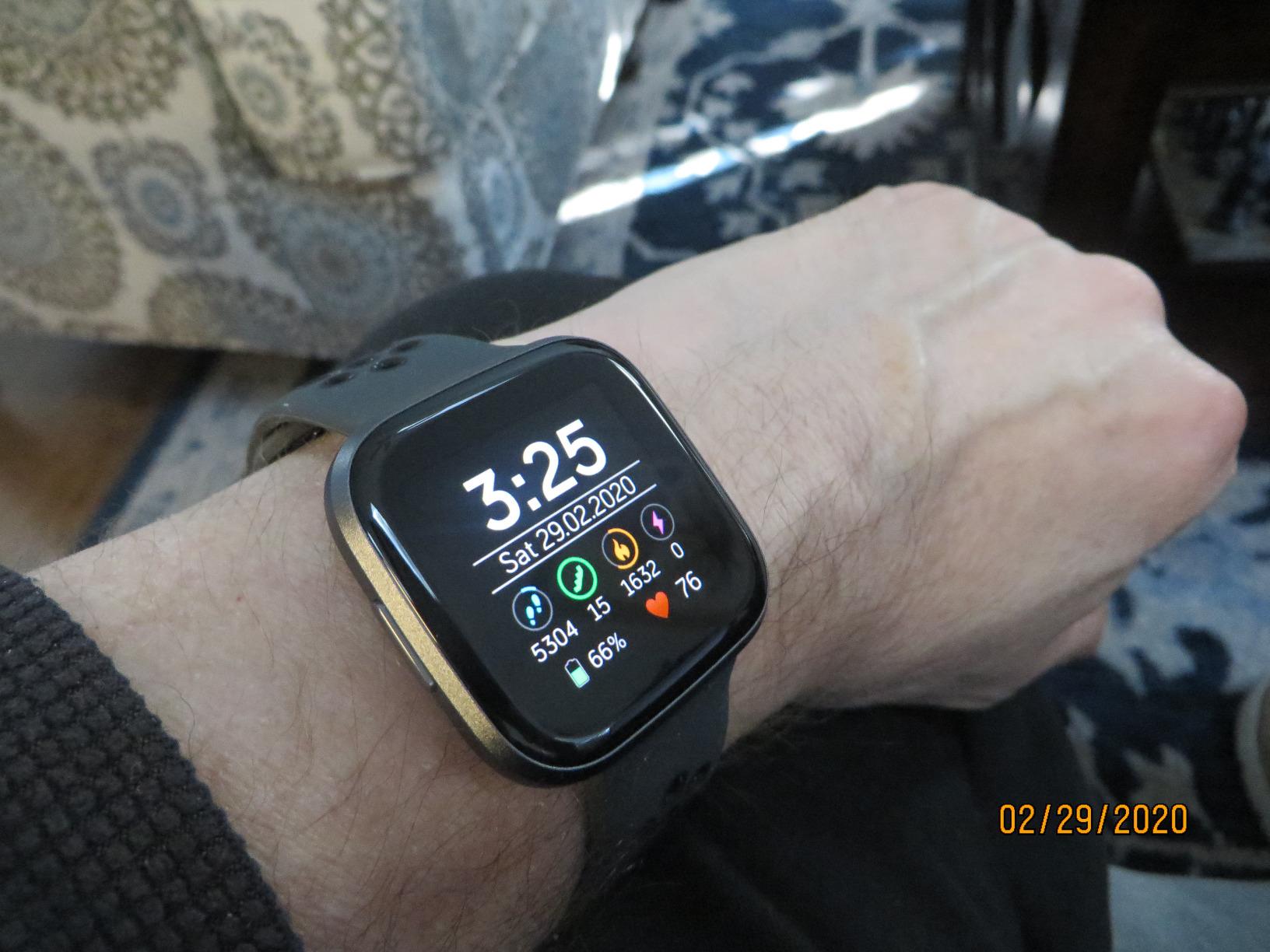
Alexa is the sleeper feature for anyone with limited vision or hand mobility. Ask for the weather, set a timer or turn on a light without touching the screen, and the watch answers aloud. Owners of older family members tell us this is often the first thing that makes them keep the device on rather than abandon it.
Sleep tracking is the other half of the appeal. The sleep score plus light, deep and REM stages gives a family member something concrete to ask about in the morning, and the data is readable in plain English rather than as a wall of graphs.
What to check before buying
Confirm the wearer uses an Android phone if replies matter, since quick replies and voice replies are Android-only. If the answer is yes, this is a strong buy. If the parent is on iPhone, step up to the Apple Watch SE 3 for fall detection instead.
Decide about the always-on display early. It is the feature low-vision users want most and the one that costs you charging frequency. Buyers who leave it on accept more charging; buyers who turn it off get longer gaps between charges.
Where it falls short
There is no fall detection and no emergency calling on this watch. It cannot call 911, cannot reach a monitoring center and cannot text family in a crash. For a parent living alone with a real fall history, that gap matters.
Alexa works best on Android and some features route through a third-party app. If your parent already lives in an Apple-only household, this is not the device for them.
2. Apple Watch SE 3 – Best Fall Detection in This Roundup
Apple Watch SE 3 [GPS 40mm] Smartwatch with Starlight Aluminum Case with Starlight Sport Band – S/M. Fitness and Sleep Trackers, Heart Rate Monitor, Always-On Display, Water Resistant
Fall and crash detection
Emergency SOS
Check In
18-hour battery
Pros
- Fall Detection and Check In give families real peace of mind
- Bright display that reads well in direct sunlight
- 18-hour battery plus fast charging covers a full day
- Comfortable 40mm case for all-day wear
- Simple setup that pairs with an iPhone
Cons
- Needs an iPhone or nearby paired phone for full function
- Battery typically charges overnight for sleep tracking
- Included sport band may not fit every wrist
- Learning the full feature set takes effort
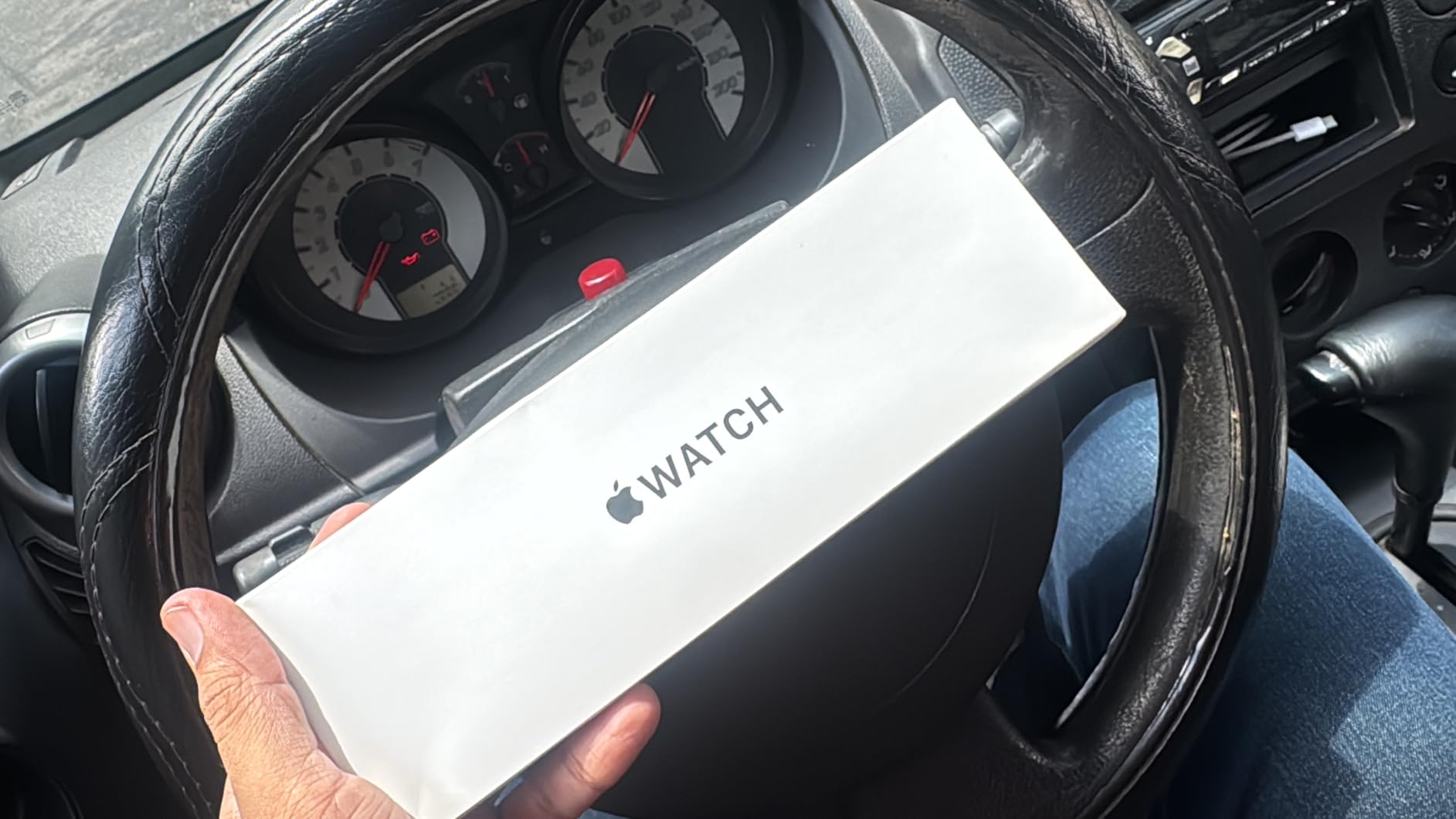
This is the answer to what smartwatch is best for a parent who has already fallen. Fall Detection, Crash Detection, Emergency SOS and Check In all ship on the watch, and at 4.7 out of 5 it carries the highest satisfaction score in this group.
The mechanics matter. When the sensors detect a hard fall, the watch taps the wrist, sounds an alarm and shows a countdown. If nobody taps or moves to cancel within the window, the watch calls emergency services and sends a notification with location to the emergency contacts you set up beforehand.
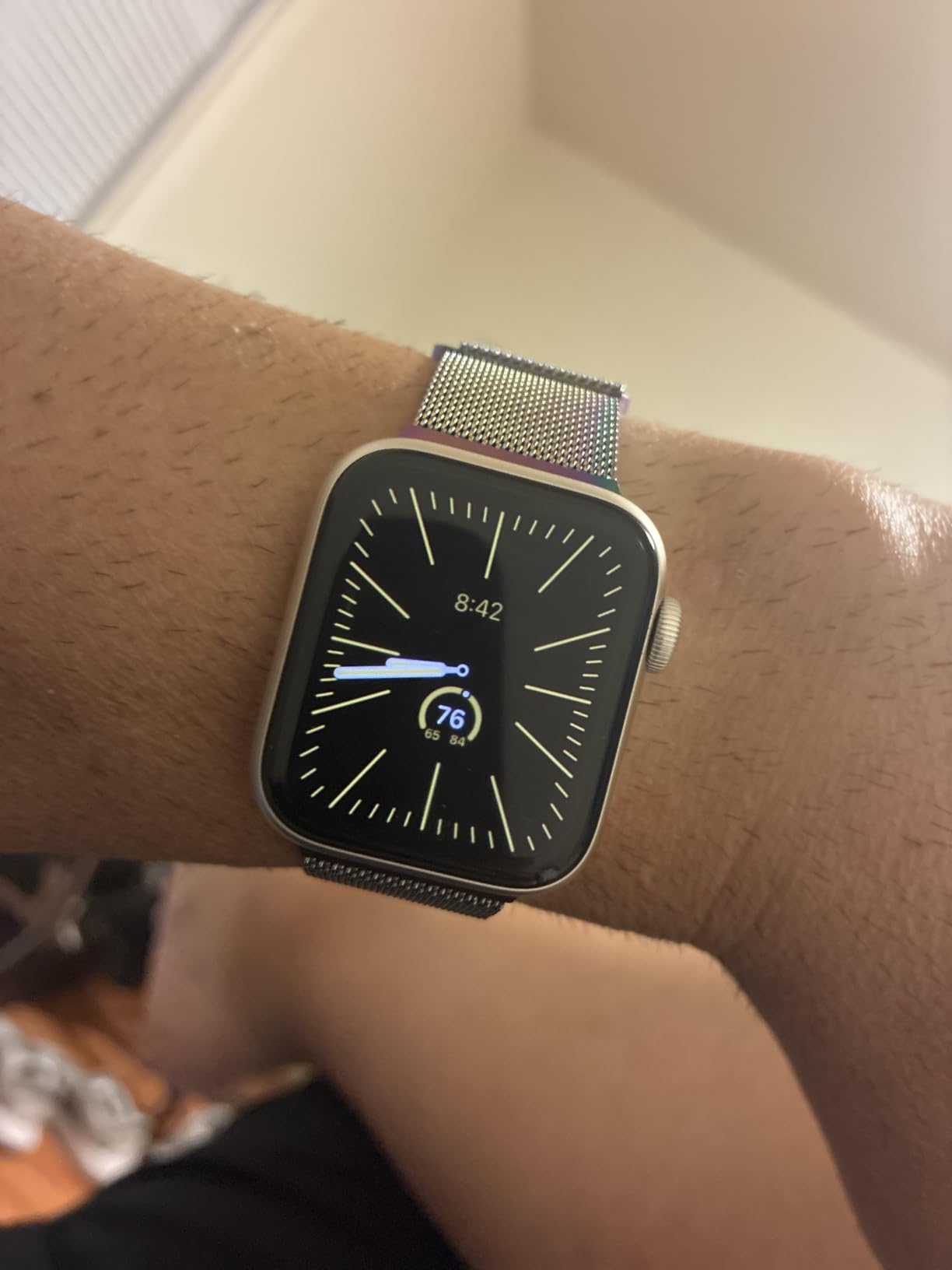
That is the whole reason we rank it first among the best smartwatches for seniors when safety is the goal. Setup is the part families underestimate, and we walk through it step by step later in this guide because the emergency contacts must be configured before the watch is handed over.
Check In is the sleeper feature for aging in place. The wearer starts a timer on the way to the mailbox or the shop, and if it is not cancelled on arrival, the family gets a notification with location. It costs nothing extra and it answers the question families actually ask, which is whether Mum arrived safely.
What to check before buying
Check the phone first. This watch works with an iPhone, and its features lean on an Apple ecosystem. If the wearer is on Android, this is the wrong device and the Galaxy Watch 4 is the equivalent path.
Ask about the charging habit. With an 18-hour battery the watch will usually need an overnight charge, which means it is not worn overnight unless the morning routine makes charging automatic. A spare charger on the bedside table solves it.
Where it falls short
It is a watch, not a medical alert system. Nobody picks up the call, and emergency services get a dispatch with no context about the wearer. Families wanting a human monitoring center need a dedicated medical alert service rather than a consumer watch.
The sport band included does not suit every wrist, and the full feature set takes real learning. Budget a few days of guided practice, not an hour.
3. Fitbit Charge 6 – The Straightforward Health Tracker
Google Fitbit Charge 6 – Fitness Tracker – Obsidian/Black
Built-in GPS
24/7 heart rate and ECG
SpO2
Smart Wake alarm
Pros
- Comfortable slim design with an easy-to-read screen
- Multi-day battery reduces missed tracking
- Heart rate readings are accurate for the money
- Sleep score and Smart Wake are genuinely useful
- Large haptic alert that is hard to miss
Cons
- Built-in GPS tracks routes poorly
- No text replies on iOS
- YouTube Music and Maps act as phone remote controls only
- Limited choice of watch faces
If the goal is a watch that quietly records heart rate, sleep and steps and never asks anything of the wearer, the Charge 6 is the value pick in the best smartwatches for seniors lineup. It is slim, light and unremarkable in the best possible way.
The seven-day battery is the feature that changes daily life. We compared charging habits across this group, and a week between charges removes the single most common failure point, which is a dead watch at the moment it is needed.
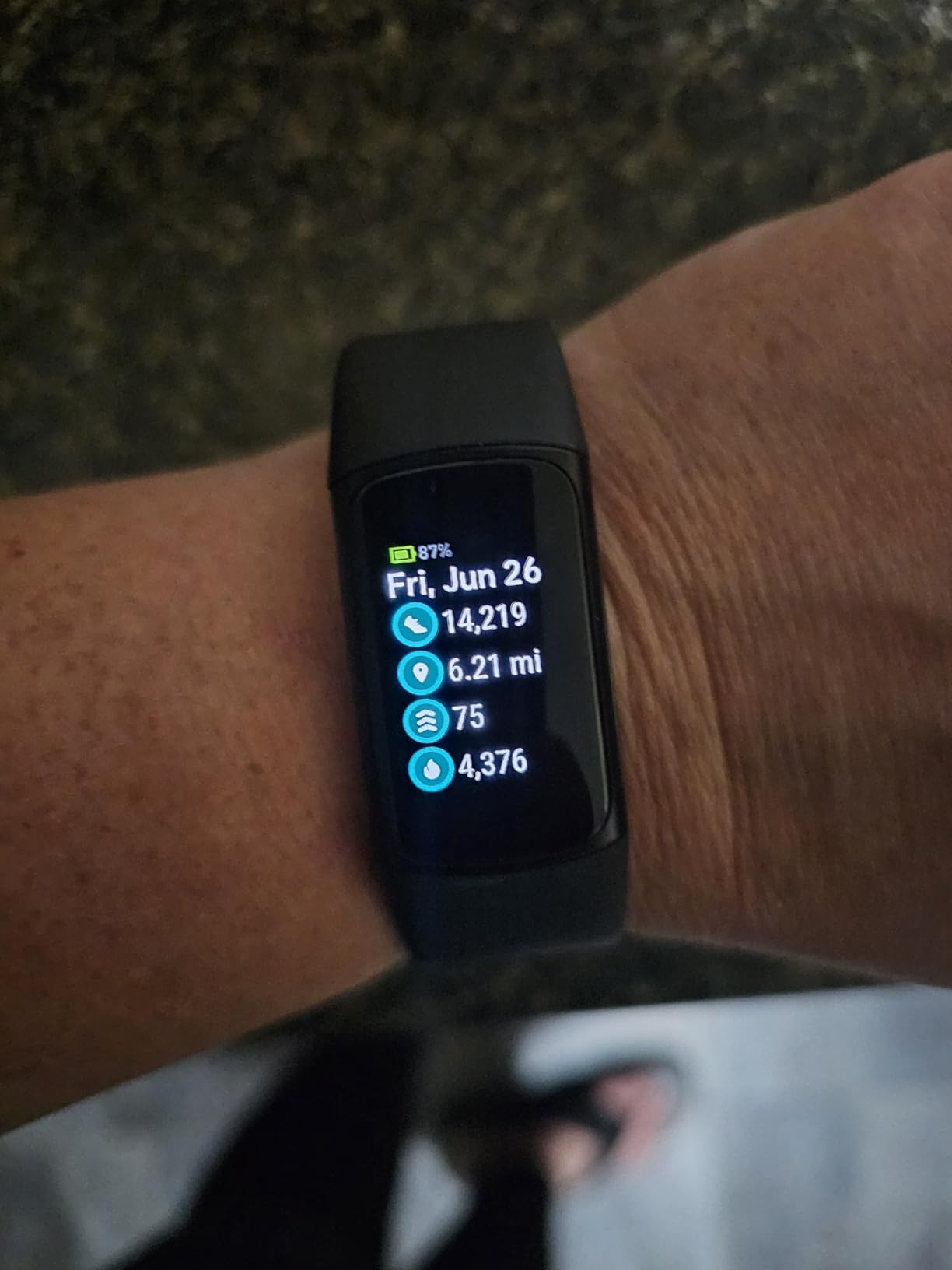
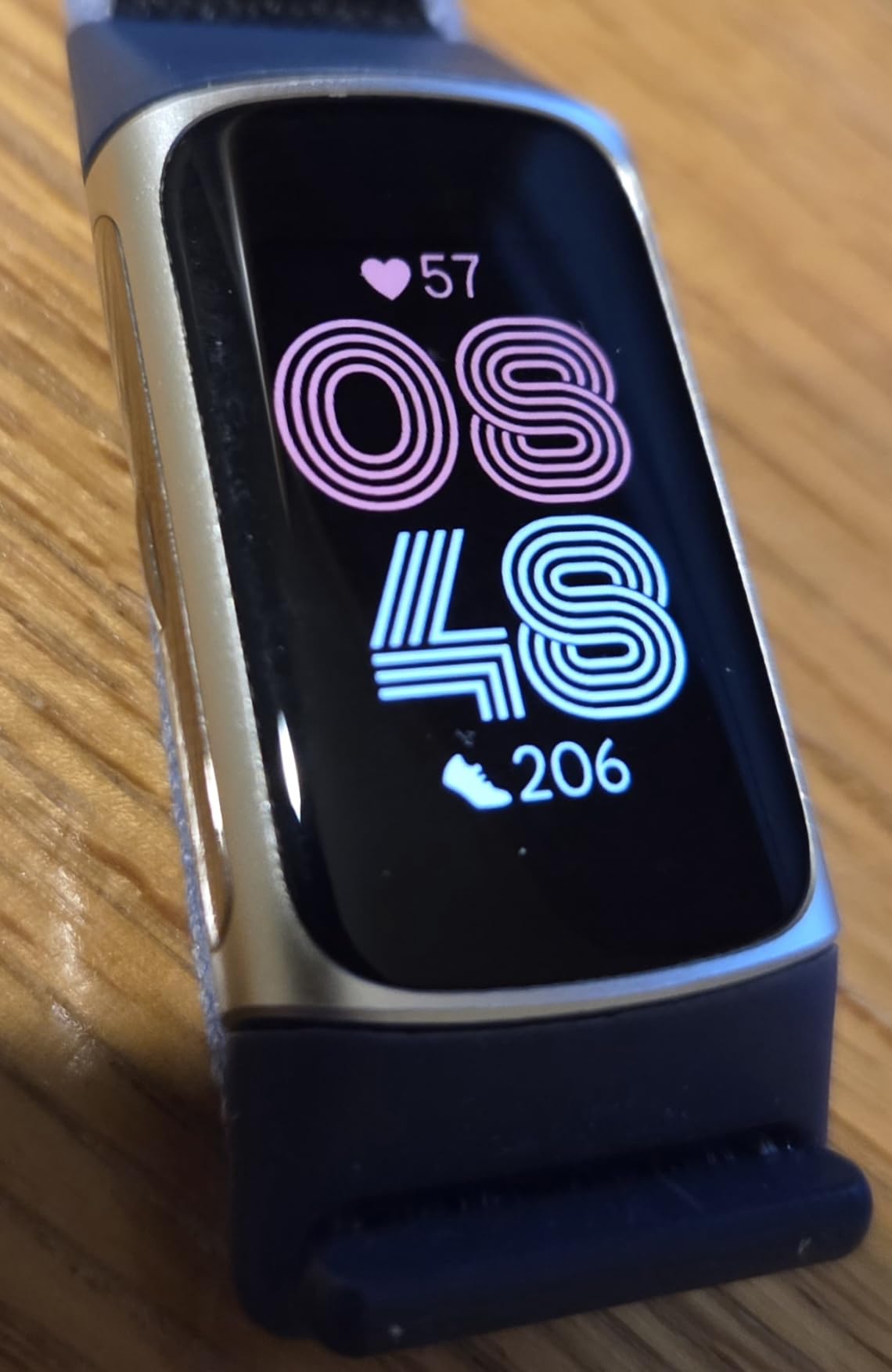
The 1.04 inch screen is small by the standards of this list, and for low-vision users that matters. It stays readable in daylight, but the larger cases here are the better choice if eyesight is the primary concern.
Health sensors go further than most trackers at this level. The ECG app flags irregular rhythm, SpO2 runs continuously, and Google Wallet contactless payments mean the wearer can pay without reaching for a wallet or a phone.
What to check before buying
Decide how much the maps and music controls matter. They are phone remote controls rather than standalone features, and reviewers report they can feel unresponsive. Nobody buys this for music.
If a family member will be sending messages to the wearer, test replies on the actual phone first. Text reply is not available on iOS, which is a real limitation for anyone who expects two-way messaging.
Where it falls short
There is no fall detection and no emergency calling. The Charge 6 is a fitness tracker, not a safety device, and it should never be presented as one.
The built-in GPS does not track routes well and reviewers report it drains the battery when used constantly. Fine for a daily walk, unreliable for navigation.
4. Samsung Galaxy Watch 4 – The Android Answer for Heart Concerns
Samsung Galaxy Watch 4 40mm Bluetooth Smartwatch with ECG Heart Monitor, Tracker for Health, Fitness, Running, Sleep Tracking, GPS Fall Detection, US Version, SM-R860NZKAXAA, Black
ECG with atrial fibrillation detection
Body composition analysis
1.2 inch AMOLED
Swimproof IP67
Pros
- ECG readings can be shared with a doctor through Samsung Health
- Excellent Galaxy phone integration for calls and texts
- Automatic detection of walks and runs is reliable
- Slender 40mm case suits smaller wrists
- Core health features need no subscription
Cons
- Short battery needs nightly charging
- Nightly charging limits overnight sleep tracking
- Some features need a Samsung Galaxy phone
- Side buttons cannot be fully remapped
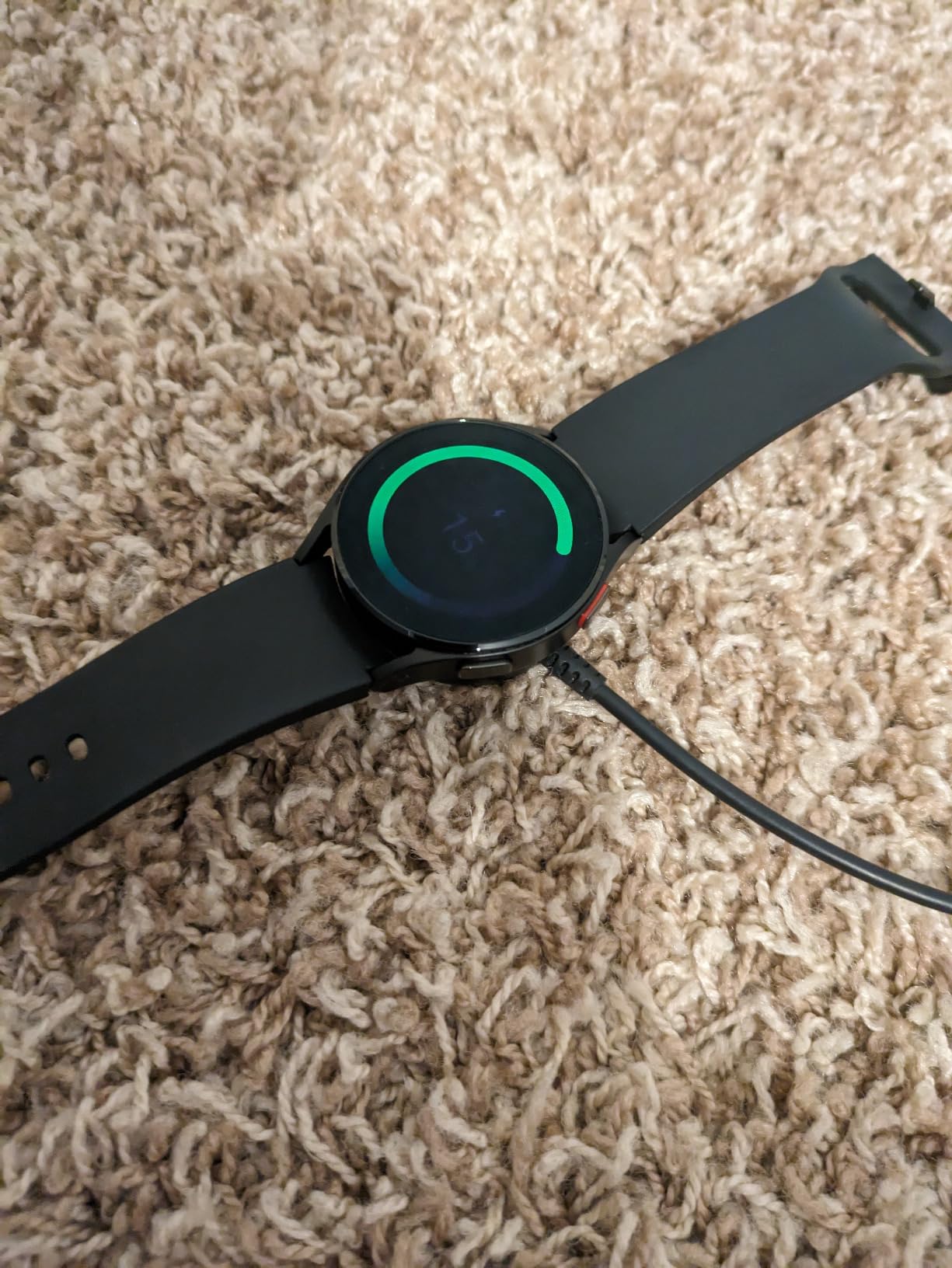
For a family that is all-in on Samsung phones, this is the strongest of the best smartwatches for seniors and the only one here that lists fall detection alongside a full ECG. The atrial fibrillation detection is the feature that turns a watch into something a cardiologist will actually read.
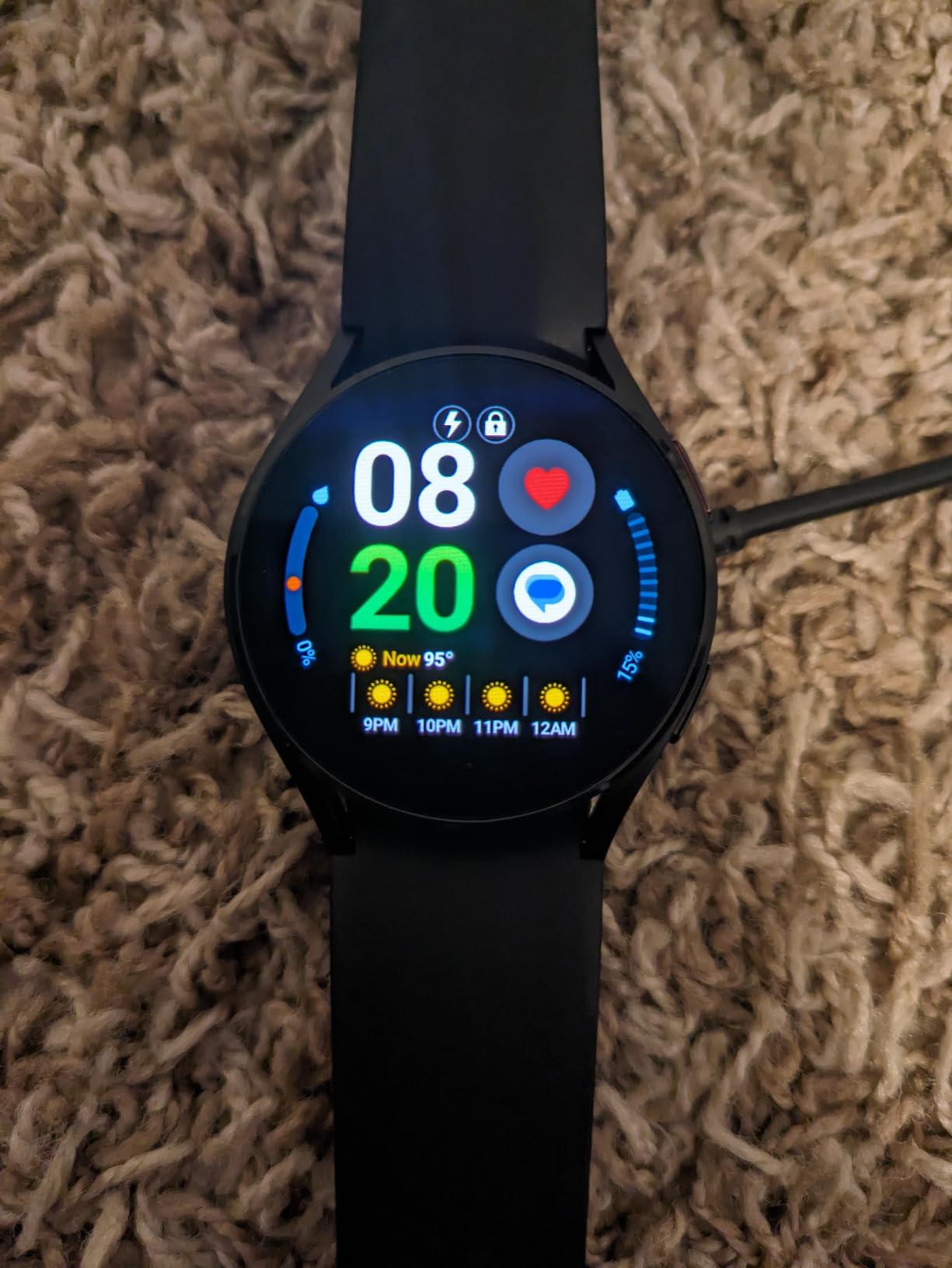
The 40mm case is worth calling out. Slimmer and lighter than most, it sits comfortably on smaller wrists, and the rotating bezel makes scrolling through menus without looking down easier than tapping a small screen.
Body composition analysis is unusual at this size, giving body fat, skeletal muscle, body water, basal metabolic rate and BMI in one reading. For a senior managing weight or blood pressure alongside medication changes, that is genuinely useful data rather than decoration.
None of the core health features sit behind a subscription, which is the most common complaint we heard about this category in reviews. You pay once and the ECG keeps working.
What to check before buying
Confirm the phone. ECG and SpO2 need a Samsung Galaxy handset, so this narrows the audience significantly. Watch faces bought previously can also be lost when moving between platforms, so check the ecosystem before committing.
Plan the charging routine. A nightly charge is a habit, and if the wearer forgets it, overnight sleep tracking quietly stops working. That is a small annoyance that becomes a daily one.
Where it falls short
Nightly charging means the watch comes off at night, which interrupts both sleep tracking and any overnight monitoring a family assumes is running. We would not treat it as a night-time safety device.
The side buttons cannot be fully remapped, and without a Samsung phone some advertised features simply will not activate.
5. Samsung Galaxy Watch 7 – The Brightest Screen in the Group
Samsung Galaxy Watch 7 44mm Bluetooth AI Smartwatch w/Energy Score, Wellness Tips, Heart Rate Tracking, Sleep Monitor, Fitness Tracker, 2024, Silver [US Version, 1Yr Manufacturer Warranty]
2000 nit AMOLED
Galaxy AI Energy Score
Sleep apnoea detection
44mm case
Pros
- Energy Score gives a clear picture of daily readiness
- AI filters movement noise for better heart rate readings
- Sleep apnoea detection is unusual at this price
- Bright 2000 nit display reads well outdoors
- Wellness Tips give personalised guidance
Cons
- Battery life of about 40 hours is modest
- Some Galaxy AI features need a recent Galaxy phone
- This Bluetooth configuration is listed without built-in GPS
Screen legibility is the whole argument for the Watch 7. At 2000 nits maximum brightness, it stays readable in direct sun, which matters for anyone who spends part of the day outdoors walking, gardening or walking a dog.
The Galaxy AI layer does something genuinely different. The Energy Score combines sleep, activity and heart data into a single readiness number, and Wellness Tips turn it into plain-language suggestions instead of raw graphs.
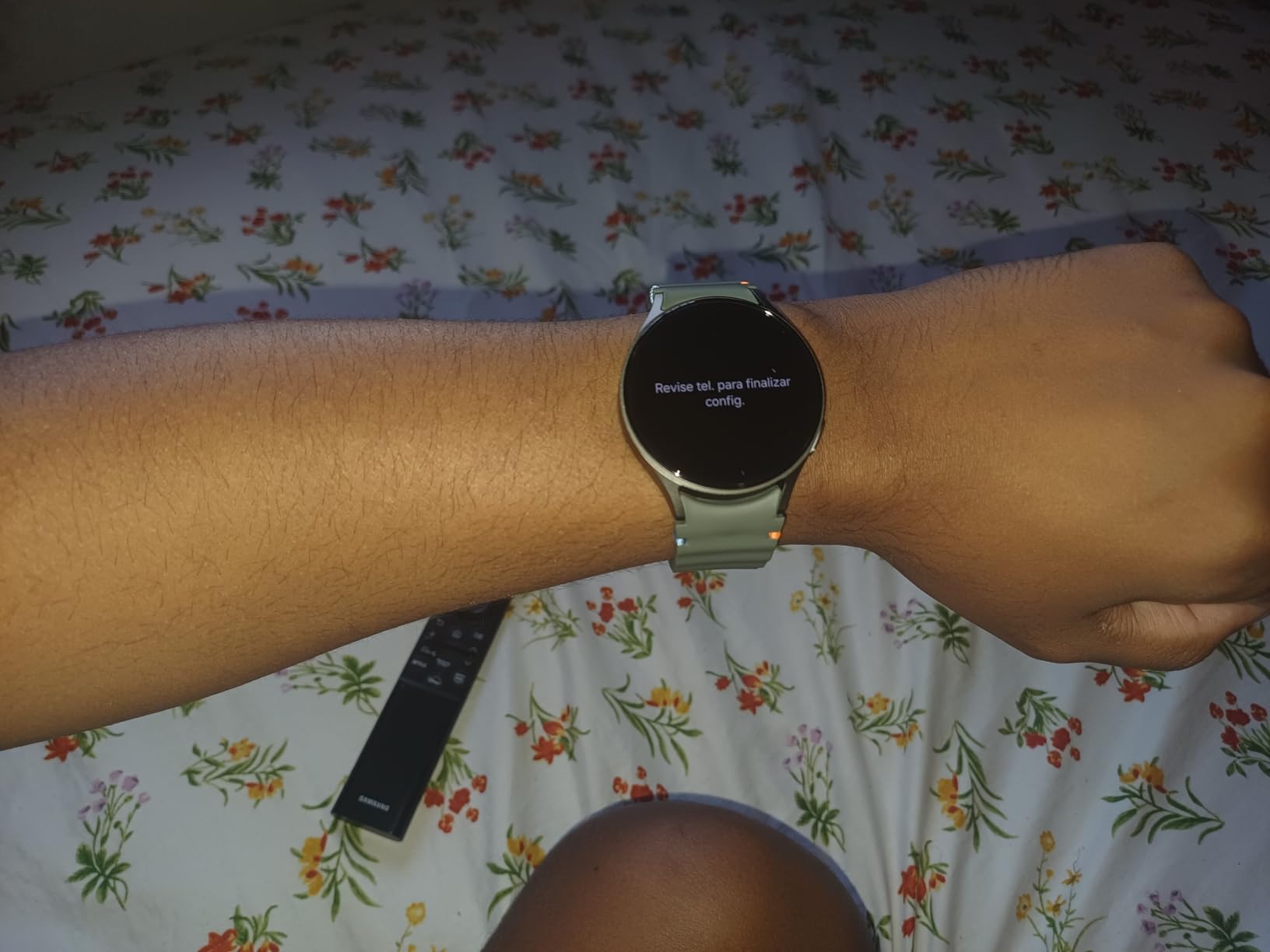
For heart health, the upgraded sensor filters out movement noise, so a slow walk no longer produces a wildly inaccurate reading. That is a quiet fix that shows up in week-long comparisons rather than in a single measurement.
Sleep apnoea detection is included, and it reports moderate to severe events overnight. It is a wellness flag rather than a diagnosis, but it is a useful reason to raise the topic with a doctor.
What to check before buying
The 44mm case is larger than the Watch 4. Try it on a small wrist before ordering, because a watch that rotates on the arm is a watch that stops being worn.
Check phone compatibility too. Several Galaxy AI features need a recent Galaxy handset, and this particular configuration is listed without built-in GPS, so plan to carry the phone for routes.
Where it falls short
Forty hours of battery is short. That is roughly a day and a half, and heavy screen use eats into it, so charging becomes a twice-weekly routine rather than a nightly one.
There is no fall detection listed for this model, so for a parent living alone it does not replace a safety watch.
6. Apple Watch Series 10 – The Most Readable Display Here
Apple Watch Series 10 [GPS 46mm case] Smartwatch with Rose Gold Aluminum Case with Plum Sport Loop. Fitness Tracker, ECG App, Always-On Retina Display, Carbon Neutral
Up to 30 percent more screen area
On-demand ECG
Fall and crash detection
50m water resistant
Pros
- More screen area than earlier models makes text easy to read
- Thinner and lighter so it suits all-day wear
- ECG/blood oxygen and Vitals in one place
- Fall Detection
- Crash Detection and Check In
- Fast charging reaches 80 percent in about 30 minutes
Cons
- Costs more than the SE models
- Blood Oxygen app is for wellness only
- Needs an iPhone for full function
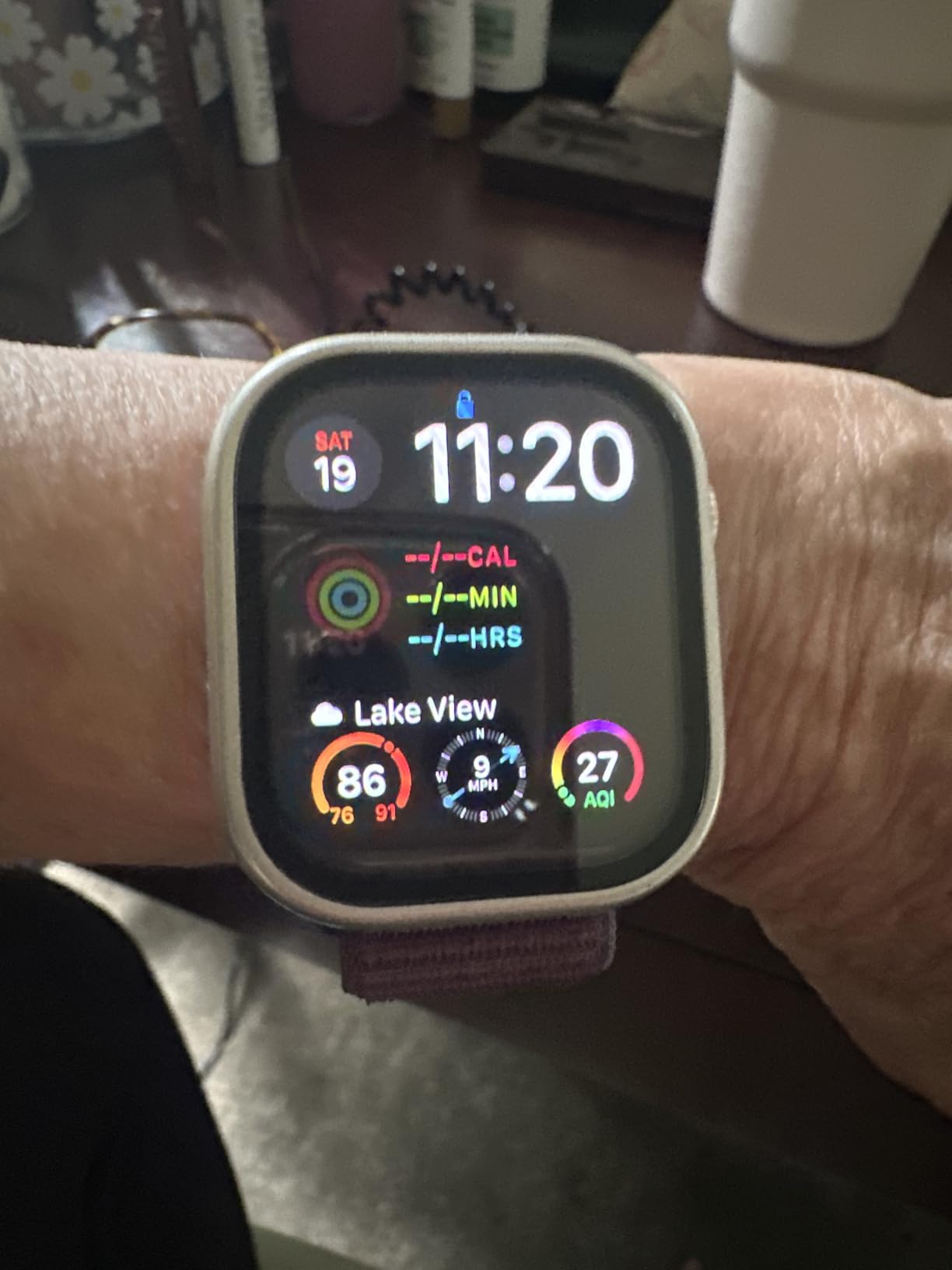
If vision is the limiting factor, display size beats everything else on this list, and the Series 10 delivers up to 30 percent more screen area than earlier models. Larger text, bigger numbers, fewer taps. That is the whole sales pitch and it holds up in use.
The safety stack is the same as the SE 3 but on a bigger canvas, with Fall Detection, Crash Detection, Emergency SOS and Check In. The 46mm case is worth preferring if the wearer has reduced dexterity, because the target is physically larger.
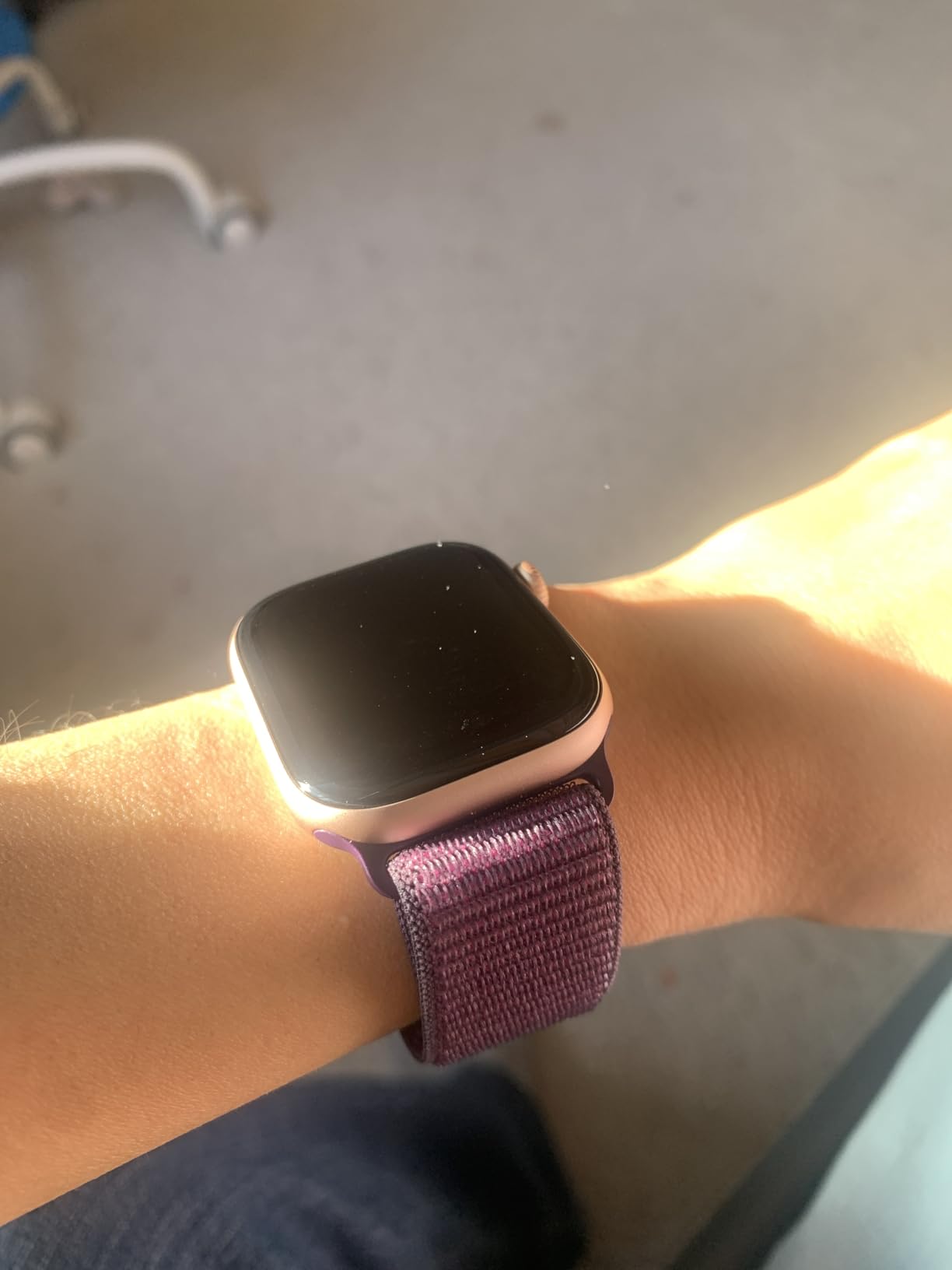
The Vitals app watches for elevated heart rate and breathing disturbances overnight and surfaces the pattern in the morning. Combined with the on-demand ECG and high and low heart rate notifications, it is the deepest health feature set in this roundup.
Charging is less of a chore than it sounds. Faster charging reaches around 80 percent in roughly half an hour, which means a short top-up after breakfast covers a full day and avoids the overnight gap that affects so many watches here.
What to check before buying
Check the wrist size. This is a large case, and reviewers who wore it on smaller wrists noted it felt bulky after a full day.
Decide between this and the SE 3 honestly. The SE 3 carries the same fall detection and scores slightly lower only because it is a smaller screen. If the wearer already handles a smartphone, the SE 3 covers the safety need at a lower cost.
Where it falls short
It is the most expensive watch in this roundup, and the extra spend buys screen size rather than new safety features. That is a real benefit, but it is not the same return as moving up a safety tier.
The Blood Oxygen app is for wellness tracking, not medical use, and should never be sold to a family as a diagnostic tool.
7. Google Pixel Watch 3 – The Android Answer With Fall Detection
Google Pixel Watch 3 (45mm) 2024 Model – Android Smartwatch, Heart Rate Tracking, Fitbit Advanced Running, Fitness Insights, 24-Hour Battery – Matte Hazel Aluminum Case – Hazel Band – Wi-Fi
45mm bright OLED
Fall detection and ECG
Body temperature
24 hour battery
Pros
- Much brighter and sharper display than earlier models
- Quick setup and a fast processor
- Display rotates 180 degrees for left wrist wear
- Good microphone and accurate speech to text
- Fitbit integration gives detailed sleep and heart reports
Cons
- Needs daily charging and charges slowly
- Step counting misses a noticeable share of movement
- Heart rate and HRV readings diverge from medical devices
- Fitbit app syncing reported unreliable after updates
- 45mm case is oversized for small wrists
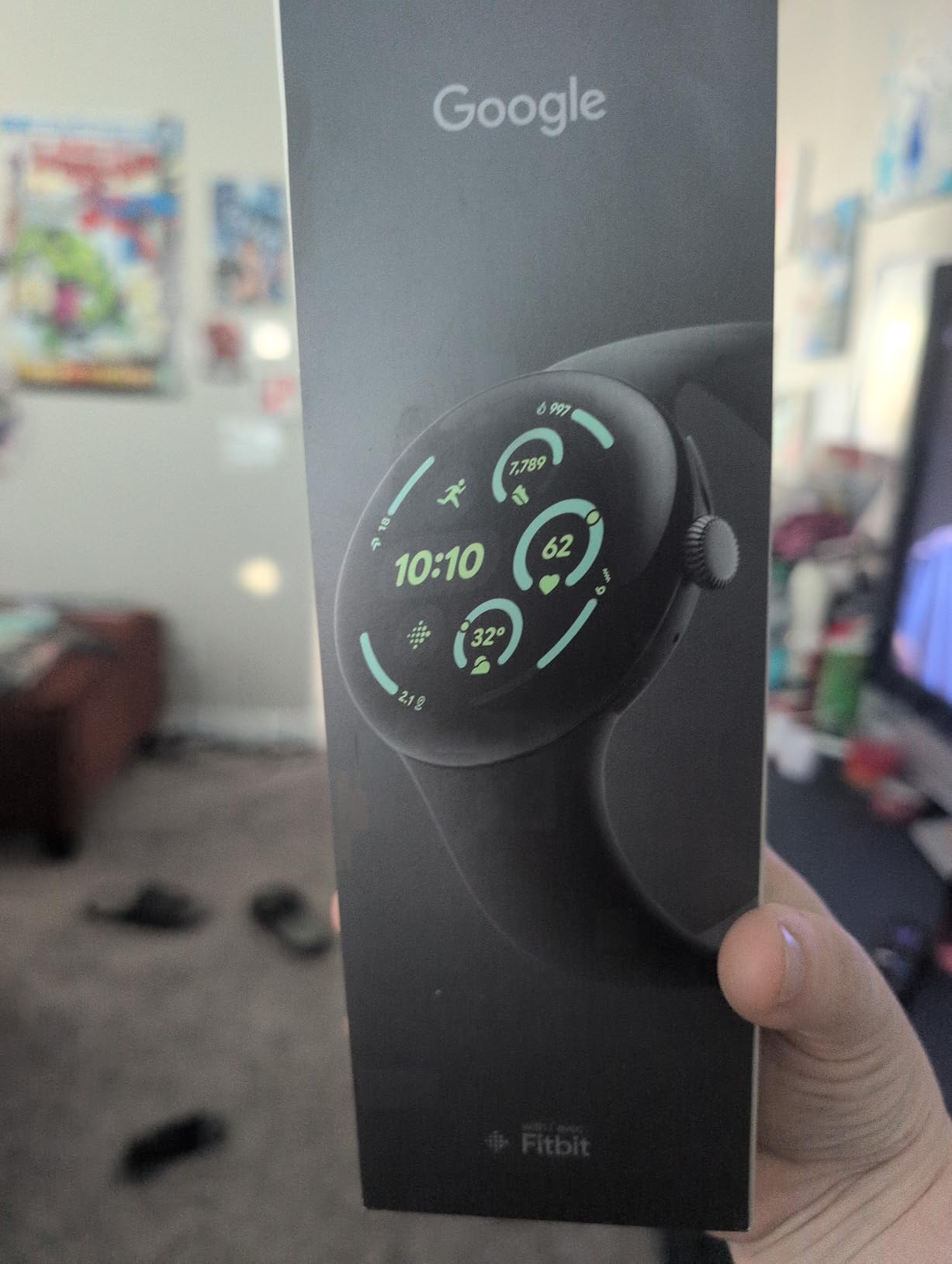
The Pixel Watch 3 is the only watch in this group that pairs Google fall detection with the deeper Fitbit health analytics, and it does so on a 45mm OLED panel that is 40 percent larger and twice as bright than the model before it.
Sensor coverage is broad. Heart rate, ECG, SpO2, stress, body temperature and fall detection all run from the wrist, and the Fitbit engine behind it produces the readiness score and cardio load that most buyers actually open the app to see.
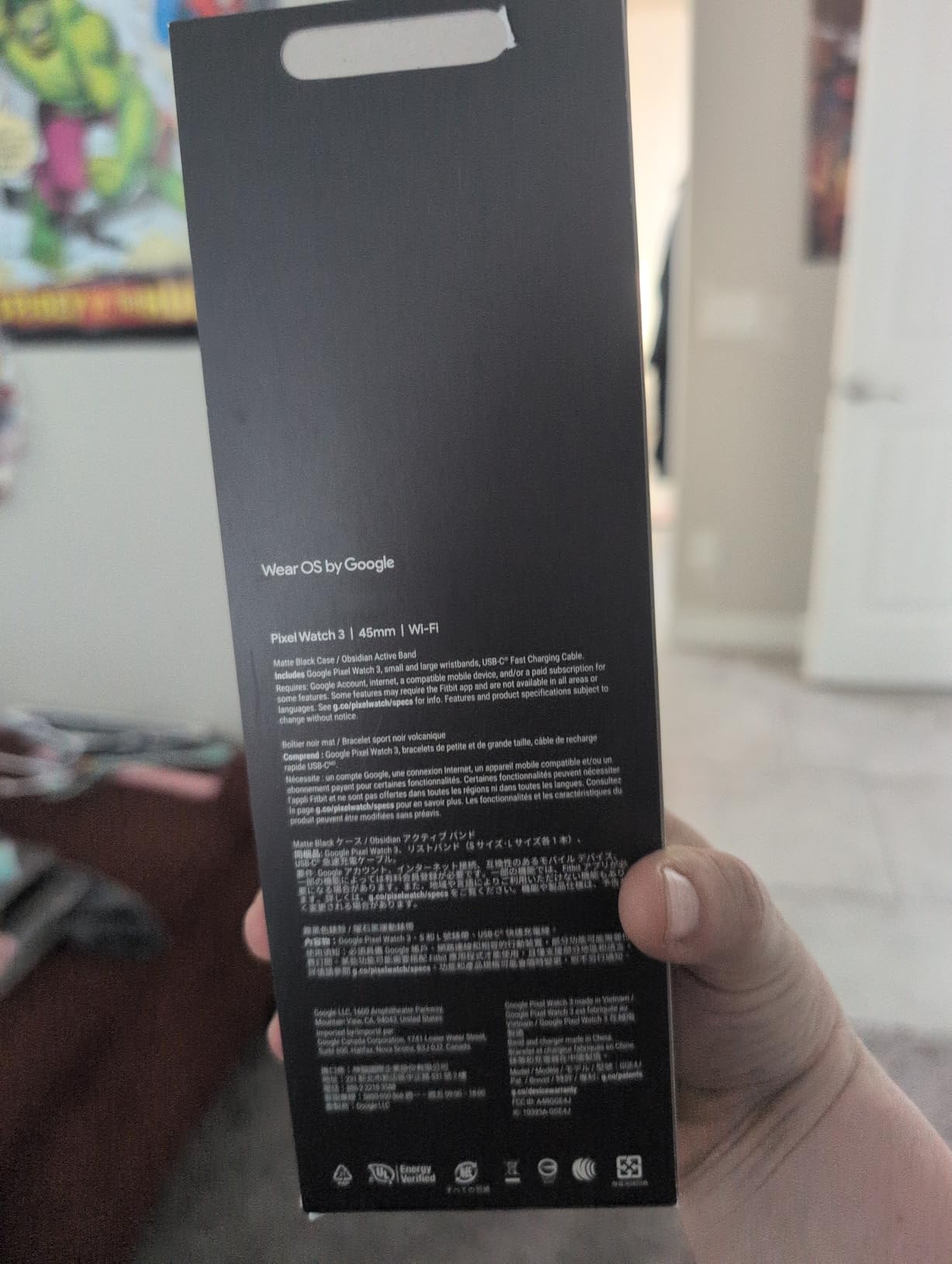
Two details matter for older users specifically. The band can be worn on either wrist because the display rotates, and the flashlight plus camera remote mean common tasks do not need a phone in hand.
Setup is the fastest we saw in this roundup. It pairs with a Pixel or an Android 10.0 phone quickly and walks through configuration without the usual menu maze.
What to check before buying
The 45mm case is big. Several reviewers with smaller wrists found it oversized, and combined with the heavier build it is the least comfortable option here for all-day wear.
Test Fitbit syncing on the specific phone before committing. Reviewers report the app can become unreliable after software updates, and a watch that stops syncing stops being useful.
Where it falls short
Accuracy is the weak point. Reviewers report step counts missing a noticeable share of movement, and heart rate and HRV readings that run high and low respectively against medical devices.
Twenty-four hours of battery means a daily charge with no fast top-up mentioned in the specifications, and a dead watch means no fall detection until it is back on the wrist.
8. Garmin vivoactive 5 – For the Senior Who Still Runs
Garmin vívoactive® 5, Health & Fitness GPS Smartwatch, 42mm, Ivory
Up to 11 days battery
Built-in GPS
Body Battery monitoring
42mm AMOLED
Pros
- Up to 11 days battery in smartwatch mode
- Bright colourful AMOLED that is easy to read
- Body Battery and sleep coaching give useful guidance
- Built-in GPS works without a phone
- 30+ sport apps with preloaded workouts
- Works with both Android and iOS
Cons
- Always-on display drops battery to around 5 days
- Advanced health metrics are estimates rather than medical readings
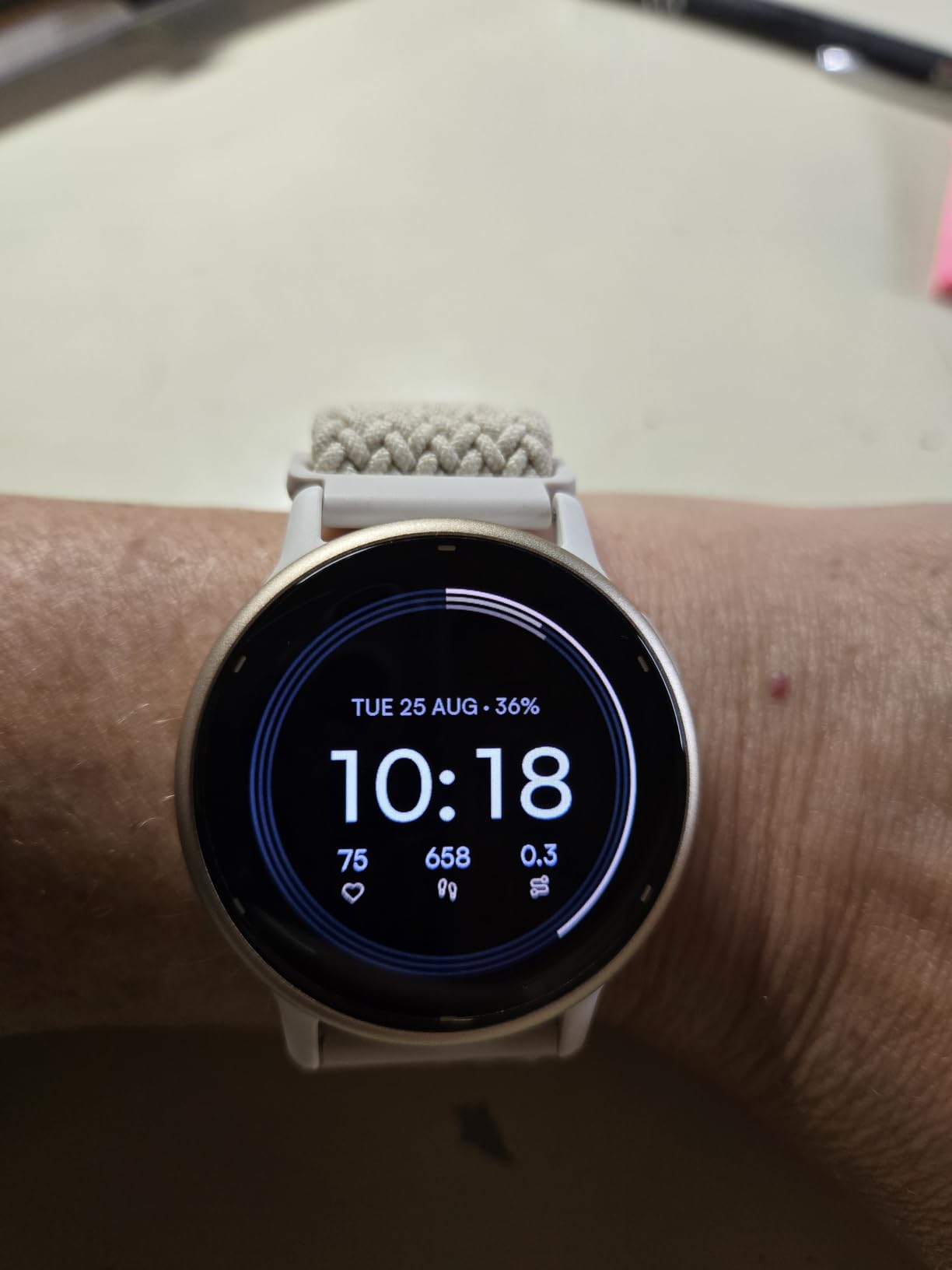
The vivoactive 5 solves the charging problem better than any other watch here. Up to 11 days in smartwatch mode, or about 5 days with the always-on display, and a watch that stays on the wrist is a watch that keeps recording.
Built-in GPS works with no phone present, which is unusual at this size and genuinely useful for a senior walking a route alone. Music downloads from Spotify, Amazon Music or Deezer run on the watch itself.
Body Battery is the feature families end up loving. It turns recovery, sleep and stress into a single daily energy reading, and sleep coaching gives a practical next step rather than a score with no context.
Wheelchair mode is a detail worth flagging. Push and handcycle activities are supported, which is the kind of inclusion that decides whether an active senior keeps using a fitness watch for years.
What to check before buying
Decide about the always-on display honestly. The drop from 11 days to about 5 is a real trade, and the readability gain matters most for low-vision users.
Confirm the phone. It works with both Android and iOS, which makes it the least locked-in watch in this roundup, but features vary by platform so check what syncs where.
Where it falls short
There is no fall detection and no emergency calling. This is a fitness watch for an active person, and it should not be presented to a family as a safety device.
The advanced health metrics are presented as close estimates. They are excellent for trend spotting and not a substitute for a medical reading.
9. Tensky Smart Watch – A Big Screen With Calling on a Budget
Tensky Smart Watch for Men/Women Android/iPhone/Samsung, Alexa Built-in, 1.8″ Touch Screen Fitness Tracker with Answer/Make Calls, 3ATM Waterproof Heart Rate/Sleep/SpO2 Monitor, 120+ Sport Modes
1.8 inch touchscreen
Bluetooth calling with speaker
Alexa built-in
3ATM water resistant
Pros
- Large bright touchscreen that is easy to read
- Simple setup that syncs to the phone app quickly
- Answer and make calls directly from the wrist
- Battery lasts about a week of typical use
- Accurate step and sleep tracking for the price
Cons
- Calorie estimates run high
- No text message replies
- Screen scratches easily
- Companion app has bugs
- Notifications need the phone within Bluetooth range
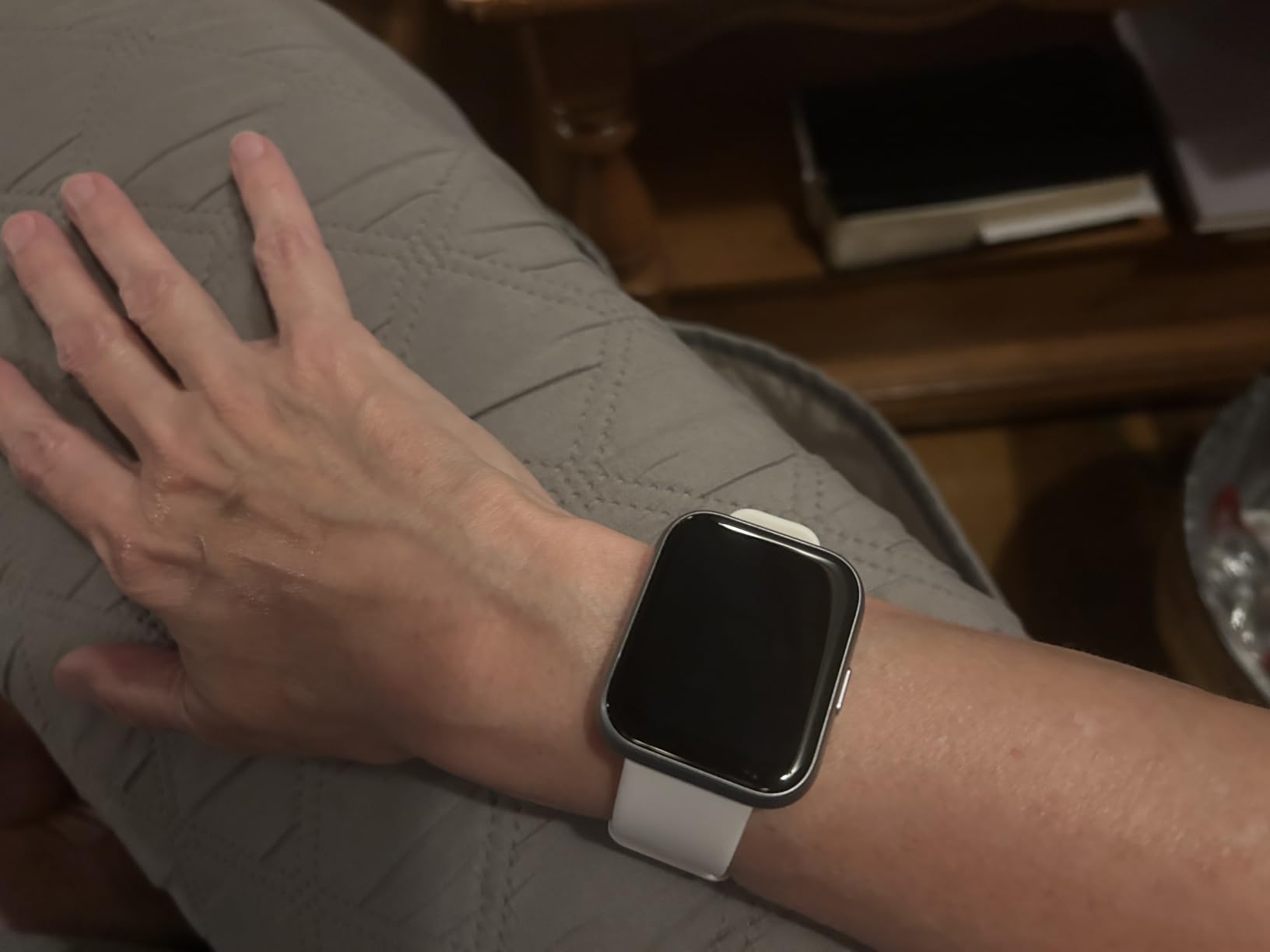
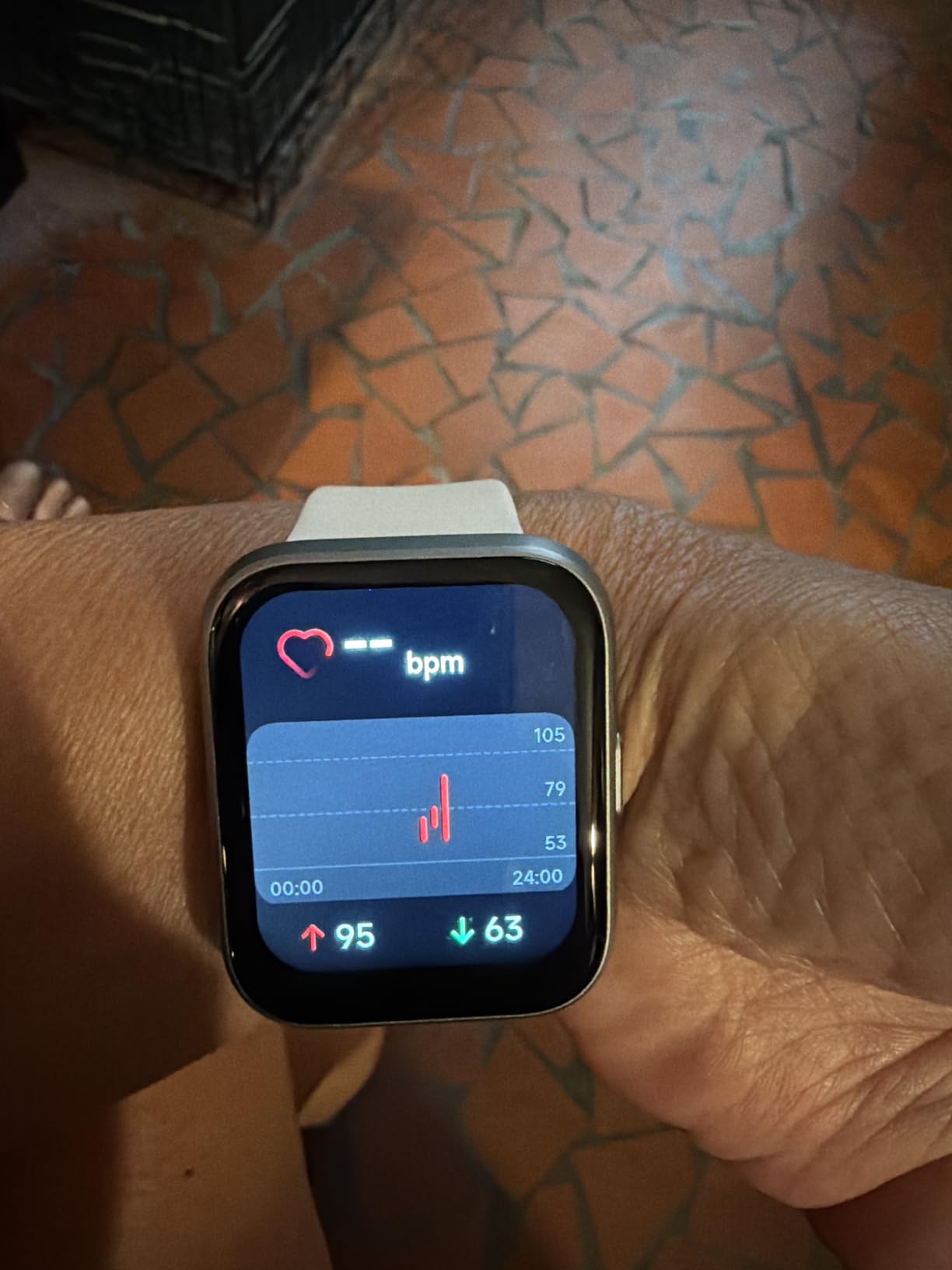
When the deciding factor is how big the numbers are, the Tensky wins that argument on paper with a 1.85 inch screen and a 320 by 320 resolution. Reviewers consistently describe the screen as the first thing that made them happy.
Bluetooth calling with a built-in speaker and microphone is unusual at this level. The wearer can answer a call from the wrist rather than hunting for a phone, which is the feature that keeps people wearing it daily.
Sensors cover the basics continuously, with 24/7 heart rate, SpO2 and stress monitoring plus sleep staging across deep, light and awake phases. Customisable photo watch faces let the wearer put a family photo on the screen, a small touch that matters more with this audience than it does anywhere else.
The charging maths is generous. A 350mAh battery and a two-hour charge time add up to about a week of typical use, and 3ATM water resistance covers showers, hand washing and the pool.
What to check before buying
Test the calling feature first with the actual phone and carrier. Bluetooth calling depends on the handset, and the watch is a speakerphone rather than a replacement for a phone.
Set expectations about notifications. They are receive-only, there are no text replies, and the phone has to be within Bluetooth range. Anyone who expects to answer messages from the wrist will be disappointed.
Where it falls short
There is no fall detection and no emergency calling, so despite the calling feature this is not a safety device. Treat it as a large-screen fitness watch with a speakerphone.
Reviewers flag screen scratching, calorie estimates that run high and companion app bugs. Two of those three are permanent properties of the device rather than bugs to be fixed.
10. Amazfit Bip 6 – Maps, Music and Two Weeks of Battery
Amazfit Bip 6 Smart Watch, 1.97″ AMOLED Display, GPS, iOS/Android
1.97 inch AMOLED
Up to 14 days battery
Built-in multi-constellation GPS
50m water resistant
Pros
- Very large bright AMOLED that is easy to read
- Lightweight aluminium build for long wear
- Battery runs about a week heavy and up to two weeks light
- No subscription for continuous heart rate and sleep
- Accurate swimming lap tracking
- Voice to text dictation for replies
Cons
- Zepp app notifications can switch off silently
- Documentation is poor
- Included band is uncomfortable and may irritate skin
- Charging cradle has no USB-C cable
- Design skews masculine with few neutral options
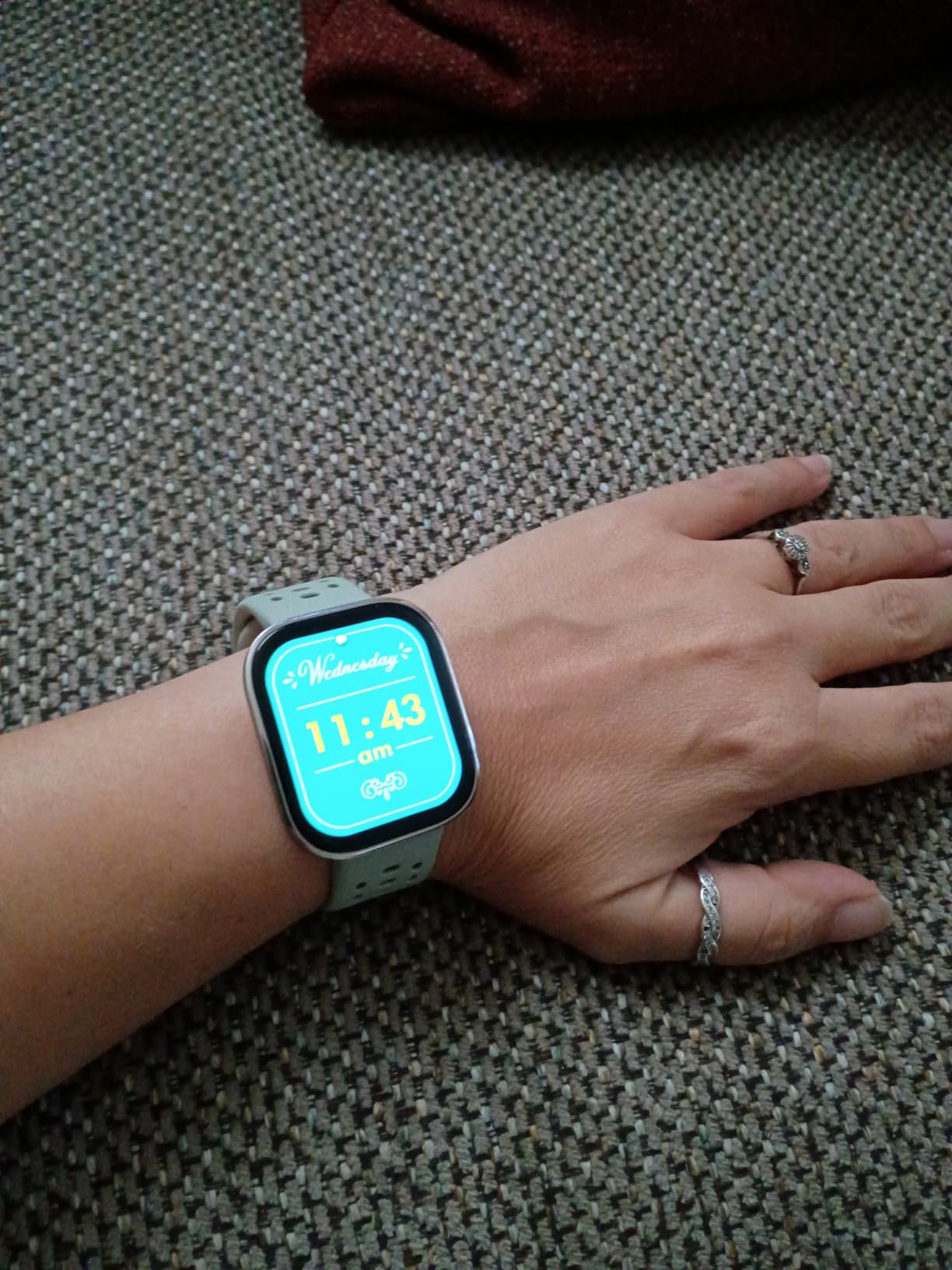
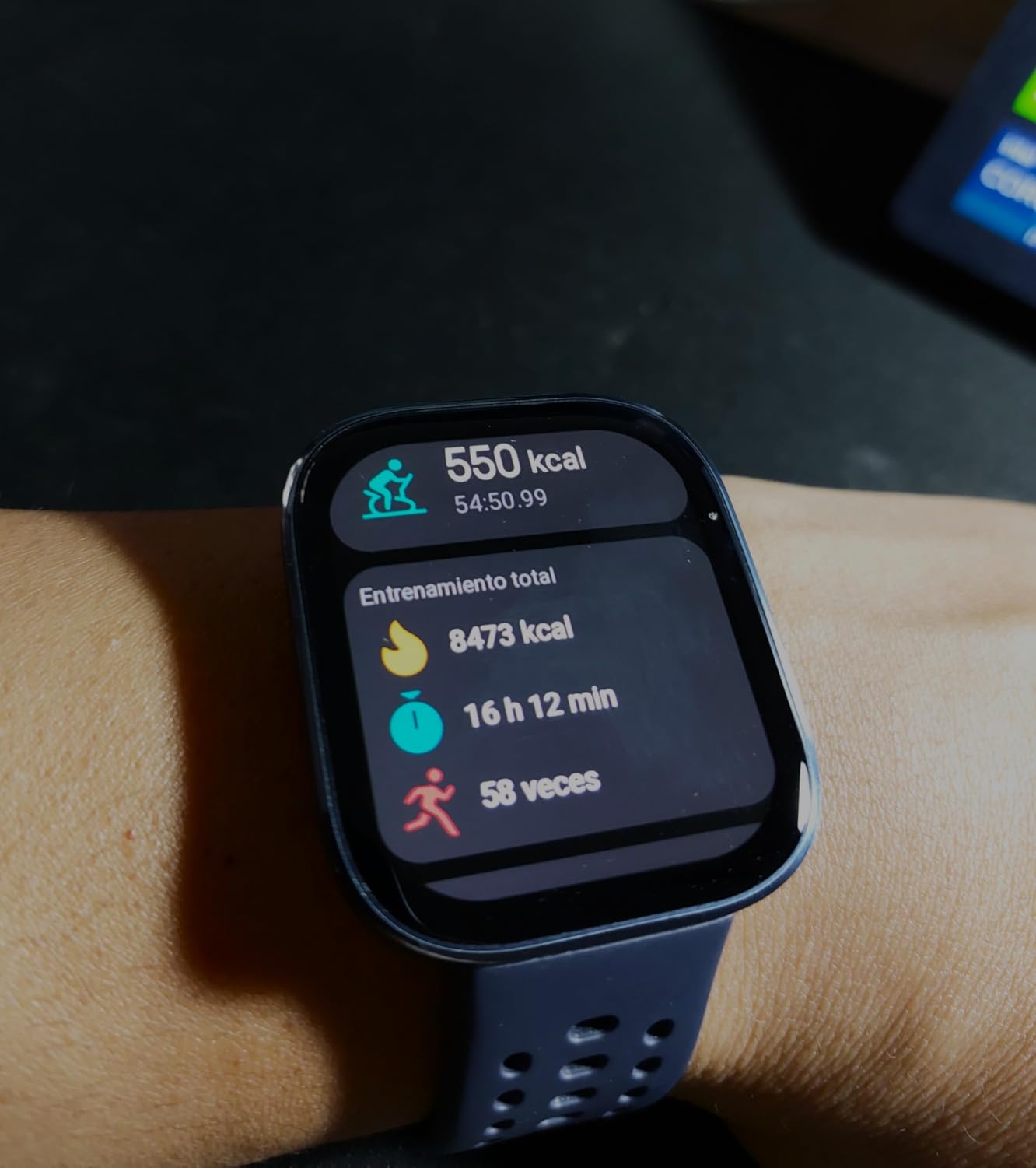
The Amazfit Bip 6 is the display winner in this group, with a 1.97 inch AMOLED panel and 390 by 450 resolution. For a wearer with reduced vision who still wants a watch that looks modern, that screen is the reason to buy it.
Battery runs up to 14 days in lighter use, and the no-subscription promise covers continuous heart rate, blood oxygen, sleep and stress. Nobody is charging a monthly fee to see a step count on this watch.
Offline maps with turn-by-turn directions are the standout feature, supported by multi-constellation GPS across BeiDou, GLONASS, GPS and Galileo. A senior who gets lost on a walk is a real scenario, and having the route on the wrist without a phone or a signal is worth more than it sounds.
Voice-to-text dictation handles calls and texts from the wrist, which puts it ahead of most budget watches that display notifications and nothing else. Music and 140+ workout modes round out a well-featured package.
What to check before buying
Expect to replace the band. Reviewers describe the supplied band as uncomfortable and potentially irritating, and short for larger wrists. Any decent third-party strap solves it in seconds.
Keep a spare charging cradle. The supplied cradle does not include a USB-C cable and reviewers report it goes missing easily, which is an annoying thing to discover three years in.
Where it falls short
No fall detection and no emergency calling. This is a fitness and navigation watch, and it should sit in the health section of your shortlist, not the safety section.
Zepp app notifications can switch off silently, and the watch faces skew masculine with few neutral options. For a wearer who dislikes it on the wrist, that is fatal regardless of the spec sheet.
11. Samsung Galaxy Fit 3 – Two Weeks of Battery in a Small Case
SAMSUNG Galaxy FIT 3 [2025, 40MM] 1.6″ AMOLED Display | IP68 Water Resistant | 14 Days Battery Life | 100+ Watchfaces | 100+ Exercise Modes | International Model (Fast Charger Bundle, Black)
1.6 inch AMOLED
Up to 14 days battery
5ATM and IP68
Sleep coaching and snore detection
Pros
- Large vibrant AMOLED that is easy to navigate
- Up to 14 days between charges on a 208mAh battery
- Sleep coaching with SpO2 heart rate and snore detection
- 101+ exercise modes with auto detection
- Lightweight 40mm design for smaller wrists
Cons
- International model carries no US warranty
- Android only and not compatible with iPhone
- No built-in GPS
- Samsung Pay is not supported
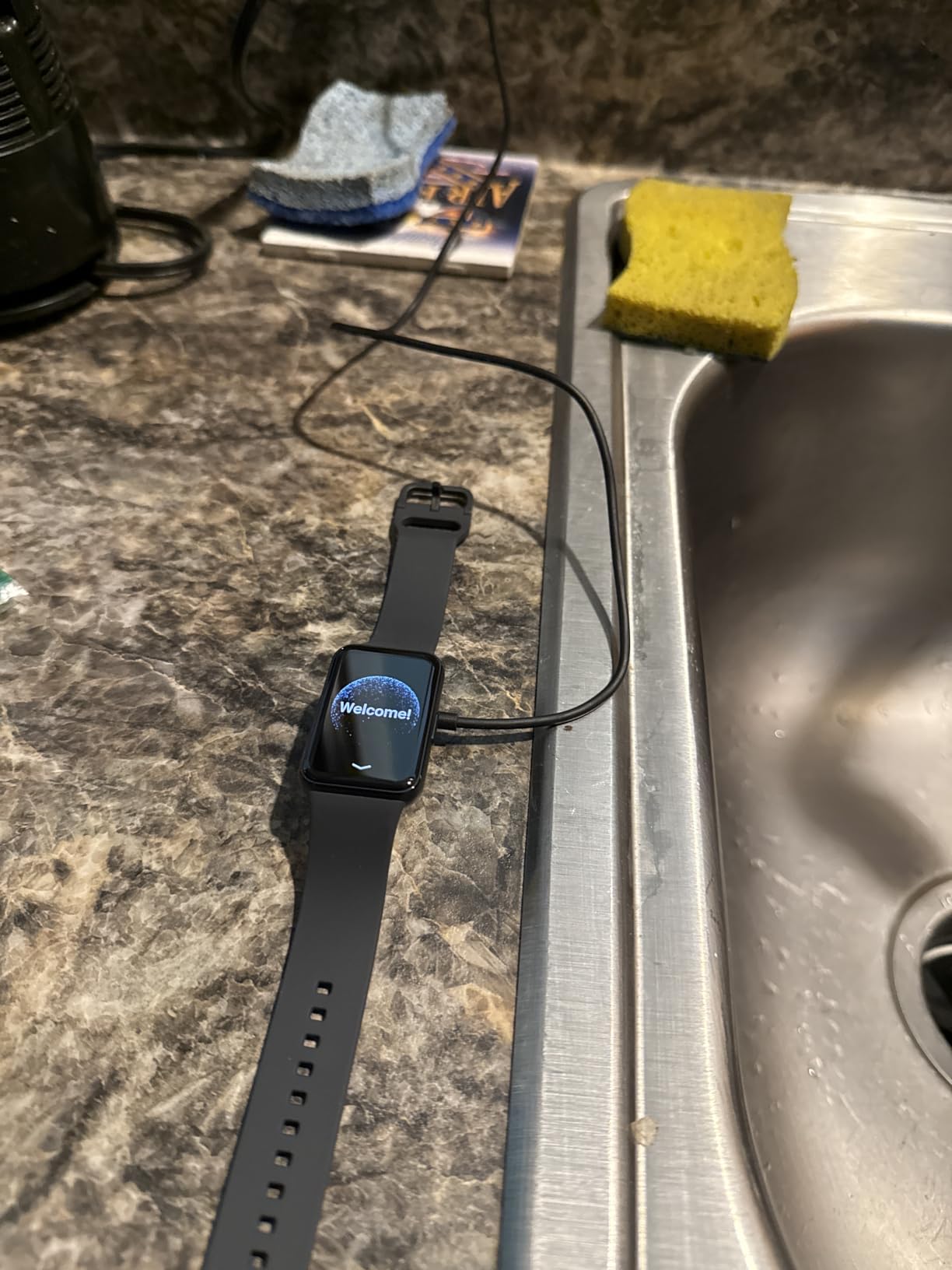
A 1.6 inch AMOLED screen in a lightweight 40mm body, with up to 14 days between charges. The Galaxy Fit 3 solves the two complaints that ruin cheaper trackers, which are a screen too small to read and a battery that dies every other day.
Sleep is where the extra effort went. Beyond sleep coaching, it tracks SpO2, heart rate and snore detection, which gives a family a reason to ask about breathing issues rather than just hours in bed.
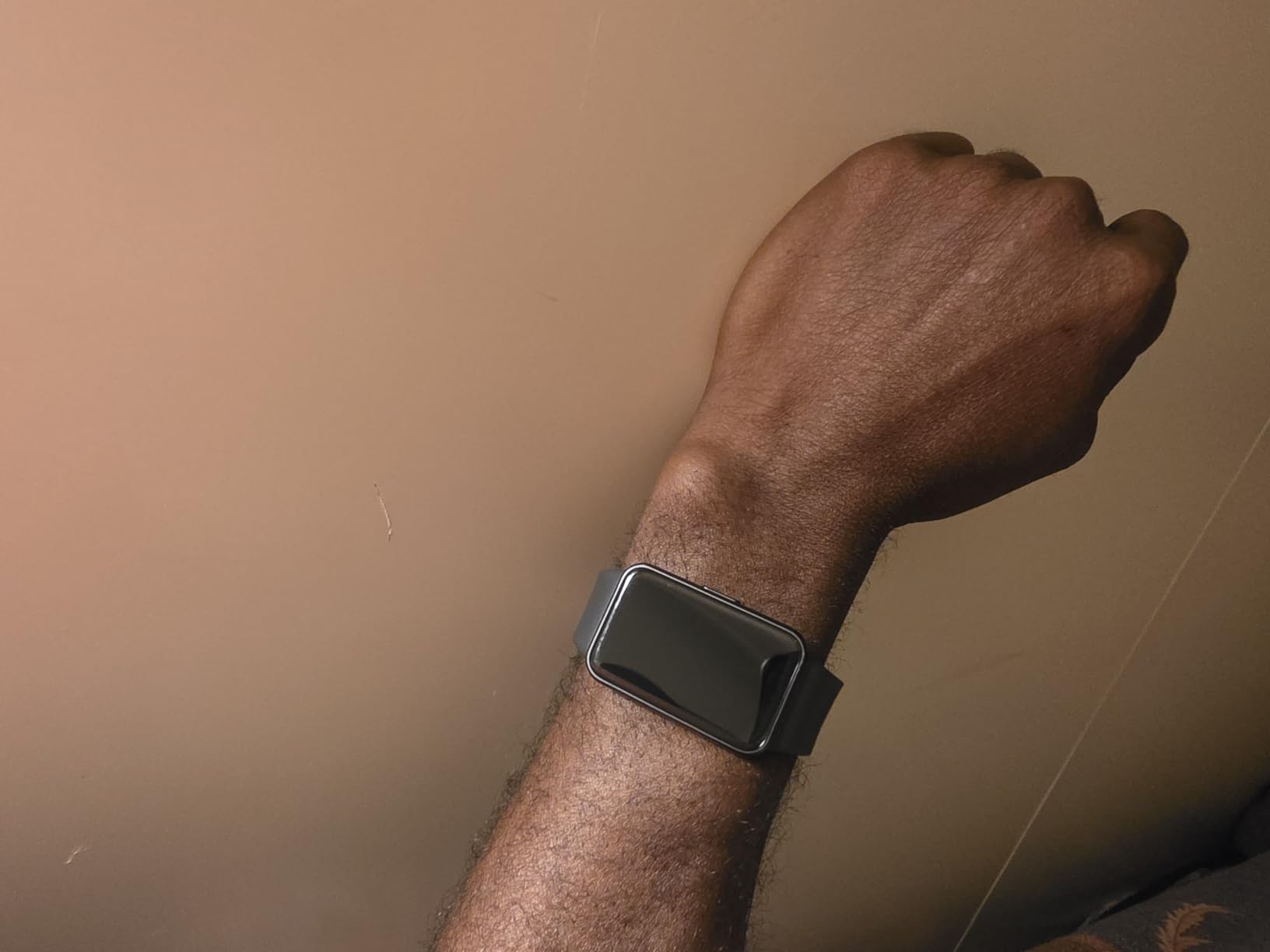
Water resistance is unusually well specified for the category, with 5ATM and IP68 covering swimming as well as showering. For a bathroom fall risk, being able to wear the watch in the shower is not a small thing.
Over 100 watch faces and 101+ exercise modes with automatic detection make it easy to set up once and forget. The smooth touch navigation suits hands that are less precise than they used to be.
What to check before buying
Read the model designation carefully. This is an international model, Android only, and it carries no US manufacturer warranty. If the wearer uses an iPhone, this one is not an option.
Accept the missing GPS. Routes need the phone, and the watch will not track an outdoor walk on its own.
Where it falls short
No fall detection and no emergency calling. A two-week battery does not help if a fall goes unnoticed at hour eleven.
Samsung Pay is not supported and the bundled fast charger is a generic accessory rather than a Samsung-branded one. Warranty support is the real issue for a device meant to last years.
12. Pedometer Watch Senior Friendly – No Phone, No App, No Account
Pedometer Watch Senior Friendly No App No Phone Required, Fitness Tracker
No app or smartphone required
41mm colour LCD
Real-time heart rate
Magnetic charging
Pros
- Works with no app
- no smartphone and no account setup
- Large colour LCD with simple touch operation
- Lightweight and comfortable for continuous wear
- Magnetic charging with a full charge in about 1.5 hours
- Real-time heart rate with a manual blood oxygen reading
- IP68 waterproof
Cons
- No smart notifications
- calls or app connectivity at all
- Blood oxygen must be triggered manually
- Step and activity readings are basic estimates
Some seniors will not accept a watch that depends on a phone, and this is the answer for them. No app, no account, no pairing and no monthly plan. You charge it and you wear it, which removes every failure mode we listed earlier.
The 41mm colour LCD and simple touch menu are built for hands and eyes that need an easier target than a 1 inch smartwatch screen. It is deliberately plain, and users describe it as comfortable for continuous wear.
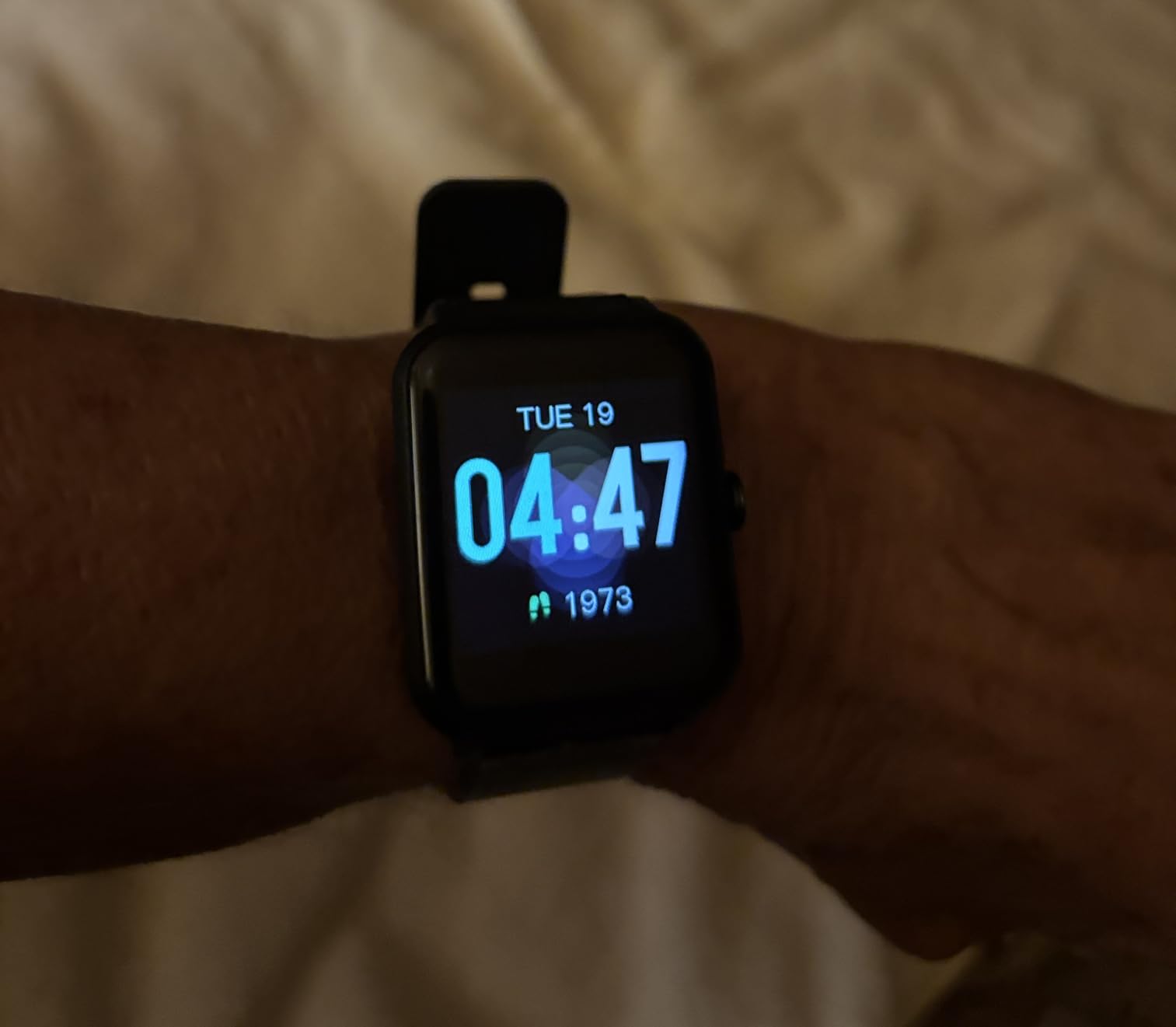
Tracking covers steps, calories, distance, activity time and sleep, with real-time heart rate monitoring and a manual blood oxygen reading on demand. It is a fitness tracker rather than a health monitor, and the distinction matters when setting expectations.
Magnetic charging takes about an hour and a half for a full charge, giving up to 7 days per cycle. IP68 waterproof means showering and swimming are both fine.

What to check before buying
Be clear about what you are giving up. There are no notifications, no calls, no messages and no fall detection. If the goal is activity and reassurance about daily movement, it delivers that with zero friction.
Check that the wearer can read the screen comfortably. It is larger than a fitness band but still a small display, and a very low-vision user may need something simpler still.
Where it falls short
This is the lowest-rated watch in our roundup at 4.0 out of 5, and the reason is the trade-off rather than a defect. Five-star reviews sit at 58 percent because people expected a smartwatch and got a pedometer.
Blood oxygen has to be triggered manually, and step and activity figures are basic estimates rather than the detailed metrics a fitness band provides.
How Fall Detection Actually Works and Where It Fails
Fall detection uses an accelerometer and a gyroscope to watch for a specific signature: a sharp spike in acceleration followed by an abrupt rotation, then stillness. That pattern matches a hard fall. The watch then plays an alarm, taps the wrist and shows a countdown asking whether the wearer is OK.
If nobody cancels it, the alert fires. The sequence is the same across devices, and understanding it explains why some watches miss real falls. A hard fall onto a hard floor produces the impact the algorithm expects. A slow slide down a wall, a stumble caught on a chair, or a faint from low blood pressure produces a much weaker signature, and the threshold may never be crossed.
That is the honest limit of every watch in this roundup, and it is why we rank the Apple Watch SE 3 first for safety rather than the Apple Watch Series 10. Detectability depends on impact, not on injury, and the four watches with fall detection are simply the only ones offering it.
False alarms are the other half of the problem. Accidental SOS presses and phantom alerts are the most common reason families turn the feature off entirely, and a disabled feature protects nobody. Anyone deploying a fall detection watch needs a five-minute test with the wearer lying on the floor on purpose, plus a plan for cancelling alerts that fire from ordinary movement like sitting down quickly.
What Happens When a Fall Is Detected: 911, a Monitoring Center or Family
There are three different response models, and the difference matters more than any sensor. A consumer smartwatch calls emergency services and notifies your emergency contacts. A dedicated medical alert watch calls a 24/7 monitoring center staffed by people who can talk to the wearer, check the situation and dispatch help.
The consumer model is faster and free of ongoing fees, but nobody picks up. The dispatcher receives a location and an alert from a device with no medical history, no medications list and no idea whether the person is on the floor or in the garden.
The monitoring center model costs a monthly subscription, and that fee is where subscription fatigue comes from. What it buys is a human being who answers, assesses and escalates, and who usually holds a profile with medical conditions and contacts filled in. For someone living alone with a documented fall history, that is the entire reason to pay.
A hybrid is a reasonable middle path. An Apple Watch or Galaxy Watch handles the immediate emergency call for free, and a monitored service provides the layer that responds when nobody is near enough to help within the golden hour.
Setting Up a Smartwatch for an Elderly Parent Before You Gift It
Nobody in our list sets a smartwatch up alone, and a watch handed over unconfigured is a watch that does nothing useful. Budget an hour with a family member present, and do it before the gift, not after.
Add emergency contacts first. On both the Apple Watch and the Galaxy Watch, the Medical ID and emergency contact fields are what a dispatcher or responder sees. Fill in heart conditions, medications, allergies and a doctor contact while you still have the manual to hand.
Enable fall detection and crash detection, then test them. Have the wearer deliberately drop the watch onto a hard floor, or lie on the floor with it, so the countdown, the tap and the notification all happen while you are watching.
Set up the caregiver side before the watch leaves your hands. Share location and activity with family members, agree who gets notified first, and set Check In timers for the walks that worry them.
Finally, do a real-world trial. Our approach for a kitchen or cooking gift is the same: if independence in daily tasks is the goal, see our guide to air fryers for seniors and our ergonomic knife picks for older hands. A device that works only under supervision is not independence, and two weeks of supervised use is the fastest way to find out.
How to Choose a Smartwatch for a Senior: 7 Criteria
Fall detection and the response model behind it come first, and if the parent lives alone with any fall history, a watch without them is a fitness tracker rather than a safety device. Only the Apple Watch SE 3, Apple Watch Series 10, Pixel Watch 3 and Galaxy Watch 4 in this roundup qualify.
Battery life is the quiet decider. A watch that charges daily needs a nightly ritual, and the moment that ritual breaks, fall detection silently stops. Garmin, Amazfit and the Galaxy Fit 3 run for 7 to 14 days, which removes the failure point entirely.
Display size and contrast matter more than the spec sheet suggests. Anything under 1.4 inches is a compromise for low vision, and the largest screens here are the Amazfit Bip 6, Tensky and Pixel Watch 3.
Connectivity decides whether it works at all. Bluetooth-only watches lose emergency features when the paired phone is in another room, which is exactly the situation fall detection exists for. Cellular models keep working away from the phone, and most families should prioritise a cellular configuration even though the listed models here vary by variant.
Water resistance is not a nice-to-have. The bathroom and the shower are where many falls happen, and any watch worn during the day should tolerate water. IP68 and 5ATM models cover it.
Ecosystem lock-in is where most buying mistakes happen. An Apple Watch needs an iPhone, the Galaxy Watch 4 needs a Samsung handset for ECG and SpO2, and the Galaxy Fit 3 is Android only. Check the phone before the watch, every time.
Comfort decides whether it gets worn. A 45mm case on a small wrist, or a supplied band that irritates skin, ends the project within a week. Try it on and let the wearer wear it for a few days before you commit. If the wider goal is making daily tasks easier rather than tracking them, our lightweight cookware sets for seniors and countertop microwaves for seniors follow the same test.
Total Cost Over Three Years: Device, Cellular Plan and Subscriptions
Consumer smartwatches have no mandatory monthly fee. The Garmin, Amazfit, Fitbit and Samsung trackers all run their heart rate, sleep and SpO2 features without a subscription, which removes the complaint that drives most low ratings in the medical alert category.
The costs arrive elsewhere. A cellular configuration needs a carrier plan for the watch line on top of the phone plan, and cellular is what keeps emergency calling working when the paired phone is out of range. That is a monthly line, not a one-time payment, and it belongs in the budget conversation from day one.
Band replacement is a smaller line people forget. The Amazfit Bip 6 and Garmin both benefit from a fresh band, and hypoallergenic straps are worth ordering at the same time as the watch rather than after skin irritation starts.
Finally, the protected comparison. A consumer watch handles health tracking and an automatic emergency call. A monitored medical alert service handles the same alert with a human on the line, for a monthly fee. Families often run both, and the honest version of that budget conversation is that the subscription buys the human, not the sensor.
Who Should Not Buy a Smartwatch
If the person has no fall risk, no heart condition and no interest in health data, a smartwatch adds a charging routine and a screen to think about for no benefit. A simple clock does the same job with none of the upkeep.
If there is moderate to advanced cognitive impairment, stop. Setup is a one-time task, but a reset, a failed update or a locked screen is a permanent problem for the owner and an ongoing problem for the family. That population is better served by a monitored service with human support.
If the person will not wear a wrist device at all, stop. Stigma and comfort are the reasons most smartwatches end up in a drawer, and no feature list fixes a refusal to put something on the wrist. Ask first, and if the answer is no, do not force it. Plenty of helpful gift ideas for older relatives sit outside the wrist entirely, such as our toaster ovens for seniors picks, which carry the same safety-first logic without a charging routine.
If nobody will own the setup and the support, stop. A watch that syncs to a phone nobody maintains will start throwing notifications nobody reads, and that is how a family learns to ignore the device.
Frequently Asked Questions
What is the best smart watch for seniors that has fall detection?
The Apple Watch SE 3 is our top fall detection pick. It includes automatic Fall Detection, Crash Detection, Emergency SOS and Check In, works with an iPhone, and scores 4.7 out of 5. In this roundup the Pixel Watch 3, Galaxy Watch 4 and Apple Watch Series 10 also have fall detection. Everything else is a fitness tracker only.
What is the best smartwatch for elderly parents?
Start with the phone the parent already owns, because ecosystem lock-in decides most of the options. An iPhone household points to the Apple Watch SE 3, a Samsung household to the Galaxy Watch 4, and a Google household to the Pixel Watch 3. If fall risk is low and health tracking is the goal, the Fitbit Versa 2 or Charge 6 are the easiest to wear and least fuss.
What is the easiest smart watch to use for seniors?
The Fitbit Versa 2 is the easiest, because there is almost nothing to configure and Alexa answers questions aloud. The Pedometer Watch is simpler still since it needs no app, phone or account, but it offers no notifications or safety features. Ease of use and safety features rarely live on the same device.
Do fall detection watches really work for seniors?
They work well for hard falls onto a hard surface, which produce the impact and rotation the sensors look for. They are less reliable for soft falls such as a slow slide, a stumble caught on furniture or a faint, where the impact threshold is never crossed. Test the feature deliberately after setup, and never treat a watch as the only safety plan.
Does a smartwatch work without a smartphone?
Most consumer smartwatches need a paired phone at least for setup, and Bluetooth-only models lose emergency features when the phone is out of range. Cellular models keep calling and location working independently, at the cost of a carrier plan. The Pedometer Watch in this roundup needs no phone at all, but it has no notifications, calls or fall detection.
How much does fall detection cost per month?
On a consumer smartwatch, fall detection itself costs nothing per month. The recurring costs are a cellular plan for the watch line and, on a dedicated medical alert service, a monitoring subscription that funds the 24/7 call centre answering the alert. That fee buys a human response, not the sensor.
Final Verdict: Our Top Pick for Seniors in 2026
The Fitbit Versa 2 is our overall choice among the best smartwatches for seniors, with the highest review volume in the group, an interface that survives low vision and a voice assistant that removes the fiddly bits. It is the watch most likely to still be on the wrist in year three.
When safety is the reason for buying, the Apple Watch SE 3 is the pick, and we would pair it with a monitored service for the response a watch cannot provide. For Android households the Galaxy Watch 4 carries the ECG and fall detection, and for anyone who wants weeks between charges the Garmin vivoactive 5 and Galaxy Fit 3 make charging a non-issue.
Whatever you choose, set it up together, test the fall alert on a real floor, and check in with the family afterwards, because a watch nobody opens is the same as no watch at all.
