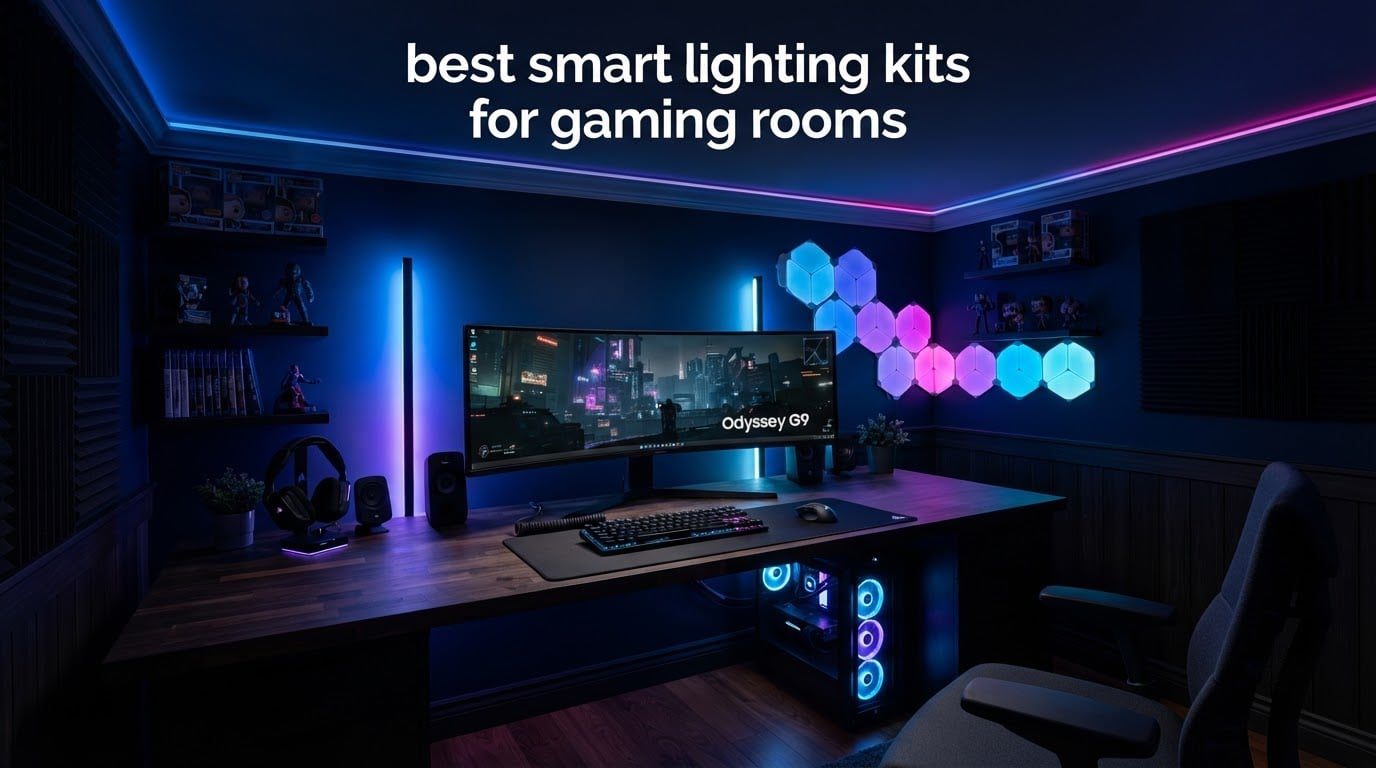
The best smart lighting kits for gaming rooms do more than add color to a wall. The right kit softens the contrast between a bright monitor and a dark room, mirrors what is happening on screen, and gives you a look you can change without leaving your chair. I have spent the last few months cycling through the ten kits below on the same desk, the same ultrawide, and the same evening schedule, and the differences between them turned out to matter a lot more than the brand names suggest.
A quick note on what counts as a kit. A true smart lighting kit bundles four things: an addressable LED light source, a controller, a phone app, and sometimes a separate hub. Single strips sold on their own tick three of those boxes. Desk light bars, wall panel sets, and TV backlight kits each solve a different room problem, and buying the wrong category is the single most common mistake I saw in the setups people sent me photos of.
If you are also rebuilding the rest of your space, our picks for under cabinet lighting and under cabinet LED lighting cover the kitchen work surfaces, which follow the same warm-versus-cool-white logic as a desk setup. Everything below is focused on the room you actually game in, and it is written for 2026 shoppers buying new.
Table of Contents
- What Is the Best Lighting Setup for a Gaming Room?
- Top 3 Gaming Room Lighting Kits in 2026
- All 10 Smart Lighting Kits Compared in 2026
- 1. Govee Smart Light Bar RGBICWW – Best Overall for Monitor Setups
- 2. Govee TV Backlight 3 Lite 11.8ft – Best for Screen Sync
- 3. Govee Smart RGB LED Strip 16.4ft – Budget Pick
- 4. Govee Glide Wall Lights – Best for Vertical Accents Beside a Desk
- 5. Lepro S1 AI Smart Strip 32.8ft – Best for Long Runs
- 6. Philips Hue Play Gradient 65 Inch – Best for the Hue Ecosystem
- 7. Govee Cube Wall Sconces – Best for a Streamer Backdrop
- 8. Nanoleaf Shapes Hexagon Lights – Best for Wall Art Panels
- 9. NIUCOO 8 Pack Hexagon LED Panels – Best Value
- 10. Cync GE Dynamic Effects 16ft – Best for Alexa Scenes
- Screen Sync vs Music Sync: What Actually Works
- How to Choose the Right Kit for Your Room
- Do You Need a Hub? Ecosystem Costs and Trade-offs
- Install Tips for Clean Cables and Paint-Safe Mounting
- Frequently Asked Questions
- Final Verdict
What Is the Best Lighting Setup for a Gaming Room?
The best lighting setup layers four things: bias light or light bars behind the monitor, a strip along the ceiling or desk edge for a wide wash, wall panels or shapes for accent, and one neutral-white practical light for actual visibility. Keep reactive sync on the accents rather than the whole room, and hold brightness low during long sessions so the monitor stays the brightest thing in the space.
That layered approach matters because RGB-only lighting cannot light a room. It looks great in a photo and leaves you squinting the moment you turn it off, which is the exact complaint r/homeautomation and r/gamingsetups owners keep posting. One dedicated task light solves it.
Top 3 Gaming Room Lighting Kits in 2026

Govee RGBICWW Light Bar
- Segmented RGBIC color with tunable white
- Music sync with no hub
- Matter support
- Versatile flat or upright mounting

Govee TV Backlight 3 Lite
- Camera-based screen color matching
- Fish-eye correction widens capture range
- RGBICW bead
- Built for 55-65 inch TVs

Govee 16.4ft RGB Strip
- 150 LEDs across 16.4ft
- Wi-Fi and app control
- 64 scene modes
- Built-in mic music sync
All 10 Smart Lighting Kits Compared in 2026
Everything below was chosen on how it performs in a gaming room specifically: segmented color, reactive modes, whether it needs a hub, and how it attaches to a monitor, desk, or wall. Prices change constantly, so use the buttons to check current listings rather than trusting a number you remember.
| Product | Specs | Action |
|---|---|---|
| Govee Smart Light Bar RGBICWW |
|
Check Latest Price |
| Govee TV Backlight 3 Lite 11.8ft |
|
Check Latest Price |
| Govee Smart RGB Strip 16.4ft |
|
Check Latest Price |
 Govee Glide Wall Lights Govee Glide Wall Lights |
|
Check Latest Price |
 Lepro S1 AI Strip 32.8ft Lepro S1 AI Strip 32.8ft |
|
Check Latest Price |
 Philips Hue Play Gradient 65 inch Philips Hue Play Gradient 65 inch |
|
Check Latest Price |
 Govee Cube Wall Sconces Govee Cube Wall Sconces |
|
Check Latest Price |
 Nanoleaf Shapes Hexagons 7 Pack Nanoleaf Shapes Hexagons 7 Pack |
|
Check Latest Price |
 NIUCOO Hexagon Panels 8 Pack NIUCOO Hexagon Panels 8 Pack |
|
Check Latest Price |
 Cync GE Dynamic Effects 16ft Cync GE Dynamic Effects 16ft |
|
Check Latest Price |
1. Govee Smart Light Bar RGBICWW – Best Overall for Monitor Setups
Govee Smart Light Bar, RGBICWW TV Lights for Living Room, Gaming, Black
Two light bars
192 light sources
2200K tunable white
Matter support
18W on 12V DC
Pros
- Segmented RGBIC color with tunable white
- Built-in mic for music sync with no hub
- Matter support for Alexa and Google Home
- Lay flat or stand upright behind a monitor
- 60+ scene modes plus DIY lighting
Cons
- Recommended for monitors under 45 inches
- Bars join with a Y-cable that adds bulk
- Brightness drops in saturated RGB
This is the kit I ended up keeping on my own desk, and it is the pair I recommend first for almost any monitor setup. Two bars sit behind the screen, 192 light sources between them, and the RGBICWW bead gives you segmented color zones plus a white range down to 2200K. That white channel is the part strips usually leave out, and it is what lets the bars fade into a warm desk glow instead of staying permanently neon.
Setup took me about ten minutes with no hub at all. The built-in microphone handles music sync, and Matter support means Alexa and Google Home can turn it on by voice once it is in a room group. If you already own a wall panel kit from the same brand, the app will group them together so the whole room moves as one.
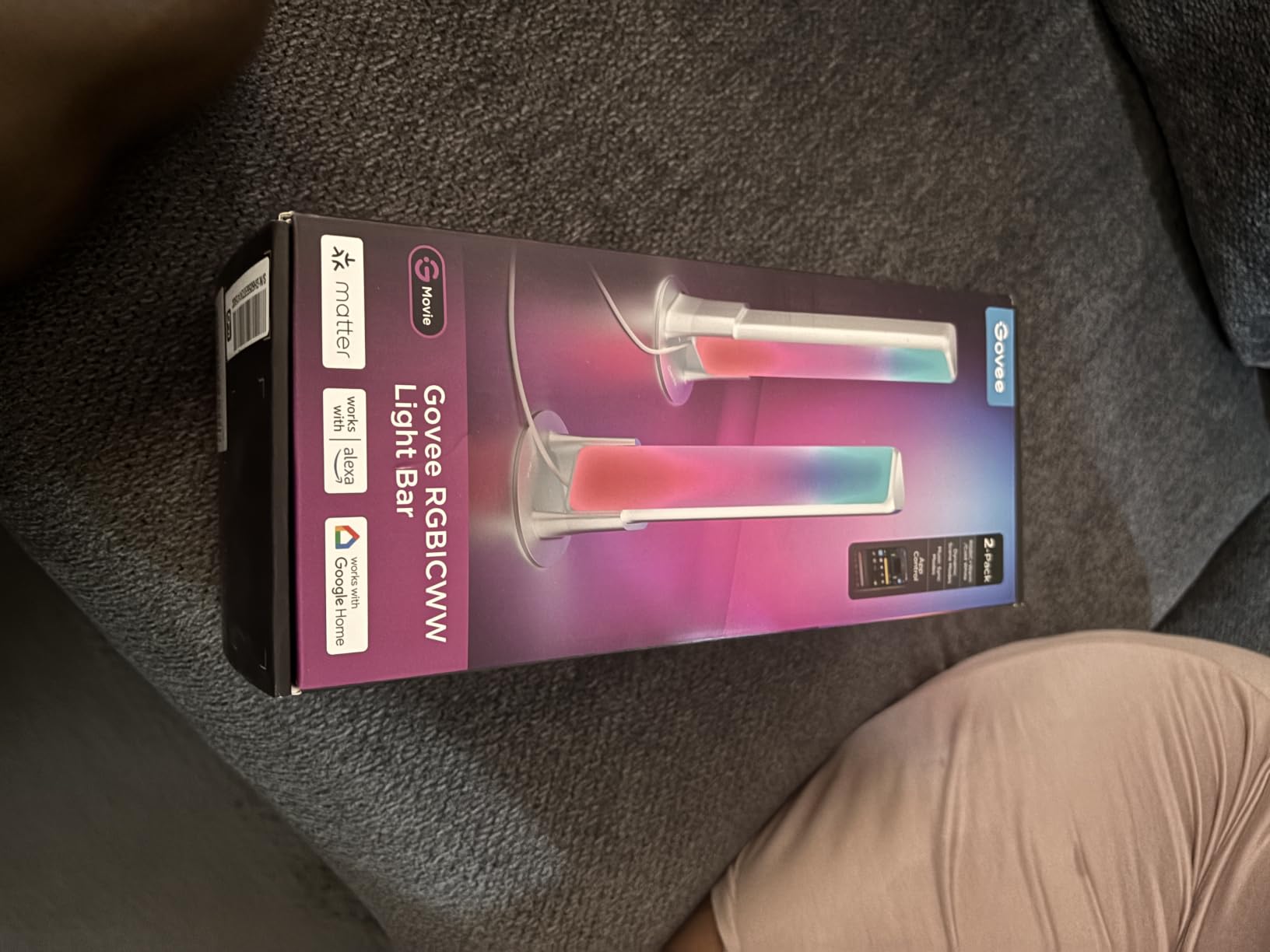
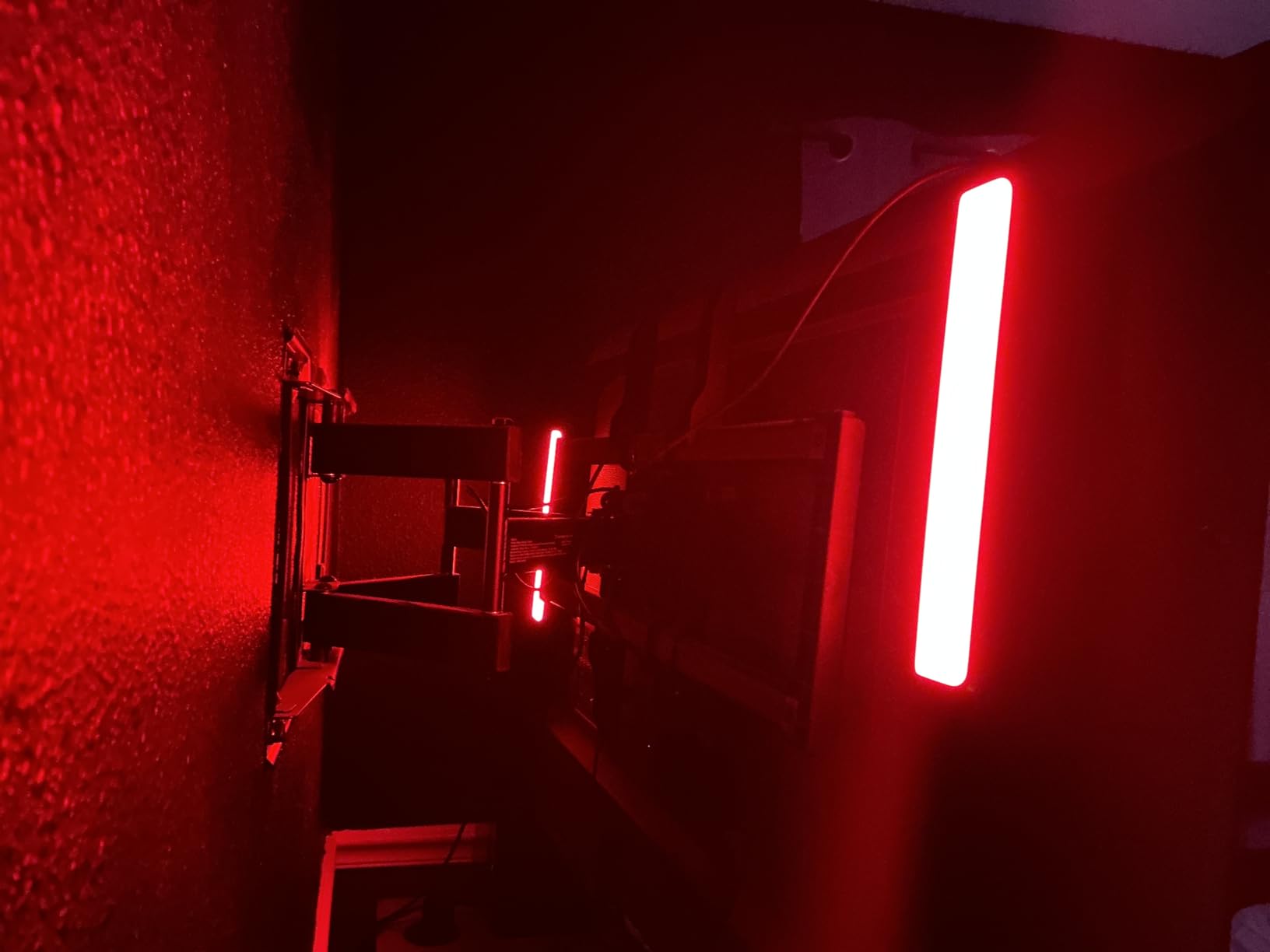
The mounting options are genuinely useful. Each bar has a table bracket and a screen bracket, so you can lay them flat, stand them vertically, or tuck them behind a panel. Owners consistently report brighter, more accurate output than they get from a comparable strip, and it holds the highest average rating in this group at 4.6 across more than seven thousand reviews.
The honest limit is size. These are recommended for monitors under 45 inches, and on anything larger the bars stop spanning the display and the effect flattens. The second limit is the Y-cable that joins the two bars, which adds a little bulk behind the stand and is the first thing you notice when you are cable-managing at the back of the desk.
What works well about it
Segmented color means a gradient can spread across each bar rather than washing the whole length in one flat color, which is why it reads as a backlight rather than a glow. The tunable white range is the sleeper feature: at 2200K the bars become a warm practical light for evening sessions, and the music sync runs off a built-in mic so there is nothing extra to buy.
Where it falls short
Brightness is noticeably higher in white than in saturated color, so a deep red or blue scene will look dimmer than the same scene set to white. If your monitor is a large ultrawide, size this one out carefully before committing, and plan a route for the joining cable before you mount.
2. Govee TV Backlight 3 Lite 11.8ft – Best for Screen Sync
Govee TV Backlight 3 Lite, 11.8ft LED Strip Lights Sync with 55-65 Inch TVs
11.8ft strip
108 RGBICW LEDs
Camera-based screen match
55-65 inch TVs
24W on 12V DC
Pros
- Screen sync works with any content and no compatibility limits
- Fish-eye correction widens the camera capture range
- RGBICW bead adds a cleaner white and higher pixel density
- Camera hangs stably on ultra-thin TVs
- Alexa and Google Assistant with 99+ preset effects
Cons
- Color match can miss on orange and light blue scenes
- Camera may not capture the full picture on 65-inch screens
- Calibration and adhesive are built for one TV
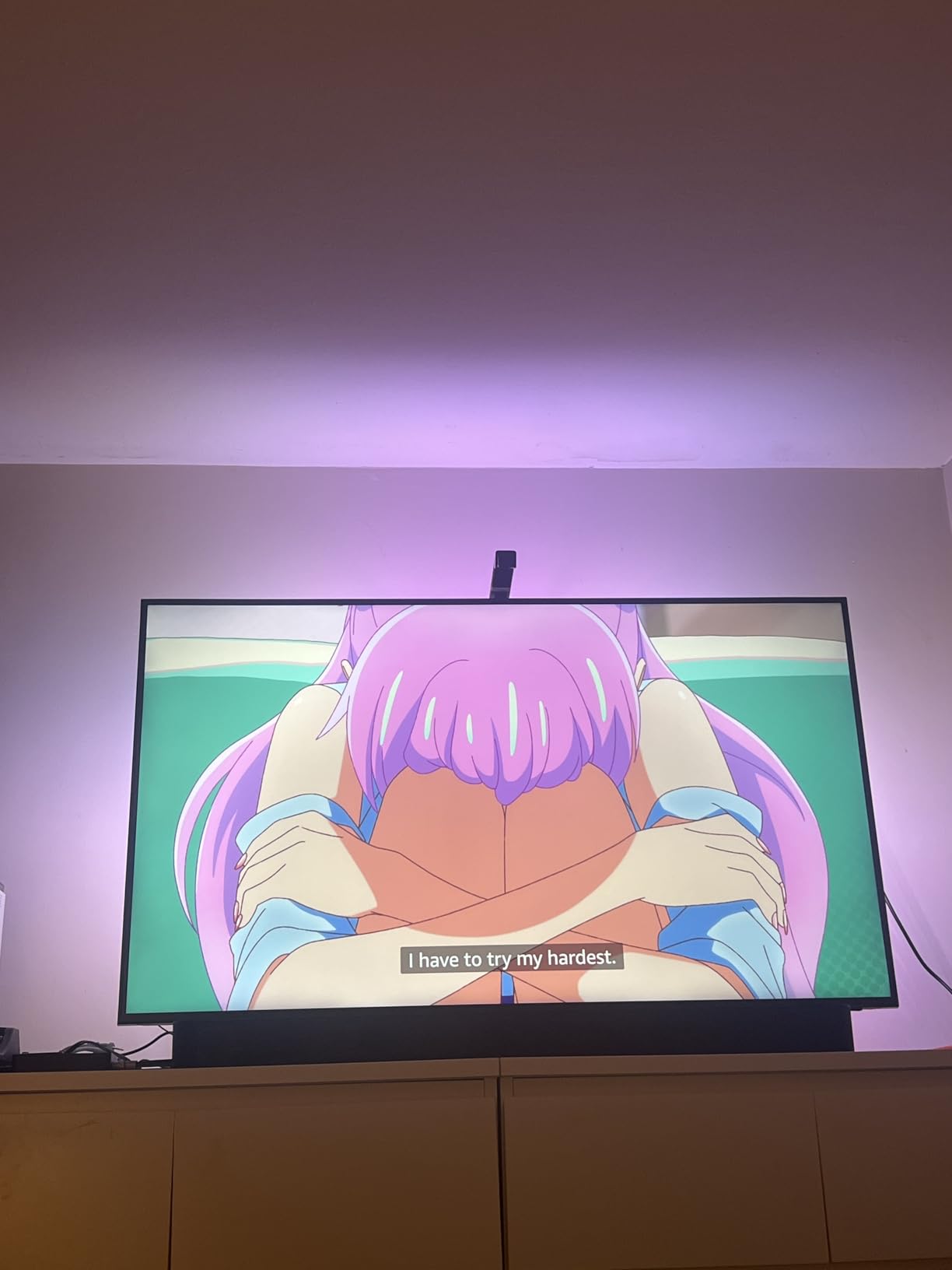
This is the only kit in the group that syncs to what is actually on the screen, and it does it with a small camera rather than a capture card or HDMI splitter. The 11.8ft strip, control box, adapter, and camera clamp to the back of a 55 to 65 inch display, and the camera reads the picture so colors follow the scene. That makes it the closest thing here to true screen-content sync without extra hardware.
Calibration is the part that decides whether you like it. The camera needs a clear view of the screen, and a couple of owners found that on 65-inch sets the frame does not capture the entire picture during setup, which is a fair complaint on the largest displays. The upgraded fish-eye correction does widen the effective range, and the gravitational hanging design keeps the camera stable on thin panels.
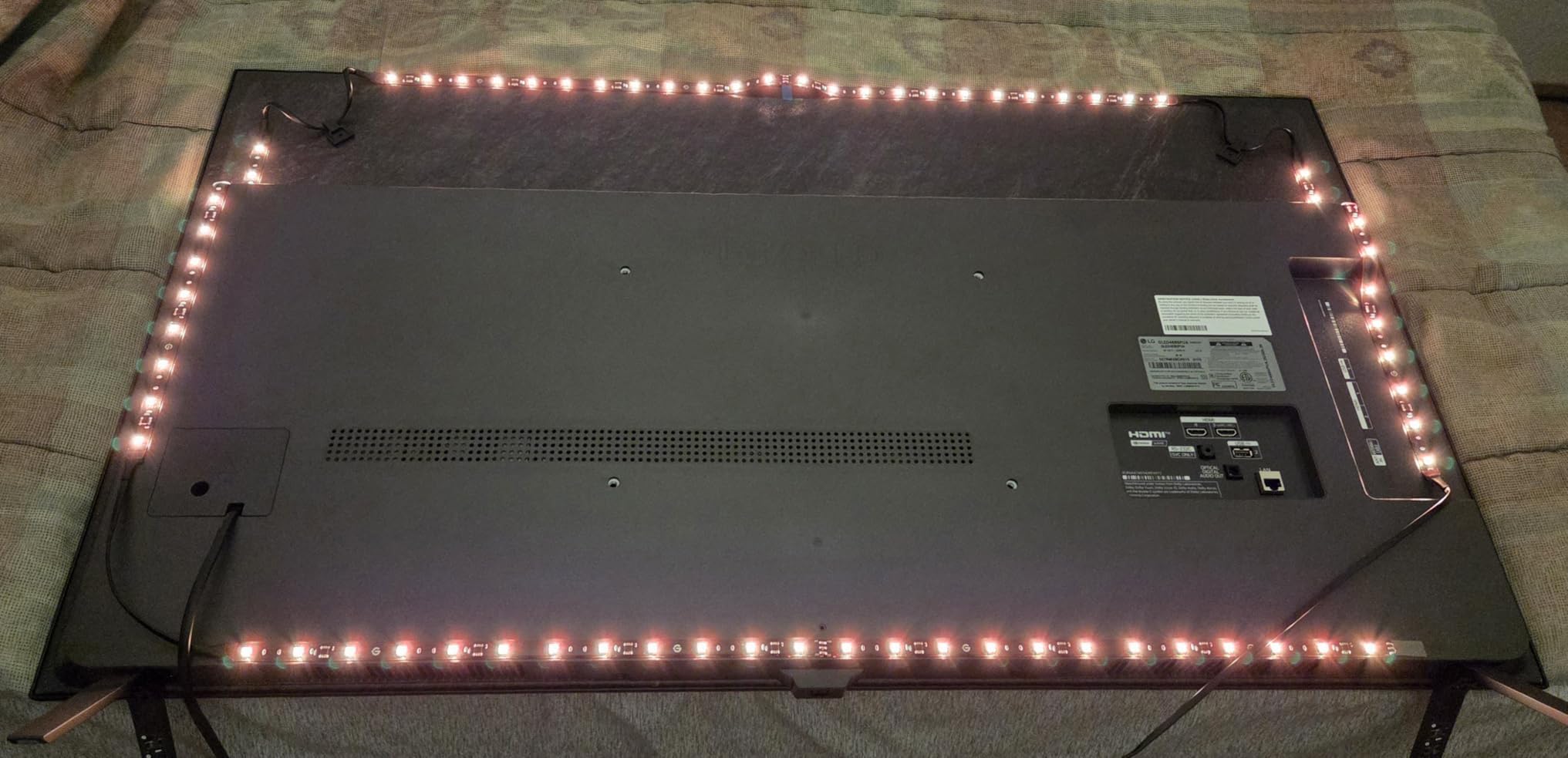
What sold me on this one is the four-in-one lamp bead. Adding a warm white channel to the RGBIC mix gives a purer white and higher pixel density than a standard RGB strip, so the bias light behind a monitor looks even rather than blotchy. It also handles blank screen detection, and you can add up to seven sub-devices so the effect spreads to other parts of the room.
The honest catches are practical. Color matching occasionally misses, most often on orange and light blue scenes, and because the calibration markers and adhesive are laid out for a single TV, moving the kit to a new display is awkward. A few owners also report the strip turning off mid-viewing before it recovers.
Who will like it most
If you play on a TV rather than a monitor, this is the one. Screen sync across movies, racing games, and cinematics looks fantastic once calibrated, and the black bar elimination option keeps letterboxed content from leaving dead zones. The fisheye-corrected camera means it works on a large screen without extra capture hardware.
Where it falls short
This is a single-purpose install, so treat it as a TV accessory rather than a room lighting kit. It will not light your desk, and moving it to a second screen means redoing calibration and adhesive. If your display is 65 inches, test the camera coverage before you commit.
3. Govee Smart RGB LED Strip 16.4ft – Budget Pick
Govee Smart RGB LED Strip Lights 16.4ft, Work with Alexa, Google Assistant
16.4ft strip
150 LEDs
Wi-Fi app control
64 scene modes
18W on 24V
Pros
- Works with Alexa and Google Assistant
- Govee Home app includes DIY mode and timers
- Built-in mic syncs to music
- 150 LEDs give even light across a gaming room
- Kit includes an adapter plus support clips
Cons
- Adhesive needs a clean dry surface to hold
- Indoor use only
- Control depends on Wi-Fi with no separate hub
This is the strip most people end up owning, and after using it I understand why. It is a 16.4ft run of 150 LEDs with Wi-Fi control, 64 preset scene modes, a DIY mode, and a timer function in the app, and the box includes an ETL listed adapter, strong adhesive, and five support clips. That combination of a long run and a large review base makes it the safest first purchase in this category.
Voice control works through both Alexa and Google Assistant, and the built-in microphone syncs to music without a hub. The AI Lighting Bot turns a description into a custom lightshow, which sounds like a gimmick until you use it to rebuild a scene in seconds instead of tapping through menus.
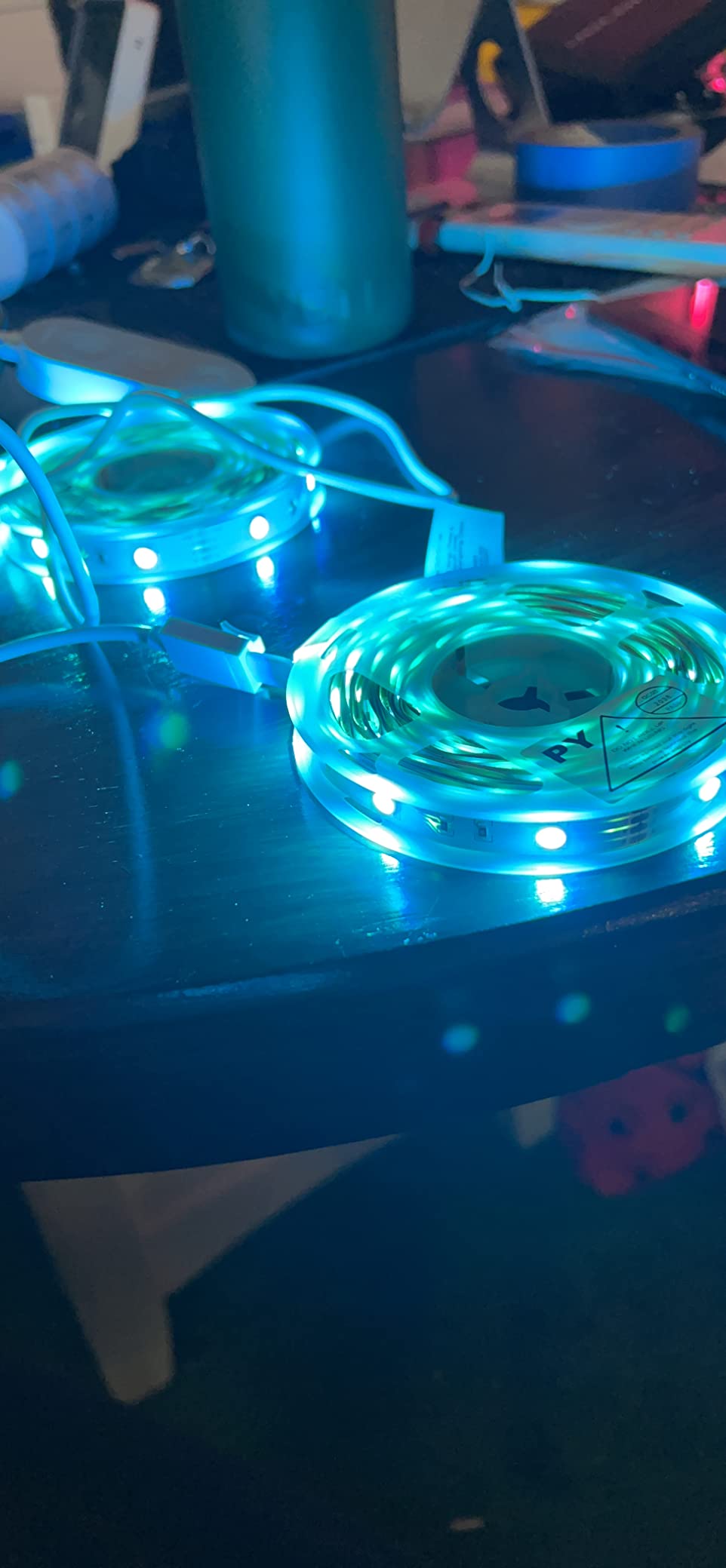
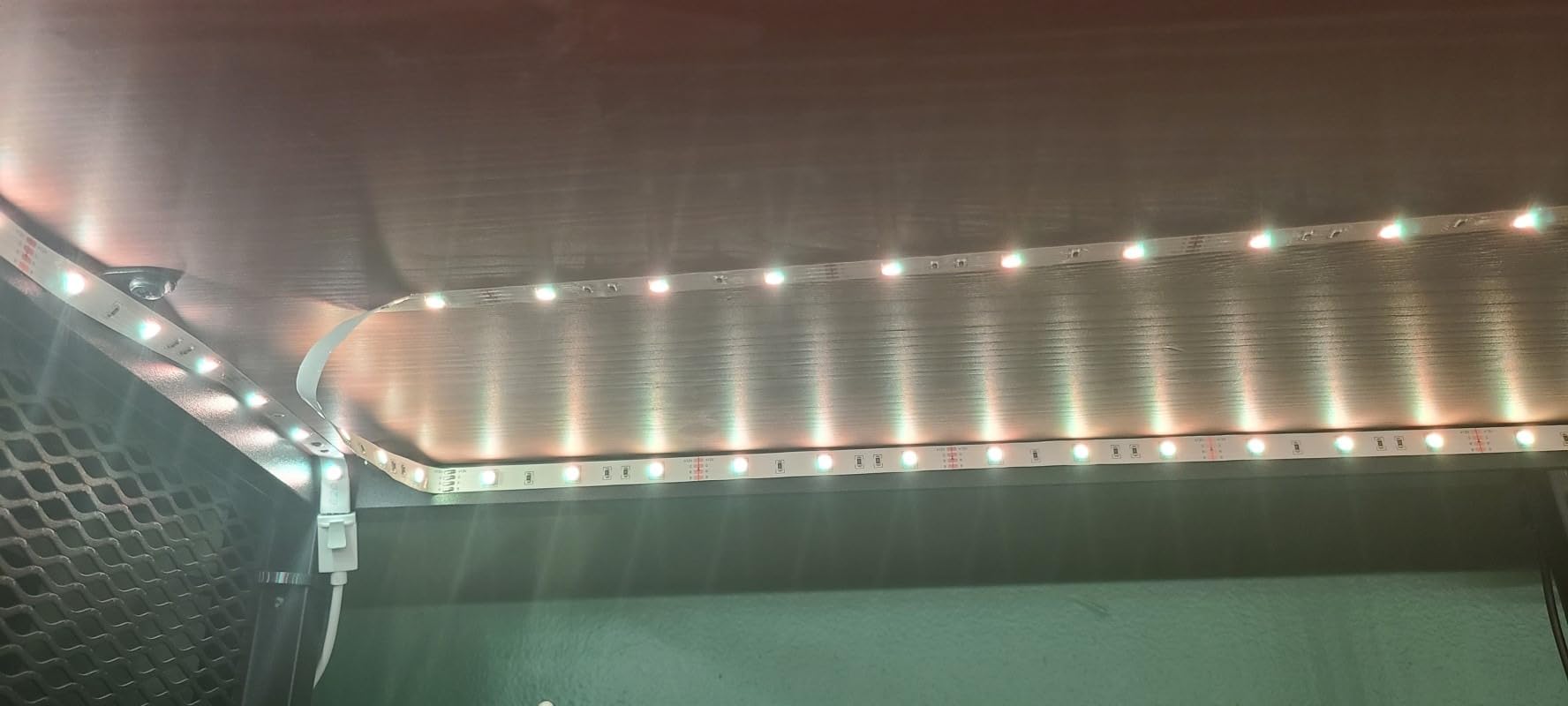
Where it fits best in a gaming room is along a ceiling edge, the underside of a desk, or the back wall rather than directly behind a monitor. A single-zone strip like this cannot do segmented gradients, so the light is one color at a time along its length. That is fine for a wash and unsatisfying if you were expecting a backlight effect.
Two practical notes from long-term owners. The adhesive only performs when the surface is clean and completely dry, and there is a recurring pattern of people discovering that in the wrong conditions. It is also an indoor product, not water resistant, so keep it away from anything damp.
Why it earns its place
Nothing else in this list gives you this much run for the effort of a single install, and 150 LEDs spread over 16.4ft means the glow is even rather than dotted. If you want one kit to cover a ceiling perimeter and a desk edge, this is the most efficient way to do it. Reviewers rate brightness and app control as the two standout strengths.
Where it falls short
Single-zone color is the big one, and it is a design limit rather than a fault. Control depends on your Wi-Fi network, so a flaky router means lights that ignore commands. Plan the adhesive surface carefully before you peel anything.
4. Govee Glide Wall Lights – Best for Vertical Accents Beside a Desk
Govee Glide Wall Lights, Smart Gaming Light Bar, Works with SmartThings
Six light sections
24 colors at once
11 music modes
64+ scenes
Wi-Fi and Bluetooth
Pros
- RGBIC shows several colors at once in flowing effects
- Snap-together sections for vertical or horizontal layouts
- 11 music modes react to audio
- Velcro and adhesive hold firmly on smooth surfaces
- Works with SmartThings and Alexa
Cons
- Rigid panels limit where they can be routed
- Segment connectors slip apart once joined
- No Apple Home support
These are the kits I used to reach for when a room needs light on the wall beside a desk rather than behind a screen. The set is six light sections across two panels, and each section measures 37.6cm long, so a pair mounted vertically lights a column of wall next to the monitor. That vertical placement is what makes them read as architecture instead of as another strip.
RGBIC technology shows up to 24 colors at once in flowing effects, which is a genuine step up from a single-zone strip. There are 11 music modes, 64-plus scene modes, DIY mode, and the AI Lighting Bot, all handled from the Govee Home app over Wi-Fi or Bluetooth, and it works with SmartThings as well as Alexa and Google Assistant.
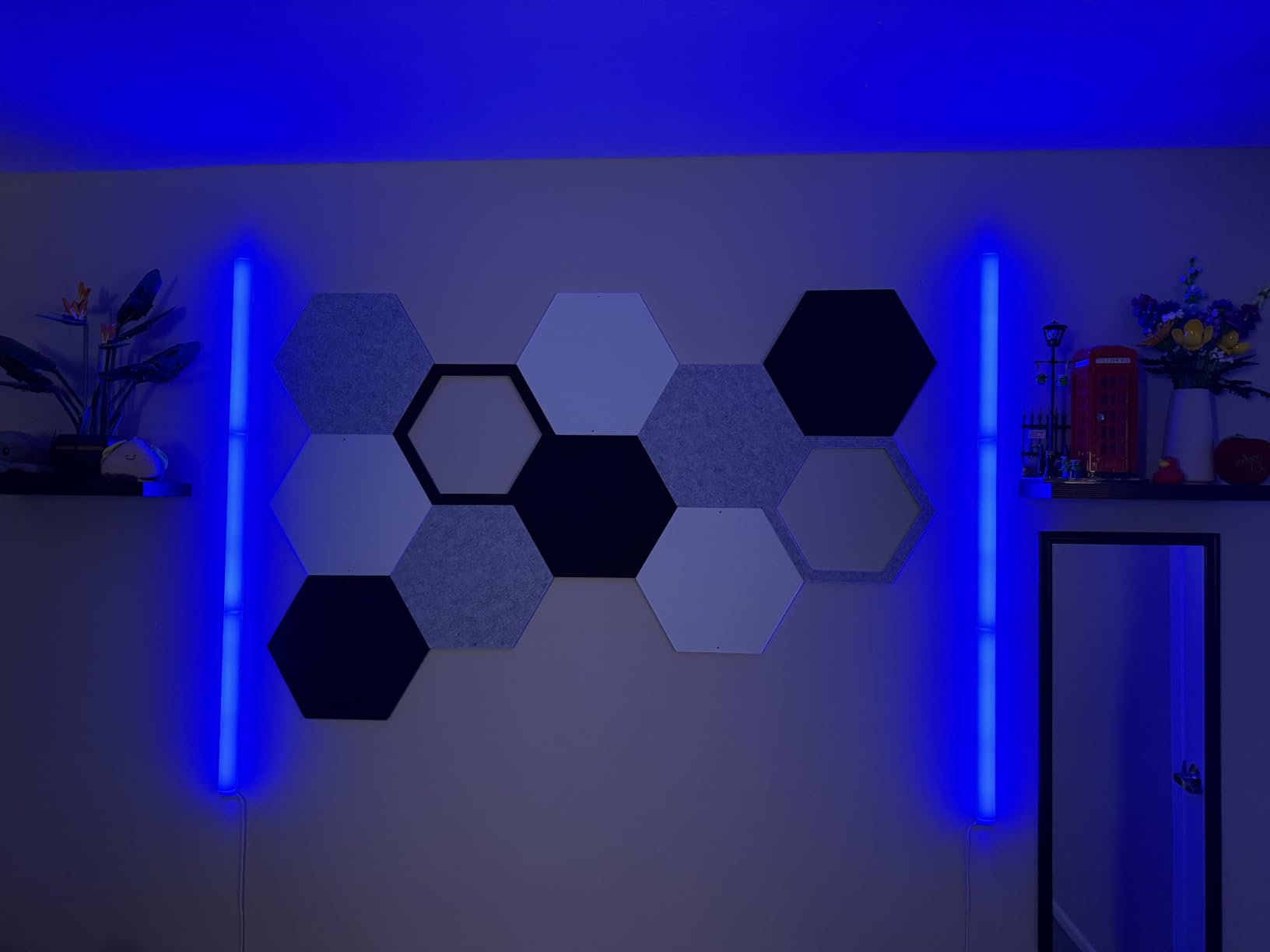
Installation is simple: the box includes velcro and adhesive, and the sections snap together, so you can reconfigure a layout in minutes without touching paint. The catch is that the sections are rigid, so you cannot curve them around a corner or run them along a ceiling the way a strip can.
Reviewers also mention connector slippage once sections are joined, and a few report durability concerns with the light sections over time. The other limitation is Apple Home, which this kit does not support. If your home is Apple-based you will be using the Govee app rather than Siri or HomePod.
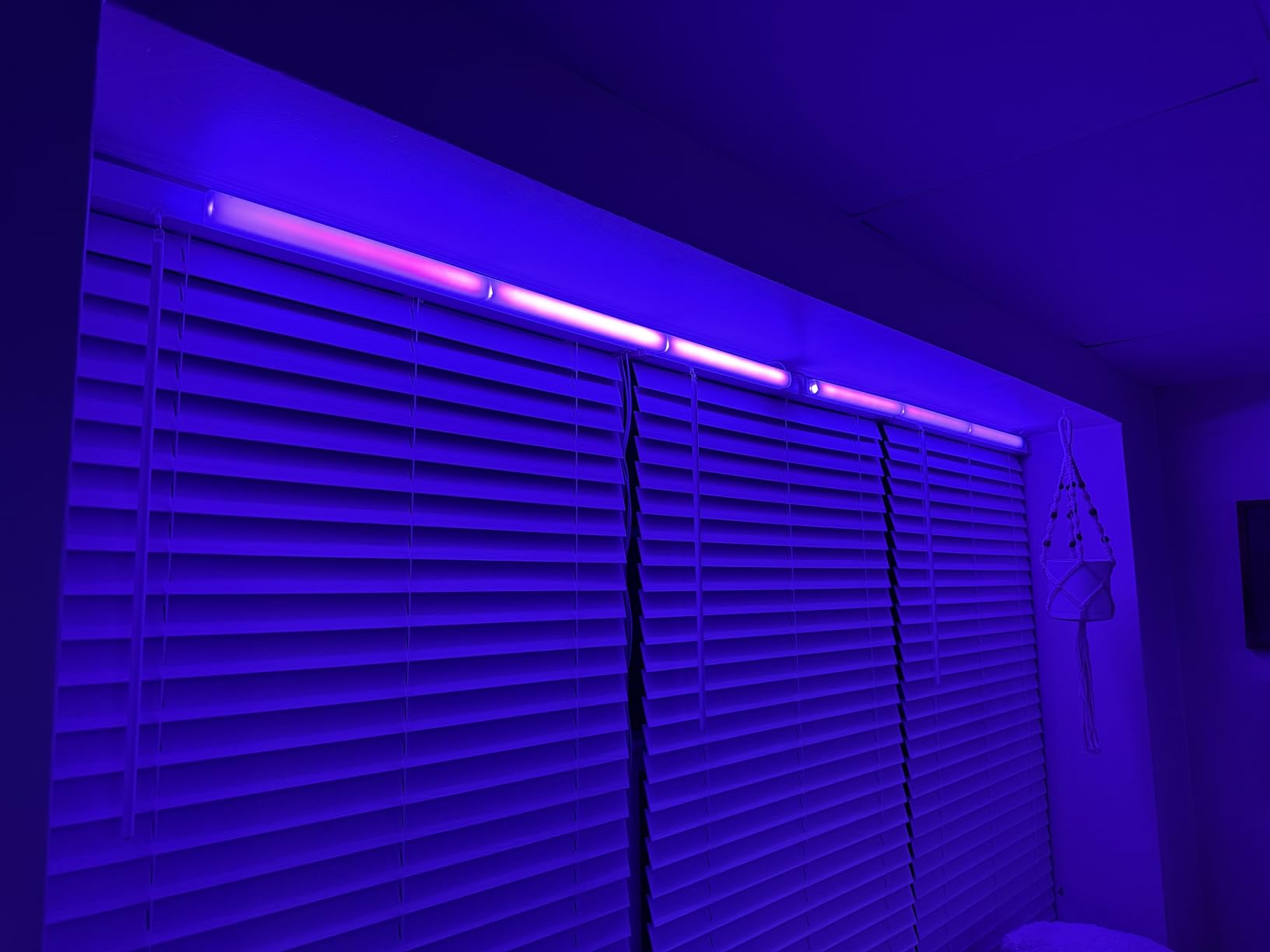
Best for small and awkward walls
These suit dorm rooms and tight setups where a strip cannot physically fit, and the vertical column effect pairs well with a floating desk. Because the lighting faces outward, they add visible light to the room rather than sitting behind a monitor. SmartThings support is a bonus if you already run that platform.
Where it falls short
Rigid geometry rules out ceilings, desks, and tight radii. Give the snap connectors a firm push until they click, and if you are buying for Apple Home, look elsewhere.
5. Lepro S1 AI Smart Strip 32.8ft – Best for Long Runs
Lepro S1 AI Smart LED Strip Lights with IC 32.8FT 2.4G WiFi Bluetooth
32.8ft strip
300 LEDs
2.4GHz Wi-Fi and Bluetooth
LightGPM 4 AI tools
Per-segment DIY
Pros
- Longest run here at 32.8ft with 300 LEDs
- LightGPM 4 learns preferred colors and effects
- Turns a photo or poster into a room theme
- IC-equipped strip shows multiple colors at once
- LightBeats music sync reacts to track rhythm
Cons
- Works only with the Lepro app and not Smart Life
- No remote control is included so the app is required
- Strip cannot be cut so length must be chosen up front
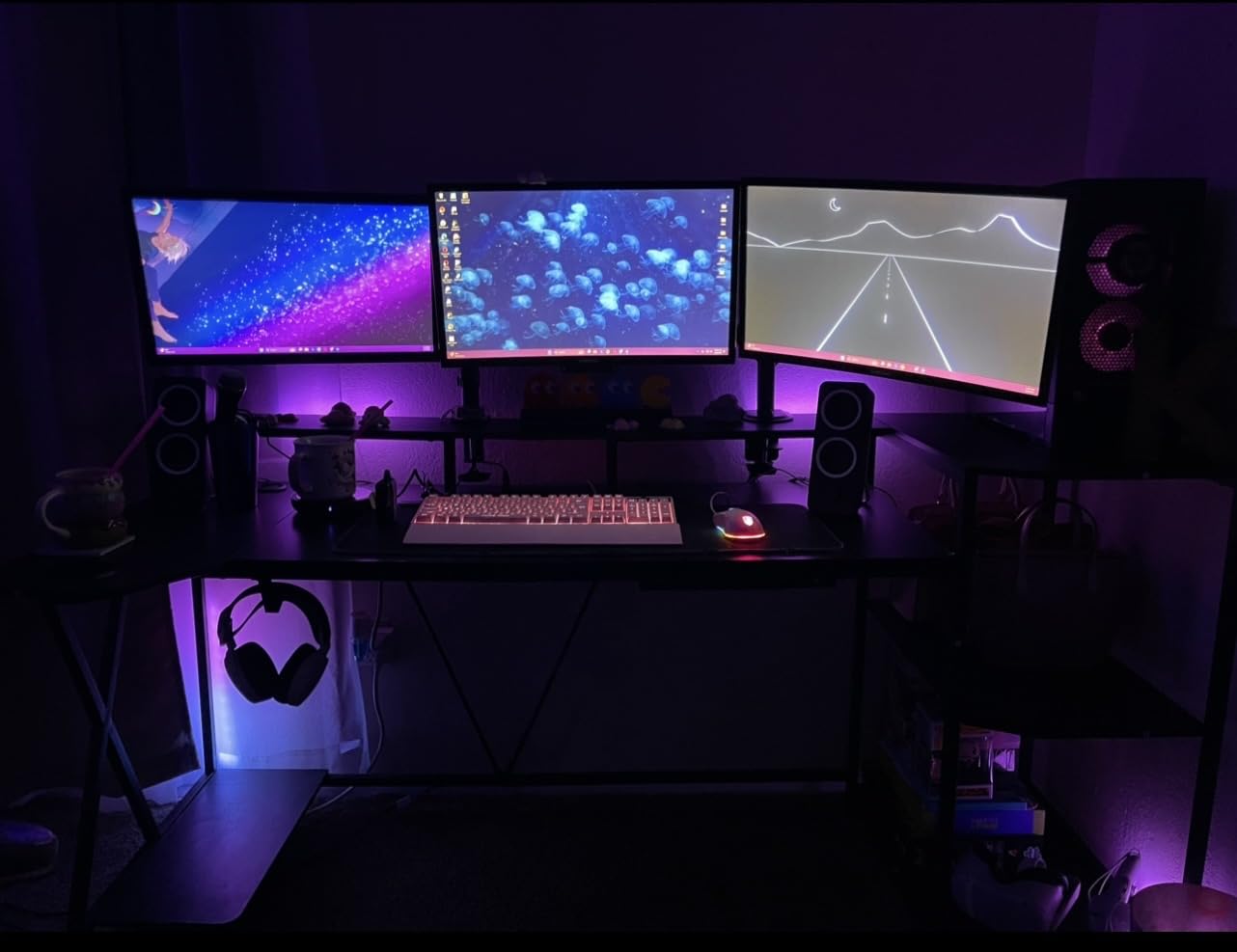
When I want to outline an entire room in one run, this is the strip I reach for. Thirty-two point eight feet with 300 LEDs is nearly twice the length of a typical 16ft strip, which means a full ceiling perimeter or a wrap around three walls without a second controller. Draw 18W and it stays in the same power envelope as the shorter kits.
The unusual part is the AI design layer. LightGPM 4 learns the colors and effects you like and applies them later, and the photo feature will theme a room from a snapshot, a movie poster, or a game character. Per-segment DIY control, a rainbow chasing effect from the in-strip IC, and LightBeats music sync round out a genuinely different feature set.
Connectivity is 2.4GHz Wi-Fi plus Bluetooth, and voice control runs through the Lepro app rather than a separate remote. Installation uses adhesive plus provided screws and clips, which is unusual for a strip and useful on a surface where tape alone worries you.
The catch is ecosystem lock-in. This strip works only with the Lepro app, not Smart Life or Lampux, so you cannot group it with an existing mixed-brand setup. There is no remote in the box, and the strip cannot be cut, which means you choose your length once and live with it.
What makes it different
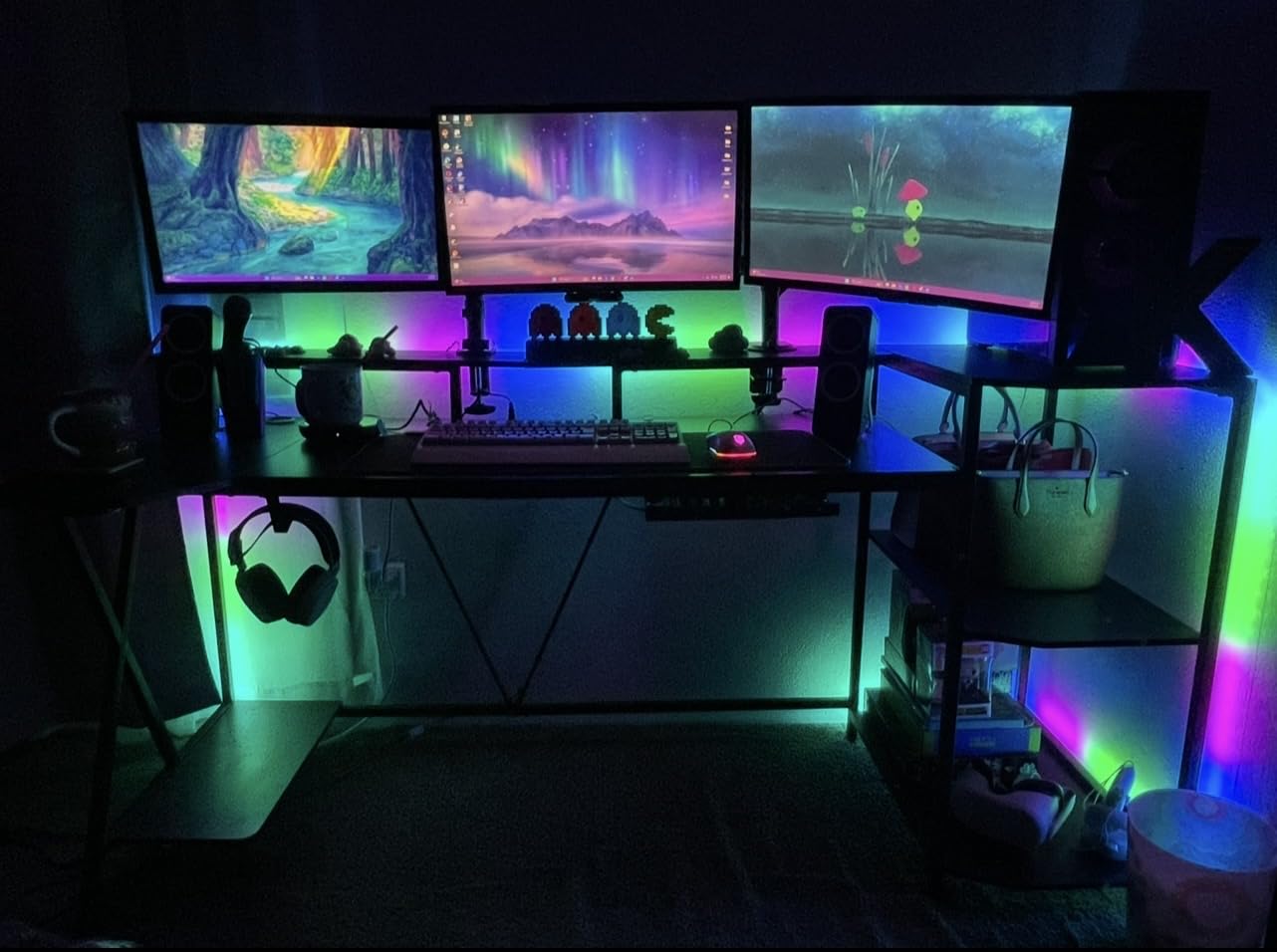
The length is the whole point, and it is what lets you light a whole ceiling or a stairwell run in a single continuous color. The AI design tools are the closest thing here to a lighting designer in your pocket, and the photo theme feature gives streamers a fast way to match a backdrop to a game.
Where it falls short
App lock-in is real, so plan to run the Lepro ecosystem rather than mixing. Measure twice: the strip cannot be shortened, and it is an indoor product with no water resistance.
6. Philips Hue Play Gradient 65 Inch – Best for the Hue Ecosystem
Philips Hue Play Gradient 65″ Smart TV Light Strip, Flowing Color-Changing LED Strip Lights, Multicolor TV Backlight Sync with Music and Gaming, Requires Bridge & Sync Box, Control with App and Voice
65-inch gradient strip
Warm-to-cool white and color
Zigbee mesh
20W
Two-year warranty
Pros
- Flowing multi-color gradient in a single strip
- Zigbee mesh is dependable inside the Hue ecosystem
- Bendable mounts wrap around TV corners
- Hue app gives deep control over screen reactions
- Works with Alexa and Google Assistant
Cons
- Bridge and Sync Box sold separately and required for sync
- Zigbee rules out direct Wi-Fi control
- Strip length is matched to one TV size
This is the premium end of the list and the only kit here built on Zigbee, which changes how you set it up completely. A Hue Bridge and a Sync Box are both required for TV, music, and gaming sync, and both are sold separately. In return you get the smoothest flowing gradient of any kit here, with warm-to-cool white in the same strip, and a two-year manufacturer warranty.
Reliability is the argument for Hue, and r/Nanoleaf owners make the same point in different words: the Hue ecosystem simply keeps responding. Zigbee mesh means the lights hold their connection, and the app is polished in a way most competitor apps are not. Owners inside the ecosystem also like how deep the customization goes on how lights react to screen content.
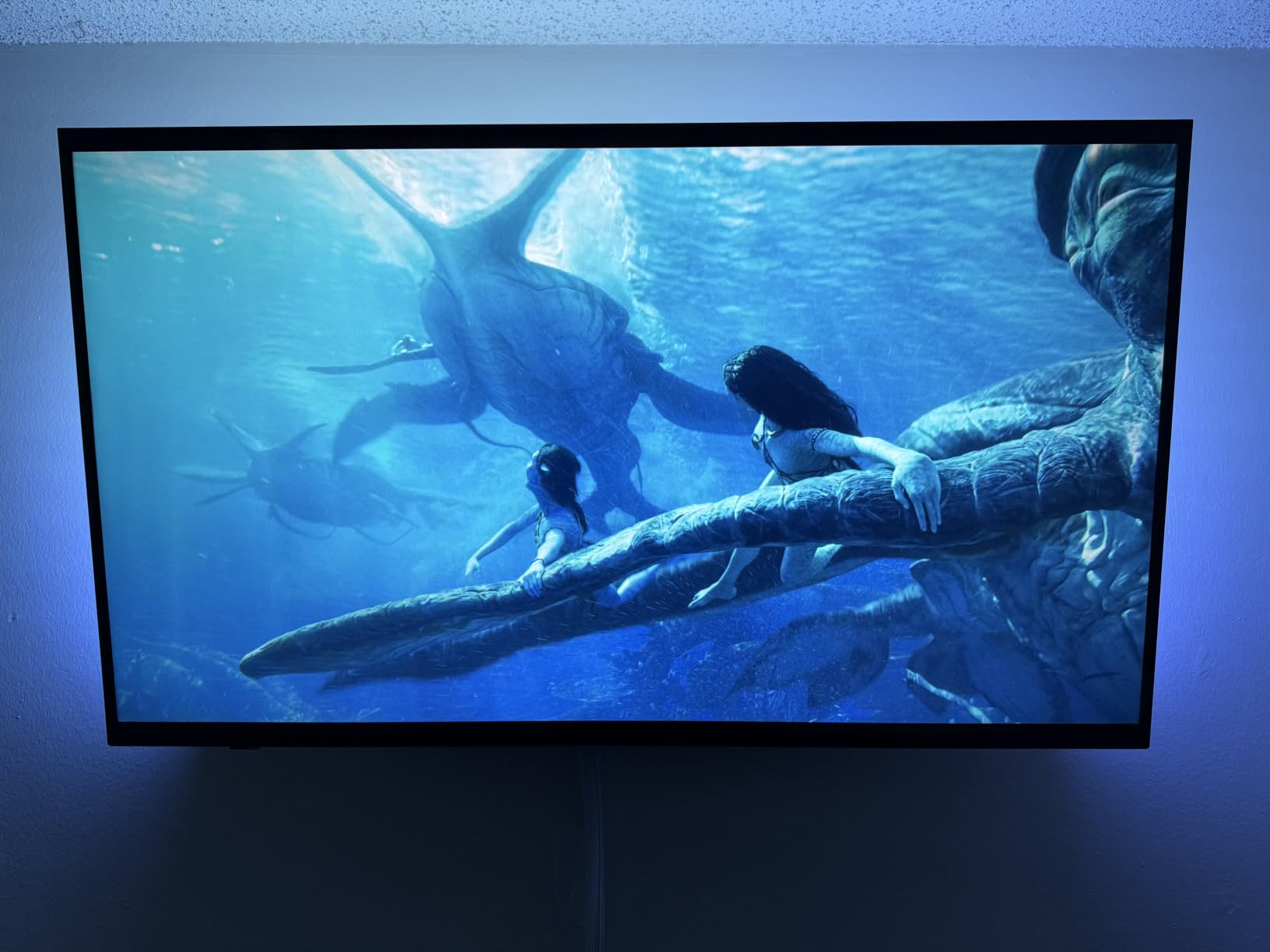
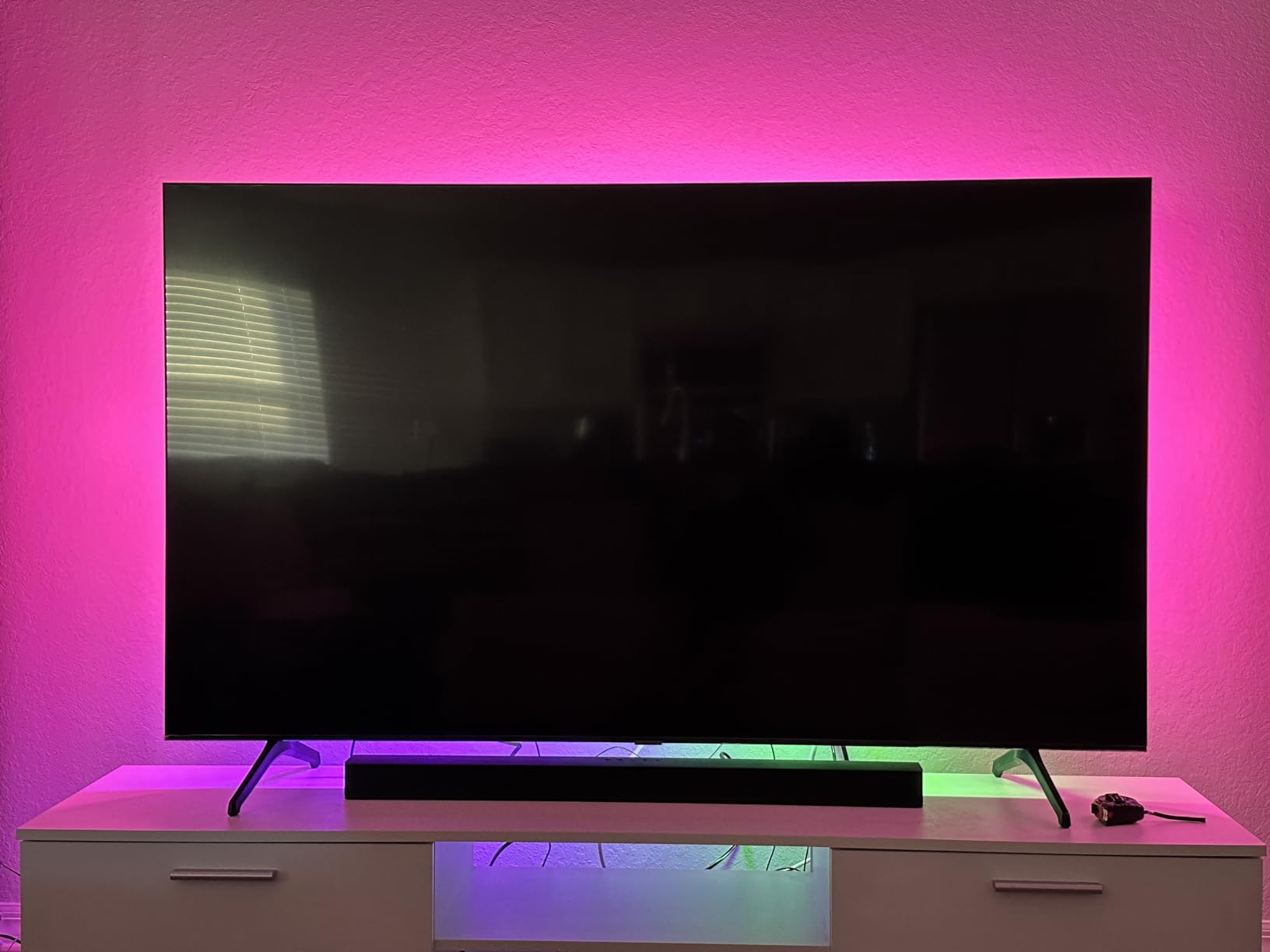
The mounting brackets are a small piece of good design. They let the strip bend around TV corners, which matters on a wider set where a straight strip would pull away from the frame. Voice control through Alexa and Google Assistant is set up in the Hue app once your Bridge is running.
The costs are real. Without the Bridge and Sync Box the strip is a very expensive light, Zigbee means it cannot be controlled directly over Wi-Fi like the hubless kits here, and the strip is sized to a specific TV width, so it does not travel to a new setup. That is why this is my pick for Hue owners and a harder sell for anyone starting fresh.
Who should buy it
If you already run Hue lights throughout the house, the Bridge is already on your network and this becomes a much better purchase. The gradient effect is the smoothest in the group, and a two-year warranty is longer than most kits listed here offer.
Where it falls short
Count the Bridge and Sync Box in your total before buying anything. Zigbee removes Wi-Fi control, size-specific lengths limit reuse, and the 4.2 average reflects frustration from buyers who expected sync features to work out of the box.
7. Govee Cube Wall Sconces – Best for a Streamer Backdrop
Govee Cube Wall Sconces, RGBIC LED Wall Light Works with Alexa, 15ft
Six cube sconces
150 lumens dimmable
27-90cm adjustable spacing
50 preset effects
12V DC
Pros
- RGBIC wall wash with 16 million colors
- Cable spacing adjusts to fit your wall
- Up and down lighting suits most decor styles
- Pairs with a Govee TV backlight for a full-room effect
- AI Bot 2.0 turns text or photos into effects
Cons
- Assembly is tedious because of the internal cable reels
- Output is subdued for room-filling light
- Fewer effects than other Govee lines
Cube sconces look completely different from a strip, which is why they end up on camera in a way a wall wash never does. You get six cubes, a control box, a power adapter, 18 mounting brackets, 12 screws, six cable clips, and a manual, and the adjustable cables let you set the gap between two cubes anywhere from 27cm to 90cm to match your wall.
Output is 150 lumens of dimmable light with up to two meters of wall wash, and the up-and-down throw works with most decor styles. RGBIC multicolor lighting, 16 million colors, and 50 preset effects sit behind the AI Bot 2.0, which turns words, text, or a photo into an effect. Several owners pair it with a matching TV backlight for a full-room look.
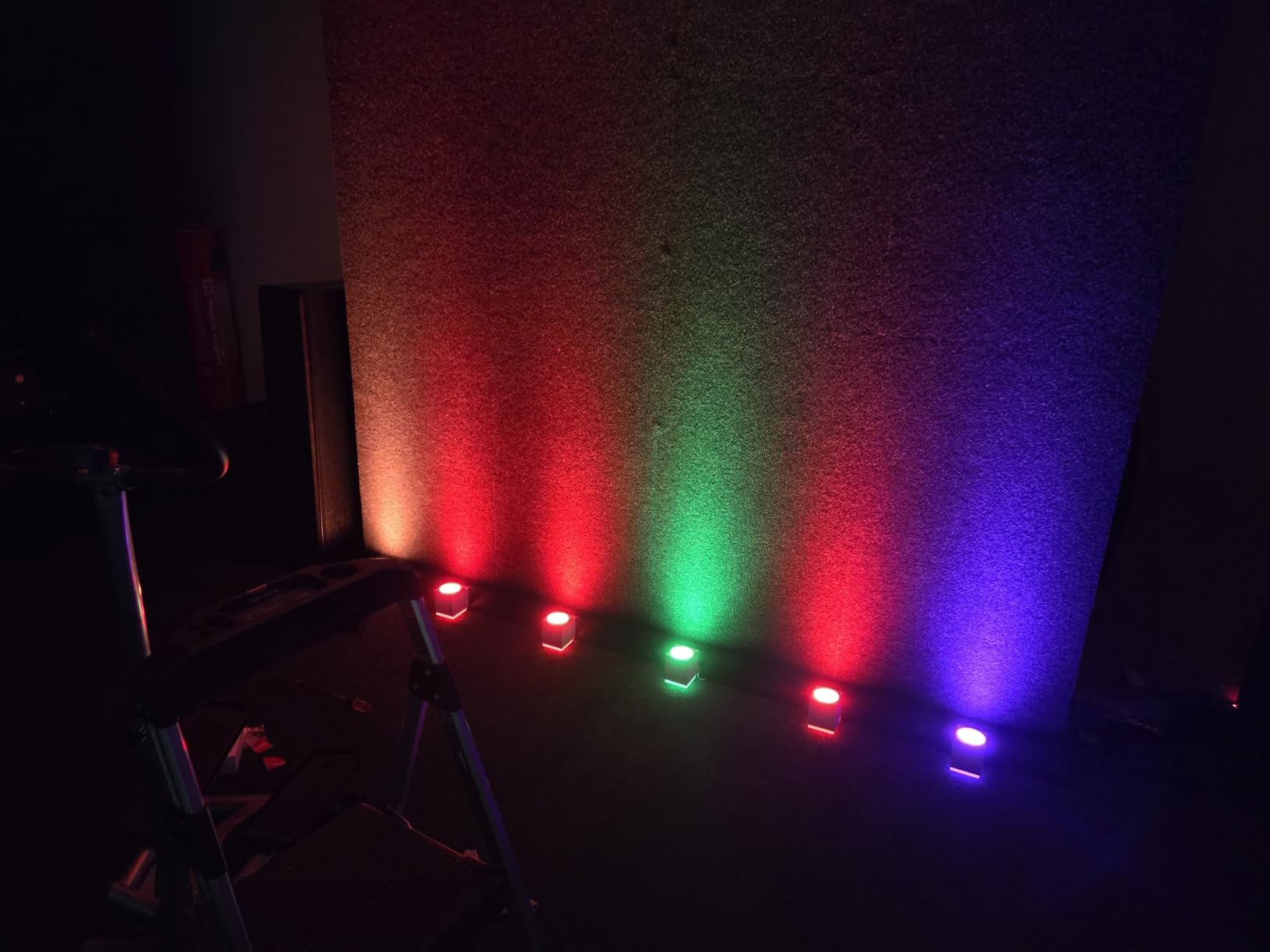
My honest reaction to the assembly was frustration. The internal cable reels are genuinely difficult to turn, and the instructions are poorly written enough that people end up looking for outside setup guidance, which is exactly the friction I expect from a kit with a smaller review base than the rest of this list.
On brightness, 150 lumens is an accent light, not a room light. It looks good on camera and adds color to a wall, but if you expect it to brighten a room it will disappoint. A few owners also note fewer effects and some color mismatches compared with the brand’s other lines.
Where it earns its place
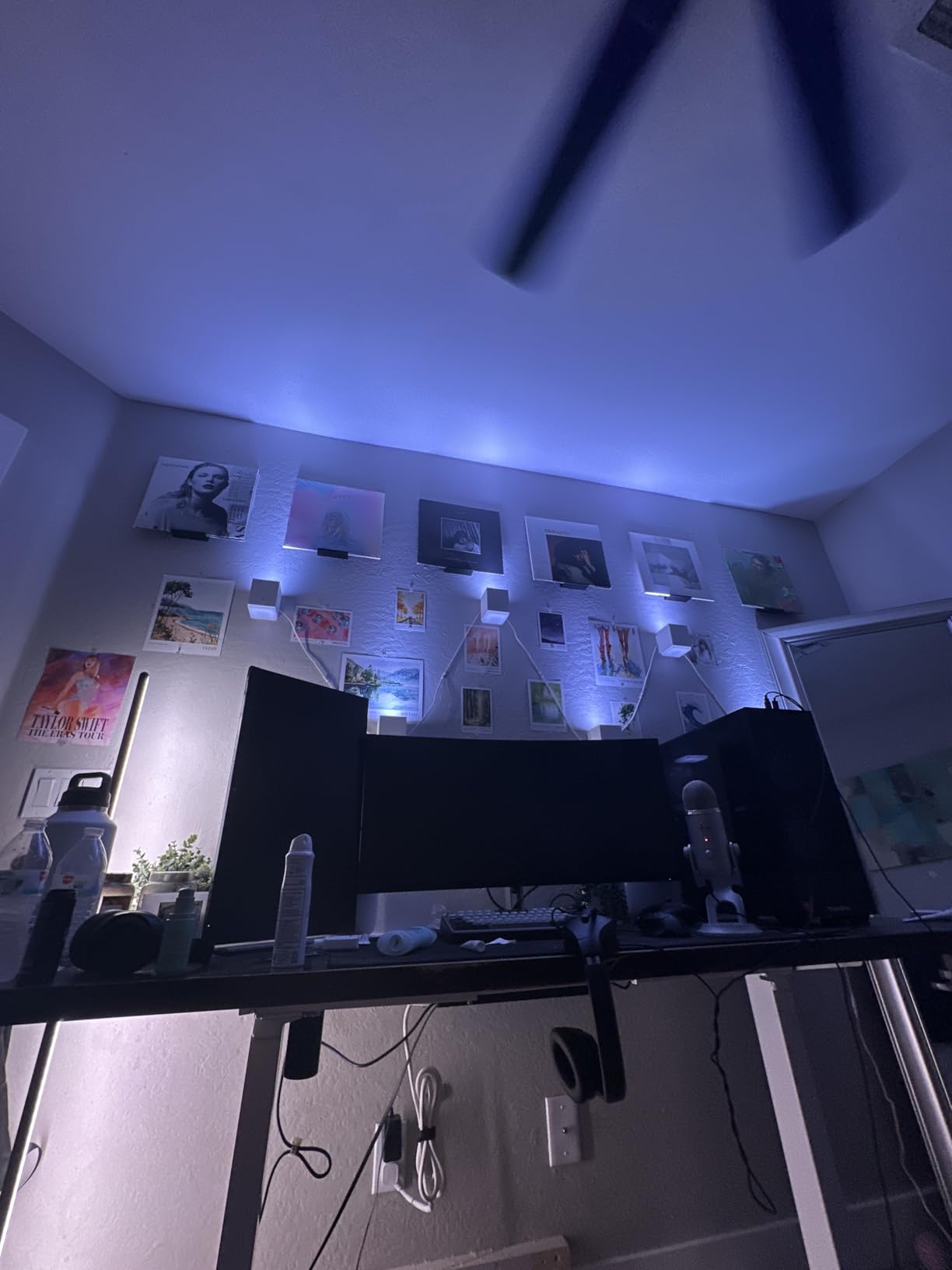
Streamers and content creators get the most from this one, because cubes read as deliberate decor in a camera frame rather than as ambient glow. The adjustable spacing means you can match a specific wall width, and the control box and cable clips keep the run tidy.
Where it falls short
Allow unhurried time for assembly and expect to need the screws and brackets rather than relying on adhesive. Treat it as accent lighting, and check brightness expectations before you commit to a large wall.
8. Nanoleaf Shapes Hexagon Lights – Best for Wall Art Panels
Nanoleaf Shapes Hexagon Lights, Smart RGBW LED Wall Light Panels, 7PK
Seven hex panels
700 lumens maximum
6500K and CRI 80
Rhythm Scenes and Match mode
Two-year warranty
Pros
- Panels mix with triangles and expand up to 500
- 16 million plus RGBW colors and Scenes
- Rhythm Scenes react to sound in real time
- Match mode mirrors screen content onto the wall
- Brighter output than most panel kits
Cons
- Adhesive-based mounting can damage paint if panels are removed
- One-star reviews are the highest share of any kit here
- Panel wiring must be planned for larger layouts
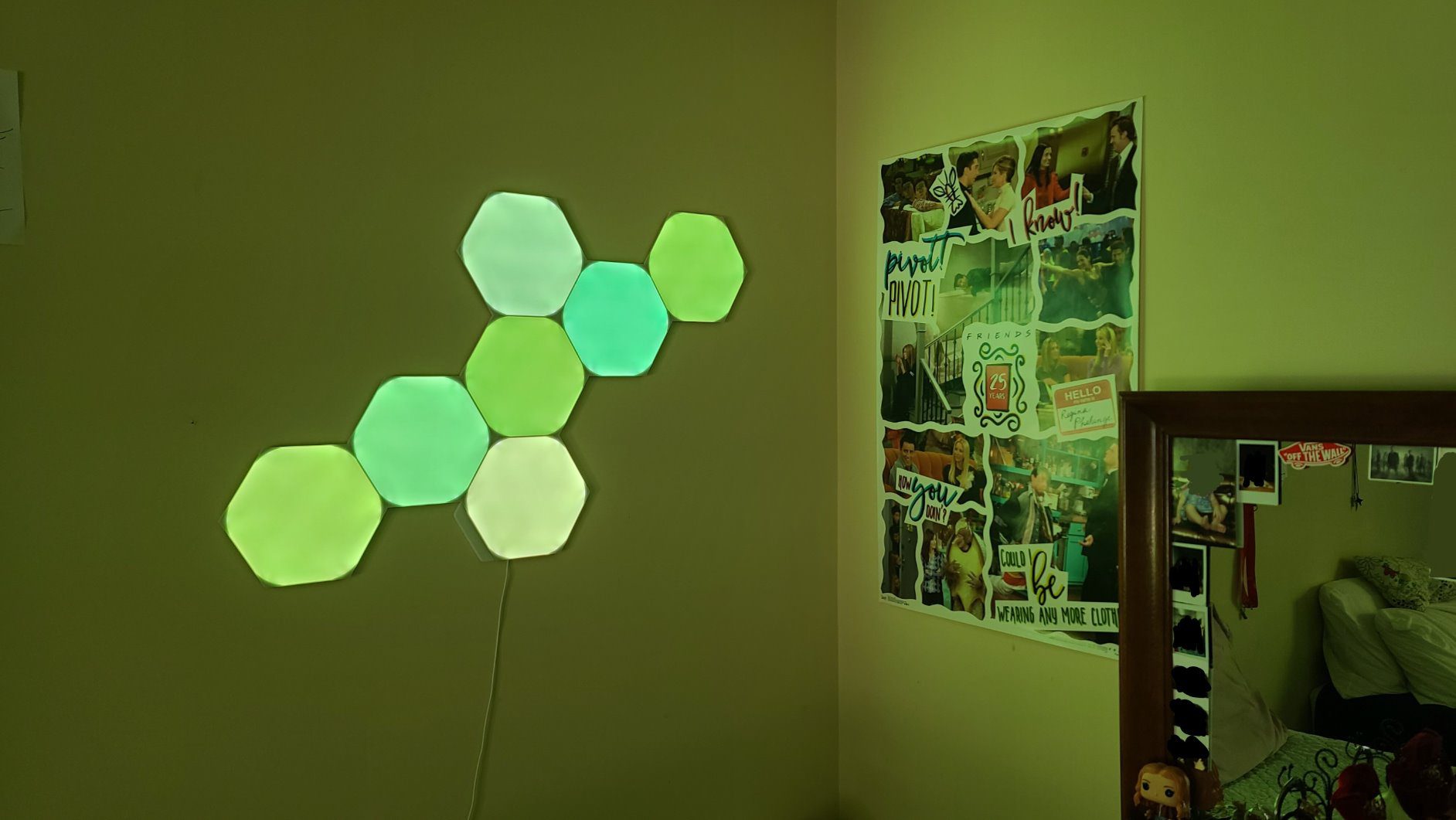
Nothing else in this list changes a room the way a hex wall does. The seven-panel set is a starter layout you can grow indefinitely, mixing hexagons with triangles and mini triangles and expanding toward layouts as large as 500 panels. At 700 lumens of dimmable output, this is also the brightest panel kit here, which is unusual for the category.
The Match mode is the feature people screenshot. It mirrors the colors of your screen onto the panels behind you, so a game or a stream becomes a moving backdrop. Rhythm Scenes handle the music-reactive case, and the app supports customizable color-changing animations with 16 million plus RGBW colors.
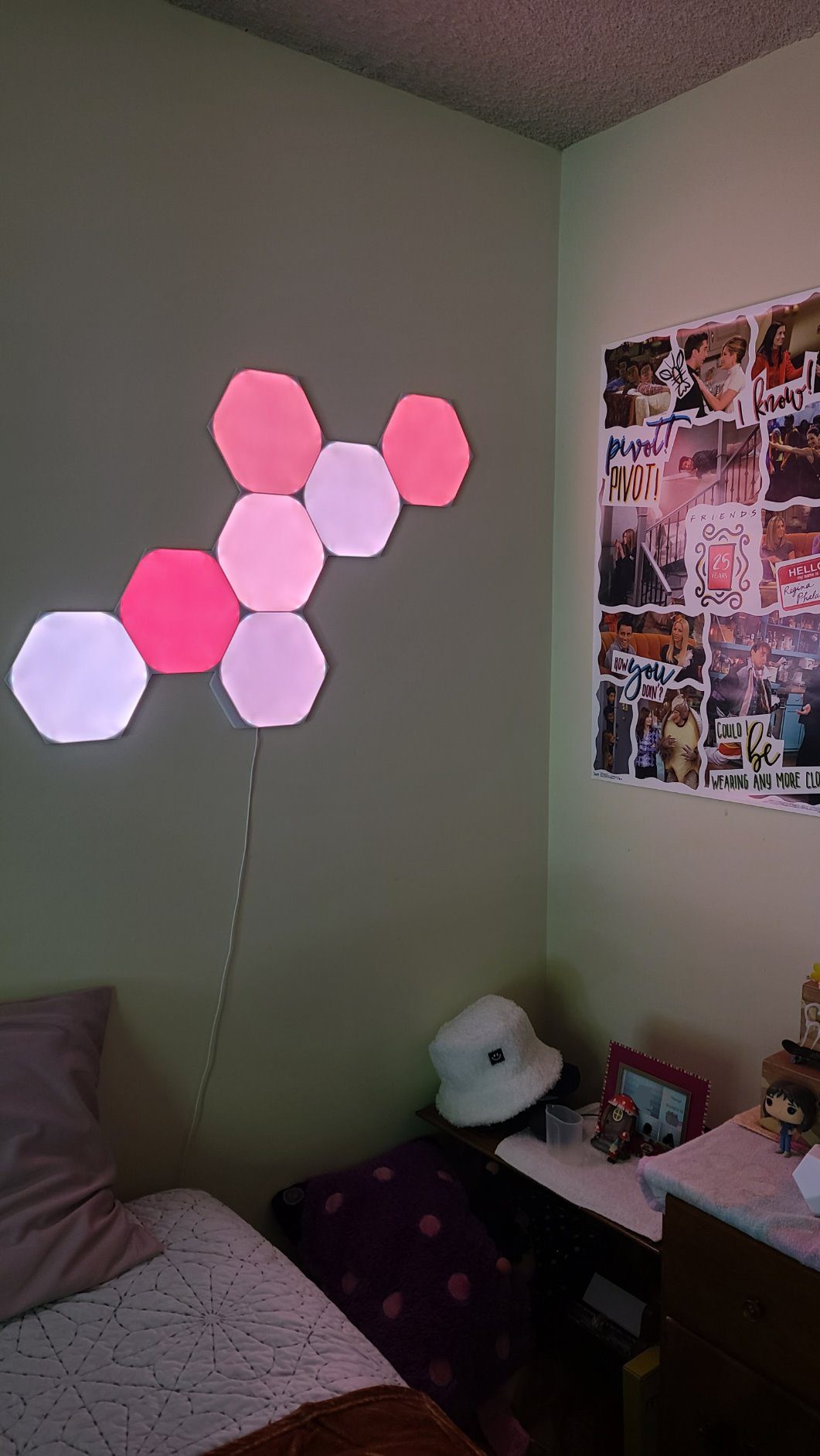
There is a real caveat here, and owners raise it repeatedly. Mounting is adhesive-based, and pulling panels off a painted wall can damage the paint. Plan your layout with a pencil before you stick anything down, and if you rent, assume you will not get those panels back in one piece.
The 4.2 average also comes with the highest share of one-star feedback of any kit in this group, and the complaints cluster around setup and app friction rather than the lighting itself. For larger layouts, the wiring between panels needs planning in advance, because each panel adds another link in the chain.
What it does better than the rest
This is the only kit here that is decor first and lighting second, and it rewards you for planning a layout. Match mode is the best screen-mirroring implementation in the group, the two-year warranty is solid, and 700 lumens means the panels contribute real light, not just color.
Where it falls short
Adhesive mounting on paint is the real risk, and the polarized review tail means a bad first setup can sour the whole experience. If you want reactive lighting you will never touch again, this is the opposite of a strip, and that is the point.
9. NIUCOO 8 Pack Hexagon LED Panels – Best Value
NIUCOO 8 Pack Hexagon LED Lights Wall Panels, Smart RGB Gaming Lights with APP & Music Sync, DIY Modular Hex Tiles, USB-Powered for Autism/Game Room/Party Decor
Eight hex tiles
USB powered at 5V
Bluetooth app and remote
Music sync
24-month warranty
Pros
- Lowest entry point for hex panel styling
- Three control paths with controller and remote
- Music sync reacts to games and movies
- Adhesive pads make layouts easy to reconfigure
- Tiles connect for later expansion
Cons
- Panels are smaller than buyers expect
- Adhesive pads hold poorly on textured walls
- Bluetooth only with no voice assistant or scheduling
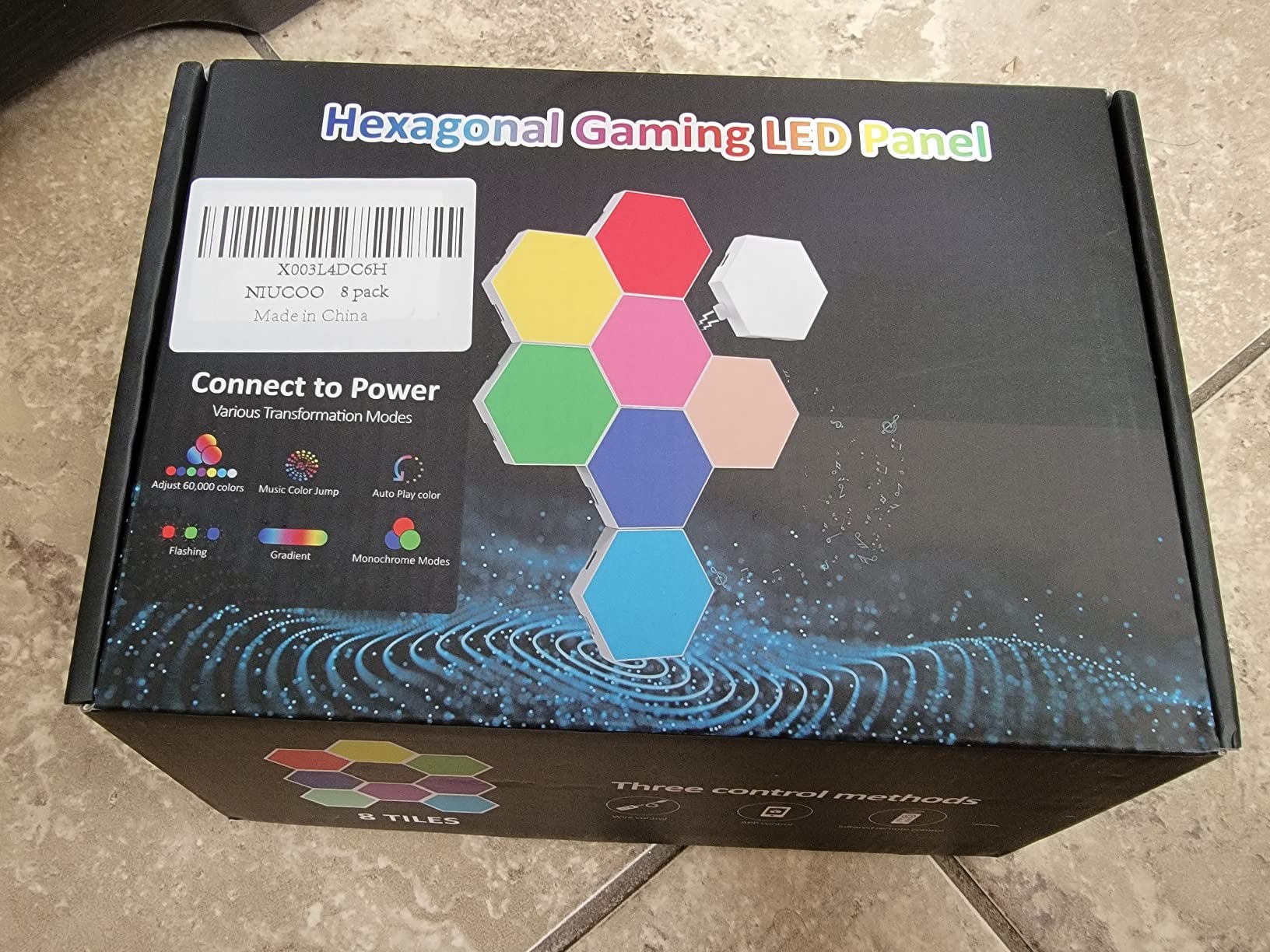
This is the cheapest way to test whether you actually like wall panels. The box holds eight tiles, a remote, a USB cable, adhesive pads, and a manual, and the panels run off USB at 5V, so there is no brick to hide behind a desk. That single cable is the practical winner in rooms where a power supply would ruin the look.
You get three ways to control it: a physical controller, an infrared remote, and a Bluetooth app, which means you can change scenes without a phone. Music sync reacts to games, movies, and songs with adjustable sensitivity, and the adhesive pads make it easy to reconfigure the layout into a different shape later.
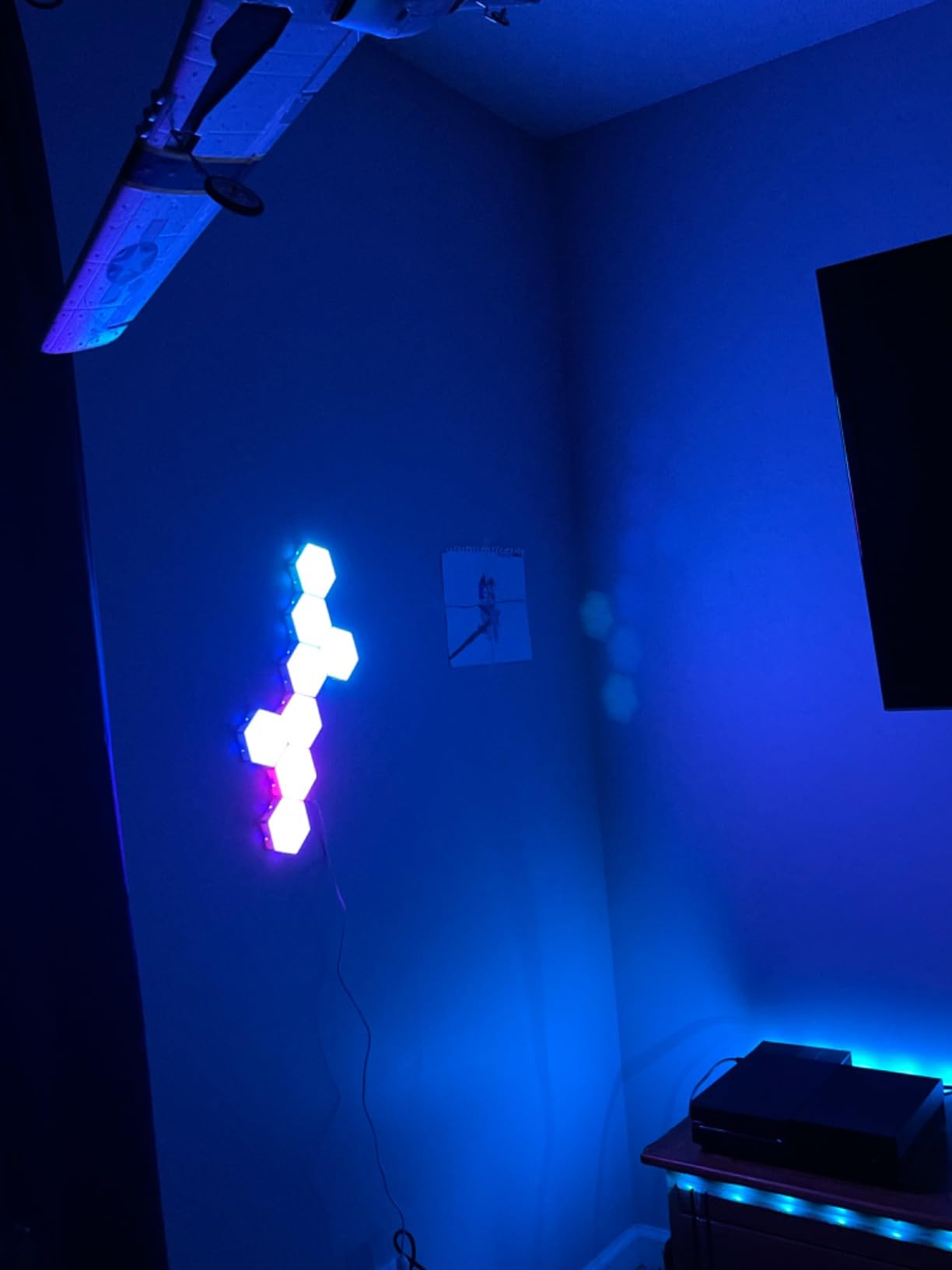
Two expectations need adjusting. The tiles are smaller than most product photos suggest, at under three and a half inches across, so plan the layout against a tape outline rather than a screenshot. And the adhesive pads hold poorly on textured or painted walls, where they can mark the surface when removed.
There is no Wi-Fi, so no voice assistant and no scheduling, and the output is dim with light build quality that owners describe bluntly. The 24-month warranty is a genuine plus, and the panels connect so you can expand the set, which is why many buyers order a second pack.
Why it is worth a look
It answers the basic version of the question quickly and cheaply, and USB power means installation takes minutes with no brick to route. If you are decorating a dorm, a kid’s room, or a corner of a living room, the reconfiguration options and the remote make it easy to live with day to day.
Where it falls short
Measure the tiles before you plan, and do not put the adhesive pads on a painted or textured wall. If you want voice control, scheduling, or enough light to read a room, this is not the kit.
10. Cync GE Dynamic Effects 16ft – Best for Alexa Scenes
Cync GE Dynamic Effects Smart LED Light Strip with Music Sync, Color Changing WiFi Lights, Indoor Light Strip, Compatible with Alexa and Google Home, 16ft and Power Supply
16ft strip
1600 lumens white
2700K
2.4GHz Wi-Fi and Bluetooth
Cuttable to size
Pros
- Around 20 app scenes carry over to Alexa
- 1600 lumens of white for a strip this length
- TrueImage color wheel and scheduling in the app
- No hub or bridge needed
- Strip can be cut and includes clips
Cons
- The Cync app requires an account to function
- Included mounting clips and adhesive backing are criticized as unusable
- Some setups needed multiple pairing attempts
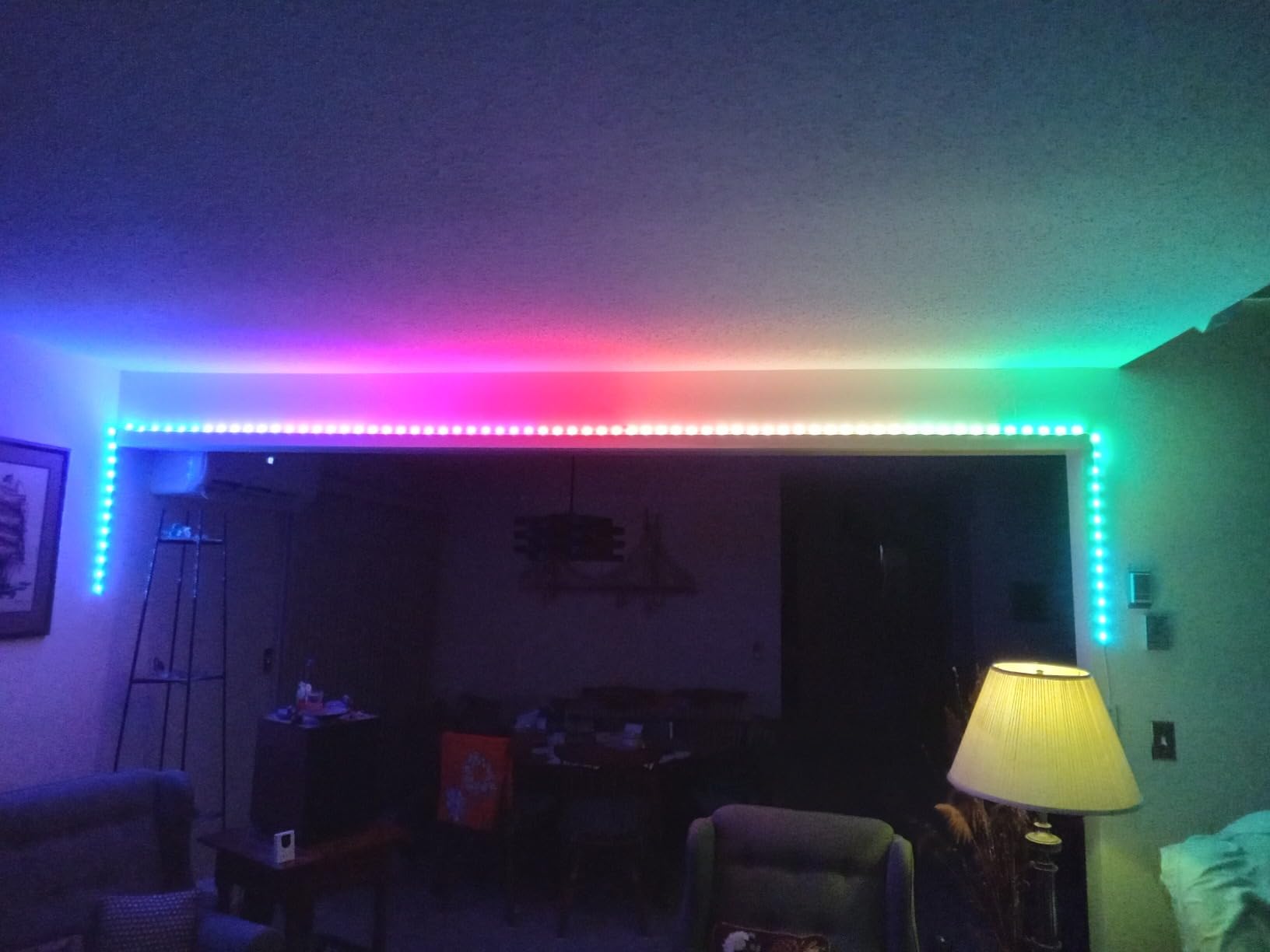
This is the one kit here where the standout feature is not the lighting at all. Around 20 scenes created in the Cync app carry over into Alexa, so you can trigger a rainbow or a music-reactive mode by voice without opening an app. For anyone who already talks to Alexa several times a day, that is a bigger quality-of-life win than a better gradient.
The brightness figure is also the highest white output of any strip in this group, at 1600 lumens, and the color temperature is a warm 2700K. The app provides a TrueImage color wheel, modes, brightness control, and daily schedules, and setup needs no hub or bridge, only a 2.4GHz Wi-Fi connection.
It also has the practical detail most strips get wrong: you can cut the strip to size, and it ships with mounting clips. A two-year manufacturer warranty is longer than most kits here, and at 18W the energy draw is unremarkable.
The recurring complaint is installation hardware. Reviewers widely criticize the included clips and adhesive backing as unusable, and several advise buying separate 10mm mounting clips. The app requires an account, some setups needed repeated pairing attempts, and the 2.4GHz-only requirement will block you on a 5GHz network.
What works well
Scene carryover into Alexa is the feature that changes daily use, and 1600 lumens means this strip can double as a warm general light rather than pure decoration. Being able to cut the length makes it easier to fit a desk edge or a shelf than a fixed 16ft run.
Where it falls short
Buy your own clips. Confirm your router is on 2.4GHz before pairing, and be patient during setup, because some units need several attempts. There is no physical remote in the box.
Screen Sync vs Music Sync: What Actually Works
Screen sync reacts to what is on your display, and only two approaches here do it properly. Camera-based kits like the Govee TV Backlight 3 Lite read the picture directly and match colors to it with no capture hardware, while panel kits like the Nanoleaf Shapes mirror screen colors across a whole wall. Everything else on this list syncs to music only, and calling that screen sync is how most confusion in this category starts.
Music sync is more forgiving and far more widely supported. A built-in microphone samples audio and moves the lights to it, which works on almost every kit here, and a handful add sensitivity controls or app-based beat detection. It is the most reliable reactive mode you can buy, and it is the one most people leave switched on after the first week.
The honest part: reactive lighting has a short shelf life. Owners across r/gamingsetups and r/Nanoleaf describe the same arc, where the effect is thrilling for the first couple of weeks and then becomes background noise, with several people deciding they prefer static scenes or wall accents over a full-room reactive wash. A third-party review put it more bluntly, saying the sync feature is fun for about two weeks. My own habits matched that exactly.
What I do instead now is keep a static scene running during play and reserve reactive modes for music, movie nights, and the first minutes of a session when I want the room to land. That also helps with eye comfort: cool blues and purples at low brightness reduce the contrast between a bright monitor and a dark wall, while full-brightness red and hard white washes at night are the ones that leave you tired. If you want color temperature advice for long sessions, our notes on tunable white in everyday lighting apply here too, because the principle is identical.
How to Choose the Right Kit for Your Room
Match the form factor to the surface you actually have, and the sync mode to the device you actually play on. Everything else is preference. Here is the checklist I use.
- Decide the surface first. Behind a monitor means light bars or a TV backlight kit. A ceiling or desk edge means a strip. A bare wall beside a desk means wall light bars or panels. A TV at a distance means a gradient strip sized to that screen.
- Check whether you need screen sync at all. Camera-based screen match suits TV and console players. PC players who want their battlestation to react are usually better served by music sync plus a static wash.
- Look for segmentation, not just colors. RGB means one color at a time. RGBIC and addressable IC strips divide the run into zones so gradients and flowing effects work. The Govee Light Bar, Glide Wall Lights, and the Lepro S1 all segment; the basic 16ft strips do not.
- Check the white channel. Kits that include warm white beside RGB, such as the Govee Light Bar and TV Backlight 3 Lite, can double as an evening light. Single-color strips cannot.
- Confirm brightness against your space. Panel and cube kits sit in the 150 to 700 lumen range and are accent lights. Strips reach much higher white output, with the Cync strip rated at 1600 lumens. A strip can wash a wall, a panel set can decorate it.
- Decide on the hub before you buy. Wi-Fi and Bluetooth kits run hubless off the app. Zigbee kits need a bridge. Getting this wrong means owning a light you cannot automate.
- Check the mounting story. Adhesive needs a clean, dry surface. Screws and clips are kinder to paint. Panels that must be planned in advance cannot be improvised.
One more practical point on mixing brands. Owners worry constantly about whether running two ecosystems in one room causes problems, and the honest answer is that it works but you give up unified scenes. If you want one app to drive everything, stay inside a single brand, and use Matter or a hub to keep the smart-home side consistent.
Do You Need a Hub? Ecosystem Costs and Trade-offs
Only some kits need a hub, and the hubless ones are simpler. Wi-Fi and Bluetooth kits, which covers most of this list including every Govee option, connect directly to your router or phone. The Hue Play Gradient is the clear exception: it needs a Hue Bridge and a Sync Box for TV, music, and gaming sync, and both are separate purchases.
What a hub buys you is reliability and range. Zigbee mesh keeps lights responding when your Wi-Fi wobbles, which is the reliability advantage Hue owners consistently report. It also costs shelf space and a network device, and it locks you into one brand’s app for anything advanced.
Matter is the direction that reduces the need for a vendor hub over time, and the Govee Light Bar supports it, which is worth noting if you are starting fresh. Matter does not remove the need for a Bridge on a Zigbee-only product today, but it changes what you should think about before buying.
On the brand head-to-head that keeps coming up: Hue wins on reliability, app polish, and ecosystem, and requires a Bridge. Nanoleaf wins on wall panels, screen mirroring, and the best white light quality here. Govee wins on color accuracy, segmentation, and value at the RGBIC level, with no hub required. Lepro wins on length and AI design tools but locks you to its own app. Cync wins on Alexa scene carryover and white brightness.
Install Tips for Clean Cables and Paint-Safe Mounting
Most people judge a lighting kit on the install, not the effects, and every frustration I heard in forum threads traced back to the same five things. Here is the sequence I now use.
- Clean and prime the surface first. Isopropyl alcohol on the wall or monitor back, then let it dry fully. Adhesive fails on dust and moisture, and that is the number one cause of strips peeling within weeks.
- Test the position before peeling anything. Hold the strip or panel in place, power it, and check the effect from your normal chair position. Repositioning after mounting means new adhesive.
- Plan where the power supply lives. Bars and wall kits need a brick somewhere. Decide on a wall edge, under the desk, or behind the monitor stand before you mount, and use the supplied cable clips or sleeves to keep runs flat.
- Match the mount to the surface. Screws and clips are safer than tape on painted or textured walls. If you rent, assume adhesive will mark the paint and use removable mounts instead.
- Check voltage and router before pairing. USB panels run at 5V, most kits run at 12V, and some at 24V. Kits that specify 2.4GHz Wi-Fi will not join a 5GHz-only network, so set that up first if pairing keeps failing.
On flicker and eye strain during long sessions, the practical advice is simple: drop brightness, prefer cool tones behind a monitor, and keep a neutral task light for the parts of your setup you need to actually see. Full-brightness saturated colors are the ones people report as tiring after several hours.
Frequently Asked Questions
What is the best lighting setup for a gaming room?
Layer it: light bars or a TV backlight behind the monitor, a strip along the ceiling or desk edge for a wide wash, wall panels or shapes for accent, and one neutral-white practical light for visibility. Keep reactive sync on the accents rather than the whole room, and hold brightness low so the monitor stays the brightest thing in the space.
Do I need a hub for smart lighting?
Usually not. Wi-Fi and Bluetooth kits, which covers most options on this list, run hubless straight from the phone app. Zigbee kits such as the Philips Hue Play Gradient need a Hue Bridge and Sync Box, both sold separately. Matter support reduces the long-term need for a vendor hub but does not remove the requirement on Zigbee-only products today.
What is the difference between RGB and RGBIC?
A single-zone RGB strip shows one color along its whole length at a time. RGBIC and addressable IC strips divide the run into independently controlled segments, so gradients, flowing effects, and multi-color patterns work across a bar or panel. If you want reactive-looking effects rather than a flat wash, you want RGBIC or addressable.
Is Philips Hue better than Nanoleaf for gaming?
Hue wins on reliability, app polish, and whole-home ecosystem control, and it needs a Bridge plus a Sync Box for sync features. Nanoleaf wins on wall panels, screen mirroring, and white light quality. Owners on r/Nanoleaf frequently describe Hue as dependable and Nanoleaf as less consistent, so reliability usually decides it.
What are the downsides of Philips Hue lighting?
Total cost is higher once the Bridge and Sync Box are included, the strip runs on Zigbee so it cannot be controlled directly over Wi-Fi, and strips are sized to a specific TV width so they do not transfer to another setup. The low 4.2 rating on the Play Gradient strip largely reflects buyers who expected sync to work without the extra hardware.
Final Verdict
The best smart lighting kits for gaming rooms in 2026 come down to what you are lighting and what you play on. For most people at a monitor, the Govee Smart Light Bar RGBICWW is the pick: segmented color, tunable white, music sync, Matter support, and no hub to buy. TV and console players should look at the Govee TV Backlight 3 Lite for genuine screen matching.
Go wider from there. The Nanoleaf Shapes if you want wall art that doubles as a backdrop, the Lepro S1 if you need a single 32ft run, and the Philips Hue Play Gradient only if you already run the Hue ecosystem. Check the current listings with the buttons above, then install it before you commit to the layout.
