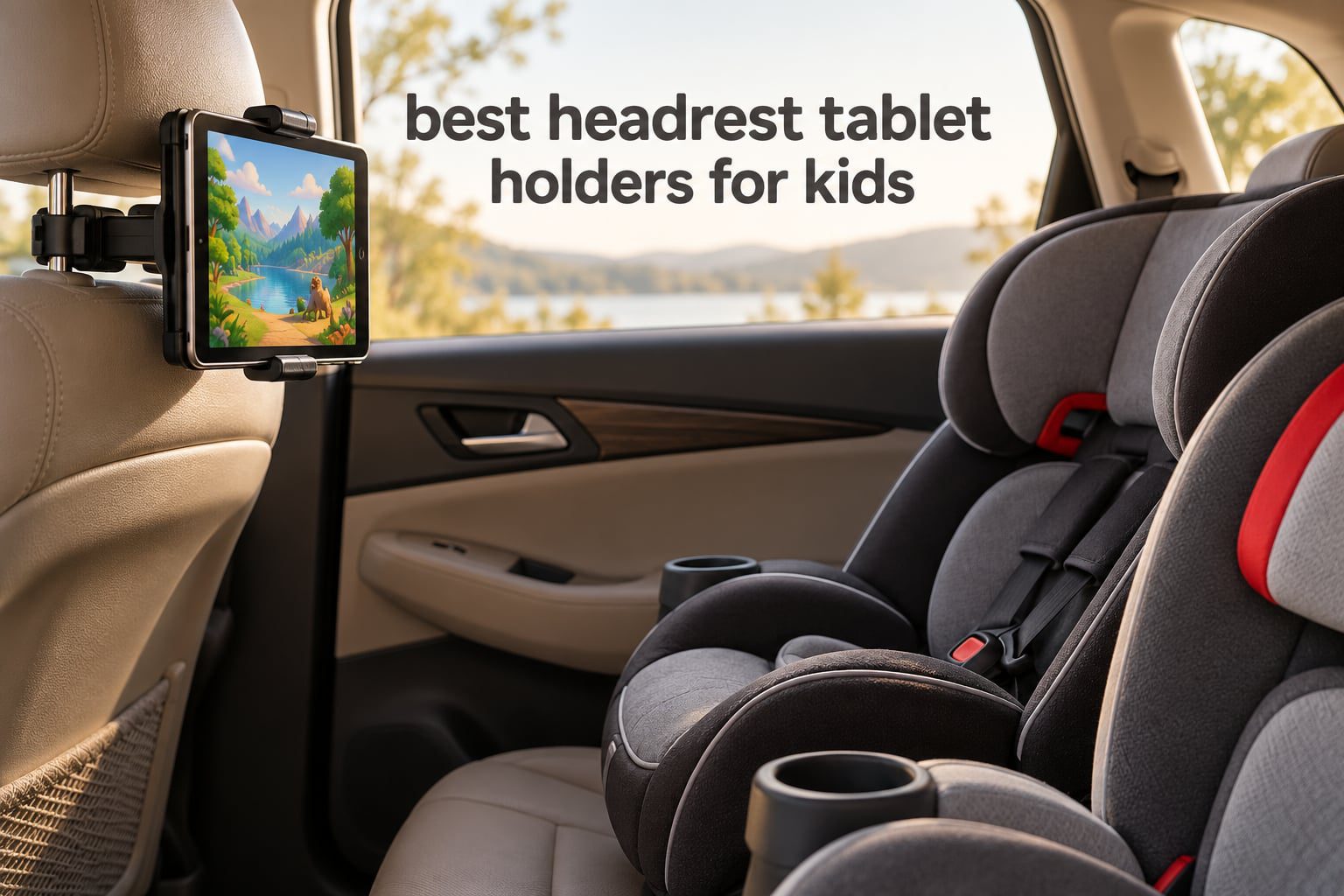
A tablet on a long drive is the difference between a peaceful backseat and two kids narrating every mile. The problem is that a loose tablet in small hands ends up dropped, thrown against the seatback, or held at an angle that gives kids neck strain after an hour. A headrest tablet holder solves all three problems at once by clamping or strapping onto the front seat headrest, putting the screen at eye level where a child can watch hands-free.
After comparing 12 headrest tablet holders for kids across rating volume, headrest coverage, clamp depth and real-world stability feedback, the Lamicall Car Tablet Mount Headrest Holder is the one we recommend most often. It has the highest average rating in this group at 4.7 stars across more than 11500 reviews, a rod adaptation range of 2.8 to 5.9 inches, and a 360-degree rotating clamp that works with devices from 4.7 to 12.9 inches.
This guide covers everything a parent needs before buying for 2026: which mount type suits which headrest, why thick kid cases fail in ordinary clamps, how to kill vibration on rough roads, and how to measure your own headrest posts in about two minutes. Every product below was selected from the current 2026 listing data, and each rating and review count is copied directly from that data rather than estimated. For comparison, we looked at the same fit-and-angle questions in our magnetic tablet holders for the kitchen, where the environment is fixed rather than moving.
Table of Contents
- Top 3 Picks for the Best Headrest Tablet Holders for Kids in 2026
- Quick Comparison of Every Headrest Tablet Holder We Reviewed in 2026
- 1. Lamicall Car Tablet Mount Headrest Holder: The Most Reliable Clamp for Most Cars
- 2. Lamicall 3 in 1 Extension Arm: Best for Sharing One Screen Between Two Seats
- 3. Tryone 18.11 Inch Long Arm: Best for Reaching a Wide Rear Bench
- 4. FANGOR Headrest Holder Strap and Holding Net: The Simple Design With No Arms to Break
- 5. LISEN 4 in 1 Adjustable Back Seat Stand: Best for Toddler Viewing Angles
- 6. WONNIE Tablet Holder Silicone Net and Strap: Lightest Option for Travel
- 7. bokilino 3 in 1 Extendable Headrest Mount: Handles Tablets and Phones Together
- 8. Arozxin Silicone Net Headrest Holder: A Straightforward Budget Strap Mount
- 9. Aomiker Aluminum Lockable Arm Holder: Stiffest Arm for Rough Roads
- 10. CALEPOP Lockable 3 in 1 Arm: Widest Post Spacing Range
- 11. PLDHPRO Strap Mount: Works on Rodless and Tesla-Style Headrests
- 12. eSamcore Headrest Mount for Thick Cases: Deepest Clamp in the Roundup
- How to Choose a Headrest Tablet Holder for Kids
- Fixing Wobble, Vibration and Fit Problems After Installation
- Frequently Asked Questions
- What is the best tablet headrest mount?
- What is the best tablet stand holder for kids?
- What is the best car headrest holder for tablets?
- What are the best car headrest iPad holders?
- Do headrest tablet holders wobble on bumpy roads?
- Will a headrest tablet holder fit my tablet with a thick case?
- Do headrest tablet holders work on rodless or Tesla headrests?
- Final Recommendation for Family Road Trips
Top 3 Picks for the Best Headrest Tablet Holders for Kids in 2026
These three cover the widest range of family needs: a rigid clamp for most cars, an extendable arm for sharing one screen, and a soft strap design that survives rough roads without adding bulk behind the seat.
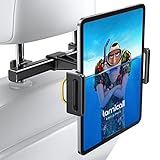
Lamicall Car Tablet Mount…
- Fits 4.7-12.9 inch devices
- 360-degree rotation
- Soft rubber lining
- Rod range 2.8-5.9 inches

Lamicall 3 in 1 Extension Arm
- Biaxial extension arm
- Metal crossbar hooks
- 360-degree ball joint
- Fits 4.7-11 inch devices

FANGOR Headrest Holder…
- Fits 7-12.9 inch tablets
- Rubber holding net
- Velcro strap
- Folds flat for travel
Quick Comparison of Every Headrest Tablet Holder We Reviewed in 2026
The table below lists all 12 holders in this roundup with the fit details that decide whether a mount works in your specific car and with your specific tablet case.
| Product | Specs | Action |
|---|---|---|
| Lamicall Car Tablet Mount Headrest Holder |
|
Check Latest Price |
| Lamicall 3 in 1 Extension Adjustable Arm |
|
Check Latest Price |
 Tryone 18.11 inch Long Arm Headrest Holder Tryone 18.11 inch Long Arm Headrest Holder |
|
Check Latest Price |
| FANGOR Headrest Holder Strap and Holding Net |
|
Check Latest Price |
 LISEN 4 in 1 Adjustable Back Seat Stand LISEN 4 in 1 Adjustable Back Seat Stand |
|
Check Latest Price |
 WONNIE Tablet Holder Silicone Net and Strap WONNIE Tablet Holder Silicone Net and Strap |
|
Check Latest Price |
 bokilino 3 in 1 Extendable Headrest Mount bokilino 3 in 1 Extendable Headrest Mount |
|
Check Latest Price |
 Arozxin Silicone Net Headrest Holder Arozxin Silicone Net Headrest Holder |
|
Check Latest Price |
 Aomiker Aluminum Lockable Arm Holder Aomiker Aluminum Lockable Arm Holder |
|
Check Latest Price |
 CALEPOP Lockable 3 in 1 Arm Holder CALEPOP Lockable 3 in 1 Arm Holder |
|
Check Latest Price |
 PLDHPRO Strap Mount Universal Backseat Holder PLDHPRO Strap Mount Universal Backseat Holder |
|
Check Latest Price |
 eSamcore Headrest Mount for Thick Cases eSamcore Headrest Mount for Thick Cases |
|
Check Latest Price |
1. Lamicall Car Tablet Mount Headrest Holder: The Most Reliable Clamp for Most Cars
Lamicall Car Tablet Mount Headrest Holder, Kids Friendly Travel iPad Clamp
Fits 4.7-12.9 inch devices
360-degree rotation
Rod range 2.8-5.9 inch
Arm 5.9 inch, 8 oz
Pros
- Highest average rating in this group at 4.7 stars
- Soft rubber lining and telescoping arms dampen bumps
- No-tool install in seconds
- Works with iPad Air Mini Pro and Galaxy Tab
Cons
- Young children can pull the tablet off since the grip is not locked
- Will not fit headrests without metal rods
- Minor reports of cheap-feeling plastic
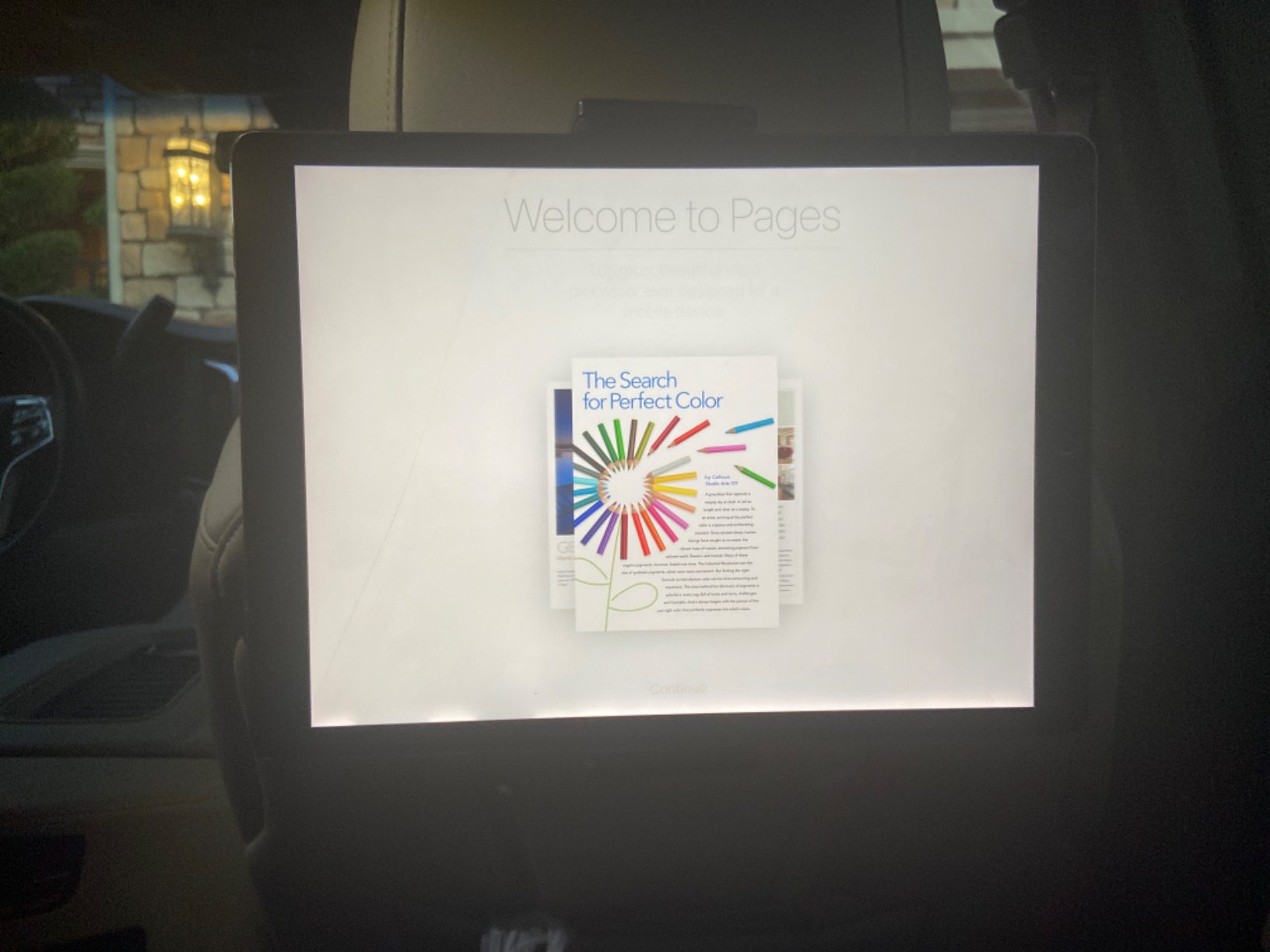
This is the mount we put in our own backseat first. The clamp is built from aluminum and PVC, weighs 8 ounces, and installs in seconds without tools. Over several family drives it held an iPad steady through speed bumps and highway seams that made softer mounts bounce visibly.
The part that separates it from most clamp designs is the soft rubber lining on both arms. Reviewers consistently credit that lining with protecting the device from friction and vibration, and it is the reason a screen does not buzz audibly on rough pavement. The 360-degree rotation on the elbow joint lets a child tilt the tablet toward their own window for a nap.
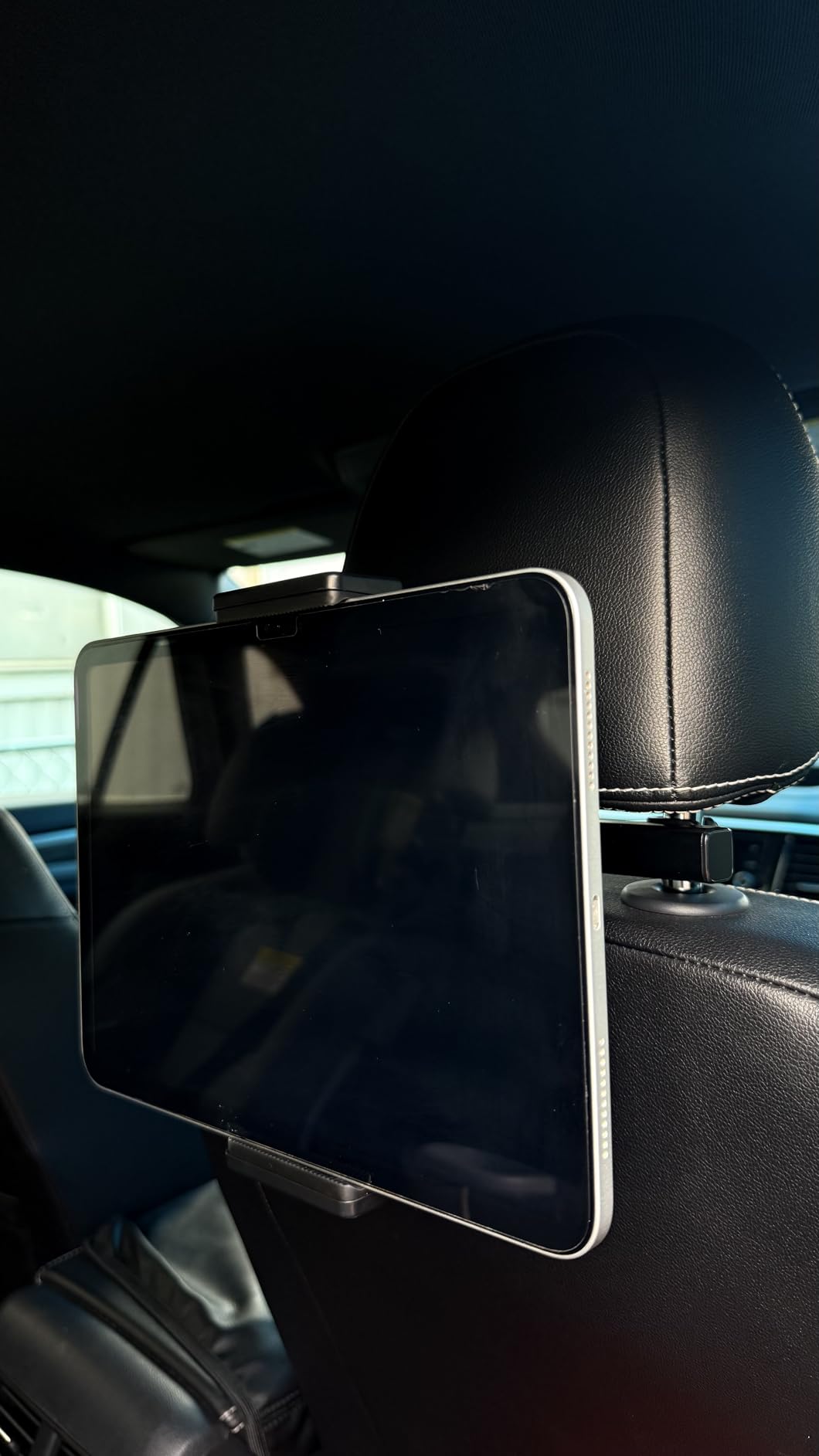
The fit range is genuinely wide. It covers iPad Pro, iPad Air, iPad Mini, Galaxy Tab S series and large phones from 4.7 to 12.9 inches, and the headrest rod adaptation of 2.8 to 5.9 inches covers the posts found in most sedans and SUVs. Dimensions are 7.8 by 5.9 by 1.9 inches, so it adds almost no bulk behind the seat.
One limitation deserves an honest mention. Because the grip is a spring-loaded clamp rather than a locked jaw, a determined toddler can pull the tablet free. That is a real consideration in a car, and it pushes some parents toward a locked model further down this list.
Who this mount suits best
This suits families with one or two kids on a standard sedan or mid-size SUV where the headrest has two metal posts. It is the safest default choice because it does not require measuring anything beyond confirming your posts fall between 2.8 and 5.9 inches apart.
Owners also report that older children can operate the clamp themselves once shown how, which matters on trips where the tablet needs to come off at a rest stop. The telescoping arm also helps when two kids in adjacent seats want a shared viewing angle.
Where it falls short
It will not work on headrests without exposed metal rods, which rules out some integrated and rodless designs found in certain Volvo models and a growing number of electric vehicles. Check your seat before ordering.
A small number of reviews describe the plastic as cheap-feeling, and reviewers note the clamp is not a locking mechanism. If your child is under four and actively pulls at things, pair this with a strap or choose a locked model.
2. Lamicall 3 in 1 Extension Arm: Best for Sharing One Screen Between Two Seats
Lamicall Car Headrest Tablet Holder, 3 in 1 Extension Adjustable Arm
Biaxial extension arm
Three positioning modes
Metal crossbar hooks
4.7-11 inch devices, 0.67 inch clamp
Pros
- Biaxial arm changes viewing distance for two kids
- Metal crossbar adds real stability
- Installs in about five seconds
- Handles heavy tablets without sagging
Cons
- Some reviews report the plastic clamp snapping after months
- Pivot can drift out of position
- Less snug with cases that have a stylus holder
- Needs metal headrest rods
This is the variant to buy when two children sit side by side. The biaxial arm folds into three positioning modes: behind one seat, angled across the gap, or centered so both kids watch the same screen. That centering capability is the feature almost every other holder in this roundup lacks.
Build quality is a mixed story. The crossbar and hooks are metal, and that is exactly where stability comes from, but the clamp body is plastic. A portion of reviews report the clamp snapping after weeks or months, and others describe the pivot drifting out of position and needing frequent readjusting.
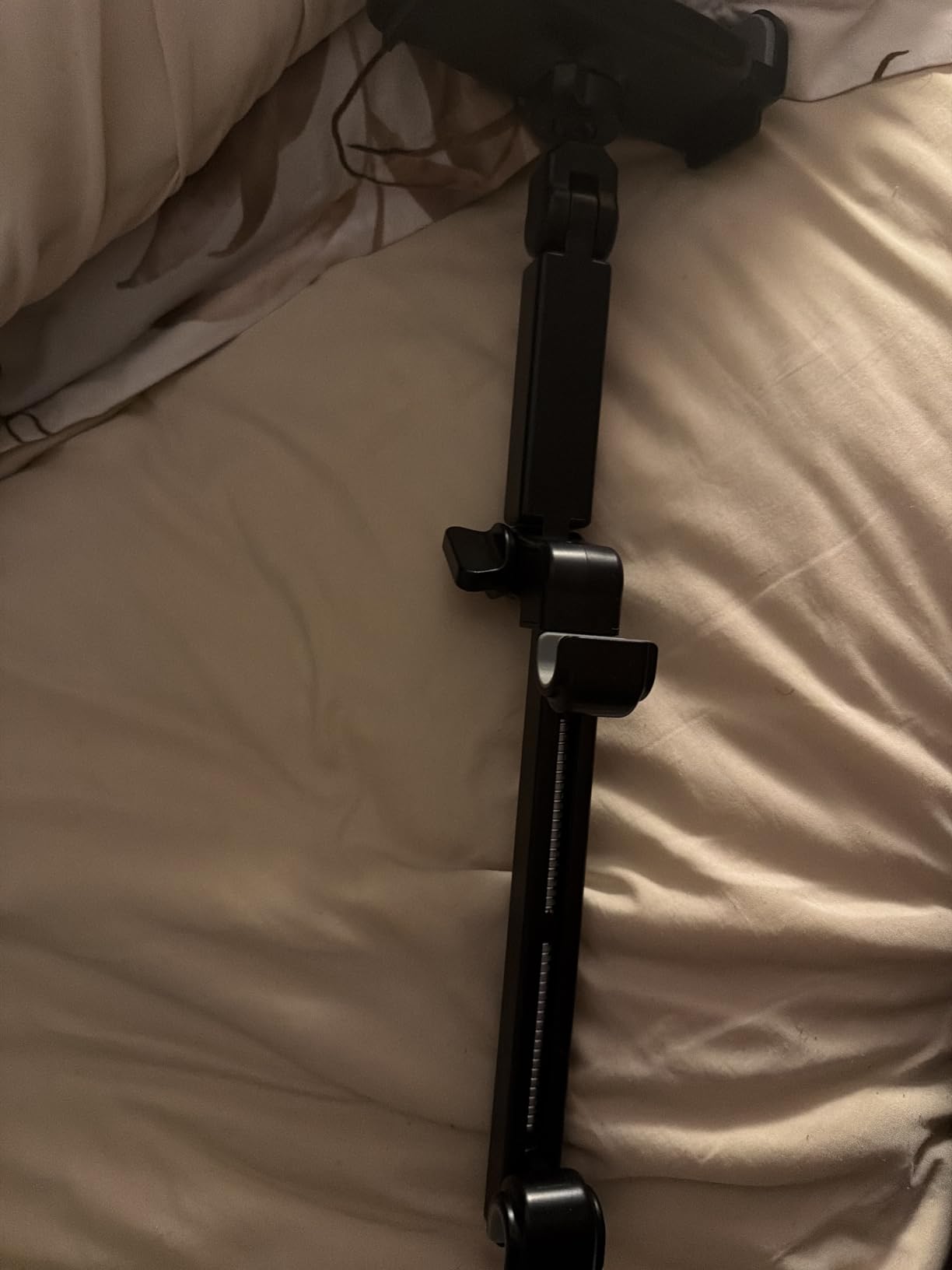
Fit is narrower than the standard Lamicall clamp. It handles 4.7 to 11 inch devices with a clamp depth up to 0.67 inch, so a 12.9 inch iPad Pro or a bulky OtterBox case will not seat properly. The rod adaptation range is 2.8 to 5.9 inches, matching most sedans.
Worth noting for household logistics: at 0.32 kg it is one of the heavier mounts here, and the 7 inch arm plus 8.7 inch body takes more room behind the seat than a strap design. Buyers who prioritize durability over weight tend to keep it installed permanently.
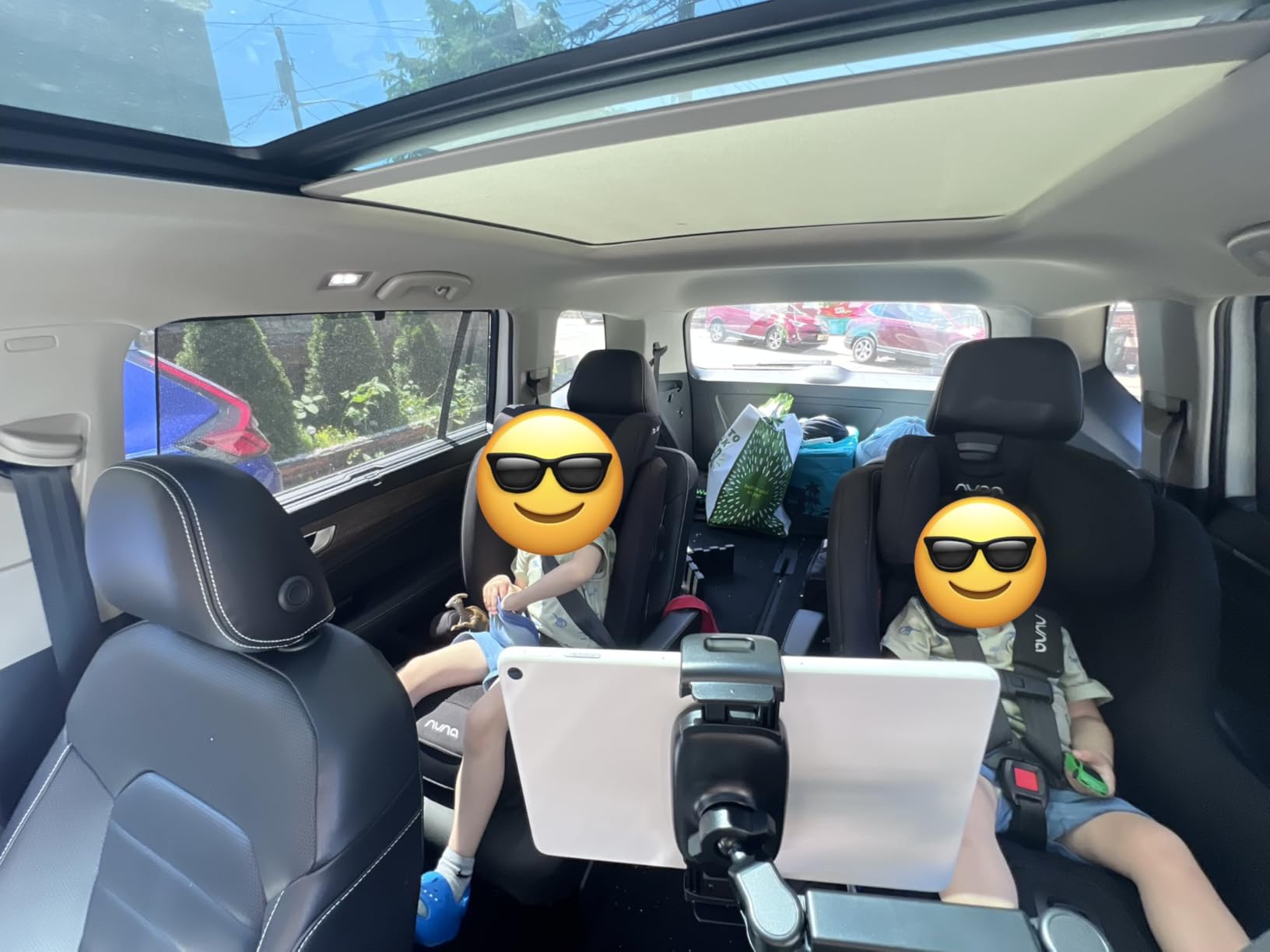
Who this mount suits best
It suits families with two children in the backseat who share one tablet, particularly on long trips where the arm can be angled toward whichever child is more comfortable. Reviewers also like it for pulling the screen closer to a child who wants to lean against the seatback rather than craning forward.
Because it holds heavy tablets without sagging, it works for anyone using a large iPad Pro with a standard protective case. The metal hooks also handle gravel roads and speed bumps better than plastic-only arms in our experience with comparable designs.
Where it falls short
If your child pulls hard on the tablet, the clamp durability reports are the deciding factor. Several buyers replaced the unit after a few months, so budget for a longer replacement cycle than the standard Lamicall clamp.
It also cannot be used on seats without metal rods, and the 11 inch device ceiling excludes the largest iPad Pro models and any thick case with a built-in stylus slot.
3. Tryone 18.11 Inch Long Arm: Best for Reaching a Wide Rear Bench
Tryone Headrest Tablet Holder for Car Accessories : [18.11-inch Long Arm] 3-in-1 Backseat Tablet Holder for Kids Road Trip Compatible with iPad Switch Smartphones
18.11 inch arm
Sliding spindle 35-215 mm
Aluminum bracket
4.7-13 inch devices
Pros
- Long arm centers one tablet between seats
- Anodized aluminum bracket with double locking screws
- Spindle range covers nearly all vehicles
- Folds compactly behind the headrest
Cons
- Mount can slide down the headrest posts over time
- Arm moves under hard braking or sharp turns
- Reach falls short of what product photos suggest
- Less useful for keeping screens out of toddler reach
At 18.11 inches of arm, this is the longest holder here and the one built for pickup truck cabs and wide three-across benches where a shorter arm simply cannot reach the middle seat. It mounts on one headrest and reaches across to the center of the bench.
The hardware is genuinely well chosen for rough roads. The anodized aluminum bracket uses double locking screws, and reviewers frequently mention that it stays rigid on bad pavement where plastic arms flex. The sliding spindle fits headrest rods from 35 mm to 215 mm, which is the widest coverage in this roundup.
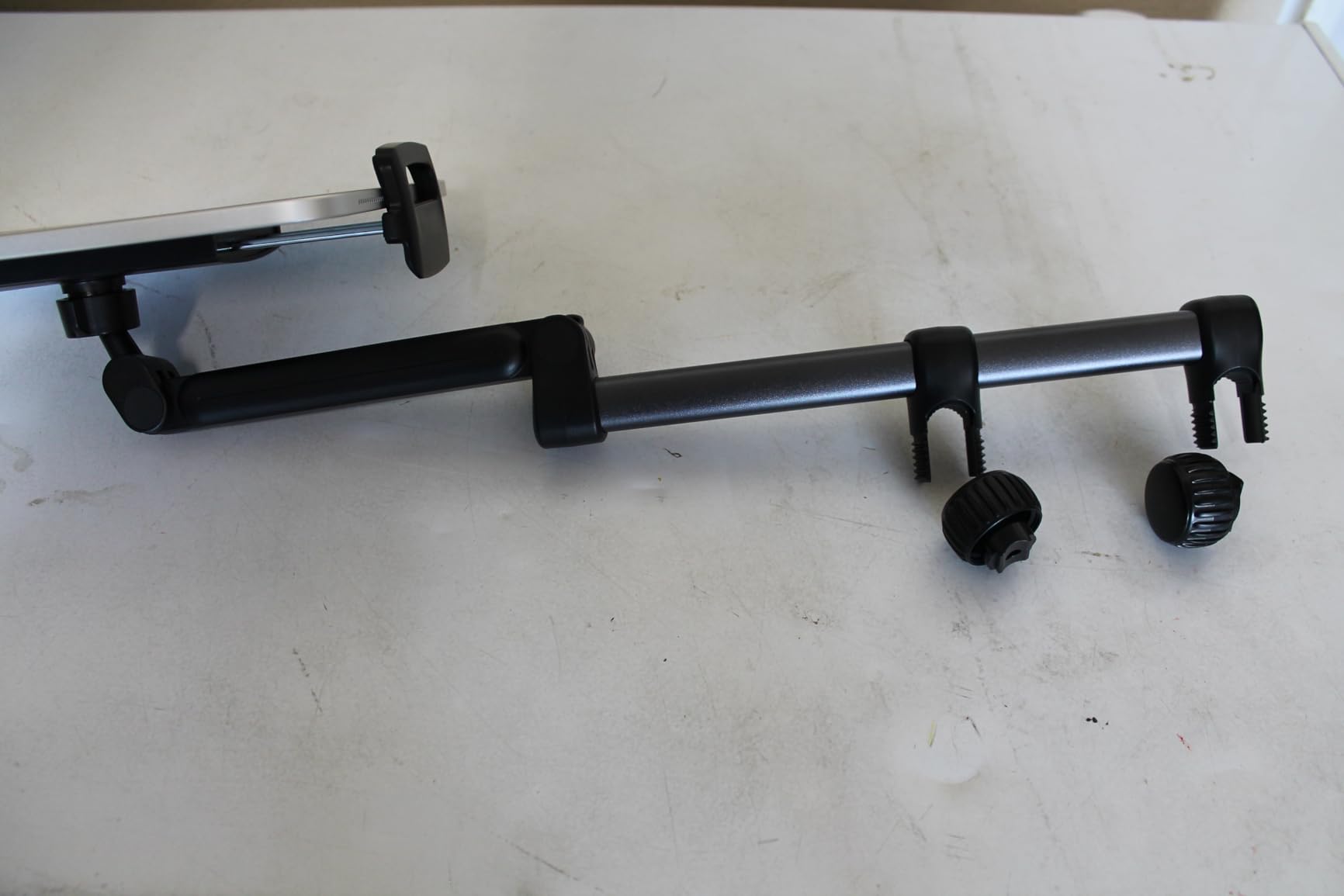
Three modes cover centered, angled and folded-behind-the-headrest positions, and it takes devices from 4.7 to 13 inches including iPad Pro, Galaxy Tab, Kindle, Switch and Fire Kids. A one-year warranty is included along with the mount, holder and manual.
The recurring complaint is drift. Owners report the mount sliding down the headrest posts over time even when tightened, and the arm moving noticeably during hard braking or sharp turns. That is a direct consequence of a long lever arm, and it is worth weighing before buying.

Who this mount suits best
It suits families with a wide rear bench, a truck cab, or a third-row captain’s chair setup where the middle position sits far from either headrest. Device compatibility up to 13 inches also covers the largest tablets when the screen is held in landscape orientation.
If two kids share one screen across a wide bench, this is the most practical reach in the group. Owners also value that it folds away behind the headrest when nobody is watching, which keeps the rearview mirror line clear.
Where it falls short
Anyone with a child who rocks during travel should pass. A 46 cm arm moves, and the reviewed feedback describes visible movement under aggressive driving. Keep the tablet within reach of an adult for that reason.
It is also a heavier, bulkier choice at 0.27 kg, and some reviewers find the actual reach shorter than the product photos suggest. Buying it expecting a specific measured distance is a mistake.
4. FANGOR Headrest Holder Strap and Holding Net: The Simple Design With No Arms to Break
FANGOR Car Headrest Mount Holder, Tablet Holder for Kids in Back Seats
Fits 7-12.9 inch tablets
Rubber holding net
Velcro strap
5.92 oz, 365-day service
Pros
- No rigid arms to crack or loosen
- Elastic net stretches to fit 7-12.9 inch tablets
- Large Velcro contact area resists drops
- Folds flat and detaches in seconds
Cons
- Softer grip than clamp mounts on very rough roads
- No extension or shared-viewing positioning
- This variant does not suit devices under 7 inches
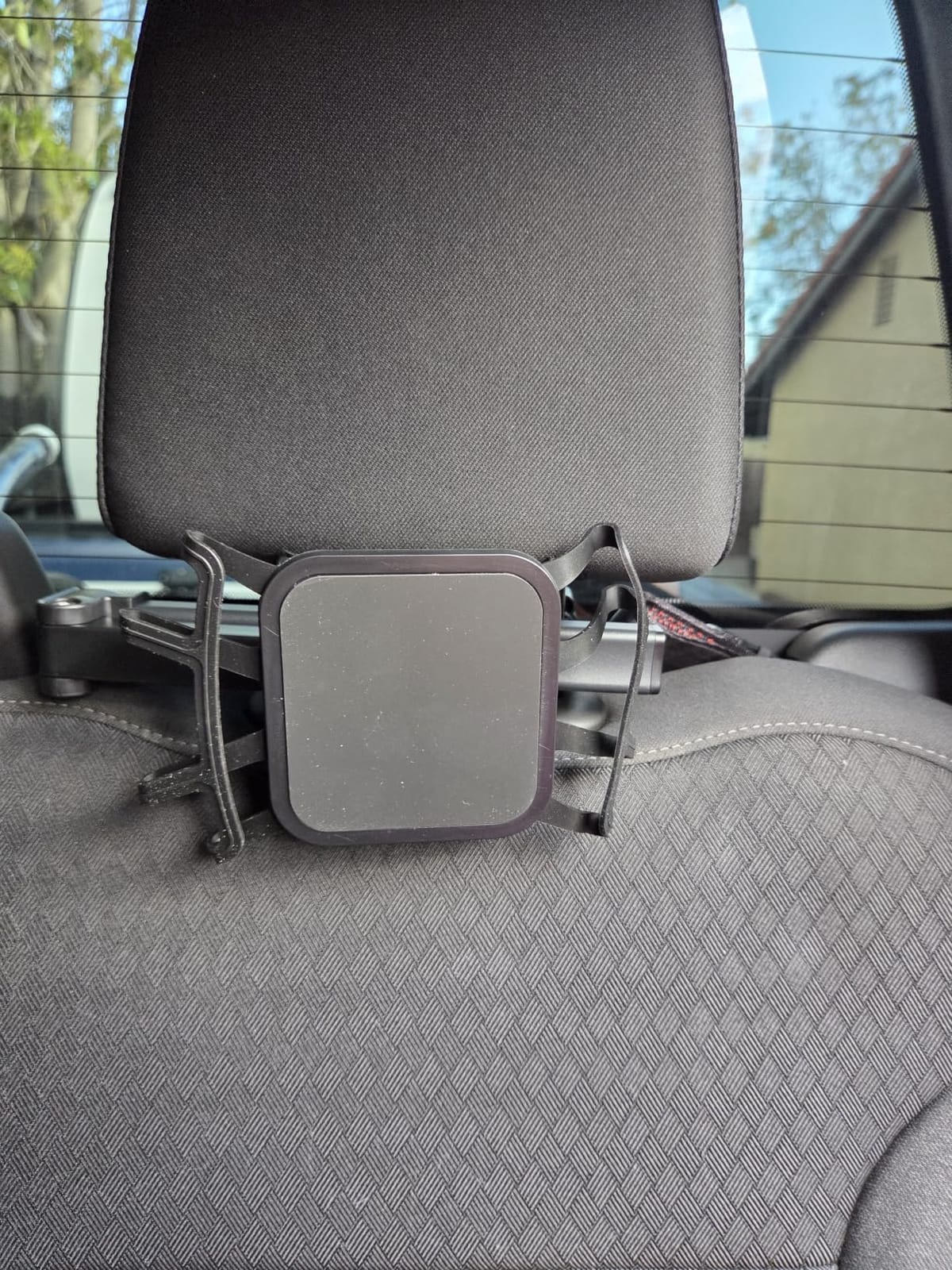
This design skips the arm entirely. A high-elasticity rubber holding net stretches over the tablet and fastens to a Velcro strap wrapped around the headrest, so there is no plastic arm to crack, loosen or drift. Many families buy multipacks of it to keep one per child.
The trade-off is rigidity. Owners note that the soft net holds the device less firmly than a hard clamp on genuinely rough roads, where the screen can visibly bounce. On paved highways and normal city roads, the enlarged Velcro contact area keeps it in place through bumps.
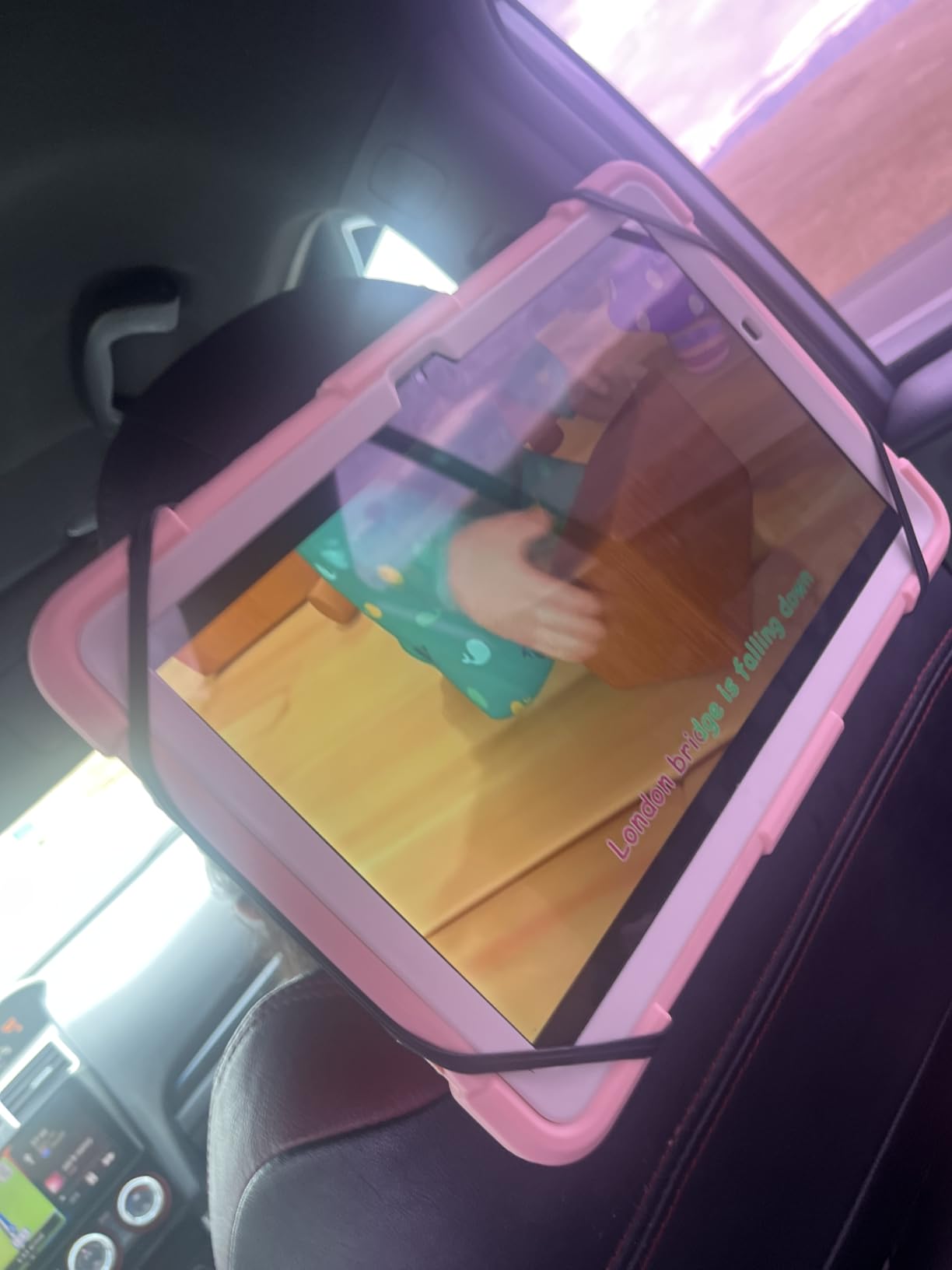
Fit covers 7 to 12.9 inch tablets with or without a protective case, which includes iPad Pro, Air and Kindle Fire HD. At 5.92 ounces and 6.1 by 1.18 by 4.72 inches, it is small enough to live in the glove box. The warranty is a 365-day replacement service.
It works horizontally or vertically depending on how the strap is oriented, and because it wraps rather than hooks, it adapts to more headrest shapes than a rod-only mount. That versatility is a real advantage in vehicles with unusual seating.
Who this mount suits best
It suits parents who want zero installation complexity and travel frequently, since it folds flat and detaches for storage. It is also a sensible choice for a second or third row seat where there are no headrest posts to hook onto.
Families using a rugged child case will find the elastic net accepts it without any clamp clearance problems. The device just rests in the net, so case thickness is not a constraint the way it is with a jaw clamp.
Where it falls short
Do not buy it if you need to angle a screen toward one child or share one device between two seats. There is no arm, so position is fixed behind the headrest. On genuinely bad roads, expect visible screen movement.
Note that this specific variant is built for 7 inch and larger devices. Anyone with a smaller tablet or a phone needs a different model.
5. LISEN 4 in 1 Adjustable Back Seat Stand: Best for Toddler Viewing Angles
LISEN iPad Holder for Car Tablet Mount, 4 in 1 Adjust Arm Back Seat Stand
4-axis folding joint
16.13 inch arm
Rod range 10-185 mm
11.64 oz, works with car seats
Pros
- Four-axis joint gives many angles for young children
- Deep hook design improves bump stability
- Works with convertible car seats
- Installs in about three seconds without tools
Cons
- Will not fit rodless or fixed headrests including many electric vehicle seats
- Clamp clearance is limited for very thick cases
- Longer arm adds bulk behind the seat
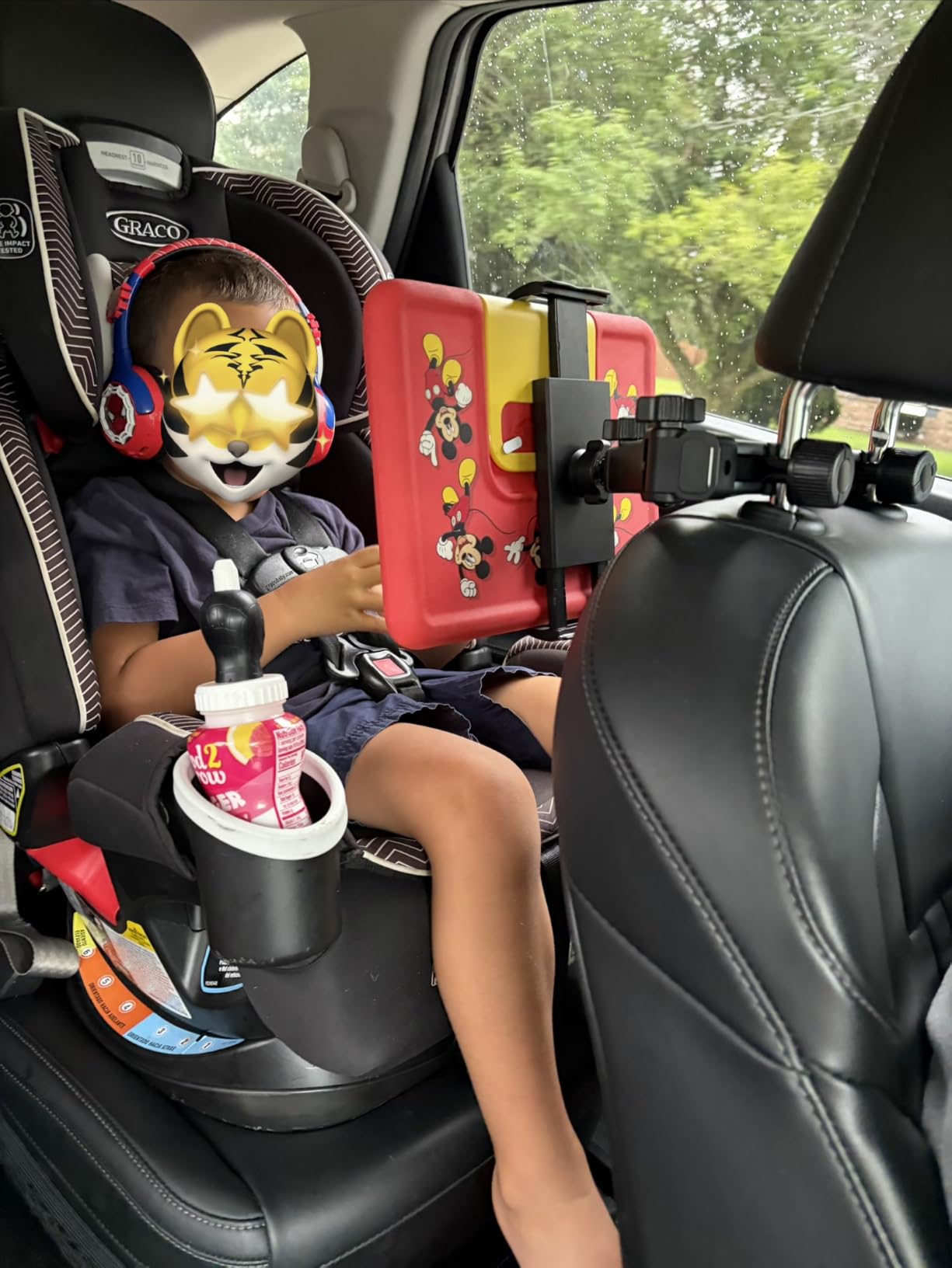
This mount is built around one specific problem: a two or three year old can only watch a screen comfortably at certain heights and angles. The four-axis folding and shrinking joint with a fixed knob collapses and repositions easily, which parents describe as the reason a toddler will actually settle down with it.
The deeper hook design is the part worth understanding. Hooks that wrap further around the headrest posts resist vertical movement far better than shallow hooks, and this listing claims roughly triple the stability of shallow-hook mounts during bumps. The construction is ABS with partial aluminum, rated for 20 pounds.
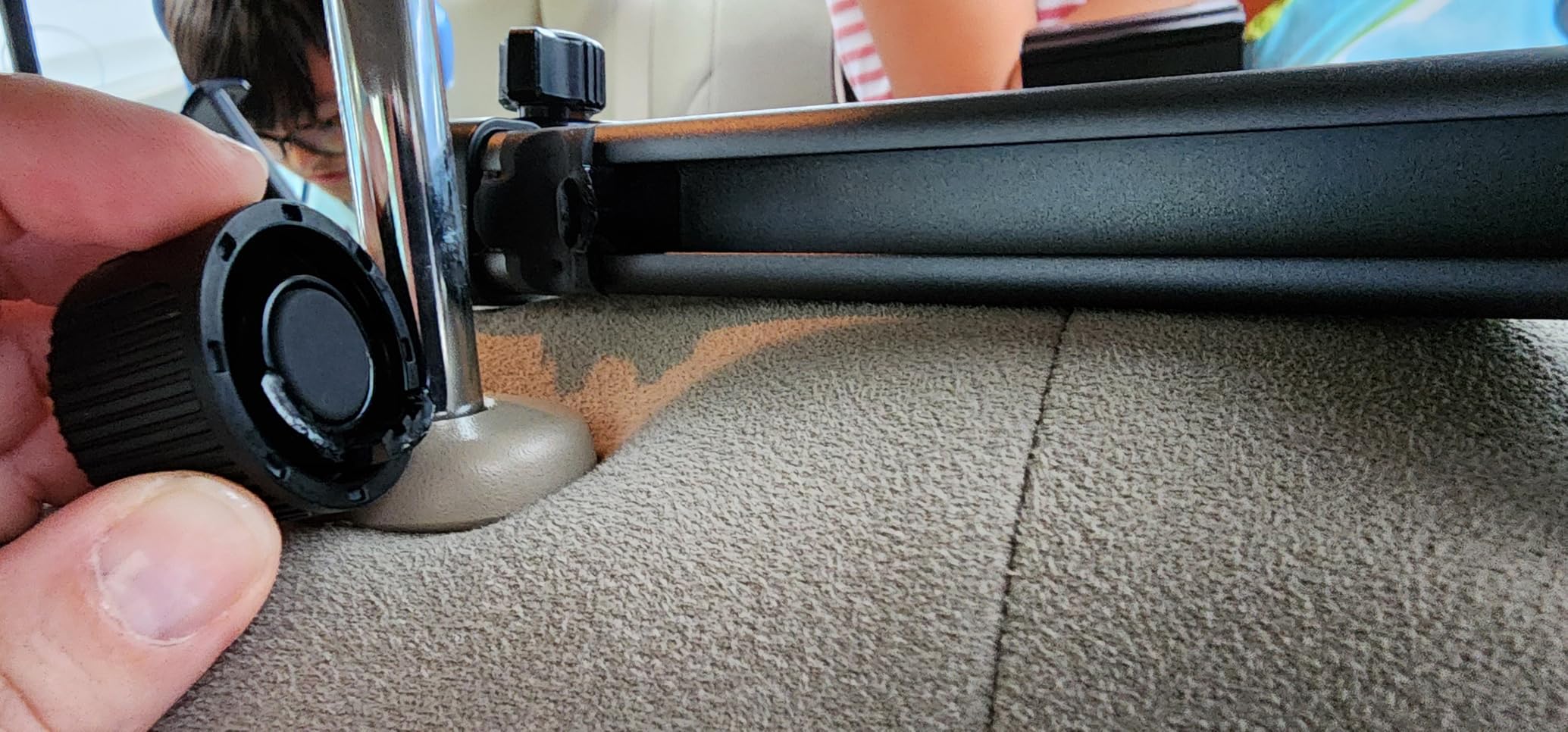
It works with convertible car seats for children ages zero to ten, which makes it one of the few here suited to a child still strapped into a rear-facing or forward-facing seat. The arm measures 16.13 inches and the unit weighs 11.64 ounces.
The compatibility list is unusually specific, and that is useful rather than a warning. It does not fit rodless or fixed headrests, and the listing names Tesla, Volvo, Chevrolet Tahoe, GMC Yukon, Jeep Wagoneer and Honda Pilot or CR-V as examples of seats that will not work.
Who this mount suits best
It suits parents of toddlers and young children, especially those using a convertible car seat in the second row. Four inches of extra adjustability across four axes is the difference between a screen a child can look at and one they keep tilting away from.
Because the arm folds down small, it disappears behind the seat when not in use, which matters in cars where the driver needs a clear rear view. The ten-year age range also means it can stay in the car as your child grows.
Where it falls short
If your vehicle has rodless or integrated headrests, this mount is not a candidate. The listing is explicit about that, and electric vehicles frequently use those designs.
Clamp clearance is also limited for very thick cases, and the 16.13 inch arm adds bulk behind the seat compared with a strap holder. If you need heavy case capacity, the eSamcore model further down handles that better.
6. WONNIE Tablet Holder Silicone Net and Strap: Lightest Option for Travel
WONNIE Tablet Holder for Car, Upgraded iPad Holder for Car Mount Headrest, iPad Mount Back Seat for Kids with Anti-Slip Strap, Silicone Holding Net/Fits All 7-12.9” Tablets
Fits 7-12.9 inch tablets
Silicone net and nylon strap
19.01 g
365-day replacement service
Pros
- Soft silicone net avoids hard clamps that can crack a device
- Enlarged Velcro surface holds through speed bumps
- Works horizontally or vertically without tools
- Weighs under one ounce
Cons
- No rigid arm means the screen position is fixed
- Net stretch excludes tablets under 7 inches
- Can press marks into soft foam kid cases
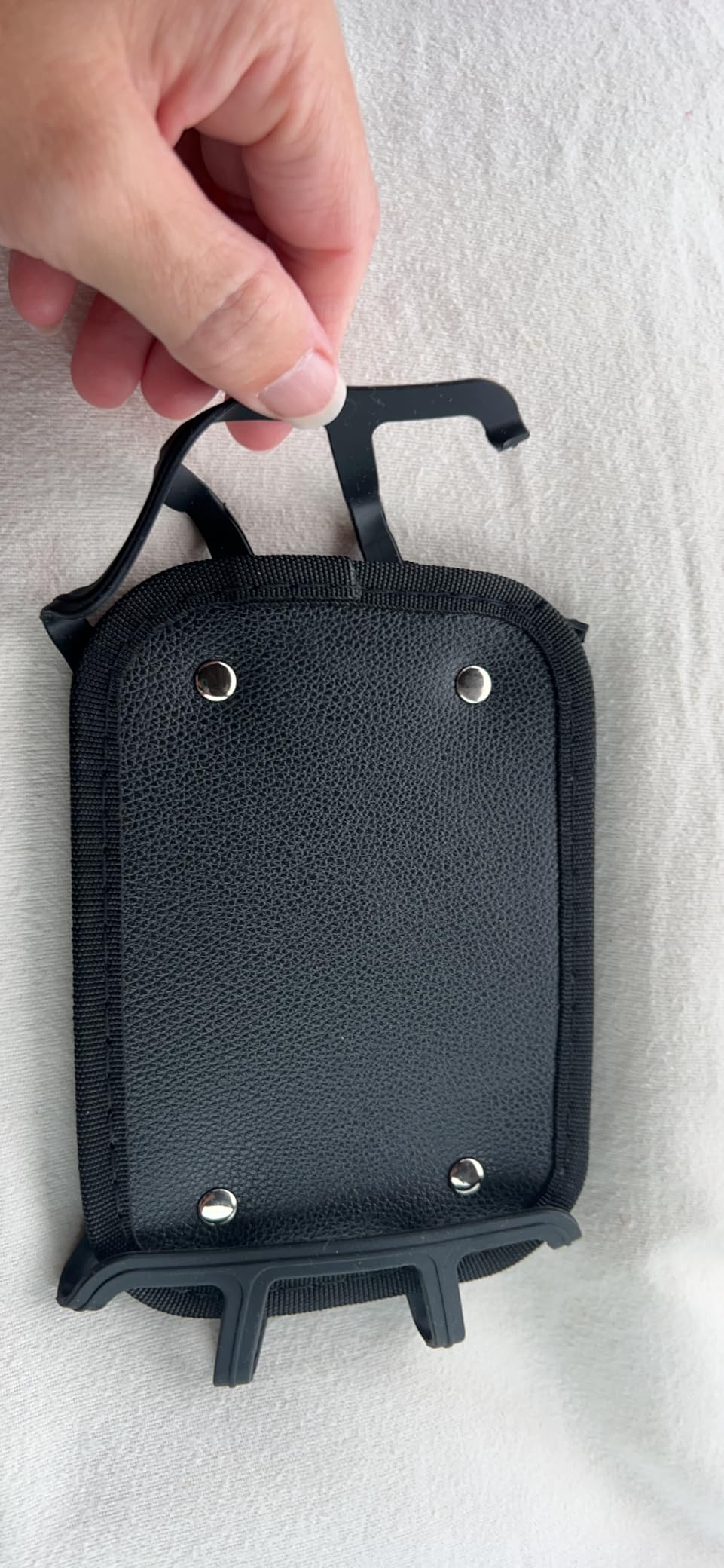
At 19 grams, this is the lightest mount in the roundup and the easiest to justify for travel, since it folds flat into a bag and adds nothing to luggage weight. Installation is four steps with no tools, and a one-year manufacturer warranty applies.
The silicone net is the differentiator. Unlike a hard clamp that concentrates force on the corners of a tablet, a soft net spreads contact across the back and reduces the chance of cracking a device when a road bump lands hard. Reviewers highlight the upgraded high-tack Velcro as the reason the tablet stays attached.
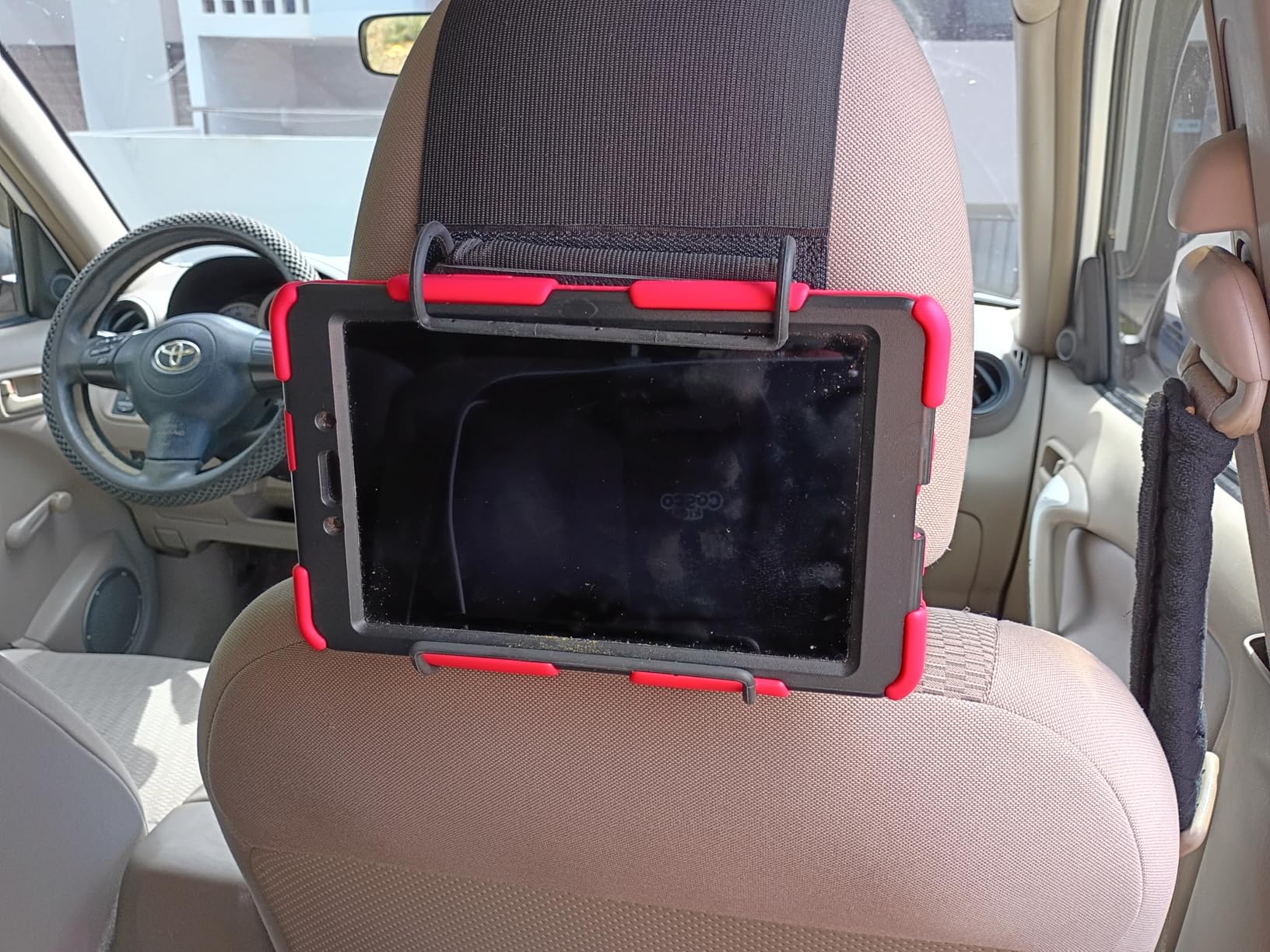
It fits all 7 to 12.9 inch tablets, including iPad Pro, Air, Mini, Kindle Fire HD and Switch, with or without a case. Rated weight capacity is 300 g, and the package includes one car headrest wrapping strap and one soft silicone holding net.
One caution from reviews: the net can mark or press into soft foam kid cases over time. That is a minor issue if the case is rigid plastic, but worth considering if your child uses a foam bumper case that you care about.
Who this mount suits best
It suits families who take frequent short trips and want something that lives in the glove box or a carry-on. A second and third row seat without posts still works because the strap wraps the headrest rather than hooking metal rods.
The silicone net also makes it a good choice for children with newer tablets you want to protect from cracking. There is no clamping force, so a dropped mount is far less likely to damage the device.
Where it falls short
There is no arm, so the screen position stays fixed behind the seat. If you need to angle a screen toward a child or center one tablet for two viewers, this is not the right tool.
Net stretch is limited at the low end, which excludes tablets under 7 inches. Plan on a different model if your child uses a small tablet.
7. bokilino 3 in 1 Extendable Headrest Mount: Handles Tablets and Phones Together
Tablet Holder for Car Headrest, ipad Car Holder Back Seat, Road Essentials
3-in-1 extendable arm
Clamp depth 0.78 inch
Rod range 2.83-8.07 inches
4.7-12.9 inch devices
Pros
- Extendable arm pulls the screen closer or centers it between seats
- Metal rods with deep hooks and anti-slip pads
- Compact enough to fold flat and leave installed
- Handles phones and tablets with cases
Cons
- Adjustment knob is fiddly to reach on some seat shapes
- Empty mount can rattle if the knob is left loose
- Extension may not center the screen across wide seat gaps
Families who hand phones to older kids often need one mount that accepts both a tablet and a phone. This one covers 4.7 to 12.9 inch devices, which includes recent iPhones as well as iPad Pro, Air, Mini, Galaxy Tab, Kindle and Fire HD.
Reviewers frequently mention that it stops kids from holding tablets and straining their necks on long drives, which is the entire point of a mount like this. The 3-in-1 arm lets you pull the screen closer to a child or center it between two seats, and the metal rods with deep hooks and anti-slip pads stay stable on bumpy roads.
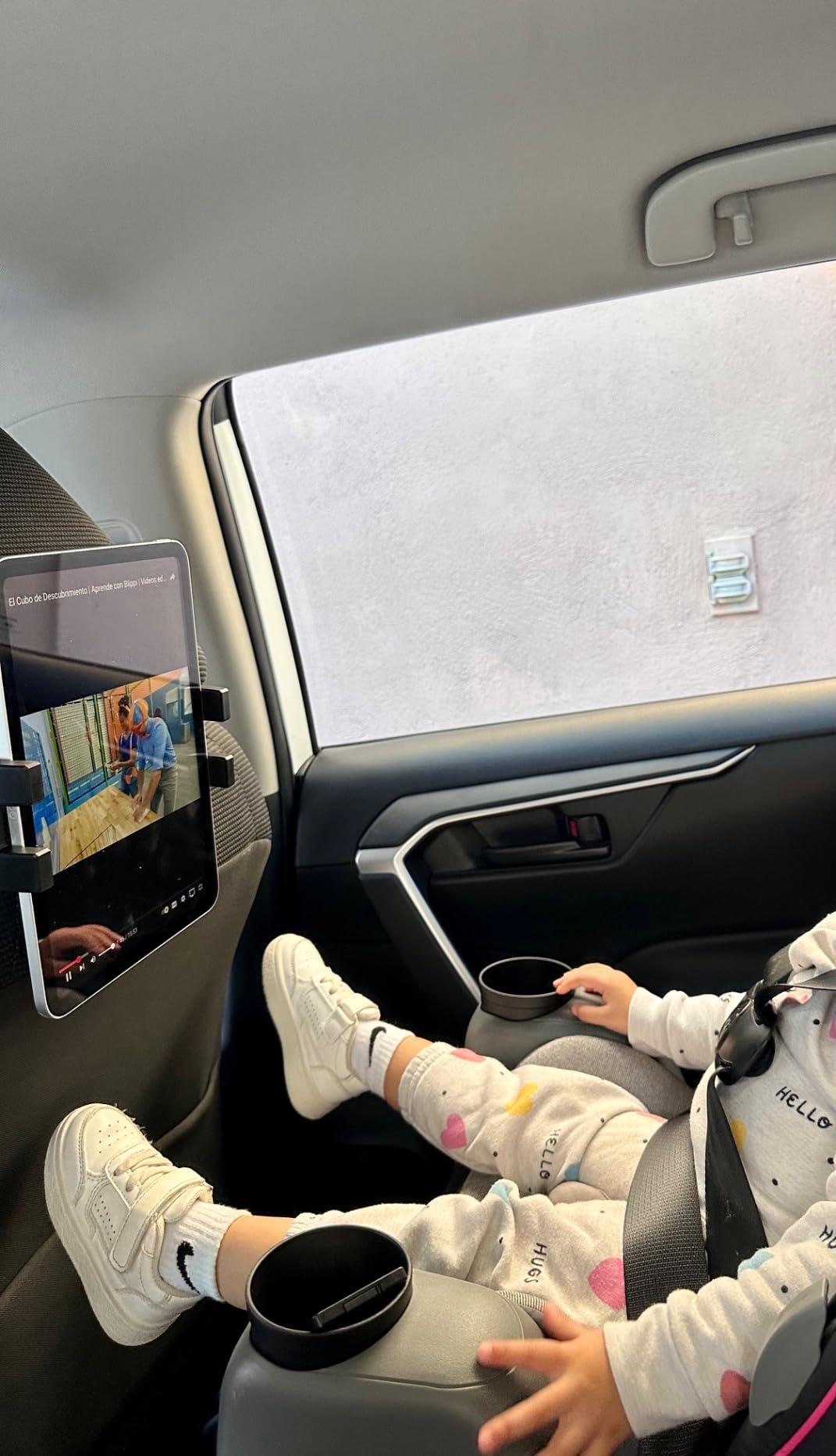
Clamp depth reaches 0.78 inch, so it accepts a moderately thick case without removal, and the headrest rod range of 2.83 to 8.07 inches is among the widest in this group. That covers posts that sit closer together than usual, which some SUVs and electric vehicles have.
It installs without tools and rotates 360 degrees for any viewing angle. Folding it flat means you can leave it installed between trips, and a one-year warranty is included.

Who this mount suits best
It suits mixed-device households where one older child uses a phone and another uses a tablet. Reviewers also praise it as a sturdy option that folds flat enough to stay installed permanently without visual bulk.
The wide rod range is the deciding factor in some vehicles. If your headrest posts sit closer together than a standard clamp allows, this one still fits, which is a common issue in larger SUVs.
Where it falls short
The adjustment knob can be awkward to reach on some seat shapes, and if it is loose an empty mount will rattle over rough roads. Tighten it before every trip.
For very wide seat gaps, the extension may not be enough to center the screen between two viewers. Buyers expecting a truck-cab reach should look at the longer arm model instead.
8. Arozxin Silicone Net Headrest Holder: A Straightforward Budget Strap Mount
Arozxin Car Tablet Holder,Car Headrest Mount Holder for Car Back Seat with Silicone Holding Net and Anti-Slip Strap,Angle-Adjustable Fits All 7-12.9″ Tablets
Silicone holding net
Anti-slip strap
7-12.9 inch devices under 0.7 inch
Horizontal or vertical
Pros
- Soft mesh net protects devices from vibration and scratches
- Elastic strap and Velcro install without tools
- Horizontal and vertical mounting for different ages
- Lightweight and detachable for travel
Cons
- No extension arm beyond the two orientations
- Less rigid retention than a hard clamp on rough roads
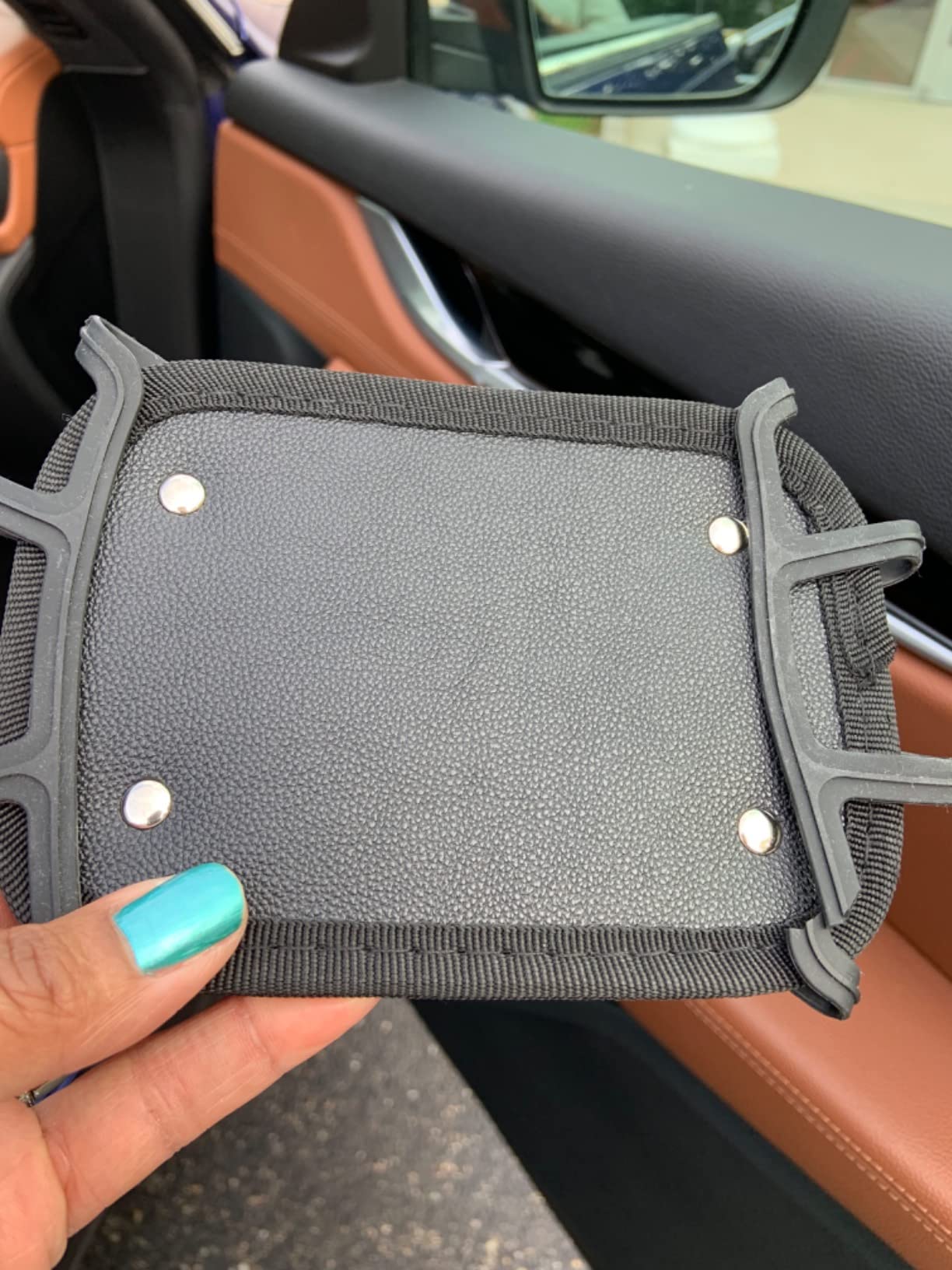
This is a simple strap-and-net mount and it does one job well: holding a tablet against a headrest without any hard clamp touching the device. The soft mesh silicone net protects against both scratches and the vibration that comes with rough roads.
The elastic strap and Velcro install on most headrests with no tools, and the detachable strap design supports both horizontal and vertical mounting. That flexibility matters for a growing child, since a five year old and a ten year old rarely want the screen in the same orientation.
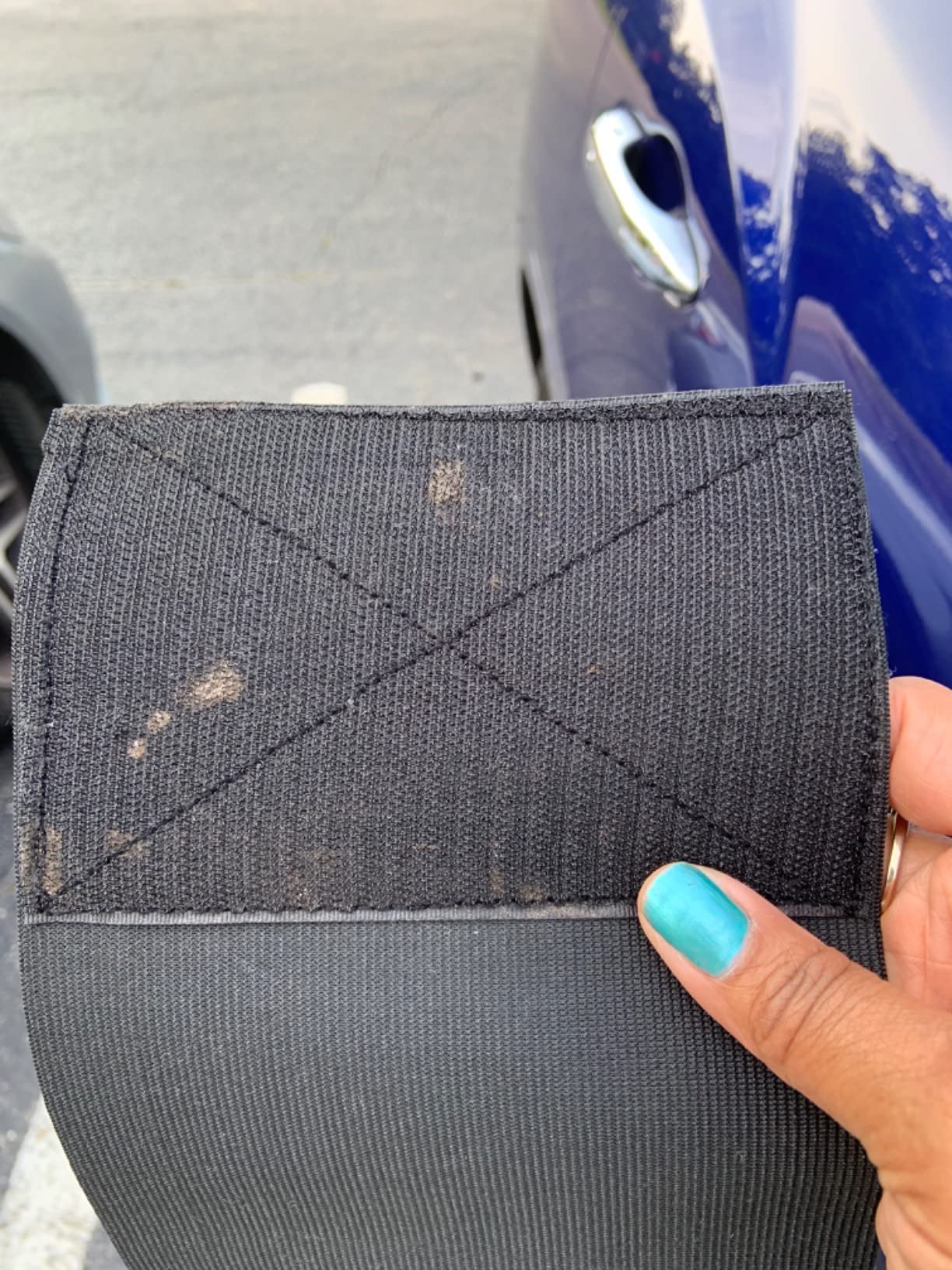
Fit covers all 7 to 12.9 inch screens with device thickness under roughly 0.7 inch, which includes most standard protective cases but excludes the bulky ones. The package includes the headrest strap, silicone net and an instruction manual.
Compared with a clamp mount, retention is softer. On smooth highway driving it holds without complaint, and on broken pavement or gravel the screen will visibly bounce. Buyers who travel mostly on paved roads will not notice the difference.
Who this mount suits best
It suits families who drive mostly on paved roads and want the simplest possible setup with no adjustment points to loosen. Anyone moving the tablet in and out frequently will appreciate how quickly the strap detaches.
It is also a reasonable second mount for a rear seat that has no headrest posts, since the strap only needs a headrest to wrap around. Vertical orientation suits older children who prefer a taller screen.
Where it falls short
There is no arm, so no extension, angling or shared-viewing capability beyond the two basic orientations. On rough roads the soft net does not retain a device as firmly as a hard clamp.
The 0.7 inch thickness limit rules out the deepest rugged cases. Check your case depth before buying if your child uses a heavy-duty bumper case.
9. Aomiker Aluminum Lockable Arm Holder: Stiffest Arm for Rough Roads
Aomiker Car Headrest iPad Holder – [Aluminium Lockable Arm] Universal Car Tablet Mount Backseat with Foldable Wide Clip, Road Trip Essentials for Kids, for iPad Pro, Air, Mini, Galaxy, 6.1-13” Device
Aluminum lockable arm
Clamp depth up to 26mm
Four-corner silicone pads
6.1-13 inch devices
Pros
- Aluminum alloy arm stays rigid where plastic arms flex
- Four-corner silicone padding cushions the device
- Clamp folds flat when unused
- Handles thick cases without removal
- 360-degree rotation for viewing and writing
Cons
- Extension arm is shorter than listing photos imply for large trucks
- Arm can creep outward after a large bump
- Heaviest option in this roundup
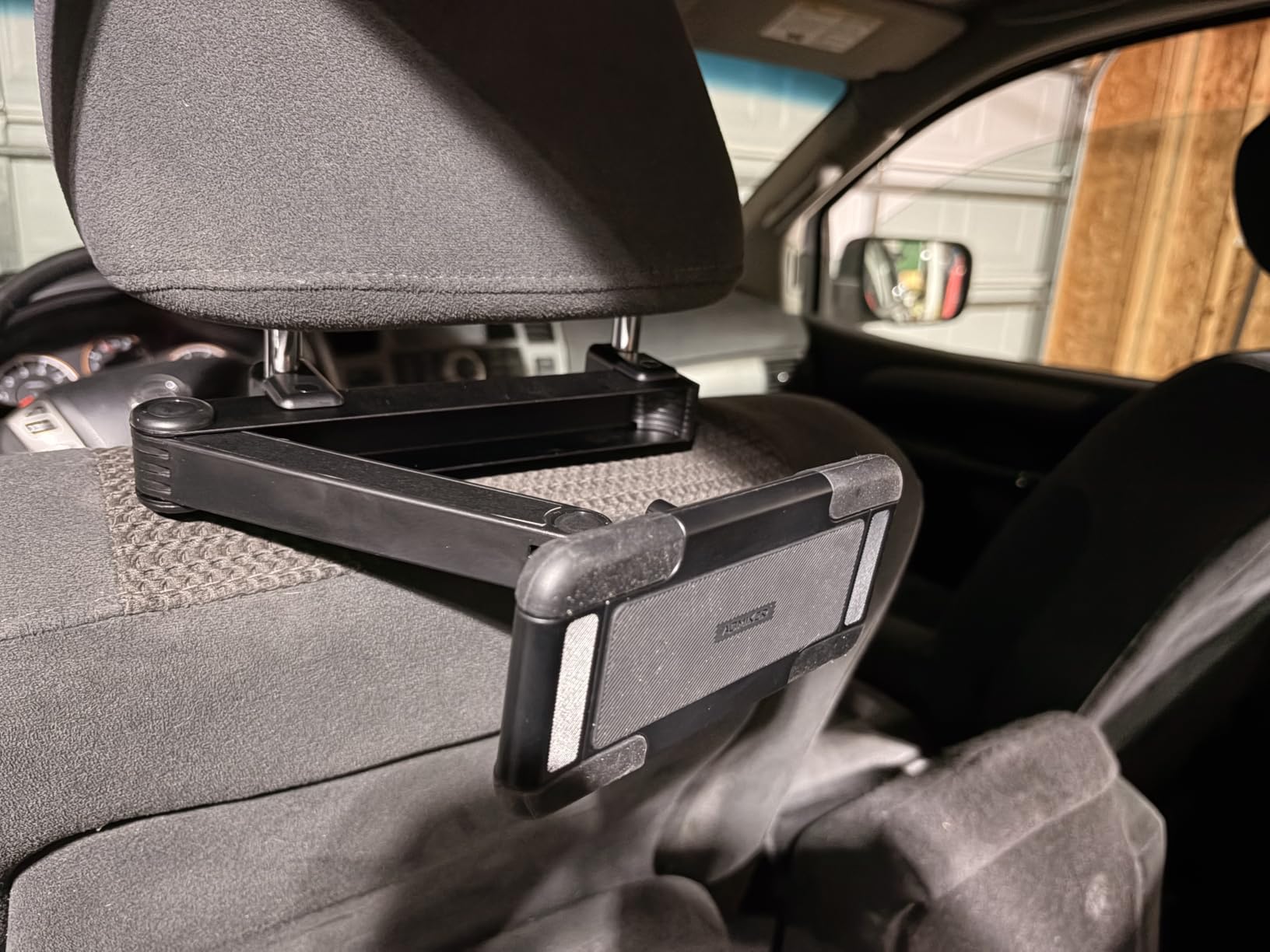
If your driving involves construction zones, gravel roads or speed bumps at highway speed, arm flex is the thing to watch. This mount uses an aluminum alloy arm with a rear telescopic lock, and owners describe it as well made and rigid in a way plastic-arm mounts are not.
The clamp is the other strength. A grip depth up to 26mm, or 1.02 inch, means a bulky protective case stays in place without removal, and four silicone-padded corners cushion the device against bumps rather than pressing hard plastic against glass.
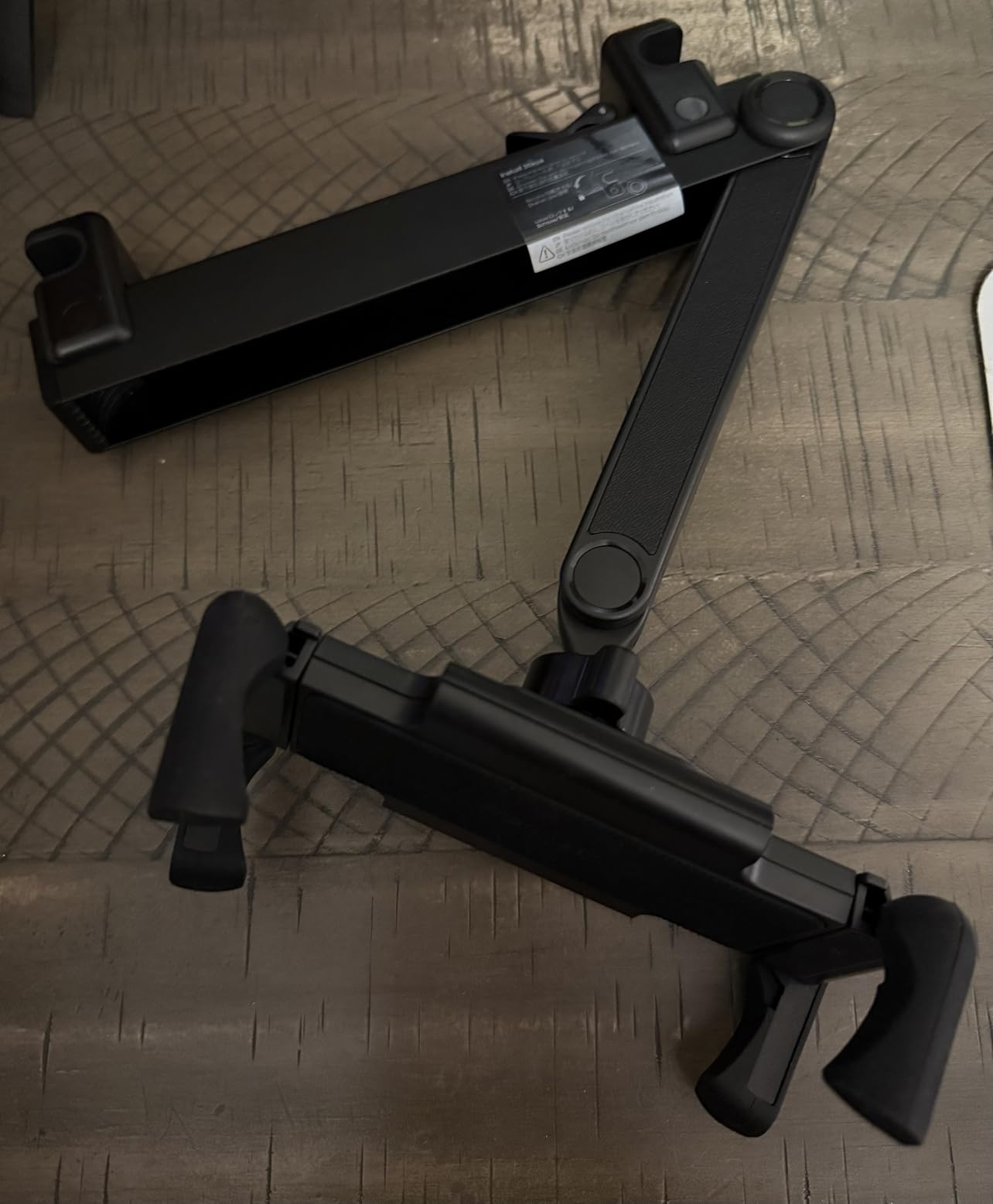
The child-safe foldable clamp folds flat when unused so nothing protrudes into the backseat, and a dual-view extendable arm handles sharing between siblings. Installation is tool-free onto headrest posts. Compatible devices run from 6.1 to 13 inches across iPad generations 1 through 10, iPad Air, Mini, Galaxy Tab, Kindle and Fire HD.
The most common complaint is that the telescoping arm is not long enough to center the screen between wide cab seats as pictured. Reviewers also note the arm can creep outward after hitting a large bump, which is a mild issue on long rough trips.
Who this mount suits best
It suits drivers on roads where a flexing arm would translate into visible screen bounce, and it suits anyone with a large iPad Pro in a heavy case. The deep grip is one of the wider clamp depths among the rod-mount options here.
Families with two children who need to alternate between watching and using a stylus will like the 360-degree rotation, which moves from viewing position to writing position without removing the device.
Where it falls short
It is the heaviest option in this roundup, and that weight is noticeable when installing and removing. On a long family trip, leaving it mounted is the sensible choice.
Do not expect truck-cab reach. The arm is shorter than the listing photos imply, so wide bench setups should look at the longer arm model. Confirm your rod spacing falls inside the supported range before ordering.
10. CALEPOP Lockable 3 in 1 Arm: Widest Post Spacing Range
CALEPOP Tablet Holder for Car Headrest, Lockable 3-in-1 Arm, 360° Rotation
Lockable 3-in-1 arm
Post spacing 2.16-9.5 inches
Fits 5.5-11 inch devices
360-degree rotation
Pros
- Very wide 2.16 to 9.5 inch post spacing range
- Lockable arm centers the screen or tucks it behind a seat
- Reinforced ABS with metal shaft and silicone pads
- Soft pads protect device and car interior
Cons
- Some buyers report assembly difficulty and the mount detaching
- Clamp tops out at 11 inch devices
- Locking joints need occasional tightening
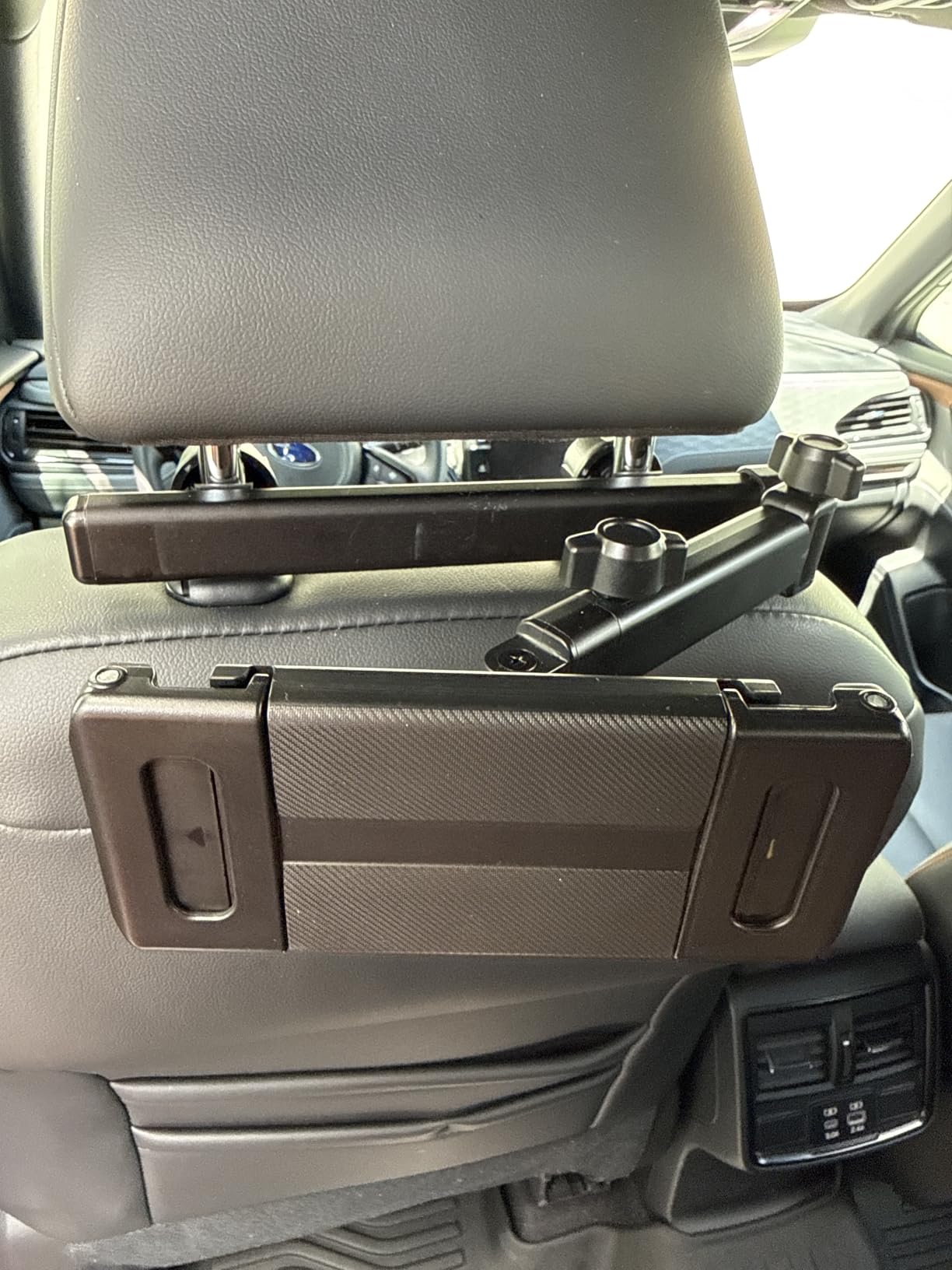
The post spacing range is the reason to notice this mount. At 2.16 to 9.5 inches, it handles headrests with unusually close posts as well as ones spaced very wide apart, which covers a lot of vehicles that standard mounts refuse.
The lockable 3-in-1 arm lets the screen sit behind one seat or center it for two viewers, with 360-degree rotation for portrait and landscape viewing. Construction is reinforced ABS with a metal shaft and silicone pads, and owners mention it holding firm over dirt and gravel roads.
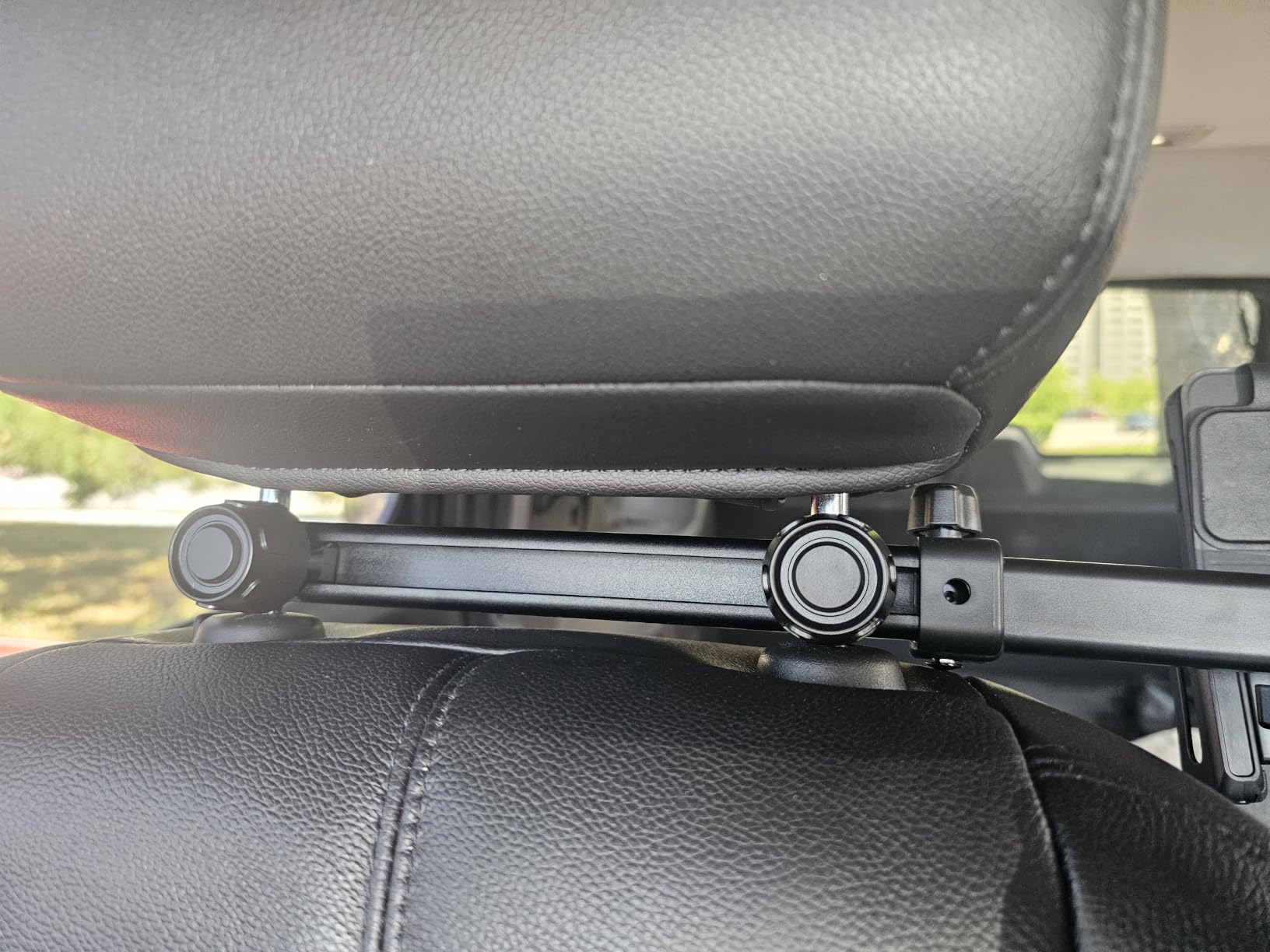
Fit covers 5.5 to 11 inch devices including cases up to 0.7 inch thick, so tablets, phones, e-readers and handheld gaming devices all work. Soft pads protect both the device and the car interior from scratches, and a one-year manufacturer warranty applies.
The negative theme in reviews is assembly. Some buyers report difficulty putting the unit together and the mount falling off even after assembly. If you are not comfortable with a small amount of assembly, allow extra time or pick a clamp-and-hook design that installs in one piece.
Who this mount suits best
It suits owners whose headrest posts sit unusually close together or unusually far apart, where a standard 2.8 to 5.9 inch range would fail. Measuring first is essential with this mount since its range is the selling point.
Families with one child in the backseat who want the screen tucked behind the seat when nobody is watching will like the retractable lockable arm. It also suits households mixing tablets, phones and e-readers on a single mount.
Where it falls short
The 11 inch device ceiling excludes larger iPad Pro models, and case thickness tops out at 0.7 inch. If your child uses a large tablet in a deep case, this will not work.
Locking joints need occasional tightening under heavy use, and the assembly complaints are common enough to be worth flagging. Check reviews for your specific batch before committing.
11. PLDHPRO Strap Mount: Works on Rodless and Tesla-Style Headrests
PLDHPRO Tablet Holder for Car Headrest, Universal Backseat Mount with Upgraded Anti-Slip Strap & 360° Rotation, Travel Essentials for Kids, Fits 5.5-14.6″ iPad Pro, Air, Mini, Galaxy Tab, Fire HD
Strap mount fits rodless headrests
Fits 5.5-14.6 inch devices
Silicone corner pads
360-degree ball joint
Pros
- Works on rodless and Tesla-style integrated headrests
- Widest device range at 5.5 to 14.6 inches
- Thickened silicone pads prevent edge scratches
- Clamp folds away to reduce rear-seat bulk
Cons
- Strap attachment is less rigid than a hooked metal rod mount
- Devices over 9.5 inches need the shorter side clamped
- Instructions are minimal
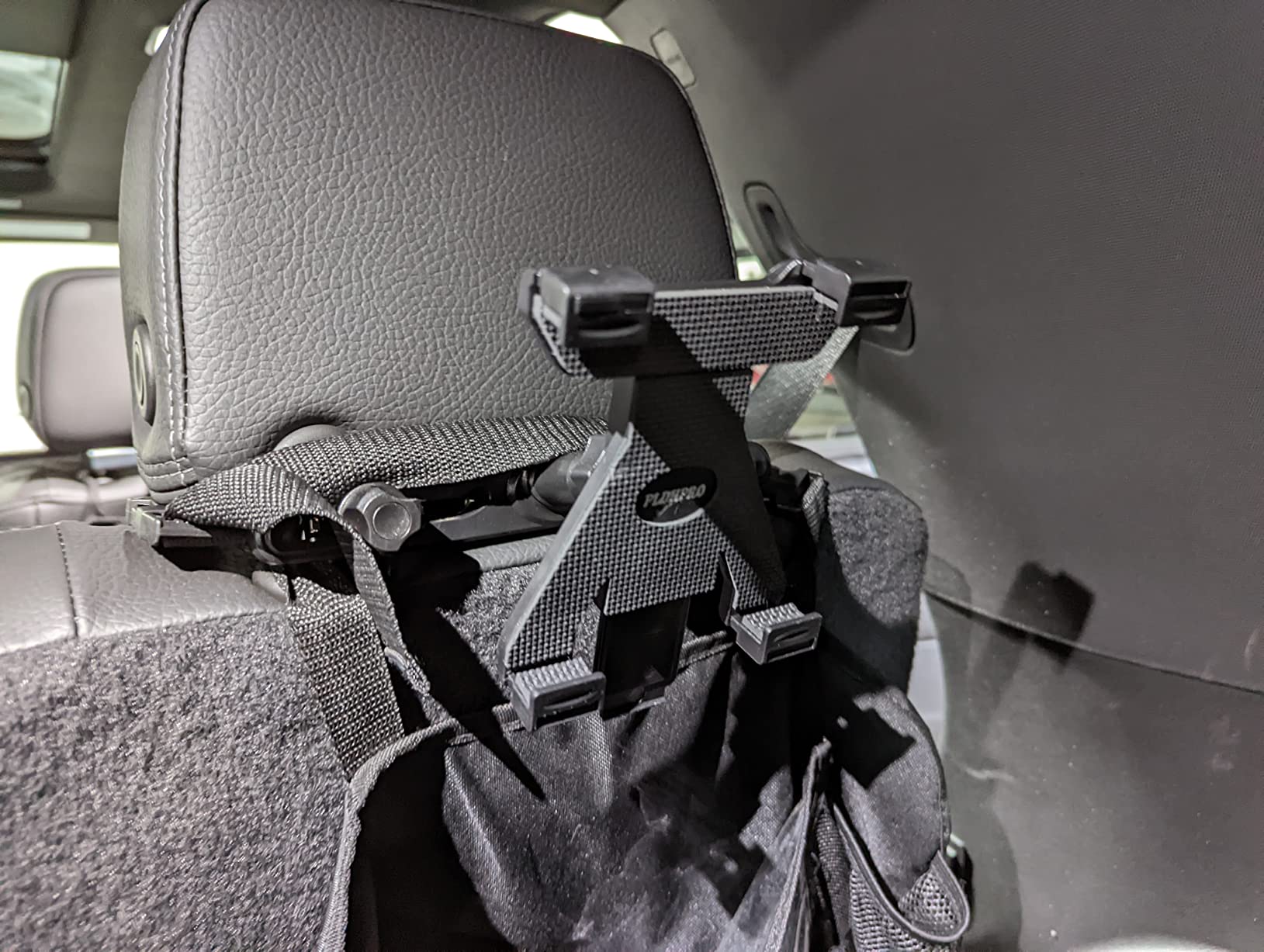
Most mounts in this roundup require two metal posts. This one does not. The adjustable strap fits headrests with 24 to 28 inch circumference, including rodless and Tesla-style integrated headrests, which makes it the option to look at first if you drive an electric vehicle with a smooth seatback.
It also accepts the widest device range here, from 5.5 to 14.6 inches and up to 0.78 inch thick, covering iPad Pro, Air, Mini, Galaxy Tab, Fire HD, Kindle, Surface and Switch. A 24-month warranty is the longest in this group.
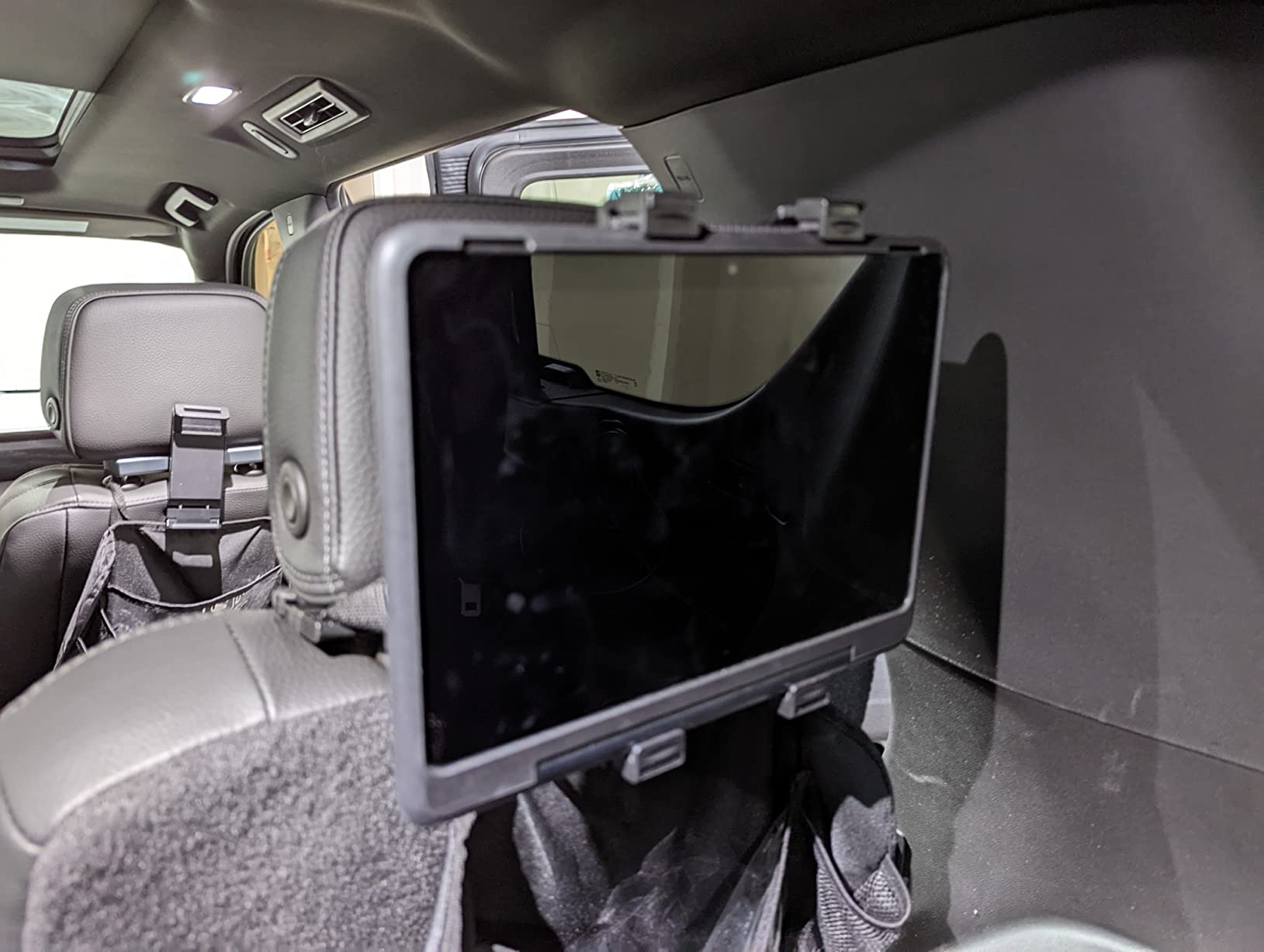
The clamp has thickened silicone pads on all four corners that grip firmly and prevent edge scratches, and it folds away when unused so it takes up less room behind the seat. A 360-degree ball joint handles portrait and horizontal viewing, and the clamp opens from 5.2 to 9.5 inches.
The honest drawback is rigidity. A strap attachment gives a less rigid connection than a hooked metal rod mount, so on rough roads the screen will move somewhat more. Buyers report that devices larger than 9.5 inches need the shorter side clamped in horizontal mode, which is an adjustment worth understanding up front.
Who this mount suits best
It suits drivers with rodless or integrated headrests, where nearly every other holder on this list simply cannot be installed. If you searched headrest posts and found none, this is the shortlist of one.
It also suits anyone with a very large tablet, since 14.6 inches of capacity exceeds every other mount here. The fold-away clip is useful in tight rear rows where backseat bulk matters.
Where it falls short
Stability is the trade-off. If your driving is rough or you want the screen rock-steady, a metal rod mount with deep hooks is the better tool.
The instructions are minimal, so budget a few minutes of figuring out the strap routing the first time. Buyers should also note the clamping requirement for large devices before ordering.
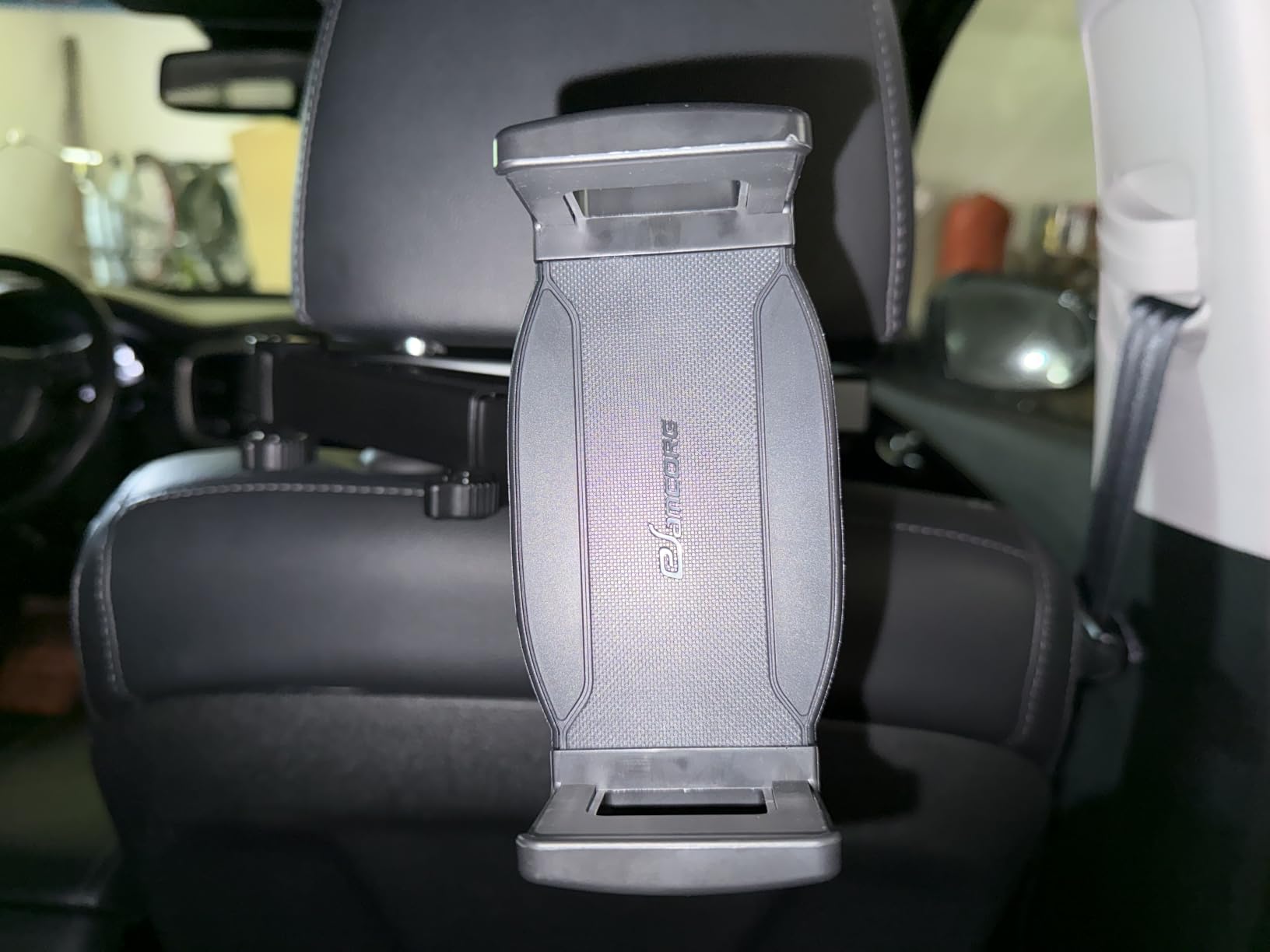
12. eSamcore Headrest Mount for Thick Cases: Deepest Clamp in the Roundup
iPad Holder for Car Backseat Kids, Headrest Tablet Car Mount for Thick Case
Clamp depth up to 1.57 inch
Aluminum alloy pole
4.7-11.9 inch devices
Dual 180-degree fold
Pros
- Deep 40mm clamp grips bulky kid cases with kickstands
- Aluminum pole and PTFE arm resist heat over long trips
- Dual 180-degree fold allows flipping the screen forward
- Tool-free two-nut install suits kids and older adults
Cons
- Requires metal headrest rods and excludes rodless seats
- 11.9 inch size limit excludes the largest iPad Pro models
- 10 pound weight figure is nominal rather than tested
Thick kid cases are the most common reason a good mount fails to work. A case with a built-in kickstand can be more than an inch deep, and most clamps in this roundup top out between 0.67 and 0.78 inch. This one opens to 1.57 inch, which is the difference between using the case and removing it every time.
Buyers single out the deep clamp as the reason to buy it, alongside the flexible arm positioning. A dual 180-degree fold plus an extendable arm and 360-degree ball joint let you flip the screen forward when one child finishes watching, so the next one does not have to wait.
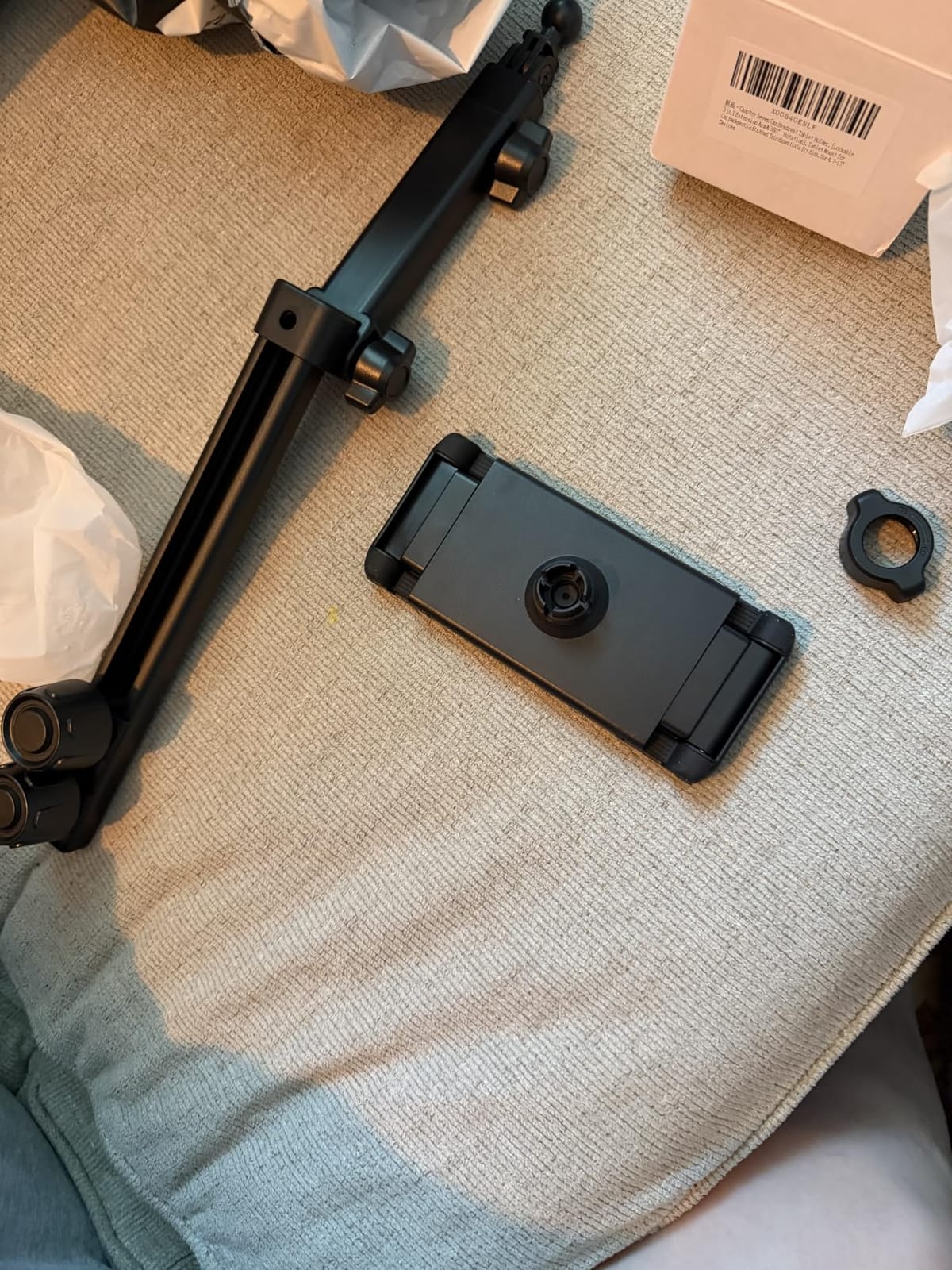
The aluminum alloy pole mount with a PTFE arm is chosen for heat resistance, which matters in a parked car in summer when the interior gets hot enough to deform cheaper plastic arms. Installation is tool-free with a two-nut locking mechanism that reviewers say is simple enough for children and older adults to handle.
It fits 4.7 to 11.9 inch devices including iPad Mini, Pro and Air, Galaxy Tab, Kindle Fire and Switch, and the listing names Tesla Model 3, Y, X and S as compatible vehicles where rods are present. The headrest rod range is 1.38 to 7.15 inches.
Who this mount suits best
It suits families using bulky protective cases with built-in kickstands or handles, which is exactly the case type that stops fitting in ordinary clamps. The device stays in the case, which also means the case corners keep doing their job.
Households with two children on one tablet benefit from the flip-forward folding function, and the two-nut install is simple enough that a child can mount or unmount the tablet without an adult. It works across cars, vans, trucks, pickups and SUVs.
Where it falls short
It needs metal headrest rods and will not fit rodless seats. If you have an integrated headrest, look at the strap-mounted option instead.
The 11.9 inch upper limit excludes the largest iPad Pro models, and the 10 pound weight rating is a nominal specification rather than a tested figure, so treat it as guidance rather than a guarantee.
How to Choose a Headrest Tablet Holder for Kids
Most returns and disappointed buyers come down to one overlooked detail: the type of headrest in your car. Check that first, because it eliminates half the options before you compare anything else.
1. Measure your headrest posts. Look behind the front seat and measure the distance between the two metal posts, outer edge to outer edge, and the diameter of one post. Most sedans sit between 2.8 and 5.9 inches apart with posts near 0.4 inch thick. A mount with a stated range that your measurement falls inside is a match.
2. Identify rod versus rodless. A rod mount hooks onto exposed metal posts. A rodless or integrated headrest is a smooth seatback with no posts at all, common on many electric vehicles and some luxury sedans. If you see no posts, only a strap-mounted holder will work, and that removes most of the rigid options from consideration.
3. Match clamp depth to case thickness. Ordinary clamps accept 0.67 to 0.78 inch, which covers slim and moderate cases. Rugged cases with kickstands need 1 inch or more. Measure the total thickness of device plus case before ordering, not just the device.
4. Decide between clamp and strap designs. A clamp gives a firmer grip and allows rotation and arm positioning. A strap-and-net design has no arms to break, installs on more headrest shapes, and treats the device more gently, but holds less rigidly on broken pavement.
5. Check the device size ceiling. Device limits range from 11 inches to 14.6 inches in this group. If you have a 12.9 inch iPad Pro, several otherwise excellent mounts simply will not hold it.
6. Consider whether kids can reach it. Extension arms make a screen easy for a child to pull free. A short or tucked-back mount keeps the device out of reach, which some parents prefer for safety reasons.
Beyond that, the same adjustability and viewing-angle logic is covered in our best tablet stands for kitchen and cookbook holder guides, if you want the mounting reasoning in a second context.
Fixing Wobble, Vibration and Fit Problems After Installation
Vibration is the most common complaint in owner feedback across every headrest mount, and it is nearly always caused by leverage rather than by a bad product. The fixes below address it in order of how much they help.
1. Tighten every joint before the first drive. Most mounts ship with a knob or screw loosened for packaging. Any mount with an adjustment knob left loose will rattle over rough roads, and tightening all joints is the single highest-value step available.
2. Shorten the arm as much as possible. A long extension arm multiplies the effect of every bump. Pulling the screen closer to the headrest reduces visible bounce noticeably, and it also narrows the angle a child has to turn their head.
3. Choose rubber or silicone contact points. Mounts with rubber lining on the arms, silicone corner pads or a silicone holding net damp vibration better than bare plastic or metal clamps. Five of the holders in this roundup specify that kind of padding.
4. Add a strap if the mount creeps. When a clamp slides down the posts over time, a short secondary strap around the headrest stem stops the drift. This is the common fix for the telescoping arms in this group that owners report creeping after bumps.
5. Change orientation for rough roads. Screens bounce more in horizontal position than vertical on uneven pavement. If your route is bad pavement, a vertical mount reduces the visible shake for a child watching.
6. Re-seat the tablet in the cradle. A tablet sitting low in the jaws has leverage to rock. Push it back until it rests against the lower stop so the clamp takes the load rather than the edge of the case.
For fit problems, the reverse approach works: if the mount is too loose on wide posts, move up to a wider stated range such as 2.16 to 9.5 inches. If it is too tight on close posts, choose a mount with a lower minimum. Re-measuring takes two minutes and prevents most returns.
Frequently Asked Questions
What is the best tablet headrest mount?
For most families the Lamicall Car Tablet Mount Headrest Holder is the strongest all-round choice. It carries a 4.7 average across more than 11500 reviews, fits devices from 4.7 to 12.9 inches, adapts to headrest rods between 2.8 and 5.9 inches apart, and rotates 360 degrees so a child can tilt the screen. If you need a thicker case grip or a rodless headrest, a different model fits better.
What is the best tablet stand holder for kids?
For a toddler, the LISEN 4 in 1 adjustable back seat stand is the most adaptable, because its four-axis joint reaches low and high positions and it works with convertible car seats. For children sharing one screen, the Lamicall 3 in 1 extension arm centers a single tablet between two seats. For travel, a folding strap design like the FANGOR or WONNIE mounts stores flat in a bag.
What is the best car headrest holder for tablets?
The best headrest holder is the one whose stated rod spacing range contains your measured post distance and whose clamp depth exceeds your device plus case thickness. Among widely reviewed options, the Lamicall clamp, the bokilino extendable mount and the Aomiker aluminum lockable arm cover the broadest range of normal sedan and SUV headrests.
What are the best car headrest iPad holders?
For iPad models, the Lamicall Car Tablet Mount Headrest Holder fits the full 4.7 to 12.9 inch range including iPad Pro, iPad Air and iPad Mini. The PLDHPRO strap mount accepts devices up to 14.6 inches for the largest iPad Pro sizes, and the eSamcore mount handles bulky kid cases with kickstands up to 1.57 inch thick.
Do headrest tablet holders wobble on bumpy roads?
They can, and vibration is the most common complaint in owner reviews. Wobble comes from arm leverage, not from poor quality. Tighten every joint, shorten the arm as far as possible, choose a mount with rubber or silicone padding at contact points, and add a secondary strap if the mount creeps down the posts. Soft strap-and-net designs typically move the most on broken pavement.
Will a headrest tablet holder fit my tablet with a thick case?
Only if the clamp depth exceeds the combined thickness of device and case. Ordinary clamps accept 0.67 to 0.78 inch, which covers slim cases. Cases with built-in kickstands or handles can exceed 1 inch, so look for a mount with 1 inch or deeper grip, such as the Aomiker at 1.02 inch or the eSamcore at 1.57 inch. Strap and net designs accept any case thickness.
Do headrest tablet holders work on rodless or Tesla headrests?
Most rod-mounted holders do not, because they require two exposed metal posts. Rodless and integrated headrests need a strap-mounted design, and the PLDHPRO mount is built for exactly this, fitting traditional, rod-style, rodless and Tesla-style headrests. The eSamcore listing also names Tesla Model 3, Y, X and S as compatible where posts are present.
Final Recommendation for Family Road Trips
For most families buying headrest tablet holders for kids in 2026, the Lamicall Car Tablet Mount Headrest Holder is the safest single purchase. Highest average rating in the group, no-tool installation, a 4.7 to 12.9 inch device range and rubber contact points that dampen bumps cover the majority of sedans and SUVs with metal headrest posts.
Add the Lamicall 3 in 1 extension arm when two children share one screen, the LISEN four-axis mount for toddlers in car seats, the eSamcore for very thick kid cases, or the PLDHPRO strap design if your headrests are rodless. Measure your post spacing and case thickness first, tighten every joint before the first drive, and you will get a screen that stays put through the whole trip.
