Choosing the best indoor security cameras for elderly parents comes down to three things: storage that does not bill you every month, night-time picture quality in a dark hallway or bedroom, and two-way audio so you can say hello without driving across town. Those three criteria decide almost every recommendation below. Most of the cameras in this guide record to a microSD card in the camera itself, so the footage stays in the house and no plan is required to replay it later.
I have read through tens of thousands of owner reviews on these ten models and compared them against what families actually ask for on forums, and the pattern is consistent. People want to know whether Dad ate, whether he made it to the bathroom at 2am, and whether the carer who visits on Tuesdays saw the mail. Those are wellness checks, not security incidents. That distinction changes which features matter, and I explain it fully in the buying guide below.
One thing to say up front: an indoor camera is not a medical device. None of these ten can reliably tell you a person has fallen and call for help. If falls are the reason you are shopping, pair whatever you choose with a dedicated medical alert pendant or watch. Cameras shorten the gap between something happening and a family member knowing. They do not shorten the gap between a fall and emergency services on their own.
For the everyday side of caring for an aging parent, the meal side of it matters too. Our recipe ideas for elderly loved ones and our easy soft food recipes are the kind of thing a camera can confirm actually happened, which is why camera check-ins and dinner planning tend to go hand in hand.
Table of Contents
- Top 3 Indoor Security Cameras for Elderly Parents (September 2026)
- All 10 Indoor Security Cameras at a Glance in 2026
- 1. Ring Indoor Cam – Best Overall for Elderly Parents
- 2. Tapo C210 2K Pan Tilt – Best Value for a Living Room or Hallway
- 3. Kasa EC71 1080p Pan Tilt – Best Budget Pan and Tilt Camera
- 4. Tapo C100 1080p – Best for Color Night Vision
- 5. Blink Mini Pan-Tilt – Best for Whole-Room Coverage in an Apartment
- 6. eufy Indoor Cam E220 2K – Best for Apple HomeKit Homes
- 7. Reolink E1 4MP – Best for Multi-Caregiver Access
- 8. aosu C2E 2K – Best for One-Touch Calling
- 9. eufy Indoor Cam S350 4K – Best for Face Detail Across a Large Home
- 10. Google Nest Cam Indoor 2K HDR – Best for Google Home Households
- How to Choose an Indoor Security Camera for an Elderly Parent
- Where to Place Cameras in an Elderly Parent’s Home
- Continuous vs Motion Recording, and What Fall Detection Really Does
- Privacy, Consent, and the Rooms to Stay Out Of
- Frequently Asked Questions
- How do I monitor my elderly parent living alone?
- What are some good cameras to monitor elderly loved ones?
- What is the easiest camera to use for seniors?
- What is the best device to track elderly parents?
- Do indoor security cameras need a subscription?
- Can indoor security cameras detect falls?
- Where should I place cameras in an elderly parent’s home?
- Is it legal to put a security camera in a parent’s home?
- Final Thoughts on the Best Indoor Security Cameras for Elderly Parents
Top 3 Indoor Security Cameras for Elderly Parents (September 2026)


Kasa EC71 1080p Pan Tilt
- 360 pan and tilt
- Patrol Mode
- microSD up to 256 GB
- Baby cry detection
All 10 Indoor Security Cameras at a Glance in 2026
| Product | Specs | Action |
|---|---|---|
| Ring Indoor Cam 1080p |
|
Check Latest Price |
| Tapo C210 2K Pan Tilt |
|
Check Latest Price |
| Kasa EC71 1080p Pan Tilt |
|
Check Latest Price |
 Tapo C100 1080p Tapo C100 1080p |
|
Check Latest Price |
 Blink Mini Pan-Tilt Blink Mini Pan-Tilt |
|
Check Latest Price |
 eufy Indoor Cam E220 2K eufy Indoor Cam E220 2K |
|
Check Latest Price |
 Reolink E1 4MP Reolink E1 4MP |
|
Check Latest Price |
 aosu C2E 2K aosu C2E 2K |
|
Check Latest Price |
 eufy Indoor Cam S350 4K eufy Indoor Cam S350 4K |
|
Check Latest Price |
 Google Nest Cam Indoor Google Nest Cam Indoor |
|
Check Latest Price |
Three of the ten are fixed-lens cameras that never move, and the other seven pan through a full turn. The subscription column is the one most guides skip, so read it carefully: the Ring is the only camera here whose meaningful playback history depends on a paid plan.
1. Ring Indoor Cam – Best Overall for Elderly Parents
Ring Indoor Cam (newest model) — Home or business security in 1080p HD video, White
1080p HD
Color Night Vision
Advanced Pre-Roll
Physical privacy cover
Alexa and Echo Show
Pros
- Very large review base
- Color night vision holds up in dim rooms
- Physical privacy cover is a real in-home benefit
- Pre-roll captures the seconds before an event
- Mature app with Echo Show support
Cons
- Fixed field of view with no pan or tilt
- Cloud playback and AI alerts need a paid Ring Protect plan
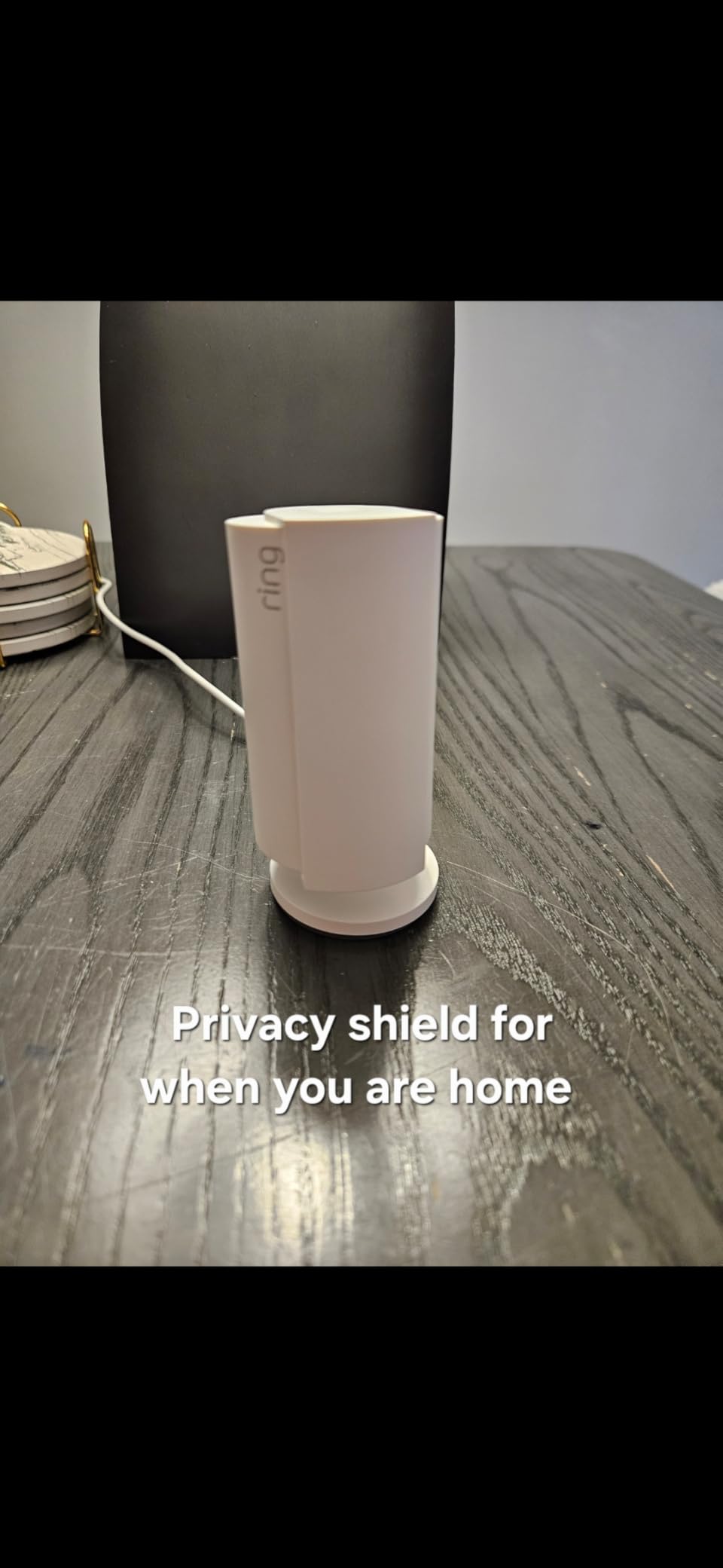
The Ring Indoor Cam is the one I keep coming back to for this specific job, and the reason is not the sensor. It is the physical privacy cover. When a camera sits in someone’s own living room, the ability to turn it off with a hand motion and know it is genuinely off removes an enormous amount of family friction. It is one of only two mechanical privacy controls in this whole group, and the only one that can be operated by hand without touching an app.
Image quality is 1080p HD with color night vision, which is enough to identify a person rather than just detect movement. Advanced Pre-Roll is the sleeper feature here: it records a few seconds before the motion event, so when an alert fires at 3am you see your parent approaching the frame, not an empty hallway.
The reviews on this model are the deepest in the group by a wide margin, with a 4.7-star average across tens of thousands of ratings, and that matters more than usual. A camera that is going to sit in a parent’s house for five years should be hardware with a support organization behind it and a long history of app compatibility. Ring has that.
Alexa and Echo Show streaming work, so a parent who prefers asking a question out loud to pulling out a phone has a way in. Customizable motion zones help you cut the notification noise from a television or a window. That makes it a good fit for families who want alerts and a short look at what just happened, rather than an archive to search weeks later.
When this is the right choice
Choose the Ring if your parent is comfortable with the idea of a camera in the living room and you want the strongest privacy story. It suits a predictable single room, like a chair by the window or a kitchen table, where a fixed view is all you need. It is also the safest pick if you already use Alexa or own an Echo Show, because the whole ecosystem is already frictionless.
When to look elsewhere
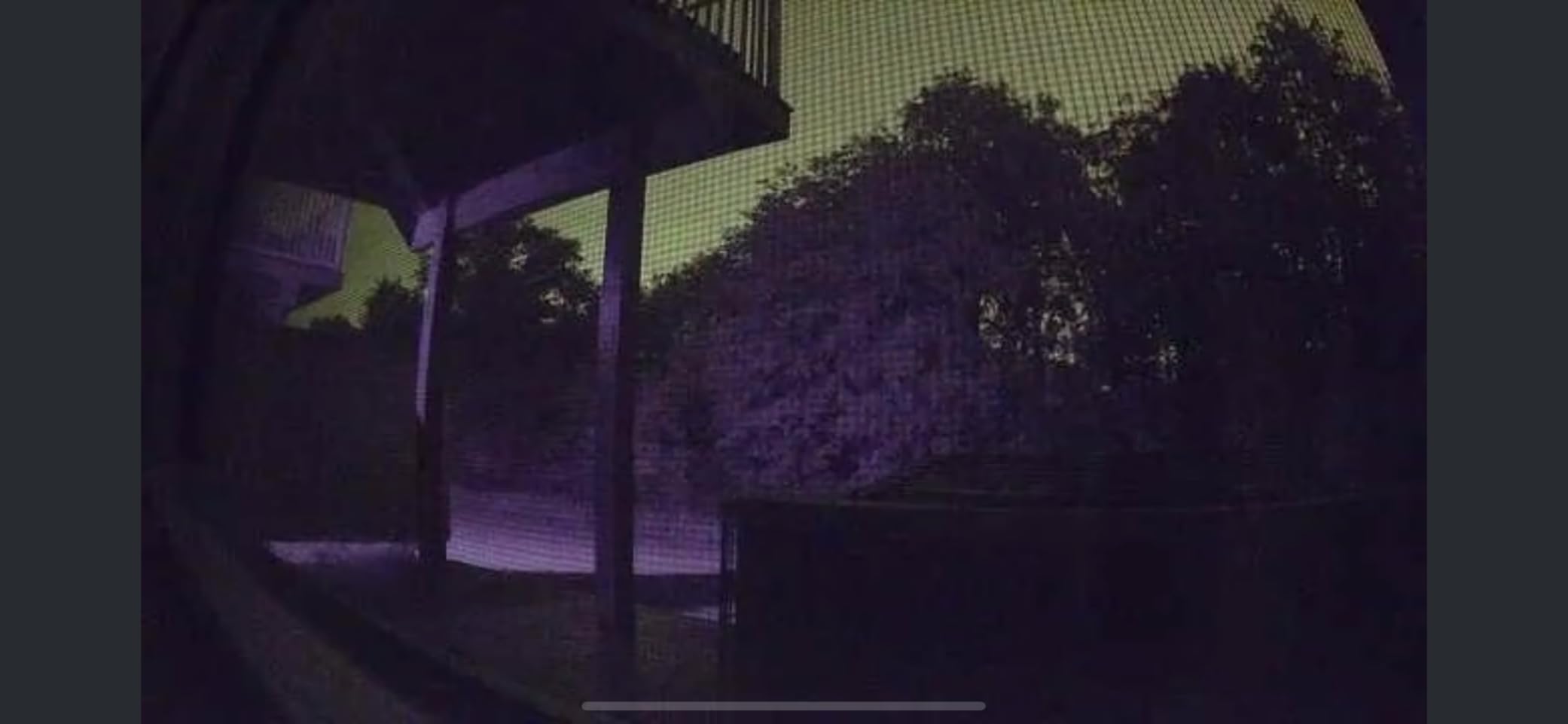
Skip it if replaying yesterday is important, because the useful playback history sits behind a paid Ring Protect plan. The base camera records short clips and drops them. If your parent has dementia and you need to reconstruct a night three days later, this is the wrong tool for that job.
It is also the wrong tool if the room is large and the parent moves around it, because there is no pan or tilt. A fixed lens pointed at one corner leaves the rest of the room unobserved, and you would need two of them to cover a wide space.
2. Tapo C210 2K Pan Tilt – Best Value for a Living Room or Hallway
Tapo TP-Link 2K Pan Tilt Security Camera for Baby Monitor, Dog Camera w/Motion Detection, 2-Way Audio Siren, Night Vision, Cloud &SD Card Storage (Up to 256 GB), Works with Alexa & Google Home (C210)
2K 2304x1296
360 pan and 114 tilt
microSD local storage
Two-way audio
Siren
Pros
- 2K is a real step up from 1080p at this level
- Preset viewpoints cover a whole room
- microSD recording keeps it subscription-free
- Device sharing lets two phones watch at once
Cons
- Background audio only streams while the app is open
- 2.4GHz only and needs a nearby outlet
- MicroSD card sold separately
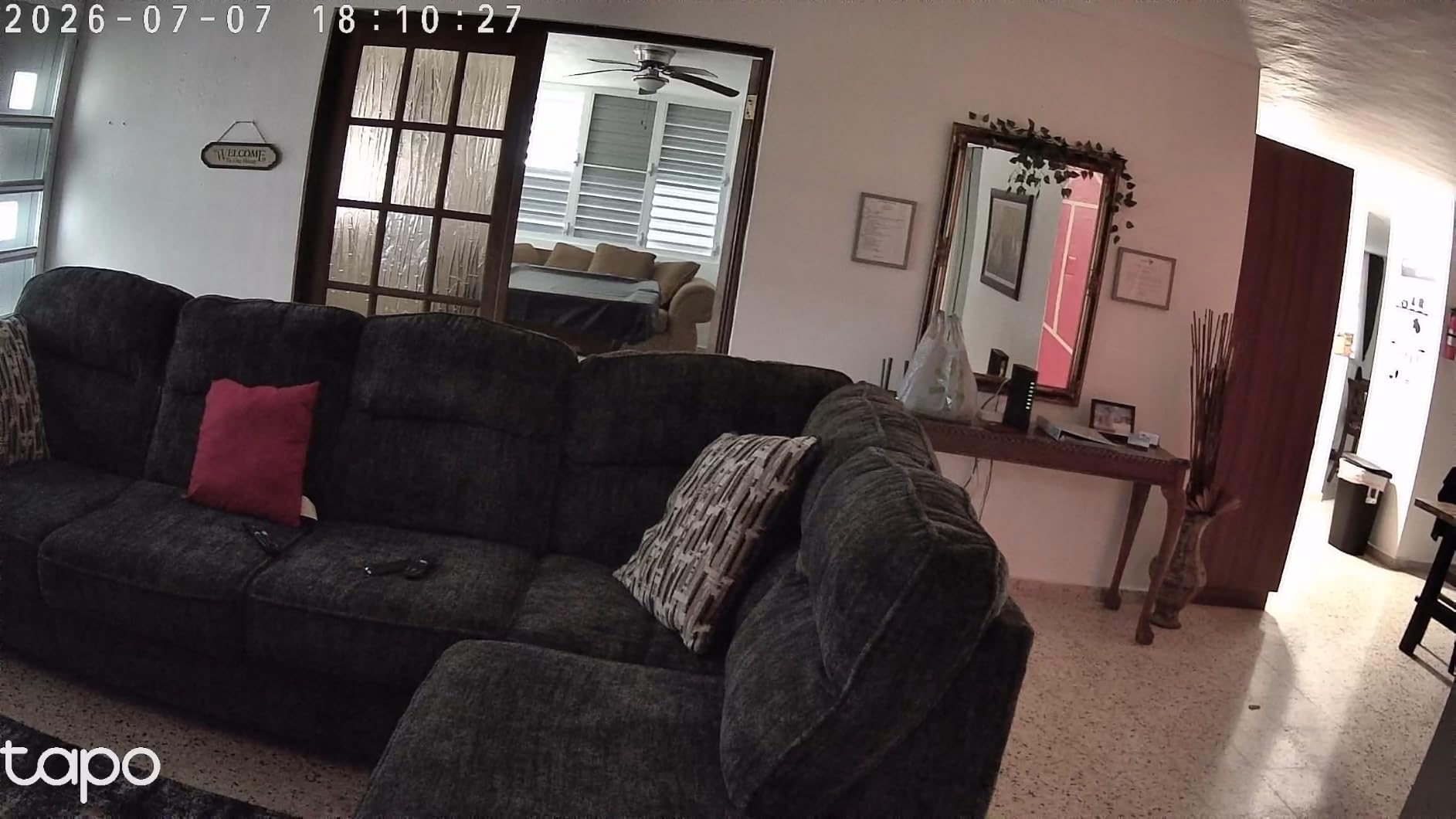
If I were advising a single camera for a parent’s main living space, the Tapo C210 is the one. It covers 360 degrees horizontally and 114 degrees vertically, records locally to a microSD card with no plan attached, and streams in 2K. That combination is the sweet spot most of this list chases and most of them miss.
2K resolution is the difference between seeing a blob on a sofa and being able to tell whether your parent is upright. The lens pans to 2304 by 1296, and preset viewpoints let you save two or three positions and jump back to them, which matters when a single camera is doing the work of two.
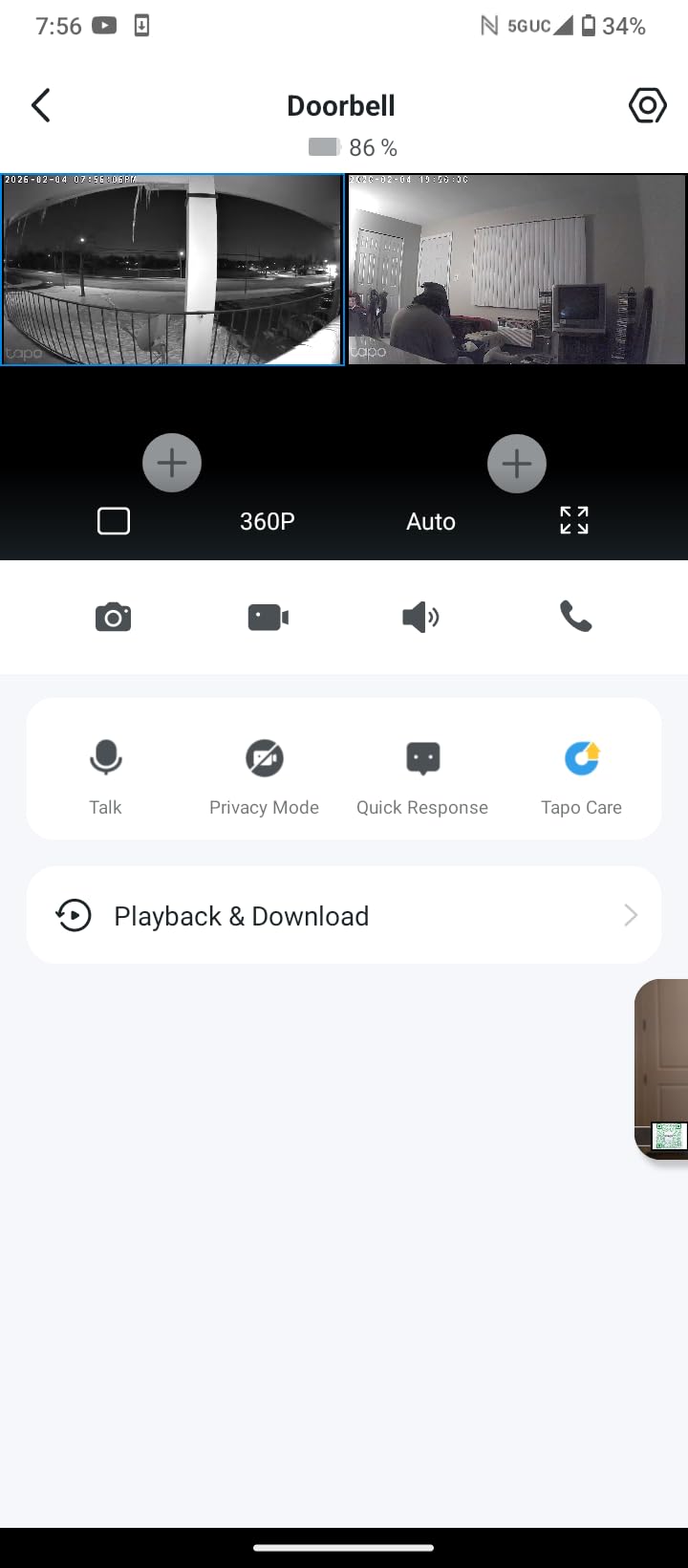
Motion, person, and baby crying detection all trigger push notifications. Device sharing means your sibling and you can watch the same feed on two phones without fighting over a login. Owners consistently call it worth the money, and the average sits at 4.5 stars across more than twenty thousand ratings.
Infrared night vision reaches 30 feet, which covers a typical living room or hallway from a corner mount without a light being on.
When this is the right choice
This is the one to buy for a large living room, an open-plan space, or a dementia situation where you want to see where your parent went rather than just that something moved. It is also a strong pick for two-adult-children households where both of you want the feed without extra logins, and a high-capacity card on continuous recording gives a dementia situation the multi-day overnight buffer families tell us they actually rely on.
When to look elsewhere
The most-cited drawback is audio. Background sound only streams while the app is open on your screen, so this is a poor choice if the plan depends on hearing a fall, a cough, or a television left running for hours. It works well for watching and for talking, not for passive listening.
Manual pan and tilt is a touch laggy, and like most budget cameras it is 2.4GHz only with a wired power lead, so the outlet position dictates where it goes.
3. Kasa EC71 1080p Pan Tilt – Best Budget Pan and Tilt Camera
Kasa 1080p Indoor Pan/Tilt Wired Security Camera, Baby & Pet Monitor, EC71
360 pan and 113 tilt
Patrol Mode
microSD up to 256 GB
2-way audio
Baby cry detection
Pros
- Patrol Mode and motion tracking add real coverage value
- Local microSD recording with no subscription
- Works with both Alexa and Google Home displays
- Very large review base
Cons
- 1080p at 15 fps is a lower frame rate
- 2.4GHz only with no 5GHz support
- Wired power and card sold separately
The Kasa EC71 is the one that keeps showing up in real deployments, including the most-cited forum thread on this whole question. A poster monitoring a parent in a 400 square foot memory care apartment chose this exact camera with a 256 GB high-endurance card, wall-mounted inverted near the ceiling in the far corner. After a month, the feature he valued most was continuous local recording he could replay later, not live viewing.
That is a useful calibration for anyone reading this. What separates a camera that gets used for years from one that gets uninstalled is usually whether the past is recoverable without a monthly bill. This one records to a microSD card up to 256 GB, and the card is not included, so budget for a high-endurance card rather than the first one you come across.
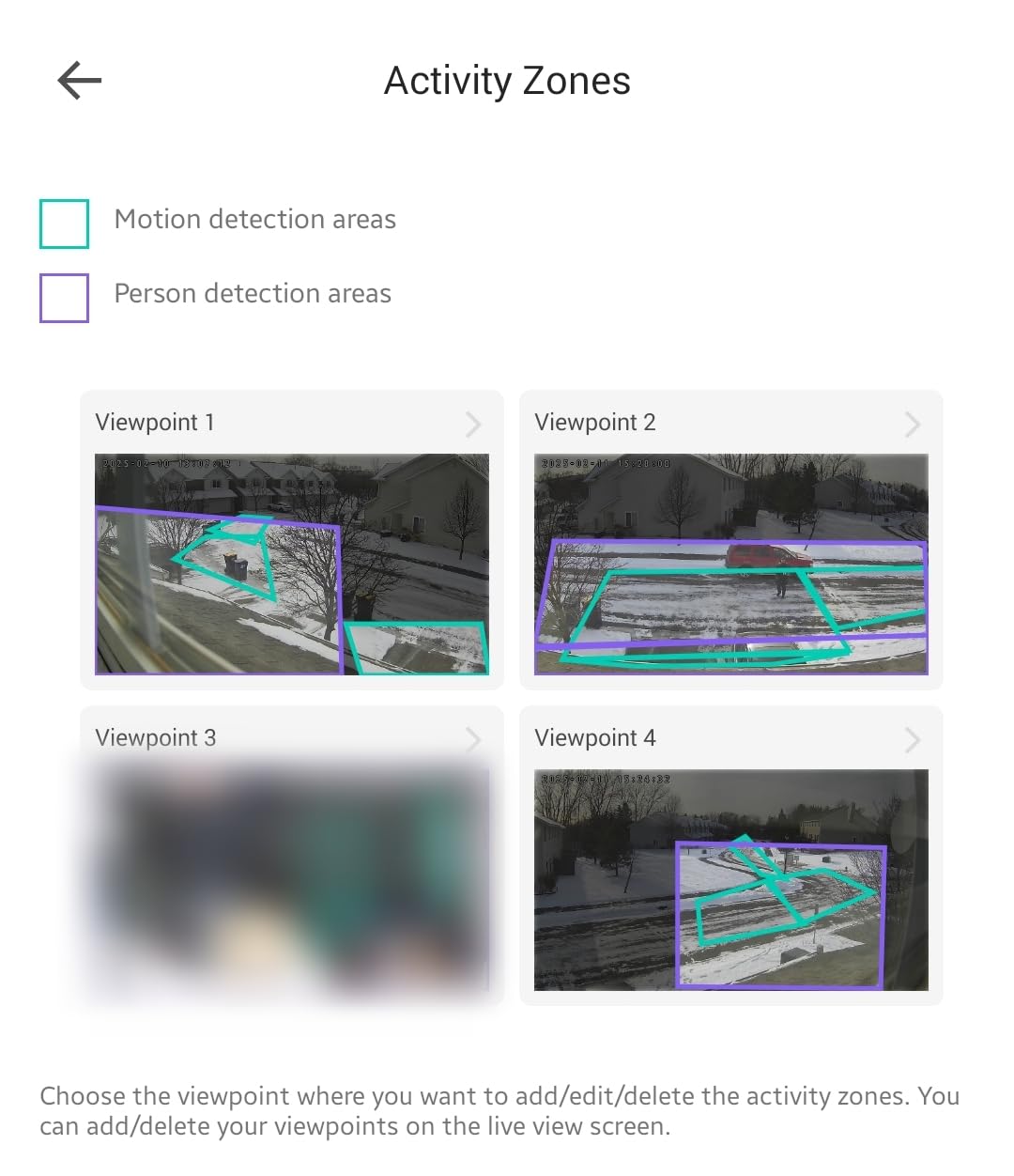
Patrol Mode is the underrated feature. You save regions and the camera cycles through them on an interval you choose, so one unit effectively scans a whole room the way a person glancing around would. Motion tracking follows a moving subject, and baby crying detection doubles as an unusual audio trigger for sleep monitoring.
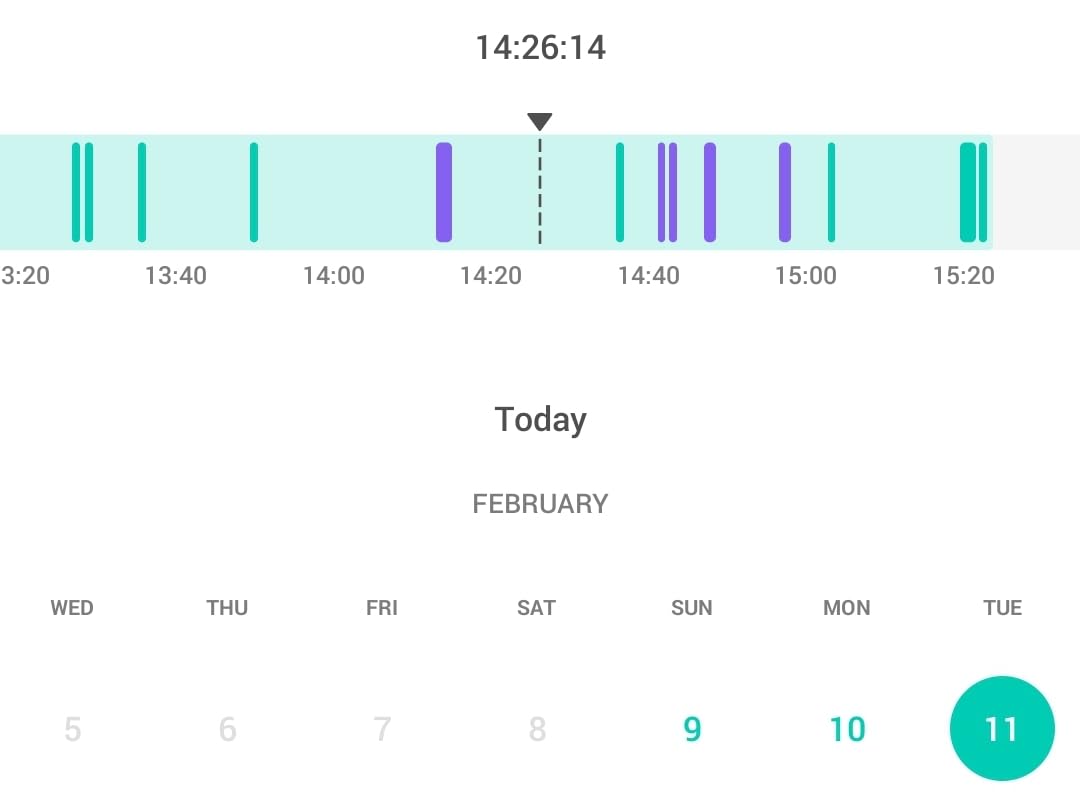
It ranks first in dome surveillance cameras and second in video baby monitors, with a 4.4-star average across more than thirty thousand ratings, a bigger review base than anything else here except the Ring.
When this is the right choice
Choose it when coverage matters more than fine detail, when you need a camera that can be aimed at a shelf, a hallway, and a doorway in rotation, and when avoiding a recurring fee is non-negotiable. Compatibility with both Alexa and Google Home displays is unusually broad at this level.
It also suits a network you do not control, such as an assisted living apartment where you have the Wi-Fi credentials but no router access. The camera connects directly and needs no hub of yours.
When to look elsewhere
The frame rate is 15 fps at 1080p, so quick movement looks slightly stuttery compared with the 2K Tapo. If you are watching a person walking rather than sitting, that shows up.
It is 2.4GHz only, needs a nearby outlet, and its night vision is plain infrared out to 30 feet, so a completely dark room means grainy footage rather than color.
4. Tapo C100 1080p – Best for Color Night Vision
Tapo 1080P Indoor Security Camera, Baby Monitor, Dog Camera, Wired, C100
1080p full color
Built-in spotlights
30 ft night vision
microSD up to 512 GB
Siren
Pros
- Color night vision with spotlights beats plain infrared
- Free person detection and activity zones cut alert noise
- Local microSD storage with no mandatory plan
- Built-in siren and customisable alarm
Cons
- Fixed field of view with no pan or tilt
- 2.4GHz only
- 1080p at 15 fps
- Wired installation
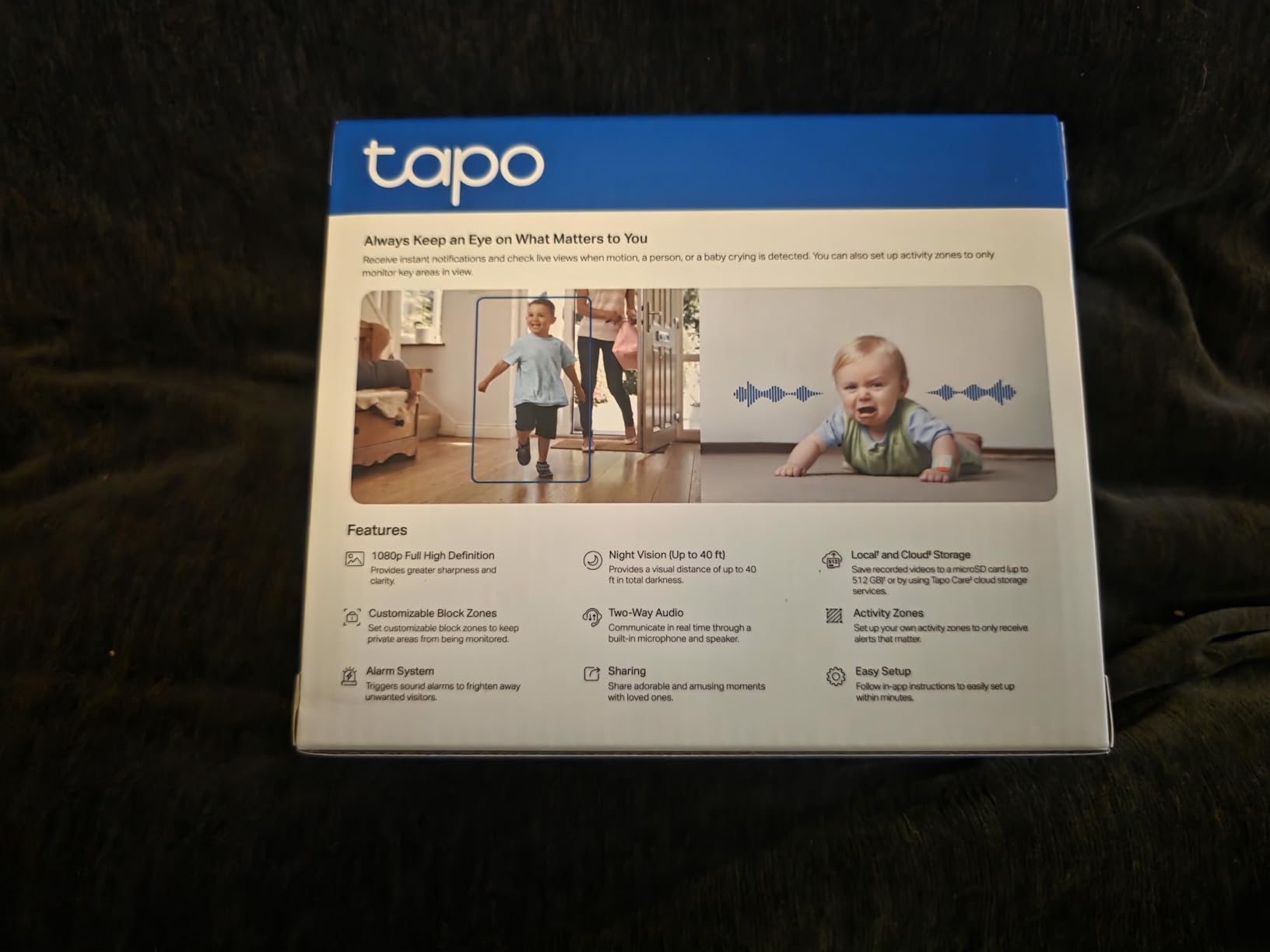
Most indoor cameras switch to grainy monochrome the moment the lights go off. The Tapo C100 does not, because it carries its own spotlights. That single design choice is worth more for overnight monitoring than a resolution upgrade, and it is why this fixed-lens camera still earns a place on a list dominated by pan-tilt models.
Overnight is when most falls happen and when a family is least likely to check a feed, so seeing in color rather than guessing at a silhouette is a real advantage. The spotlights reach 30 feet and the built-in sirens give you an audible way to warn an unexpected visitor.
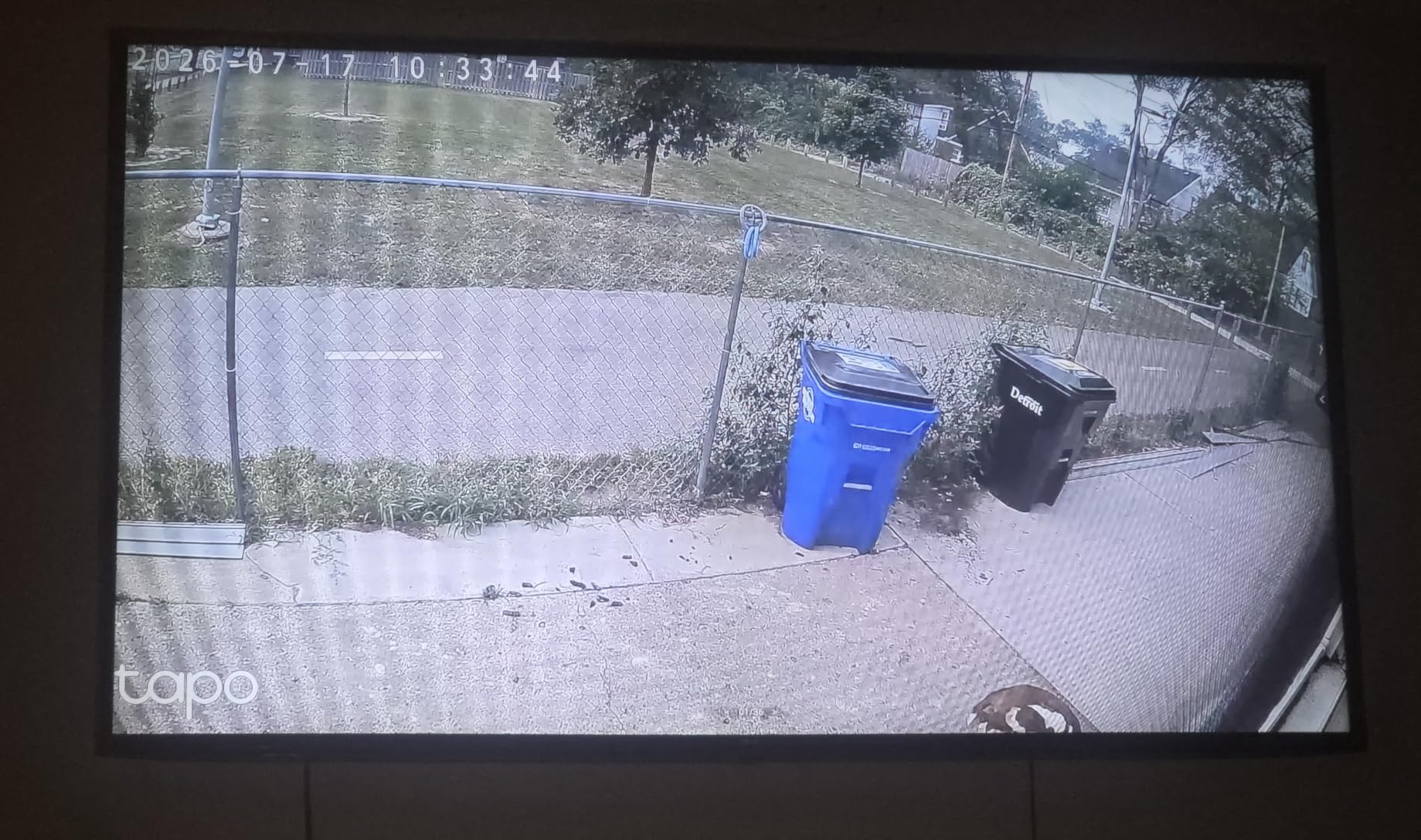
Person and motion detection are free, with activity zones to define what matters. Video is encrypted with two-factor authentication, microSD storage runs to 512 GB, and Tapo Care cloud is optional rather than required. Owners call it dependable and easy, and it holds a 4.4-star average across more than twenty-eight thousand ratings.
It works with Alexa and Google Assistant, though Google streaming is limited to Chromecast and Nest displays rather than every smart display.
When this is the right choice
This is the right camera for a parent who sits in one predictable place, which is exactly the heuristic that matters when a camera cannot move. Point it at a favourite armchair, a kitchen table, or a hallway and it will serve for years, and color night footage makes a real difference if you want to check whether medication was actually taken at 9pm. It works well as a second or third camera in a home that already has one pan-tilt unit covering the main space.
When to look elsewhere
The 110-degree fixed field of view is the whole limitation, and it is a real one. A wide room with a parent moving between the sofa and the kitchen will fall outside the frame at the edges. The spotlights also cast visible pools of light in a dark room, which some people find unsettling at night.
Like the Kasa, it records at 15 fps, which softens fast movement, and it needs a wired outlet and 2.4GHz Wi-Fi.
5. Blink Mini Pan-Tilt – Best for Whole-Room Coverage in an Apartment
Blink Mini Pan-Tilt Camera (newest model), Rotating indoor plug-in smart security camera, two-way audio, HD video, motion detection, Works with Alexa (White)
360 pan and tilt
Two-way audio
Sync Module local storage
Infrared night view
Alexa
Pros
- 360 coverage from a single unit
- Two-way audio is smooth for talking to someone in the room
- Local USB storage through Sync Module 2
- Setup is quick for non-technical users
Cons
- Some units report lag in notifications and app response
- Motion detection has been reported unreliable
- Older sensor generation
- Live streaming capped without a plan
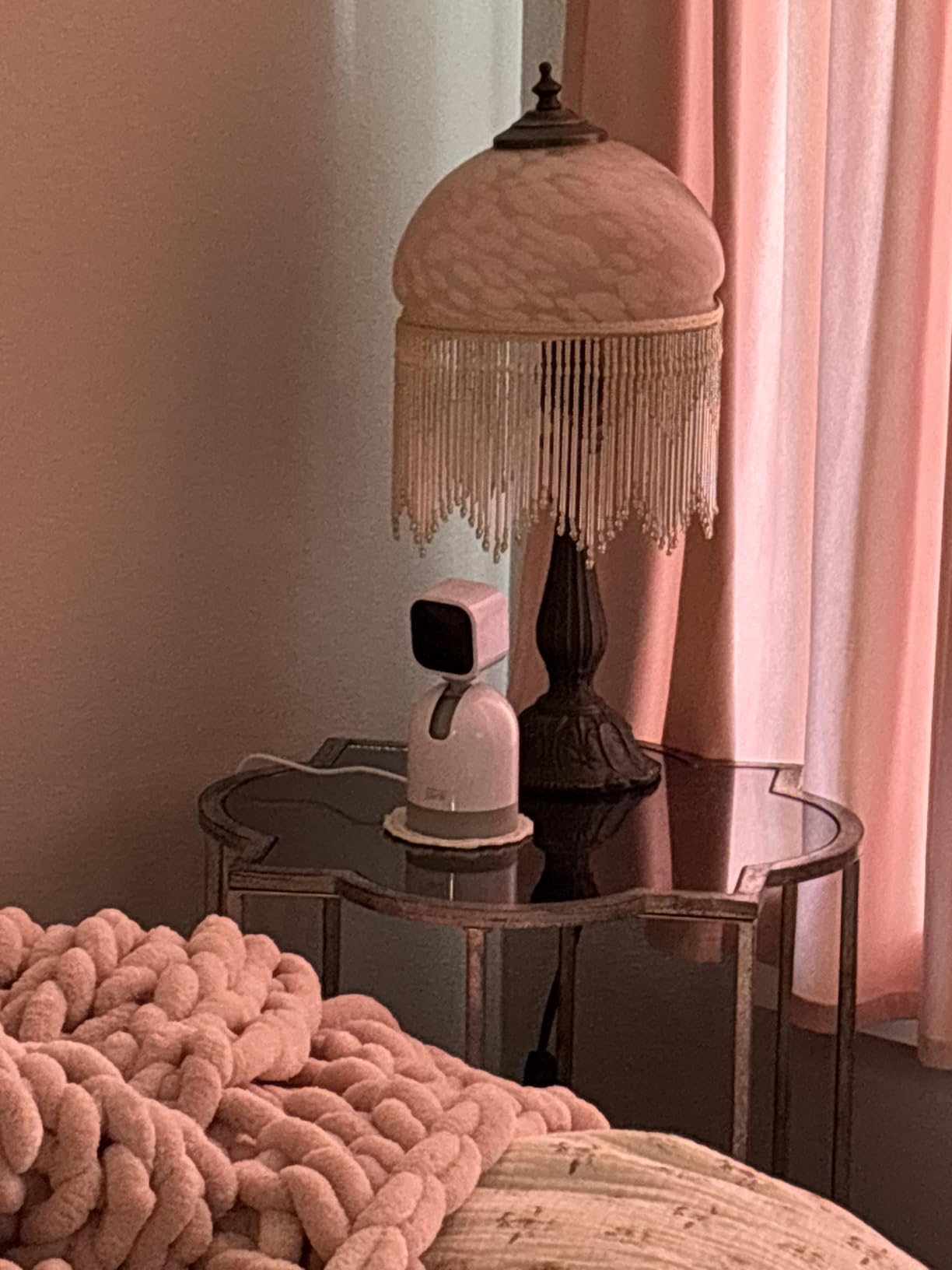
The Blink Mini Pan-Tilt is a good fit for a small apartment where a single unit has to cover everything. It pans a full 360 degrees horizontally and tilts vertically from the app, so a parent moving from the bed to the kitchen stays in frame, and two-way audio works smoothly for talking to them without shouting down the hallway.
Local storage is possible through a Sync Module 2 with a USB drive, so you are not locked into cloud storage. The box includes the camera, a pan-tilt mount, a USB cable, and a power adapter, and installation through the Blink app takes minutes.
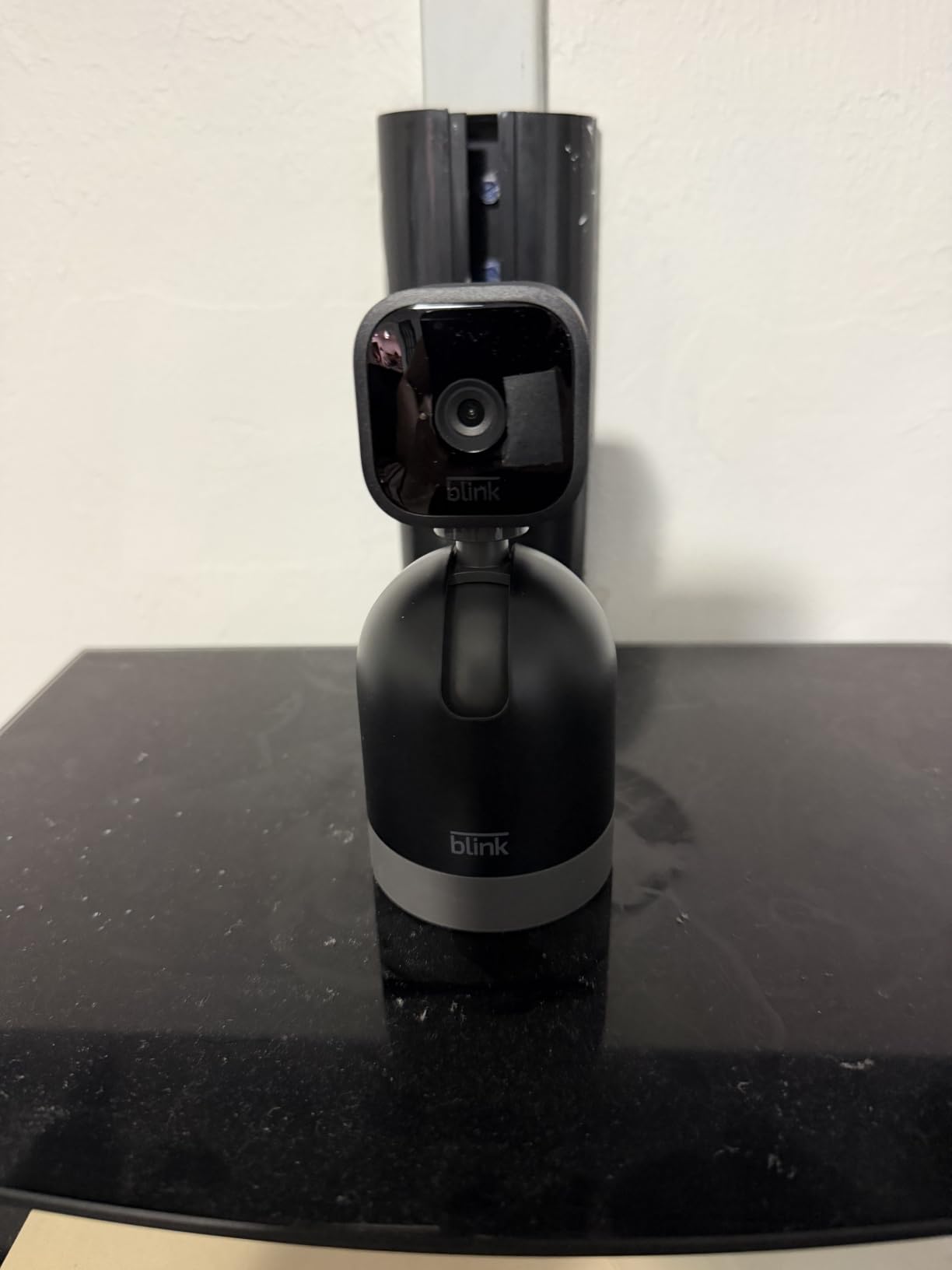
At 4.5 stars across more than twenty thousand ratings, the reception is strong, and it slots neatly into an existing Blink system if the household already runs one.
The honest note is that a smaller group of reviews reports intermittent motion-detection drops, occasional two-way audio failures, and app lag on certain units. That is a minority pattern, but it is the reason this sits fifth rather than higher.
When this is the right choice
Choose it for a studio or one-bedroom apartment, or any space where a fixed camera would miss half the floor plan and you want a voice channel without extra hardware. The Sync Module route keeps footage off the cloud entirely, which some families prefer on privacy grounds, and it fits a household that already owns Blink cameras and wants everything under one account.
When to look elsewhere
This is not the sensor generation you want if fine detail matters, since day video is HD rather than 2K and night view is infrared only, so footage goes monochrome. If you need to identify a face from across a room, look at the Reolink E1 or the eufy S350 instead.
Continuous live streaming is limited without a subscription, and the reported motion-detection inconsistency matters more here than elsewhere, because a missed event is a missed event.
6. eufy Indoor Cam E220 2K – Best for Apple HomeKit Homes
eufy Security Indoor Cam E220, Dog/Pet Camera, Pan and Tilt
2K detail
On-device AI
microSD with no fee
HomeKit support
360 pan and tilt
Pros
- Subscription-free local microSD recording
- 2K clarity with solid night vision
- Works with HomeKit plus Alexa and Google Assistant
- Pan and tilt with automatic motion tracking
Cons
- AI human detection is inconsistent
- Listing claims 256 GB but the camera accepts 128 GB
- App can lag opening recorded events
- Only two activity zones
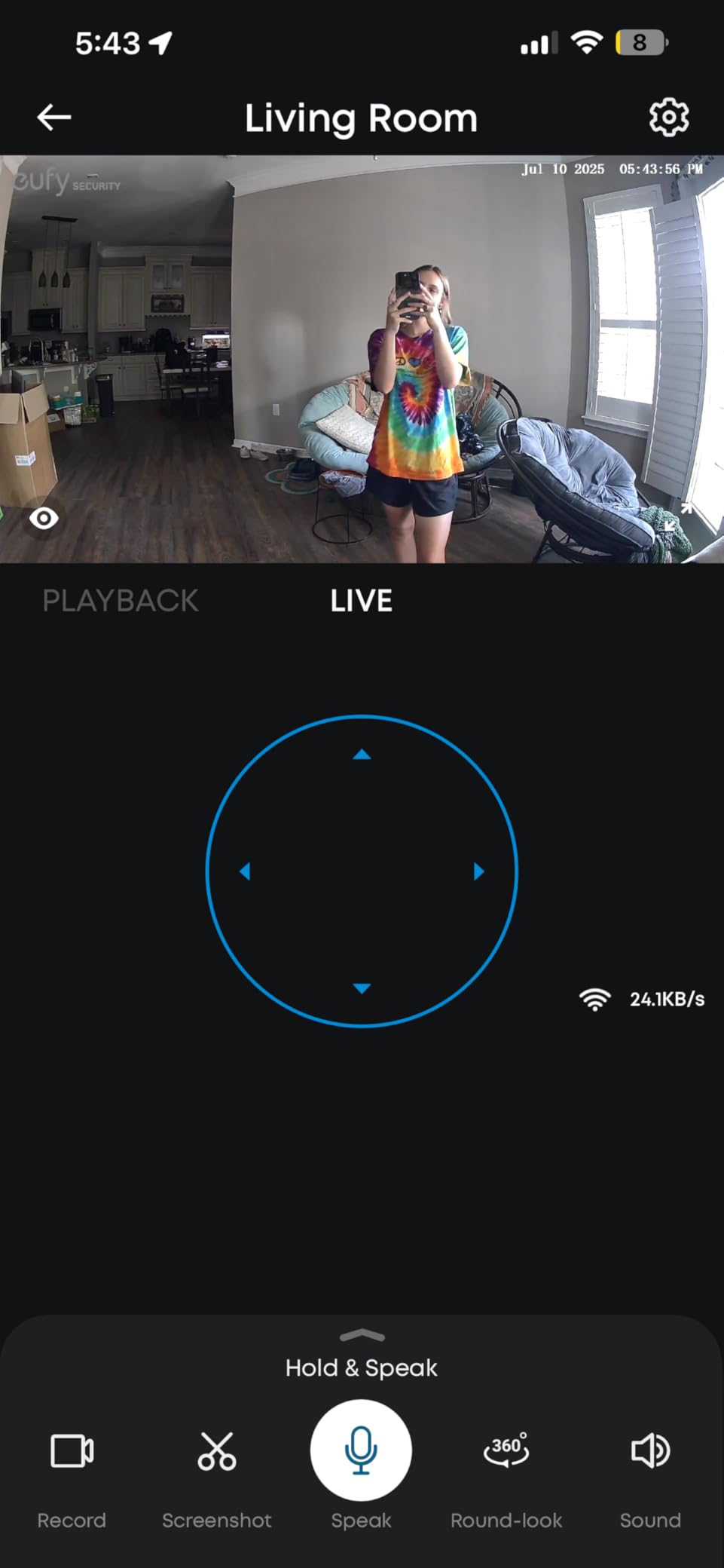
The eufy Indoor Cam E220 is the pick if your household is already running Apple HomeKit, because it is one of the few cameras here that plays nicely with that ecosystem alongside the eufy HomeBase 3 hub. It records locally to a microSD card with no subscription, and the on-device AI separates humans from pets so a cat on a sofa does not generate an alert at 2am.
2K detail is a genuine step up from 1080p, and it holds reasonably well at night. The body pans and tilts through 360 degrees with automatic motion tracking, and two-way audio is real-time rather than walkie-talkie.

Owners love the no-fee local storage and the picture quality, and it holds a 4.4-star average across more than twenty-one thousand ratings. That is a solid base of experience for hardware you intend to leave running for years.
Two practical notes for anyone planning a multi-camera home: resolution drops to 1080p when you stream through HomeKit, and microSD support tops out at 128 GB even though some listings say 256 GB.
When this is the right choice
Choose it when privacy is the top priority, the footage should not leave the house, and you want a camera that works across HomeKit, Alexa, and Google Assistant without three separate apps. On-device AI means person classification happens inside the camera rather than on a server, which some households find more comfortable, and it is a good middle pick for a family that cannot agree on one platform.
It also suits a parent who is wary of cameras but accepts the idea of one that never sends footage anywhere, because the card stays in the camera and the privacy mode is one tap in the app.
When to look elsewhere
The recurring complaint in reviews is that the on-device AI human detection is not dependable enough to be your only alerting mechanism. False positives on ordinary household objects and missed detections at a distance both show up in the reviews, and the app can lag noticeably when opening recorded events.
Only two activity zones can be configured, and there are no definable preset positions, so the camera must be re-aimed by hand whenever it is moved.
7. Reolink E1 4MP – Best for Multi-Caregiver Access
REOLINK 4MP 2K Indoor Camera E1, Plug-in WiFi 6 Security Camera
4MP resolution
40 ft infrared night vision
355 pan with auto-tracking
MicroSD, NVR or Home Hub
10 users
Pros
- 4MP detail with 40 ft night vision range
- No subscription with several local storage paths
- Up to 10 users and 4 simultaneous live viewers
- Baby cry detection in the base model
Cons
- Lowest average rating here at 4.2 stars
- 80 degree field of view is narrower than most
- 2.4GHz only
- No RTSP or ONVIF support
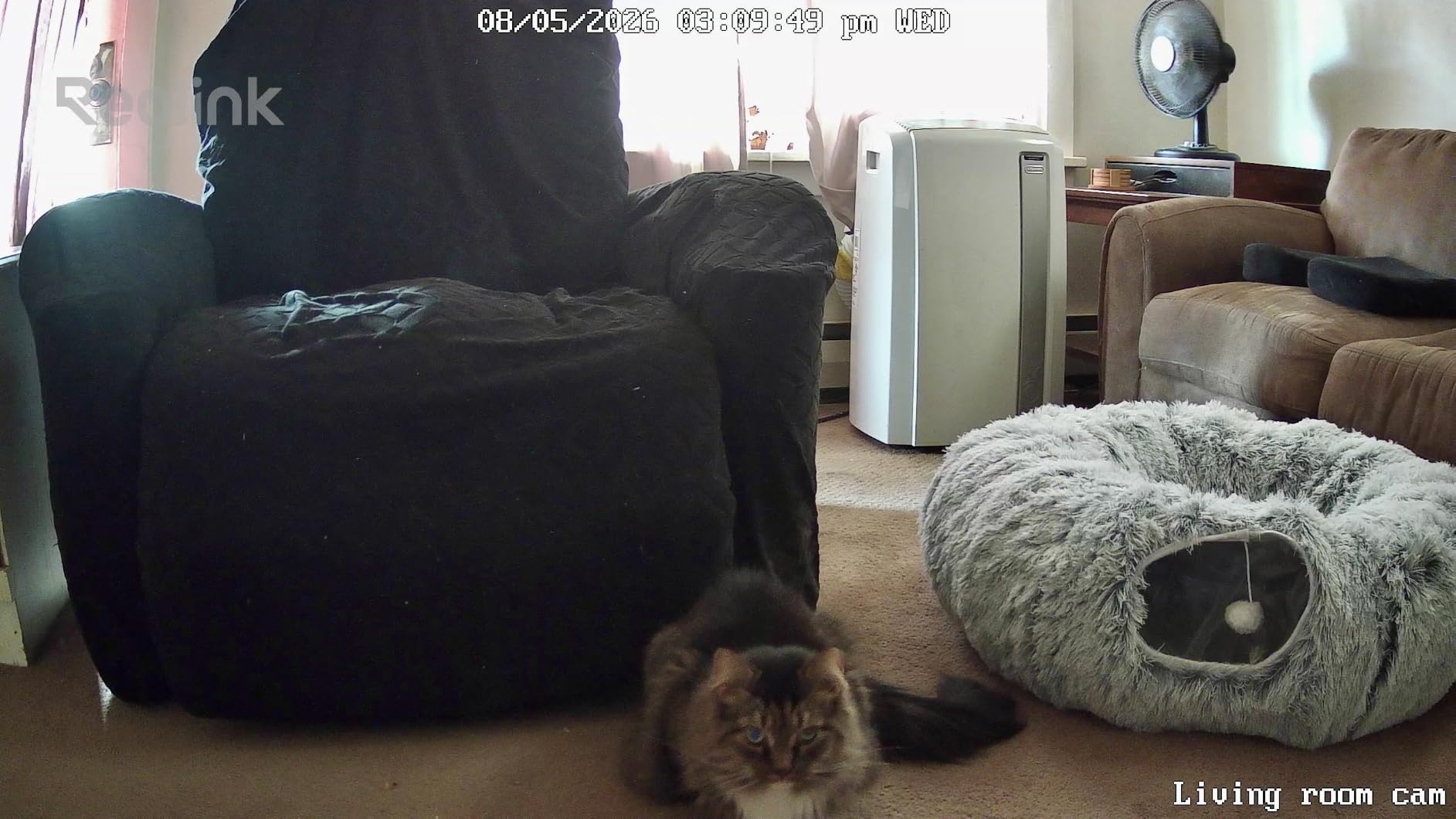
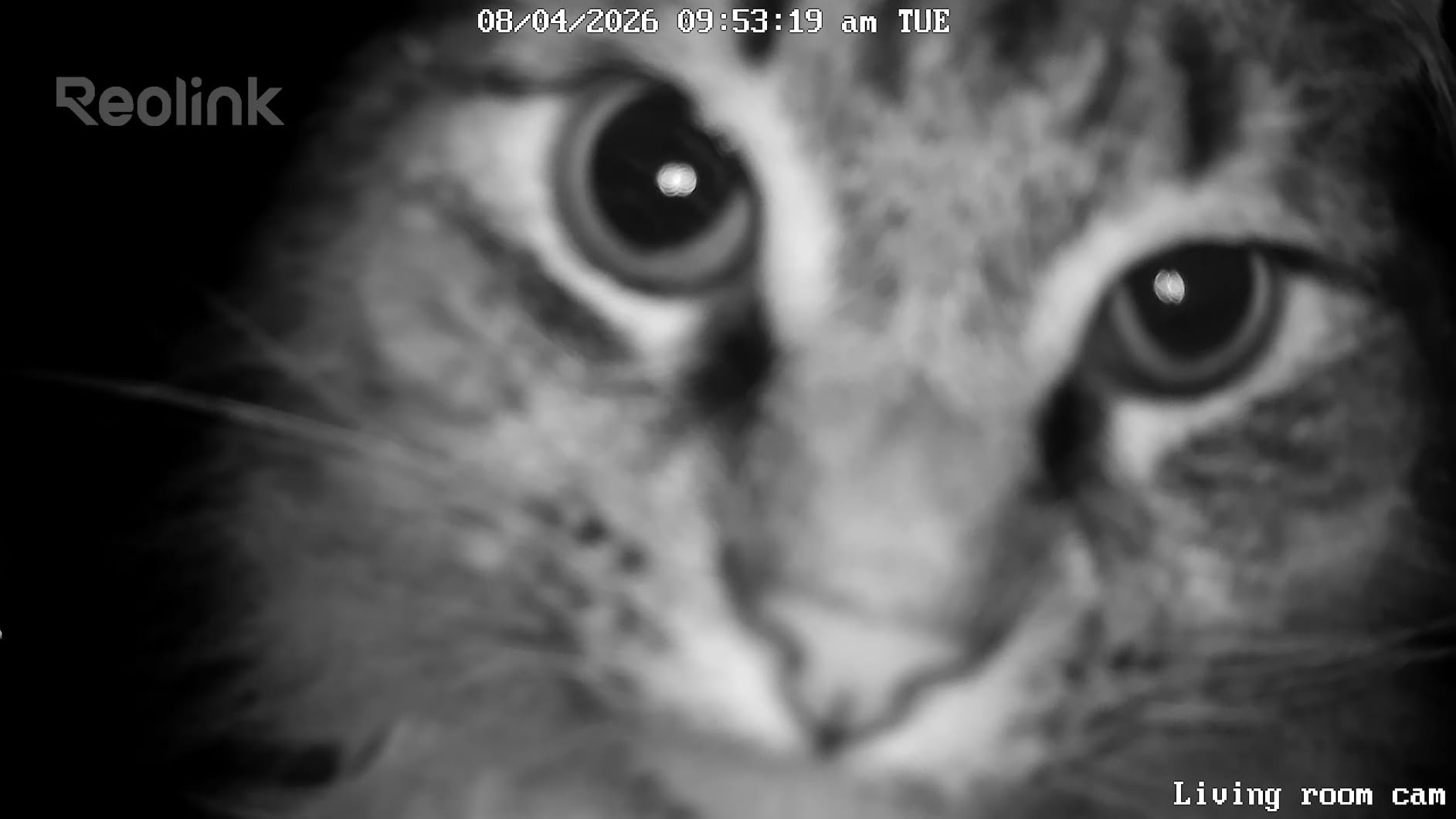
The Reolink E1 solves a problem most guides skip: giving a whole family access without juggling separate logins. The free app supports up to ten users with four simultaneous live viewers, and the camera carries an admin-controlled privacy mode that blocks video and mutes audio when the family agrees the camera is off. For a household where three siblings, a partner, and a visiting carer all need a check-in option, that is worth more than any single feature on this list.
4MP is a high resolution for this class, and the enhanced infrared night vision reaches 40 feet, the longest stated range in this group. It pans 355 degrees with motion auto-tracking, records to a microSD card, a Reolink NVR, or a Home Hub, and never requires a subscription.
Baby cry detection and two-way talk are both included in the base model, which is unusual at this price.
It is rated 4.2 stars across more than eighteen thousand ratings, the lowest average of the ten, and the reviews explain why: owners respect the resolution and the freedom from fees but point to a narrower field of view and a less polished app, and this group carries the largest share of one-to-three-star feedback of any camera here.
When this is the right choice
Choose it when the caregiver group is genuinely large, when the Wi-Fi in the home is something you do not control, or when night vision range across a long hallway is the priority. Multi-user access with an admin-controlled privacy switch makes it the most natural fit for a family care arrangement where a relative is involved in the decision about when cameras are on.
It is also a strong option for anyone who wants to add an NVR later and record centrally.
When to look elsewhere
The 80-degree field of view is narrow. A small apartment with a parent moving across it will need either careful corner placement or a second camera, and the narrow lens is the single most cited drawback in its reviews.
There is no RTSP or ONVIF support, which blocks some third-party integrations, and the app experience is less refined than the Tapo and Ring apps. It is 2.4GHz only.
8. aosu C2E 2K – Best for One-Touch Calling
aosu 2K Indoor Camera,Baby Monitor for Home Security with 2.4GHz WiFi only
One-touch talk button
2K QHD at 25 fps
360 pan and 155 tilt
MicroSD up to 128 GB
IR to 33 ft
Pros
- One-touch call button is unusually accessible
- No mandatory subscription with local recording
- Compact body that fits unobtrusively in a room
- Multi-user access for the family
Cons
- Wired power with no battery option
- 2.4GHz only
- App occasionally crashes and the feed needs a restart
- Can trigger on sudden changes in light
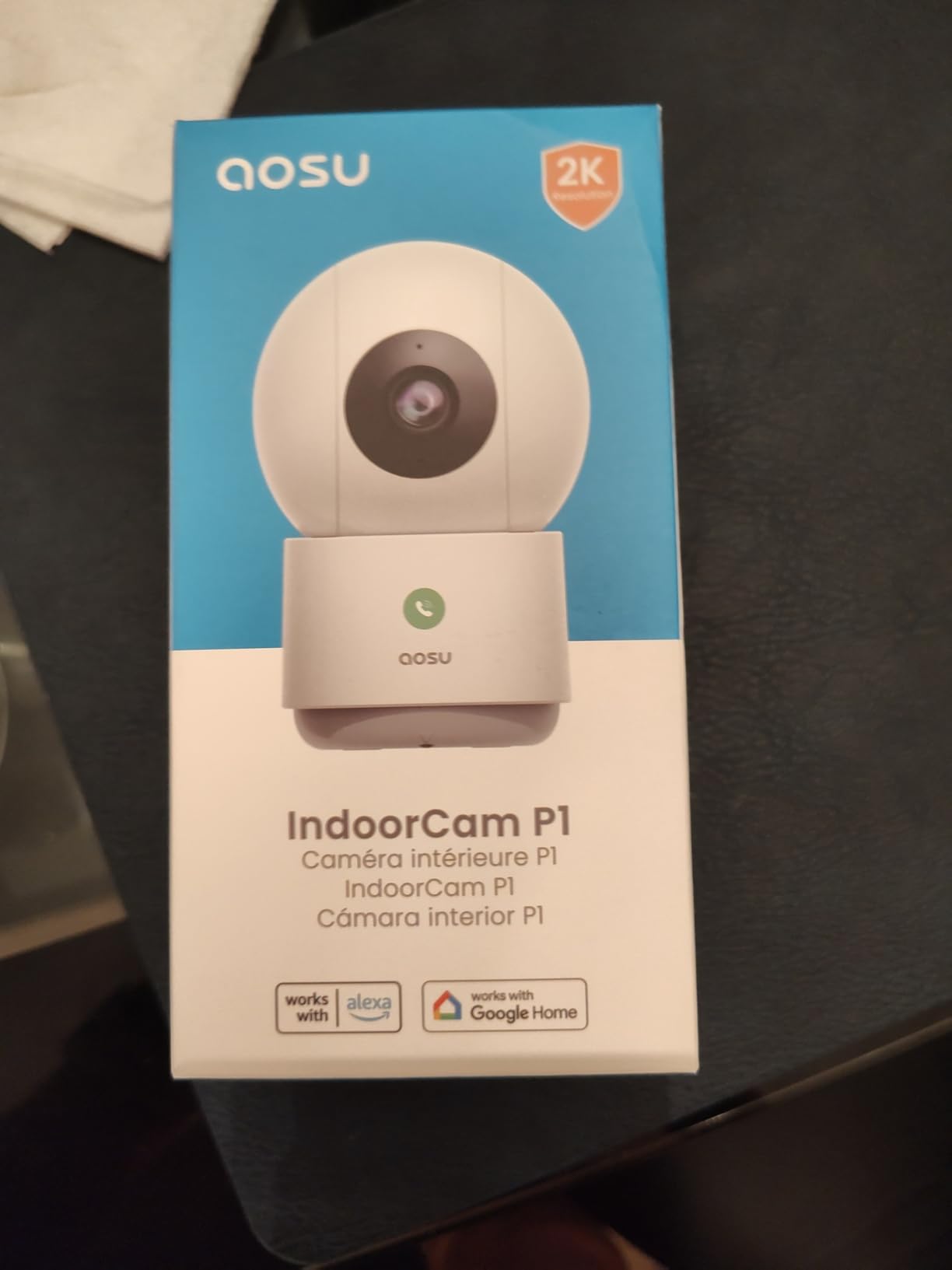
The aosu C2E is the only camera here with a physical one-touch talk button, and for a specific parent that is the entire selling point. A parent who will never open an app but will press a button on a shelf to call their daughter is exactly the user this camera serves. Reviewers describe using them to check on elderly relatives for that reason alone.
Underneath it is a 2K QHD sensor at 25 fps, which is a higher frame rate than the 1080p budget models, with 360-degree horizontal rotation and 155 degrees of vertical tilt. Motion auto-tracking follows a subject through the room, and infrared night vision reaches 33 feet.
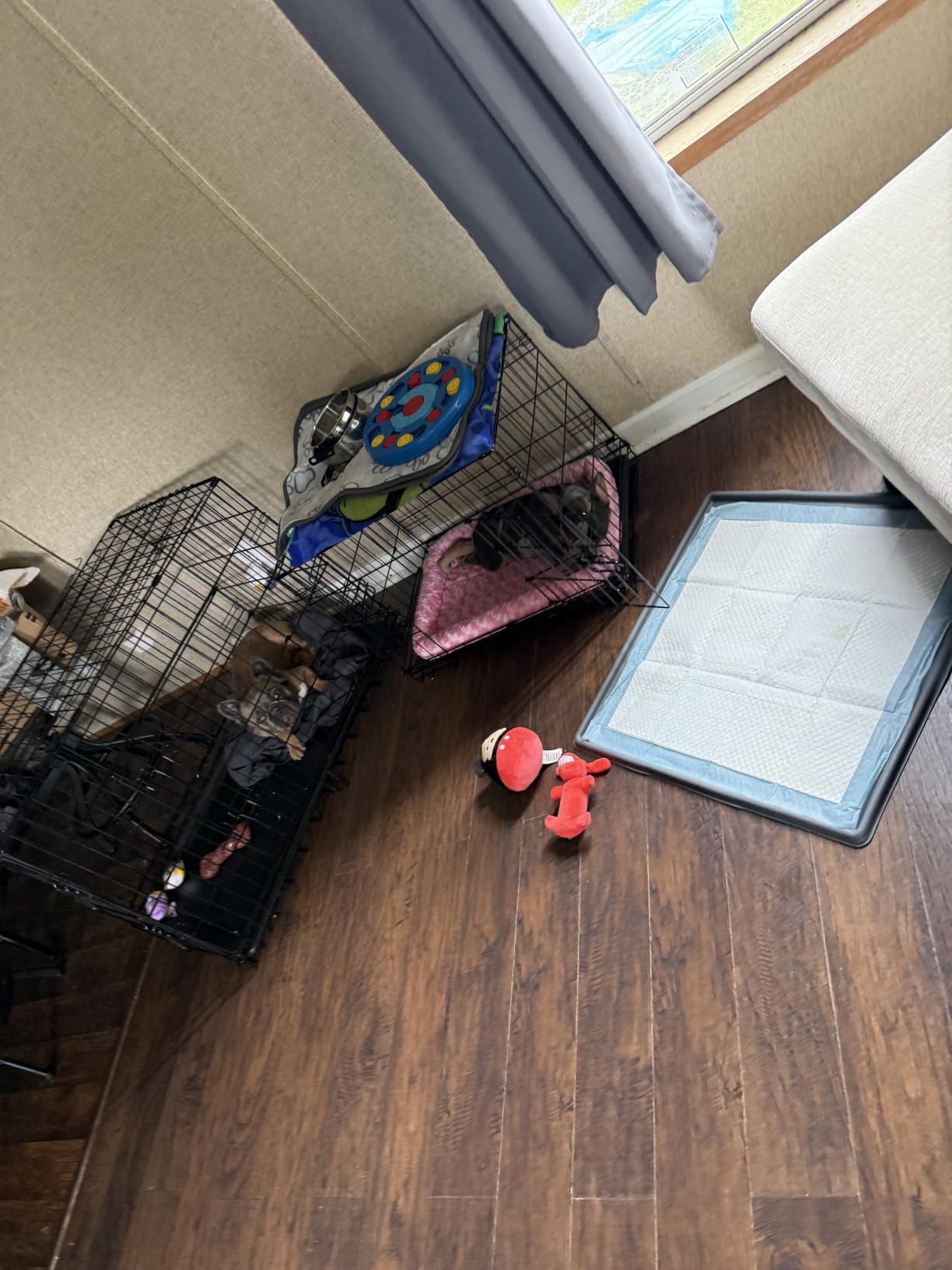
Recording goes to a microSD card up to 128 GB with no mandatory subscription, and multi-user access lets several family members view the same cameras in one app. Alexa and Google Assistant are both supported, and the camera can stream to an Alexa screen. It holds a 4.4-star average across more than eleven thousand ratings.
The body is small and neutral enough that it does not read as surveillance equipment, which matters in a shared living space. The box includes a charger.
When this is the right choice
Choose it when your parent will not touch a phone but will press a button, or when they respond better to a voice channel than to a screen. The compact footprint also makes it the least conspicuous option in a shared kitchen or living room where a family member or carer might otherwise object.
It is a reasonable second camera in a home that already has a pan-tilt unit covering the main space.
When to look elsewhere
The talk button is push-to-talk, so it needs holding rather than a single tap-and-talk moment, and it is wired with no battery option, so the outlet position decides placement. Storage caps at 128 GB, which is less headroom than the Tapo and Reolink offer for continuous recording.
App stability is the other weak point, with owners reporting occasional crashes that require restarting the feed, and sudden changes in light or passing shadows can trigger unwanted recordings. The camera also has to be re-aimed after any manual move.
9. eufy Indoor Cam S350 4K – Best for Face Detail Across a Large Home
eufy Security 4K Indoor Cam S350, No Subscription, Dual Cameras, 8× Zoom
Dual 4K wide and 2K telephoto
8x hybrid zoom
5GHz dual-band Wi-Fi
Local microSD no fee
32 ft infrared
Pros
- Dual-lens split screen shows room and close-up together
- 4K clarity with recognisable faces
- Fast motorised pan and tilt with accurate tracking
- 5GHz plus 2.4GHz dual-band Wi-Fi
Cons
- Buys out of the range of the rest of this list
- SD card sometimes reports as missing
- Reflections and wall art trigger false recordings
- HomeKit is not supported
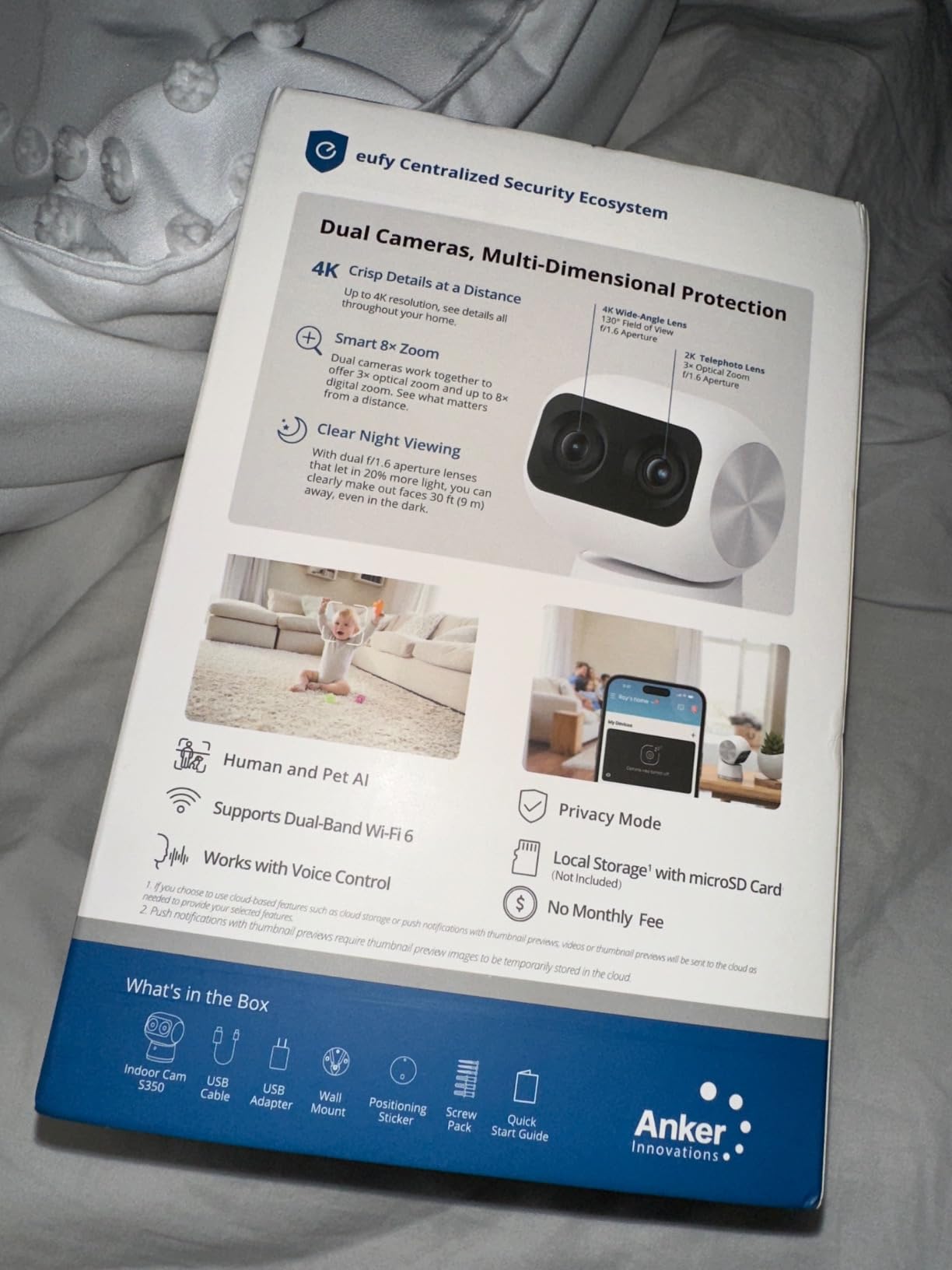
The eufy Indoor Cam S350 is the only camera in this guide with two lenses working at once, a 4K wide view and a 2K telephoto shown side by side on one screen. In practice that means you can watch the whole room and still have a usable close-up of the sofa, which no other camera here offers. It is the pick when a single fall or a single medication check has to be identifiable after the fact.
It is also the only model here that supports 5GHz alongside 2.4GHz, which solves a real problem in older homes with congested 2.4GHz networks. Several cameras on the same 2.4GHz band compete with each other, and this one does not have to.
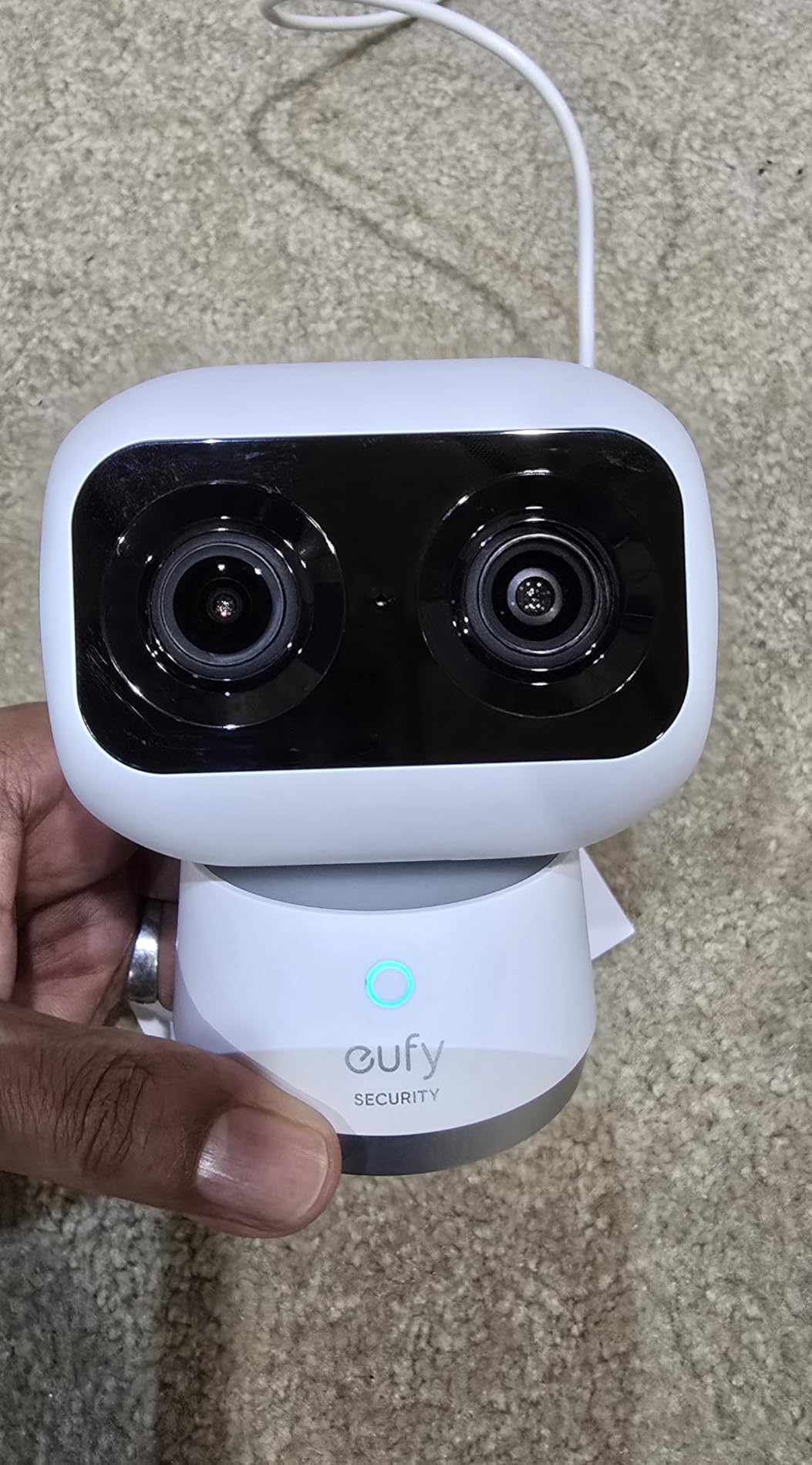
Motion tracking is fast and motorised, one-tap zoom presets jump to stored positions, and intelligent sound detection flags crying, barking, and other audio events. Local microSD recording carries no monthly fee and a physical privacy mode is built in. Infrared reaches 32 feet in total darkness. It records 4K at 30 fps.
Owners consistently rate picture quality and dual-lens zoom as the standouts and consider it fair value against two lower-end cameras. It holds 4.4 stars across roughly 2,400 ratings.
When this is the right choice
Choose it when identification matters more than unit cost, when you want one camera to do the work of two, or when your home’s 2.4GHz network is crowded and a 5GHz-capable device is the difference between smooth video and a stuttering one. The dual-lens layout is especially useful in a large living room or a hallway that feeds into a lounge.
It is a sensible single-camera answer for a bigger home, and physical privacy mode is a genuine plus in a shared residence.
When to look elsewhere
This is the costliest camera in the set, and several owners note that two lower-tier cameras could cover the same home, which is a fair point. The recurring firmware complaint is an SD card that occasionally reports as missing, and reformatting to fix it deletes the footage you installed it to keep, so back up important clips.
Reflections and fixed objects such as wall art trigger false recordings, tracking loses smaller subjects, and it does not support HomeKit. Pairing with the HomeBase 3 hub is also reported as slow on first setup.
10. Google Nest Cam Indoor 2K HDR – Best for Google Home Households
Google Nest Cam Indoor (Wired, 3rd Gen) – Security Camera – 2025 – Snow
2K HDR video
Color and IR night vision
Two-way audio
Wired power
Google Home integration
Pros
- Sharp vivid 2K HDR that holds up in low light
- Quick setup through the Google Home app
- Clear two-way audio in both directions
- Compact body in three finishes
Cons
- Rigid fixed mount with limited adjustment
- AI alerts and video search need a premium plan
- Motion detection picks up television movement
- About a thousand ratings
- the fewest here
If the household already runs Google Home, the Nest Cam Indoor needs no new app and no new mental model. Setup happens inside the Google Home app your family already has open, the 2K HDR image is the sharpest of the fixed-lens options, and the two-way audio is clear enough to hold a normal conversation across a room.
The field of view is wider and taller than earlier Nest Cam Indoor generations, and it records over wired power with no battery to maintain. Colour night vision plus infrared handles both a dim hallway and a pitch-dark room. Motion detection alerts are customisable per phone.
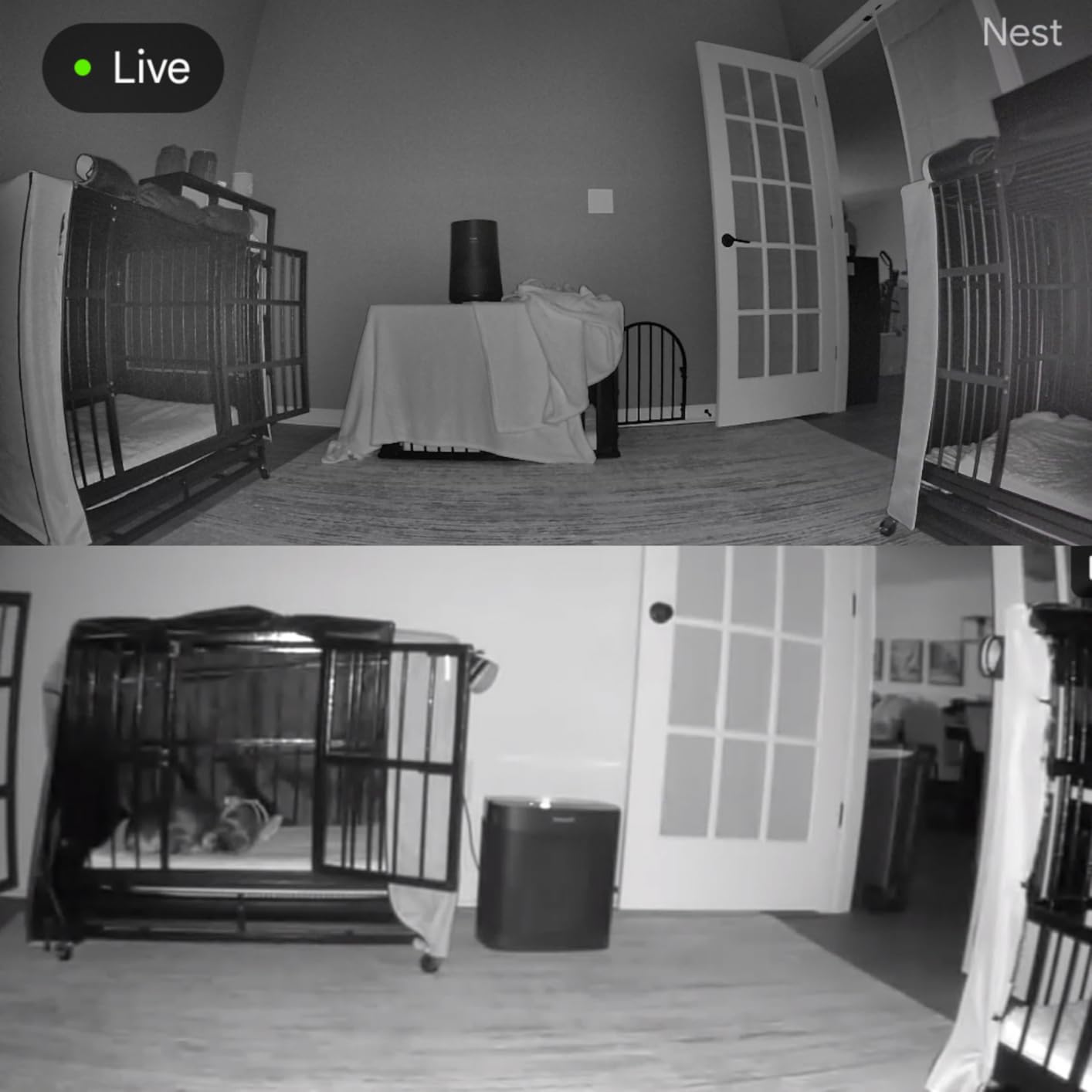
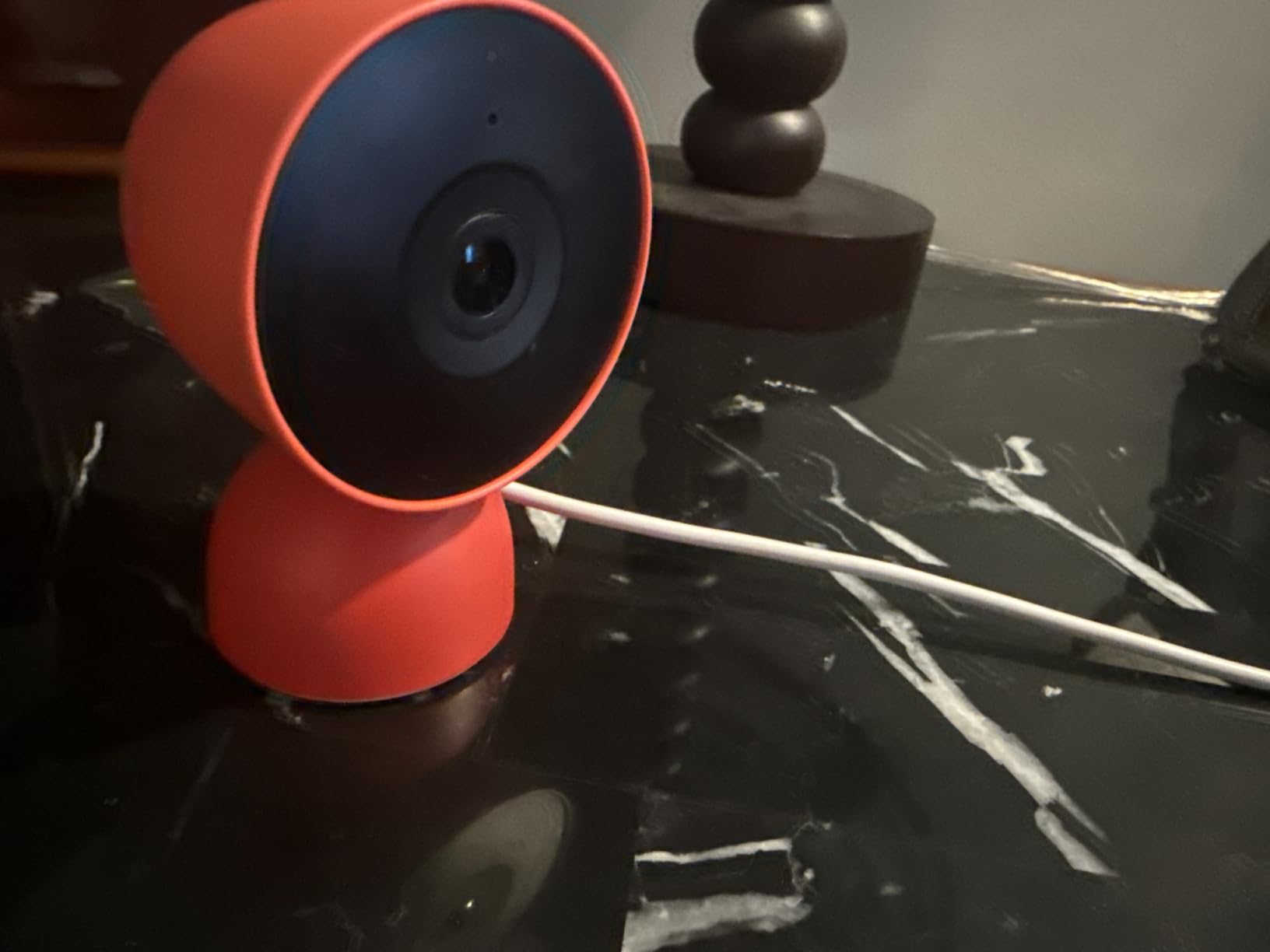
Video is encrypted with two-step verification, and a green LED shows when the camera is processing or streaming, which is a small privacy courtesy most brands skip. It holds a 4.5-star average, though across just over a thousand ratings, the smallest review base of the ten, so treat that score with some caution.
Design-wise it is among the most discreet units here, and it comes in three finishes so it can blend into a room rather than look like equipment.
When this is the right choice
Choose it when everyone in the family already uses Google Home and adding another app would be the thing that stops people using the camera. It is a strong choice for picture quality in low light and for a design that will not look like surveillance in a nice sitting room.
The two-step verification and the streaming indicator make it a comfortable option for a privacy-conscious family.
When to look elsewhere
The mount is rigid and the adjustment range is limited, so for some wall positions it cannot reach a full angle and the image only flips 180 degrees, which constrains off-axis mounting. A tabletop position works well; an awkward corner may not.
The Gemini-powered video summaries, AI alerts, and search all sit behind a Google Home Premium plan, and motion detection occasionally reacts to a television. The small review base also means less long-term history of firmware reliability than the Tapo or Ring models offer.
How to Choose an Indoor Security Camera for an Elderly Parent
A useful first distinction in this whole category is between what is easy for your parent and what is easy for you, because they are rarely the same camera. Ease of use for the senior means almost no physical interaction, no app to learn, and the option of voice or a physical button. Ease of use for the caregiver means a clear app, alerts that actually fire, and the ability to share access with siblings. A camera can score well on one and badly on the other, and conflating them is the most common mistake in buying guides.
Then decide where the footage lives. Seven of the ten cameras here record to a microSD card in the camera with no plan attached, a further one can record to a local USB drive through its own hub, and the two that lean hardest toward cloud features are the Ring and the Nest. Local storage keeps the recording physically in the house, which answers the recurring-fee objection and a privacy objection at the same time.
Buy a high-endurance card rather than the first one you come across, because a card that fails silently is the most common way a camera quietly stops recording.
Next, pick a coverage type that matches how the parent moves. A fixed camera is enough when they spend most of their time in one predictable spot, such as a living room chair or the kitchen table, and it is the most discreet option. A pan-tilt camera covers a whole room from one unit and is what you want in a hallway or an open-plan space. A 360-degree camera with tracking is the right call for dementia or wandering concerns, because you can follow a person rather than just detect them.
Treat two-way audio as a comfort feature, not a safety feature. Families often assume a speaker and microphone means you will hear a fall from another room, and the reality is that several of these cameras only stream background audio while the app is open. If passive listening matters, verify it in the app before you rely on it.
Check the ecosystem question early. Alexa, Google Home, and Apple HomeKit support varies across this list, and the eufy E220 is the one model here that supports HomeKit. If the household is split, a camera that works across two ecosystems beats a marginally better one that works in only one.
Finally, avoid the unbranded generic mini cameras that fill shopping results alongside the real brands. They typically have thin or absent review histories, no support organization, unclear privacy policies, and no stated retention limits. Every camera on this list has a documented storage model and thousands of published owner ratings, and that documentation is what you are paying for at the low end.
Where to Place Cameras in an Elderly Parent’s Home
Placement matters more than any spec on this list. A 2K camera in the wrong spot will miss the one moment you needed, and the consensus in the forums and the manufacturer guides alike is that corner mounting high on a wall beats shelf placement. Aim for roughly 6 to 9 feet, with the lens angled down across the room, and use the longest available corner so a single wide view covers as much floor as possible.
Prioritise in this order:
Hallway or main circulation route. This is where wandering shows up first, and it is where a pan-tilt camera earns its place.
Living room favourite chair or kitchen table. A fixed wide camera with color night vision handles this better than a moving one.
Bedside approach. Cover the path from bed to bathroom rather than the bedroom itself, which keeps the privacy line clear.
Bathroom doorway from the hall. Never inside the room. Frame the doorway, not the interior.
Front door and entry hall. Useful for knowing whether a visitor, a carer, or a delivery arrived.
Kitchen. Good for a meal check-in and for spotting a kettle left on.
Two practical notes. If the camera goes in a corner, inverting it so the body hangs downward gives a much wider view from the same lens. And if you are installing in an assisted living or memory care apartment, get written facility approval first, which is both the courteous order of operations and the thing that makes later conversations with staff easier.
If the home’s Wi-Fi is weak in the room you care about, test it before you mount anything. Most of these cameras are 2.4GHz only, and a signal that struggles with video will struggle with alerts. An ethernet adapter or a mesh node placed near the camera is a better fix than buying a more expensive camera.
Continuous vs Motion Recording, and What Fall Detection Really Does
This is the single most consequential setting decision and almost no buying guide explains it. Motion-only recording saves card space and reduces false alerts, but it misses the specific case families worry about most: a person lying still on a floor at 2am with nothing else moving in frame. Continuous recording catches that, at the cost of rewriting a card several times a day and generating far more footage to search.
The answer most experienced users give is to run continuous recording during the hours that matter, which is usually overnight, and motion-only during the day. On a high-capacity card at typical bitrates that gives you multiple days of overnight history, which is what a dementia or fall investigation actually needs. This is exactly the arrangement that proved its worth in the most-cited forum discussion on this topic, where a poster monitoring a parent with dementia valued continuous recording with later-reviewable person alerts far above live viewing.
On fall detection, be clear about what you are buying. Some of these cameras offer AI detection that distinguishes a person lying or moving on the floor from a person upright, and some issue an alert when a person is on the ground. That is a prompt to check in. It is not a certified medical alarm, it is not monitored, and it does not dispatch anyone. In our view it should never be the only safety layer in a home where falls are a real risk.
The pairing that works is a camera for eyes and a medical alert device for the button. The camera shows you what happened and gives you a record; the pendant or watch is what gets help when nobody is looking at a screen. Parents who are mobile enough to press a wristband or pendant but not reliable enough to reach a phone in an emergency are exactly the people who benefit from both.
One more pairing worth considering is a door or motion sensor. Cameras are good at the living room and bad at detecting a person who has not entered the frame at all. A simple contact sensor on the front or back door closes that gap for very little money.
Privacy, Consent, and the Rooms to Stay Out Of
Most of the anxiety in this category is moral rather than technical. A camera in a parent’s home is a decision the parent has a right to know about, and a conversation that starts with a camera often starts with a fight. The families who report the smoothest installs had the conversation first, explained the reasoning plainly, and gave the parent some control over the outcome.
Some language that works: explain that you cannot be there every night, that you want to know if they are okay, and that you can check a recording whenever. Tell them where the cameras will be before you buy them, and tell them which rooms are off-limits. Agree in advance on when cameras are on, and give them the physical way to turn them off. Both the Ring and the eufy S350 have a hardware privacy control, and that control is a real benefit rather than a gimmick.
Set firm limits. No cameras in a bathroom, in a bedroom, or anywhere else with a reasonable expectation of undress. In a shared home with another adult, both people have to agree, and one person’s consent does not cover the other. In an assisted living or memory care setting, the facility’s rules and any other resident’s rights come first, and written approval is worth getting even when it seems obvious.
Then think about retention. A card that overwrites itself in a loop holds a day of footage and nothing older, which is both lighter on storage and lighter on the risk of something being seen by the wrong person. If you do use cloud storage, know who in the family has access, and remove accounts when someone leaves the family or stops being a carer. Reviewing who can view the feed once a year takes two minutes and prevents the most awkward version of this problem.
Frequently Asked Questions
How do I monitor my elderly parent living alone?
Use three layers rather than one device. A camera in the hallway and living room gives you visual check-ins and replayable footage. A door or motion sensor tells you when your parent is moving around or leaving the house. A medical alert pendant or watch covers emergencies while nobody is watching a screen. No single camera replaces a dedicated medical alert system, and indoor cameras are not medical devices.
What are some good cameras to monitor elderly loved ones?
Match the camera to the situation rather than to a ranking. Tapo C210 for 2K pan-tilt coverage with local storage in a living room or hallway. Ring Indoor Cam for the strongest privacy story and color night vision in a single predictable room. Kasa EC71 for the widest coverage on a budget. Reolink E1 when several family members need simultaneous access. eufy Indoor Cam S350 when you need recognisable faces across a large home.
What is the easiest camera to use for seniors?
Ease of use splits in two. For the senior, the easiest setups are ones they never have to touch: the aosu C2E has a physical one-touch talk button, and Echo Show or Alexa streaming lets them ask out loud instead of opening an app. For the caregiver, the Tapo and Kasa apps are the clearest, and Blink drops a senior straight into an existing account. The easiest to install is not always the easiest to live with.
What is the best device to track elderly parents?
There is no single best device, because no one product does everything. Cameras cover visual monitoring, activity patterns, and replayable evidence. Medical alert pendants and watches cover out-of-home response when nobody is at a screen. Door and motion sensors cover arrivals and departures that a camera never frames. The strongest setups combine a camera with local storage and a dedicated medical alert device.
Do indoor security cameras need a subscription?
Most do not. Seven of the ten cameras reviewed here record to a microSD card in the camera with no plan required to replay footage, and the Blink Mini can record to a local USB drive through a Sync Module 2 hub. The Ring Indoor Cam keeps its short clips for free but puts meaningful playback history and AI alerts behind a paid Ring Protect plan, and the Google Nest Cam Indoor puts Gemini video summaries and search behind a premium plan. Buy a high-endurance microSD card separately, since it is rarely included.
Can indoor security cameras detect falls?
Partially, and you should not rely on it alone. Some models use on-device AI to flag when a person is on the ground rather than upright, which is a useful prompt to check in. These features are not medically certified, are not monitored, and do not contact emergency services. A camera shortens the gap between a fall and a family member knowing about it, and a medical alert device is what shortens the gap to actual help.
Where should I place cameras in an elderly parent’s home?
Start with the hallway or main circulation route, then the living room chair or kitchen table where your parent sits most, then the bedside approach to the bathroom rather than the bedroom itself. Mount in a corner roughly 6 to 9 feet up with the lens angled down, which lets one wide view cover the whole room. Never place a camera inside a bathroom, and get written facility approval before installing in an assisted living apartment.
Is it legal to put a security camera in a parent’s home?
In your own parent’s home, the law is mostly a question of consent rather than permission. Whoever owns or controls the property has to agree, and in a shared home every adult in it has to agree, with one person’s consent never covering another. If you are recording audio, state that clearly when you install it. The hard rule is a bathroom and bedroom are off-limits, and any care facility will have its own written rules.
Final Thoughts on the Best Indoor Security Cameras for Elderly Parents
The best indoor security cameras for elderly parents in 2026 all share three traits: local storage, two-way audio, and a low-light picture you can actually read. Start with the Ring Indoor Cam if your parent’s comfort with a visible camera depends on a physical off switch and you want the deepest owner-review history in the category. Add a Tapo C210 if you want one pan-and-tilt unit doing the work of two in a living room or hallway, and a Kasa EC71 for a third, wider room if the budget allows. Pair all of it with a medical alert device rather than trusting fall detection to do the job of a button.
Whatever you choose, have the conversation before you buy anything, keep cameras out of private rooms, and buy a high-endurance microSD card. Those three decisions will matter more to how this goes than another two megapixels ever will.
Questions about a specific layout? Send us a note and we will tell you how many units you actually need. And if meal planning is part of the same job, our packed lunch ideas travel well for the carer who visits on Tuesdays.
