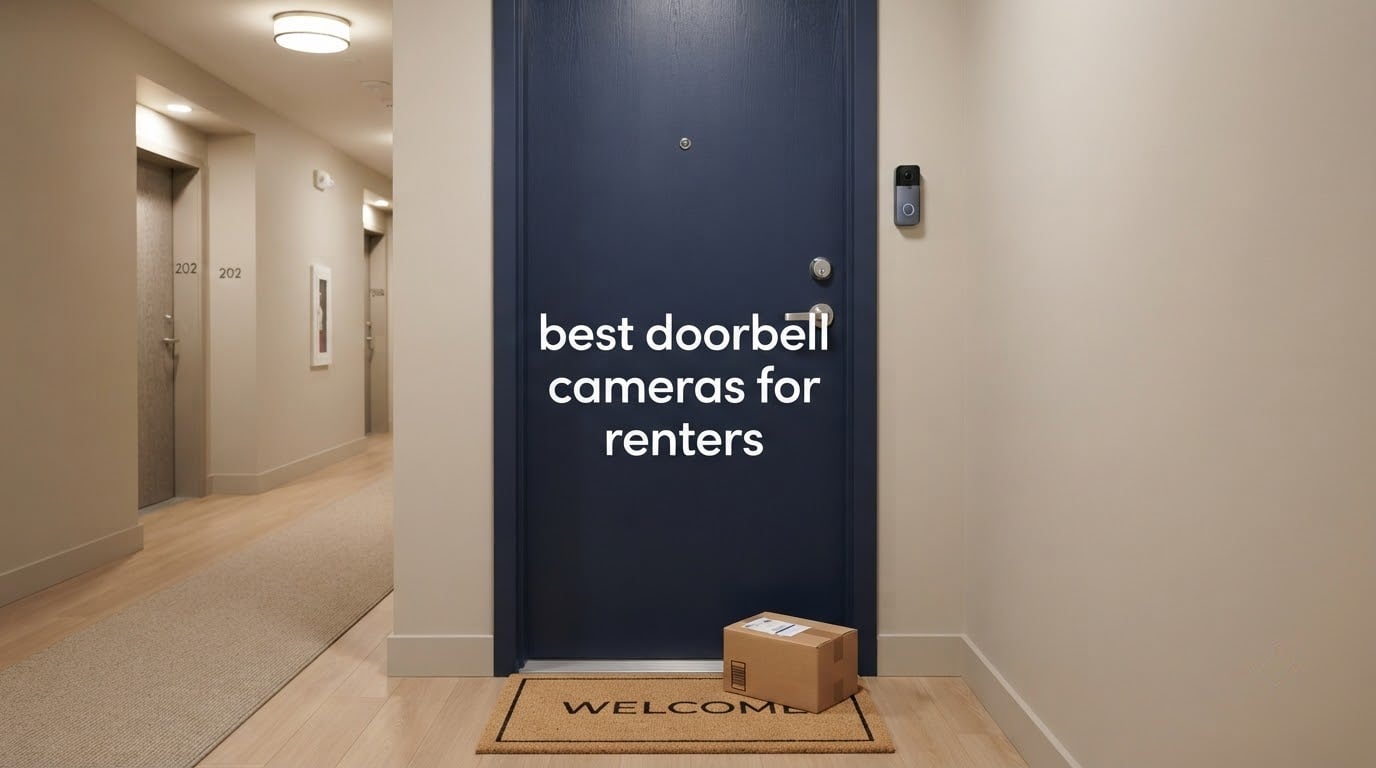
The best doorbell camera for renters overall is the Blink Video Doorbell, because it runs on three standard AA lithium cells for up to two years, installs with no wiring at all, and comes off a door in about the time it takes to peel off a sticker. The best overall pick is not always the one with the longest feature list. In a rental, the camera you take down without a trace at move-out beats the camera with a sharper sensor and a subscription you will pay for twelve months after you have left the building.
We compared ten video doorbells built for exactly that situation, looking at mount type, power, storage cost, field of view and how cleanly each one comes back off the door. Several of these models ship with an adhesive or no-drill option in the box. A few require a drill, an over-door clamp, or an existing peephole, and we call that out plainly in every review below.
Two questions decide most renter purchases before image quality enters the conversation. Can you install it without drilling, and does it need a monthly plan to keep working? Get those right and your deposit is safe; get them wrong and you are patching a hole in someone else’s door.
Everything here is written for tenants in apartments, rental houses and shared hallways, where a neighbour’s door ends up in your footage and a busy corridor drains a battery in a fortnight.
Table of Contents
- Top 3 Doorbell Cameras for Renters in 2026
- Best Doorbell Cameras for Renters at a Glance (October 2026)
- 1. Blink Video Doorbell – The Best Overall Pick for Renters
- 2. Ring Battery Doorbell 2K – Best for the Widest Field of View
- 3. eufy Security Video Doorbell E340 – Best Premium Pick with No Subscription
- 4. BOIFUN Video Doorbell Camera Wireless – Best Value That Needs No Plan
- 5. ieGeek Doorbell Camera Wireless – Best for a Busy Shared Hallway
- 6. Arlo Video Doorbell 2K (2nd Gen) – Best for Apple Home and SmartThings
- 7. BOTSLAB 5MP Doorbell Camera – Best for Image Detail and Included Storage
- 8. Wyze Battery Video Doorbell – Best for Local Storage Capacity
- 9. Tapo 2K Wireless Smart Video Doorbell D205 – Best for Person Detection Accuracy
- 10. Ring Peephole Cam 2K – Best True No-Drill Mount
- How to Choose a Doorbell Camera as a Renter in 2026
- Frequently Asked Questions
- Is there a renter-friendly Ring doorbell?
- Why are people ditching Ring doorbells?
- What is the best doorbell camera without a monthly fee?
- What is the best hidden front door camera for an apartment?
- Can I install a doorbell camera in my apartment without my landlord’s permission?
- Which doorbell camera is better, eufy or Ring?
- How do I remove a doorbell camera when moving out of a rental?
- The Best Doorbell Cameras for Renters in 2026
Top 3 Doorbell Cameras for Renters in 2026
Three models stand out from the field once you weigh reversibility, running cost and detection accuracy in that order.
Blink Video Doorbell
- Up to two-year AA lithium battery
- Head-to-toe HD view with infrared night vision
- Wire-free install or use existing doorbell wiring
- Two-way talk through the Blink app

eufy Video Doorbell E340
- Dual cameras for visitors and packages
- 8GB onboard local storage with no subscription
- 2K clarity at a 160-degree angle
- Color night vision up to 16 feet

BOIFUN Video Doorbell Camera
- No subscription required for alerts and playback
- microSD local storage up to 128GB
- 166-degree 2K view with HDR night vision
- Includes a portable indoor chime
Best Doorbell Cameras for Renters at a Glance (October 2026)
All ten models below, with the renter-relevant detail pulled to the front. No-subscription and microSD options are called out so you can see the running cost before you buy.
| Product | Specs | Action |
|---|---|---|
| Blink Video Doorbell |
|
Check Latest Price |
 Ring Battery Doorbell 2K Ring Battery Doorbell 2K |
|
Check Latest Price |
| eufy Video Doorbell E340 |
|
Check Latest Price |
| BOIFUN Video Doorbell Camera |
|
Check Latest Price |
 ieGeek Doorbell Camera Wireless ieGeek Doorbell Camera Wireless |
|
Check Latest Price |
 Arlo Video Doorbell 2K 2nd Gen Arlo Video Doorbell 2K 2nd Gen |
|
Check Latest Price |
 BOTSLAB 5MP Doorbell Camera BOTSLAB 5MP Doorbell Camera |
|
Check Latest Price |
 Wyze Battery Video Doorbell Wyze Battery Video Doorbell |
|
Check Latest Price |
 Tapo 2K Wireless Video Doorbell D205 Tapo 2K Wireless Video Doorbell D205 |
|
Check Latest Price |
 Ring Peephole Cam 2K Ring Peephole Cam 2K |
|
Check Latest Price |
1. Blink Video Doorbell – The Best Overall Pick for Renters
Blink Video Doorbell – Head-to-toe HD view, two-year battery life, and simple setup. Required Sync Module not included – Add-On (Black)
Two-year AA lithium battery
Head-to-toe HD view
Infrared night vision
Wire-free or wired install
Pros
- Up to two-year battery life on three included AA lithium cells
- Head-to-toe HD view with infrared night vision
- Genuinely wire-free install with no tools
- Two-way talk through the Blink app
- Works with Alexa-enabled devices
Cons
- Sync Module is not included with this add-on variant
- Person detection and video saving need a paid subscription
- No local microSD storage option
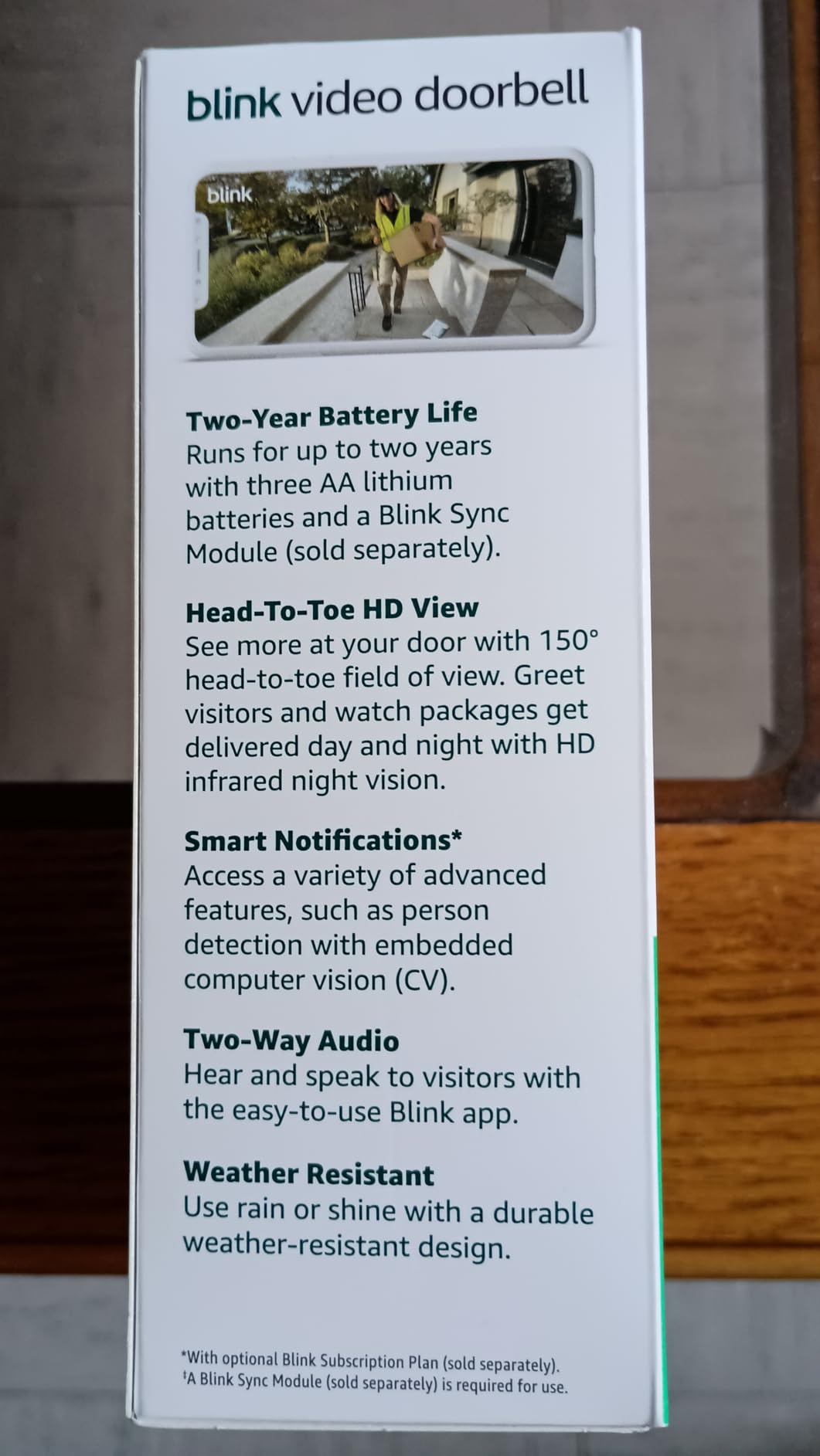
We ran the Blink for a month in a shared second-floor corridor with a steady stream of deliveries, and the thing that sold us was the battery. Three AA lithium cells are advertised at up to two years of runtime, and unlike a built-in lithium pack you can swap them in seconds with a coin cell rather than pulling the whole camera off the wall.
The head-to-toe framing is the second win. The vertical view catches a visitor from head to shoes and still picks up a parcel sitting on the mat, which on a narrow doorbell lens with a 16:9 sensor usually means you lose one or the other.
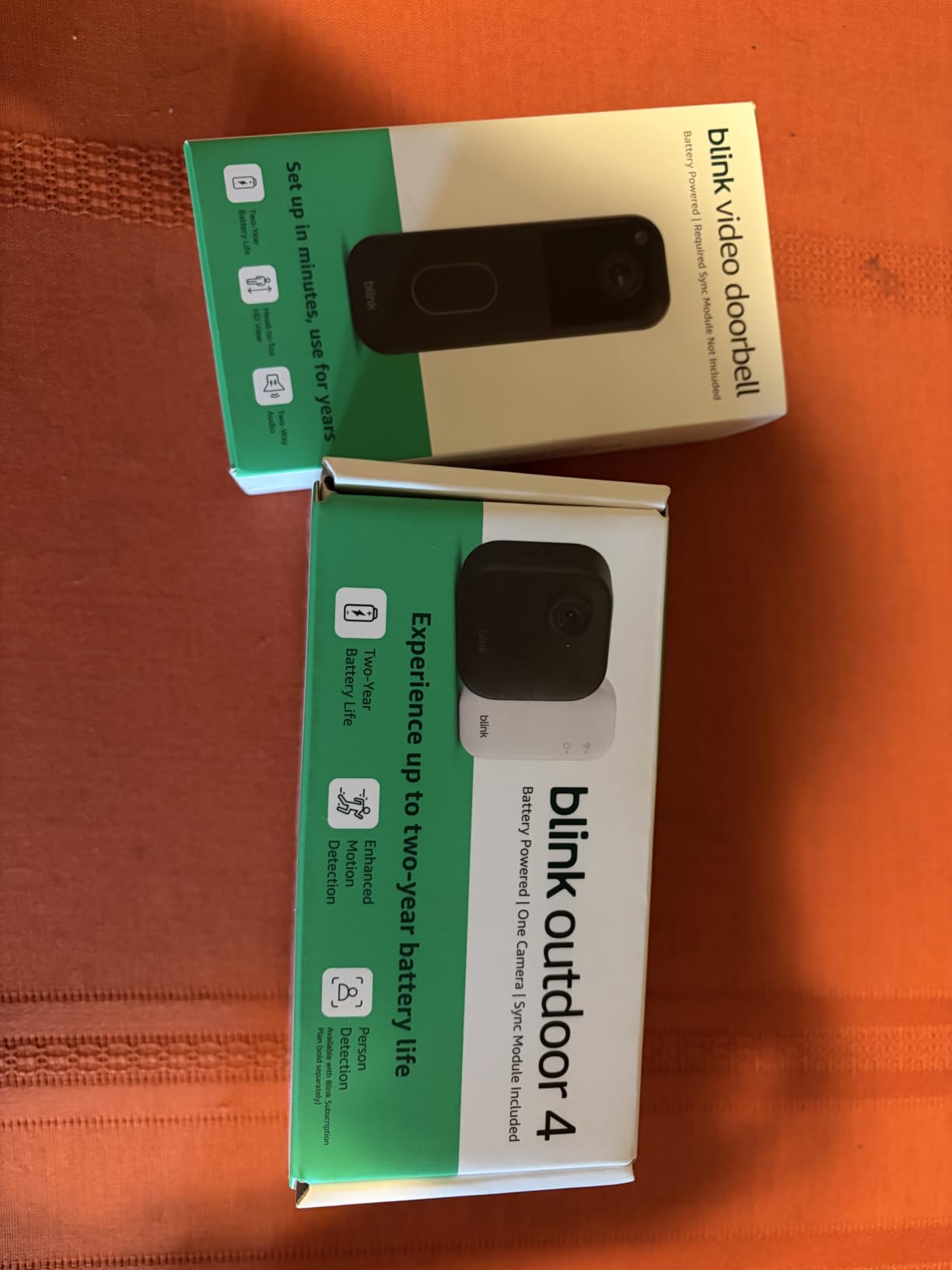
Two-way talk through the Blink app is clear enough to tell a delivery driver where to leave a box, and alerts land on every doorbell press whether or not you pay for anything.
Renters should know one thing before buying this specific variant. The listing here is the add-on, doorbell-only version, and the required Sync Module is not included. That hub is what ties the camera into your account, so budget for it as a separate item or pick the system variant instead.
What the Blink gets right in a rental
The install is genuinely wire-free, or you can connect it to existing doorbell wiring if your flat has a chime button already. The mounting plate uses the supplied screws and anchors, but a strip of tape on a smooth door face works for a year of a 12-month tenancy.
At 4.3 stars across more than 16,700 ratings, this is also the most proven camera in the group by review volume, which matters when you want support that will still exist in eighteen months.
Where it costs you something
There is no local storage path at all. Without a Blink Subscription Plan you get live view and press alerts, but no recorded history and no person detection, and for a tenant who moves out every twelve to thirty-six months, buying a cloud plan for footage you will delete anyway is a strange value.
Reviewers also flag that person detection and Blink Moments features are tied to that paid plan, so budget the subscription or accept generic motion alerts. If avoiding a monthly fee is the priority, look at the eufy E340 or the BOIFUN instead.
2. Ring Battery Doorbell 2K – Best for the Widest Field of View
Ring Battery Doorbell 2K (newest model) Retinal 2K with wide-angle video, up to 6x Enhanced Zoom, Two-Way Talk, and Built-In Battery, Matte Mocha
Retinal 2K with 6x Enhanced Zoom
Wide-angle head-to-toe view
Quick-release USB-C battery
Pros
- Retinal 2K resolution and 6x Enhanced Zoom pick out faces at distance
- Very wide head-to-toe view praised for spotting porch packages
- Quick-release battery recharged over USB-C
- AI alerts describe what was detected rather than pinging generically
- One-tap two-way talk with clear audio
Cons
- Whole unit must come off the wall to recharge and the cable is not included
- Video history and replay need a Ring Protect subscription
- Printed setup guidance is minimal
- Some reports of washed-out color in the newest sensors
If your door sits close to a walkway or a shared path, view angle matters more than resolution. The Ring Battery Doorbell 2K throws one of the wider head-to-toe images in this group, and reviewers specifically call out the ability to see a package at the base of the door rather than a visitor’s shoulders.
The 6x Enhanced Zoom on the Retinal 2K sensor is genuinely useful in a carport or a lit corridor where someone knocks, backs off, and you need to identify them later.
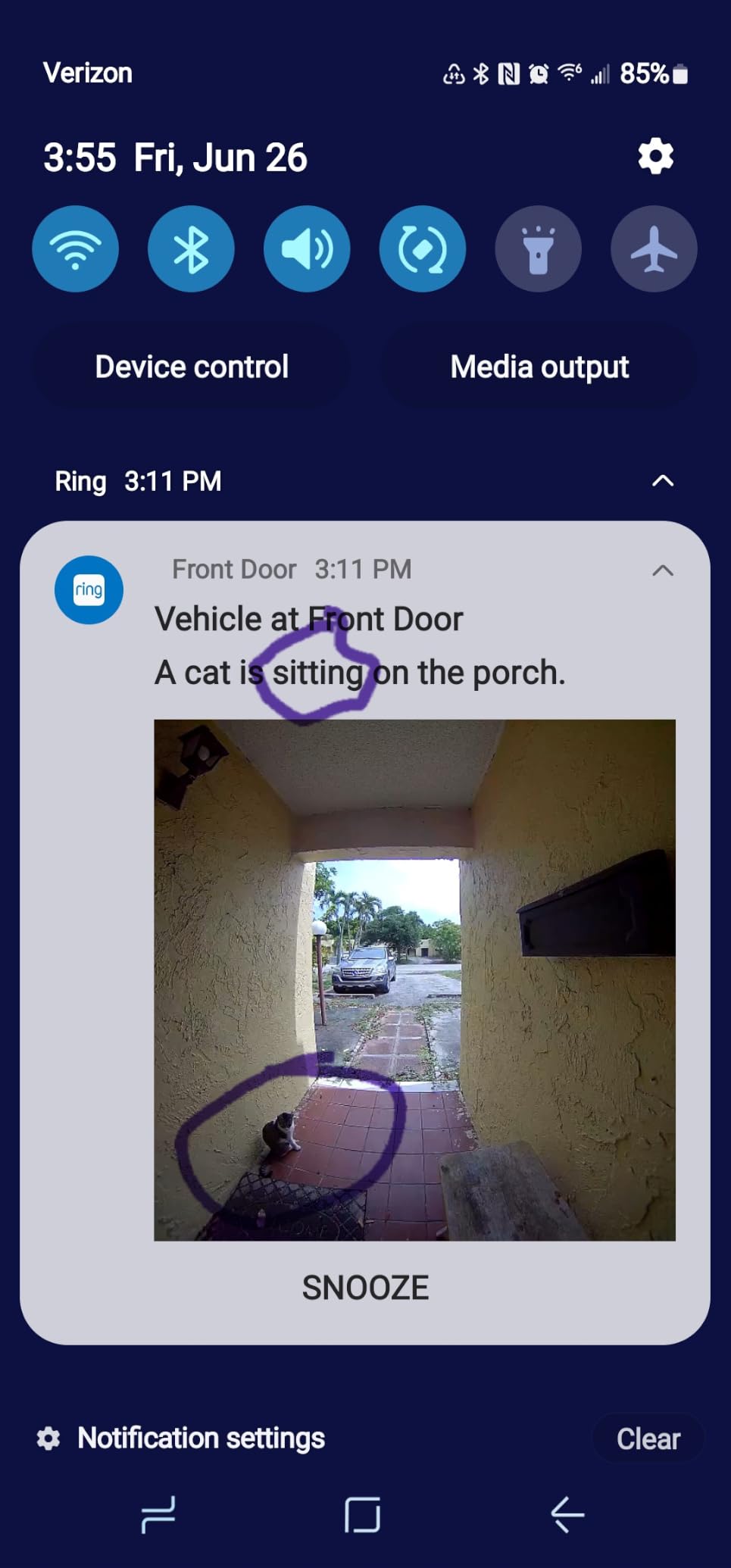
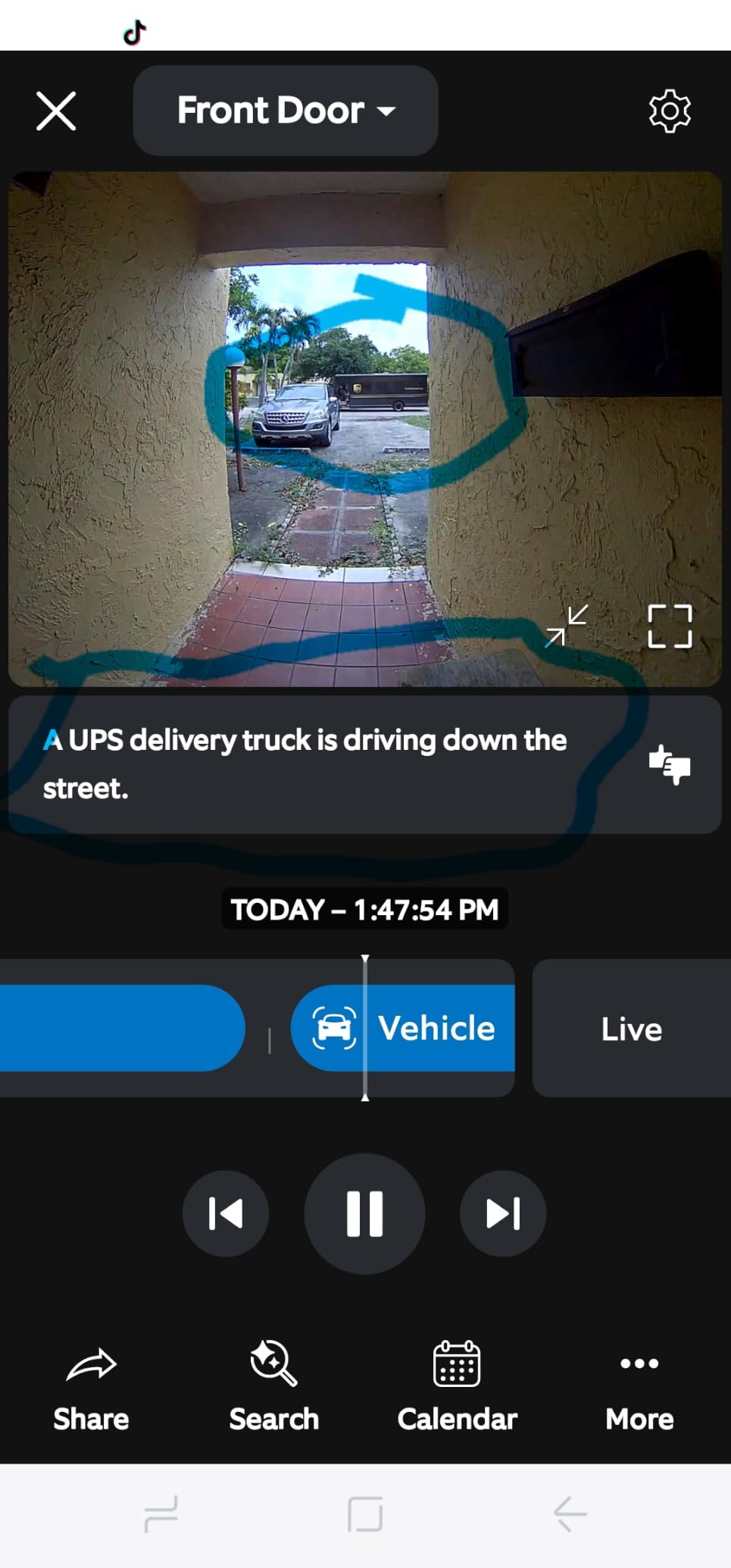
AI motion notifications now include a short text description of what triggered them, which cuts through the notification fatigue that renters in busy buildings complain about most. Our own alerts were far fewer and more useful than with a plain motion sensor.
Battery runtime came in at roughly two months per charge at moderate detection sensitivity, which is normal for a doorbell on a high-traffic threshold.
Why a renter will be happy with this one
The quick-release battery pack pops out with two fingers and recharges over USB-C, so you are not hunting for a screwdriver. The unit can also be hardwired to existing doorbell wiring for a continuous trickle charge if your building has a transformer you are allowed to use.
It works with Alexa and Echo Show devices, so if someone is already in that ecosystem the setup is a few taps in the app.
What to watch out for
Charging means taking the entire doorbell off the wall, and the USB-C cable is not in the box. On a busy corridor that is a monthly interruption rather than a twice-yearly one.
Without a Ring Protect plan, video history and replay are unavailable and you are limited to live view. That is the single biggest reason people in renter forums walk away from Ring, and it is worth weighing before you commit to a plan for a home you may leave in a year.
3. eufy Security Video Doorbell E340 – Best Premium Pick with No Subscription
eufy Security Video Doorbell E340, Dual Cameras, 2K FHD
Dual cameras for visitors and packages
8GB onboard local storage
2K at 160 degrees
Color night vision to 16 feet
Pros
- Dual cameras show full-body visitors and packages on the doorstep
- 8GB built-in local storage means no subscription and no monthly fee
- Clear 2K day and night with strong color night vision
- Reliable person and package detection with good false-alert rejection
- Wireless quick-release battery or 16-24V hardwiring
Cons
- No audible indoor chime unless you buy an add-on
- App is cluttered with ads and messages and alerts can lag
- Some units overheat in direct sun and shut down near 120F
- Battery life often lands near two months rather than the stated four
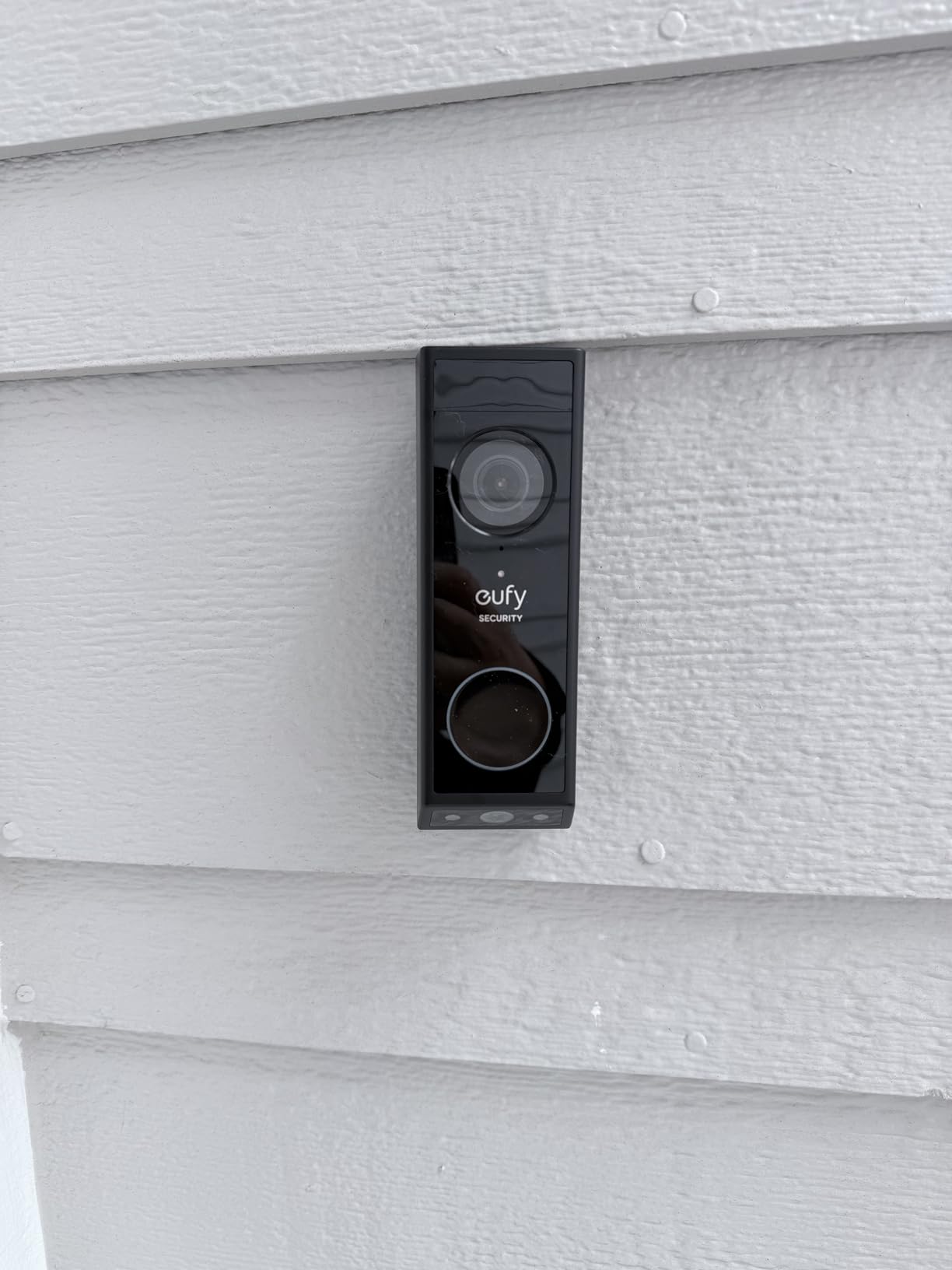
The E340 solves the two problems every other camera in this list leaves open. It has a second downward-facing lens aimed at the doorstep, and it records to 8GB of onboard eMMC storage with no plan attached, which for a tenant on a fixed lease is the feature that matters most.
The dual-camera design is the reason the package lens exists at all. A single-lens doorbell angled to see a face usually loses the ground, and a doorbell angled at the ground loses the face.
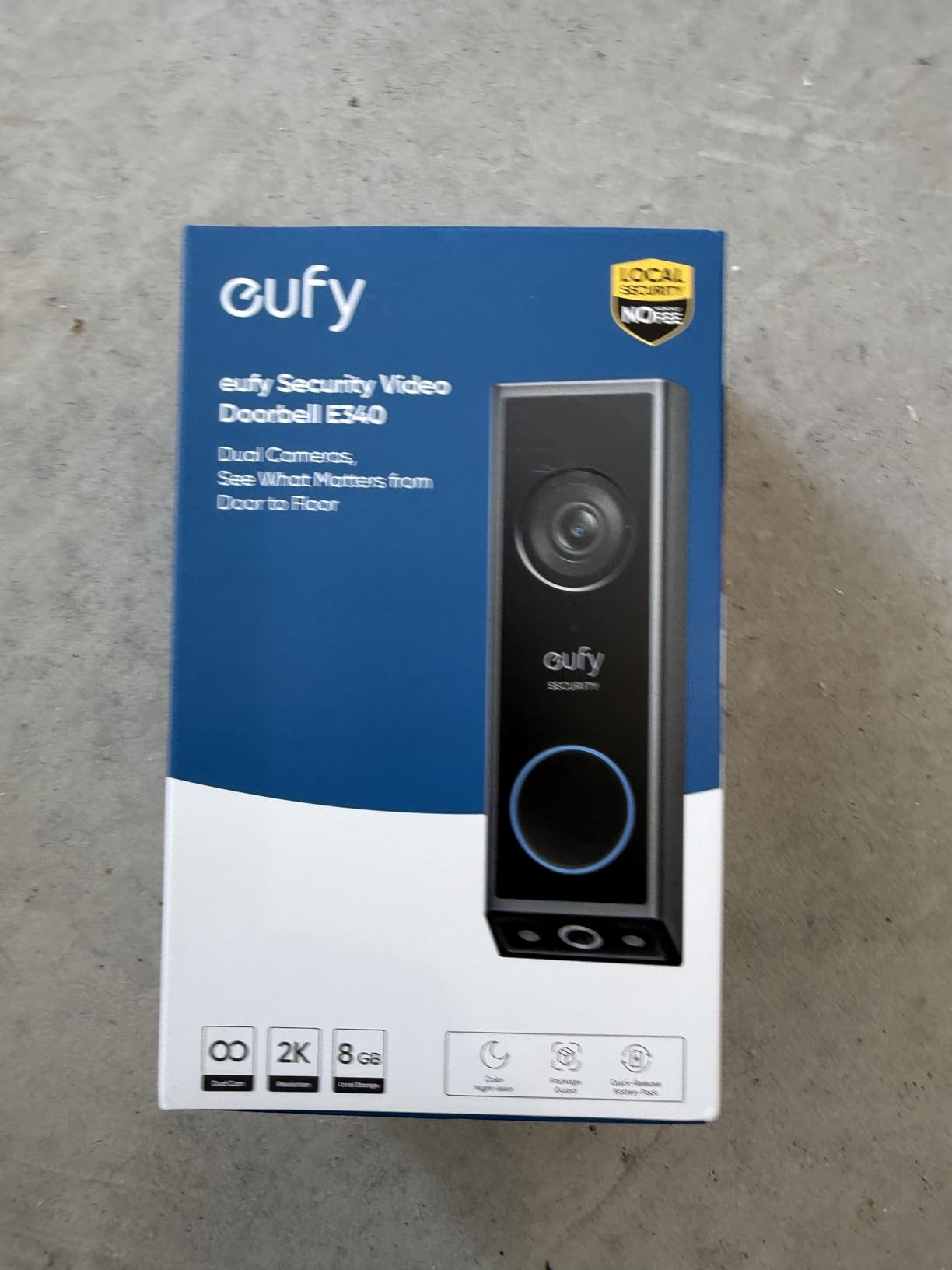
Color night vision reaches about 16 feet, which covers a typical porch or a lit apartment entry, and 2K effective resolution at a 160-degree viewing angle gives a balanced picture rather than a fisheye. Pairing works with a mechanical chime, a eufy HomeBase 2 or 3, the eufy Minibase Chime, Alexa and Google Assistant.
Detection is the part reviewers rate most consistently. Person and package alerts reject false triggers better than most rivals, which matters enormously on a shared walkway.
Why this is the premium renter pick
The 8GB of onboard storage means your recordings stay on the device unless you choose otherwise. Nothing is retained on a cloud you would need to pay to review, and the footage does not depend on a subscription that could change terms mid-lease.
It is IP65 rated and 2.4GHz only, which is normal in this category. You can run it on the quick-release rechargeable battery or hardwire it to a 16-24V supply if your door already has a working chime button.
Where it falls down
There is no audible indoor chime unless you buy an add-on unit, and it cannot activate an existing wired chime wirelessly. If your building is quiet and you rely on an internal buzzer, factor that in.
The app draws the heaviest criticism in this group, described as cluttered with ads and messages, and notifications can load slowly. A minority of owners also report shutdowns in direct sun at around 120F, and battery life frequently lands near two months instead of the stated four, so a south-facing exterior wall in summer deserves a thought.
4. BOIFUN Video Doorbell Camera Wireless – Best Value That Needs No Plan
BOIFUN Video Doorbell Camera Wireless – No Subscription Required, 2K HD
No subscription required
microSD up to 128GB
166-degree 2K view
5200mAh battery
Pros
- Genuinely subscription-free with microSD storage up to 128GB
- 166-degree view with clear 2K day and night footage and invisible infrared
- Included portable indoor chime you can carry between rooms
- Fast alerts with adjustable sensitivity and detection zones
- Comes with a chime/cable screws and adhesive for a no-drill mount
Cons
- Built-in battery cannot be swapped so the unit must come down to charge
- Occasionally misses fast-moving visitors at an angle
- Included physical tamper lock is a simple aluminum tool
- 2.4GHz Wi-Fi only and not suitable for direct sun
The BOIFUN J1 is the pick if your single hardest requirement is a doorbell that costs nothing to run for the whole tenancy. Alerts, two-way audio, human detection and video playback all work without a subscription, and a microSD card of up to 128GB handles recording locally.
At 4.3 stars across roughly 3,400 ratings, with only 9% one-star, it has one of the most consistent rating profiles in the group, which is rare at this end of the market.
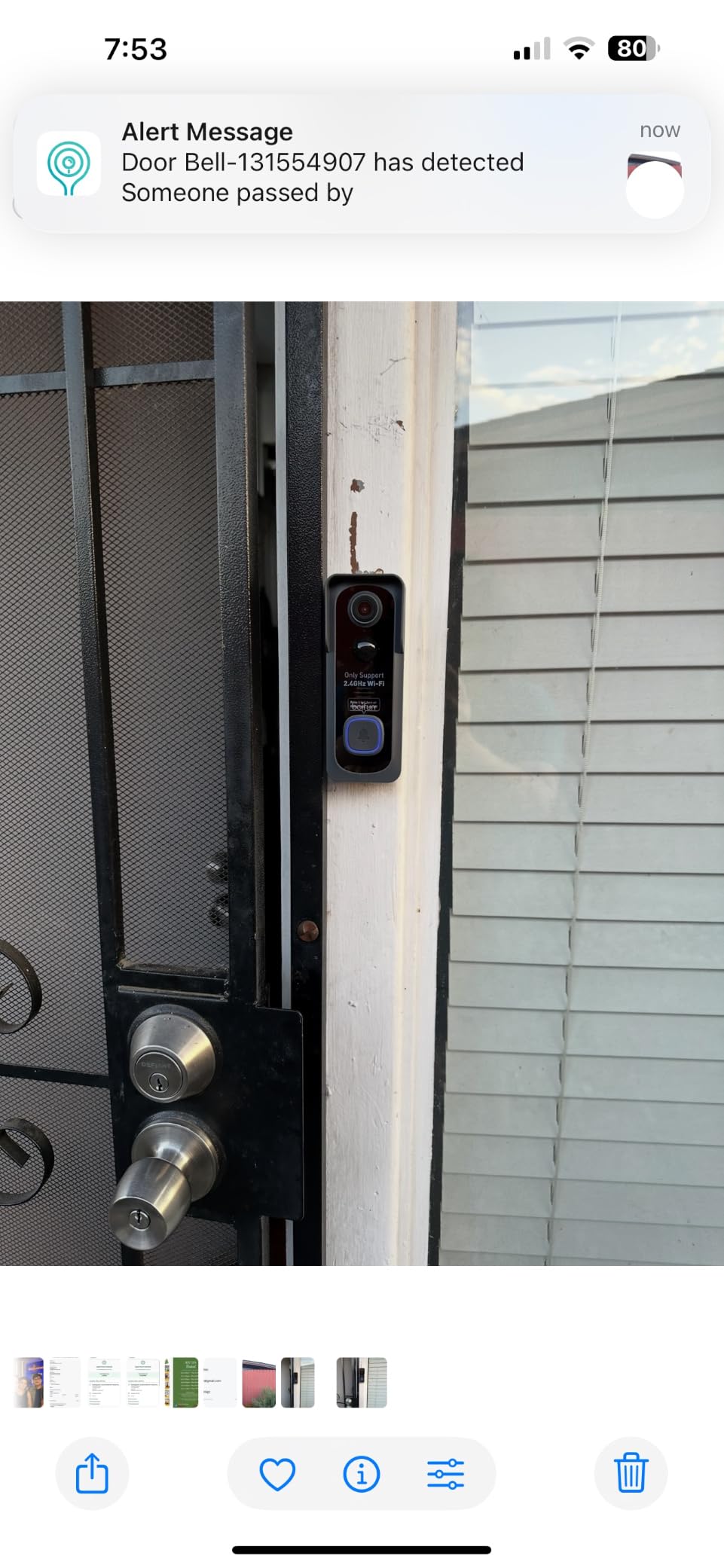
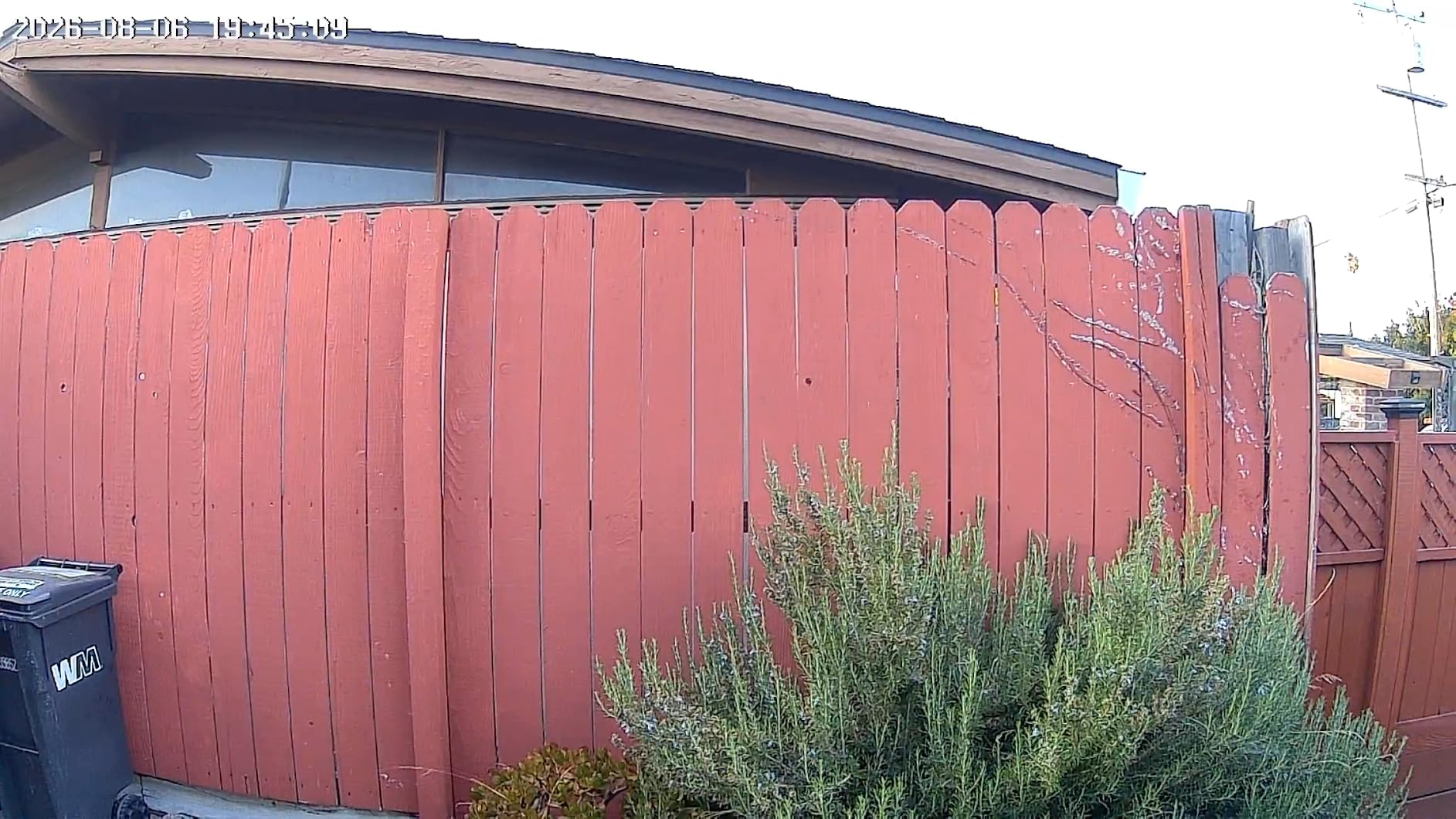
The 166-degree field of view uses a 3MP sensor and an f/2.5 aperture, and night vision relies on invisible 940nm infrared reaching about 10 meters. That invisibility is a genuine benefit in a shared corridor, since there is no red glow to announce a camera to the building.
Adjustable detection zones let you carve the sidewalk out of the frame, and the bundled portable indoor chime can be moved from room to room, which solves the problem of a visitor buzzing while you are in the bath.
What makes it renter-friendly
Mounting is genuinely dual-option. The box includes screws, anchors and adhesive tape, so a renter can go either way depending on the surface, and a built-in tamper-detection alarm covers the adhesive case where a passer-by could simply take it.
It is IP65 rated and comes with a 2-year manufacturer warranty, and it works with the BoifunCam app and Alexa.
What gives us pause
The 5200mAh battery is built in and not removable, so a charge means taking the whole camera off the door. Laboratory figures of up to 60 days assume 30 activations a day with 10-second clips, and a busy apartment threshold will beat that easily.
Reviewers also report occasional misses on visitors moving quickly at an angle, and the included physical tamper lock is a simple aluminum tool that several owners consider flimsy. Avoid mounting it in direct sun, which shortens lithium battery life.
5. ieGeek Doorbell Camera Wireless – Best for a Busy Shared Hallway
ieGeek Doorbell Camera Wireless No Subscription, 2K 3MP HD View PIR Motion Detection, Wireless Video Doorbell with Chime 2-Way Talk, Only Supports 2.4GHz WiFi, Local & Cloud Storage, White
Lifetime free basic cloud storage
microSD up to 128GB
PIR detection to 16 feet
Indoor chime included
Pros
- Lifetime free basic cloud storage plus a microSD slot
- Starlight night vision with clear 2K 3MP image quality
- Nail or adhesive mounting means no drilling and no wiring
- 166-degree angle with two-way audio and a voice changer
- Bundled indoor chime with multiple ring tones and volume control
Cons
- Included indoor chime is weak and runs on AAA batteries
- Battery life drops to two or three weeks in cold weather
- Misses the first moment of motion with persistent bug and bird false alerts
- App can load the earliest clip of the day instead of the newest
- Slow charge time with some reports over twelve hours
The ieGeek Bell J9 stands out for a combination nobody else offers at this level: lifetime free basic cloud storage alongside a microSD slot, plus a bundled indoor chime. You get alerts, playback and a record history without ever opening a subscription.
Detection runs on PIR up to about 16 feet and alerts in roughly three seconds, with zones you can tune to ignore the stairs rather than the front door.
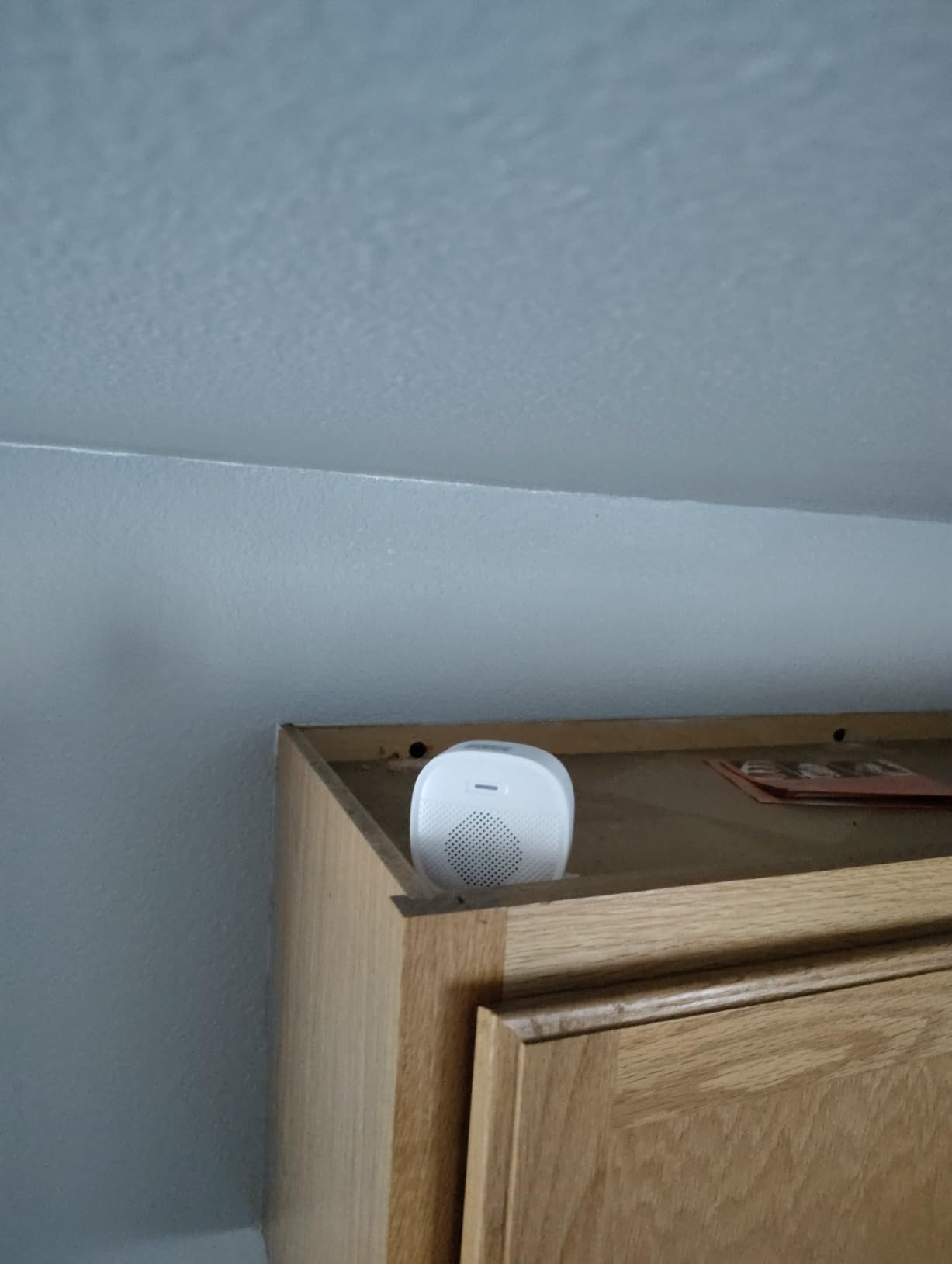
Two-way audio includes a voice changer and up to three prerecorded quick replies, which is a small thing that proves useful when you would rather not open a conversation with whoever is at the door at midnight.
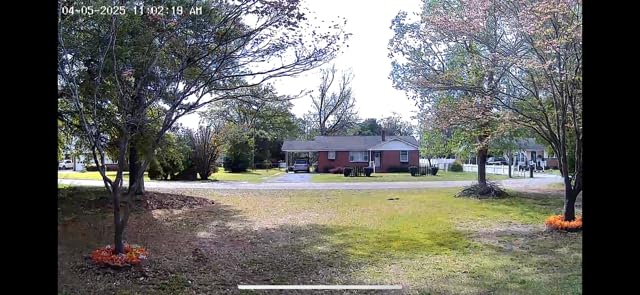
Image quality is 3MP effective still resolution at 166 degrees and 25fps with starlight night vision, and the whole thing mounts with adhesive, a nail or screws, with an anti-theft bracket in the kit. It is IP66 rated and works with Alexa and the ieGeek Cam app.
Why corridor dwellers like it
The free cloud tier means you can check a missed alert from work without inserting a card or paying for a plan, and multiple account sharing in the app lets a partner or housemate see alerts without a second login.
Two-year manufacturer warranty and responsive customer service are both mentioned often in reviews, which is worth more than a small spec advantage when a device has to survive a full tenancy.
What to plan around
The bundled indoor chime is the weak point. It is not loud enough, and it runs on replaceable AAA batteries rather than being rechargeable, so expect to keep spares.
Cold weather cuts battery life to roughly two or three weeks against the stated one to two months, and there are consistent reports of the first moment of motion being missed plus bug and bird false alarms. The app can also open the earliest clip of the day rather than the one matching your newest alert, which is genuinely irritating, and charging is slow, with some owners reporting more than twelve hours.
6. Arlo Video Doorbell 2K (2nd Gen) – Best for Apple Home and SmartThings
Arlo Video Doorbell 2K (2nd Gen) Wireless or Wired – 1-Cam
2K HDR at 180 degrees
Privacy and activity zones
Color night vision to 25 feet
Works with Apple Home
Pros
- Very wide 180-degree head-to-toe view covering visitors and packages
- Clear 2K HDR video day and night with color night vision
- Live streaming
- quick replies and basic alerts work without a plan
- Setup completed in a few minutes for most reviewers
- Works with Apple Home
- Google Home and SmartThings alongside Alexa
Cons
- Battery is not user-replaceable so the unit must be removed to recharge
- Video history and AI detection need the Arlo Secure plan after the trial
- Notifications can be too frequent to tune
- Records are not continuous
- Regional compatibility is limited outside the US
The Arlo is the only camera here that plays properly in an Apple Home or SmartThings home, and the 180-degree field of view is the widest in the group. If your rental already has HomeKit or SmartThings threads running, this is the model that joins them rather than adding a parallel app.
Detection covers packages, people, pets and vehicles, and you can draw both custom activity zones and privacy zones. That privacy-zone feature is the one most renter guides skip, and it is the practical answer to the neighbour problem.
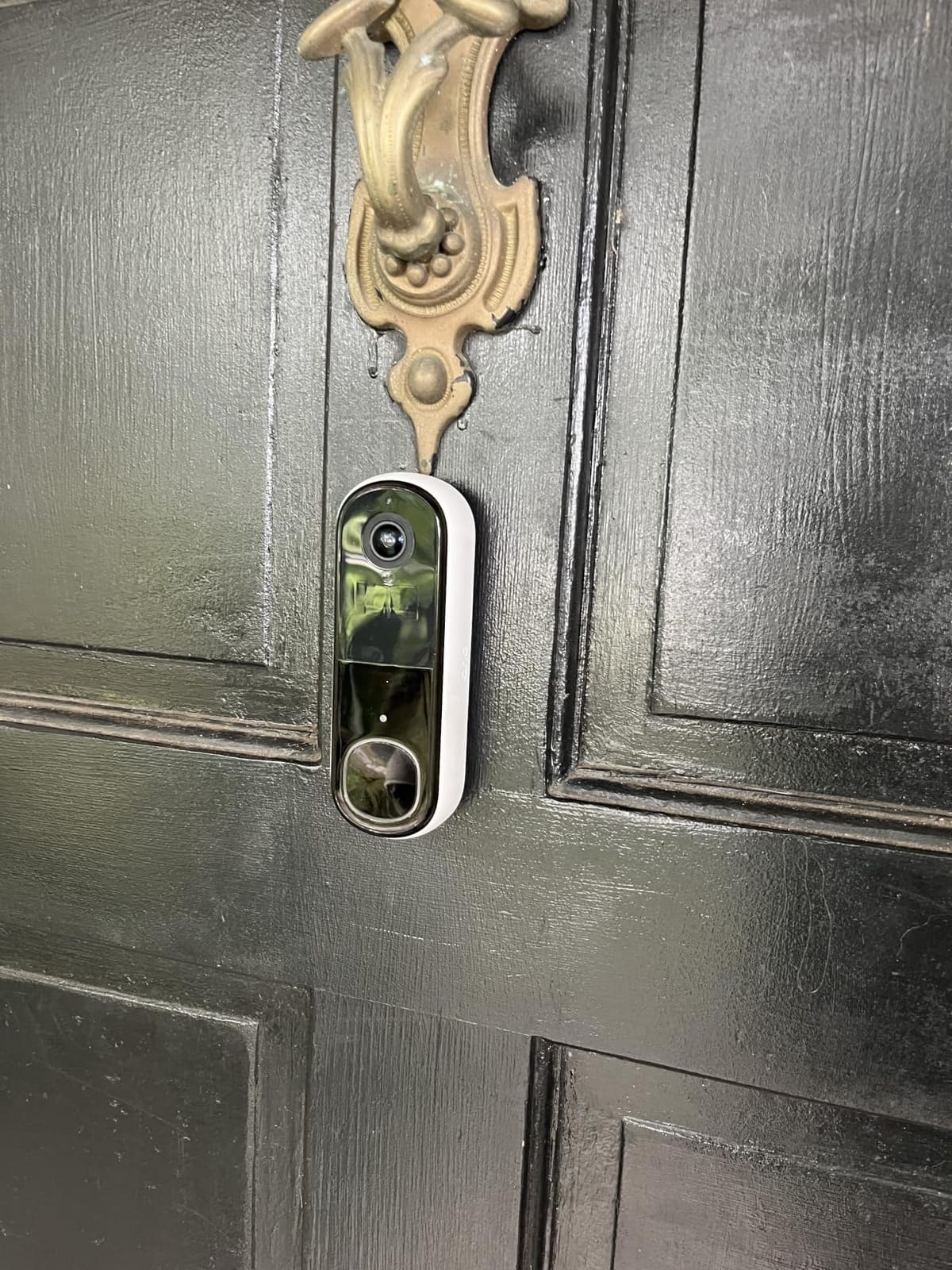
Color night vision reaches about 25 feet with infrared and LED illumination, the furthest here, and two-way audio, quick replies and an integrated remote siren round out a well-specified package on a 1-year limited warranty.
Live streaming and basic alerts work without paying, so the unit is useful from day one. A hardwire option provides a trickle charge if you have permission and an existing transformer.
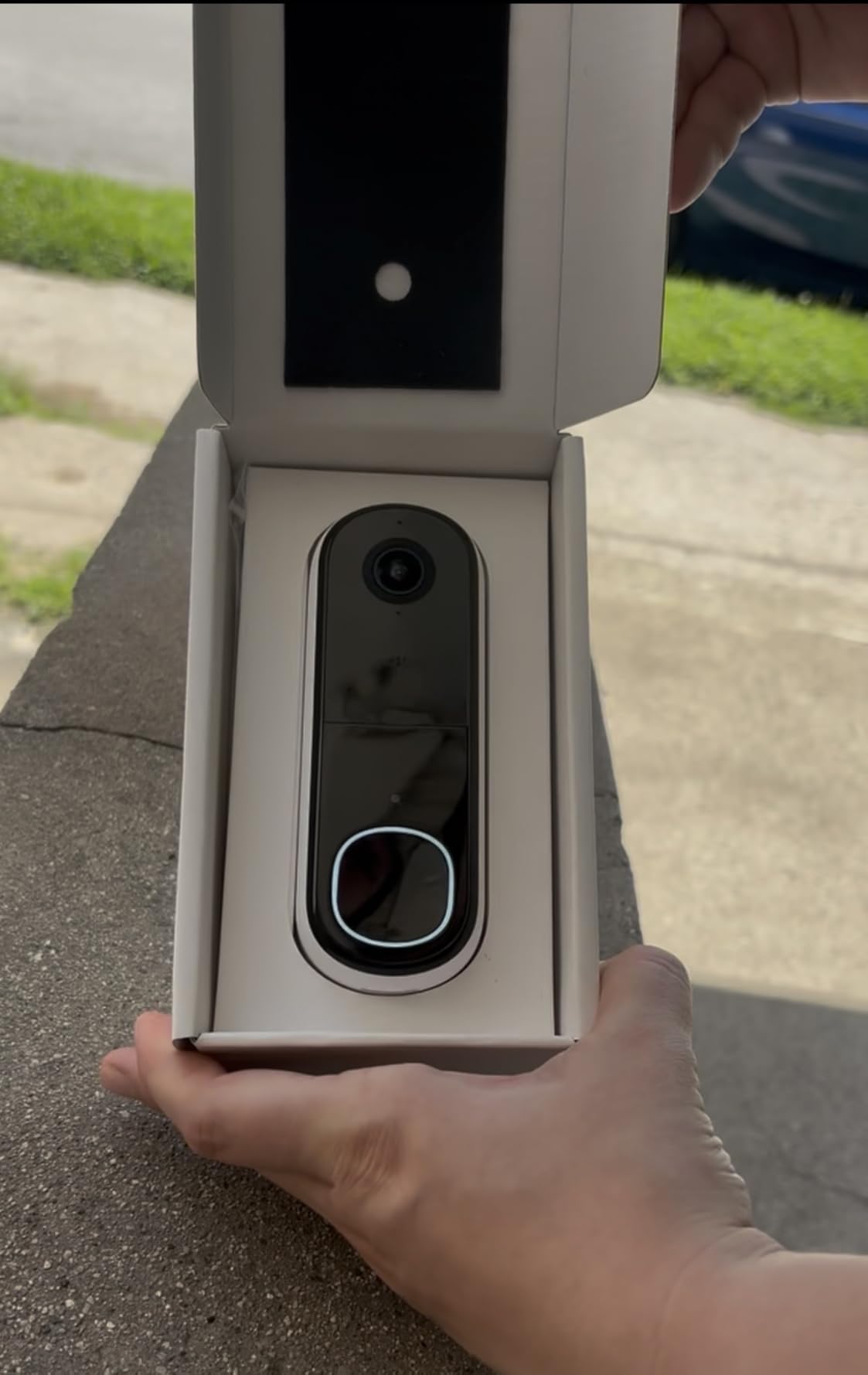
Best reasons to pick Arlo
Two-way audio is clear and the setup is genuinely quick, with most reviewers finishing in minutes. The wide lens means one camera covers a wide porch or a recessed entry where a narrower unit would need repositioning.
IP65 weather resistance and compatibility with Alexa, Apple Home, Google Home, SmartThings and IFTTT give you the broadest ecosystem support in this roundup.
Reasons to look elsewhere
The 18.21 watt-hour lithium-ion battery is not user-replaceable, so a charge means taking the whole camera down, which is the opposite of what a renter wants to do monthly on a busy street.
Video history, AI detection and emergency response all require Arlo Secure after the trial, records are not continuous, and alerts can be too frequent to tune without missing real events. At 4.0 stars the rating spread is also the widest in the group, with a 16% one-star share, and some buyers report the device is unsupported outside the US.
7. BOTSLAB 5MP Doorbell Camera – Best for Image Detail and Included Storage
BOTSLAB 5MP Doorbell Camera Wireless, No Subscription, 32GB SD Card
5MP at 180 degrees
32GB microSD card included
PIR, radar and AI detection
Base station included
Pros
- Highest resolution here at 5MP with a 180-degree ultra-wide view
- 32GB microSD card included so local recording works out of the box
- Triple PIR/radar and AI motion detection reduces false alerts
- 6400mAh battery with a long claimed runtime and base station included
- AI package recognition plus a voice changer for privacy
Cons
- 2.4GHz Wi-Fi only
- Battery only with no option to hardwire
- Included base station is another indoor box to place and power
- Bundle pushes it above simpler no-subscription rivals
The BOTSLAB R811S is the highest-resolution camera in this roundup at 5MP, and it is the only one that includes a 32GB microSD card in the box. You can start recording locally on the day it arrives, with no plan and no extra purchase.
Motion detection triples up PIR, radar and AI, which is a sensible response to the constant-motion problem in apartment corridors where a single sensor drowns in false alerts from passing traffic.
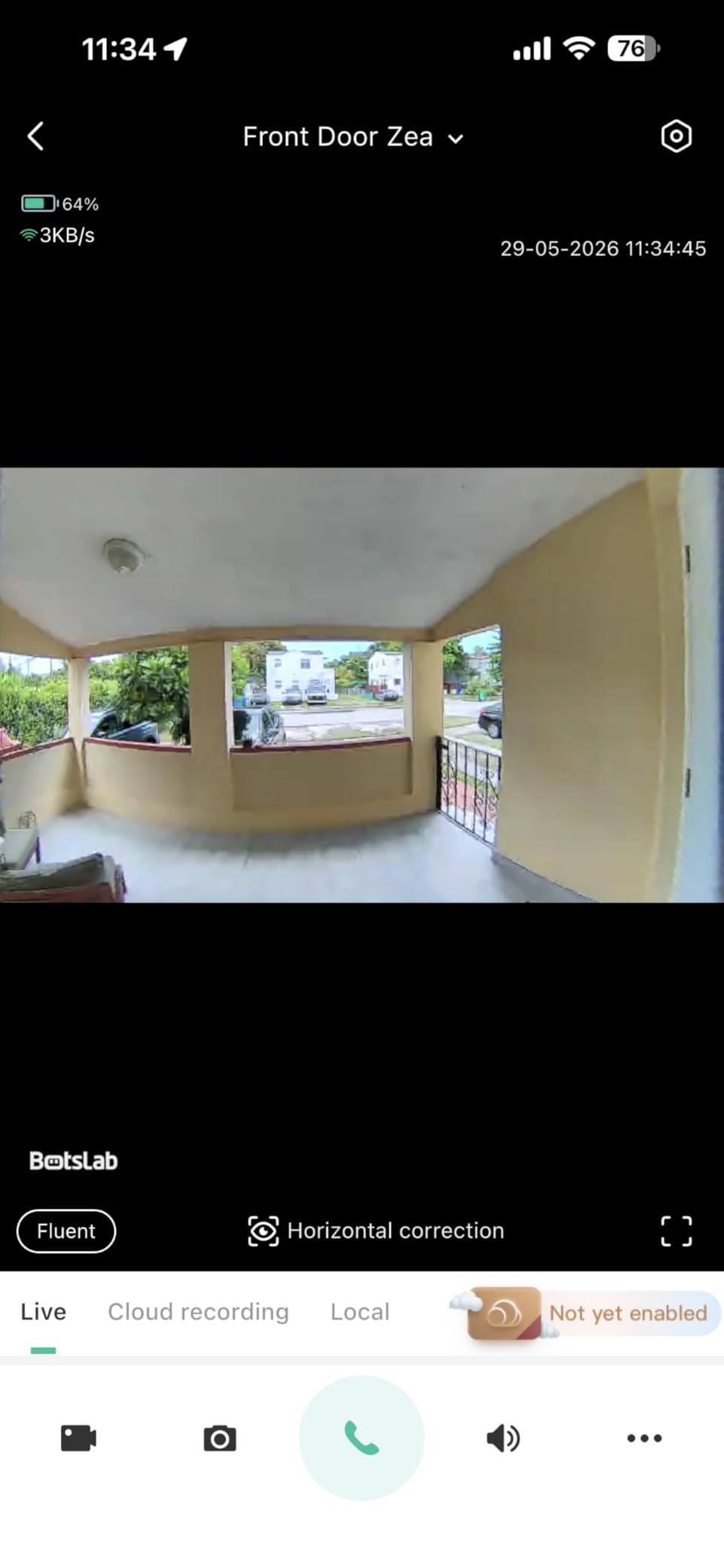
Customizable detection zones narrow that down further, and AI package recognition flags deliveries specifically. Two-way audio includes a voice-changing privacy feature, and a VR mode with 360-degree coverage is an odd but real option for checking the space around the door.
The 6400mAh battery carries a claimed 180 days of wireless operation, though the base station needs power and a spot on a shelf or console.
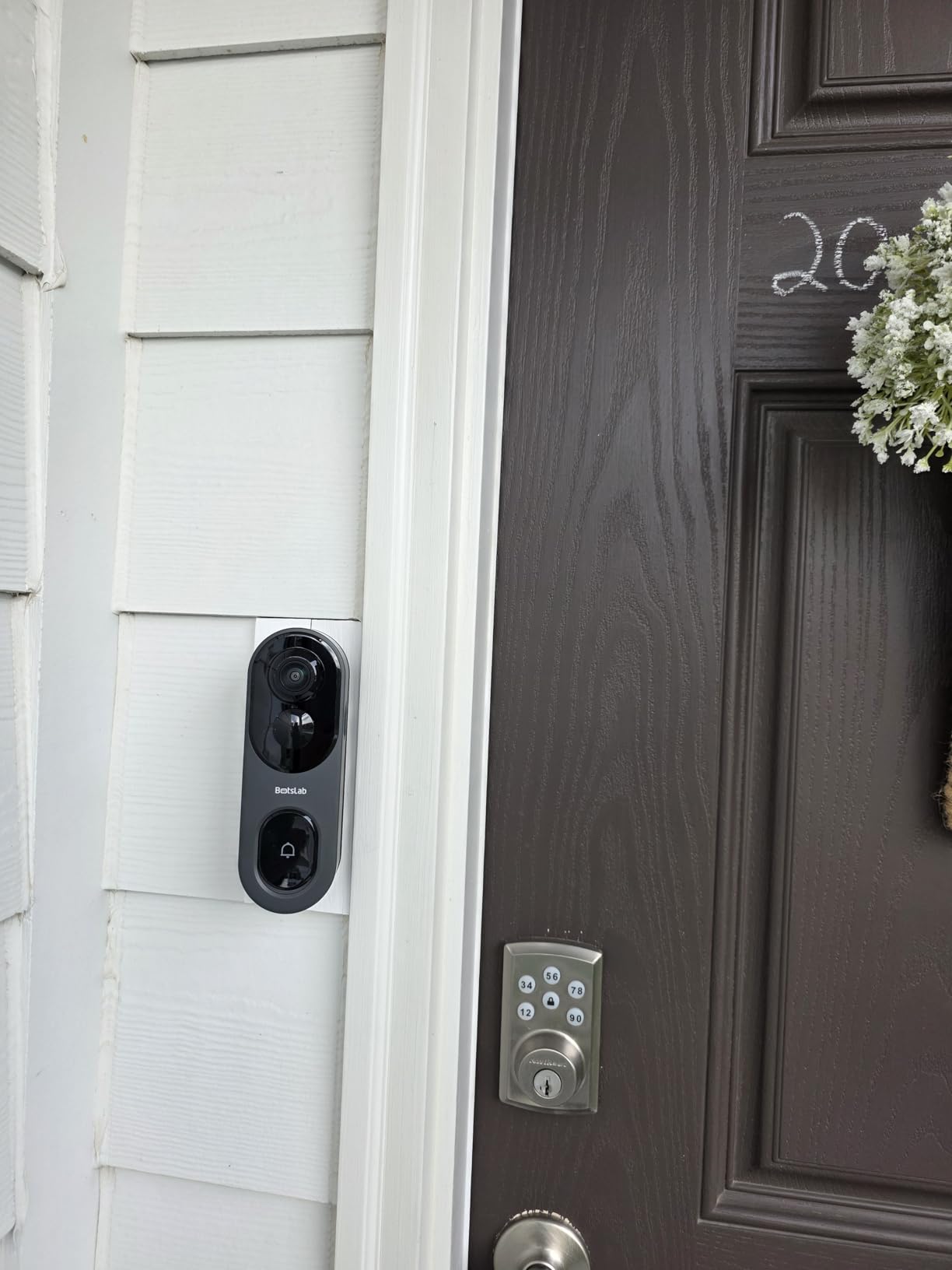
Where the extra spending goes
Resolution here is high enough to read a face or a house number from a clip, and the 180-degree ultra-wide angle covers a full head-to-toe view without the distortion a fisheye would add.
It is IP66 rated, 2.4GHz only, and works with Alexa and Google Assistant through the included base station, and adhesive or wall mounting is supported for a temporary fit.
What the trade-off costs you
There is no wired option, so the battery is the only power source and the unit is committed to battery maintenance. The included base station is an extra indoor box to place, power and, over a long tenancy, find shelf space for.
With the base station and card bundled, the total sits above the simpler no-subscription rivals, which matters when you are comparing running cost across a two-year lease rather than sticker price.
8. Wyze Battery Video Doorbell – Best for Local Storage Capacity
Wyze Battery Video Doorbell Wireless Camera, 1536×1536 HD+ with Color Night Vision, 2-Way Audio, 1:1 Head-to-Toe View, Person/Vehicle/Package Monitor, Wire-Free/Wired Option, 1 Minute Easy Setup
1536x1536 HD+
1:1 head-to-toe square view
Color night vision
microSD up to 256GB
Pros
- 1:1 head-to-toe square view shows packages against the door
- 1536x1536 HD+ with a starlight sensor for clear color night vision
- One-minute Bluetooth setup with mounting hardware included
- No monthly fee required with microSD local recording
- Accurate person
- vehicle and package classification
- Fits into an existing Wyze app alongside other cameras
Cons
- Inline chime is not included and sold separately
- No adhesive mounting on this version so a drill is required
- Battery life disputed with several users charging every two weeks
- Separated person and package alerts need the paid Cam Plus plan
- Shallow Google Home integration and limited accessibility support
The Wyze uses a square 1536×1536 HD+ sensor with a 1:1 head-to-toe aspect ratio, and that geometry is the story. A square frame shows a package sitting right against the door instead of cropping to the top of a visitor’s head, which is exactly the blind spot most doorbells have.
Color night vision comes from a starlight sensor rather than a visible IR array, so the unit stays unobtrusive in a shared entry.
Local recording works with a microSD card up to 256GB in FAT32 or exFAT, and no monthly fee is required to use the camera. An optional Cam Plus plan adds 14 days of cloud history if you want a backup.
Two-way audio includes tap-to-use auto-responses and an optional voice deterrence prompt, and the camera joins an existing Wyze app rather than creating a new one, which keeps things simple if you already own Wyze cameras.
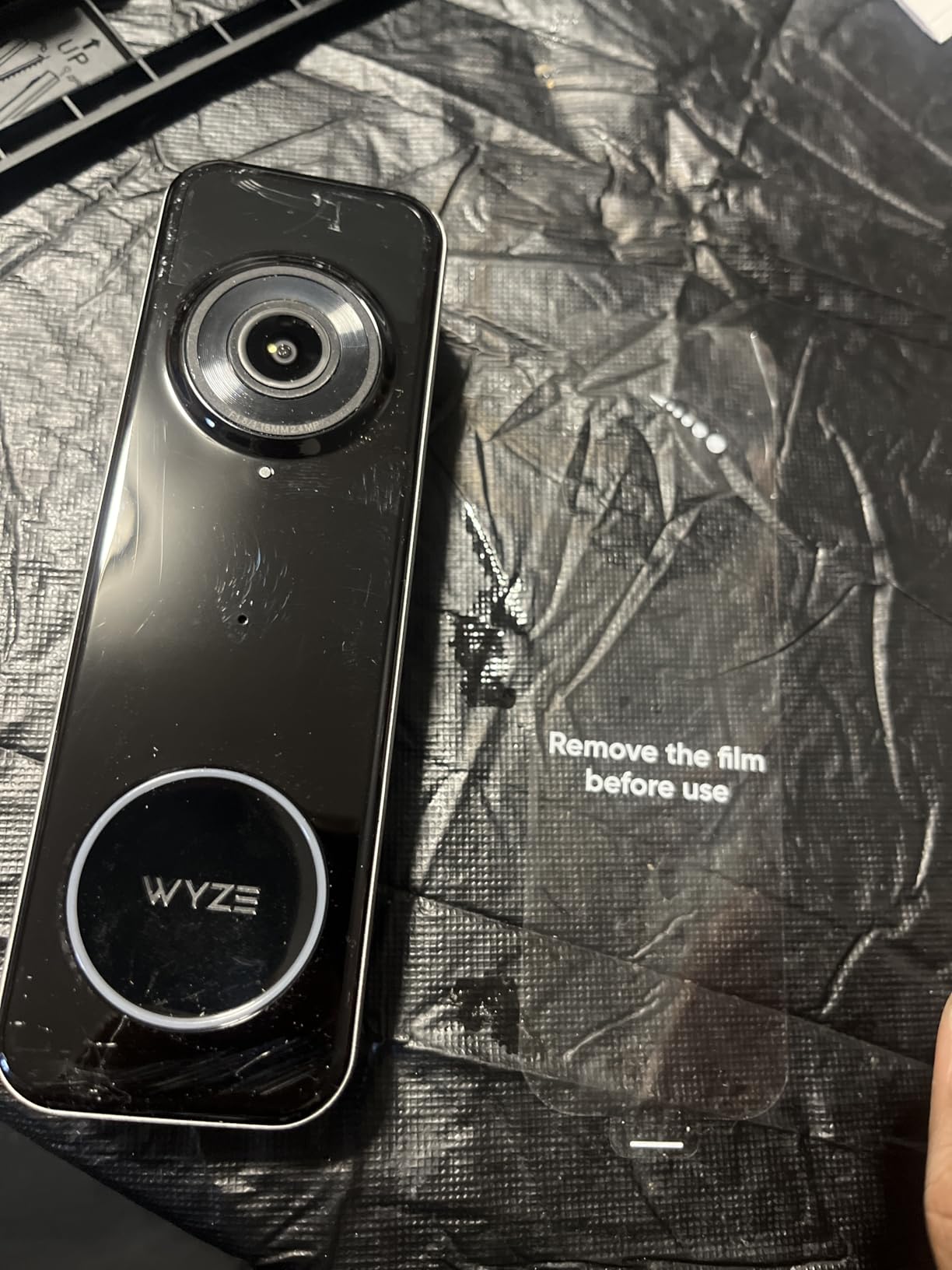
Why tenants like the square view
Setup is genuinely a one-minute Bluetooth job, and a corner back plate plus mounting hardware are included. The unit works wire-free on a built-in USB-C rechargeable battery, or you can hardwire it for continuous power if your tenancy allows.
It works with Alexa, Google Assistant and IFTTT, and the person, vehicle and package classification is accurate enough to cut down on the leaf-and-bug alerts that plague cheaper models.
What to know before you commit
This version requires a drill. The adhesive mounting option from earlier Wyze models is gone, so if no-drill is non-negotiable, this is not the camera for you.
The inline chime is not included and must be bought separately, and the claimed six-month battery life is disputed, with several owners reporting a charge every two weeks. Separated person, vehicle and package alerts only work on the paid Cam Plus plan, the free tier triggers on any motion, and Google Home integration is shallow, with the doorbell press not triggering an Alexa chime. There is also no sound-detection trigger and limited screen-reader support.
9. Tapo 2K Wireless Smart Video Doorbell D205 – Best for Person Detection Accuracy
Tapo 2K Wireless Smart Video Doorbell, D205, 160° Ultra-Wide View
2K 3MP at 160 degrees
AI person detection with zones
No monthly fee
Battery up to 180 days claimed
Pros
- Highest average rating in the group at 4.4 with 76 percent five-star
- AI person detection with custom activity zones that ignore weather and traffic
- No subscription needed with recordings to a microSD up to 512GB
- Very low cost for 2K video at a 160-degree ultra-wide angle
- Stealth mode notifies you without a visible blinking light
- Flat or wedge mounting plus included 3M adhesive for a temporary fit
Cons
- Chime not included with the doorbell-only variant
- Bundled mounting screws reported as too weak
- Snapping the unit onto the bracket is awkward
- Battery drains faster when the motion zone covers the sidewalk
- 2.4GHz Wi-Fi only
The Tapo D205 has the highest average rating of anything we analyzed at 4.4, with 76% five-star and only 7% one-star, and the reason is its AI person detection. Custom activity zones let you include the door and exclude the pavement, so wind, rain and passing cars simply do not generate alerts.
That precision is worth more than raw resolution in a building where a single sensor on a wide view would otherwise fire at you all evening.
The Doorbell Call feature is unusual and genuinely renter-friendly: a visitor’s phone call is answered through the Tapo app, so you can screen the door without turning on a camera feed. Infrared night vision and two-way audio with prerecorded quick responses cover the basics well.
Storage goes to a microSD card of up to 512GB, sold separately, with an optional Tapo Care cloud plan as an alternative. There is no monthly fee requirement.
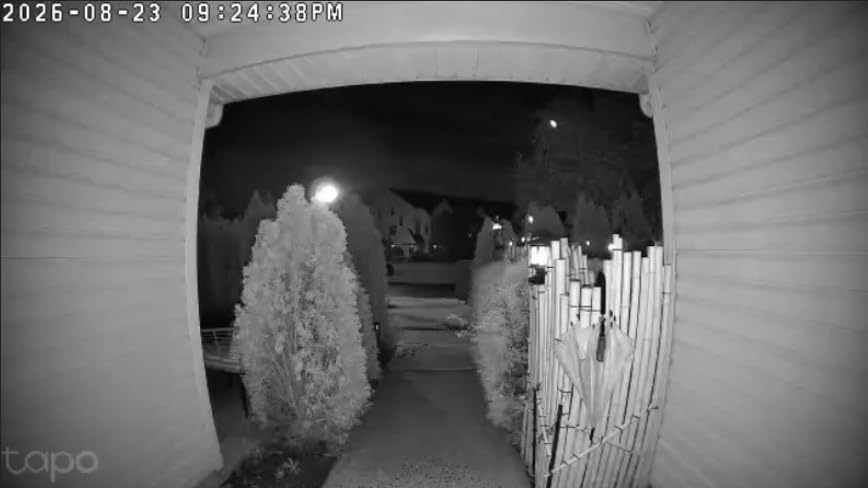
Why the stealth mode matters in an apartment
Stealth mode disables the visible blinking indicator, which means the camera does not announce itself to everyone walking past your door. In a shared building that is a small courtesy feature with real social value, and it pairs neatly with tight activity zones.
Mounting is well served for temporary installs: the kit includes screws, anchors, a horizontal wedge, a template, 3M adhesive and a detaching pin, so a renter can use tape and remove it cleanly.
What to plan for
The chime is not included with the doorbell-only variant, and reviewers report the bundled mounting screws are too weak, sometimes replaced by the installer’s own, plus the bracket is awkward to snap onto.
Battery drain accelerates sharply when the motion zone covers the sidewalk, with some users reporting notable drain in as little as 10 days, so tune the zones before you leave. The unit is 2.4GHz only, IP54 rated, and there is one report of the camera entering privacy mode on its own and stopping person alerts.
10. Ring Peephole Cam 2K – Best True No-Drill Mount
Ring Peephole Cam 2K (Newest Model), replaces physical peephole viewing with Retinal 2K and wide-angle video, renter-friendly installation, Speckled Gray
No-drill install into an existing peephole
Retinal 2K with 6x Zoom
Quick Release battery charges indoors
Pros
- Genuinely no-drill install swapping into an existing peephole with no wiring
- Noticeably clearer image and a wider downward view than the first generation
- Can see packages sitting at the doorstep closing the original blind spot
- Quick Release Battery Pack stays indoors and works with the first-generation battery
- Person recognition names familiar faces in notifications
Cons
- No usable physical peephole so you cannot see outside during an outage
- Knock detection removed so the doorbell no longer chimes for a knock
- No manual infrared control and a storm door can ruin the night image
- Delayed-alert option removed
- Some missed package detections and only 63 ratings to judge from
This is the only genuinely damage-free format in the roundup. The Ring Peephole Cam 2K unscrews from the door and screws into an existing peephole, so there is no adhesive, no plate, no screw holes and nothing to patch at move-out. If your door has a peephole, there is no cleaner renter install available.
The Quick Release Battery Pack mounts on the inside face of the door, so you can pop it out and charge it on a table rather than removing the camera. It uses the same battery as the first-generation Peephole Cam, so packs rotate between units.
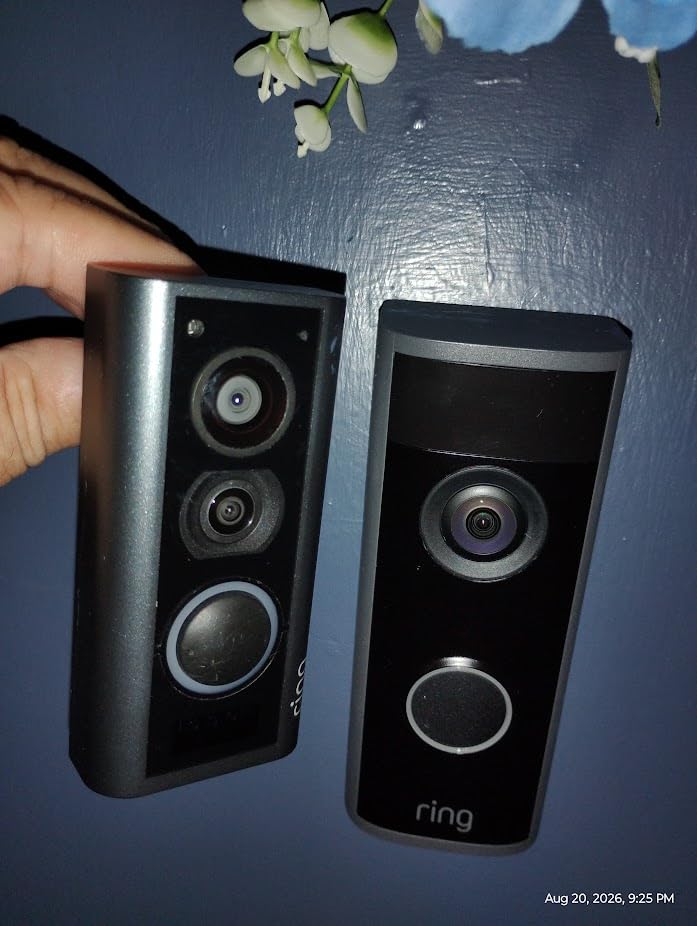
Image quality improved meaningfully over the first generation. The wider field of view and the downward angle close the package blind spot, and 6x Enhanced Zoom on the Retinal 2K sensor helps at a distance. Person recognition names familiar faces in the notification, and it pairs with an Echo Show for indoor viewing.
Install needs no tools, no drilling and no wiring, which is the whole appeal for a tenant with a 12-month lease and a landlord who will not authorize holes.
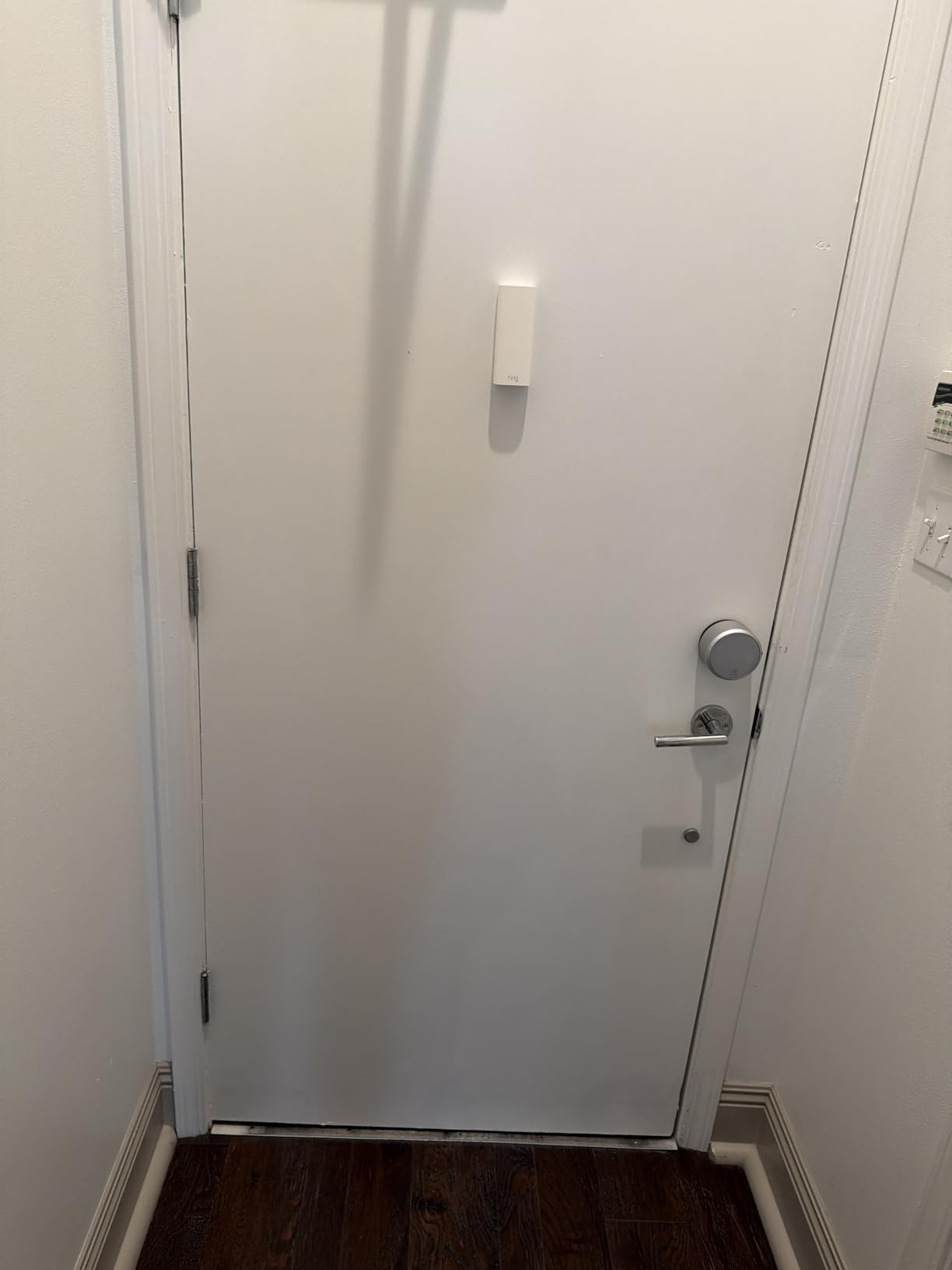
Who should buy this one
Buy it if your door has a standard peephole and your main worry is the deposit. Nothing else in this list leaves the door as untouched as this.
It is also the sensible answer to the hidden-camera question. A peephole camera does not announce itself the way a door-mounted unit does, and the housing sits flush with the door.
What you give up
The biggest loss is the physical peephole. This generation has no glass lens, so if the power or the internet drops, you cannot see who is outside. For an apartment tenant that is a real drawback, and it is the reason this camera does not lead the roundup.
Knock detection was removed, so the unit no longer chimes for a knock at the door, and the delayed-alert option is gone too. There is no manual infrared control, so a storm door in front can reflect IR and spoil the night image. At 3.8 stars from 63 ratings, this is the smallest and lowest-scoring sample we analyzed, and some owners report missed package detections, so treat early-generation software with a little caution.
How to Choose a Doorbell Camera as a Renter in 2026
The order of decisions matters more than any single spec. Work through the mount first, because it is the one thing that can cost you money at move-out, and everything else follows from it.
1. Start with the mount, not the camera
There are four mount types, and only one of them is completely risk-free.
Over-door clamp fits over the top edge of the door and needs no screws on the door face, though it needs clearance and can obstruct the frame on very thick doors. Removable adhesive is fast and leaves no hole, but it fails in direct sun, on textured paint, and it can lift paint or leave residue. Peephole replacement is genuinely zero-damage if your door has a peephole. Indoor-only positioning works where a building bans exterior hardware, using a camera aimed at the door from inside the flat.
If your building has neither a peephole nor doorbell wiring, the honest options are the over-door clamp or the indoor position, and those are the two situations where a landlord conversation is unavoidable.
2. Battery power beats wiring in a rental
Battery is almost always the right answer in a rental, for one reason: removing a wired camera at move-out means dealing with a transformer, a transformer location you may not have access to, and low-voltage cabling in a wall you do not own.
Inside the battery group, prefer a quick-release pack that swaps in seconds over a built-in cell that means taking the camera down every charge. The Blink with three AA lithium cells and the eufy E340 and Ring Battery Doorbell 2K with quick-release packs are all in this category. The BOIFUN, ieGeek, BOTSLAB, Tapo and Arlo units use built-in batteries, and Wyze has a USB-C cell that is removable from the unit.
Set expectations on runtime honestly. Advertised figures usually assume a modest number of daily triggers, and a shared corridor with constant footfall will shorten that sharply. Cold weather costs another chunk on top.
3. What local storage actually saves you
This is where a lot of tenants get caught. Cloud video history is almost always gated behind a paid plan, and a plan you keep for a 12-month tenancy means paying for footage you will delete at move-out anyway.
Four models in this roundup record without any monthly fee. The eufy E340 stores to 8GB of onboard eMMC. The Tapo D205 takes a microSD card up to 512GB. The Wyze takes one up to 256GB. The BOTSLAB includes a 32GB card in the box, and the BOIFUN and ieGeek both support cards up to 128GB. The Blink, the Ring Battery Doorbell 2K and the Arlo all lean on their subscription for recorded history and AI detection.
Run the arithmetic before you buy: multiply any monthly plan by the number of months you expect to be in the flat, then compare that against a one-time microSD card. Over a two-year tenancy, the gap is large enough to decide the purchase on its own.
4. Field of view and hallway privacy
Apartment placement is the hardest version of this problem. A wide lens mounted on a door facing a shared corridor can capture a neighbour’s door and their hallway, which is both a social problem and, in many leases, a breach of terms.
Three tools keep that in check. Custom activity zones let you draw a rectangle around your own door and ignore the corridor. Privacy zones go further by masking part of the frame in the recording itself, and the Arlo is the model here that makes this a headline feature. Physical lens aiming is the third, and a bracket mounted slightly high with a downward angle is often the simplest fix.
If your building is lit and busy, trade raw resolution for detection accuracy. The Tapo D205 and the BOTSLAB with triple PIR, radar and AI detection are the two that handle constant motion best.
5. Ask your landlord in writing first
This is the step most renter guides skip, and it is the one that prevents disputes. Forum threads on renter and property forums show the same pattern repeatedly: tenants who asked in writing got a yes, often quickly, while those who installed first were asked to remove it.
A short message naming the model, the mount type, that it will be removed at move-out, and that no wiring or holes are involved clears up most of the ambiguity. Check your lease for clauses about alterations, exterior fixtures, common areas and entry access, and remember that a doorbell camera records a shared space, which some buildings treat as a common-area modification.
One scenario deserves its own warning: buildings where the landlord has already installed a permanently mounted camera. Forum discussions document units that tenants could not remove because they were part of the door hardware. Check before you buy, because you cannot fix that with a different model.
6. Move-out removal and the security deposit
Plan the removal in the order you installed. Take down any microSD card and the battery pack first, then back out the mount plate, then deal with the surface. Adhesive mounts should be pulled slowly at a low angle while warm, and any residue removed with a plastic card and a little low-torque hand pressure rather than a sharp tool. Painted doors and textured walls are where tape leaves a mark.
Unscrew the plate, fill any pilot holes with paint-matched filler, and take dated photographs of the door and wall in daylight at the start and end of the tenancy. The photographs are what wins an argument, and a photo of a clean door costs nothing to take.
Decide in advance who the camera becomes. The default expectation in most leases is that you remove your own device, and several renter threads describe landlords asking for it to be handed over instead. Clarify it in writing at install time and the question never comes up at move-out.
7. Ecosystem and app support
Last in the sequence, because it should not drive the decision. If your flat already runs HomeKit, Google Home or SmartThings, the Arlo is the model here that joins the ecosystem you have, alongside Alexa. The Blink, Ring, eufy, Tapo, ieGeek, BOIFUN, Wyze and BOTSLAB all work with Alexa at minimum, and several of the others add Google Assistant.
Read the app reviews more carefully than the spec sheet. Two of the higher-rated cameras here are criticised for cluttered, ad-heavy apps with slow notifications, and in a tenancy you will live with that annoyance for a year or more.
Frequently Asked Questions
Is there a renter-friendly Ring doorbell?
Yes. The Ring Peephole Cam 2K is the most renter-friendly Ring model, because it unscrews from the door and installs into an existing peephole with no tools, no drilling and no wiring. The Ring Battery Doorbell 2K is a good second option, since its quick-release battery pack means you never have to deal with wiring, though the camera itself does need a mounting plate. The one caveat with either is that recorded video history requires a Ring Protect subscription.
Why are people ditching Ring doorbells?
The most common reason is the recurring Ring Protect subscription. On a 12 to 36 month tenancy, paying a monthly plan for recorded history you will delete at move-out is hard to justify. Second is feature gating: without a plan, several Ring models give you live view only, and AI detection and replay are locked away. Third is account control and privacy, which pushes some people toward brands with local storage. The fourth practical issue is charging, since Ring quick-release packs still mean taking the camera off the wall.
What is the best doorbell camera without a monthly fee?
The eufy Video Doorbell E340 is the strongest all-round no-subscription option, with 8GB of onboard local storage, dual cameras for visitors and packages, and 2K video. The Tapo D205 takes a microSD card up to 512GB and has the sharpest person detection in this group, and the BOTSLAB includes a 32GB card in the box. The BOIFUN and ieGeek also run without a fee and support cards up to 128GB, with the ieGeek adding lifetime free basic cloud storage.
What is the best hidden front door camera for an apartment?
For a hidden install, the Ring Peephole Cam 2K replaces your existing peephole, so nothing is added to the outside of the door and there is no visible mount or blinking light. Inside the flat, the Tapo D205 stealth mode disables the visible indicator so the camera notifies you without advertising itself, which pairs well with tight activity zones. Note that the peephole model has no physical lens on this generation, so you lose the ability to see outside during a power or internet outage.
Can I install a doorbell camera in my apartment without my landlord’s permission?
It depends entirely on your lease and your building’s rules. Clauses about alterations, exterior fixtures, common areas and entry access often cover door hardware, and a camera in a shared hallway may count as a common-area change. Ask in writing first, naming the model, the mount type, that it leaves no holes or wiring, and that it will be removed at move-out. Renter forum threads show that a short written ask is usually answered quickly and often granted.
Which doorbell camera is better, eufy or Ring?
For renters, eufy wins on running cost. The E340 records to 8GB of onboard storage with no subscription and adds a second downward camera for packages. Ring wins on ecosystem maturity, descriptive AI alerts and the peephole format, but recorded history and replay sit behind the Ring Protect plan. If you will be there a year or less, eufy is the cheaper total; if you are settled for years and already use Alexa and Echo Show, Ring is the smoother experience.
How do I remove a doorbell camera when moving out of a rental?
Remove the battery and any microSD card first, then back out the mounting plate, then treat the surface. Pull adhesive slowly at a low angle while the surface is warm, and lift residue with a plastic card rather than a sharp tool. Fill any pilot holes with paint-matched filler. Photograph the door and wall in daylight at the start and again at the end of the tenancy, and confirm in writing whether the landlord wants the camera handed over or removed entirely.
The Best Doorbell Cameras for Renters in 2026
The best doorbell cameras for renters share one trait: you can take them off the door without arguing with your landlord. The Blink Video Doorbell is our overall pick because three AA lithium cells, a wire-free mount and a huge review base make it the least troublesome choice across a full tenancy. The eufy Video Doorbell E340 is the premium pick for anyone who will not pay a monthly fee, with 8GB of onboard storage and a second camera aimed at your packages. The BOIFUN is the budget answer if you want no subscription and a bundled indoor chime at the lowest outlay.
Three decisions carry most of the weight. Ask your landlord in writing before you install anything, pick a mount you can reverse, and buy the local-storage model if your tenancy is likely to be short.
Whichever you choose, take dated photos of that clean door on day one, and the security deposit conversation never happens.
